Squarespace is the best platform for a photography website for most photographers, with design-led templates and built-in selling from $19 a month. Pick Pixpa for the lowest price at $6 a month, or Format for a photography-only portfolio.
How we make this list: we compare pricing pages, product documentation and public user reviews, then re-check every price before each update. No product paid for a place. Disclosure.
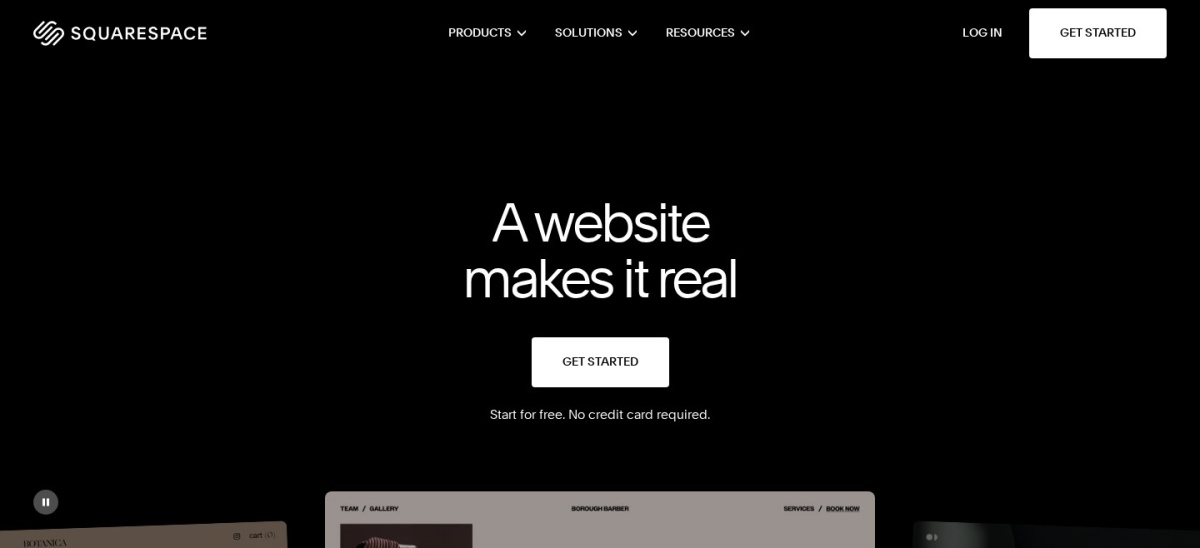
Squarespace leads on design: its Basic plan costs $19 a month billed annually and includes a free domain for a year.
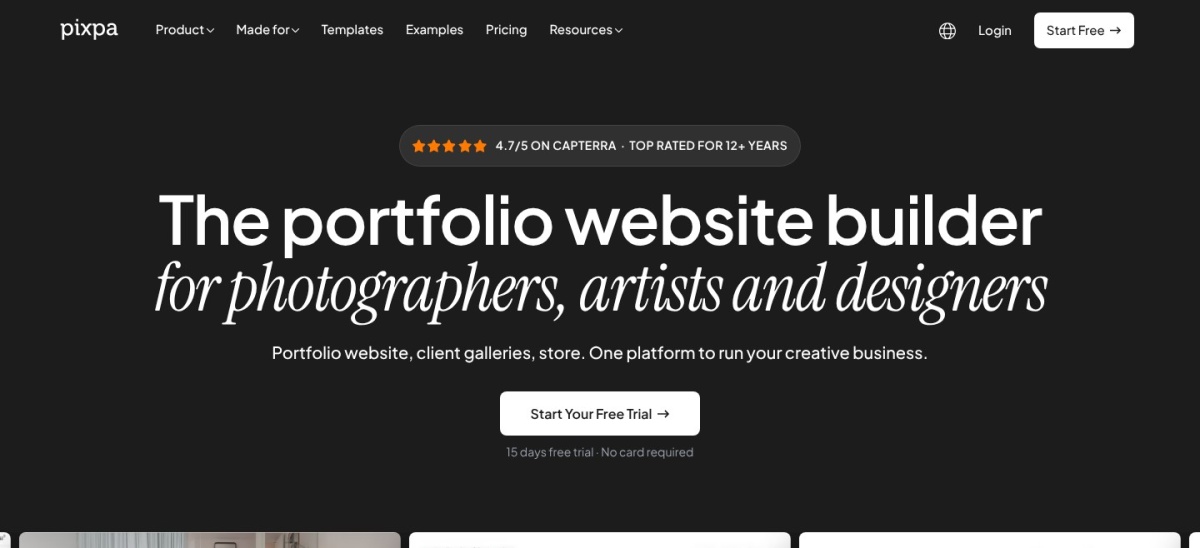
Pixpa is the cheapest paid option at $6 a month, with client galleries and a store that charges no commission.
Format is built only for photographers, but Basic caps you at 70 images and 10 pages.
WordPress.com is the only option with a free plan and a $4-a-month Personal plan, but selling needs higher plans.
SmugMug gives unlimited photo storage from $20 a month, but website templates start on Portfolio at $23.50 a month.
Zenfolio and PhotoShelter score lowest on G2, at 3.1 and 3.6 out of 5, from only 7 and 30 reviews.
What a photography website platform should do
A photography website has one job: make the photos look good and make it easy for visitors to contact you or buy from you. Templates, image quality and loading speed matter more than a long feature list.
Photography-first platforms add client galleries, proofing and print sales. General builders such as Squarespace and Wix give you more design freedom and stronger blogging, but no built-in proofing.
Watch the limits on cheap plans. Image caps, storage caps and sales commissions decide the real cost, so check what each plan includes before you commit. Our guide on creating a portfolio site with WordPress shows what a self-built option looks like.
Prices below are the cheapest paid plan per year in US dollars, checked on 25 November 2026. Where a vendor shows a sale, the list shows the regular price.
Squarespace is a hosted website builder known for design-led templates that show photography well. Its Basic plan includes hosting, unlimited bandwidth, a free custom domain for a year, built-in SEO and selling with a 2% transaction fee, and it is rated 4.4 out of 5 on G2 from 1,137 reviews.
The trade off is price. Basic costs $19 a month billed annually after a July 2026 rise from $16, and it caps video storage at 30 minutes with only 2 contributors. It suits photographers who want a polished portfolio and a small store without managing hosting or plugins.
Pixpa is a no-code website builder made for photographers, artists and designers, with portfolio templates, client galleries, a blog and a store in one plan. Its Basic plan costs $6 a month, includes up to 5 pages and 100 gallery images, and charges no commission on sales. G2 rates it 4.6 out of 5 from 109 reviews.
The trade off is scale. Five pages and 100 images suit a small portfolio, but a large archive or a busy store needs the Creator plan at $12 a month. It suits photographers who want a cheap all-in-one site with galleries and selling from the start.
What we like
Lowest paid price in this list
No commission on store sales
Highest G2 rating in this list
Watch out for
Basic caps pages at 5 and images at 100
Smaller template range than Squarespace
No free plan, only a 15-day trial
Creator at $12 a month adds more pages, images and client galleriesVisit pixpa.com
03
Format
4.4/5on G2 (24 reviews, checked Nov 2026)
Starts at$10/mo
Best photography-only portfolio platform
Basic images70 high-resolution images
Pages10 pages on Basic
Trial14 days
Paid planBasic, $10/mo annually
format.com
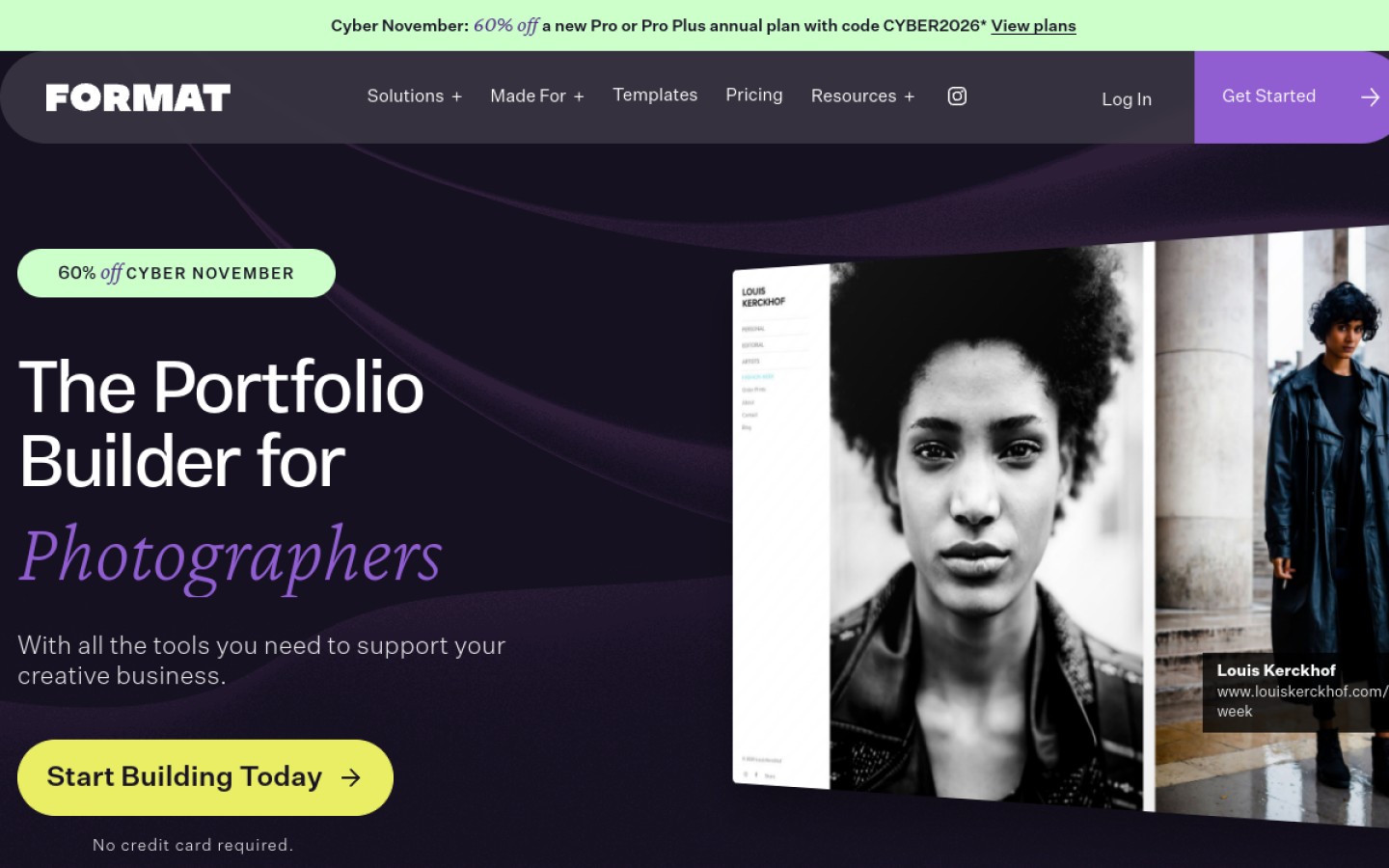
Format homepage, captured Nov 2026.
Format is a portfolio platform built only for photographers and other visual creatives, with image-first templates, mobile layouts and client galleries for proofing and file delivery. Its Basic plan includes 70 high-resolution images and costs $10 a month billed annually. G2 rates it 4.4 out of 5 from 24 reviews.
The trade off is the cap. Seventy images and 10 pages fill up fast, and selling, video and larger galleries need the Pro plan. It suits photographers who put portfolio presentation first and do not need a blog or a full store.
What we like
Templates designed around photography
Client galleries and proofing built in
Simple setup for non-technical users
Watch out for
Basic limits images to 70 and pages to 10
No store on the Basic plan
Only 24 G2 reviews, a thin sample
Pro adds 1,500 images, unlimited pages and a commission-free storeVisit format.com
04
WordPress.com
4.4/5on G2 (2,716 reviews, checked Nov 2026)
Paid from$4/mo
Best low-cost portfolio and blog option
Free planYes, with ads
Custom domainYes, on Personal
ThemesFree and paid themes
Paid planPersonal, $4/mo
wordpress.com
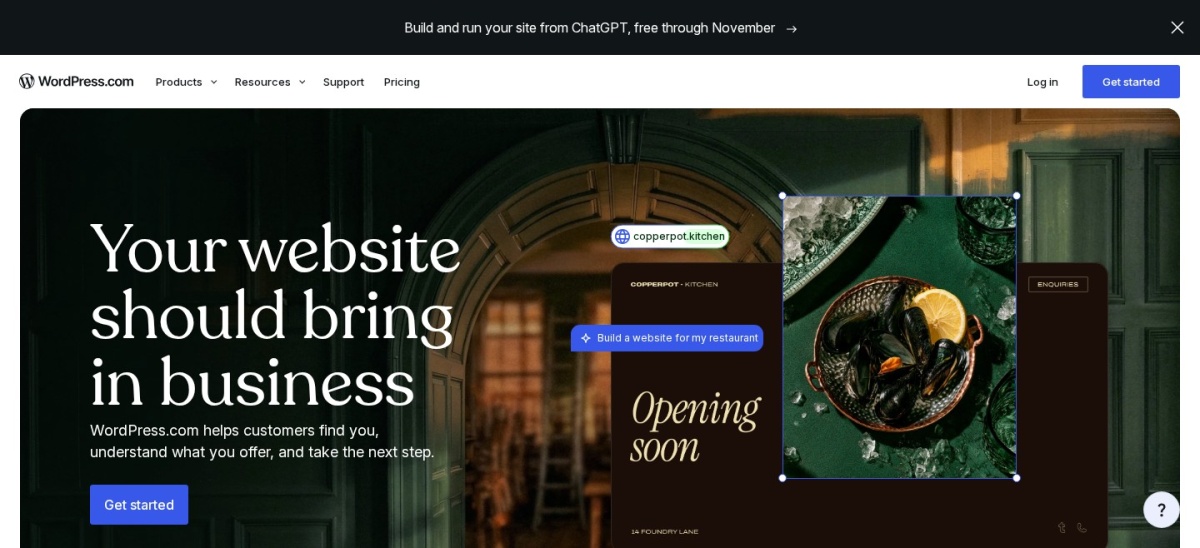
WordPress.com homepage, captured Nov 2026.
WordPress.com is the hosted version of WordPress, with a free plan and a Personal plan at $4 a month that adds a custom domain and removes the ads. It offers portfolio themes, blogging and a large theme library, and G2 rates it 4.4 out of 5 from 2,716 reviews, the second-largest review count here.
The trade off is photography workflow. There are no built-in client galleries or proofing tools, and selling needs the Business plan or higher. It suits photographers who mainly need a low-cost portfolio and blog and are happy to add galleries another way.
Wix is a drag-and-drop website builder with more than 2,000 templates, including photography layouts, plus AI site creation and a large app market. Its Light plan costs $17 a month, includes a free domain for a year, 2 GB of storage and 2 collaborators, and G2 rates Wix 4.2 out of 5 from 1,932 reviews.
The trade off is storage and selling. Light holds only 2 GB and takes no payments, so selling or bookings start on Core at $29 a month. It suits photographers who want full control over page layout and a free plan to start.
What we like
Most layout freedom in this list
Free plan with the full editor
Large template and app choice
Watch out for
Only 2 GB storage on Light
No selling on the Light plan
Lowest G2 rating among the general builders here
Core at $29 a month adds payments, bookings and 50 GB storageVisit wix.com
06
SmugMug
4.2/5on G2 (39 reviews, checked Nov 2026)
Starts at$20/mo
Best for unlimited photo storage
StorageUnlimited photo storage
SellingPortfolio plan and up
Trial14 days
Paid planDirect, $20/mo annually
smugmug.com
SmugMug homepage, captured Nov 2026.
SmugMug is a photography platform built around storage, sharing and selling, with unlimited full-resolution photo storage on every plan, client galleries and Lightroom sync. Its Direct plan costs $20 a month billed annually, and G2 rates SmugMug 4.2 out of 5 from 39 reviews.
The trade off is that Direct is a storage and delivery plan, not a website plan. Website templates, a custom domain and print sales start on Portfolio at $23.50 a month. It suits photographers with large archives who also want delivery and print sales in one place.
What we like
Unlimited photo storage on every plan
Strong client galleries and delivery tools
Lightroom sync and 24/7 support
Watch out for
Cheapest plan has no website templates
Selling starts at $23.50 a month
RAW storage costs extra as an add-on
Portfolio at $23.50 a month adds website templates and print salesVisit smugmug.com
07
Pixieset
4.7/5on G2 (5 reviews, checked Nov 2026)
Paid from$8/mo
Best for client galleries with a free start
Free planYes, 3 GB storage
Commission15% on free-plan sales
TrialNo trial, free plan
Paid planBasic, $8/mo annually
pixieset.com
Pixieset homepage, captured Nov 2026.
Pixieset is a photography suite built around client galleries, with a portfolio website, a print store, a mobile gallery app and studio tools for bookings and invoices. Its free plan includes 3 GB of storage, and Basic costs $8 a month billed annually with 10 GB and no sales commission. G2 rates it 4.7 out of 5, but from only 5 reviews.
The trade off is the free-plan commission. Pixieset takes 15% of store sales on the free plan, and storage tiers add cost as an archive grows. It suits wedding and portrait photographers who live in client galleries and want a free way in.
What we like
Best client galleries in this list
Free plan with no time limit
Highest G2 rating here, at 4.7 out of 5
Watch out for
Only 5 G2 reviews, a very thin sample
15% commission on free-plan sales
Gallery, website and store pricing is split by product
Basic at $8 a month removes the commission and adds 10 GB storageVisit pixieset.com
08
Zenfolio
3.1/5on G2 (7 reviews, checked Nov 2026)
Starts at$7/mo
Best for galleries, proofing and print sales together
Storage15 GB on Basic
SellingProfessional plan and up
TrialFree trial, no card
Paid planBasic, $7/mo annually
zenfolio.com
Zenfolio homepage, captured Nov 2026.
Zenfolio combines a portfolio site, client galleries with proofing, and print and digital sales on one plan, with AI tagging and print-lab fulfilment. Its Basic plan costs $7 a month billed annually and includes 15 GB of storage, client galleries and a custom website. G2 rates it 3.1 out of 5 from only 7 reviews.
The trade off is the small, mixed review record and tight storage. Basic holds about 4,500 photos, selling starts on Professional, and booking costs $10 a month extra on Basic and Professional. It suits event and portrait photographers who need the full client workflow in one place.
What we like
Full gallery, proofing and sales workflow
Low entry price for a photography platform
Print-lab fulfilment built in
Watch out for
Lowest G2 rating here, from only 7 reviews
Only 15 GB storage on Basic
Selling and booking cost extra
Professional at $11.50 a month adds print sales and 150 GB storageVisit zenfolio.com
09
PhotoShelter
3.6/5on G2 (30 reviews, checked Nov 2026)
Starts at$10/mo
Best for storage-heavy archives with delivery
Storage4 GB on Basic
ProofingStandard plan and up
Trial14 days
Paid planBasic, $10/mo annually
photoshelter.com
PhotoShelter homepage, captured Nov 2026.
PhotoShelter combines cloud storage, portfolio sites, client galleries and a print store for photographers, with delivery tools and image licensing. Its Basic plan costs $10 a month billed annually and includes 4 GB of storage, 9 website templates, a custom domain and galleries. G2 rates it 3.6 out of 5 from 30 reviews.
The trade off is that Basic is thin. It has only 4 GB of storage, no client proofing tool, one user per plan, and sales carry a 10% fee. It suits photographers who want storage, delivery and a portfolio site together and will pay for Standard to get proofing.
Free plans work for a simple portfolio. WordPress.com, Wix and Pixieset all let you publish a site without paying, though each shows ads or takes a sales commission.
Paid plans remove branding, add a custom domain and unlock selling. Our guide on how much a WordPress website costs puts the yearly cost of a self-built site in context.
If you sell prints, compare commission and plan price together. A cheap plan with a 15% sales commission can cost more than a pricier plan with no commission once orders grow.
How we chose
We started from the platforms photographers actually use for portfolio sites: general builders with photography templates and photography-first platforms with galleries and print sales.
Prices come from each vendor's pricing page, checked on 25 November 2026. Ratings and review counts come from G2 on the same day. Where a vendor shows a sale, the list shows the regular price.
We left out platforms with no public rating and no published price. No vendor paid for a place, and we do not claim to have used these tools ourselves.
How to choose a platform for a photography website
Start with how you will use the site, then match the plan to that job.
Decide whether you sell or only show work. If you only show work, a cheap portfolio plan is enough. If you sell prints or sessions, you need galleries, proofing and a store.
Count your images and storage. Basic plans cap images at 70 on Format and storage at 15 GB on Zenfolio, so a large archive needs a higher plan or unlimited storage.
Check the sales commission. Pixieset takes 15% of sales on its free plan, while Pixpa charges no commission. Add the commission to the plan price before you compare.
Try the templates before you pay. Every paid platform here offers a free plan or a 14-day trial. Build a gallery with your own photos and check it on a phone before you commit.
FAQ
What is the best platform for a photography website?
Squarespace is the best platform for a photography website for most photographers. Its templates show photos well, hosting and a domain are included, and Basic costs $19 a month billed annually, with a 4.4 out of 5 G2 rating from 1,137 reviews.
What is the cheapest photography website platform?
Pixpa is the cheapest paid option here at $6 a month billed annually. Its Basic plan includes 5 pages and 100 gallery images, plus a store with no commission. WordPress.com is cheaper still if you accept its free plan, which shows ads and uses a WordPress.com address.
Do I need a photography-specific platform?
Not always. General builders such as Squarespace and Wix work well for portfolios and blogs. Choose a photography-first platform such as Format, Pixieset or Zenfolio when you need client galleries, proofing or print sales built in.
Can I sell prints from my photography website?
Yes, on most of these platforms, but the entry point differs. Pixpa and Format include a store on higher plans, SmugMug starts selling on Portfolio at $23.50 a month, and Pixieset charges a 15% commission on its free plan.
Is WordPress.com good for photographers?
Yes, for a low-cost portfolio or blog. The free plan works for a simple site, and Personal costs $4 a month with a custom domain. It has no built-in client galleries or proofing, so working photographers usually add a gallery plugin or a dedicated platform.
What should I check before paying for a plan?
Check the image and storage limits, the sales commission, and whether website templates are included on the cheapest plan. SmugMug Direct, for example, gives unlimited storage but no website templates, which start on Portfolio.
SaaS SEO and WordPress specialist with about 8 years of experience. Rakib compares WordPress plugins, themes, hosting and software using public pricing, documentation and user reviews. See how we rank.