Squarespace is the best platform for a photography portfolio for most photographers, with polished templates and built-in booking from $19 a month billed annually. Pick Pixpa for the best value at $5.40 a month with client galleries and a zero-commission store, or Format if your workflow starts in Lightroom.
How we make this list: we compare pricing pages, product documentation and public user reviews, then re-check every price before each update. No product paid for a place. Disclosure.
Squarespace Basic costs $228 a year; Pixpa Basic costs $64.80 a year and already includes client galleries and a zero-commission store.
Format and SmugMug have the deepest Lightroom integrations, but Format Basic caps at 70 images and 10 pages.
Pixieset's free website plan covers 15 pages and 100 photos, but its galleries are a separate subscription from $8 a month.
SmugMug gives unlimited storage on every plan, but selling starts on Portfolio at $282 a year and takes 15% of the markup.
WordPress.org is free software with the highest rating here at 4.6 out of 5, but hosting, a theme and gallery plugins are extra and upkeep is yours.
What a photography portfolio platform should cover
A portfolio platform has one main job: make your photographs look good. Gallery layouts, image quality and fast loading matter more than blog features or app counts.
Most working photographers also need a second job covered: delivering work to clients. Password-protected galleries, proofing and print sales turn a portfolio into a business tool.
Commission is the hidden cost. Pixpa takes no commission on store sales, Pixieset takes 15% on its free gallery plan, and SmugMug takes 15% of the markup once selling starts.
4.5/5on Capterra (3,398 reviews, checked Nov 2026)
Starts at$19/mo
Best photography portfolio platform overall
Free planNo, 14-day trial
Cheapest planBasic, $19/mo
Client galleriesPassword-protected
Print salesVia third-party apps
squarespace.com
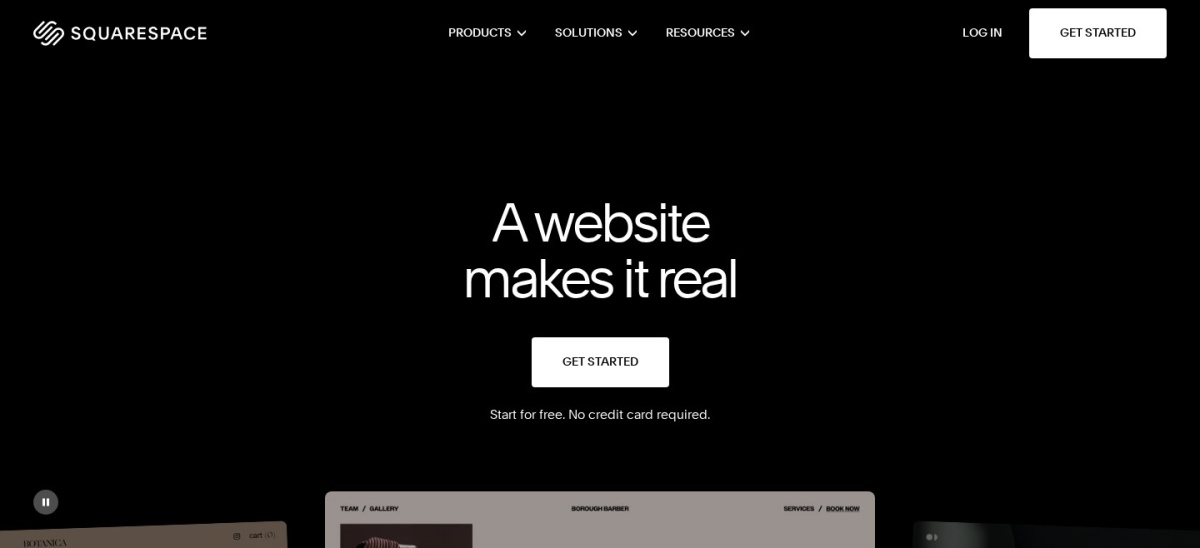
Squarespace homepage, captured Nov 2026.
Squarespace is a general-purpose website builder with the most polished portfolio templates in this list. The Basic plan costs $19 a month billed annually and includes a free custom domain for the first year, built-in booking through Acuity and SEO tools on every plan.
The trade off is that photographer-specific tools are thin. There is no print lab fulfilment and no multi-user client favouriting, so print sales need a third-party app. It suits commercial and fine-art photographers who want a polished site and booking in one place.
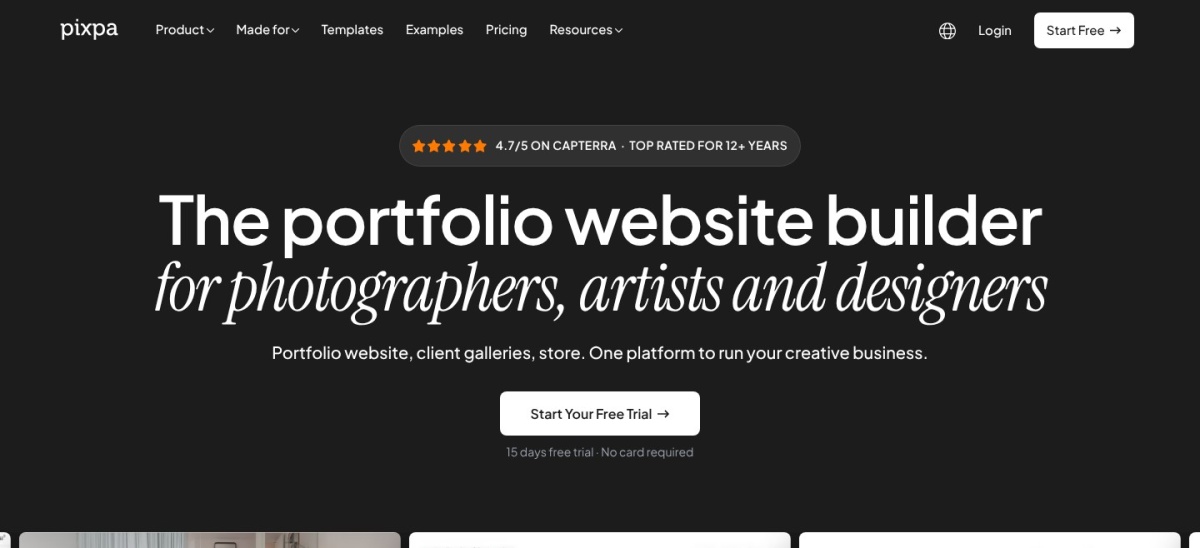
Pixpa is a website builder made for photographers, artists and designers, with a portfolio, client galleries, store and blog on one subscription. The Basic plan costs $5.40 a month billed annually and covers 10 pages, 200 gallery images, 3 store products and 3 GB of storage, with no commission on sales.
The trade off is scale. Basic caps pages and images, so large portfolios need Creator at $9 a month billed annually for unlimited pages and images. It suits working photographers who want galleries, proofing and print sales without a second subscription.
What we like
Lowest entry price in this list
Zero commission on store sales
Client galleries and proofing included
Rated 4.9 out of 5 for customer service
Watch out for
Basic caps at 10 pages and 200 images
No built-in contracts or booking studio
Smaller template library than Squarespace or Wix
Creator at $9 a month removes the page and image capsVisit pixpa.com
03
Format
4.7/5on Capterra (207 reviews, checked Nov 2026)
Starts at$10/mo
Best for a Lightroom-first workflow
Free planNo, 14-day trial
Cheapest planBasic, $10/mo
Lightroom integrationPush-to-web from Classic
Print fulfilmentFormat Prints
format.com
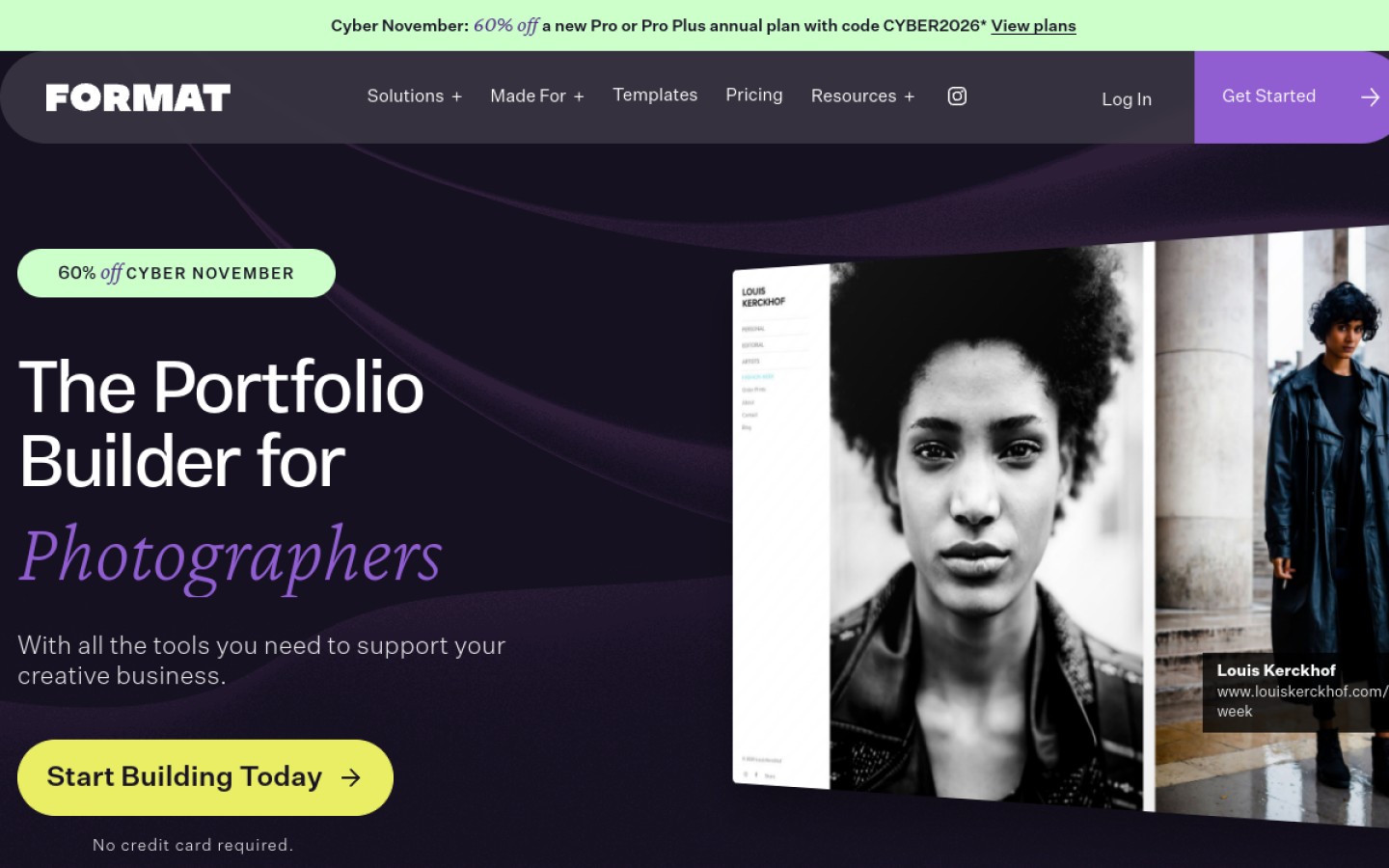
Format homepage, captured Nov 2026.
Format is a portfolio builder for photographers and other creatives, with the deepest Lightroom Classic integration in this list. The Basic plan costs $10 a month billed annually and covers 10 pages, 70 high-resolution images and 3 client galleries, with a 14-day free trial.
The trade off is that Basic is tight. Selling prints and the 1,500-image allowance need Pro, which lists at $17 a month billed annually after a cheaper first year. It suits editorial and commercial photographers whose workflow starts in Lightroom.
What we like
Deepest Lightroom Classic integration here
Photographer-focused gallery templates
Native print fulfilment through Format Prints
Client contracts and CRM on Pro plans
Watch out for
Basic caps at 70 images and 10 pages
No store on the Basic plan
First-year promo renews at a higher price
Pro adds selling, 1,500 images and 100 GB of storageVisit format.com
04
Pixieset
4.5/5on Capterra (33 reviews, checked Nov 2026)
Paid from$12/mo
Best for gallery delivery and proofing
Free planYes, website and gallery
Cheapest website planPlus, $12/mo
Store commission15% on the free plan
Print fulfilmentWHCC, Miller's and more
pixieset.com
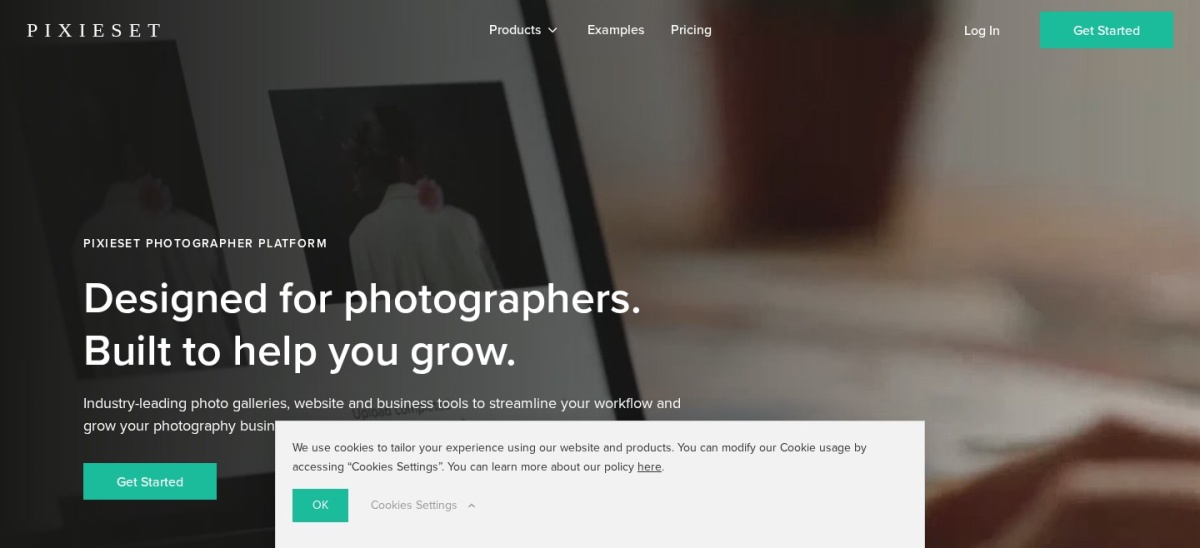
Pixieset homepage, captured Nov 2026.
Pixieset is a gallery-first platform for photographers, with client galleries, proofing and a print store, plus a separate website builder. The free website plan covers 15 pages, 100 photos and 5 blog posts, and Website Plus costs $12 a month billed annually for unlimited pages and a custom domain.
The trade off is the split billing. Galleries are a separate subscription from $8 a month, so a photographer needing both pays for two products or the Suite from $28 a month. It suits wedding and family photographers whose main deliverable is the gallery.
What we like
Free plan on both website and galleries
Cleanest gallery delivery in this list
Mature print fulfilment with major labs
Studio Manager adds contracts and booking
Watch out for
Website and galleries are separate subscriptions
15% commission on free-plan store sales
Rating comes from only 33 reviews
Suite bundles gallery, website and studio from $28 a monthVisit pixieset.com
05
Wix
4.4/5on Capterra (10,680 reviews, checked Nov 2026)
Paid from$17/mo
Best free starting point with most templates
Free planYes, on a Wix subdomain
Cheapest planLight, $17/mo
Photography templates100+
Client proofingPhoto Albums app
wix.com
Wix homepage, captured Nov 2026.
Wix is a general-purpose website builder with more than 100 photography templates, the largest template library in this list. The free plan lets you publish on a Wix subdomain, and Light costs $17 a month billed annually with a custom domain, 2 GB of storage and 2 collaborators.
The trade off is that photography tools are add-ons. Client proofing comes through the Wix Photo Albums app and print fulfilment needs a third-party vendor. It suits first-time site builders who want the most design choice and a free plan to start.
What we like
Largest photography template library here
Forever-free plan to experiment with
Biggest review base in this list
Flexible drag-and-drop editor
Watch out for
Proofing and print sales need apps or vendors
Free plan shows Wix branding and ads
Changing templates means rebuilding the site
Core at $29 a month adds payments and 50 GB of storageVisit wix.com
06
SmugMug
4.2/5on G2 (39 reviews, checked Nov 2026)
Starts at$20/mo
Best for unlimited storage and print sales
Free planNo, 14-day trial
Cheapest planDirect, $20/mo
StorageUnlimited on every plan
Print salesFrom Portfolio, 15% of markup
smugmug.com
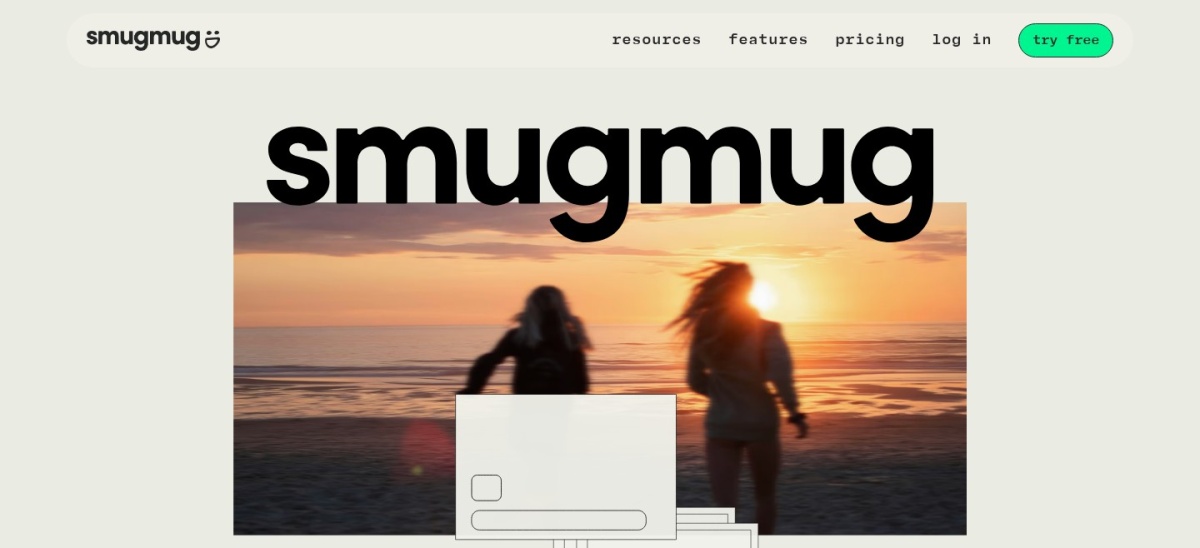
SmugMug homepage, captured Nov 2026.
SmugMug is a photography platform built around unlimited full-resolution photo and video storage on every plan. The Direct plan costs $20 a month billed annually and covers storage, sharing and password-protected galleries, with a Lightroom Classic plugin and a 14-day free trial.
The trade off is selling. Print and digital sales start on Portfolio at $23.50 a month billed annually, and SmugMug takes 15% of the markup on those sales. It suits high-volume photographers who need unlimited storage without tier anxiety.
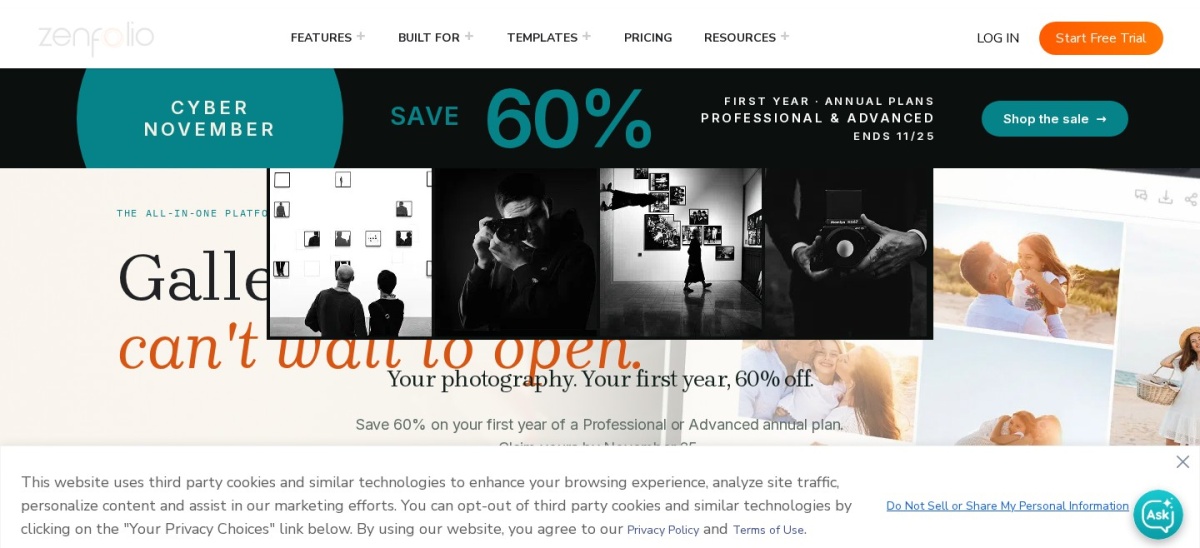
Zenfolio is a portfolio and gallery platform for event and wedding photographers, with studio management and print sales on its higher plans. The Basic plan costs $7 a month billed annually and covers 15 GB of storage, about 4,500 photos, and unlimited client galleries.
The trade off is that Basic cannot sell. Print and digital sales, studio management and a branded store need Professional at $11.50 a month billed annually, plus a 7% commerce fee. It suits high-volume photographers who want scheduling and sales in one place.
What we like
Studio management bundled on higher plans
Built for high-volume event and wedding work
Unlimited client galleries on every plan
Lowest paid entry for a portfolio plus galleries
Watch out for
Basic cannot sell prints or digitals
Lowest rating in this list at 3.9 out of 5
Rating comes from only 14 reviews
Professional adds selling and studio tools at $11.50 a monthVisit zenfolio.com
08
WordPress.org
4.6/5on Capterra (14,980 reviews, checked Nov 2026)
Paid from$6/mo
Best for full control over your portfolio
Free planYes, software is free
Hosting from$6/mo
Gallery pluginsEnvira Gallery, FooGallery
Store commission0% with WooCommerce
wordpress.org
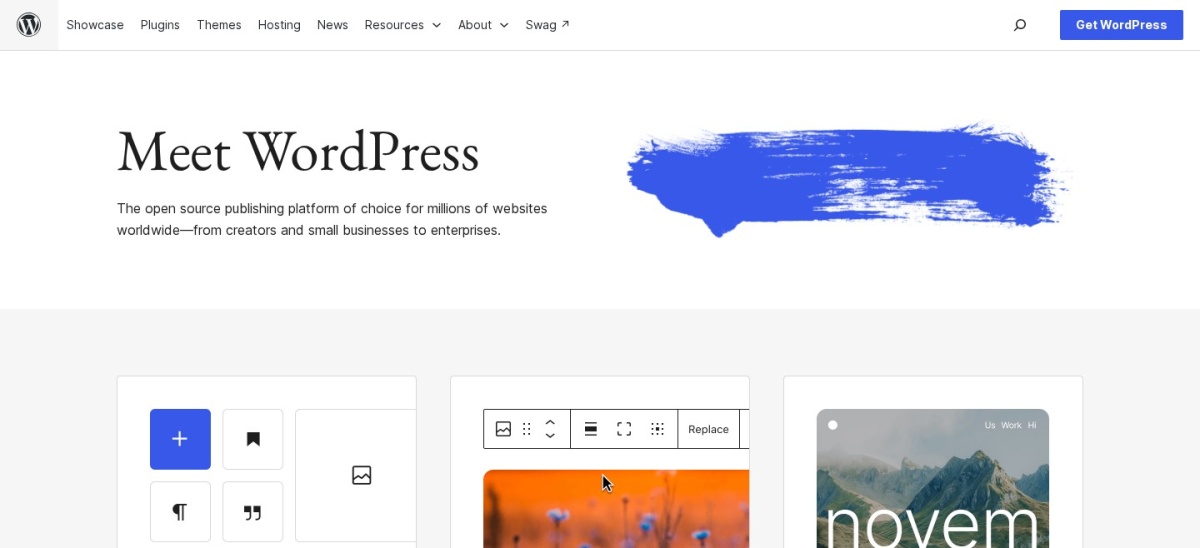
WordPress.org homepage, captured Nov 2026.
WordPress.org is free, self-hosted software that powers a portfolio through themes and gallery plugins such as Envira Gallery and FooGallery. Hosting starts at about $6 a month, and the software itself costs nothing, with full control over design, SEO and WooCommerce sales.
The trade off is upkeep. Hosting, updates, security and backups are your job, and the realistic cost rises once a premium theme and gallery plugins are added. It suits photographers who want total control and are comfortable maintaining a site.
If the site only needs to show work and take enquiries, a portfolio-only pick is enough. Squarespace, Format and Wix cover that job well, and Format is the cheapest of the three at $120 a year.
If you also deliver galleries, take bookings and sell prints, a business platform saves a second subscription. Pixpa covers all of it from $64.80 a year, while Pixieset splits the website and galleries into separate bills.
WordPress.org is the third path: free software with no platform limits, but you pay with your own time instead. Our portfolio site with WordPress guide walks through the set-up.
How we chose
We started from the platforms photographers actually use for portfolios, then kept the eight with a public rating, published pricing and a portfolio-first product.
Prices come from each vendor's pricing page or a source that read it, checked on 25 November 2026. Ratings come from Capterra, or G2 where the Capterra sample was too small to use. Where a vendor shows a sale, the list shows the regular price.
We left out Adobe Portfolio because it has no standalone public rating and cannot be bought on its own. No vendor paid for a place, and we do not claim to have used these tools ourselves.
How to choose a photography portfolio platform
Start with how you deliver work, then match the platform to that job.
Decide if you need client galleries. If you deliver shoots to clients, pick a platform with proofing built in, such as Pixpa, Pixieset or SmugMug. A portfolio-only builder means a second gallery tool.
Check the selling costs, not just the subscription. A cheap plan with a 15% cut costs more than a dearer plan with no commission once print sales pick up. See how to sell digital products with WooCommerce.
Count your images against the plan caps. Format Basic stops at 70 images and Pixpa Basic at 200, while SmugMug never caps storage. Pick a plan your archive fits today, not one you will outgrow in a month.
Try the trial with your own photos. Upload a real gallery, test the mobile view and check the proofing flow before you pay. A 14-day trial is long enough to judge the templates.
FAQ
What is the best platform for a photography portfolio?
Squarespace is the best all-round choice, with the most polished templates and built-in booking from $19 a month billed annually. Pixpa is the best value at $5.40 a month, since it adds client galleries and a zero-commission store to the portfolio.
What is the cheapest photography portfolio platform?
Pixpa is the cheapest paid all-in-one option at $5.40 a month billed annually, or $64.80 a year. WordPress.org software is free and hosting starts at about $6 a month, but a theme and gallery plugins add cost.
Can I sell prints from my photography portfolio?
Yes. Pixpa takes no commission on store sales, and WordPress.org with WooCommerce also takes none. SmugMug takes 15% of the markup from its Portfolio plan, and Pixieset takes 15% on its free gallery plan.
Do I need client galleries as well as a portfolio?
Most working photographers do, because clients expect a private link to view and pick photos. Pixpa, Pixieset, SmugMug and Zenfolio include galleries, while Squarespace, Wix and Format treat them as a basic feature or an add-on.
Is Adobe Portfolio a good choice for photographers?
It is a good choice only if you already pay for Creative Cloud, since it is included at no extra cost with any paid plan. It has no store, no client galleries and no standalone price, and the site goes offline if the subscription ends.
Should I use WordPress for my photography portfolio?
WordPress.org suits photographers who want full control over design, SEO and sales, and it carries the highest rating in this list at 4.6 out of 5. It also needs the most work, since hosting, updates, security and backups are all yours.
SaaS SEO and WordPress specialist with about 8 years of experience. Rakib compares WordPress plugins, themes, hosting and software using public pricing, documentation and user reviews. See how we rank.