Best Photo Editing Software Without Subscription in 2026: 9 Tools Compared
WLWPLegible EditorsLast verified 23 Nov 2026How we rank13 min read
★ Short answer
Affinity is the best photo editor without a subscription for most people: the full editor is now free, with layers, masks and RAW editing. Pick ON1 Photo RAW for an all-in-one RAW workflow at $99.99 once, or Pixelmator Pro if you edit on a Mac.
How we make this list: we compare pricing pages, product documentation and public user reviews, then re-check every price before each update. No product paid for a place. Disclosure.
Affinity is now free, so the strongest Photoshop-style editor on this list costs $0.
ON1 Photo RAW is the most complete Lightroom replacement you can buy once, at $99.99.
Pixelmator Pro is the cheapest serious paid option at $49.99 once, but it needs a Mac.
Luminar Neo costs $119 once, yet its generative tools only work for the first year.
Photoshop Elements 2026 costs $99.99 for a 3-year licence, not for life, so read the term.
GIMP is free and open source, but it has no built-in RAW editor.
What to look for in a subscription-free editor
Without a subscription means two different things. Some tools sell a perpetual licence you keep for life, while others sell a fixed term, and a few are simply free.
Start with the kind of editing you do. Pixel editors such as Affinity, Pixelmator Pro and GIMP work on one image at a time with layers and masks. RAW workflow tools such as ON1 Photo RAW, DxO PhotoLab and Capture One organise and grade hundreds of photos from a shoot.
Check what the one-time price actually buys. A perpetual licence usually covers the version you bought, not the next one, and new camera support can stop with it.
RAW support matters if you shoot RAW files. Most tools here develop RAW files natively, but GIMP needs a plug-in, so pair it with a free RAW app. Our guide on sizing images for WordPress covers the export step once your edit is done.
The 9 best photo editing software without subscription
01
Affinity
4.5/5on G2 (234 reviews, checked Nov 2026)
PriceFree
Best photo editor without a subscription overall
PriceFree
PlatformsMac, Windows, iPad
RAW editingYes, Develop Persona
Layers and masksYes
affinity.serif.com
Affinity homepage, captured Nov 2026.
Affinity is the unified photo, vector and layout app from Canva, and its core tools are now free with a free Canva account. It covers layers, masks, live filters, RAW developing, panorama stitching, HDR merge and focus stacking, which is the full Photoshop-style toolkit at $0.
The trade off is the AI tools. Generative Fill, Expand and Remove Background need a paid Canva plan, and the old $69.99 Photo 2 licence is no longer sold. It suits anyone who wants a professional pixel editor and never wants another monthly bill.
4.1/5on Trustpilot (3,227 reviews, checked Nov 2026)
Starts at$99.99/once
Best all-in-one Lightroom replacement
Price$99.99 once
PlatformsMac, Windows
RAW workflowYes, plus catalog
Trial30 days
on1.com
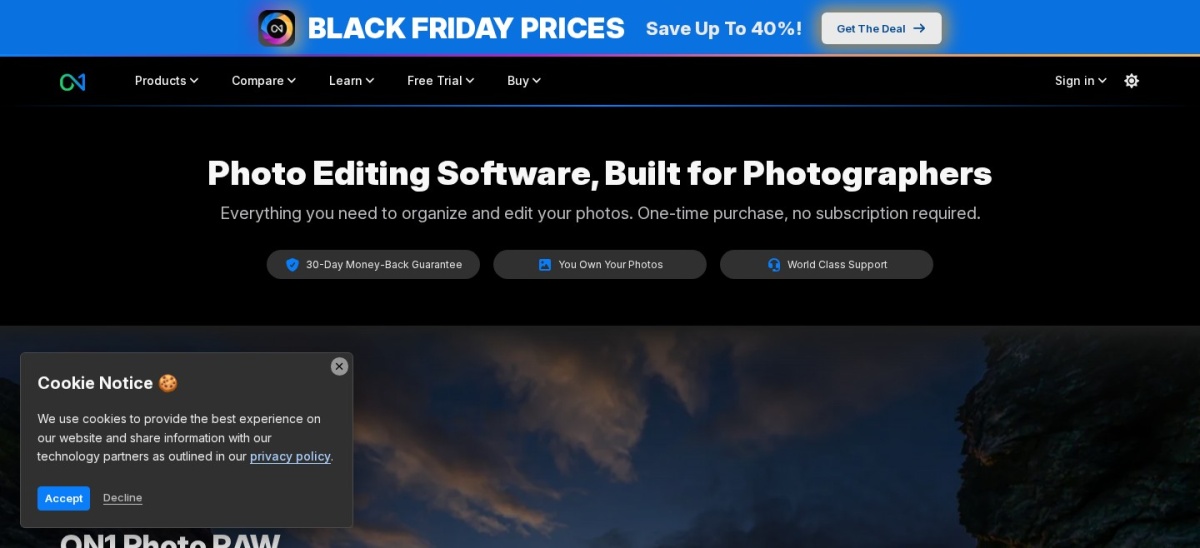
ON1 Photo RAW homepage, captured Nov 2026.
ON1 Photo RAW is the closest single-app replacement for Lightroom without a subscription. It browses folders without forcing an import, develops RAW files, and adds layers, effects, AI masking and NoNoise AI in the same app, on up to 2 computers.
The trade off is polish. The interface packs in a lot, and some users report slow exports and occasional stability issues on large libraries. It suits photographers who want one app for the whole workflow at a single $99.99 payment.
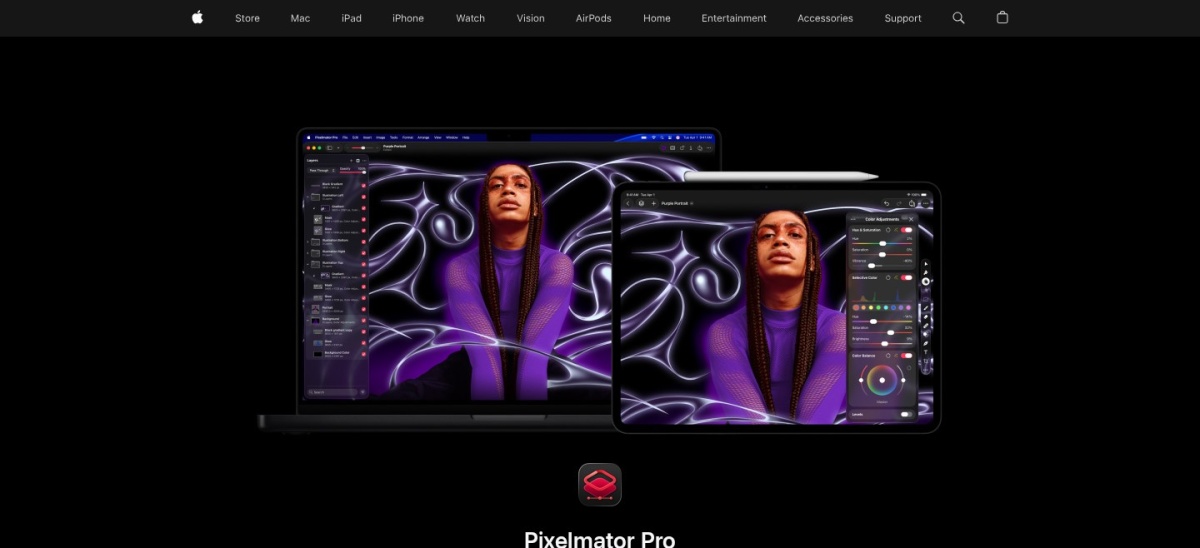
Pixelmator Pro is a native Mac editor you buy once on the App Store for $49.99. It handles layers, masks, RAW files and retouching, with machine-learning tools such as ML Super Resolution, Repair and background removal, plus Apple Intelligence features throughout.
The trade off is platform. It is Mac only as a one-time purchase, needs macOS 26, and the iPad version plus the Warp Tool come only with the Apple Creator Studio subscription. It suits Mac owners who want a fast, capable editor with no recurring bill.
Luminar Neo is an AI-first editor from Skylum with a $119 lifetime licence for the desktop app. SkyAI replaces skies, Relight AI reshapes light, SkinAI retouches portraits, and GenErase removes distractions, all with a few sliders, and it supports RAW files from over 1,000 cameras.
The trade off is the fine print. Generative tools work for one year from purchase, then need a renewal, and big upgrades can cost extra. It suits enthusiasts who want quick, striking results and do not enjoy manual masking.
DxO PhotoLab is built for maximum image quality from RAW files. Its DeepPRIME noise reduction recovers clean detail from high-ISO shots, and its lens correction modules use lab measurements of specific camera and lens combinations rather than generic profiles.
The trade off is scope. It is a RAW developer, not a full pixel editor, so layered compositing and design work need a second app. It suits photographers who shoot in low light and want the cleanest files, with a 30-day trial and no card required.
Capture One is the professional choice for studio and tethered work, and its Pro edition still sells a $349 perpetual licence alongside its subscription. Its colour tools, skin-tone controls and tethered capture are widely regarded as the most reliable in the business, with support for over 550 cameras.
The trade off is the freeze. A perpetual licence buys the version in hand only, with no new features and no support for cameras released after it. It suits working photographers whose camera kit is settled and who bill for shoots.
Adobe Photoshop Elements homepage, captured Nov 2026.
Adobe Photoshop Elements is the beginner-friendly Adobe editor, sold for $99.99 with no monthly bill. Guided Edits walk through jobs such as replacing a sky or removing an object, full layer support handles composites, and the Organizer keeps photo libraries sorted, with 25 generative credits a month.
The trade off is the term. The $99.99 payment buys a 3-year licence, and after three years the editor stops opening until you buy again. It suits beginners and family archivists who want Adobe tools and guided help without a subscription.
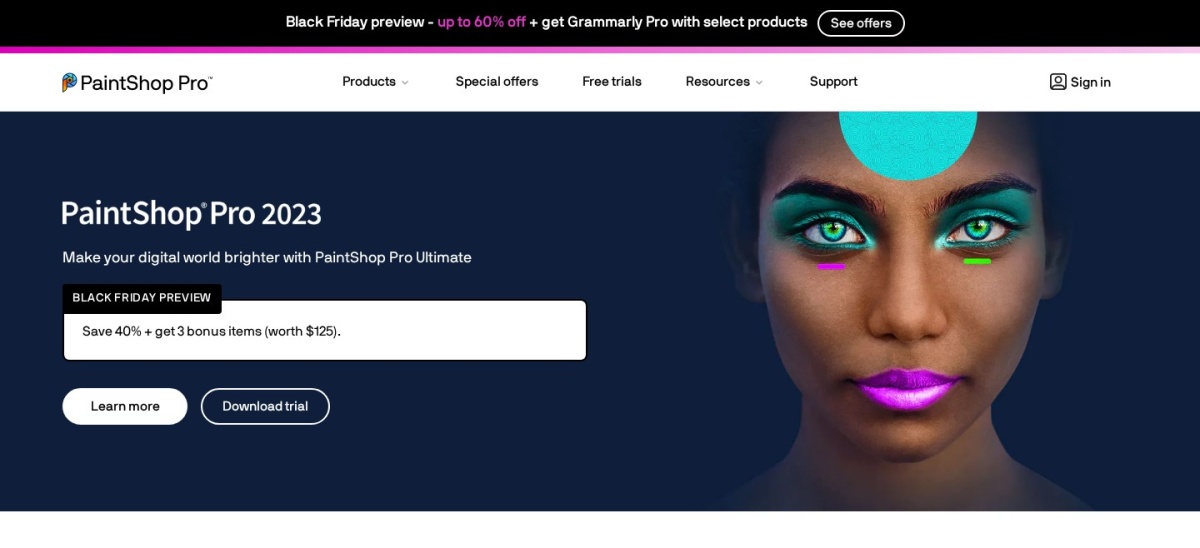
Corel PaintShop Pro is a Windows photo editor and design tool sold as a one-time purchase, with a regular price of $79.99. It covers layers, RAW handling, AI upsampling and noise reduction, plus content-aware tools for background removal and object cloning, in a familiar desktop program.
The trade off is the platform and the pace. It is Windows only, and the current release is still PaintShop Pro 2023, so it lacks newer cloud and mobile workflows. It suits Windows hobbyists who want a full toolkit for one payment, and it was $47.99 on sale in November 2026.
GIMP is the free and open-source image editor, available on Windows, macOS and Linux with no account and no payment. It offers layers, masks, selection and retouching tools, scripted manipulation in Python and Scheme, and support for a wide range of file formats.
The trade off is roughness. The interface is less polished than paid rivals, and there is no built-in RAW editor, so RAW shooters need a plug-in or a companion app. It suits anyone on a $0 budget who wants real retouching power and does not mind learning the interface.
Perpetual licence vs term licence: read the fine print
A perpetual licence lets you keep using the version you bought indefinitely. ON1 Photo RAW, DxO PhotoLab, Capture One Pro, Luminar Neo and PaintShop Pro all work this way, though none of them includes the next major version for free.
Photoshop Elements is the exception here. Its $99.99 payment buys a 3-year term, and when the term ends the editor stops opening until you buy again, so it costs about $33 a year rather than lasting for life.
Luminar Neo has a smaller catch. The core editor is yours for life, but the generative tools run for one year from purchase, then need a renewal to keep working.
Capture One has the strictest freeze. A perpetual licence never gains support for cameras released after the version you bought, so check your camera is covered before you pay $349.
How we chose
We started from every established photo editor that can be used without an ongoing subscription, then kept those with a free version, a perpetual licence or a fixed-term one-time payment.
Prices come from each vendor's pricing page or a current reliable source, checked on 23 November 2026. Ratings come from G2, Capterra or Trustpilot on the same day. Where a vendor shows a sale, the list shows the regular price.
We left out subscription-only editors such as Lightroom and Photoshop. No vendor paid for a place, and we do not claim hands-on testing for this list.
How to choose photo editing software without a subscription
Match the editor to the work you actually do, then check the licence term before you pay.
Decide pixel editor or RAW workflow. Pick Affinity, Pixelmator Pro or GIMP for retouching single images, and ON1 Photo RAW, DxO PhotoLab or Capture One for grading hundreds of RAW files.
Check the licence term. Perpetual means the version is yours for life, while Photoshop Elements stops after three years and Luminar Neo's generative tools stop after one.
Confirm your camera and computer are covered. Check RAW support for your camera model and the system requirements, since Pixelmator Pro needs macOS 26 and PaintShop Pro is Windows only.
Try before you pay. Most paid tools here offer a free trial of 7 to 30 days, so open your own photos in the trial and check the export quality.
FAQ
What is the best photo editing software without a subscription?
Affinity is the best pick for most people, because the full editor is now free, with layers, masks and RAW editing. ON1 Photo RAW is the best paid all-rounder at $99.99 once, and Pixelmator Pro is the best value on a Mac at $49.99 once.
Is Affinity really free now?
Yes. Since October 2025 the unified Affinity app from Canva is free, with the core photo, vector and layout tools included. The old $69.99 Affinity Photo 2 licence is no longer sold, and AI tools need a paid Canva plan.
What is the cheapest photo editor you can buy once?
Pixelmator Pro at $49.99 once is the cheapest serious paid editor here, but it is Mac only. PaintShop Pro costs $79.99 once on Windows, and ON1 Photo RAW costs $99.99 once on Mac and Windows.
Is Photoshop Elements a perpetual licence?
No. Since the 2025 release, Photoshop Elements is a 3-year term licence. The $99.99 payment covers three years, then the editor stops opening until you buy a new licence.
Which subscription-free editor is best for RAW photos?
DxO PhotoLab leads on RAW image quality, with the best noise reduction and lab-measured lens corrections. ON1 Photo RAW is the best all-in-one RAW workflow, and Capture One is the best for studio tethering.
Can GIMP replace Photoshop?
For many retouching jobs, yes. GIMP offers layers, masks and strong retouching tools for free, but it has no built-in RAW editor and its interface is less polished than Photoshop or Affinity.