Proofpoint is the best phishing protection software for most teams, with gateway filtering, URL defense and sandboxing plus the largest enterprise review base in this list. Pick Microsoft Defender for Office 365 if you run Microsoft 365, and KnowBe4 if training your staff to spot phishing matters most.
How we make this list: we compare pricing pages, product documentation and public user reviews, then re-check every price before each update. No product paid for a place. Disclosure.
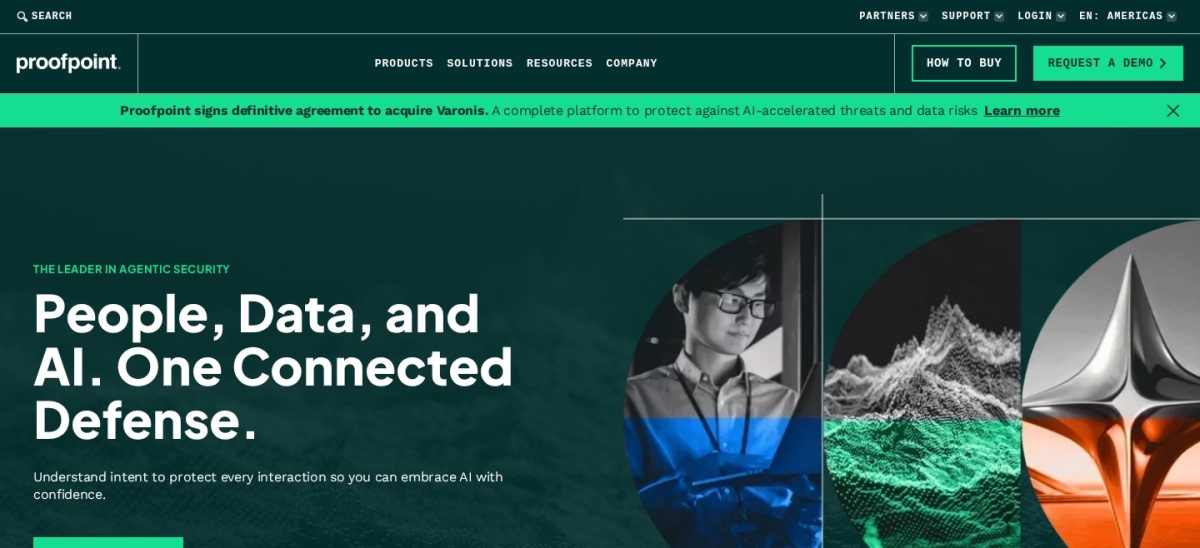
Proofpoint leads on breadth: gateway filtering, URL defense, sandboxing and awareness training in one vendor, rated 4.6/5 from 601 G2 reviews.
Microsoft Defender for Office 365 Plan 1 costs $2 per user a month and is already included in Business Premium, so Microsoft 365 teams may not need a second tool.
KnowBe4 publishes its prices: SAT Foundation starts at $2.40 per seat a month for 25 to 50 seats on a three-year term.
Hoxhunt holds the highest training rating here at 4.8/5 from 3,775 G2 reviews, and its simulations adapt to each employee.
SpamTitan is the cheapest gateway at $1.26 per user a month, while Paubox is the priciest at $65 a month for up to 5 senders.
Five of the nine tools are quote-only, so budget on a per-user quote rather than a list price.
What phishing protection software should cover
Most phishing attacks still arrive by email. A fake invoice, a password-reset lure or a QR code that leads to a lookalike login page is how most breaches start.
Phishing protection software works in two places. A gateway filters mail before it reaches the inbox, and training teaches people to report what slips through.
A gateway alone is not enough. Attackers now send fake Teams messages and SMS lures too, so check what channels each tool covers before you buy. Turn on two-factor login as well; our guide on adding two-factor authentication to WordPress shows the setup.
Prices in this list are per user unless stated otherwise. Enterprise tools are often quote-only, so the cheapest published price and the price you pay can differ.
Proofpoint is the largest email security vendor in this list, and its Core Email Protection gateway filters phishing, malware and business email compromise before mail reaches the inbox. Its Essentials line for smaller teams publishes list prices, with Business at $2.75 per active user a month, and it adds URL Defense, attachment checks and a 30-day emergency inbox.
The trade off is price. Enterprise plans are quote-only, and the published Essentials list is dated 2021, so partners may charge more than $2.75. It suits teams of any size that want the most proven gateway and can get a quote for their seat count.
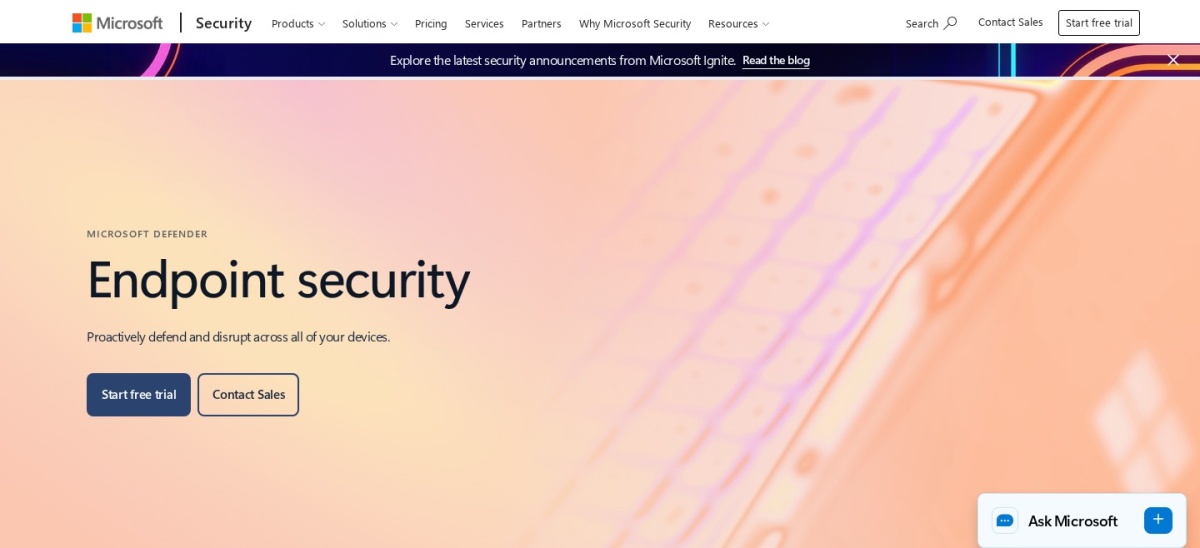
Microsoft Defender for Office 365 homepage, captured Nov 2026.
Microsoft Defender for Office 365 is the phishing layer built into Microsoft 365. Plan 1 costs $2 per user a month, paid yearly, and adds Safe Links, Safe Attachments, impersonation protection and real-time detections on top of the filtering every cloud mailbox already has.
The trade off is scope. It only protects Microsoft 365 mail, Teams, SharePoint and OneDrive, and investigation tools such as Threat Explorer and attack simulation training need Plan 2 at $5 per user a month. It suits teams already on Microsoft 365 that want phishing defense without a second vendor.
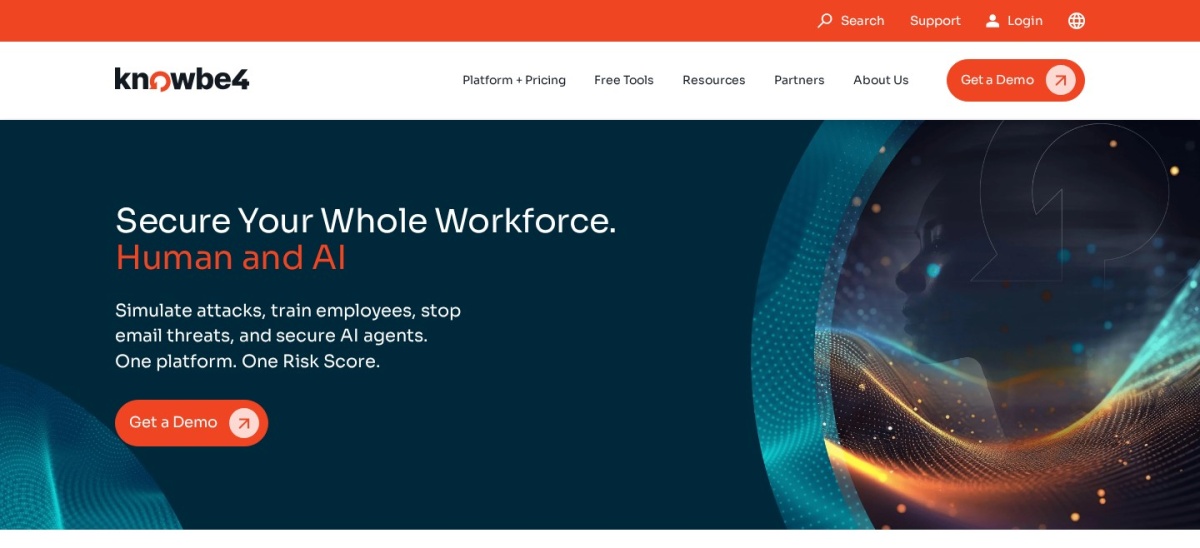
KnowBe4 is the most widely reviewed phishing simulation and training platform, with 2,410 G2 reviews. Its SAT Foundation plan lists at $2.40 per seat a month for 25 to 50 seats, and includes unlimited phishing tests, a library of more than 200 training pieces, reporting and a SmartRisk score for each user.
The trade off is the contract. Published rates assume a three-year term, and simulated vishing, callback phishing and AI agents need the Advanced plan at $3.75 per seat a month. It suits teams that want an established training library in 47 or more languages.
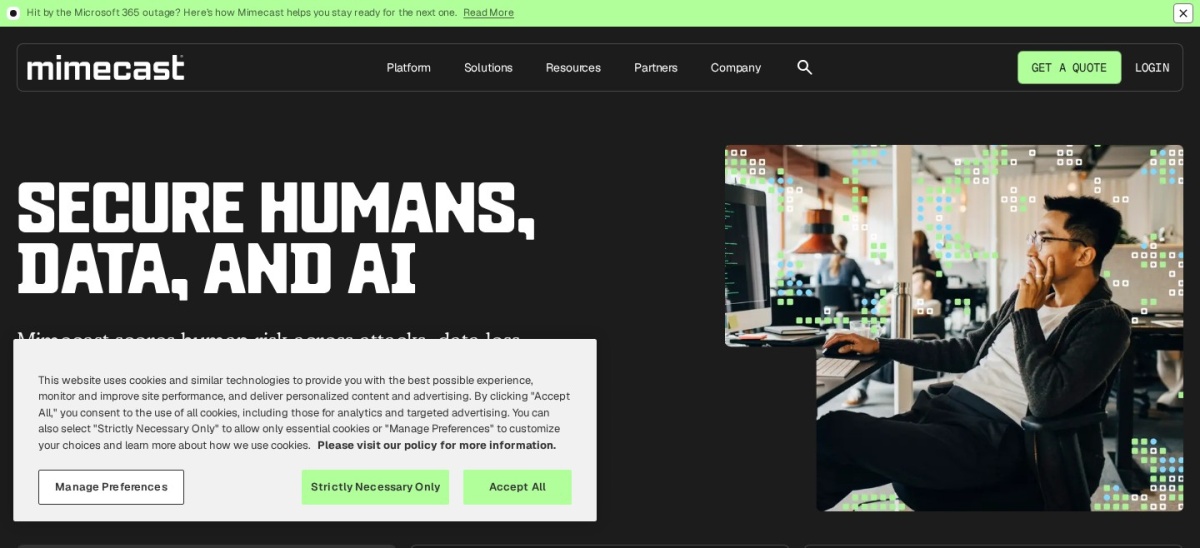
Mimecast is a cloud email security platform that bundles threat protection, archiving and security awareness training into one subscription. It filters phishing, spam and malware before delivery, checks URLs at click time, and keeps a searchable archive of every message.
The trade off is pricing and setup. Mimecast publishes no prices, so every deal is a quote, and reviewers describe the admin console as busy until learned. It suits mid-market teams that want email security, archiving and training from one vendor.
What we like
Email security, archiving and training in one bundle
Hoxhunt is an adaptive phishing simulation and training platform that adjusts the difficulty of each attack to the employee who receives it. Simulations run across email, Microsoft Teams, SMS, voice callbacks and deepfake video, and every report feeds a human risk score. It holds 4.8 out of 5 from 3,775 G2 reviews.
The trade off is price and scope. Hoxhunt is quote-only after a scoping call, and it trains people rather than filtering mail, so it works best beside a gateway. It suits enterprises that want measurable behavior change instead of completion certificates.
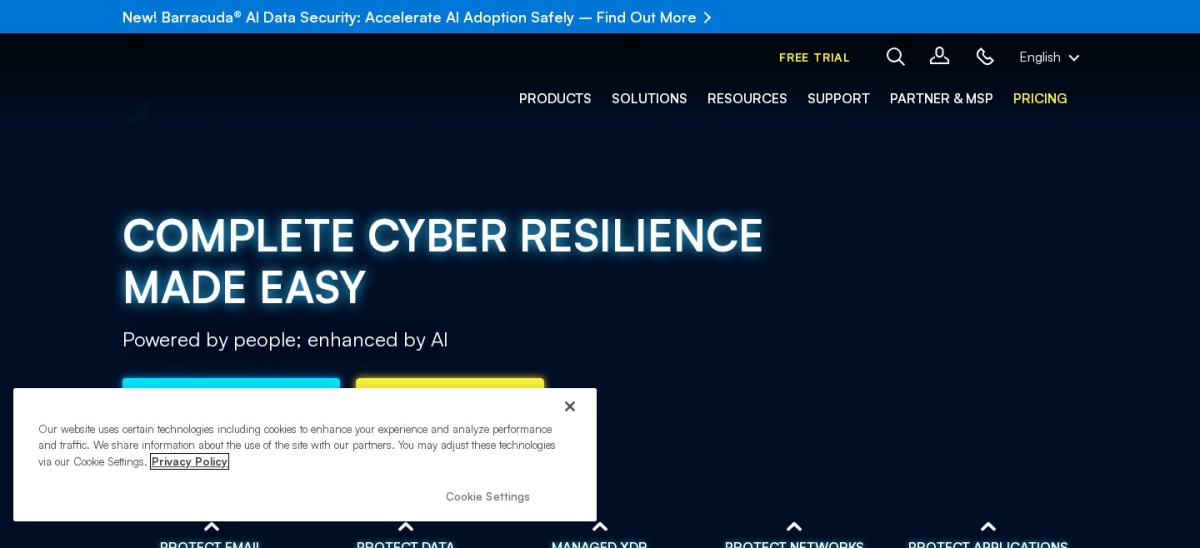
Barracuda Email Protection homepage, captured Nov 2026.
Barracuda Email Protection is a layered email security platform with spam and malware filtering, behavioral AI for business email compromise, impersonation defense and account takeover protection. It deploys by API, inline or MX record, and adds cloud backup for Microsoft 365 data in its higher tiers.
The trade off is pricing. Barracuda publishes no list price, so the cost only comes from a quote, and third-party comparisons put its Advanced tier from $5.20 per user a month. It suits mid-market teams and MSPs that want one platform for filtering, backup and training.
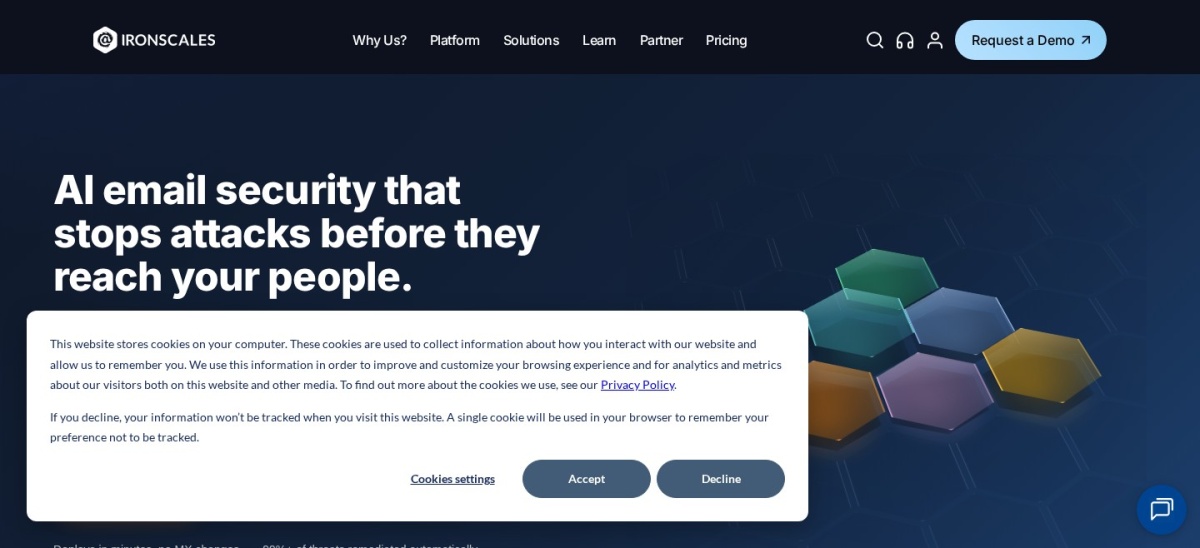
IRONSCALES is an AI email security layer that plugs into Microsoft 365 or Google Workspace by API, without changing mail flow. It catches targeted phishing with machine learning and employee reports, then removes confirmed attacks from every inbox automatically. It holds 4.7 out of 5 from 71 G2 reviews.
The trade off is focus. It is built for targeted phishing rather than bulk spam, so some teams pair it with a gateway, and pricing is quote-only. It suits teams whose main worry is spear phishing and business email compromise slipping past their existing filter.
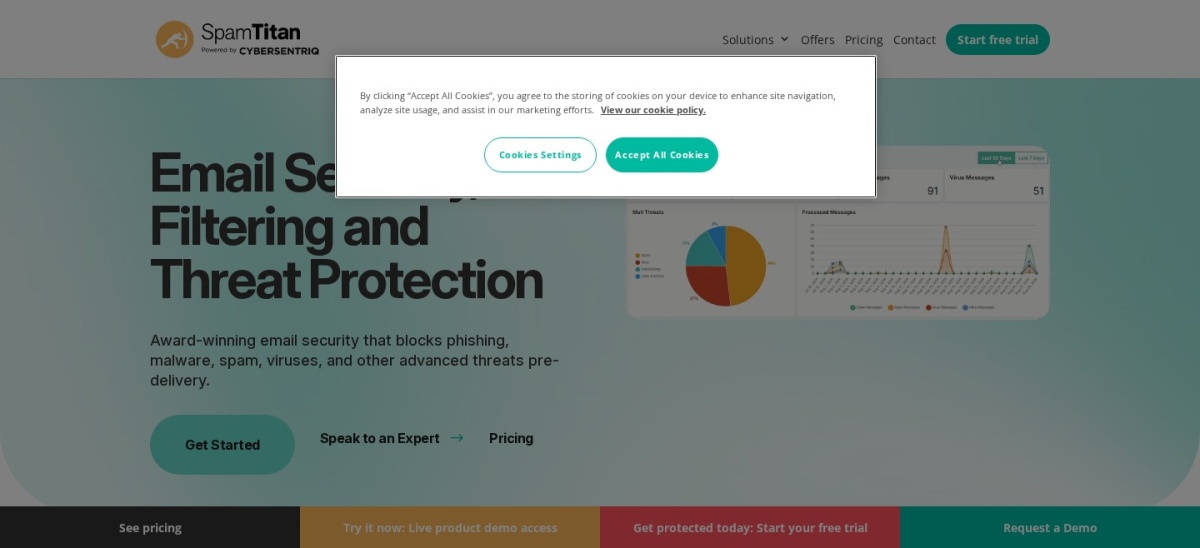
SpamTitan is a low-cost email security gateway from TitanHQ that filters spam, phishing, malware and ransomware before delivery. It starts at $1.26 per user a month, sends daily quarantine reports, and offers cloud, private cloud and on-premise gateway deployment. It holds 4.5 out of 5 from 199 G2 reviews.
The trade off is polish. Reviewers describe the interface as dated and note limited support hours, and its strength is filtering rather than training or investigation. It suits small businesses and MSPs that want a cheap gateway with straightforward setup.
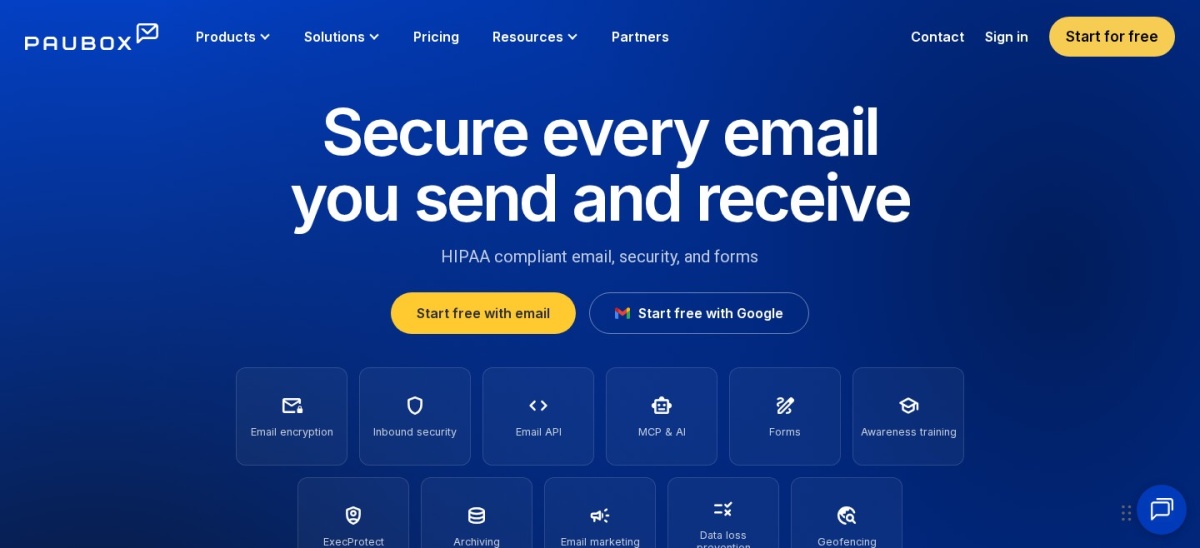
Paubox is HIPAA-compliant email security built for healthcare teams on Google Workspace or Microsoft 365. Its Plus plan costs $65 a month for up to 5 senders, billed yearly, and adds AI inbound protection against spam, ransomware and phishing, plus ExecProtect+ against display-name spoofing. It holds 4.9 out of 5 from 621 G2 reviews.
The trade off is the pricing model. Paubox charges per sender block rather than per user, so the cost climbs steeply with headcount, and its focus is healthcare email. It suits clinics and practices that need HIPAA-compliant email with phishing protection in one place.
Buy the gateway first if your mail has no extra filtering beyond what Microsoft 365 or Google Workspace includes. It blocks the bulk of phishing before anyone sees it.
Add training when the same people keep clicking. Simulations show who needs coaching, and reporting buttons turn employees into an early warning system.
Teams with both spend less time cleaning up. The gateway cuts volume, and trained staff catch the targeted lures that filters miss.
How we chose
We started from the products G2 lists under intelligent email protection and security awareness training, then kept the nine with the strongest ratings and review counts.
Prices come from each vendor's pricing page or published list, checked on 25 November 2026. Ratings and review counts come from G2 on the same day. Where a vendor shows no price, the list shows Custom and says so in the text.
We left out tools with too few public reviews to judge, and tools that only sell through resellers with no published price. No vendor paid for a place, and we do not claim to have used these tools ourselves.
How to choose phishing protection software
Start with the email platform you already run, then decide whether you need filtering, training, or both.
Check what your mail platform already blocks. Microsoft 365 and Google Workspace both filter spam and known phishing. A gateway only earns its price if it catches what slips past that layer.
Decide between filtering and training. A gateway stops mail before the inbox; training changes what people do with the mail that gets through. Most teams need the gateway first.
Ask for a quote in writing. Five tools here publish no price. Get the per-user rate, the contract term and the renewal price before you compare them with published prices.
Run a short pilot with real lures. Send the shortlisted tools the phishing samples your team actually receives, and measure what each one blocks and what each one flags by mistake.
FAQ
What is the best phishing protection software?
Proofpoint is the best overall pick for most teams. Its gateway filtering, URL defense and sandboxing are rated 4.6 out of 5 from 601 G2 reviews, and its Essentials line publishes list prices from $2.75 per user a month.
Do I need phishing protection if I use Microsoft 365?
Microsoft 365 includes basic filtering, but Defender for Office 365 Plan 1 adds Safe Links, Safe Attachments and impersonation protection for $2 per user a month. It is already included in Business Premium, so check your licence before buying a second tool.
What is the difference between a gateway and phishing simulation?
A gateway filters email before it reaches the inbox, blocking phishing, malware and spam. Simulation tools send safe fake attacks to employees and train them to spot and report real ones, which catches the targeted lures that filters miss.
How much does phishing protection software cost?
Published prices in this list run from $1.26 per user a month for SpamTitan to $2.75 for Proofpoint Essentials. Five of the nine tools are quote-only, and KnowBe4 lists $2.40 per seat a month for small teams on a three-year term.
Can phishing protection stop QR code attacks?
Most gateways now check QR codes, including Defender for Office 365 Plan 1 and Hoxhunt simulations. Ask any vendor you shortlist whether QR code phishing is covered, since older filters only checked links in plain text.
Is phishing simulation training worth it?
It helps when the same people keep clicking real lures. Hoxhunt reports that real-threat detection rose from 13% to 71% across its 2026 customer dataset, though that figure comes from the vendor. Pair training with a gateway rather than using it alone.
SaaS SEO and WordPress specialist with about 8 years of experience. Rakib compares WordPress plugins, themes, hosting and software using public pricing, documentation and user reviews. See how we rank.