Adobe Acrobat leads for document standards and client compatibility, starting at US$179.88/yr on an annual prepaid Standard plan. For creators and teams on tighter budgets, PDFgear offers free desktop and mobile tools with no paid tier, while Foxit PDF Editor starts at $129.99/yr.
How we make this list: we compare pricing pages, product documentation and public user reviews, then re-check every price before each update. No product paid for a place. Disclosure.
Adobe Acrobat holds a 4.5/5 rating across 5,043 G2 reviews and starts at US$179.88/yr for Acrobat Standard.
PDFgear rates 4.8/5 across 189 G2 reviews and provides free desktop and mobile PDF tools with no subscription fee.
Foxit PDF Editor scores 4.6/5 across 3,784 G2 reviews with plans starting at $129.99/yr or a $209.99 one-time license.
PDF-XChange Editor holds a 4.6/5 rating across 151 G2 reviews and offers a single-user license starting at $62.00.
Sejda offers a Desktop+Web annual plan at $63.00 per user/yr alongside a 7-day pass for short-term projects.
What to look for in PDF creator software
Creators, marketers, and small teams build PDFs for lead magnets, media kits, rate cards, and client proposals. Choosing the right app depends on whether you create documents from scratch, convert layouts from Word or design tools, or assemble multi-page packets.
File fidelity and font preservation matter most when sharing downloadable guides or fillable forms across different operating systems. Software that supports standardized PDF output, batch assembly, and clean compression helps keep files readable without bloating download sizes.
Licensing structure also shapes long-term cost. Some desktop tools sell perpetual or multi-year licenses, while web and cloud platforms charge recurring annual or monthly fees for higher file limits, OCR, and e-signatures.
Adobe Acrobat is a desktop, web, and mobile PDF creation and editing suite built around the PDF format. Acrobat Standard starts at US$179.88/yr prepaid or US$14.99/mo on an annual commitment billed monthly.
The trade off is ongoing subscription cost and early cancellation fees on annual plans, which can reach up to half the remaining balance after 14 days. It suits teams and creators exchanging complex forms or client-facing PDFs where strict compatibility matters.
What we like
Broad compatibility across desktop, web, and mobile workflows
Dedicated plans for editing, conversion, and document workflows
Strong track record across business and client document exchanges
Watch out for
Higher recurring cost than many standalone alternatives
Annual commitments carry cancellation fees or non-refundable terms after 14 days
Higher tiers such as Acrobat Pro and Acrobat Studio add expanded document tools and AI features.Visit adobe.com
02
PDFgear
4.8/5on G2 (189 reviews, checked Nov 2026)
PriceFree
Best free PDF creator and editor
PricingFree
PlatformsWindows, macOS, iOS, Android
Core ToolsCreate, edit, convert, merge
Review Score4.8/5 on G2
pdfgear.com
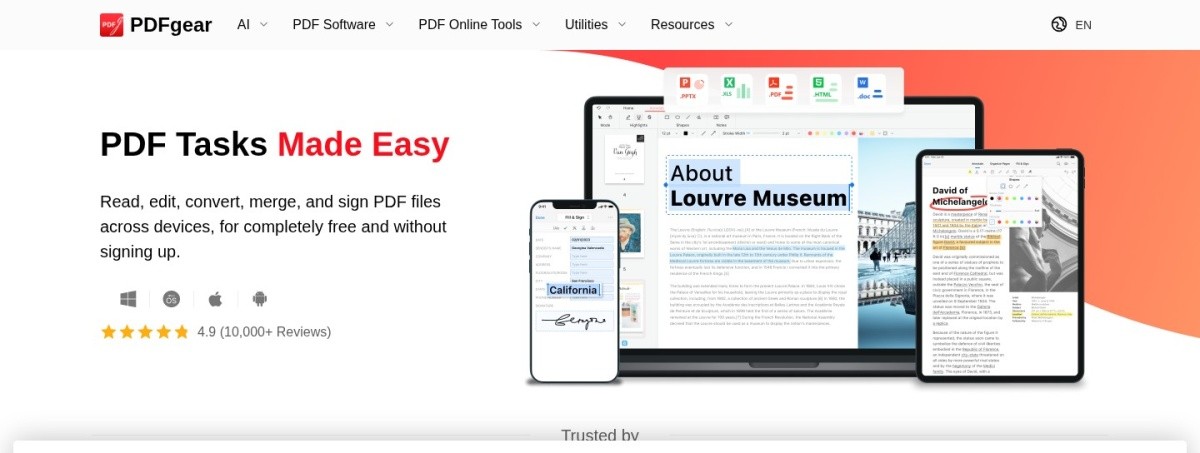
PDFgear homepage, captured Nov 2026.
PDFgear is a free PDF creation, editing, conversion, and organization tool available across Windows, macOS, iOS, and Android. It lets users create PDFs, merge files, convert formats, and add signatures without a paid subscription tier.
The trade off is a lighter set of enterprise governance and team administration features compared with established commercial suites. It suits solo creators, students, and small offices that want core PDF creation at zero cost.
What we like
No subscription fee for core PDF creation, editing, and conversion
Available on Windows, Mac, iPhone, iPad, and Android
Includes page organization, OCR, and signing tools
Watch out for
Lacks enterprise team management and centralized admin controls
Some reviewers note occasional stability hiccups on complex or large files
Core desktop and mobile PDF tools are offered without a paid plan.Visit pdfgear.com
03
Foxit PDF Editor
4.6/5on G2 (3,784 reviews, checked Nov 2026)
Starts at$129.99/yr
Best flexible licensing for teams
Entry PlanPDF Editor
Annual Price$129.99/user/yr
One-Time Option$209.99/user
Review Score4.6/5 on G2
foxit.com
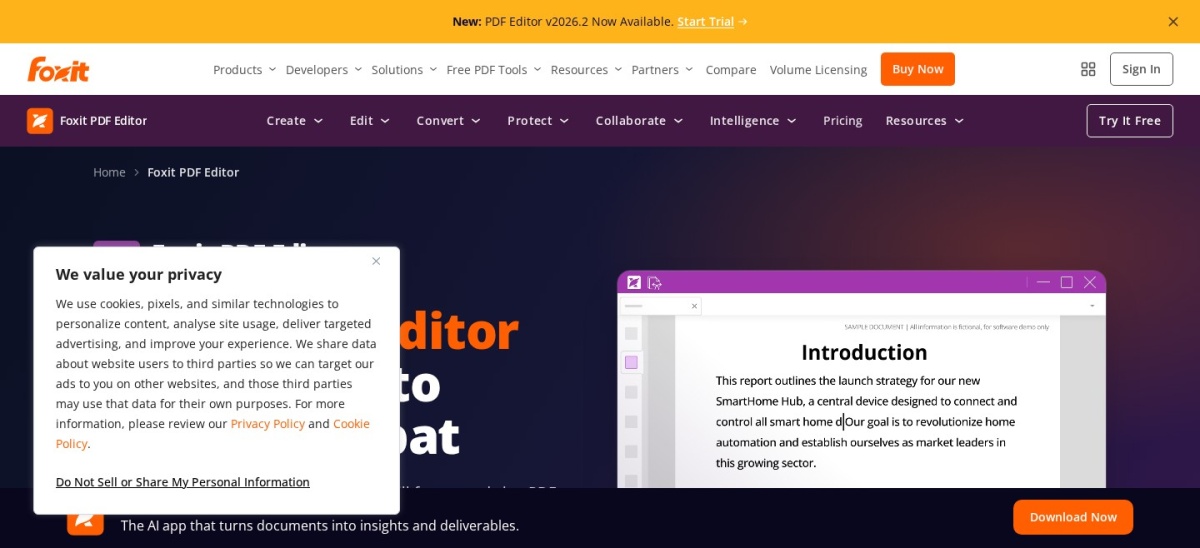
Foxit PDF Editor homepage, captured Nov 2026.
Foxit PDF Editor is a PDF creation, editing, conversion, and security application for Windows, macOS, and web workflows. Its standard PDF Editor subscription starts at $129.99 per user per year, with a $209.99 one-time option also listed.
The trade off is that mobile apps and AI Smart Redact sit in higher tiers rather than the entry annual plan. It suits small businesses and creators who want lower annual costs than Acrobat Pro and flexible licensing.
What we like
Lower annual per-user pricing than Acrobat Pro
Supports both annual subscriptions and a one-time license option
Includes OCR, form tools, and document security controls
Watch out for
Mobile apps for iOS and Android require upgrading to PDF Editor+
Interface density can feel busy for occasional users
PDF Editor+ at $159.99/yr adds iOS and Android apps, AI Smart Redact, and extra eSign envelopes.Visit foxit.com
04
UPDF
4.5/5on G2 (242 reviews, checked Nov 2026)
Paid from$64.99/yr
Best multi-device editor for budget buyers
Annual Price$64.99/yr
Lifetime Option$94.99 once
Device CoverageUp to 4 devices
Review Score4.5/5 on G2
updf.com
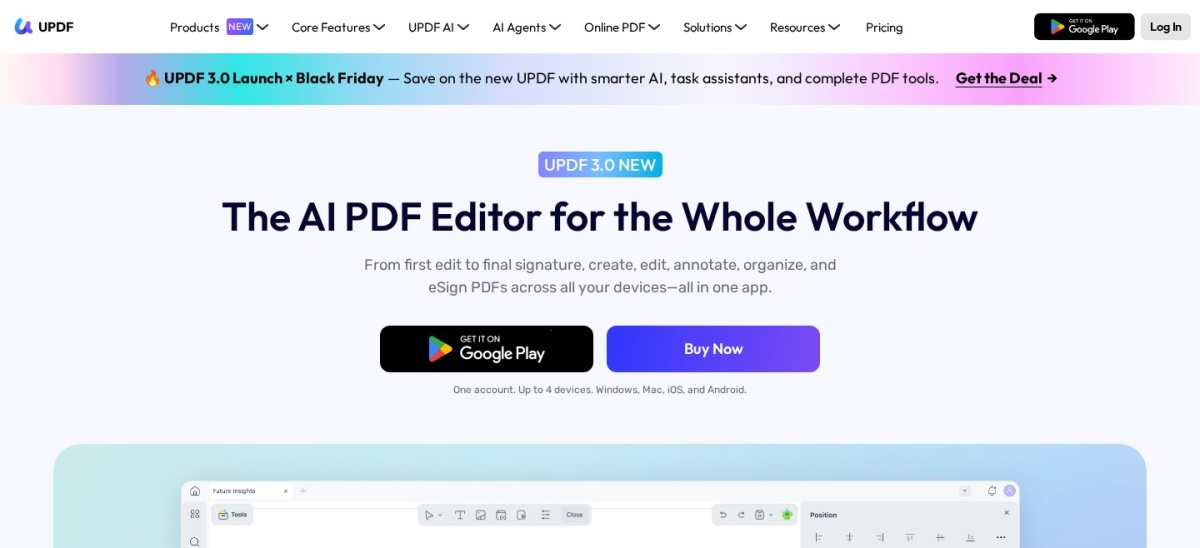
UPDF homepage, captured Nov 2026.
UPDF is a cross-platform PDF creation, editing, conversion, and OCR editor covering Windows, macOS, iOS, and Android. A free download lets you test the app before upgrading to UPDF Pro Annual at $64.99 or a $94.99 lifetime license.
The trade off is that free exports carry trial watermarks and AI add-ons are priced separately from the core license. It suits freelancers and creators working across desktop and mobile devices on a moderate budget.
What we like
Covers Windows, macOS, iOS, and Android across up to four devices
Includes editing, conversion, OCR, signing, and page organization
Offers both an annual license and a one-time lifetime option
Watch out for
Free version applies watermarks and usage limits until upgraded
AI subscriptions are sold separately from the standard Pro license
Paid UPDF Pro removes watermarks and usage limits across supported desktop and mobile devices.Visit updf.com
05
PDF-XChange Editor
4.6/5on G2 (151 reviews, checked Nov 2026)
Paid from$62 one-time
Best low-cost one-time license on Windows
One-Time Price$62
Free TierAvailable with watermarks on restricted tools
PlatformWindows
Review Score4.6/5 on G2
tracker-software.com
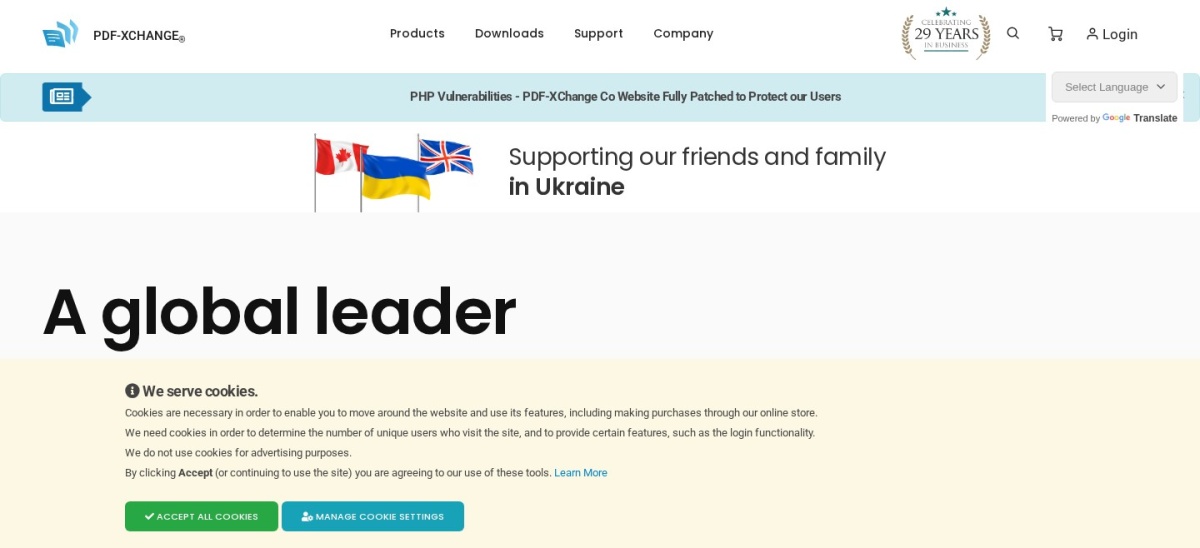
PDF-XChange Editor homepage, captured Nov 2026.
PDF-XChange Editor is a Windows PDF creation, markup, and editing program built for detailed document control. Its single-user license starts at $62 as a one-time purchase, with a free tier that leaves many core functions open.
The trade off is Windows-only support and a dense toolbar layout that takes time to master. It suits Windows power users and technical creators who prefer paying once rather than renewing a subscription.
What we like
Low one-time starting price with no recurring subscription required
Rich markup, annotation, and editing controls for complex files
Runs lightweight on standard Windows hardware
Watch out for
No native version for macOS, iOS, or Android
Crowded interface has a steeper learning curve for new users
Paid licenses remove watermarks on advanced tools and include initial maintenance updates.Visit tracker-software.com
06
Sejda
4.5/5on G2 (41 reviews, checked Nov 2026)
Paid from$63/yr
Best for quick browser tasks and short passes
Annual Price$63/user/yr
Short-Term Pass$5 for 7 days
Free Tier3 tasks/day, 50MB & 200 pages
Review Score4.5/5 on G2
sejda.com
Sejda homepage, captured Nov 2026.
Sejda is a browser and desktop PDF utility for creating, merging, splitting, compressing, and converting PDFs. The Desktop+Web annual plan costs $63 per user/yr, alongside a free tier capped at 3 tasks per day on files up to 50 MB and 200 pages.
The trade off is strict task and file-size caps on the free plan and limited enterprise compliance tooling. It suits freelancers and creators doing occasional document assembly or short-term project batches.
What we like
Accessible directly in a web browser plus a desktop option
Offers a one-time $5 7-day pass for short-term workloads
Straightforward interface for everyday page and file operations
Watch out for
Free plan restricts daily tasks, file size, and page counts
Not designed for heavy enterprise compliance or complex workflows
Paid plans lift daily task limits, increase file size caps up to 500 MB, and add batch processing.Visit sejda.com
07
Wondershare PDFelement
4.5/5on G2 (1,070 reviews, checked Nov 2026)
Starts at$79.99/yr
Best budget-friendly multi-platform suite
Annual Price$79.99/yr
Perpetual Option$129.99 once
PlatformsDesktop, mobile, web
Review Score4.5/5 on G2
pdf.wondershare.com
Wondershare PDFelement homepage, captured Nov 2026.
Wondershare PDFelement is a cross-platform PDF creation, editing, conversion, and OCR suite for individuals and small teams. Its yearly plan is listed at $79.99, with a $129.99 perpetual option also available.
The trade off is usage caps on AI features and fewer large-enterprise governance controls than top-tier business suites. It suits creators and small businesses wanting familiar editing and OCR at a lower price than Acrobat.
What we like
Lower annual cost than Adobe Acrobat Pro
Supports desktop, mobile, and web workflows with OCR tools
Offers both yearly and perpetual license options
Watch out for
AI usage is metered or capped depending on the tier
Lacks deep enterprise administration and large-organization controls
Paid plans remove trial restrictions and include broader access to editing, OCR, and cloud features.Visit pdf.wondershare.com
How we chose
We selected established standalone PDF creation and editing software by reviewing vendor product pages, pricing pages, and third-party software comparisons. Every tool on this list is actively maintained and supports creating PDFs from documents, images, or layouts.
All prices, review scores, and review counts were checked on 22 Nov 2026 using G2 review data and official vendor pricing pages. Where promotional discounts or seasonal sales appeared on vendor pages, we recorded the standard non-sale plan pricing for comparison.
We excluded WordPress plugins, pure view-only readers without creation or editing tools, and products whose pricing could not be verified on an official or current pricing source. No vendor paid for a place, and we do not claim testing for this list.
How to choose PDF creator software
Follow four practical steps to match a PDF creator to your workflow.
List your core creation tasks first. Decide whether you mainly convert Word or design files into PDFs, build fillable forms, combine multi-page packets, or edit text directly inside existing PDFs.
Check operating system and device coverage. Confirm whether you work only on Windows or Mac, or need files synced across desktop, web, and mobile devices before committing to a license.
Compare recurring subscriptions against one-time licenses. Add up multi-year costs if you publish PDFs steadily, or choose a free or short-term pass if you only assemble occasional files.
Verify export quality and security needs. Check that your chosen tool preserves fonts and layouts cleanly and offers password protection, redaction, or signatures if you share sensitive files.
FAQ
What is the best free PDF creator software?
PDFgear is a strong free option across Windows, macOS, iOS, and Android, rating 4.8/5 across 189 G2 reviews without requiring a paid subscription. PDF-XChange Editor and Sejda also offer free tiers for lighter or specific tasks.
Do I need paid software just to create a PDF?
Not always. Many office and design apps export to PDF natively, and free tools like PDFgear let you create, merge, and convert PDFs at no cost. Paid plans usually become worthwhile when you need batch processing, OCR, or advanced security.
Is a one-time license better than an annual subscription?
A one-time license can save money over several years if you do not need cloud syncing or frequent major upgrades. Subscriptions make more sense when you rely on ongoing web tools, mobile apps, or continuous feature updates.
What is the difference between creating a PDF and editing a PDF?
Creating a PDF generates a new PDF from a document, image, or blank page, while editing modifies existing text, images, pages, or form fields inside a PDF. Most full PDF suites handle both, though some lightweight utilities focus on quick conversion and page assembly.
Should creators pick Adobe Acrobat over cheaper alternatives?
Choose Adobe Acrobat if clients, partners, or compliance workflows expect standard Acrobat behavior and broad cross-platform tools. If budget is tighter and your files are straightforward, tools like Foxit PDF Editor, UPDF, or PDFgear can cover everyday needs for less.
Can one PDF creator handle OCR on scanned pages?
Yes, several tools on this list include optical character recognition (OCR) to turn scanned pages into searchable or editable text. Check plan details first, because OCR is sometimes limited to higher tiers or specific page allowances.
SaaS SEO and WordPress specialist with about 8 years of experience. Rakib compares WordPress plugins, themes, hosting and software using public pricing, documentation and user reviews. See how we rank.