Rippling is the best payroll software for mid-market teams, rated 4.7/5 on G2 from 15,313 reviews, with payroll, HR and IT in one system from $8 per user a month. Pick Deel for global payroll from $29 per employee a month, or OnPay for the simplest flat price at $49 a month plus $6 per person.
How we make this list: we compare pricing pages, product documentation and public user reviews, then re-check every price before each update. No product paid for a place. Disclosure.
Rippling leads the list at 4.7/5 from 15,313 G2 reviews, with payroll, HR and IT in one system from $8 per user a month.
Deel is the strongest global pick at 4.7/5 from 7,495 reviews, with US payroll from $29 per employee a month.
ADP, Paylocity, TriNet and Paycor publish no list price, so expect a custom quote and compare it against Rippling's $8 starting rate.
OnPay is the highest rated tool here at 4.8/5, but its 424 reviews and 1-to-100-employee focus make it a value pick, not a mid-market core.
Paychex Flex is the only legacy provider with a published entry price: Essentials from $39 a month plus $5 per employee.
What mid-market payroll should cover
Mid-market payroll is not small-business payroll with more seats. Once a team passes 50 people, multi-state tax filing, benefits administration, time tracking and audit trails all have to work together, and a missed filing costs more than the software saves.
The tools in this list all run payroll for teams of roughly 50 to 1,000 people. Some are payroll-first, like OnPay and Paychex Flex, while others are full HR suites where payroll is one module, like Rippling, Paylocity and ADP Workforce Now.
Price transparency is the biggest split. Rippling, Deel, BambooHR, Paychex Flex and OnPay publish starting prices, while ADP, Paylocity, TriNet and Paycor sell by quote only. Our guide on setting up taxes in WooCommerce shows the same filing logic that payroll tools automate for employee pay.
Ratings below come from G2, checked on 25 November 2026. Every tool here holds at least 400 G2 reviews, so the scores reflect large review bases rather than a handful of early users.
The 9 best payroll software tools for mid-market teams
01
Rippling
4.7/5on G2 (15,313 reviews, checked Nov 2026)
Starts at$8/mo
Best payroll software for mid-market overall
Starting price$8 per user/month
PayrollUS + global, in one system
G2 rating4.7/5, 15,313 reviews
Integrations206 listed on G2
rippling.com
Rippling homepage, captured Nov 2026.
Rippling is an all-in-one HR, payroll and IT platform that runs employee data, pay, benefits, devices and apps from one record. Payroll starts at $8 per user a month, with a monthly base fee on top, and the platform lists 206 integrations on G2. It covers onboarding, time tracking, benefits and offboarding beside payroll.
The trade off is modular pricing. Payroll is one module among many, so the $8 starting rate is not the full cost, and the exact price needs a custom quote. It suits mid-market teams that want HR, payroll and IT in one place and can manage a longer setup.
What we like
Highest review volume in this list, 15,313 G2 reviews
Payroll, HR, IT and spend in one system
Published $8 starting price per user a month
Strong automation across onboarding and offboarding
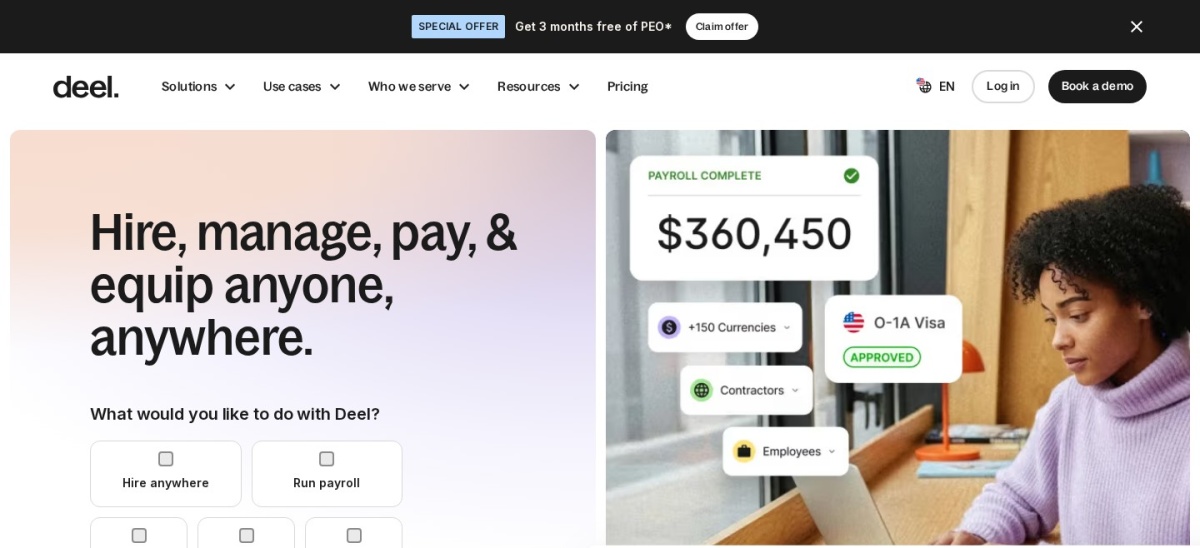
Deel Payroll is the payroll arm of Deel's global hiring platform, covering US payroll, global payroll, employer of record and contractors in one account. US payroll starts at $29 per employee a month for the self-service plan, global payroll also starts at $29, and contractor management starts at $49 per contractor a month. It files federal, state and local taxes in all 50 states.
The trade off is add-on pricing. Benefits, expenses and per-entity implementation fees sit on top of the $29 rate, and reviewers report support quality varies by region. It suits mid-market teams paying people in more than one country from a single payroll system.
What we like
US and global payroll in one account
Published per-employee prices, no quote needed to start
Employer of record and contractors included
Rated 4.7/5 from 7,495 G2 reviews
Watch out for
Add-ons and implementation fees raise the real cost
Support quality varies by region
EOR at $599 per employee a month is costly
Paid add-ons cover benefits, expenses and Payroll ConnectVisit deel.com
03
Paylocity
4.4/5on G2 (6,156 reviews, checked Nov 2026)
PricingQuote/yr
Best for mid-size teams wanting culture tools
PricingCustom quote only
PayrollPlus HR, time and talent
G2 rating4.4/5, 6,156 reviews
Reported costAbout $26-$33/employee/month
paylocity.com
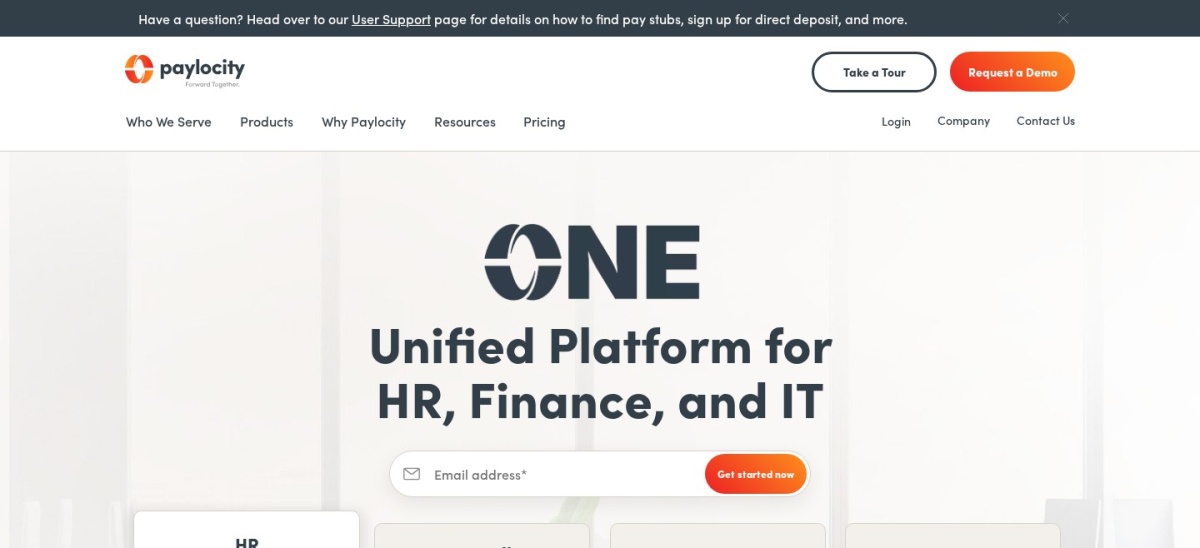
Paylocity homepage, captured Nov 2026.
Paylocity is a cloud HR and payroll suite built for mid-size employers, covering payroll, core HR, time and labor, benefits and talent in one system. It does not publish list prices, and third-party research puts the full suite at about $26 to $33 per employee a month. Reviewers praise its ease of use and how the modules fit together.
The trade off is price opacity. With no published price list, the quote depends on headcount, modules and contract length, and reviewers cite slow support as the main weakness. It suits mid-size teams that want payroll plus engagement and culture tools in one suite.
What we like
Broad suite: payroll, HR, time, benefits and talent
Rated 4.4/5 from 6,156 G2 reviews
Strong engagement and culture tools
Flat per-employee monthly billing, not per paycheck
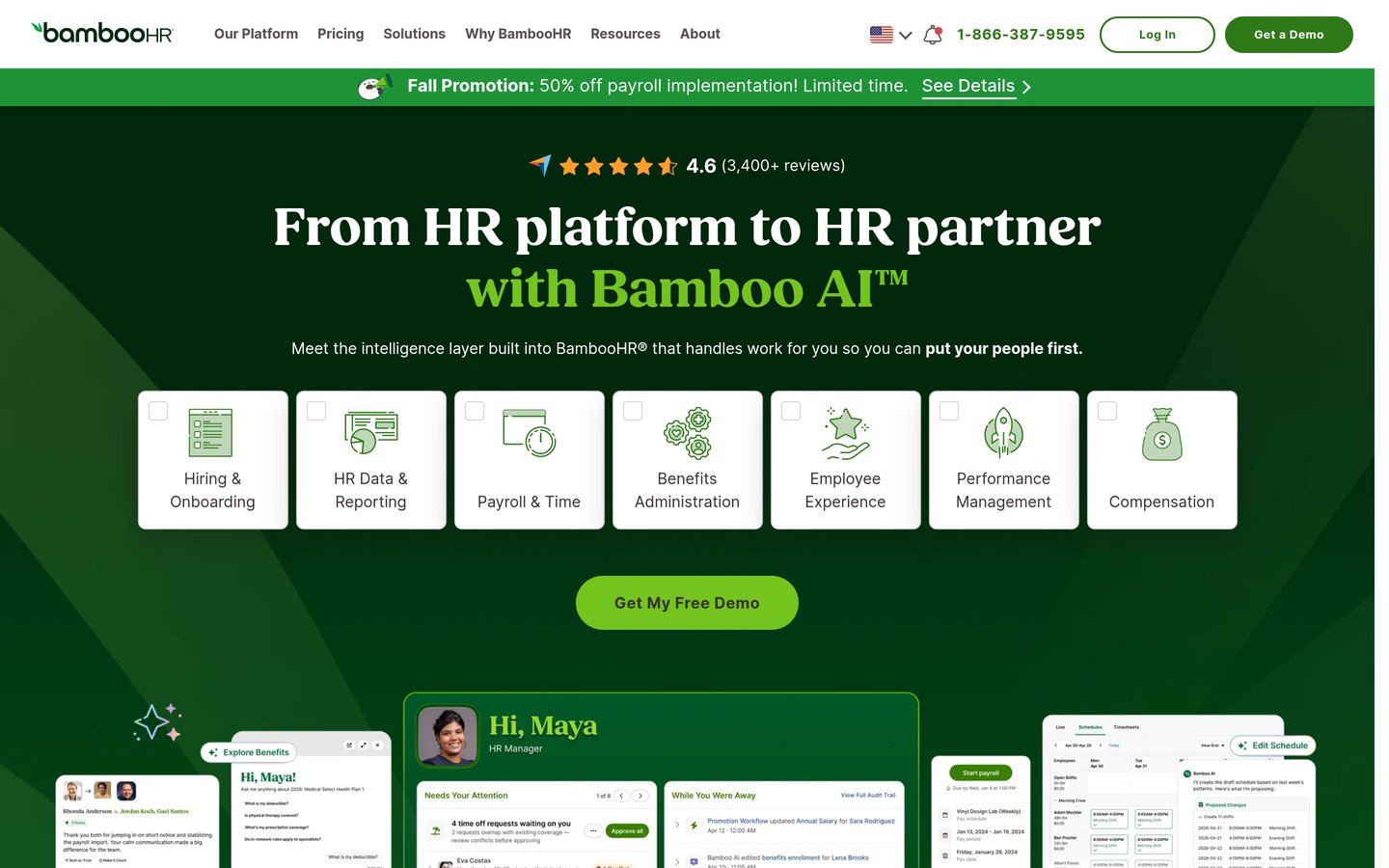
BambooHR is a friendly HR system for small and mid-size teams, covering employee records, onboarding, time off, performance and benefits. Core HR starts at $10 per employee a month, with Pro at $17 and Elite at $25, and payroll is a paid add-on for US employees only. It holds 8,380 G2 reviews at 4.4/5.
The trade off is that payroll is not native. It is a separately priced add-on, so the $10 Core price buys HR only, and many customers connect another payroll provider instead. It suits teams that want the easiest HR system first and can add or attach payroll second.
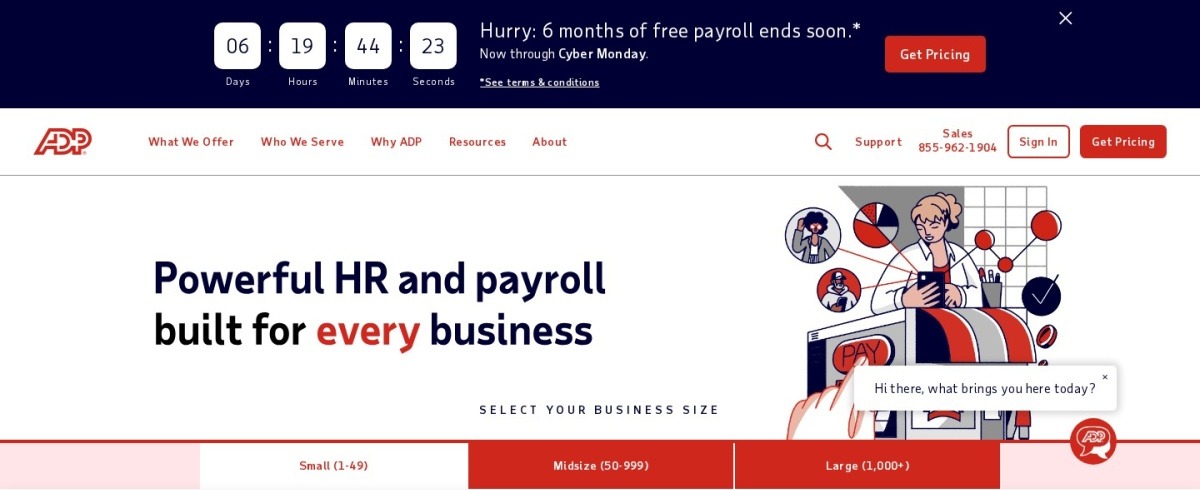
ADP Workforce Now is ADP's HR and payroll suite for mid-size and larger employers, covering payroll, time, benefits, talent and compliance in one system. It is priced by quote only, with third-party estimates ranging from about $15 to $48 per employee a month. G2 reviewers praise its ease of use and central access to pay, hours and benefits.
The trade off is the enterprise buying experience. Pricing is opaque, setup averages about 3 months, and reviewers report upselling and uneven support. It suits larger mid-market employers that need ADP's scale and can budget for a quote and an implementation project.
What we like
Largest payroll provider in the US
Deep multi-state and multi-country tax filing
Broad suite from payroll to talent
4,519 G2 reviews from mid-market teams
Watch out for
Quote-only pricing with wide estimates
Setup averages about 3 months
Reviewers report upselling and uneven support
Paid tiers add talent, analytics and benefits toolsVisit adp.com
06
TriNet
4.2/5on G2 (1,982 reviews, checked Nov 2026)
PricingQuote/yr
Best PEO for benefits and compliance
PricingCustom quote, per employee/month
ModelPEO co-employment
G2 rating4.2/5, 1,982 reviews
Free planNo
trinet.com
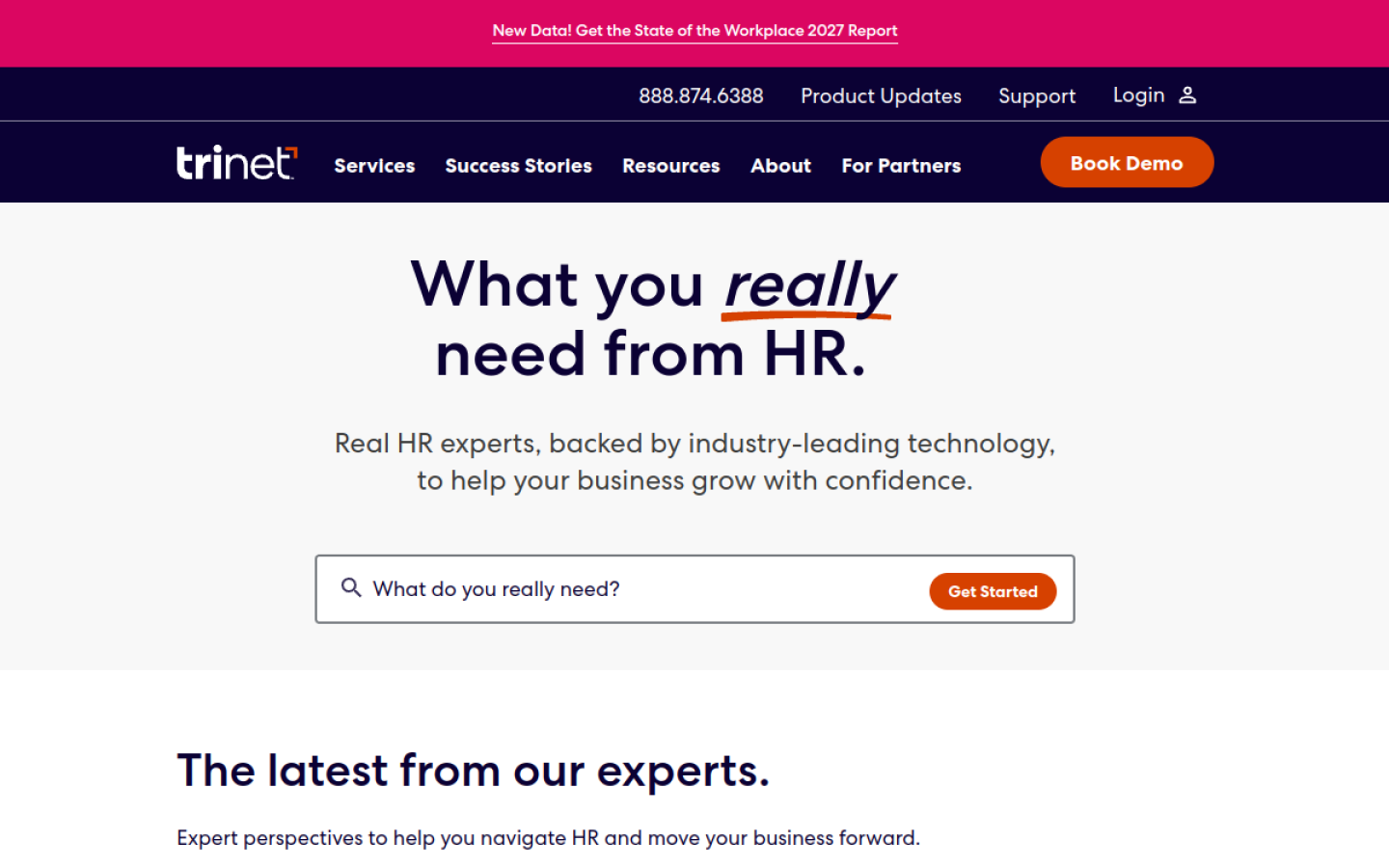
TriNet homepage, captured Nov 2026.
TriNet is a professional employer organization, which means it becomes the employer of record for tax and benefits purposes under co-employment. It bundles payroll, benefits administration, compliance and HR software in one service, priced by quote per employee a month. Reviewers call its payroll reliable and praise its benefits buying power.
The trade off is control and cost. Co-employment hands TriNet the employer role, fees run high, and reviewers report charges for off-cycle runs and a per-cycle platform fee. It suits mid-market teams with no in-house HR that want payroll, benefits and compliance handled for them.
What we like
Fortune-500-level benefits through group buying
Payroll, benefits and compliance in one service
Rated 4.2/5 from 1,982 G2 reviews
Dedicated account support and HR advice
Watch out for
Co-employment means less direct control
Fees run high and rise at renewal
Extra charges for off-cycle payroll runs
Paid add-ons cover time, expenses and applicant trackingVisit trinet.com
07
Paychex Flex
4.1/5on G2 (1,724 reviews, checked Nov 2026)
Starts at$39/mo
Best for dedicated payroll support
Essentials$39/month + $5/employee
TiersEssentials, Select, Pro, Enterprise
G2 rating4.1/5, 1,724 reviews
SupportDedicated specialist, Select+
paychex.com
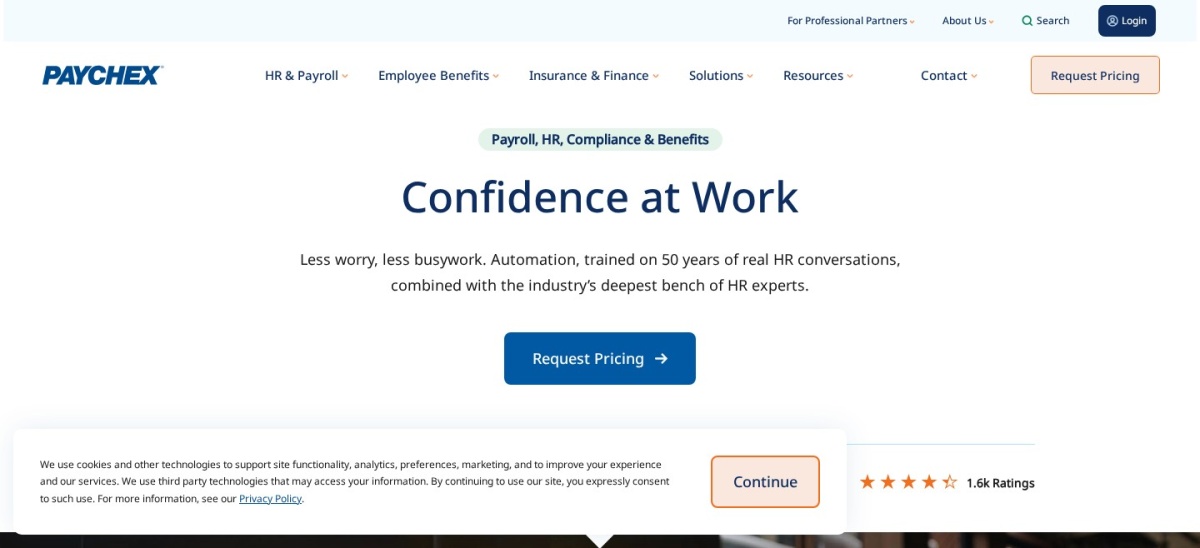
Paychex Flex homepage, captured Nov 2026.
Paychex Flex is the payroll and HR platform of Paychex, the largest payroll processor in the US, covering payroll, tax filing, benefits and HR from one system. Essentials starts at about $39 a month plus $5 per employee, and Select plans and above add a dedicated payroll specialist. Its acquisition of Paycor in 2025 added mid-market depth.
The trade off is that published pricing stops at Essentials. Higher tiers are custom quotes, pricing runs per payroll run, and weekly payroll costs more than with unlimited-run providers. It suits growing teams that want a named payroll specialist to call.
What we like
Dedicated payroll specialist on Select plans and above
Only legacy provider here with a published entry price
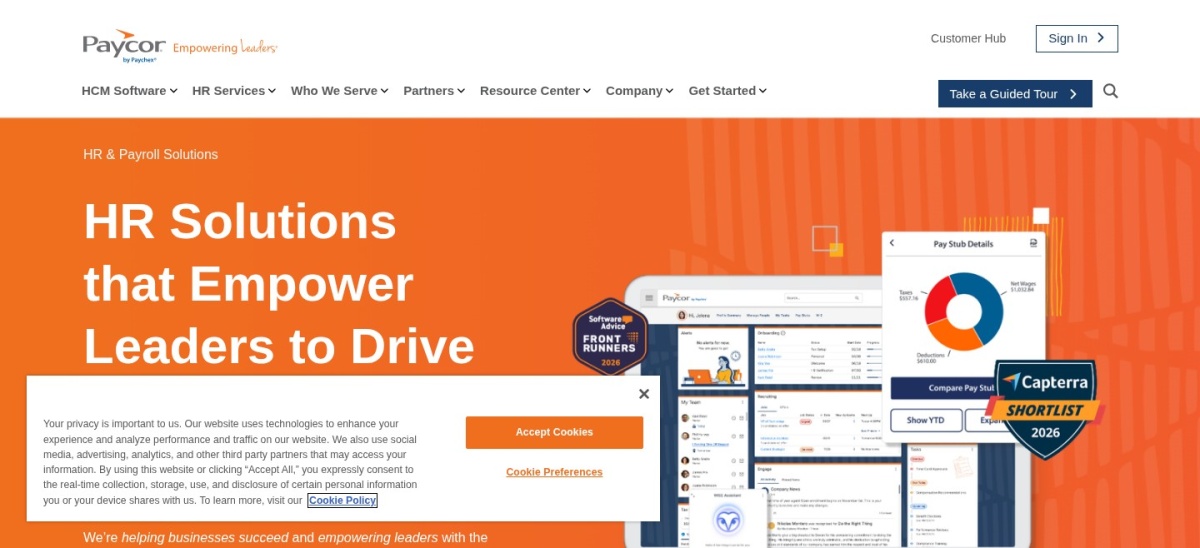
Paycor is a US-only HR and payroll platform for mid-market employers, covering payroll, recruiting, onboarding, time and attendance, benefits and analytics. It serves more than 40,000 small and mid-size US businesses and is built for large hourly workforces. Paychex completed a $4.1 billion acquisition of Paycor in April 2025.
The trade off is pricing opacity. Paycor removed all pricing from its website after the acquisition, and third-party reports describe first-year discounts of about 50% with full pricing from month seven. It suits mid-market employers with big hourly teams that can negotiate a quote.
What we like
Built for large hourly workforces
Easy onboarding and employee self-service
Strong payroll accuracy once configured
Now backed by Paychex scale
Watch out for
No public pricing since the Paychex acquisition
First-year discounts create a cost jump later
Reporting and support draw reviewer complaints
Higher tiers add analytics, talent and compliance toolsVisit paycor.com
09
OnPay
4.8/5on G2 (424 reviews, checked Nov 2026)
Starts at$49/mo
Best value for smaller mid-market teams
Price$49/month + $6/person
Pay runsUnlimited, monthly
G2 rating4.8/5, 424 reviews
Tax filingAll 50 states, guaranteed
onpay.com
OnPay homepage, captured Nov 2026.
OnPay is a payroll-first platform with HR tools bundled in, built for teams of 1 to 100 employees. One plan at $49 a month plus $6 per person covers unlimited pay runs, automatic tax calculations, filings and payments in all 50 states, direct deposit and benefits administration. It holds the highest G2 rating in this list at 4.8/5.
The trade off is scale. OnPay is built for smaller teams, its integration list runs to about 40 apps, and there is no international payroll. It suits smaller mid-market teams that want one flat price with everything included and no tiered upsells.
What we like
Highest G2 rating in this list at 4.8/5
One flat price with everything included
Unlimited pay runs and tax accuracy guarantee
Free trial and guided onboarding
Watch out for
Built for 1 to 100 employees, so larger teams outgrow it
Only about 40 integrations
No international payroll
One plan covers payroll, HR tools and benefits adminVisit onpay.com
Quote-only pricing: how to compare
Four of the nine tools here publish no list price, so a quote is the only way to learn the cost. Ask every vendor for the same scope: headcount, pay frequency, states, modules and implementation fees.
Get the per-employee monthly rate, the base fee and any per-run charges in writing. Weekly payroll and off-cycle runs cost extra with several providers in this list.
Ask for the renewal terms too. First-year discounts are common in this market, and the price that matters is the one that applies from year two.
How we chose
We started from the payroll tools most often shortlisted for teams of 50 to 1,000 people, then kept the nine with a real payroll product and at least 400 G2 reviews.
Prices come from each vendor's pricing page or vendor-supplied G2 listing, checked on 25 November 2026. Ratings and review counts come from G2 on the same day. Where a vendor shows no list price, the list shows a quote and says so in the text.
We left out tools with no public rating and tools built only for very small teams. No vendor paid for a place, and we do not claim to have used these tools ourselves.
How to choose payroll software for a mid-market team
Start with headcount, pay frequency and the states you pay in, then shortlist three vendors and compare quotes on the same scope.
Count heads, states and pay runs. A 60-person team in two states has different needs from a 600-person team in twenty states. Weekly pay runs cost more with per-run providers.
Decide payroll-first or full HR suite. Pick a payroll-first tool like OnPay or Paychex Flex if payroll is the whole job, or a suite like Rippling or Paylocity if HR, time and benefits must share one record.
Get three quotes on identical scope. Send every vendor the same headcount, states, modules and pay frequency, and ask for base fees, per-employee rates and implementation costs in writing.
Check tax filing and support before signing. Confirm federal, state and local filing is included, ask who answers payroll questions, and get references from a team your size.
FAQ
What is the best payroll software for mid-market companies?
Rippling is the best pick for most mid-market teams. It is rated 4.7 out of 5 on G2 from 15,313 reviews, combines payroll, HR and IT in one system, and starts at $8 per user a month plus a base fee.
How much does mid-market payroll software cost?
Published starting prices in this list run from $8 per user a month for Rippling to $49 a month plus $6 per person for OnPay. ADP, Paylocity, TriNet and Paycor sell by quote only, so their cost depends on headcount and modules.
Is Rippling good for payroll?
Yes, for teams that want payroll beside HR and IT. Rippling holds a 4.7 out of 5 G2 rating from more than 15,000 reviews, and payroll runs from the same employee record as onboarding, time tracking and benefits. The exact price needs a custom quote.
Do I need a PEO like TriNet for payroll?
Not usually. A PEO suits teams with no in-house HR that want payroll, benefits and compliance handled under co-employment. If you have HR staff and only need payroll, a software-only tool such as Rippling, Paychex Flex or OnPay is simpler and cheaper.
Which payroll software is best for global teams?
Deel is the best global pick here. It runs US payroll from $29 per employee a month, global payroll from the same $29 rate, and employer of record from $599 per employee a month, all in one account. It holds a 4.7 out of 5 G2 rating.
Can I switch payroll providers mid-year?
Yes. Most providers import year-to-date payroll data from your old system, and Rippling states it can do this mid-year. Plan the switch between pay periods, keep old pay records, and confirm tax filings transfer before the first run.
SaaS SEO and WordPress specialist with about 8 years of experience. Rakib compares WordPress plugins, themes, hosting and software using public pricing, documentation and user reviews. See how we rank.