Rippling is the best payroll software for HR departments, rated 4.7/5 from more than 15,000 G2 reviews, with HR, payroll, IT and benefits in one system from $8 per user a month. Gusto is the simpler pick for small HR teams, and Deel is the pick for teams paying staff in more than one country.
How we make this list: we compare pricing pages, product documentation and public user reviews, then re-check every price before each update. No product paid for a place. Disclosure.
Rippling leads the list at 4.7 out of 5 from 15,313 G2 reviews, the largest review base here, and starts at $8 per user a month.
OnPay has the highest rating in the list at 4.8 out of 5, though from only 424 G2 reviews.
Gusto's Simple plan costs $49 a month plus $6 per person and covers one state; multi-state teams need Plus at $80 a month.
Paychex Flex and ADP RUN publish no full price list; Paychex lists Essentials at $39 a month plus $5 per employee, while ADP quotes every plan.
Papaya Global is the only pick built for payroll in 160+ countries, but its G2 base is thin at 55 reviews.
Paylocity is quote-only, so HR teams should get its per-employee price in writing before comparing it with published prices.
What HR departments need from payroll software
HR departments run payroll, benefits, time off and compliance from the same employee record. A payroll tool that sits apart from HR data means retyping the same details and fixing the same mistakes twice.
The tools in this list combine payroll with HR records, onboarding and time tracking in different amounts. Rippling and Paylocity cover the widest ground, while Gusto and OnPay keep the scope narrow and the price published.
Tax filing is where the plans differ most. Full-service plans file federal, state and local taxes for you, while basic plans leave filing to the team. Our guide on setting up taxes in WooCommerce shows why tax setup trips up so many small sellers.
Price is usually quoted per employee per month on top of a base fee, so the headline number is rarely the monthly bill. Ask for the total at your headcount, including tax filing, direct deposit and year-end forms, before you shortlist.
Rippling is an all-in-one HR platform that runs employee records, payroll, benefits, IT and spend from one system. Core HR starts at $8 per user a month, and payroll is an add-on module that files taxes automatically and pays staff in the US and abroad.
The trade off is modular pricing. Each extra module adds to the bill, so the $8 starting price is not the price of payroll. It suits HR departments that want one system for HR, payroll and IT and can pay for the modules they use.
Gusto is a payroll and HR service for small US businesses, built around full-service payroll with automatic tax filing. The Simple plan costs $49 a month plus $6 per person and covers unlimited payroll runs, direct deposit, W-2 and 1099 filing, and employee self-service in one state.
The trade off is state coverage. Simple covers one state only, so multi-state teams must move to Plus at $80 a month plus $12 per person. It suits small HR teams that want a published price and payroll, benefits access, and basic HR in one place.
What we like
Published prices with no quote needed
Automatic tax filing and unlimited pay runs
Easy setup with a clean employee hub
Watch out for
Simple plan covers one state only
Same-day and instant pay cost extra on lower plans
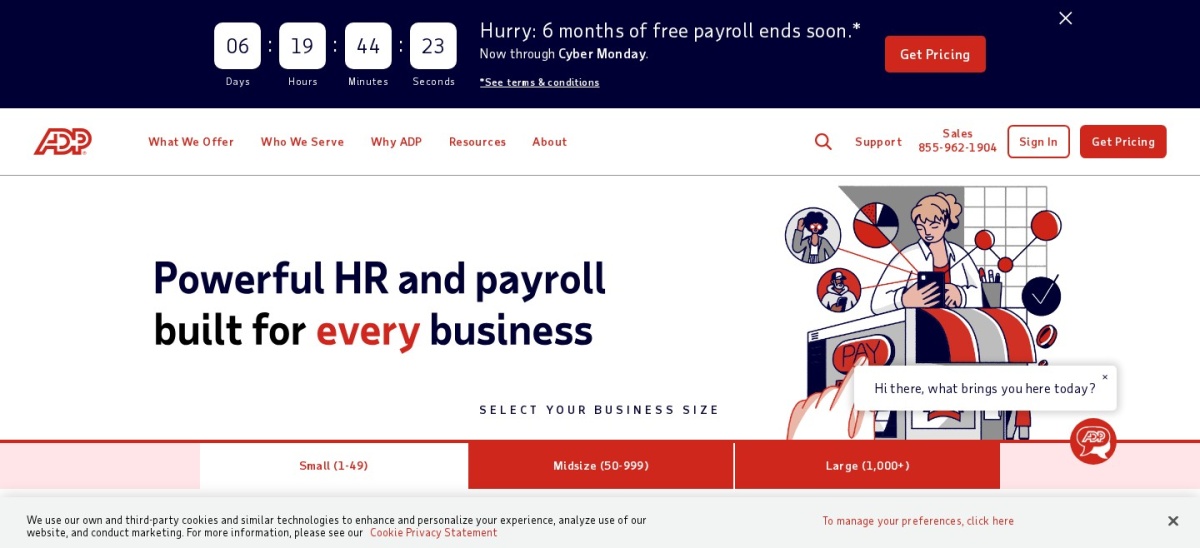
RUN Powered by ADP is ADP's payroll product for businesses with up to 49 employees. It handles payroll, tax filing, new-hire reporting and compliance, with HR, benefits and insurance options on higher packages, and starts at $79 a month plus $4 per person.
The trade off is pricing. Every package is quoted, and add-ons push the bill up, so the $79 starting figure is only part of the cost. It suits HR departments that want a large provider behind payroll and tax compliance.
What we like
Automatic payroll and tax filing
Deep compliance and reporting tools
Scales into ADP's larger HR products
Watch out for
Quote-only pricing on every package
Add-ons and fees are hard to compare
No free trial before signing
Higher packages add HR, benefits and insuranceVisit adp.com
04
Paychex Flex
4.1/5on G2 (1,734 reviews, checked Nov 2026)
Starts at$39/mo
Best for dedicated payroll support
Base price$39/mo
Per employee$5/mo
Tax filingAutomatic
Payroll runsPer-run pricing
paychex.com
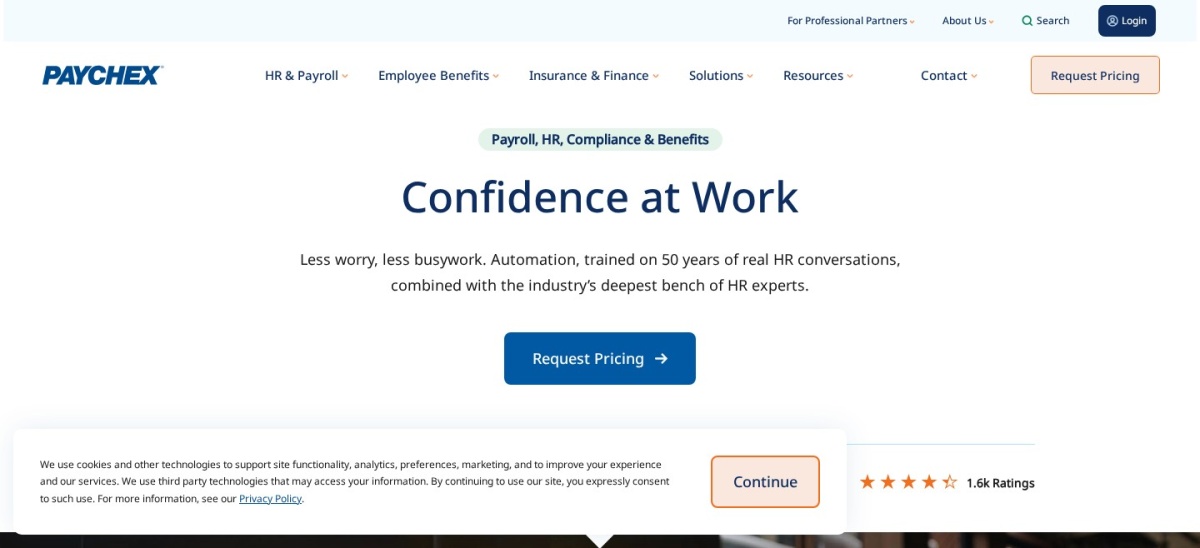
Paychex Flex homepage, captured Nov 2026.
Paychex Flex is Paychex's cloud HR and payroll platform, sold in Essentials, Select, Pro and Enterprise tiers. Essentials costs $39 a month plus $5 per employee and covers full payroll, tax filing, employee self-service and more than 160 reports.
The trade off is that only Essentials has a published price, and payroll is priced per run, so weekly payroll costs more than unlimited-run plans. It suits HR departments that want a dedicated payroll specialist and a provider that scales with them.
OnPay is a small-business payroll service with one plan at $49 a month plus $6 per person. It covers unlimited pay runs, federal and state tax filing in all 50 states, W-2s and 1099s, and a basic HR toolkit, with free migration from a previous provider.
The trade off is HR depth. OnPay has fewer advanced HR features than Rippling or BambooHR, and time tracking is not built in. It suits HR departments in small companies that want full-service payroll at a flat, published price.
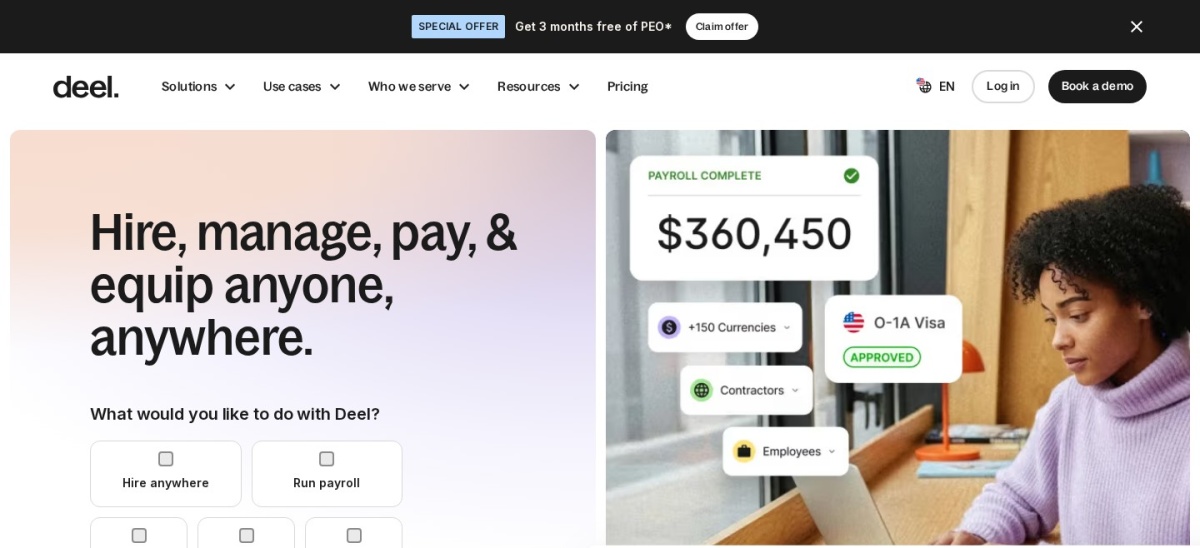
Deel is a global payroll and hiring platform that runs US payroll, global payroll, contractor payments and employer-of-record hiring from one account. US Payroll starts at $29 per employee a month for self-service, with federal, state and local tax filing in all 50 states.
The trade off is that the cheapest payroll price covers self-service only, and managed payroll, EOR and PEO services cost far more per employee. It suits HR departments paying staff in more than one country who want one vendor for US and global pay.
What we like
US and global payroll in one account
Published per-employee prices
Fast onboarding for contractors and staff
Watch out for
Managed payroll costs much more than self-service
High fees are the most common G2 complaint
Support quality varies by plan
Managed payroll, EOR and PEO are priced separatelyVisit deel.com
07
BambooHR
4.4/5on G2 (8,380 reviews, checked Nov 2026)
Starts at$10/mo
Best HR-first platform with payroll
Core HR$10/user/mo
PayrollPaid add-on
Payroll coverageUS only
Free trialYes
bamboohr.com
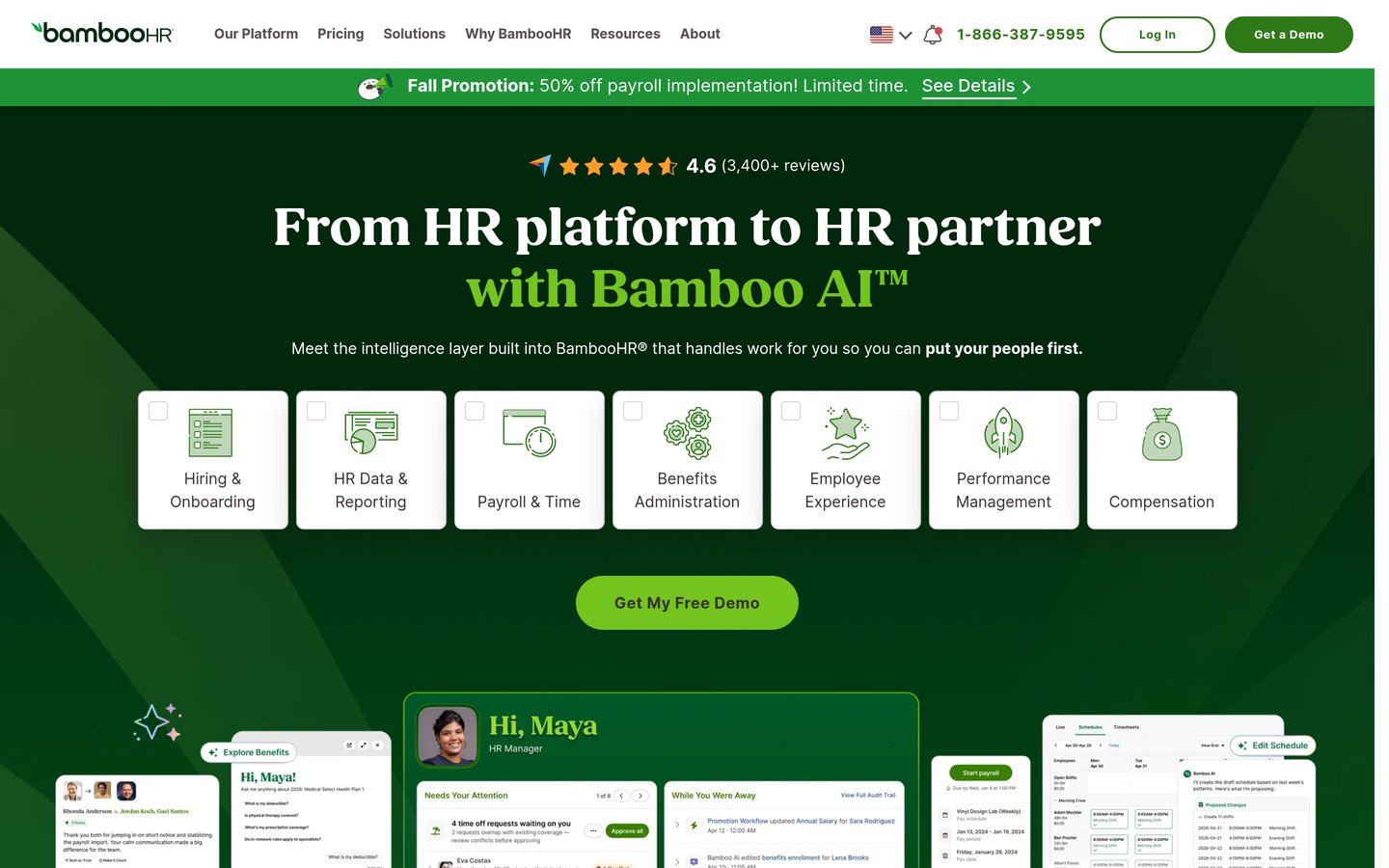
BambooHR homepage, captured Nov 2026.
BambooHR is an HR platform for small and mid-size businesses that keeps employee records, onboarding, time off, performance and benefits in one place. Core HR starts at $10 per employee a month, and US payroll is a paid add-on that takes approved data straight from the HR record.
The trade off is that payroll is not in the base price and is quoted separately, so the $10 figure does not buy payroll. It suits HR departments that want the friendliest HR system first and are happy to add payroll on top.
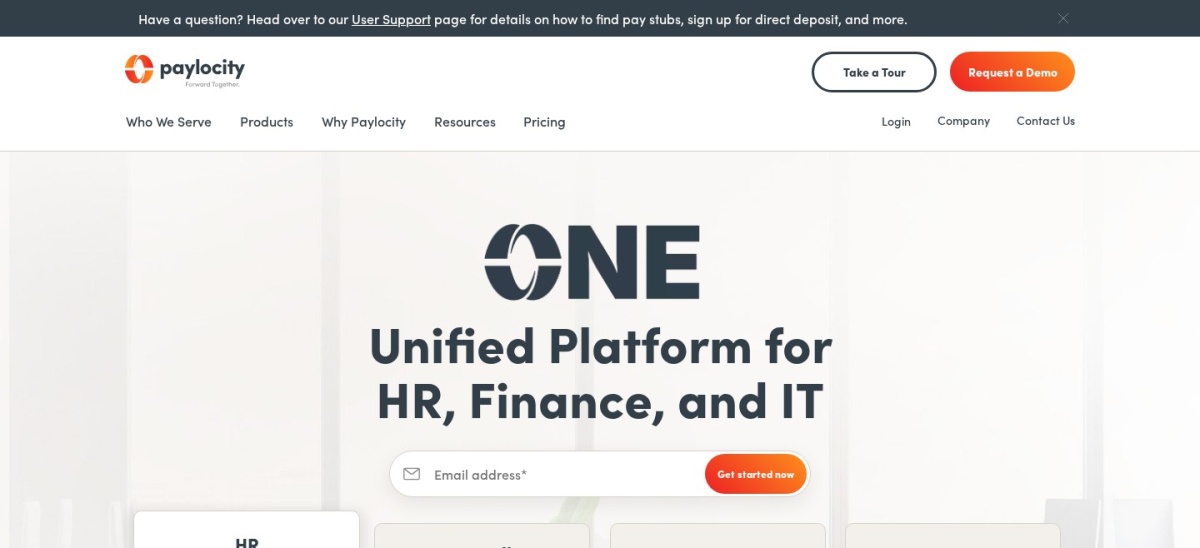
Paylocity is a cloud human capital management suite that covers payroll, HR, time and labor, benefits and talent for mid-size US employers. Pricing is quoted per employee per month, with third-party estimates of about $18 to $32 per employee a month for the full suite.
The trade off is price transparency. Paylocity publishes no price list, so HR teams cannot compare it with published prices without a quote. It suits mid-size HR departments that want one suite for payroll, HR and engagement tools.
Papaya Global is a global workforce and payments platform that runs payroll, contractor management and employer-of-record hiring in more than 160 countries. Payroll Plus starts at $29 per employee a month for managed payroll through your own entities, including US payroll support.
The trade off is review depth. Papaya holds 4.5 out of 5 on G2, but from only 55 reviews, and its EOR service starts at $499 per employee a month. It suits HR departments with staff spread across many countries who need one payments platform.
Payroll software runs pay under your own employer number, with your team filing taxes and owning compliance. A PEO such as Justworks or Deel's PEO becomes a co-employer and takes on tax filing, benefits and some compliance risk.
Software costs less per employee and keeps control in-house. A PEO costs more per employee but suits teams with no payroll specialist or no benefits broker.
Most HR departments start with software and move to a PEO only when benefits or multi-state compliance outgrow the team. Price both options at the same headcount before deciding.
How we chose
We started from the payroll tools most often shortlisted for HR departments, then kept the nine with a published G2 rating and a payroll product aimed at HR teams rather than accountants alone.
Prices come from each vendor's pricing page or G2 pricing data, checked on 25 November 2026. Ratings and review counts come from G2 on the same day. Where a vendor shows a sale, the list shows the regular price.
We left out tools with no public rating and quote-only tools with no published starting price, except Paylocity, which HR teams commonly shortlist. No vendor paid for a place, and we do not claim to have used these tools ourselves.
How to choose payroll software for your HR department
List your headcount, states and pay schedules first, then match the tool to that list.
Count the states and worker types. Multi-state payroll, contractors and hourly staff each add cost and rules. A tool that covers one state may charge extra for the second.
Check what tax filing covers. Confirm federal, state and local filing, plus W-2 and 1099 forms, are included in the quoted price. See our guide on budgeting for a WordPress website for how to plan the yearly cost.
Price it at your real headcount. Multiply the per-person fee by your team size and add the base fee. A low base price can still cost more than a flat plan at 20 people.
Run one real pay cycle before you switch. Test direct deposit, tax filing and a correction on a small group first. A trial that only shows demo data will not catch filing gaps.
FAQ
What is the best payroll software for HR departments?
Rippling is the best pick for most HR departments. It combines HR records, payroll, benefits and IT in one system, is rated 4.7 out of 5 from 15,313 G2 reviews, and starts at $8 per user a month, though payroll is an add-on module.
How much does payroll software cost for an HR department?
Most tools in this list start between $8 and $49 per user or per month, plus a per-person fee of $4 to $12. Quote-only tools such as Paylocity and ADP RUN need a written quote at your headcount, since the monthly bill depends on modules and pay frequency.
Does Gusto handle multi-state payroll?
Yes, but only on the Plus plan at $80 a month plus $12 per person. The Simple plan at $49 a month covers one state, so HR teams with staff in two or more states should price Plus from the start.
Is Rippling payroll included in its $8 price?
No. The $8 per user a month covers the Core HR plan, and payroll is a paid add-on module with its own price. Ask Rippling for the combined Core plus payroll price at your headcount before comparing it with flat-rate tools.
What is the difference between payroll software and a PEO?
Payroll software runs pay under your own employer number, while a PEO becomes a co-employer and handles tax filing, benefits and some compliance. Software costs less per employee; a PEO suits teams with no payroll specialist.
Which payroll tool is best for global teams?
Deel is the best pick for teams paying staff abroad, with US payroll from $29 per employee a month and global payroll in 150+ countries. Papaya Global covers payroll in 160+ countries, but its G2 review base is only 55 reviews.
SaaS SEO and WordPress specialist with about 8 years of experience. Rakib compares WordPress plugins, themes, hosting and software using public pricing, documentation and user reviews. See how we rank.