Gusto is the best payroll software for most small construction firms, at $49 a month plus $6 per person, with job costing, time tracking and automatic tax filing. Choose Payroll4Construction for certified payroll on public jobs, or QuickBooks Payroll if your books already live in QuickBooks Online.
How we make this list: we compare pricing pages, product documentation and public user reviews, then re-check every price before each update. No product paid for a place. Disclosure.
Gusto is the best all-round pick for small contractors: $49 a month plus $6 per person, rated 4.6 out of 5 on G2.
Only Payroll4Construction builds certified payroll and union fringe tracking into the service; general tools need add-ons or manual WH-347 work.
QuickBooks Payroll is the natural pick if your books live in QuickBooks Online, at $50 a month plus $7 per employee.
Patriot Basic is the cheapest entry at $17 a month plus $4 per worker, but you file taxes yourself; Full Service at $37 files them for you.
Rippling lists $8 per user a month, but that covers the platform only; payroll is a second $8 module, so budget for both.
What construction payroll has to handle
Construction payroll is not office payroll. Crews work across several job sites, earn different rates by trade and task, and often get paid weekly.
Look for multi-rate pay, job costing by cost code, and time tracking that ties hours to a job. Mobile clock-in with location checks helps when the crew moves sites during the day.
Public-works and union jobs add certified payroll, prevailing wage rates and fringe tracking. A tool that cannot produce a WH-347 report leaves that work to a spreadsheet.
Tax filing matters as much as the pay run. Check whether federal, state and local filings are included, whether extra states cost more, and who files W-2s and 1099s.
The 9 best payroll software tools for construction
01
Gusto
4.6/5on G2 (14,221 reviews, checked Nov 2026)
Starts at$49/mo
Best payroll software for construction overall
Starting price$49/mo + $6/person
Job costingYes, with time tracking
Tax filingFederal, state, local
PlansSimple, Plus, Premium
gusto.com
Gusto homepage, captured Nov 2026.
Gusto is a full-service payroll and HR platform for small businesses, and it fits small contractors well. Simple costs $49 a month plus $6 per person and covers unlimited pay runs, automatic tax filing, direct deposit, W-2s and 1099s, and employee self-service.
The trade off is multi-state work. Simple covers one state only, and multi-state payroll and time tracking sit on Plus at $80 a month plus $12 per person. It suits small residential and specialty contractors who want payroll, benefits and HR from one vendor.
QuickBooks Payroll, now sold as QuickBooks Workforce, is the payroll add-on for QuickBooks Online. Workforce Payroll costs $50 a month plus $7 per employee and covers full-service payroll, next-day direct deposit and automatic tax filings, with pay runs posting straight to the ledger.
The trade off is certified payroll. Premium at $88 a month plus $13 per employee and Elite at $134 plus $17 produce a WH-347 spreadsheet that you finish by hand, so it is a starting point rather than a filed report. It suits contractors whose books already live in QuickBooks.
What we like
Pay runs post straight to QuickBooks Online
Same-day direct deposit on Premium and Elite
Tax penalty protection up to $25,000 a year on Elite
Rated 4.5 out of 5 on Capterra
Watch out for
Certified payroll is a spreadsheet, not a filing
Only one state included; extra states cost $12 a month each
OnPay is a full-service payroll provider with one plan, Payroll Essentials, at $49 a month plus $6 per worker. It covers unlimited pay runs, multi-state payroll, federal, state and local tax filings, W-2s and 1099s, and pays both W-2 employees and 1099 contractors.
The trade off is that HR and time tracking cost extra. The time tracking add-on at $15 a month plus $4 per worker adds worksite time clocks, overtime rules and geofencing, which is what most crews need. It suits contractors working across state lines who want one flat price.
What we like
Multi-state payroll included at the base price
Unlimited pay runs with no per-run charge
Time tracking add-on has geofencing for crews
Rated 4.8 out of 5 on G2
Watch out for
No certified payroll report
HR and time tracking are paid add-ons
First month free, then full price
Add-ons add HR, time tracking and live HR supportVisit onpay.com
04
Payroll4Construction
4.6/5on Capterra (109 reviews, checked Nov 2026)
PricingQuote/mo
Best for certified payroll on public jobs
Starting priceCustom quote
Certified payrollYes, WH-347 and state formats
Union fringe trackingYes, multi-union
Reports40+ construction reports
payroll4construction.com
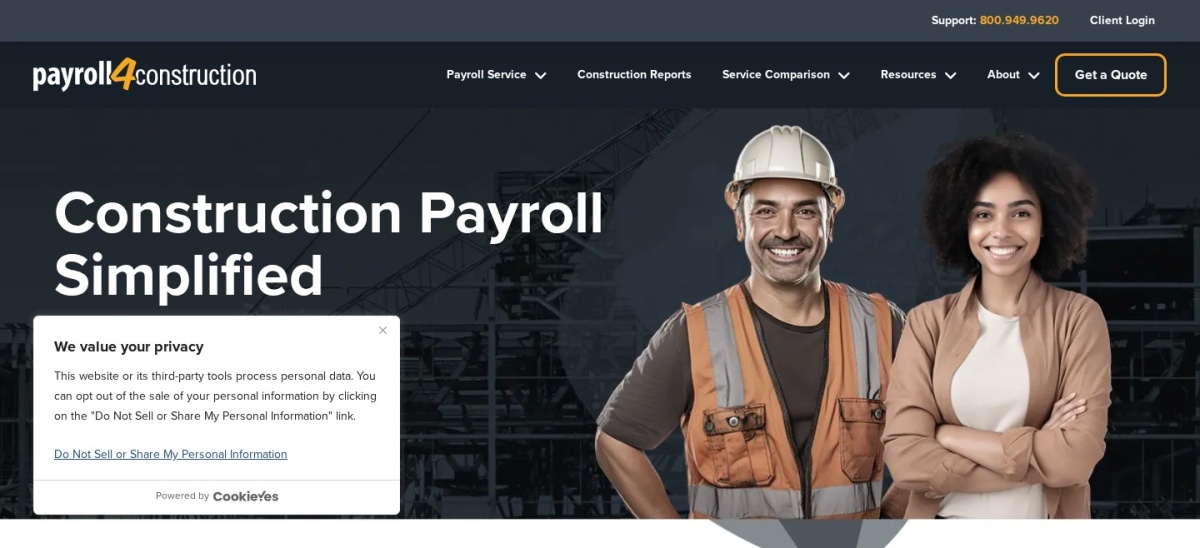
Payroll4Construction homepage, captured Nov 2026.
Payroll4Construction is a hosted payroll service built only for contractors. You submit timecards and its team runs payroll, tax filings, direct deposit and check printing, with certified payroll, union calculations and job costing produced from the same run.
The trade off is price and control. There is no published price, so you need a custom quote, and corrections after posting must be voided and redone rather than edited. It suits contractors on prevailing-wage or union jobs who want to hand certified payroll off entirely.
What we like
Certified payroll built into the service, not an add-on
Union fringe automation across several unions and trades
Certified reports filed electronically in LCPtracker, ECPR and eMars formats
Rippling is an all-in-one platform that joins HR, payroll, IT and finance in one system, and it lists construction payroll among its use cases. The core platform starts at $8 per user a month plus a $40 monthly base fee, with US payroll as a module at $8 per employee a month on annual billing.
The trade off is that the $8 headline is not the payroll price. Payroll, benefits, time tracking and IT are separate modules, so a typical setup runs $15 to $35 per employee a month all-in. It suits growing contractors who want one system for HR, payroll and devices.
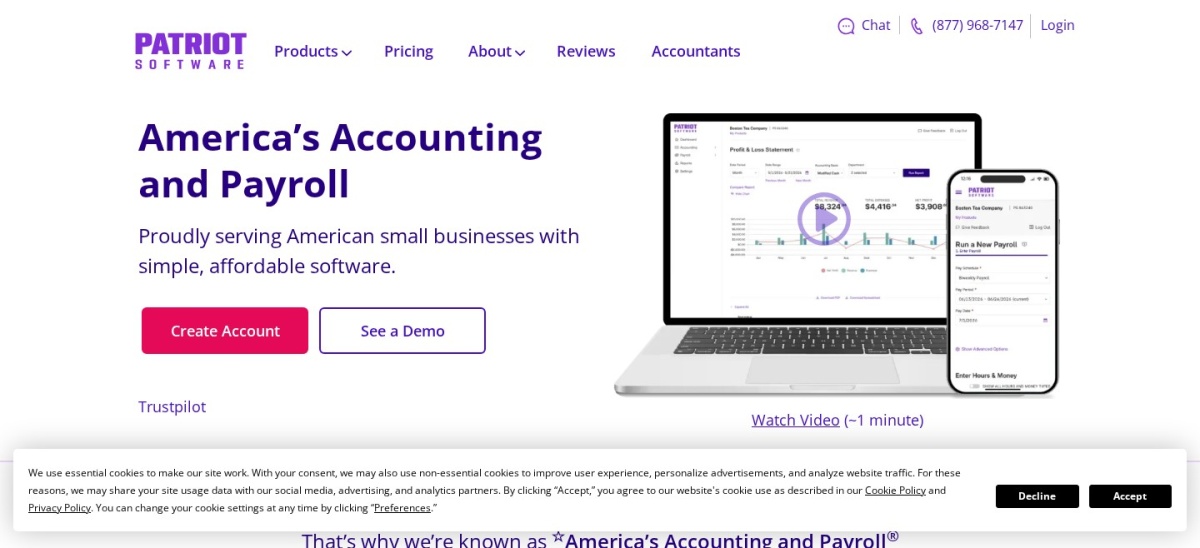
Patriot Payroll is a low-cost payroll service for small employers. Basic Payroll costs $17 a month plus $4 per worker and includes unlimited pay runs, direct deposit, an employee portal and payroll reports, with US-based support by phone, email or chat.
The trade off is tax filing. Basic leaves federal, state and local filings to you, while Full Service at $37 a month plus $5 per worker files them and carries a tax filing guarantee. It suits owner-operated trades businesses that want the lowest entry cost.
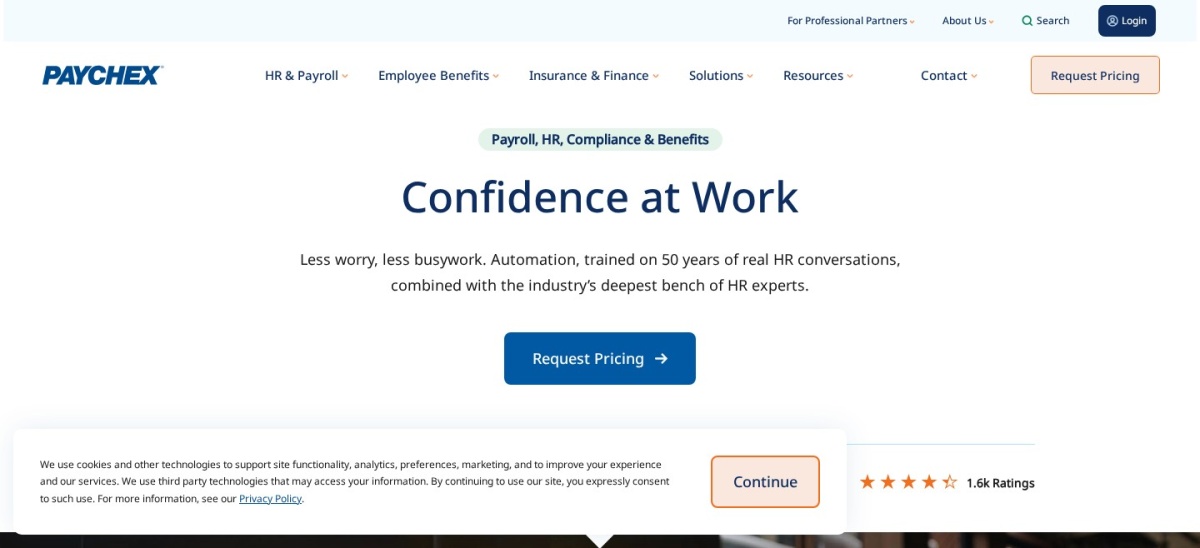
Paychex Flex is the cloud payroll and HR platform from Paychex, the second-largest payroll provider in the US. Flex Essentials, for businesses with fewer than 20 employees, lists at $39 a month plus $5 per employee and covers unlimited pay runs and employee self-service.
The trade off is that only Essentials publishes a price. Select, Pro and Enterprise are custom-quoted, and payroll tax administration, W-2s and 1099s may cost extra on Essentials. It suits contractors who expect to grow into HR, benefits and time tracking with one vendor.
What we like
Scales from payroll into full HR and benefits
Unlimited pay runs with no extra fees
Mobile app for employees to check pay
Second-largest US payroll provider
Watch out for
Only Essentials publishes a price
Tax administration and year-end forms may cost extra
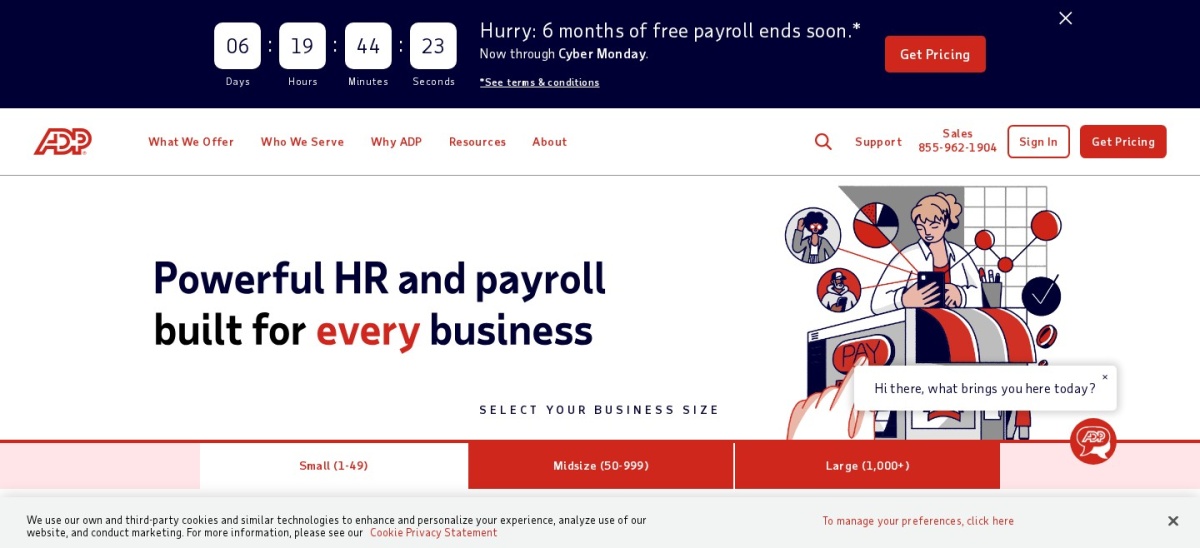
RUN Powered by ADP is the small-business payroll service from ADP, the largest payroll provider in the US. It covers payroll runs, automatic tax filing, direct deposit and new-hire reporting, with HR support and compliance help for growing firms.
The trade off is pricing. ADP publishes no RUN price, so every quote is custom, and certified payroll and union fringe tracking come through integrations rather than built in. It suits growing contractors who want a big-name provider behind their payroll.
What we like
Deep compliance support from the largest US provider
Automatic tax filing and new-hire reporting
HR help available on higher tiers
Rated 4.7 out of 5 on G2 from 6,000+ reviews
Watch out for
No published price; quote only
Certified payroll needs an integration
Sales-led buying process
Quote only; certified payroll via integrationVisit adp.com
09
Square Payroll
4.2/5on G2 (31 reviews, checked Nov 2026)
Starts at$35/mo
Best for hourly crews paid by Square
Starting price$35/mo + $6/person
Contractor-only$6/person, no base fee
Tax filingFederal and state
Time trackingVia Square apps
squareup.com
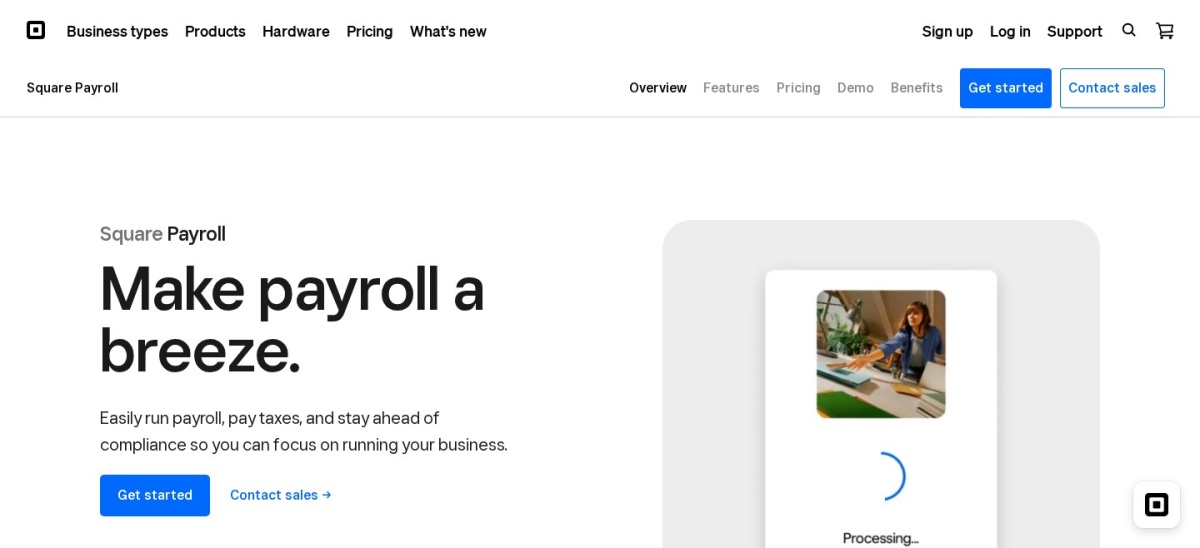
Square Payroll homepage, captured Nov 2026.
Square Payroll is the payroll add-on for businesses already using Square. Full-service payroll costs $35 a month plus $6 per person and covers tax filings, direct deposit and W-2s, while contractor-only payments cost $6 per person with no base fee.
The trade off is evidence. Its G2 rating of 4.2 rests on only 31 reviews, the thinnest sample in this list, and it has no construction-specific payroll features. It suits small hourly crews that already take payments through Square.
Certified payroll means proving, with a signed WH-347 form, that every worker on a public job was paid the prevailing wage and the right fringe benefits.
Payroll4Construction builds the WH-347 and state formats into its service and files them electronically. QuickBooks Premium and Elite produce a WH-347 spreadsheet that you finish by hand.
Union jobs add fringe tracking by trade and union agreement. Payroll4Construction automates fringes across several unions; ADP RUN and the general tools handle them through integrations or manual work.
If public work is rare, a general tool plus a spreadsheet may be enough. If it is regular, shortlist the construction-specific options first and price the quote before you commit.
How we chose
We started from construction payroll roundups and general payroll shortlists, then kept tools with a public rating on G2 or Capterra and a published price or a quote we could state plainly.
Prices come from each vendor's pricing page, checked on 25 November 2026. Ratings and review counts come from G2 or Capterra on the same day. Where a vendor shows a sale, the list shows the regular price.
We left out construction suites that publish no price and no trial, and tools whose ratings rest on fewer than 30 reviews. No vendor paid for a place, and we do not claim to have used these tools ourselves.
How to choose payroll software for construction
Count your public-works jobs first, then match the tool to your books and your crew.
Count your public-works jobs first. If prevailing-wage or union work is regular, certified payroll decides the shortlist. If it is rare, a general tool is fine.
Match the tool to your books. Contractors on QuickBooks Online save the most time with QuickBooks Payroll. Everyone else can pick a standalone tool.
Price it per worker, not per month. Add the base fee, the per-person charge, time tracking and extra states. A $17 base fee is not a $17 bill.
Check deposit speed and who files taxes. Ask whether direct deposit is next-day or four-day, whether tax filings are included, and whether W-2s and 1099s cost extra.
FAQ
What is the best payroll software for construction?
Gusto is the best pick for most small construction firms, at $49 a month plus $6 per person, with job costing, time tracking and automatic tax filing. Payroll4Construction is better for certified payroll on public jobs, and QuickBooks Payroll fits firms already on QuickBooks.
What is certified payroll, and which tools handle it?
Certified payroll proves with a signed WH-347 form that workers on a public job were paid the prevailing wage and correct fringe benefits. Payroll4Construction builds it into its service, while QuickBooks Premium and Elite produce a WH-347 spreadsheet you finish by hand.
Does QuickBooks Payroll do certified payroll?
Partly. QuickBooks Workforce Premium and Elite produce a WH-347 spreadsheet, but you must finish and file it yourself. If you need certified reports filed for you, Payroll4Construction is the stronger pick in this list.
How much does construction payroll software cost?
Published entry prices run from $17 a month plus $4 per worker at Patriot Basic to $50 a month plus $7 per employee at QuickBooks Payroll. Rippling starts at $8 per user a month plus a payroll module, and Payroll4Construction, ADP RUN and Foundation are quote only.
Can I run payroll for crews in several states?
Yes. OnPay includes multi-state payroll at its base price of $49 a month plus $6 per worker. Gusto needs its $80 Plus plan for multi-state pay, and Patriot charges $12 a month for each extra state on Full Service.
Do I need a construction-specific payroll tool?
Only if you bid public-works or union jobs. Certified payroll, prevailing wage and fringe tracking are where construction-specific tools earn their keep. For private residential work, a general tool such as Gusto or OnPay covers the same pay runs for less.
SaaS SEO and WordPress specialist with about 8 years of experience. Rakib compares WordPress plugins, themes, hosting and software using public pricing, documentation and user reviews. See how we rank.