Gusto is the best payroll software for accountants, with a dedicated accountant dashboard, full-service tax filing and a $49-a-month starting plan rated 4.6 out of 5 on G2. Pick QuickBooks Payroll if your clients run QuickBooks Online, or OnPay for one flat price with no tiers to compare.
How we make this list: we compare pricing pages, product documentation and public user reviews, then re-check every price before each update. No product paid for a place. Disclosure.
Gusto leads for accountants: a free accountant dashboard, full-service tax filing and a $49-a-month starting plan.
QuickBooks Payroll now lists at $50 a month plus $7 per person, but only makes sense when the client already runs QuickBooks Online.
OnPay and Patriot are the cheapest full-service picks, at $49 and $37 a month before per-person fees.
ADP RUN publishes no price; the $79-a-month figure in this list comes from third-party reports, not ADP.
Square Payroll is the cheapest base fee here at $35 a month, verified on its pricing page on 25 November 2026.
What accountants need from payroll software
Accountants run payroll for many clients at once, so the dashboard matters as much as the pay run. A good tool lets you switch between clients, set permissions per client and see every deadline in one place.
Tax filing is the work that eats time. Full-service plans file federal, state and local taxes for you, while basic plans leave filing to the firm. Our guide on setting up taxes in WooCommerce shows why tax setup trips up so many small sellers.
Per-person fees decide the real cost. A $35 base fee plus $6 per person costs $95 a month for a ten-person client, so price every tool for a real headcount before you compare headline prices.
Check who owns the client relationship. Some vendors sell direct to the client and give the accountant a view, while others are built for firms that manage payroll on the client's behalf.
Gusto is a full-service payroll and HR platform with a dedicated accountant dashboard that lets firms manage many clients from one login. Simple costs $49 a month plus $6 per person and covers unlimited pay runs, automatic tax filing, direct deposit, W-2s and 1099s, and employee self-service.
The trade off is that Simple covers one state only, and multi-state payroll and time tracking sit on Plus at $80 a month plus $12 per person. It suits firms whose clients are mostly single-state small businesses and who want payroll, benefits and HR from one vendor.
What we like
Free accountant dashboard for managing many clients
QuickBooks Payroll is Intuit's payroll add-on for QuickBooks Online, so pay data flows straight into the books with no sync step. Workforce Payroll starts at $50 a month plus $7 per person and covers full-service payroll, next-day direct deposit, automatic tax filing and 1099 e-filing.
The trade off is the stack. Payroll is a separate subscription from QuickBooks Online, so the total bill includes the accounting plan, and the cheapest plan has no time tracking. It suits firms whose clients already run their books in QuickBooks.
What we like
Pay data flows straight into the books
Automatic federal and state tax filing
Next-day direct deposit on the entry plan
1099 e-filing included
Watch out for
Needs a QuickBooks Online subscription too
No time tracking on the cheapest plan
Intuit often discounts the first three months only
Rippling is a workforce platform that runs HR, payroll, IT and benefits from one employee record, which suits firms with clients that outgrow single-purpose tools. The Unity platform starts at $8 per user a month plus a monthly base fee, and payroll, benefits and device management are added as modules on top.
The trade off is the quote. The base fee is not published, payroll has no separate list price, and most buyers sign a 12-month term, so the real monthly total only appears in a sales quote. It suits growing teams that want to replace several tools with one system.
What we like
One record drives HR, payroll, IT and spend
Strong automation across modules
Global payroll and employer of record in one system
OnPay is a payroll and HR platform for small US businesses that sells one plan with everything included. Payroll Essentials costs $49 a month plus $6 per worker and covers unlimited runs, tax filing in all 50 states, W-2s and 1099s, benefits administration and PTO tracking.
The trade off is depth. HR tools and time tracking are paid add-ons, there is no international payroll, and the integration list is about 40 apps. It suits firms that want one predictable payroll price with no tiers to work out.
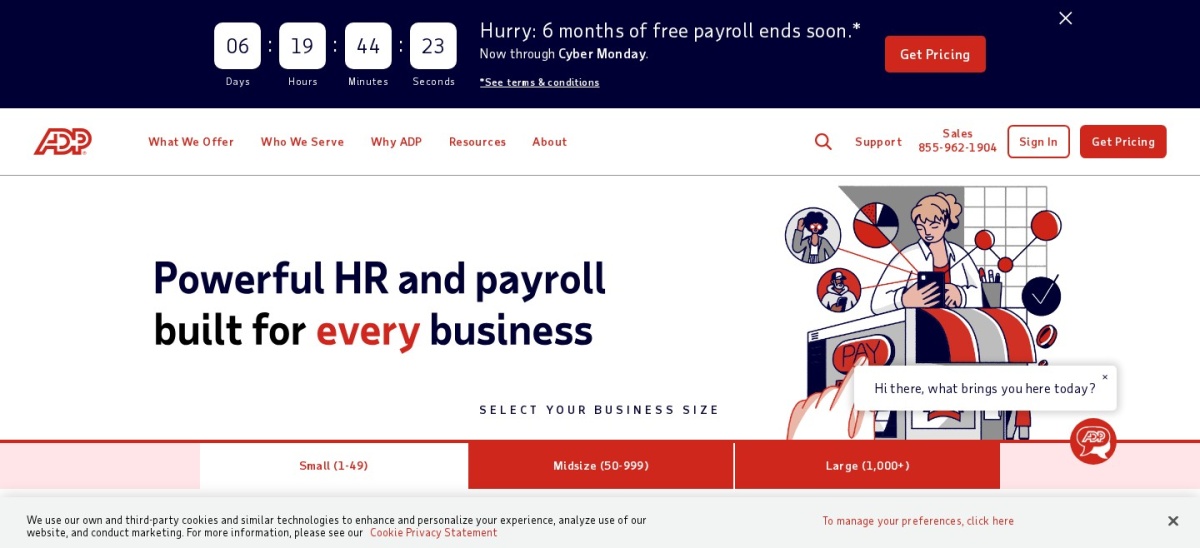
RUN Powered by ADP is ADP's payroll platform for businesses with 1 to 49 employees, bundling payroll with HR, time and benefits as the team grows. Third-party reports put the Essential plan near $79 a month plus $4 per employee, and it covers payroll, tax filing and new-hire reporting.
The trade off is transparency. ADP publishes no RUN price, so the $79 figure comes from third-party reports, and HR, time tracking and dedicated support are paid tiers above Essential. It suits firms whose clients want a large provider's compliance depth.
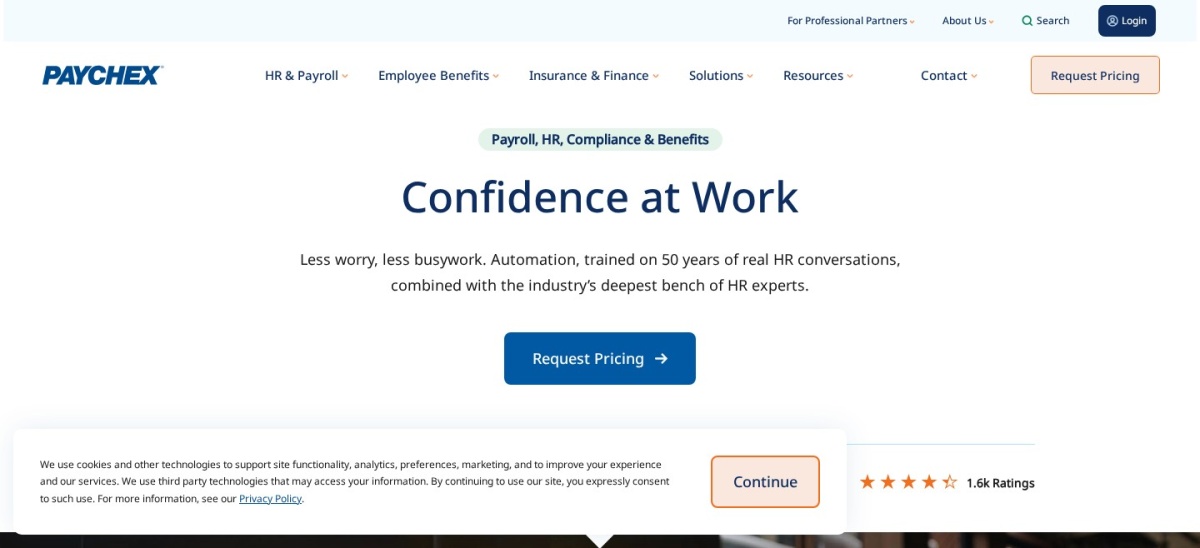
Paychex Flex is the cloud payroll and HR platform from Paychex, one of the largest payroll providers in the US. Essentials lists at $39 a month plus $5 per employee for businesses under 20 employees, and covers unlimited runs, direct deposit, tax filing and employee self-service.
The trade off is that only Essentials publishes a price. Select, Pro and Enterprise are quote only, W-2s and 1099s cost extra on Essentials, and standard support hours narrowed to 8 AM to 8 PM ET in early 2026. It suits established teams that want a named payroll specialist.
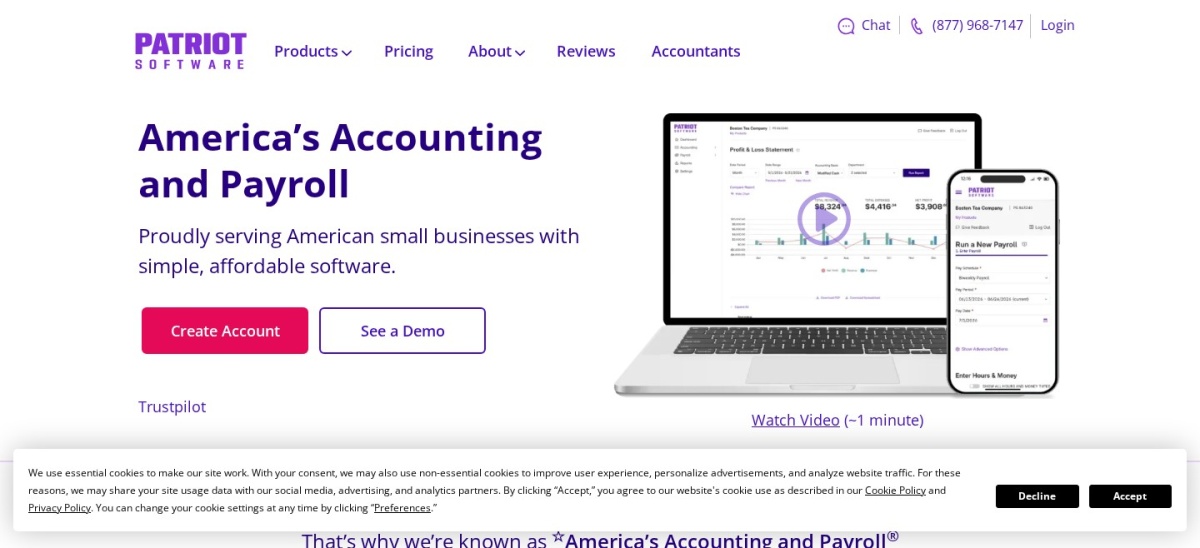
Patriot Software is plain US accounting and payroll for small businesses that want flat prices and one login. Full-service payroll costs $37 a month plus $5 per worker and includes tax filing, while Basic Payroll at $17 a month plus $4 per worker leaves filing to you.
The trade off is scope. There is no inventory tracking, no free plan, and the app ecosystem is far smaller than QuickBooks or Xero. It suits a small client that wants accounting and pay together without paying for a suite it will not use.
Square Payroll is full-service payroll for shops and restaurants that already run Square POS. It costs $35 a month plus $6 per person paid, with unlimited pay runs, tax filing, direct deposit and tip imports from Square timecards.
The trade off is that Square Payroll is payroll only. There is no ledger, so books live in Square or QuickBooks, and the G2 sample is thin at 31 reviews. It suits hourly and tipped teams whose staff already clock in on Square.
Wave is free double-entry accounting for freelancers and micro-businesses, with invoicing, expense tracking and receipt scanning on the Starter plan. Payroll is a separate add-on at $40 a month plus $6 per person, and Pro costs $19 a month when the client needs automatic bank imports.
The trade off is the free plan. Starter drops automatic bank imports, so reconciling means manual entry unless you pay for Pro, and payroll is never free. It suits solo owners and side businesses that want real books at $0.
What we like
Genuinely free core accounting with no monthly bill
A firm dashboard is worth more than a feature list. Gusto and QuickBooks Payroll both give accountants a firm view, while Patriot, OnPay and Square are built mainly for one business at a time.
Ask who can see what before you move a client. Client staff should see their own pay and time off, not the firm's view of every client, and the firm needs to revoke access fast when staff leave.
Price the whole book, not one client. A $49 base fee is cheap for one client and dear for twenty, so work out the total across your smallest clients before you standardise on one tool.
How we chose
We started from the payroll tools most often recommended for US accountants and small firms, then kept the nine with published or widely reported pricing and a public rating.
Prices come from each vendor's pricing page and recent pricing reads, checked on 25 November 2026. Ratings come from G2 or Capterra on the same day. Where a vendor shows a sale, the list shows the regular price. ADP RUN publishes no price, so its figure is marked as reported.
We left out quote-only enterprise suites and desktop-only payroll. No vendor paid for a place, and we do not claim to have used these tools ourselves.
How to choose payroll software for accountants
Start with your client list, then price the tool for your smallest and largest clients.
Count your clients and their states. Single-state clients fit Gusto Simple or OnPay. Multi-state clients need a plan that files in every state at no extra charge.
Check the accountant dashboard first. You need one login for all clients, per-client permissions and a deadline view. A tool without a firm view slows every pay run.
Price a real headcount, not the base fee. Add the base fee plus the per-person fee for a five-person and a twenty-person client. The cheapest base fee often loses at twenty staff.
Run one real pay cycle before you move a client. Test tax filing, direct deposit and the year-end forms on a small client first. See our guide on budgeting for a WordPress website for how to plan the yearly cost.
FAQ
What is the best payroll software for accountants?
Gusto is the best pick for most firms. It has a free accountant dashboard, full-service tax filing and a $49-a-month starting plan, and it is rated 4.6 out of 5 on G2 from more than 14,000 reviews.
What payroll software do most accountants use?
Most US accountants work in QuickBooks Payroll or Gusto, because nearly every small client already uses QuickBooks Online or a tool that syncs to it. Firms with larger clients often add ADP RUN or Paychex Flex for compliance depth.
How much does payroll software cost for accountants?
Expect $35 to $79 a month as a base fee plus $4 to $7 per person paid. A ten-person client costs about $85 to $120 a month on the cheapest full-service plans in this list, before add-ons.
Does Gusto have an accountant dashboard?
Yes. Gusto offers a free accountant dashboard that lets firms manage many clients from one login, with per-client access and reporting. Client staff see only their own business, not the firm's full client list.
Is QuickBooks Payroll good for accountants?
Yes, when clients already run QuickBooks Online. Pay data flows straight into the books with no sync step, and tax filing is automatic. The trade off is cost: payroll is a separate subscription on top of the accounting plan.
Which payroll software is cheapest for small clients?
Square Payroll has the cheapest base fee at $35 a month plus $6 per person, and Patriot full-service payroll costs $37 a month plus $5 per worker. Both file taxes for you, but Square fits only clients that already use Square POS.
SaaS SEO and WordPress specialist with about 8 years of experience. Rakib compares WordPress plugins, themes, hosting and software using public pricing, documentation and user reviews. See how we rank.