PayPal is the best payment app for most freelancers, with a 4.4 out of 5 rating from 2,937 G2 reviews and acceptance in most countries. Pick Wise for cheaper international transfers, Stripe for card payments and invoices, and Venmo for quick payments from clients in the US.
How we make this list: we compare pricing pages, product documentation and public user reviews, then re-check every price before each update. No product paid for a place. Disclosure.
PayPal is the pick for most freelancers: no monthly fee, a 4.4/5 G2 rating from 2,937 reviews, and clients in most countries already have it.
Wise is the cheapest way to receive money across borders, with a 4.3/5 Trustpilot score from more than 300,000 reviews.
Stripe and Square suit freelancers who bill by card or in person; both charge per payment, not per month.
Venmo is quick and free for personal payments in the US, but it is not built for business invoices or international clients.
Every app in this list is free to open. The real cost is the fee taken from each payment, so compare that before you choose.
What a payment app should cover for freelancers
Freelancers get paid in many ways: a bank transfer, a card payment, a payment link or a marketplace payout. The app you pick decides how fast the money arrives and how much of it you keep.
Start with where your clients are. If they are in other countries, you need an app that holds more than one currency and converts it at a fair rate. If they are local, a simple payment link may be enough.
Invoicing matters as much as the payment itself. Our guide on how to create an invoice in WooCommerce shows what a clear invoice should include, and the same points apply to any freelance bill.
Fees are the part most people skip. None of these apps charges a monthly fee to open an account, so the cost sits in the fee on each payment and in currency conversion. Check both before you send your first invoice.
PayPal is the most widely accepted way for freelancers to get paid, and most clients already have an account. A free account lets you send invoices, payment links and payment requests, and receive money in more than one currency. G2 reviewers rate it 4.4 out of 5 from 2,937 reviews, the largest review base in this list.
The trade off is the fee on each payment, which rises for international payments and currency conversion, and accounts can be held while PayPal checks a payment. It suits freelancers with clients in many countries who want the option clients already trust.
4.3/5on Trustpilot (304,937 reviews, checked Nov 2026)
PriceFree
Best for low-cost international payments
Free accountYes
Multi-currencyYes
InvoicingYes
Debit cardYes
wise.com
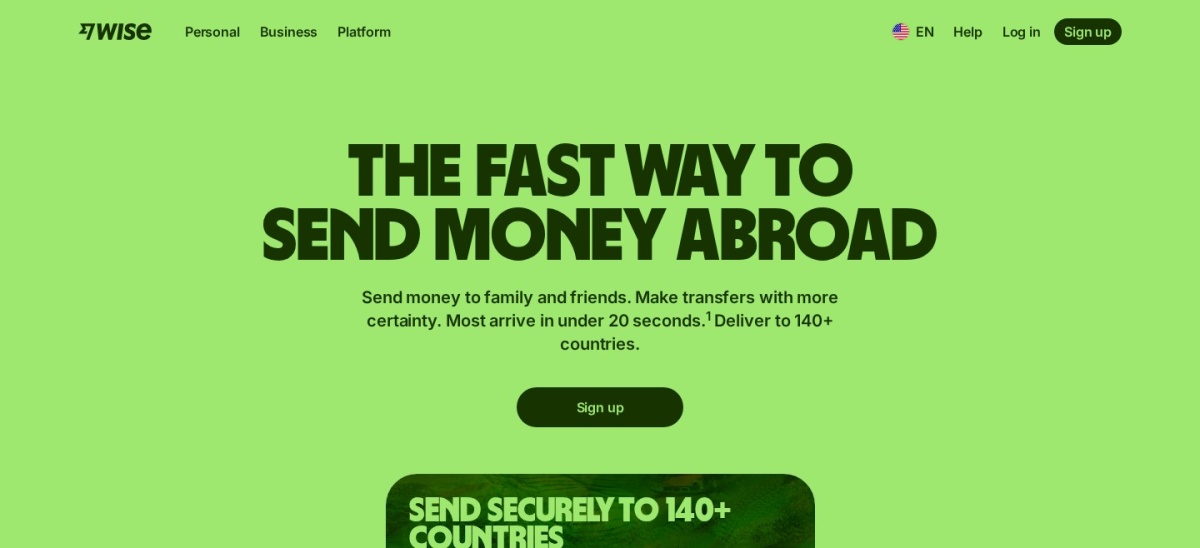
Wise homepage, captured Nov 2026.
Wise is a multi-currency account built for getting paid across borders. You get local bank details in several currencies, so clients pay you as if you had a local account, and Wise converts the money at the mid-market rate with a stated fee. Trustpilot reviewers rate it 4.3 out of 5 from more than 300,000 reviews.
The trade off is that Wise is a transfer service first, not a full checkout tool, so it has no card payment links like Stripe or PayPal. It suits freelancers whose clients pay from other countries and who want more of each payment to arrive intact.
What we like
Local bank details in several currencies
Mid-market rate with a stated fee
Huge Trustpilot review base
Watch out for
No card checkout links
Transfers can take a day or more
A debit card and batch payments add more ways to use itVisit wise.com
03
Stripe
4.2/5on G2 (467 reviews, checked Nov 2026)
PriceFree
Best for card payments and invoices
Free accountYes
InvoicingYes
Payment linksYes
Multi-currencyYes
stripe.com
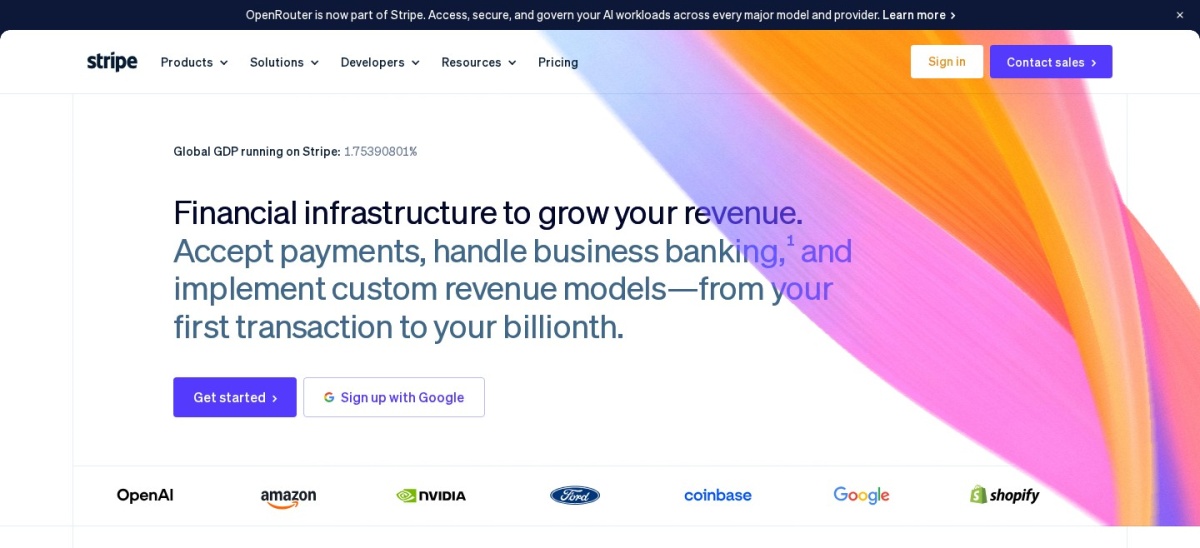
Stripe homepage, captured Nov 2026.
Stripe is a payment platform that lets freelancers take card payments through invoices, payment links and a hosted checkout page. A free account covers invoicing, subscriptions and payment links, and it plugs into WordPress, WooCommerce and most accounting tools. G2 reviewers rate it 4.2 out of 5 from 467 reviews.
The trade off is setup. Stripe is built for businesses that sell online, so a solo freelancer may find its dashboard and settings heavier than PayPal or Wise. It suits freelancers who bill by card often and want invoices, links and payouts in one place.
Square is a payment app that covers both in-person and online work. A free account includes invoicing, payment links and a free point-of-sale app, and a card reader adds in-person payments at markets, studios and client sites. G2 reviewers rate Square Point of Sale 4.6 out of 5 from 1,228 reviews.
The trade off is focus. Square is built around selling goods and services in person, so pure online freelancers may not use half of what it offers. It suits freelancers who meet clients face to face and also want to send invoices online.
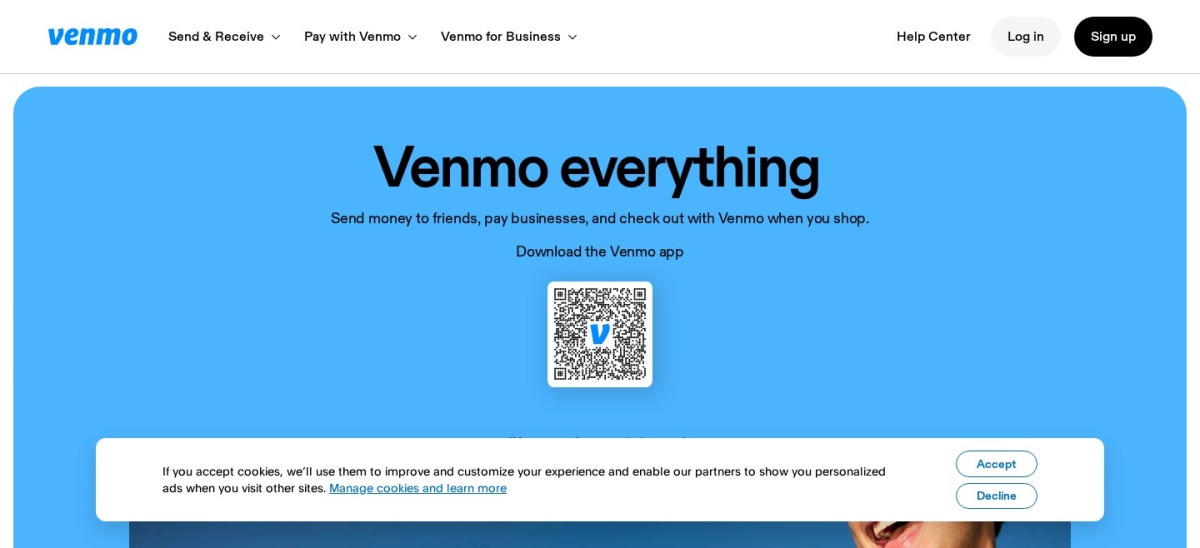
Venmo is a payment app owned by PayPal that most people in the US already use to send money to friends. Freelancers can take payments through a business profile, and standard transfers to a bank are free. G2 reviewers rate it 4.6 out of 5 from 270 reviews.
The trade off is reach. Venmo works only in the US, has no invoicing, and mixes personal and business money unless you keep a separate business profile. It suits freelancers with US clients who pay small amounts and want the money fast.
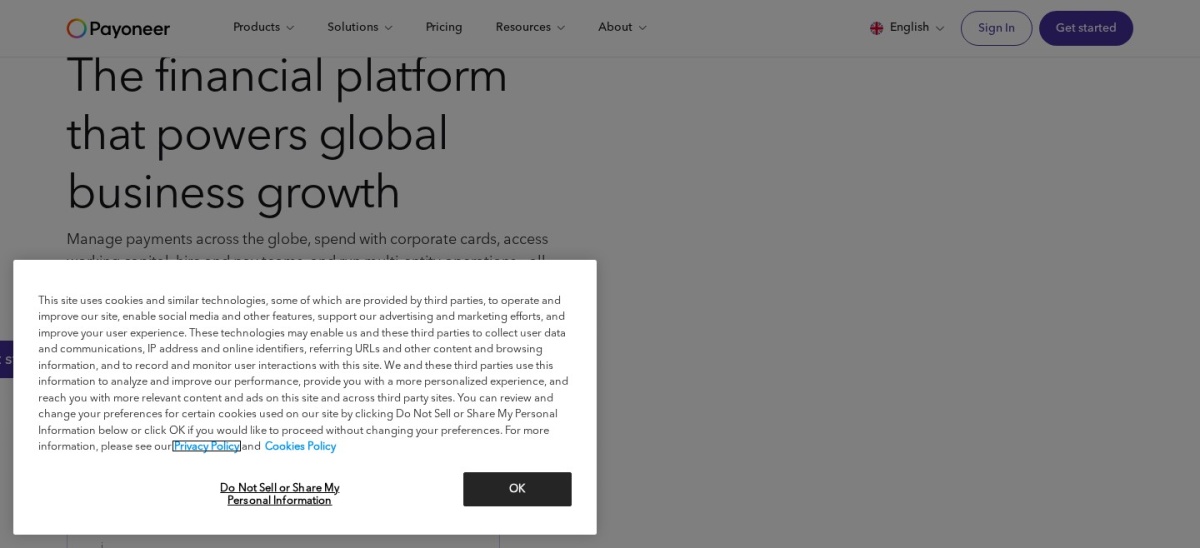
Payoneer is a payment service built for freelancers who earn through marketplaces and clients abroad. It gives you receiving accounts in several currencies and pays out from Fiverr and Upwork, so marketplace earnings land in one place. G2 reviewers rate it 3.2 out of 5 from 374 reviews.
The trade off is the experience around it. Reviewers praise the multi-currency accounts but report slow support, strict account checks and fees that feel high on small withdrawals. It suits freelancers who earn mainly through marketplaces that pay out through Payoneer.
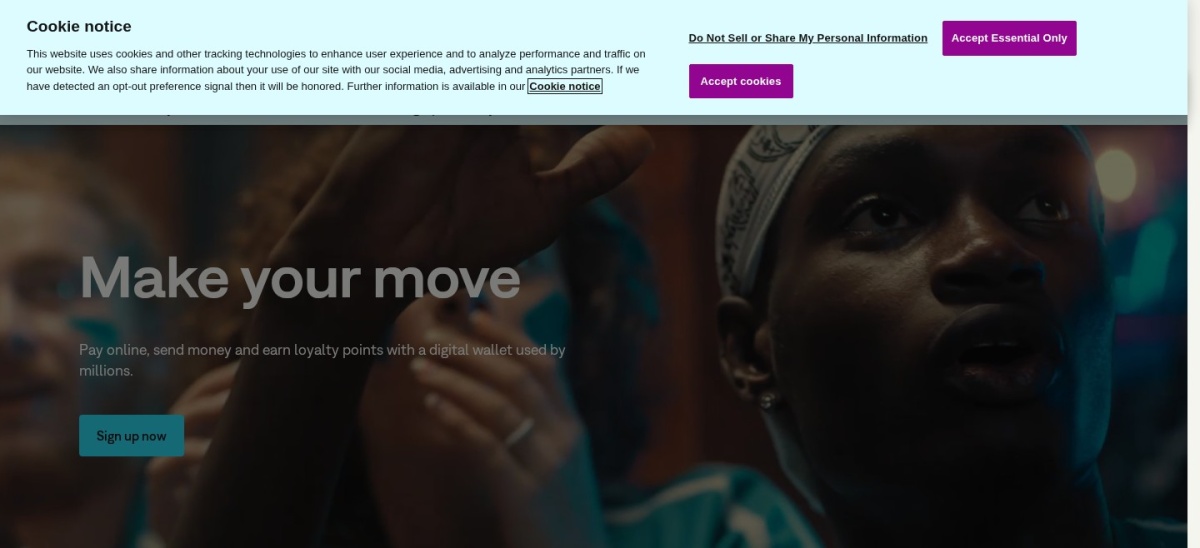
Skrill is a digital wallet that lets freelancers send and receive money between Skrill accounts in more than one currency. It also offers a prepaid card for spending the balance and a way to move money to a bank. G2 reviewers rate it 3.4 out of 5 from 63 reviews.
The trade off is size and trust. Skrill has the smallest review base in this list, and reviewers mention unexpected fees and account holds. It suits freelancers whose clients already pay through Skrill and who want a wallet beside their main payment app.
None of the 7 apps charges a monthly fee just to hold an account. That is why the price ladder in this list shows $0 for every tool.
The cost sits in the fee taken from each payment and in currency conversion. A small fee on a $50 payment matters more than the same fee on a $5,000 payment, so work out the cost on your usual invoice size.
Compare the fee pages side by side before you choose. Our guide on WooCommerce payment gateway fees compares the same kind of fees for online stores, and the method works for freelance apps too.
How we chose
We started from the payment apps freelancers mention most often, then kept the 7 with a public rating on G2 or Trustpilot and a free account.
Ratings come from G2 and Trustpilot, checked on 25 November 2026. All 7 apps offer a free account with no monthly fee, so this list compares the fee on each payment rather than a subscription price.
We left out apps with no public rating and paid-only billing tools, since a freelancer should be able to start without a monthly plan. No vendor paid for a place, and we do not claim to have used these tools ourselves.
How to choose a payment app for freelance work
Start with your clients, not the app. Match the app to how they already pay.
List where your clients are. If most are abroad, pick an app with local bank details in several currencies, such as Wise or Payoneer. If they are local, a simple link from PayPal or Stripe is enough.
Work out the fee on your usual invoice. A percentage fee hurts more on small invoices. Compare the fee on a typical job, not on a single large payment.
Check how fast the money reaches your bank. Some apps pay out the same day and others take a few days. Pick the timing that fits your bills.
Keep business money apart from personal money. Use a business profile or a separate account, and send an invoice for every job so you have a record.
FAQ
What is the best payment app for freelancers?
PayPal is the best pick for most freelancers. It is free to open, rated 4.4 out of 5 on G2 from 2,937 reviews, and most clients already have an account, so you can send an invoice or a payment link and get paid without asking clients to sign up somewhere new.
Which payment app is cheapest for international clients?
Wise is usually the cheapest for cross-border work. It converts money at the mid-market rate with a stated fee and gives you local bank details in several currencies, so clients pay you as if you had a local account. It holds a 4.3 out of 5 Trustpilot score from more than 300,000 reviews.
Do freelancers need to pay a monthly fee for these apps?
No. All 7 apps in this list are free to open with no monthly fee. The cost is the fee taken from each payment and, for international payments, the currency conversion charge. That is why it pays to compare fees on your usual invoice size before you choose.
Can I use Venmo for freelance payments?
Yes, if your clients are in the US. Venmo offers business profiles and free standard transfers to a bank, and it is rated 4.6 out of 5 on G2. It has no invoicing and no international payments, so it works best beside a second app for clients abroad.
What is the best payment app for marketplace freelancers?
Payoneer is the strongest fit for marketplace work. It pays out directly from Fiverr and Upwork and gives you receiving accounts in several currencies. Its G2 rating is low at 3.2 out of 5, with reviewers praising the accounts but reporting slow support and strict checks.
Should I offer more than one payment app?
Yes, offering two options usually helps. Many freelancers list PayPal for most clients and add Wise for international payments, so each client can use the option that costs them least. Keep one app as your main record so invoices and payouts stay easy to track.
SaaS SEO and WordPress specialist with about 8 years of experience. Rakib compares WordPress plugins, themes, hosting and software using public pricing, documentation and user reviews. See how we rank.