Best Omnichannel Customer Support Platforms in 2026: 9 Tools Compared
WLWPLegible EditorsLast verified 23 Nov 2026How we rank11 min read
★ Short answer
Zendesk is the best omnichannel customer support platform for most teams, with email, chat, voice, social and AI agents in one workspace, rated 4.3 out of 5 on G2. Pick Front for shared-inbox collaboration or Zoho Desk for the lowest price at $7 an agent a month.
How we make this list: we compare pricing pages, product documentation and public user reviews, then re-check every price before each update. No product paid for a place. Disclosure.
Zendesk Suite Team at $55 an agent a month unifies email, chat, voice, social and AI agents, while Support Team starts at $19.
Front has the highest rating in this list at 4.7 out of 5 on G2 from 2,553 reviews, but omnichannel needs Professional at $65 a seat a month.
Intercom Essential at $29 a seat a month bundles the helpdesk with Fin AI Agent, charged at $0.99 per resolved conversation.
Zoho Desk has the lowest paid plan at $7 a user a month, and it also offers a free plan.
LiveChat Starter at $19 an agent a month covers one seat only, so any team of two or more needs Team at $49.
What makes a platform truly omnichannel
Omnichannel means every conversation lands in one place. A customer can email, start a live chat and send a social message, and the agent sees the full history in a single thread.
The test is shared context, not a channel count. Look for one ticket per customer, a shared inbox the whole team can see, and a knowledge base that feeds both agents and self-service.
AI now sits on top of most of these platforms. Some include an AI agent that resolves chats on its own, while others charge per resolution or keep AI as a paid add-on.
Pricing is usually per agent or per seat, so the headline price is only part of the bill. Our guide on adding an AI chatbot to WordPress shows how chat fits beside email and phone support.
Free plans help small teams start, but live chat, voice and AI usually sit on paid plans. Check which channels each tier includes before comparing prices.
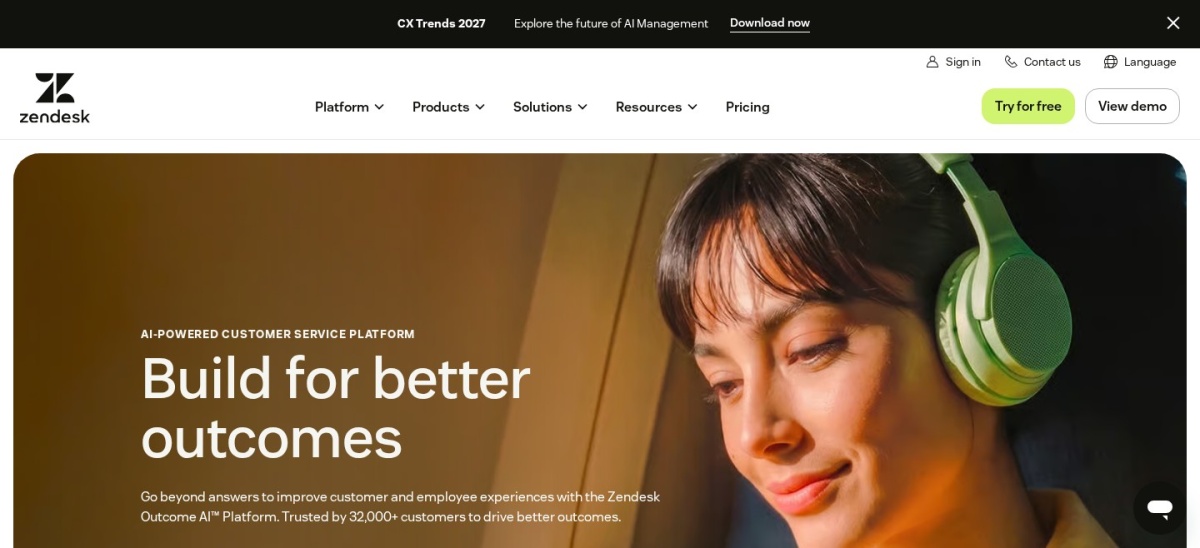
Zendesk is the most established omnichannel support platform in this list, with email, live chat, voice, social messaging and a help center in one agent workspace. Support Team costs $19 an agent a month billed annually, and it is rated 4.3 out of 5 on G2 from 7,034 reviews.
The trade off is that true omnichannel starts higher. Suite Team at $55 an agent a month adds chat, voice, the help center and AI agents, and Suite Professional at $115 adds deeper automation. It suits mid-size and large teams that want every channel in one place.
What we like
Most established platform in this list
Suite bundles every channel in one workspace
Strong AI agents and automation
7,034 G2 reviews, the largest base here
Watch out for
Omnichannel needs Suite Team at $55
Suite Professional is $115 an agent
Per-agent cost climbs fast as teams grow
Suite Team adds chat, voice and AI agents at $55 an agentVisit zendesk.com
02
Front
4.7/5on G2 (2,553 reviews, checked Nov 2026)
Starts at$25/mo
Best for shared-inbox collaboration
Cheapest paid planStarter, $25/seat/mo
Free planNo, free trial
ChannelsEmail, SMS, social, WhatsApp
AI toolsCopilot and Autopilot, paid add-ons
front.com
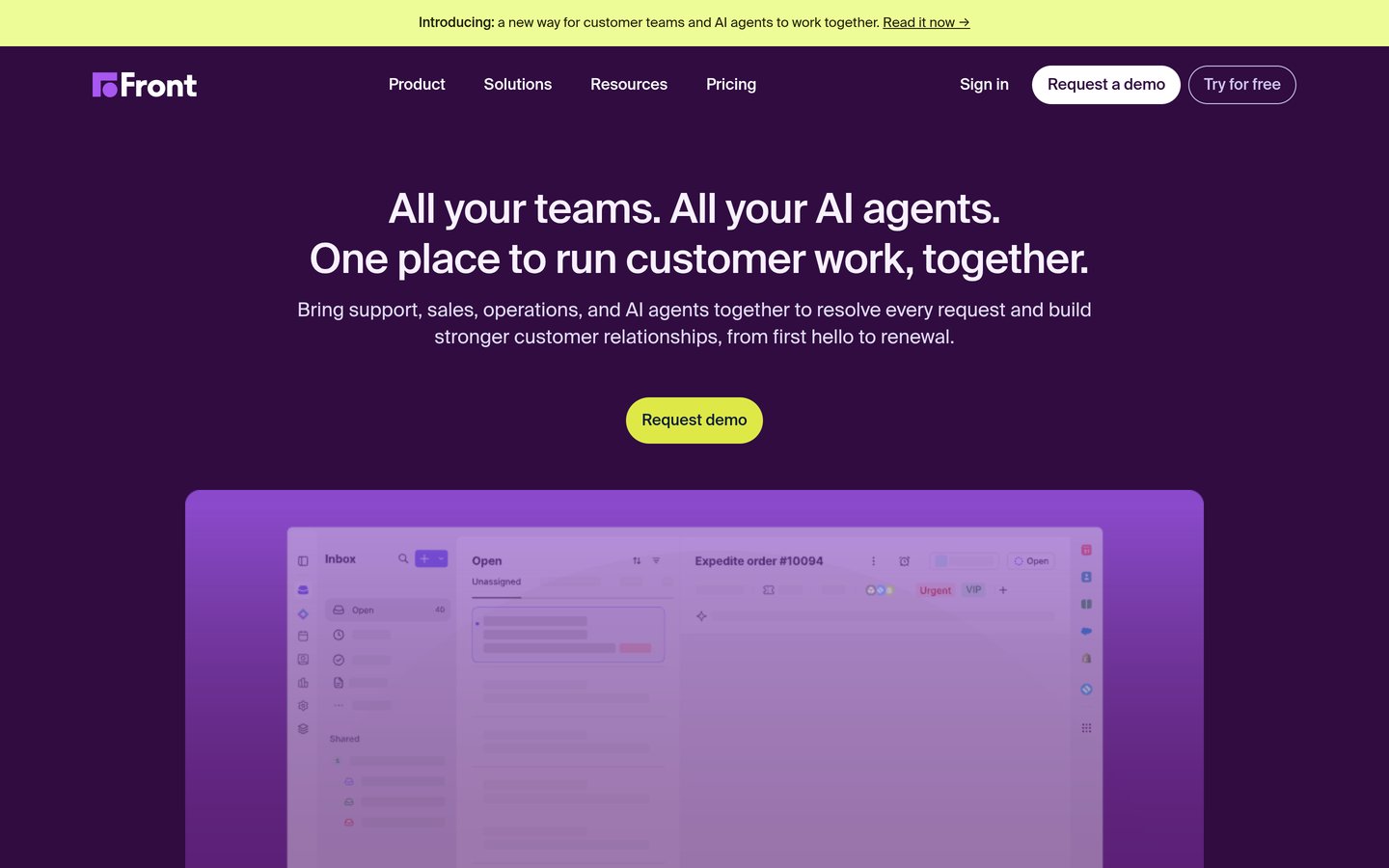
Front homepage, captured Nov 2026.
Front is a shared inbox that turns email, SMS, social messages and WhatsApp into one queue where teams assign, comment and reply together. Starter costs $25 a seat a month billed annually, and it is rated 4.7 out of 5 on G2 from 2,553 reviews, the highest rating in this list.
The trade off is that Starter covers a single channel type. Omnichannel support starts with Professional at $65 a seat a month, and the AI Copilot costs extra. It suits teams that live in email and want to add other channels without losing the thread.
What we like
Highest G2 rating in this list at 4.7
Internal comments keep replies consistent
Clean shared inbox for email-heavy teams
Watch out for
Omnichannel needs Professional at $65
AI Copilot is a paid add-on
Starter is limited to 10 seats
Professional adds omnichannel at $65 a seat a monthVisit front.com
03
Intercom
4.5/5on G2 (3,970 reviews, checked Nov 2026)
Starts at$29/mo
Best AI helpdesk
Cheapest paid planEssential, $29/seat/mo
Free planNo, 14-day trial
ChannelsChat, email, help center
AI agentsFin, $0.99 per resolution
intercom.com
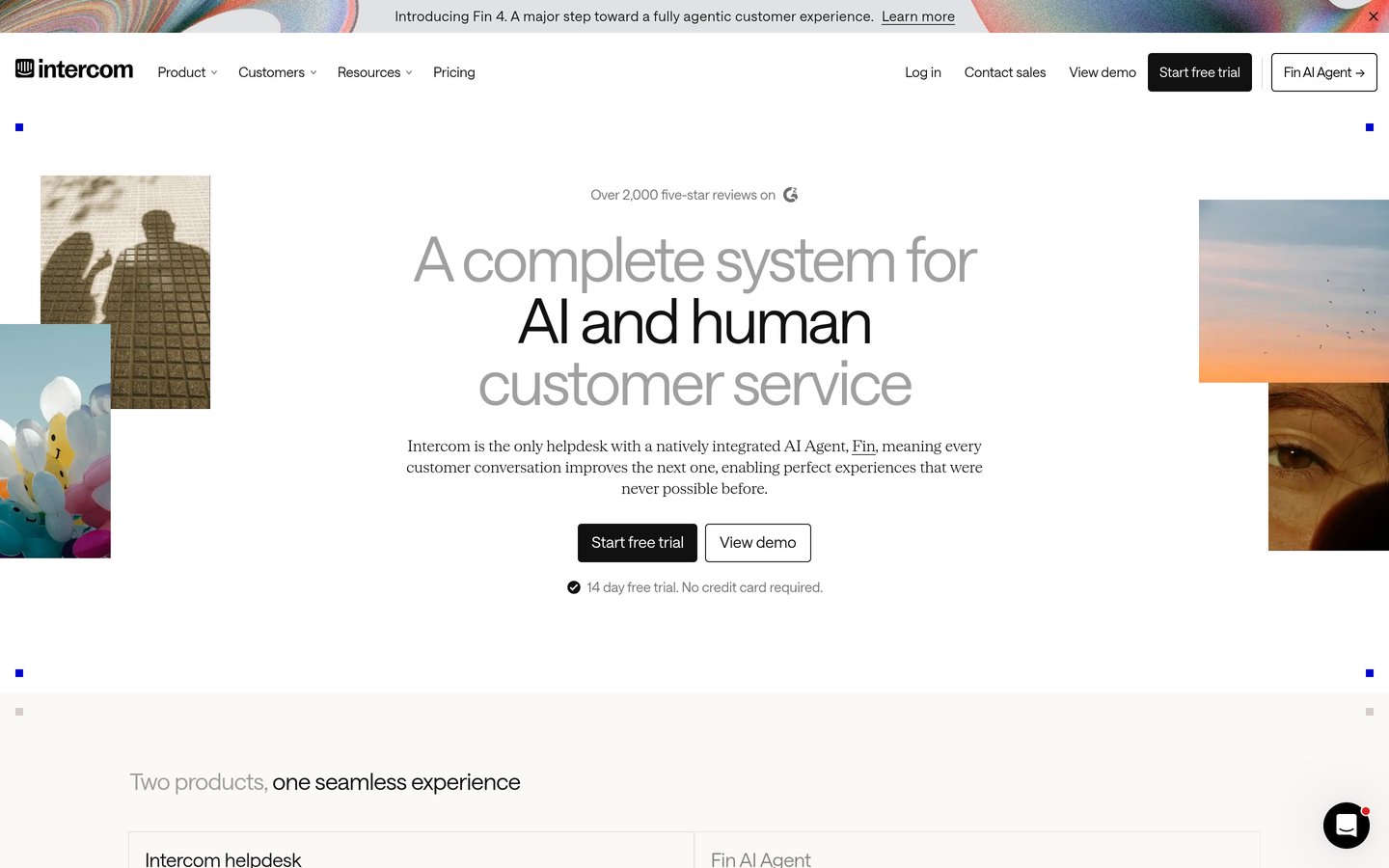
Intercom homepage, captured Nov 2026.
Intercom is a helpdesk built around live chat and its Fin AI agent, which answers customers across chat, email and the help center. Essential costs $29 a seat a month billed annually, and it is rated 4.5 out of 5 on G2 from 3,970 reviews.
The trade off is usage-based AI pricing. Fin costs $0.99 per resolved conversation on top of the seat price, so a busy month costs more than the headline rate. It suits product-led teams that want AI to resolve common questions first.
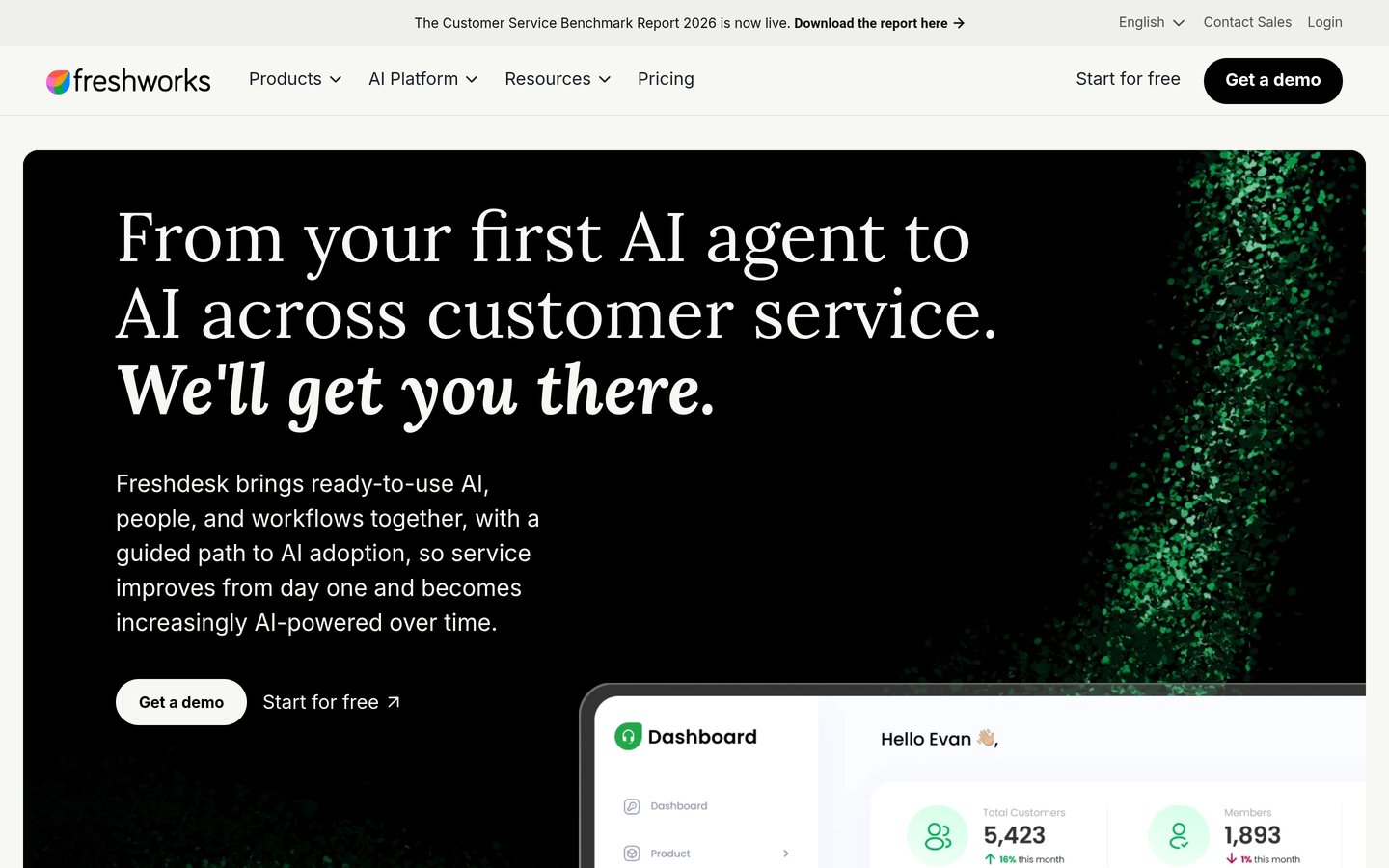
Freshdesk is the Freshworks helpdesk, with ticketing, a shared inbox, a customer portal and a knowledge base on its Growth plan. Growth costs $19 an agent a month billed annually, and it is rated 4.4 out of 5 on G2 from 3,761 reviews.
The trade off is that the AI extras add up. Freddy AI Copilot costs $29 an agent a month extra, and AI agent sessions beyond the first 500 cost $49 per 100 sessions. It suits small and mid-size teams that want a low starting price with room to add AI.
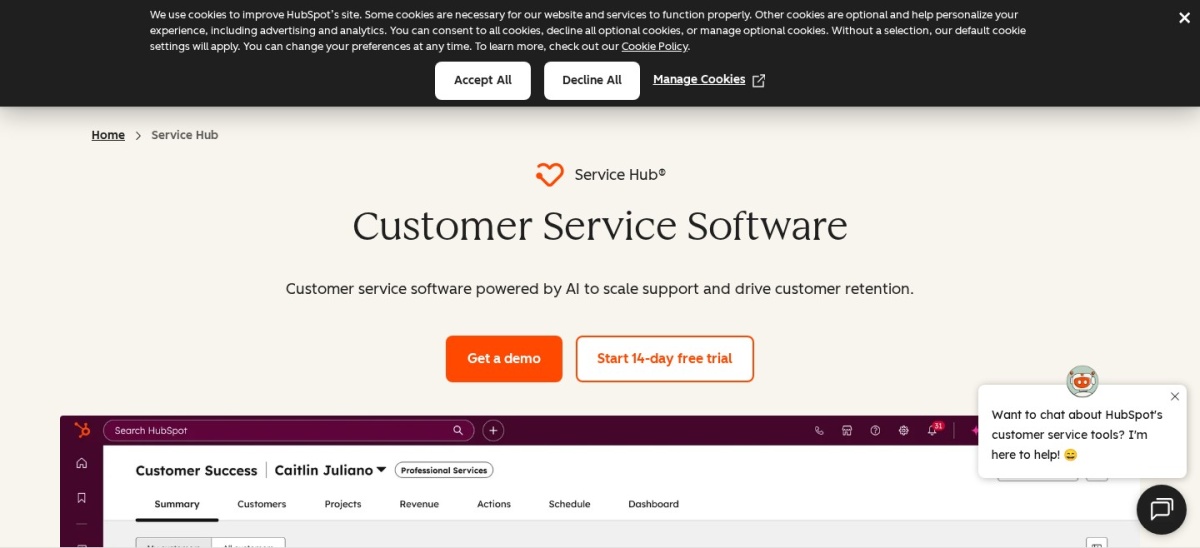
HubSpot Service Hub is the support arm of HubSpot CRM, so tickets sit next to contact records, deals and marketing history. Starter costs $20 a month, and it is rated 4.4 out of 5 on G2 from 3,018 reviews.
The trade off is that the deeper features cost more. Automation, playbooks and custom reporting sit on Professional, which is priced per seat, so costs rise with the team. It suits teams already using HubSpot CRM that want support data in the same system.
What we like
Tickets live beside CRM records
Free tools to start with
Strong reporting and customer feedback tools
Watch out for
Best automation sits on Professional
Per-seat pricing rises with the team
Starter is thin on automation
Professional adds automation and playbooks, priced per seatVisit hubspot.com
06
Zoho Desk
4.4/5on G2 (7,948 reviews, checked Nov 2026)
Paid from$7/mo
Best for the lowest entry price
Cheapest paid planExpress, $7/user/mo
Free planYes
ChannelsEmail, chat, social, phone
AI toolsZia AI, answer bot on Standard
zoho.com
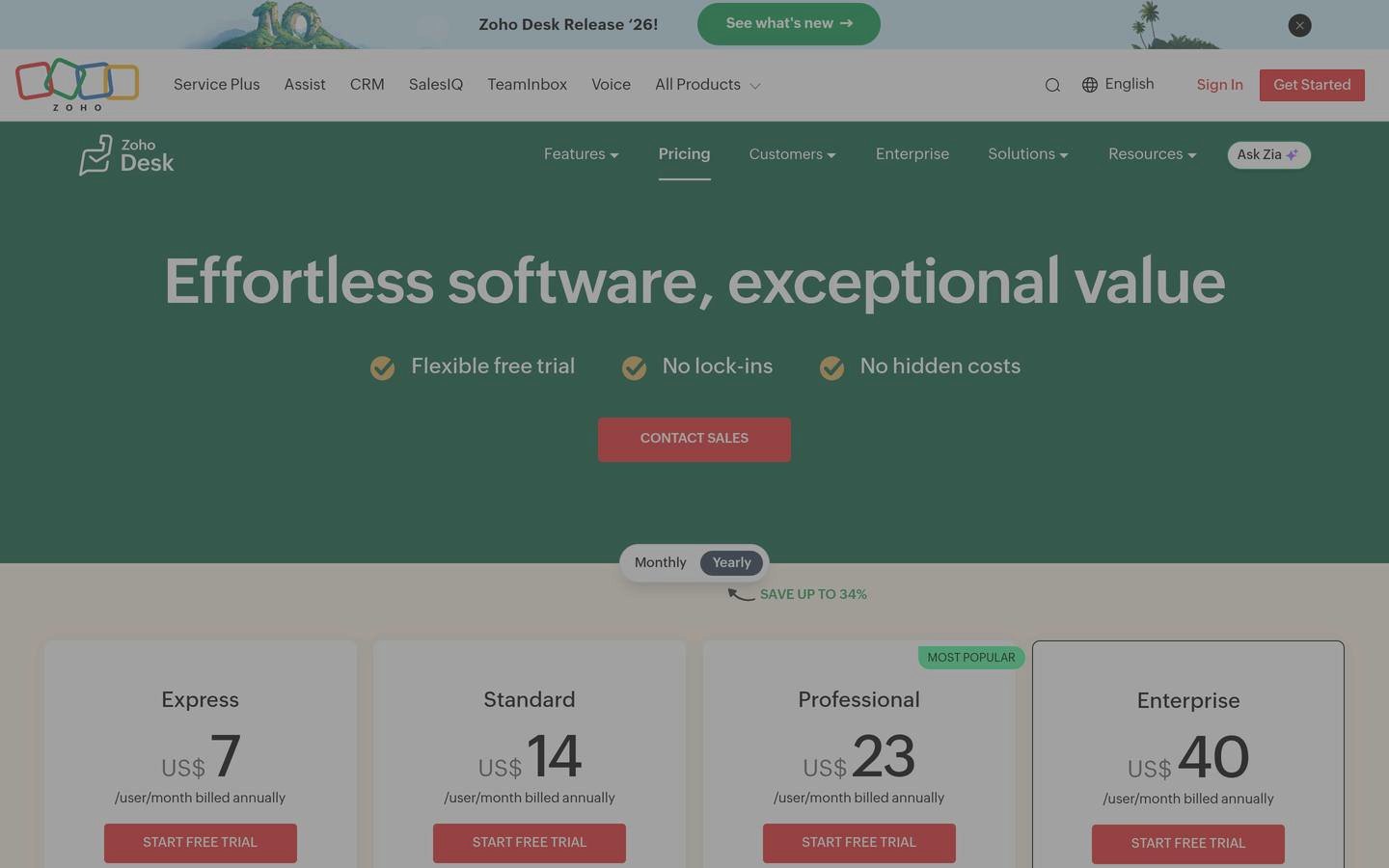
Zoho Desk homepage, captured Nov 2026.
Zoho Desk is Zoho's helpdesk, with email, live chat, social and phone tickets in one queue, plus a knowledge base and customer happiness ratings. Express costs $7 a user a month billed annually, and it is rated 4.4 out of 5 on G2 from 7,948 reviews.
The trade off is that the cheapest plan is email-first. Live chat and instant messaging arrive on higher plans, so real omnichannel costs more than the headline price. It suits small teams and Zoho users that want the lowest entry price.
What we like
Lowest paid plan in this list at $7
Free plan to start with
Deep Zoho CRM integration
Watch out for
Cheapest plan is email-first
Live chat needs a higher plan
Interface feels dated next to Front
Standard adds live chat and messaging on higher plansVisit zoho.com
07
Help Scout
4.4/5on G2 (431 reviews, checked Nov 2026)
Paid from$19/mo
Best simple shared inbox for small teams
Cheapest paid planBasic, $19/user/mo
Free planYes, $0
ChannelsEmail, chat, SMS, WhatsApp
AI toolsAI inbox assistant on Standard
helpscout.com
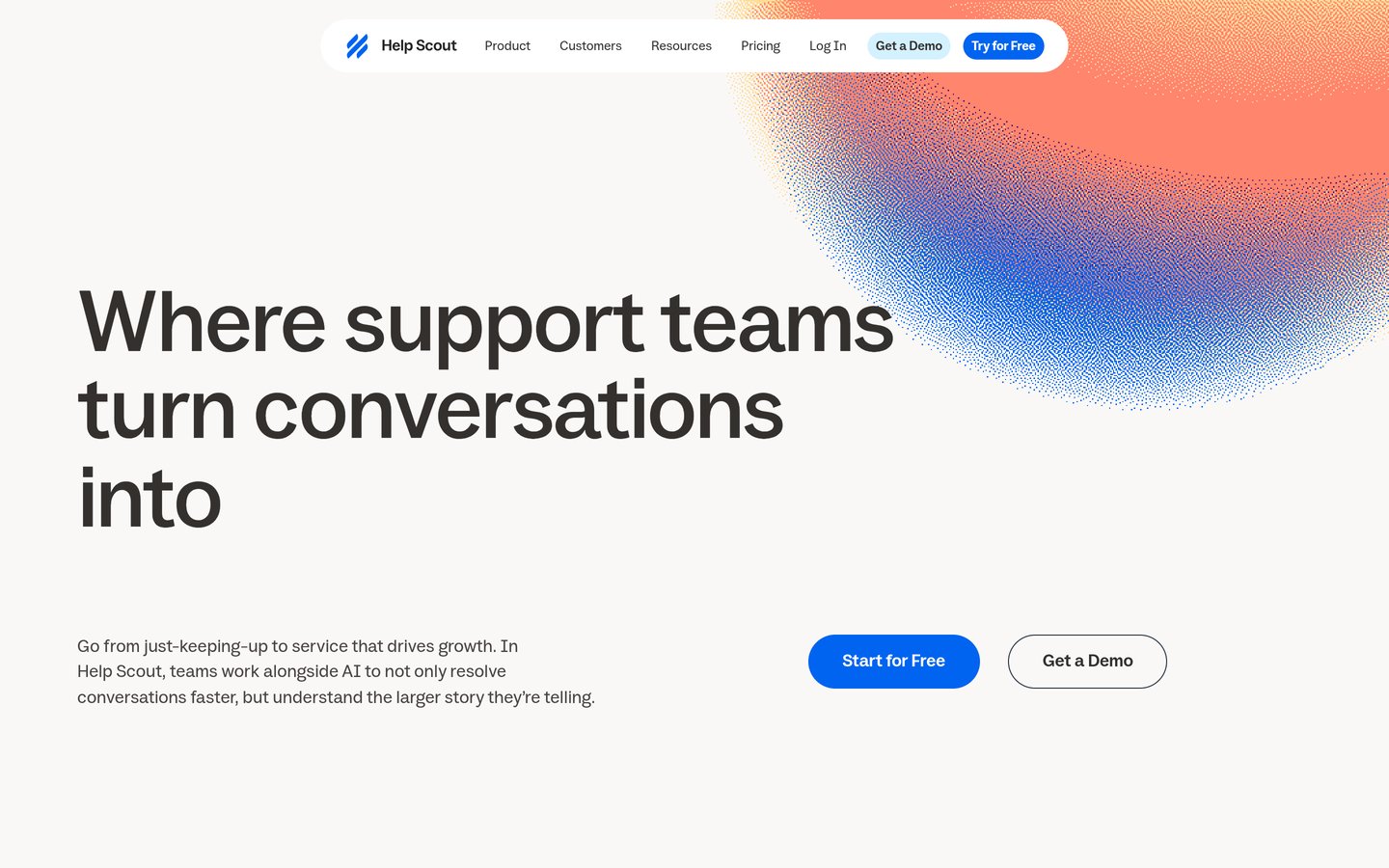
Help Scout homepage, captured Nov 2026.
Help Scout is a shared inbox for email-first teams, with a knowledge base, live chat and customer profiles built in. Basic costs $19 a user a month billed annually, and it is rated 4.4 out of 5 on G2 from 431 reviews.
The trade off is channel depth. Live chat, SMS and WhatsApp arrive with Standard at $25 a user a month, and the AI tools are limited on the free and Basic plans. It suits small teams that want a clean inbox and a simple help center.
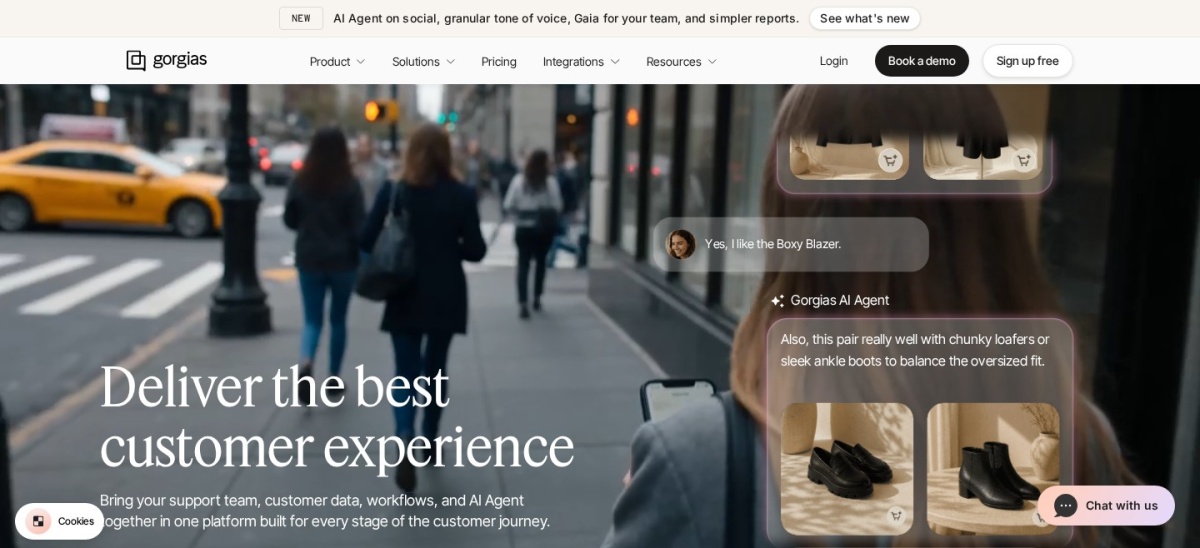
Gorgias is a helpdesk built for online stores, pulling email, live chat, social comments and reviews into one inbox with order data beside each ticket. Starter costs $40 a month and covers 50 tickets a month, and it is rated 4.6 out of 5 on G2 from 582 reviews.
The trade off is ticket-based pricing. The $40 plan covers 50 tickets a month, and overage costs $0.40 per ticket, so a busy sales period raises the bill. It suits Shopify and ecommerce teams that answer pre-sales and order questions all day.
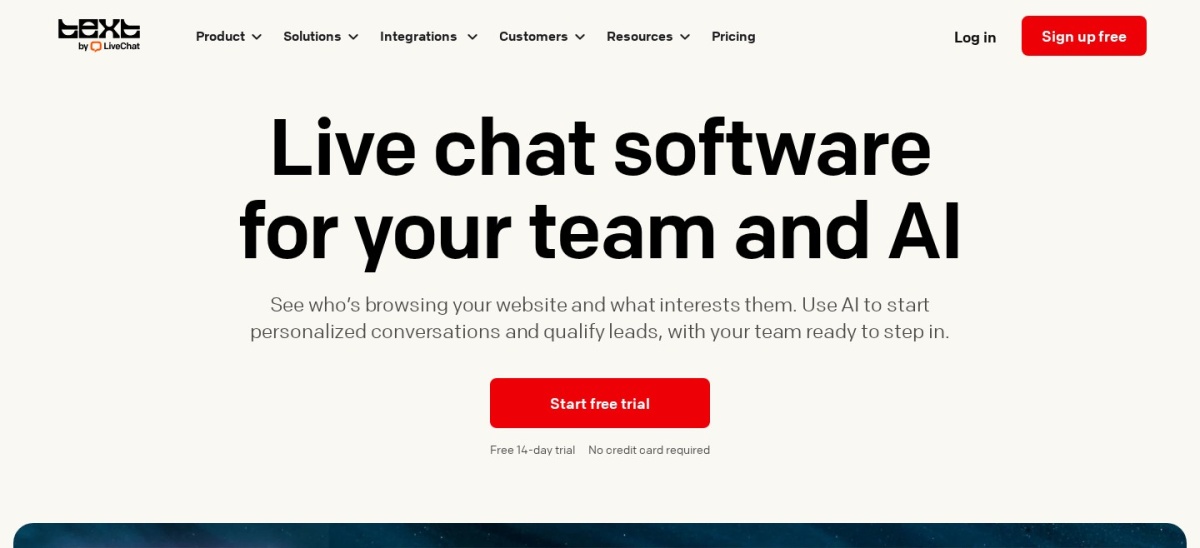
LiveChat is a focused live chat tool with canned responses, chat tags, visitor tracking and reports, plus messaging apps for Facebook and WhatsApp. Starter costs $19 an agent a month billed annually, and it is rated 4.5 out of 5 on G2.
The trade off is the seat limit. Starter covers one agent only, so any team of two or more needs Team at $49 an agent a month, and there is no email ticketing built in. It suits solo operators and small teams that mainly need chat.
Free plans cover email and a basic inbox well. Freshdesk, HubSpot Service Hub, Zoho Desk and Help Scout all offer a free plan, and they are a fair way to learn a tool.
Paid plans mostly add channels and AI. Live chat, voice, social messaging and AI agents usually sit on paid tiers, and some vendors charge per resolution on top.
Seat limits are the other hidden cost. LiveChat Starter covers one agent, Front Starter covers 10 seats, and per-agent pricing means a growing team pays more every month.
Before you pay, count your agents and your monthly tickets. A $40 ticket-based plan can cost more than a $19 per-agent plan once volume rises.
How we chose
We started from the most established omnichannel support platforms on G2, then kept those with a published price, a real free plan or trial, and coverage of at least two support channels.
Prices come from each vendor's pricing page, checked on 23 November 2026. Ratings and review counts come from G2 on the same day. Where a vendor shows a sale, the list shows the regular price.
We left out tools without published pricing and chat-only widgets that do not handle tickets. No vendor paid for a place, and we do not claim to have used these tools ourselves.
How to choose an omnichannel customer support platform
Start with the channels your customers already use, then count the seats and tickets that drive the real price.
List the channels you must cover. Email plus live chat covers most teams. Add voice, SMS or WhatsApp only if customers already contact you there.
Count agents and monthly tickets. Per-agent plans suit small teams, while ticket-based plans suit stores with spiky volume. Check seat limits on the cheapest plan.
Check what the AI actually costs. Some AI agents are included, others charge per resolution or sit behind a paid add-on. Ask for the per-resolution price before you commit.
Try the inbox with your real tickets. Use the free plan or trial with a few days of real conversations. See how the team assigns, replies and finds past history.
FAQ
What is the best omnichannel customer support platform?
Zendesk is the best pick for most teams. Its Suite plans unify email, live chat, voice, social messaging and AI agents in one workspace, and it is rated 4.3 out of 5 on G2 from more than 7,000 reviews.
What is the cheapest omnichannel support platform?
Zoho Desk is the cheapest here, with Express at $7 a user a month billed annually and a free plan. Live chat and messaging cost more, since they sit on higher plans.
Is there a free omnichannel support platform?
Freshdesk, HubSpot Service Hub, Zoho Desk and Help Scout all offer free plans. They cover email and a basic inbox well, but live chat, voice and AI usually need a paid plan.
How much does Zendesk cost?
Support Team costs $19 an agent a month billed annually. Omnichannel starts with Suite Team at $55 an agent a month, which adds chat, voice, the help center and AI agents.
Do I need voice support in an omnichannel platform?
Not always. Most teams start with email and live chat, then add voice when phone volume justifies it. Zendesk, Freshdesk and HubSpot Service Hub all offer voice on paid plans.
What is the difference between a shared inbox and a helpdesk?
A shared inbox is a team email queue with assignment and internal notes, like Front or Help Scout. A helpdesk adds tickets, automation, a knowledge base and reports, like Zendesk or Freshdesk.