WLWPLegible EditorsLast verified 23 Nov 2026How we rank12 min read
★ Short answer
Tesseract is the best free OCR software: it is completely free with no page limit, reads more than 100 languages and is rated 4.4 out of 5 on G2. Pick Google Drive for quick one-off scans and PDFgear if you want a free PDF editor with OCR built in.
How we make this list: we compare pricing pages, product documentation and public user reviews, then re-check every price before each update. No product paid for a place. Disclosure.
Tesseract is the only tool here that is completely free with no page limit, no quota and no paid plan.
Google Drive OCR is free with any Google account, but it often loses tables and formatting.
PDFgear is the highest rated tool here at 4.8 out of 5 on G2, and every feature is free.
iLovePDF, Sejda and ABBYY all cap free OCR: one file per task, 3 tasks an hour and a 7-day trial.
Paid OCR starts at $60 a year for iLovePDF Premium and climbs to $1,200 a year for Nanonets Starter.
Smallpdf and Foxit keep OCR behind paid plans, so they only pay off if you use their other tools too.
What free OCR should cover
Free OCR turns a photo or scan into text you can copy, search and edit. The free options fall into three groups: open-source engines, cloud drives that read your files, and PDF tools with capped free plans.
What matters most is the shape of your documents. Plain printed pages convert well almost everywhere, while tables, handwriting and poor scans separate the strong tools from the weak ones.
Limits matter more than list prices here. Most tools accept JPG, PNG and PDF input, and the image format usage statistics show which formats people actually store. Some free plans cap pages, tasks or file size, and two tools in this list keep OCR behind a paid plan entirely.
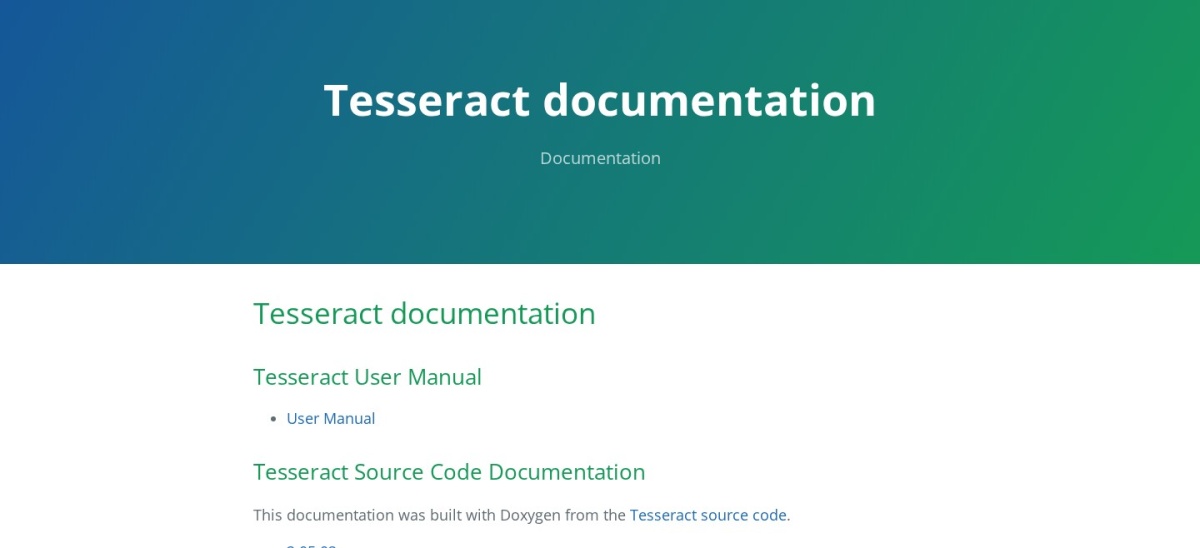
Tesseract is a free, open-source OCR engine under the Apache 2.0 license, with no quota, no subscription and no page limit. It reads text in more than 100 languages and runs on Windows, macOS and Linux, turning images and scanned PDFs into plain text, searchable PDF or hOCR output.
The trade off is ease of use. Tesseract has no graphical interface, so you run it from the command line or through another app built on it, and messy scans need cleaning up first for good results. It suits developers and anyone processing large batches of files for free.
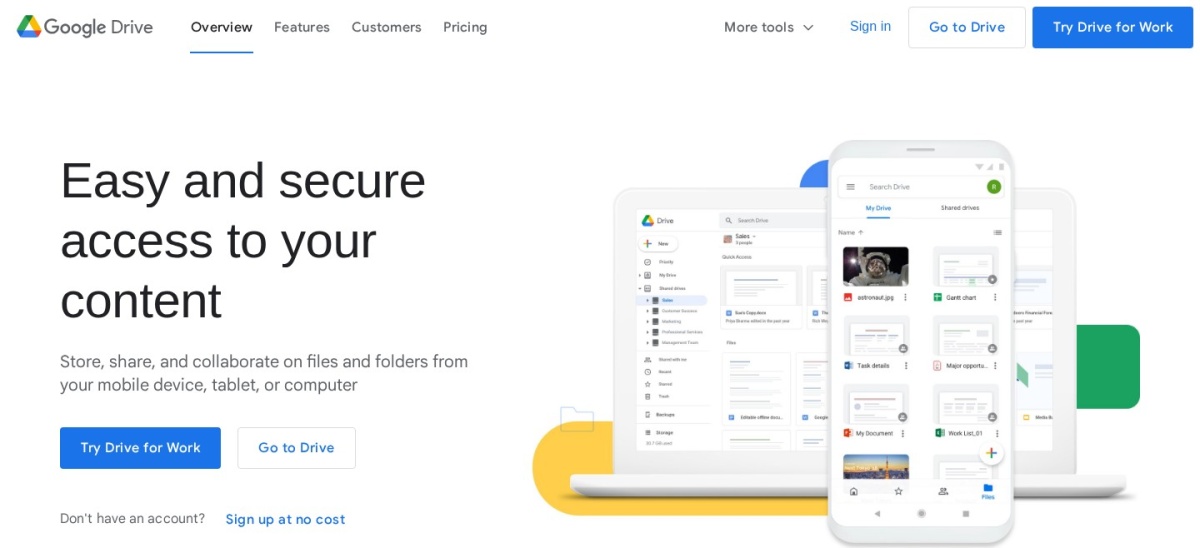
Google Drive is the easiest free OCR option if you already use Google apps. Upload a scanned PDF or image, open it with Google Docs, and Drive pulls the text into an editable document, with no install and no extra account to create.
The trade off is layout. Tables, columns and unusual fonts often come out jumbled, and the original formatting is lost, so you will spend time tidying the result. It suits short, plain documents and quick one-off conversions.
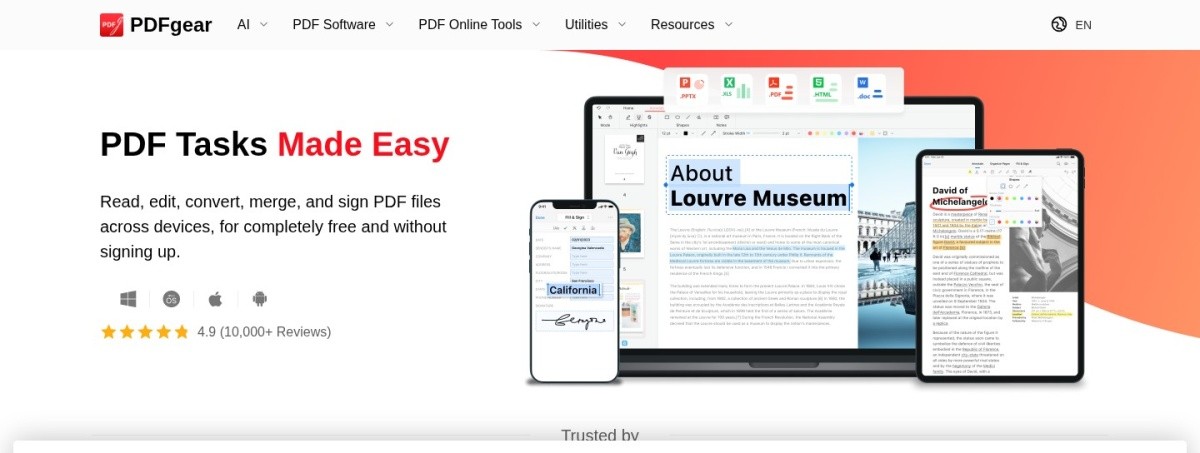
PDFgear is a completely free PDF editor with OCR built in and no paid tier at all. It reads scanned PDFs in more than 30 languages and converts them to editable Word or text files, with no watermark, no sign-up and no file-size cap in the desktop app.
The trade off is polish. PDFgear covers the core jobs well, but it has fewer advanced tools than paid editors, and converting a scanned PDF straight into an editable PDF is still in development. It suits anyone who wants full OCR without paying.
iLovePDF is a browser toolbox of more than 30 PDF tools, and its free plan includes OCR on one file per task up to 15 MB, with no install. It turns a scanned PDF into a searchable file in seconds and downloads it without a watermark.
The trade off is volume. Free OCR stops at one file per task, so batch work and long scans need Premium at $5 a month billed yearly, which lifts the limits to 10 files per task and 4 GB. It suits people who OCR a scan now and then.
Sejda is a web PDF editor that runs OCR without asking you to sign up. The free plan covers 3 tasks an hour on files up to 50 pages or 50 MB, with OCR on up to 10 pages, and files are deleted after 2 hours.
The trade off is the hourly cap. Three tasks an hour is fine for occasional scans, but regular work needs the Desktop+Web Annual plan at $63 a year, which removes the caps. It suits people who want quick OCR with no account.
Smallpdf is a polished browser PDF suite with more than 30 tools for converting, compressing, merging and signing files. The free plan covers basic PDF jobs, and the interface is one of the easiest here, with desktop and mobile apps included on paid plans.
The trade off is that OCR is not free. Text recognition inside conversions needs Pro at $10 a month billed yearly, so Smallpdf only makes sense for OCR if you also use its other tools. It suits occasional users who want one polished suite.
ABBYY FineReader PDF is a desktop PDF editor built around OCR, with recognition in 198 languages and conversions to Word and Excel that keep their layout. It is the accuracy pick in this list, aimed at people who work with scanned documents every day.
The trade off is that there is no free plan. You get a 7-day trial covering up to 100 pages, then the Mac edition costs $69 a year and Windows Standard $99 a year. It suits heavy scan users who will pay for accuracy.
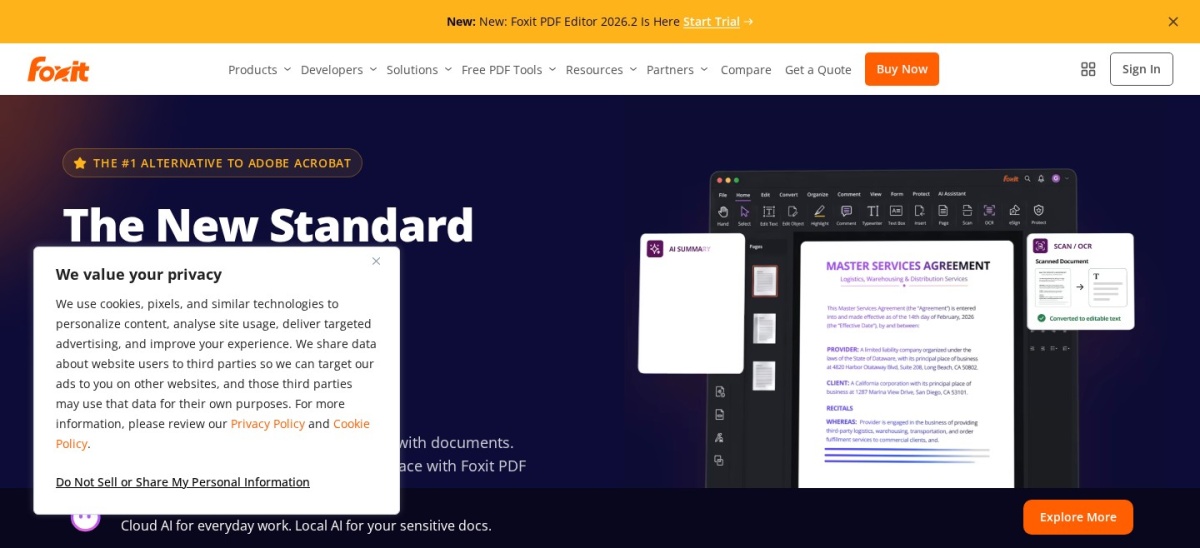
Foxit PDF Editor is a full desktop PDF editor with OCR, conversion, forms and signatures, and it costs about half of Acrobat Pro. It runs OCR on scanned documents in batches, supports many languages, and includes an AI Assistant with 20 credits a month.
The trade off is price and polish. There is no free plan beyond the 14-day trial and a separate free Reader, and some reviewers find the OCR hit or miss on tricky scans. It suits teams that want Acrobat-style tools for less.
What we like
About half the price of Acrobat Pro
Batch OCR on scanned files
14-day trial needs no card
Rated 4.6 out of 5 on G2
Watch out for
No free plan, trial only
OCR can miss on tricky scans
Editor+ adds eSign and Smart Redact for $159.99 a yearVisit foxit.com
09
Nanonets
4.7/5on G2 (97 reviews, checked Nov 2026)
Starts at$100/mo
Best AI OCR for invoices and forms
PriceStarter $100/mo
Free credits$50, no card
Pricing modelPer workflow block run
Used by35% of the Fortune 500
nanonets.com
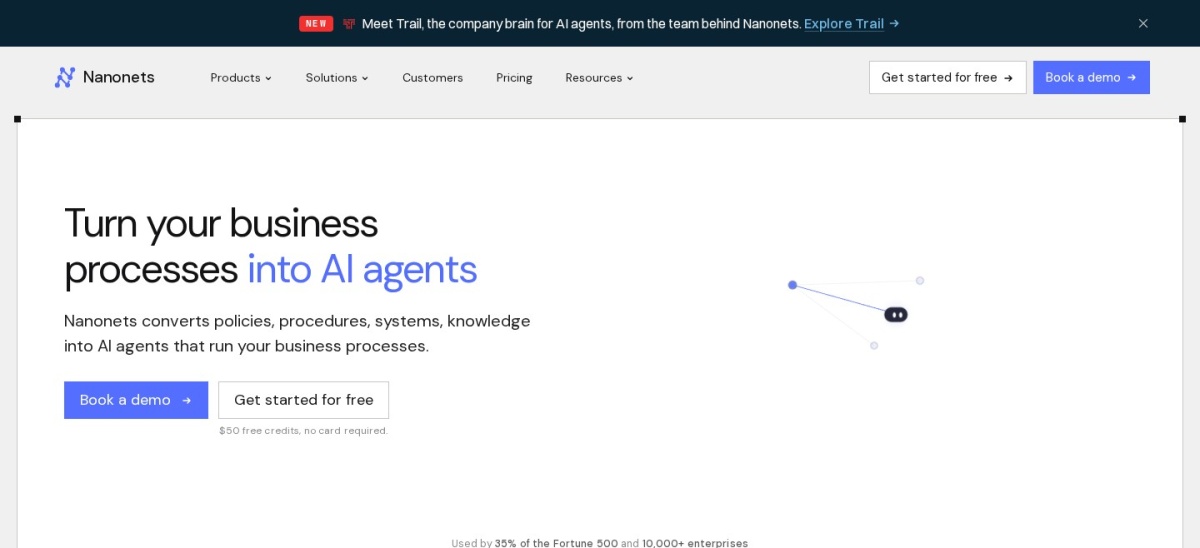
Nanonets homepage, captured Nov 2026.
Nanonets is an AI document platform that reads invoices, receipts and forms and pulls out the fields you need, instead of returning plain text. Every account starts with $50 in free credits and no card, and it is used by 35% of the Fortune 500.
The trade off is cost and setup. After the credits, Starter costs $100 a month for 100 credits, with runs priced from $0.02 to $0.30 each, so the bill grows with volume. It suits teams automating the same documents every week.
Free OCR covers short, plain documents well. Tesseract, Google Drive and PDFgear put no meaningful cap on everyday use.
Paid plans mostly add volume and accuracy. You get batch processing, more pages, bigger files and support for tricky layouts.
If you scan every day, a paid plan often costs less than the time spent fixing jumbled output by hand.
Start free and pay only when you hit a limit twice in one week.
How we chose
We started from the best-known free OCR options: open-source engines, cloud drives, PDF editors and AI extraction tools, then kept the nine with a real free tier or trial and a public rating.
Prices come from each vendor's pricing page, checked on 23 November 2026. Ratings and review counts come from G2 on the same day. Where a vendor shows a sale, the list shows the regular price.
We left out tools with no public rating and tools whose free tier does not include OCR at all. No vendor paid for a place, and we do not claim to have used these tools ourselves.
How to choose free OCR software
Start with the shape of your documents, then match the tool to how often you scan.
Count how much you scan. A few pages a month fits any free plan. Daily batches need Tesseract, PDFgear or a paid plan.
Check the layout. Plain text works everywhere. Tables and forms need ABBYY, Foxit or Nanonets, which handle structure better.
Mind the file limits. Free plans cap pages, tasks or file size. Check the cap before you upload a 100-page scan.
Keep private scans offline. Tesseract, PDFgear and Foxit run on your computer, so sensitive pages never leave it.
FAQ
What is the best free OCR software?
Tesseract is the best completely free OCR software. It costs nothing, has no page limit, reads more than 100 languages and is rated 4.4 out of 5 on G2. The catch is that it has no graphical interface, so it suits people happy with a command line.
Is there really free OCR with no limits?
Yes. Tesseract has no page limit, no quota and no paid plan, and PDFgear includes OCR in its free editor with no watermark. Google Drive OCR is also free, but it can lose tables and formatting on complex pages.
Can Google Drive do OCR for free?
Yes. Upload a scanned PDF or image to Google Drive, open it with Google Docs, and Drive pulls the text into an editable document. It works best on short, plain pages, and it keeps the 15 GB of free storage that comes with a Google account.
Which free OCR tool is best for PDFs?
PDFgear is the best free pick for PDFs: it is a full PDF editor with OCR in more than 30 languages, rated 4.8 out of 5 on G2, and every feature is free. Sejda is a good no-sign-up alternative for the odd scan.
Does free OCR work on handwriting?
Poorly in most cases. The free tools here are built for printed text, and handwriting needs an AI tool such as Nanonets or a paid plan with handwriting support. Clear, well-lit photos of print give the best results.
Do I need to pay for accurate OCR?
Not always. Tesseract and ABBYY are the accuracy leaders here, and Tesseract is free. Paying helps when you need batch processing, layout kept intact, or support for unusual fonts and low-quality scans.