Nanonets is the best OCR software for invoices for most teams, rated 4.7 out of 5 on G2 across 97 reviews, with usage-based pricing from $100 a month. Rossum suits high-volume AP teams with a $18,000-a-year Starter plan, while DocuClipper is the cheapest fit for bookkeepers at $29 a month.
How we make this list: we compare pricing pages, product documentation and public user reviews, then re-check every price before each update. No product paid for a place. Disclosure.
Nanonets leads at 4.7/5 on G2 with usage pricing from $100 a month and $50 in free credits to start.
Rossum is the enterprise pick, but Starter costs $18,000 a year, so it only fits high-volume AP teams.
Docsumo and Veryfi both have real free tiers: 1,000 pages a month and 100 documents a month.
Dext at $25.21 a month and DocuClipper at $29 a month are the cheapest paid fits for bookkeepers.
AutoEntry is cheapest at $13 a month, but its 3.8/5 G2 rating comes from only 11 reviews.
What invoice OCR software should do
An invoice arrives as a PDF, a scan or a phone photo. OCR software for invoices reads that file, pulls out the vendor, invoice number, date, totals, tax and line items, and hands the fields to your accounting system as structured data.
Plain text reading is not enough. The tools in this list understand which number is the total and which is a reference code, score their confidence in each field, and send unsure values to a person for review.
Pricing splits into three groups. Bookkeeping tools charge per document or per credit, developer APIs charge per document or per page, and enterprise platforms charge a flat annual fee. Match the model to your monthly volume before you compare sticker prices.
Start with a trial on your own invoices. Our guide on creating an invoice in WooCommerce covers the document side, and a two-week trial on real supplier invoices shows accuracy far better than any demo set.
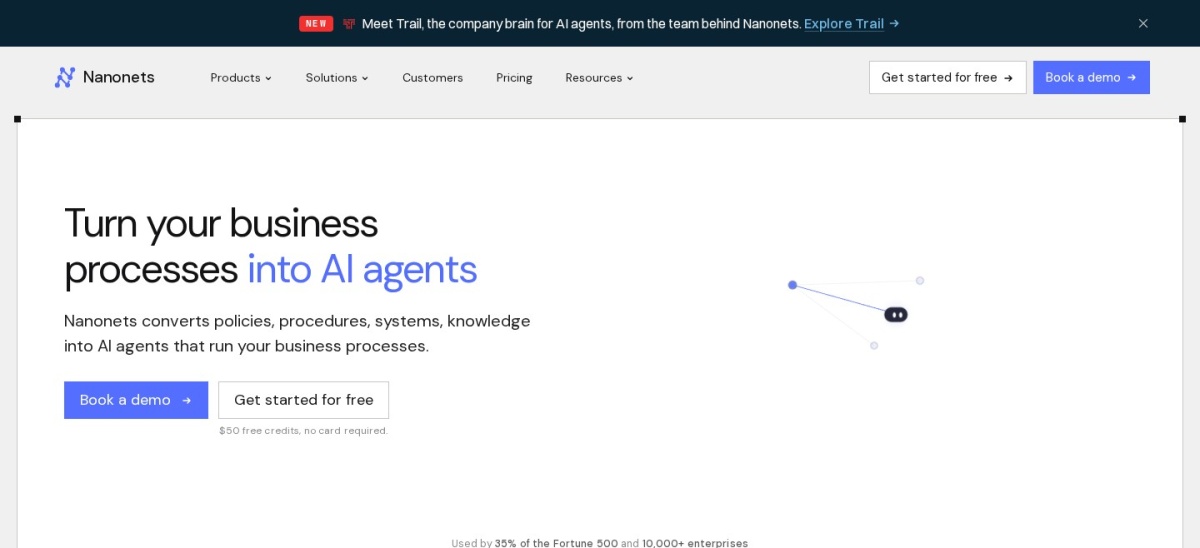
Nanonets is a document workflow platform that reads invoices, purchase orders and receipts with trainable AI models, then routes the extracted fields into accounting software through its API or native connectors. Every account starts with $50 in free credits and no card required, and the Starter plan costs $100 a month for 100 credits.
The trade off is metered pricing. Simple steps cost $0.02 per run, standard AI steps $0.10 and complex AI extraction $0.30, so a batch of hard invoices costs far more than the $100 entry price suggests. It suits teams that want to build a custom invoice pipeline and can estimate their monthly volume.
What we like
No per-seat fees; credits are shared across the team
Handles varied invoice layouts without templates
Strong API and ERP connectors on paid plans
Free credits let you test on real invoices
Watch out for
Metered cost is hard to predict before a full month
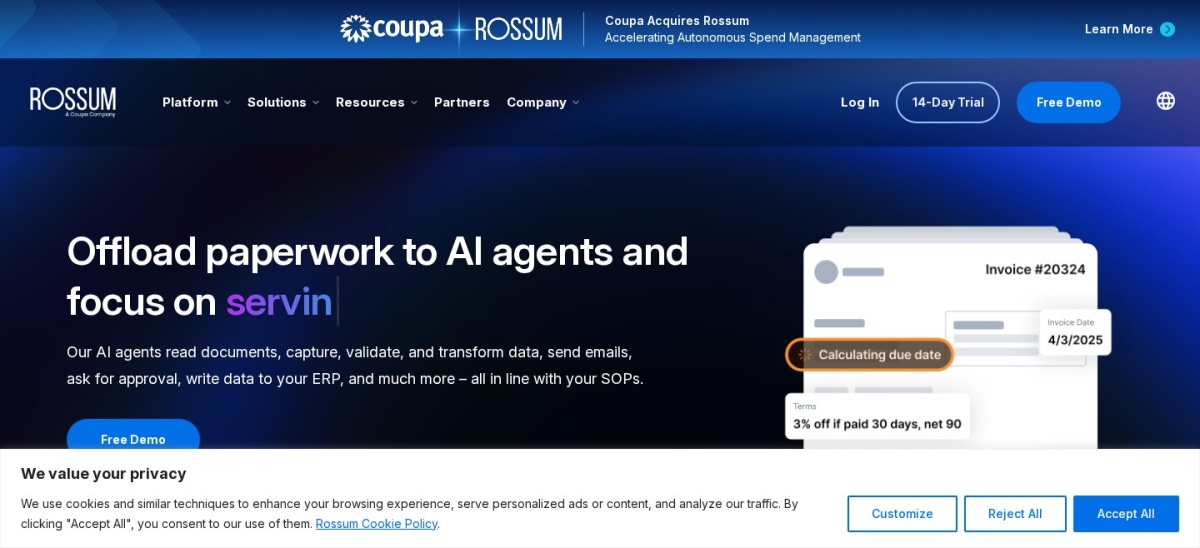
Rossum is an invoice automation platform built for accounts payable teams. Its Aurora model reads invoices in 276 languages, pulls header fields and line items, and sends low-confidence values to a validation screen before the data reaches the ERP.
The trade off is the entry price. Starter costs $18,000 a year with unlimited seats, and Business and Enterprise pricing is custom, so small teams are priced out. It suits AP teams with real volume that need invoice capture wired into SAP, Coupa or Workday.
What we like
Purpose-built for invoices, not general documents
Unlimited seats on the Starter plan
Learns from corrections on your own invoices
Duplicate detection on higher plans
Watch out for
Highest entry price in this list
Three-month average implementation time on G2
Business adds master data matching and ERP connectorsVisit rossum.ai
03
DocuClipper
4.6/5on G2 (127 reviews, checked Nov 2026)
Starts at$29/mo
Best for accounting firms and bookkeepers
Free planNo, 14-day trial
Cheapest paid planStarter, $29/mo
Line-item extractionYes
Accounting syncQuickBooks, Xero, Sage
docuclipper.com
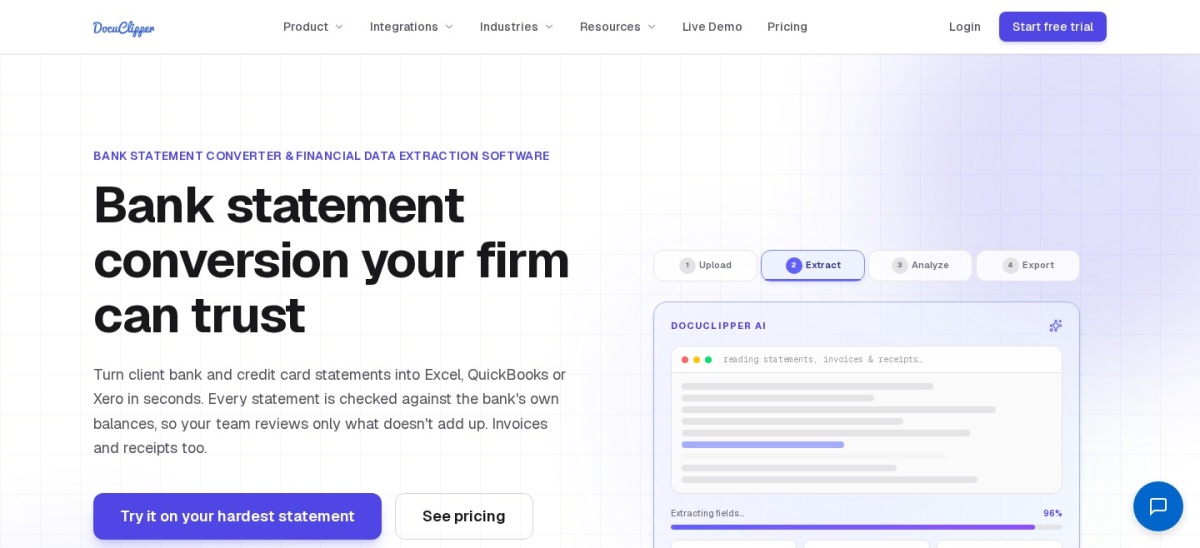
DocuClipper homepage, captured Nov 2026.
DocuClipper is invoice and statement extraction built for accountants and bookkeepers. It reads vendor, invoice number, date, totals, tax and line items from PDF invoices in any layout, then exports the result to QuickBooks Online, Xero, Sage or Excel.
The trade off is page volume. Starter covers 60 pages a month for $29, so a firm with several clients moves to the $39 tier for 120 pages or higher plans quickly. It suits firms that want firm-wide, page-based pricing with unlimited users and no per-client fee.
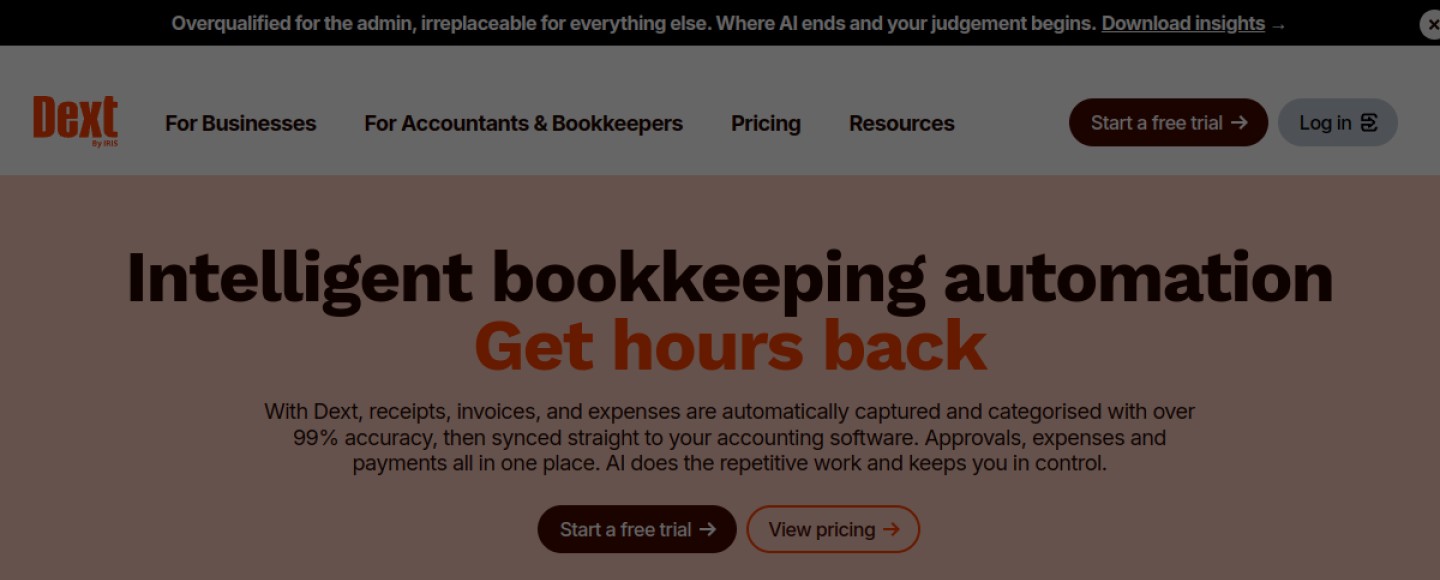
Dext is a capture app for bookkeepers and small businesses. Clients photograph or forward receipts and invoices, Dext extracts the supplier, amount, tax and due date, then publishes the result to QuickBooks, Xero or another ledger.
The trade off is add-on pricing. Line-item extraction, supplier statements and bank statements each cost extra, and the Business plan caps at 250 documents and 5 users. It suits bookkeepers who want extracted invoice data in the ledger with no API to build.
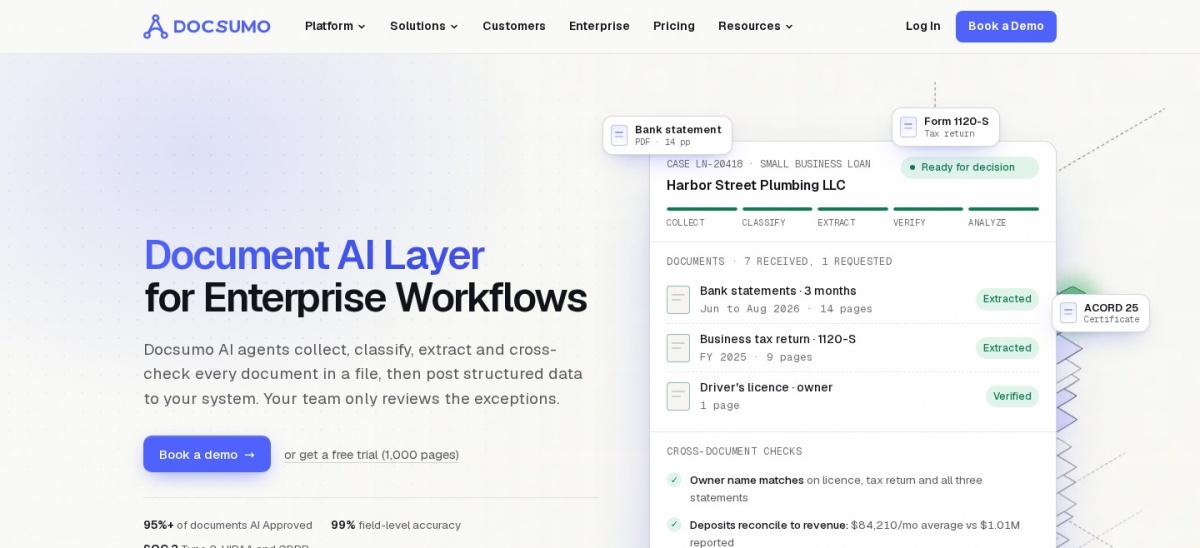
Docsumo is a document AI platform with pre-trained invoice models. The free plan covers 1,000 pages a month with 10 user licences, field and table extraction, webhooks and an API, which is the widest free tier in this list.
The trade off is paid pricing. Business and Enterprise plans are quote-only, and G2 lists a $25-a-month usage-based Basic tier, so the cost above the free plan is not published on the vendor site. It suits small teams that want a no-code platform with a generous free allowance.
What we like
1,000 free pages a month
Pre-trained invoice models, no setup
API and webhooks on the free plan
Handles varied layouts and handwriting
Watch out for
Paid plans above free are quote-only
30-day cancellation notice required
Business adds master data lookup and auto-classificationVisit docsumo.com
06
Veryfi
4.6/5on G2 (58 reviews, checked Nov 2026)
Paid from$500/mo
Best API for embedding invoice OCR
Free planYes, 100 docs/mo
Cheapest paid planStarter, $500/mo
Line-item extractionYes
Invoice price$0.16 per invoice
veryfi.com
Veryfi homepage, captured Nov 2026.
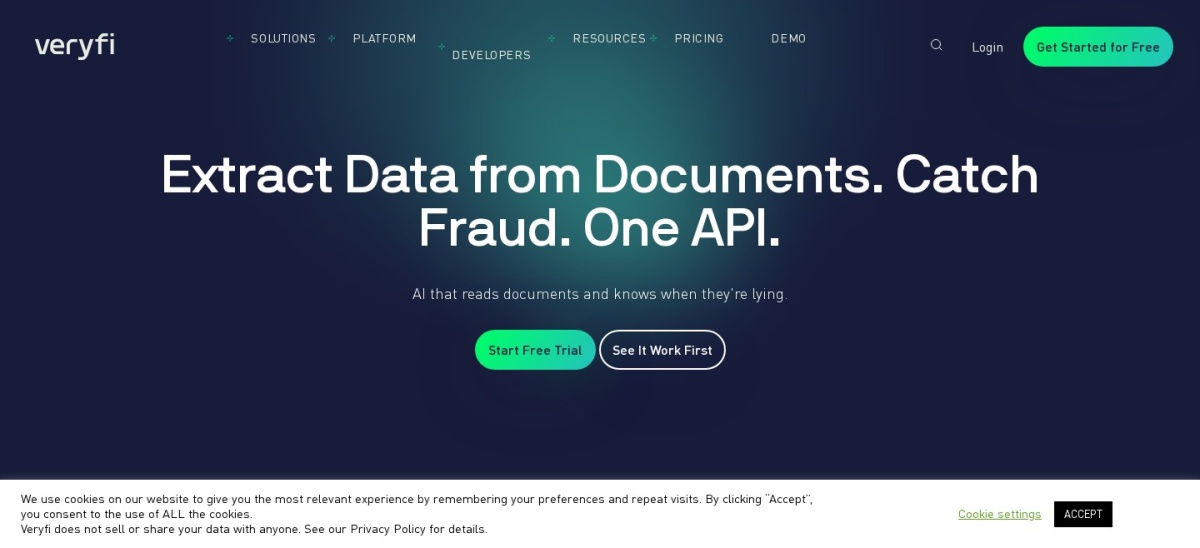
Veryfi is a developer OCR API that turns receipts, invoices and bank statements into structured data in seconds. The free plan processes 100 documents a month, and paid Starter bills per document, with invoices at $0.16 each.
The trade off is the $500-a-month Starter minimum. A team processing fewer than about 3,100 invoices a month pays for credit it does not use, while Growth features sit behind a custom quote. It suits product teams embedding invoice capture into their own app.
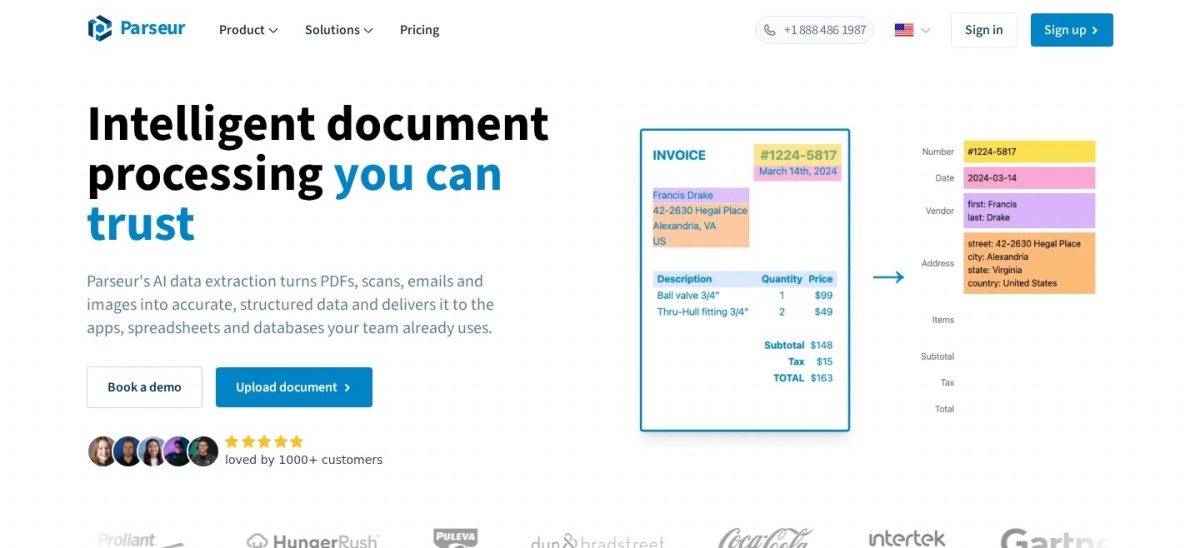
Parseur is a no-code parser that turns invoices forwarded by email or uploaded as PDFs into structured data. The free tier covers 20 pages a month, and the Micro plan costs $49 a month for 100 pages, with unlimited mailboxes and extracted fields.
The trade off is volume. Per-page costs add up fast past a few thousand pages a month, and the free tier covers roughly one busy day of invoices. It suits ops teams without engineers that need emailed invoices turned into spreadsheet rows.
AutoEntry is a Sage-owned capture tool for accountants and small businesses. It reads invoices, receipts and bank statements, suggests VAT codes, and publishes the result to Sage, Xero, QuickBooks and other ledgers on monthly credit plans.
The trade off is the thin review record. G2 shows 3.8 out of 5 from only 11 reviews, and some reviewers report sync failures with Xero and Sage. It suits small firms that want the cheapest credit-based capture and already run Sage or Xero.
Free tiers cover real work here. Docsumo gives 1,000 pages a month, Veryfi gives 100 documents a month and Parseur gives 20 pages a month, all without a card for the trial.
Paid plans mostly buy volume and review tools. Higher tiers add line-item extraction, duplicate detection, approval workflows and ERP connectors.
Metered pricing is the trap to watch. A $100-a-month plan can cost far more once complex documents, overage and add-ons are counted, so price one real month before signing.
How we chose
We started from the invoice OCR tools with published G2 or Capterra ratings and a pricing page, then kept the eight with a clear invoice focus, from bookkeeping capture apps to enterprise AP platforms and developer APIs.
Prices come from each vendor's pricing page and G2 pricing data, checked on 26 November 2026. Ratings and review counts come from G2 or Capterra on the same day. Where a vendor shows a sale, the list shows the regular price.
We left out tools with no public rating, such as Sensible, and tools with no published price, such as ABBYY Vantage and Klippa. No vendor paid for a place, and we do not claim to have used these tools ourselves.
How to choose OCR software for invoices
Count your monthly invoices first, then match the pricing model to that number.
Work out your real monthly volume. Count invoices, receipts and credit notes together, since most plans meter every page, not just invoices.
Pick no-code or API before you price anything. Dext, DocuClipper and Docsumo need no engineer, while Veryfi, Nanonets and Parseur expect someone to wire up the output. See how WooPayments compares with Stripe for the payment side of the same workflow.
Test on your own supplier invoices. Run a trial batch of 20 invoices from your messiest suppliers and check the line items, not just the totals.
Confirm the accounting sync exists. Extracted fields are only useful if they land in QuickBooks, Xero or your ERP without retyping.
FAQ
What is the best OCR software for invoices?
Nanonets is the best pick for most teams. It is rated 4.7 out of 5 on G2 across 97 reviews, starts at $100 a month for 100 credits, and gives $50 in free credits to test extraction on real invoices before paying.
How much does invoice OCR software cost?
Entry prices in this list run from $13 a month for AutoEntry to $18,000 a year for Rossum Starter. Most small teams pay $25 to $100 a month, while developer APIs add per-document rates such as $0.16 per invoice on Veryfi.
Is there free OCR software for invoices?
Yes, with limits. Docsumo covers 1,000 pages a month free, Veryfi covers 100 documents a month, and Parseur covers 20 pages a month. Free tiers suit low-volume teams and trials, not busy AP departments.
Does invoice OCR read line items?
Most tools in this list do, including Nanonets, Rossum, DocuClipper and Docsumo. Dext charges extra for line-item extraction, so check whether your plan includes it before you buy.
Which invoice OCR tool is best for QuickBooks?
Dext and DocuClipper are the strongest fits for QuickBooks users. Dext publishes directly to QuickBooks and Xero, while DocuClipper pushes extracted invoices to QuickBooks Online with unlimited users on every plan.
Do I need an API to use invoice OCR software?
No. Dext, DocuClipper, Docsumo and AutoEntry work through an inbox, upload or mobile app with no code. APIs from Veryfi, Nanonets and Parseur are only needed when you embed capture into your own product.
SaaS SEO and WordPress specialist with about 8 years of experience. Rakib compares WordPress plugins, themes, hosting and software using public pricing, documentation and user reviews. See how we rank.