Nanonets is the best OCR software for invoice processing for most teams, rated 4.8/5 on G2 from 96 reviews, with a $100-a-month Starter plan for 100 credits. Parseur is the cheapest no-code option at $49 a month, and Dext is the pick for bookkeepers who want data posted straight into QuickBooks or Xero.
How we make this list: we compare pricing pages, product documentation and public user reviews, then re-check every price before each update. No product paid for a place. Disclosure.
Nanonets leads on G2 at 4.8 out of 5 from 96 reviews, with a $100-a-month Starter plan for 100 credits.
Parseur is the cheapest no-code route: a free 20-page tier and a $49-a-month Micro plan.
Veryfi is the only tool here with a free plan that stays free, at 100 documents a month.
Dext is the lowest-priced bookkeeping pick at $25.21 a month billed annually, posting straight into QuickBooks or Xero.
Rossum is the most expensive entry at $18,000 a year, built for AP teams rather than small businesses.
What invoice OCR software should do
Invoices arrive as PDFs, scans, photos and email attachments. OCR software for invoice processing reads those files and pulls out the vendor, date, invoice number, line items, tax and total as structured fields.
Plain OCR only reads text. The tools on this list add a layer that knows which number is the total and which is a phone number on the letterhead, then hands the fields to your accounting system.
Three things matter most: field-level extraction on your own supplier layouts, a confidence score with a human review queue for low-confidence fields, and a sync into the ledger so nobody retypes the result.
Pricing is usually metered by page, credit or document, so the entry price says little on its own. Count a real month of invoices first, then compare what that volume costs on each plan.
The 8 best OCR software tools for invoice processing
01
Nanonets
4.8/5on G2 (96 reviews, checked Nov 2026)
Starts at$100/mo
Best OCR software for invoice processing overall
Entry planStarter, $100/mo
Credits included100 per month
Free credits$50 to start
Block-run prices$0.02 / $0.10 / $0.30
nanonets.com
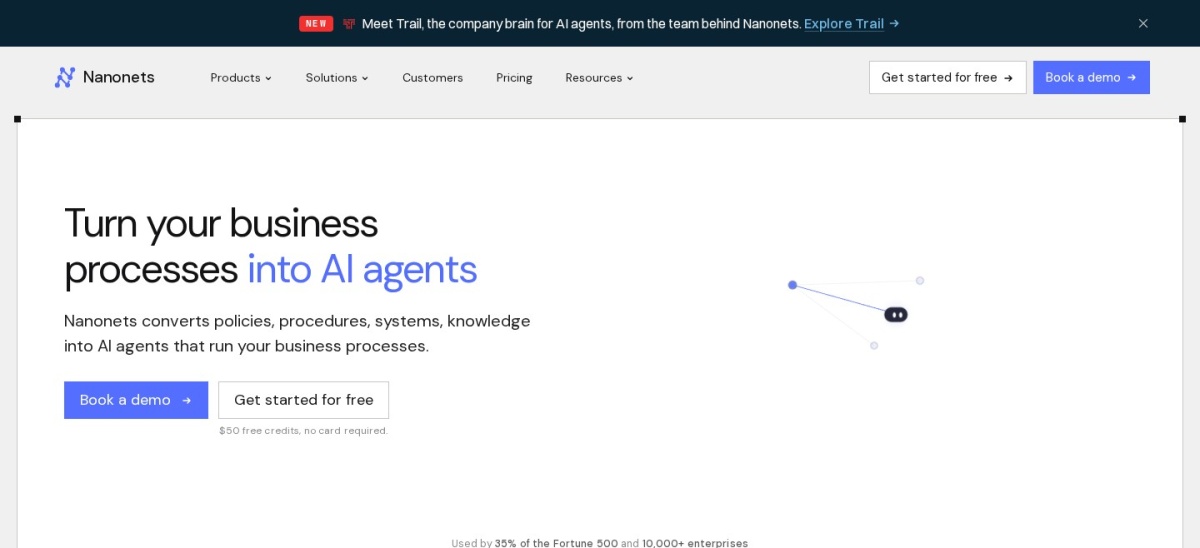
Nanonets homepage, captured Nov 2026.
Nanonets is a no-code document platform that turns invoices into structured data with classification, extraction, validation and routing in one workflow. The Starter plan costs $100 a month for 100 credits after $50 in free credits, and it includes data extraction, an API, email ingestion and cloud storage connectors.
The trade off is metered billing. Simple runs cost $0.02, standard AI runs cost $0.10 and complex runs cost $0.30, so a month of hard invoices costs far more than the $100 entry price suggests. It suits teams that want to build their own invoice pipeline without writing code.
What we like
Highest G2 rating in this list, 4.8 out of 5
No-code builder covers classification, extraction and routing
Credits never expire on Growth and are shared across the team
Free credits let you test on real invoices first
Watch out for
Complex AI runs cost 15 times a simple run
Growth and Enterprise pricing is custom, not published
Growth adds classification AI, custom blocks and ERP integrationsVisit nanonets.com
02
Parseur
4.8/5on Capterra (63 reviews, checked Nov 2026)
Paid from$49/mo
Best no-code email-to-data parsing
Free tier20 pages/mo
Micro plan$49/mo, 100 pages
Billed annually$468/yr
MailboxesUnlimited
parseur.com
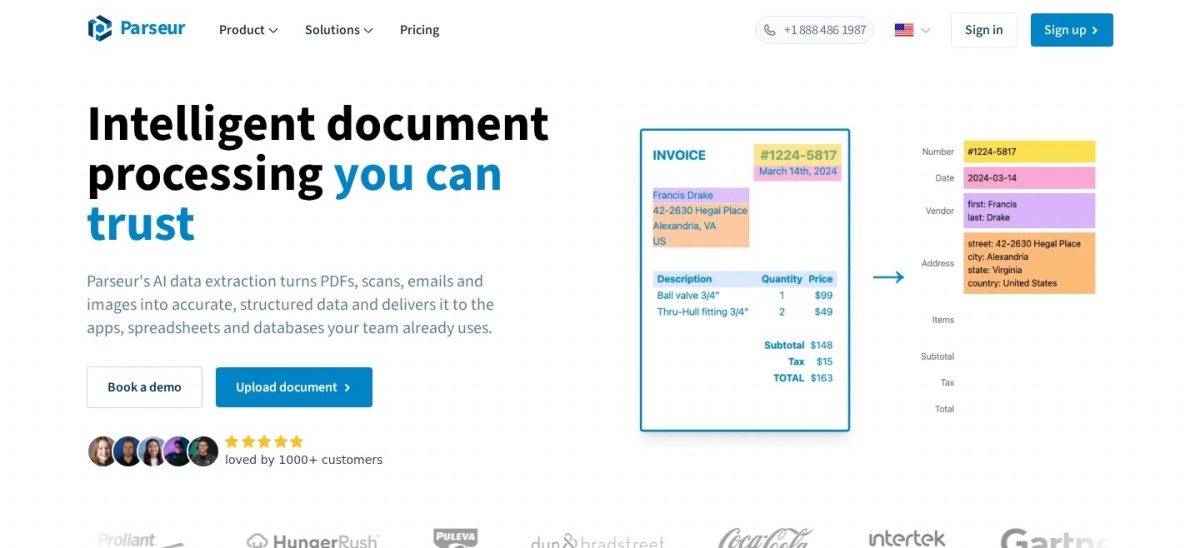
Parseur homepage, captured Nov 2026.
Parseur is a no-code parser that turns invoices forwarded by email into structured data. The free tier processes 20 pages a month, and the Micro plan costs $49 a month for 100 pages, with unlimited mailboxes, unlimited extracted fields and exports to Google Sheets, Zapier and Power Automate.
The trade off is volume. The free tier covers about a day of invoices for a busy small business, and the Mini plan at $89 a month is the next step for 300 pages. It suits ops teams without engineers who receive most invoices by email.
What we like
Free tier never expires and needs no card
Unlimited mailboxes and extracted fields on every paid tier
Rated 4.8 out of 5 on Capterra from 63 reviews
Exports to Sheets, Zapier and Power Automate without code
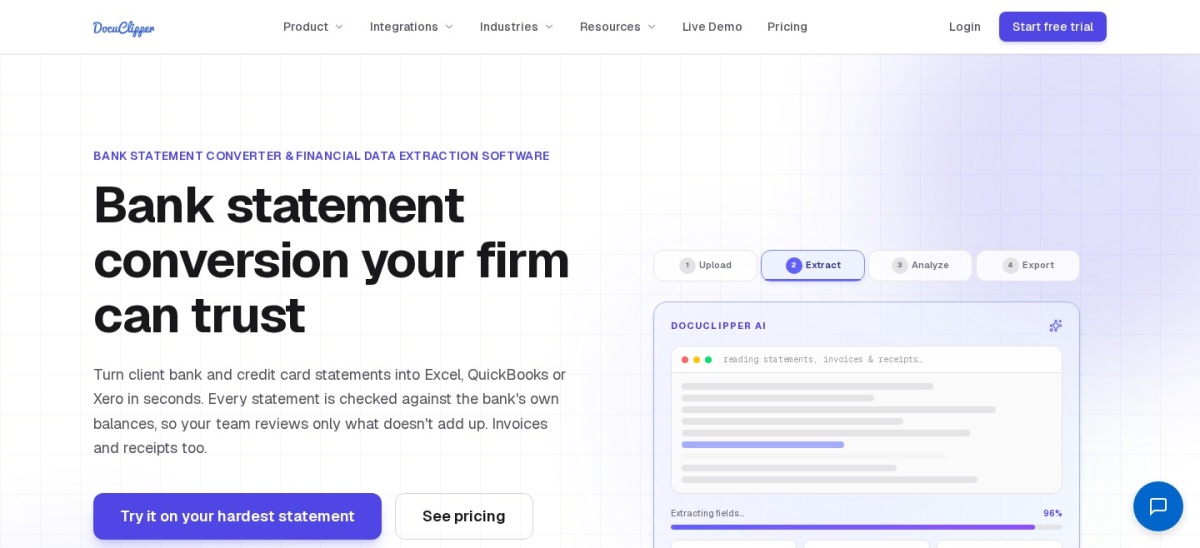
DocuClipper extracts vendor, invoice number, date, totals, tax and line items from PDF and image invoices, then exports to QuickBooks, Xero, Sage and Excel. The Starter plan costs $29 a month for 60 pages, with unlimited users, automatic transaction categorisation and a reconciliation check on every statement.
The trade off is scope. It is built for financial documents, so it will not handle contracts or general forms, and the 60-page cap is thin for a firm with many clients. It suits bookkeepers and small firms that want clean invoice data in their ledger without per-client fees.
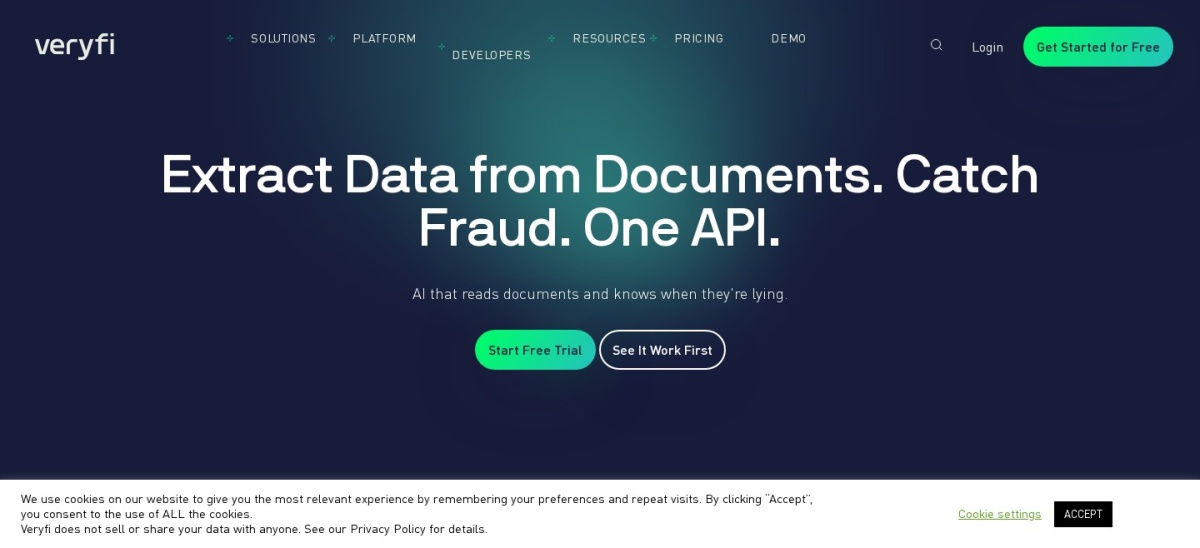
Veryfi is a developer OCR API that reads invoices, receipts and bank statements and returns structured data with fraud signals. The free plan processes 100 documents a month, and the Starter plan costs $500 a month in credits, with invoices priced at $0.16 each and receipts at $0.08.
The trade off is the jump from free to paid. A team that outgrows 100 documents a month faces a $500 monthly floor, even if it only needs a few hundred more. It suits product teams embedding invoice OCR into their own app.
What we like
Free plan stays free at 100 documents a month
Per-document prices are published and easy to model
Fraud signals included, not an add-on
Watch out for
Starter has a $500-a-month floor
Growth features such as Lens and SAML SSO need a custom quote
Starter covers up to 10,000 documents a month in creditsVisit veryfi.com
05
Dext
4.6/5on G2 (407 reviews, checked Nov 2026)
Starts at$25.21/mo
Best for posting invoices to accounting software
Business plan$25.21/mo billed annually
Documents250 per month
Users5 included
Syncs withQuickBooks, Xero
dext.com
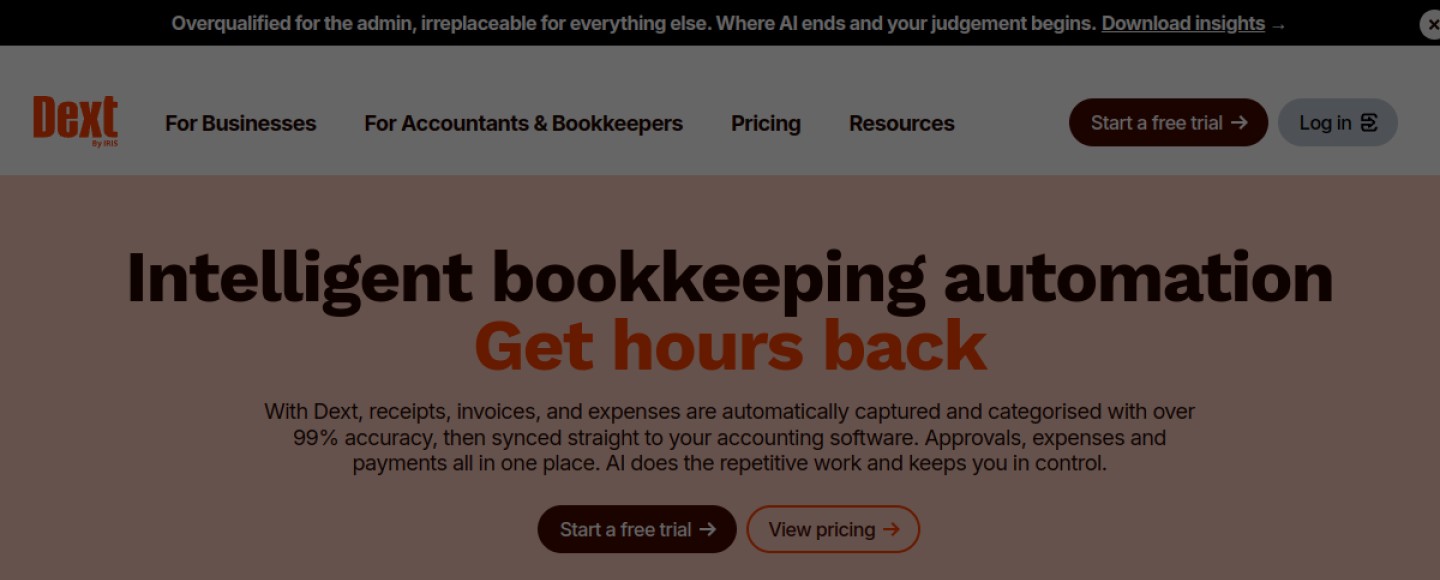
Dext homepage, captured Nov 2026.
Dext captures receipts, invoices and expenses and posts the extracted data straight into QuickBooks or Xero, with no API work. The Business plan costs $25.21 a month billed annually for 250 documents and 5 users, and it includes supplier rules, bank statement extraction and a mobile capture app.
The trade off is the cap. A busier month or a bigger team needs a custom plan, and add-ons such as AI Assist and statement extraction services bill separately. It suits bookkeepers and small businesses that want invoice data in the ledger, not in a separate tool.
What we like
Lowest paid entry in this list
Extracted fields land in QuickBooks or Xero with no build work
Largest G2 review base here, 407 reviews at 4.6 out of 5
Mobile, email, WhatsApp and desktop capture
Watch out for
Business caps at 250 documents and 5 users
Add-ons bill separately from the base subscription
Practice plans for accounting firms are priced separatelyVisit dext.com
06
Mindee
4.6/5on G2 (37 reviews, checked Nov 2026)
Starts at$44/mo
Best transparent credit pricing
Starter plan$44/mo billed annually
Credits6,000 per month
One pageOne credit
Free trial14 days
mindee.com
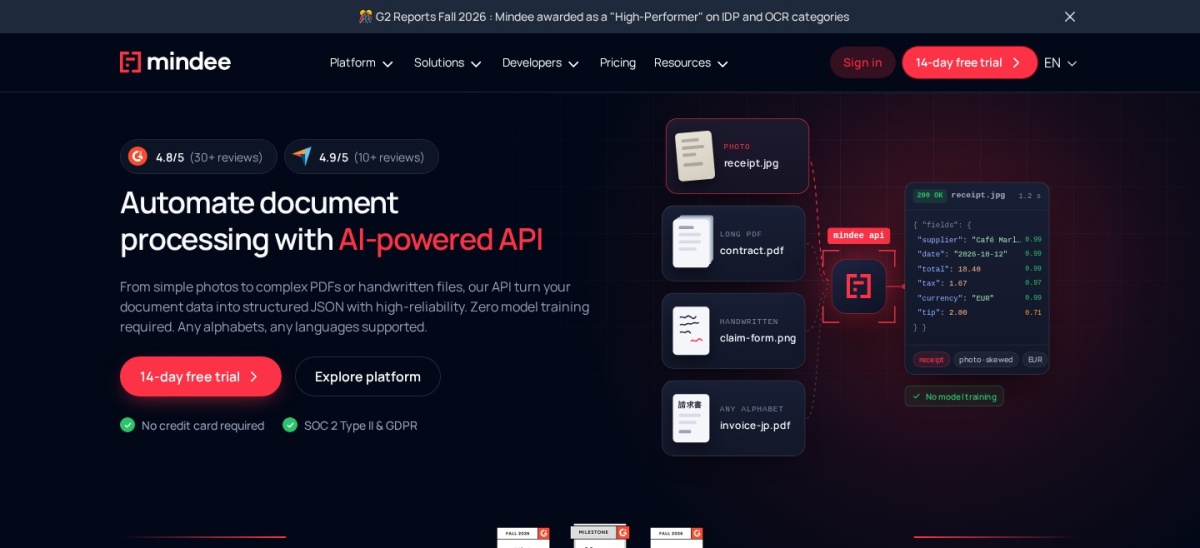
Mindee homepage, captured Nov 2026.
Mindee is a credit-metered OCR API that turns invoices, receipts and other documents into structured JSON, with a confidence score on every extraction. The Starter plan costs $44 a month billed annually for 6,000 credits, with one processed page equal to one credit and a 14-day free trial.
The trade off is seats. Starter includes only one full seat, so a second reviewer forces an upgrade to Pro at $116 a month, and Enterprise needs at least 500,000 credits a year. It suits lean engineering teams that want transparent, credit-based pricing.
What we like
Simple credit math: one page equals one credit
Confidence score included on every extraction
14-day free trial with no card required
Watch out for
Starter includes only one full seat
Enterprise has a steep 500,000-credit annual minimum
Pro at $116 a month adds unlimited seats and live chat supportVisit mindee.com
07
Docparser
4.6/5on G2 (53 reviews, checked Nov 2026)
Starts at$39/mo
Best for recurring vendor layouts
Starter plan$39/mo, 100 credits
ExportsCSV, Excel, JSON, XML
Professional plan$74/mo, 250 credits
Free trialYes
docparser.com
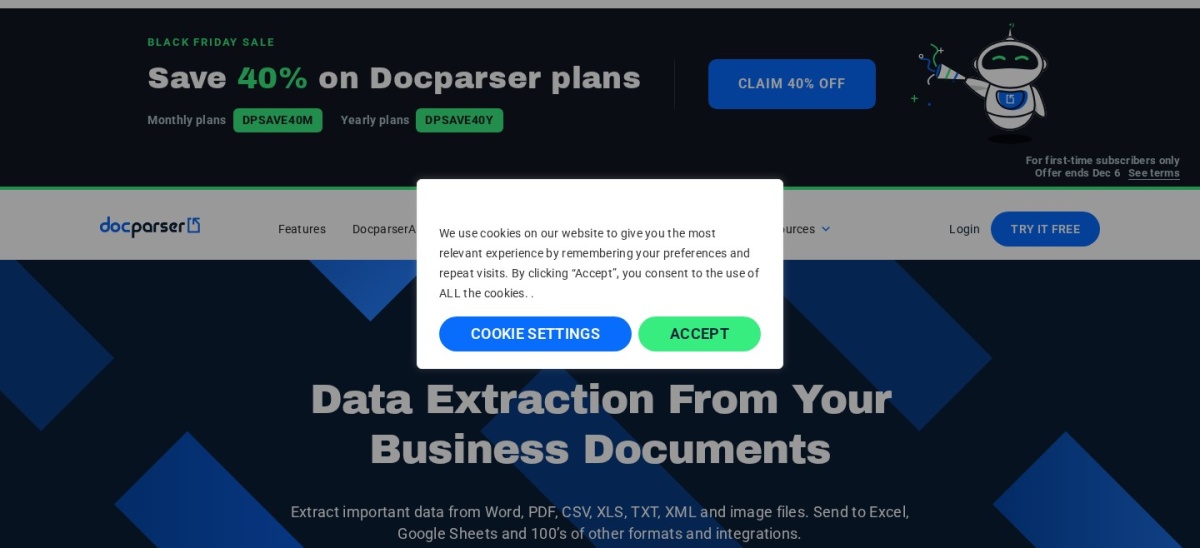
Docparser homepage, captured Nov 2026.
Docparser is a rule-based parser that extracts fields from invoices, purchase orders and bank statements with templates and an AI engine. The Starter plan costs $39 a month for 100 credits, with exports to CSV, Excel, JSON and XML plus a Google Sheets integration.
The trade off is setup. Template-based parsing needs rules per vendor layout, so varied supplier invoices take longer to configure than template-free tools. A 40% off sale was running on its homepage on 26 November 2026; the $39 figure here is the regular price. It suits ops teams with recurring vendor layouts.
What we like
Pre-built templates for common vendors
Exports to Sheets, Excel, JSON and XML
Rated 4.6 out of 5 on G2 from 53 reviews
Price rises in small steps as volume grows
Watch out for
New vendor layouts need template setup first
One credit covers a document of up to 5 pages only
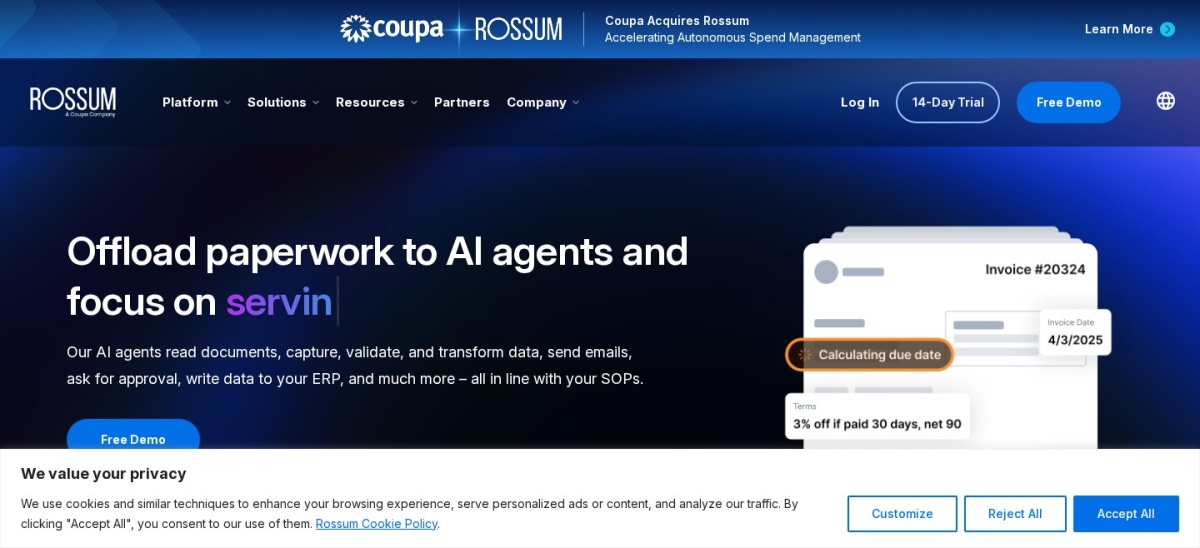
Rossum is an invoice-first document platform built around its Aurora model, with email and API ingestion, a validation screen and a 12-month document archive. The Starter plan costs $18,000 a year and includes unlimited seats, template-free extraction and human-in-the-loop review, with a 14-day free trial.
The trade off is the entry floor. The $18,000 annual price and one-year minimum rule out small teams, and master data matching, duplicate detection and ERP connectors sit behind the unpriced Business tier. It suits AP teams processing high invoice volumes on one platform.
What we like
Built for invoices first, not general documents
Unlimited seats on the Starter plan
Rated 4.5 out of 5 on G2 from 127 reviews
Validation screen keeps a human in the loop
Watch out for
Highest entry price in this list by a wide margin
Business and Enterprise pricing is not published
Business adds ERP integrations, duplicate detection and master data matchingVisit rossum.ai
Metered pricing: count pages before you buy
Most tools on this list charge by page, credit or document, not by seat. Nanonets charges per block run, Mindee charges one credit per page and Veryfi charges per document, so the same month of invoices can cost very different amounts on each.
Flat pricing is the exception. Rossum charges $18,000 a year with unlimited seats, and Dext charges per month for a fixed document cap. A flat plan suits steady volume; a metered plan suits seasonal volume.
Run a trial on your own invoices before signing. Accuracy on a vendor demo set says little about a two-column table or a handwritten total from your actual suppliers, and a trial shows which pricing tier your documents land in.
How we chose
We started from invoice OCR tools with a published G2 or Capterra rating and a published price or free plan, then kept the eight that cover the main buying routes: no-code platforms, developer APIs, parsers and bookkeeping-native capture.
Prices come from each vendor's pricing page, checked on 26 November 2026. Ratings and review counts come from G2 or Capterra on the same day. Where a vendor shows a sale, the list shows the regular price.
We left out quote-only platforms such as Docsumo, ABBYY Vantage and Klippa, now Doxis AI.dp, because no buyer can budget them without a sales call, and tools with no public rating at all. No vendor paid for a place, and we do not claim to have used these tools ourselves.
How to choose OCR software for invoice processing
Start with who will run it, then match the pricing model to your real monthly volume.
Decide who runs it: no-code or developer. Parseur, Dext and DocuClipper run without an engineer. Veryfi and Mindee are APIs and expect your team to build the review workflow and the sync.
Count a real month of invoices. Metered plans punish a busy month. Price your actual page and document counts on two or three plans before you compare headline prices.
Trial it on your own supplier layouts. Every vendor reads a clean typed invoice well. Test a two-column table, a handwritten total and your worst supplier, and check the confidence scores.
Confirm the tax fields and the ledger sync. Check that tax, currency and line items extract cleanly and land in your accounting software. Our guide on setting up taxes in WooCommerce shows what the tax side needs once fields are extracted.
FAQ
What is the best OCR software for invoice processing?
Nanonets is the best pick for most teams. It is rated 4.8 out of 5 on G2 from 96 reviews, and its $100-a-month Starter plan covers classification, extraction, validation and routing in one no-code workflow.
How much does invoice OCR software cost?
Paid plans in this list run from $25.21 a month for Dext to $500 a month for Veryfi Starter, with Rossum at $18,000 a year for AP teams. Most tools charge by page, credit or document, so a real month of invoices decides the true cost.
Is there free OCR software for invoices?
Yes. Veryfi has a free plan for 100 documents a month, and Parseur has a free tier for 20 pages a month. Nanonets, Mindee, Docparser and Rossum offer free credits or a 14-day trial instead of a free plan.
What is the difference between OCR and invoice processing software?
Plain OCR only reads text from a page. Invoice processing software knows which text is the vendor, the total or the tax, checks it against rules, and sends the fields to your accounting system as structured data.
Do I need a developer to use invoice OCR software?
Not always. Parseur, Dext and DocuClipper run without an engineer: forward an invoice and the fields appear in a spreadsheet or ledger. Veryfi and Mindee are APIs, so they need a developer to build the workflow around them.
How accurate is invoice OCR?
It depends on the layout. Clean typed invoices from familiar suppliers extract well, while handwritten totals and two-column tables need human review. Use the free trial on your own invoices and check confidence scores before signing.
SaaS SEO and WordPress specialist with about 8 years of experience. Rakib compares WordPress plugins, themes, hosting and software using public pricing, documentation and user reviews. See how we rank.