WLWPLegible EditorsLast verified 23 Nov 2026How we rank13 min read
★ Short answer
CatalogIt is the best museum software for most museums, with a 4.9 out of 5 Capterra rating from 78 reviews and a free plan for small collections. Pick Artwork Archive for low-cost art inventory at $24 a month, or PastPerfect for a proven desktop system used by over 11,000 museums.
How we make this list: we compare pricing pages, product documentation and public user reviews, then re-check every price before each update. No product paid for a place. Disclosure.
CatalogIt leads with a 4.9 out of 5 Capterra rating from 78 reviews, a free plan and a $54 a month museum plan.
Artwork Archive is the cheapest paid option here at $24 a month, rated 4.9 out of 5 from 110 Capterra reviews.
PastPerfect is the most widely used, with over 11,000 museums, and costs $745 as a one-time purchase.
Axiell Collections, Veevart and Blackbaud Altru cover larger institutions, but Axiell pricing is quote-only and Altru starts at $399.
TMS Collections is the art-museum standard for large institutions, while Argus starts at $2,500 a year with a 4.8 out of 5 Capterra rating from 5 reviews.
What museum software should cover
Museum software is mainly collections management software. It records each object, its location, condition, provenance and loan history, so staff can find and report on the collection without paper files or spreadsheets.
The core features to check are cataloging, location tracking, loans and exhibitions, image and document storage, and a way to publish selected records online. Visitor tools such as ticketing and memberships are a separate job, and only some tools on this list include them.
Price models vary widely. Some tools charge per month, PastPerfect charges a one-time fee, and the enterprise systems are quote-only, so always ask what the quote covers before comparing it with a published price.
Small museums should start with the free or low-cost options and check data export first. Our guide on how to create a membership site in WordPress covers the member side if you also need to manage supporters online.
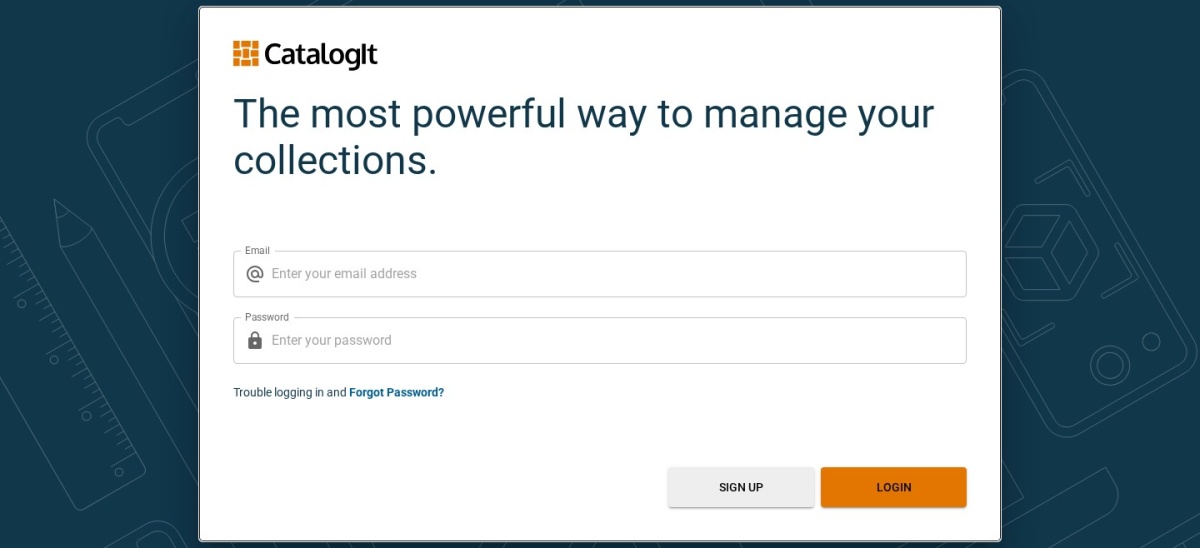
CatalogIt is a cloud-based collections management system for museums, historical societies, archives and private collectors. The free plan covers 1 user, 5 GB of storage and 50 entries, and the Small museum plan costs $54 a month, with Medium at $72 and Large at $96 a month.
The trade off is that the museum plans cost more than the cheapest tools here, and the company is younger than the long-established desktop systems. It suits small and mid-size museums that want modern cloud cataloging, mobile data entry on the gallery floor and QR codes for location tracking.
What we like
Highest Capterra rating in this list at 4.9 out of 5
Free plan for getting started with a small collection
Mobile app for cataloging and inventory on site
QR codes and controlled vocabularies built in
Watch out for
Museum plan costs more than Artwork Archive
Younger company than PastPerfect or Vernon Systems
Advanced search and linked records take time to learn
Artwork Archive is an online art inventory system that museums, galleries and artists use to track artwork, documents and exhibitions. The Organization Standard plan costs $24 a month, with Plus at $59 and Enterprise at $139 a month, and it includes inventory reports and a public online portfolio.
The trade off is that it is built for art inventory first, so it has less depth than a full museum registrar system for loans, conservation and multi-department workflows. It suits art museums, small galleries and collections where inventory, reporting and online display matter most.
What we like
Cheapest paid plan in this list at $24 a month
Most Capterra reviews here at 110, rated 4.9 out of 5
Public portfolio pages for sharing the collection
Inventory reports and sales tracking included
Watch out for
No free plan, only a free trial
Less registrar depth than PastPerfect or Axiell
Aimed at art collections, not natural history or archives
ArtCloud, now an Artlogic company, is a management platform for galleries, artists and boutiques that combines inventory, sales and websites. Paid plans start at $99 per user a month, and reviewers praise its real-time sales analytics and the way it links inventory to customer records.
The trade off is price. At $99 per user a month it is the most expensive per-user tool in the top half of this list, and it is aimed at selling galleries rather than non-selling museums. It suits art museums and galleries that also sell work and need sales, inventory and a website in one system.
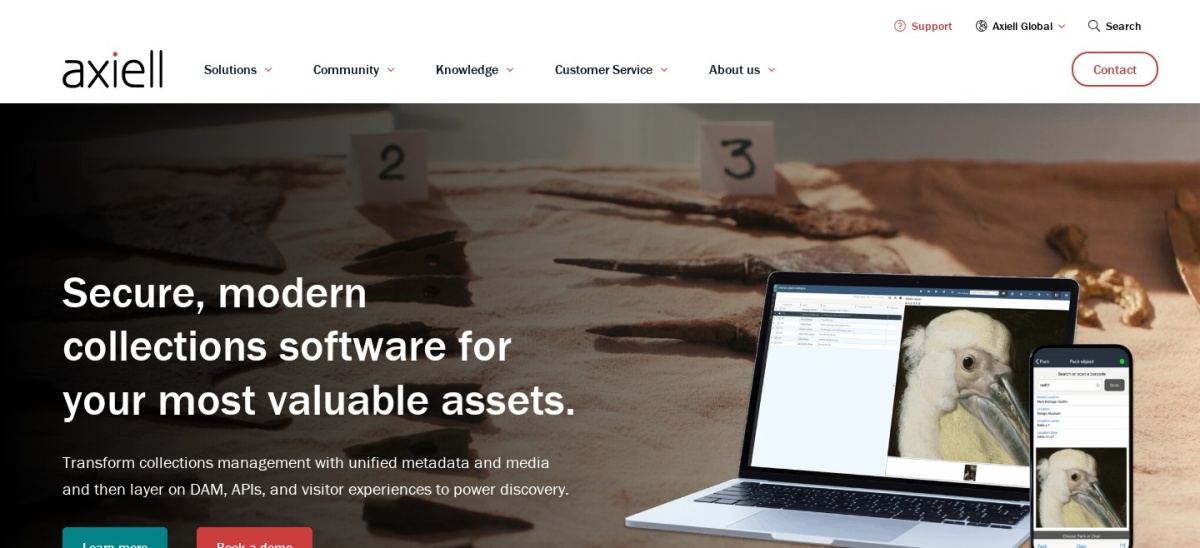
Axiell Collections is a web-based collections management system for museums, archives, galleries and heritage sites. Staff can catalogue, manage and organise a collection to industry standards from any browser, publish records online, and import, export and report on collection data.
The trade off is transparency. Axiell does not publish a price, so museums must request a quote, and the Capterra rating rests on only 3 reviews. It suits large institutions that need a configurable, standards-based system and have the budget for an enterprise quote.
What we like
Web-based, so staff can work from anywhere
Strong feature rating of 4.7 out of 5 on Capterra
Customer service rated 5.0 out of 5
Built for museums, archives and heritage sites
Watch out for
No published price, quote only
Only 3 Capterra reviews, so the rating is thin
Learning curve noted by reviewers
Ask for a quote covering users, records and migrationVisit axiell.com
05
Veevart
4.7/5on G2 (25 reviews, checked Nov 2026)
Starts at$135/mo
Best all-in-one museum operations
Free planNo, free trial
Entry planBasic, $135 per user/mo
Built onSalesforce
Ticketing and POSYes
veevart.com
Veevart homepage, captured Nov 2026.
Veevart is a cloud-based platform built on Salesforce for museums, galleries and cultural institutions. It combines visitor and donor CRM, fundraising, memberships, ticketing, front-desk POS, gift shop sales and collections management, with a Basic plan at $135 per user a month.
The trade off is cost and breadth. Per-user pricing makes it expensive for large teams, and reviewers note that its strongest tools are in development and fundraising rather than programming. It suits museums that want one system for visitors, donors and collections instead of several separate tools.
What we like
Rated 4.7 out of 5 from 25 G2 reviews
CRM, ticketing, POS and collections in one platform
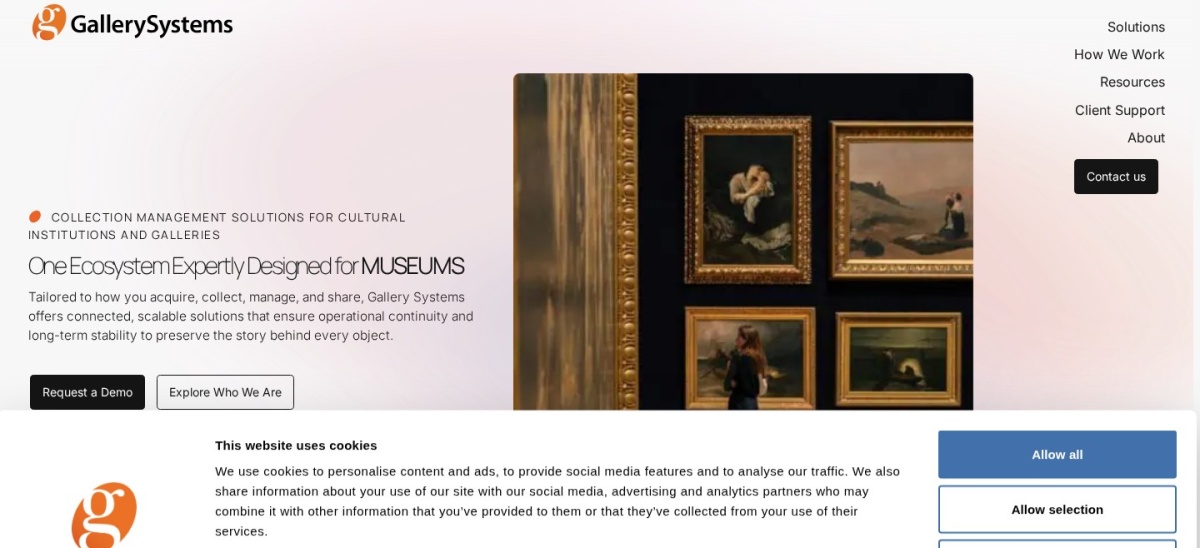
TMS Collections is the collections management suite from Gallery Systems, used by major art museums and collecting institutions. The web-based system covers cataloging, loans, conservation and digital asset management, with eMuseum for publishing collections online.
The trade off is cost and setup. Pricing is quote-only and enterprise, and implementation is a genuine project with data migration to plan. It suits large art museums that need depth across registrar, conservation and exhibition work.
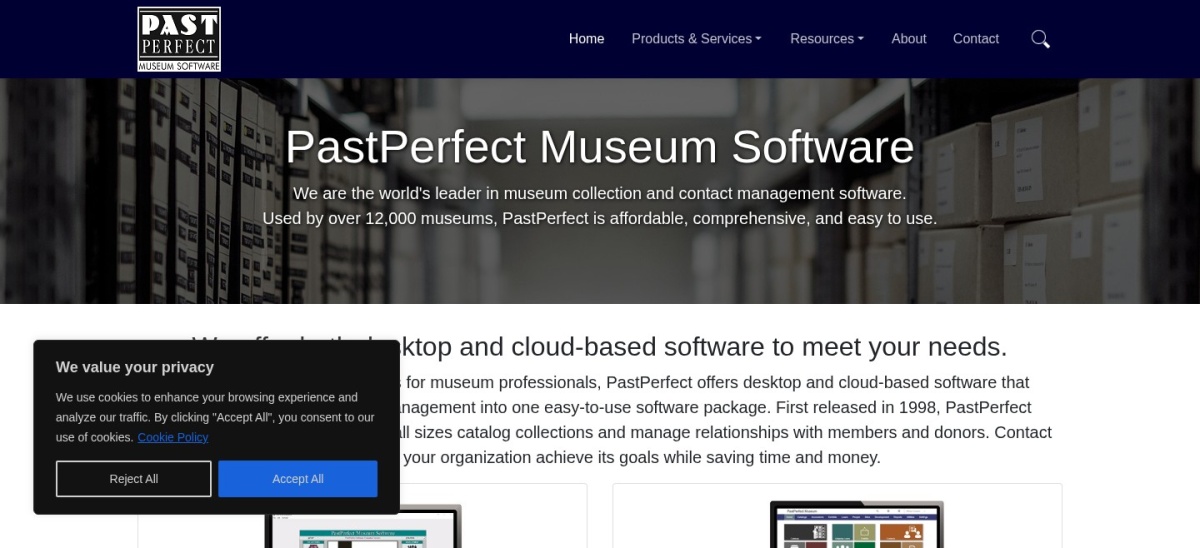
PastPerfect is the best-known museum software in the field, first released in 1998 and used by over 11,000 museums. It combines collections management with contact management, covering cataloging, loans, acquisitions, exhibits, members, donors and mailings in one desktop package, with a cloud version also available.
The trade off is the interface. It is a desktop-era design that younger staff may find dated, and the $745 one-time price does not include later upgrades or support. It suits small and mid-size museums that want a proven, museum-specific system with the largest user community in the field.
What we like
Used by over 11,000 museums
Collections plus members and donors in one package
One-time price with no monthly fee for the license
Long track record since 1998
Watch out for
Desktop-era interface feels dated
Lower Capterra rating here at 4.2 out of 5
G2 rating is lower still at 3.5 out of 5 from 12 reviews
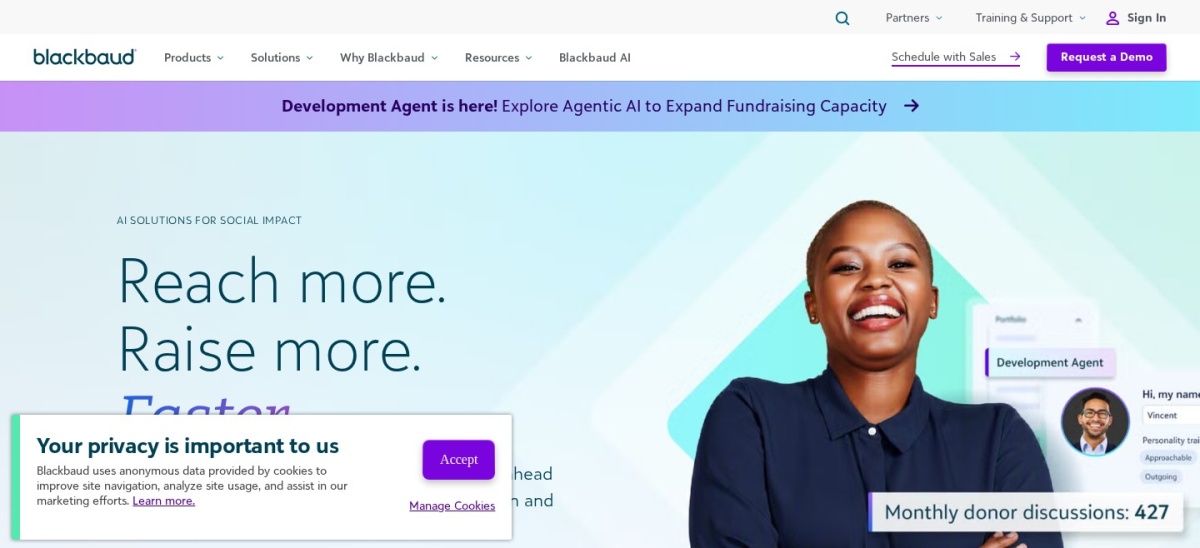
Blackbaud Altru is a cloud-based system for art and historical museums, zoos, aquariums, gardens and science centers. It manages ticketing for events and programs, memberships, donors, fundraising and point of sale in person and online, with a 360-degree view of visitors, members and donors.
The trade off is that it is a visitor and fundraising system first, not a collections catalog. Capterra lists a $399 starting price without stating the billing period, so confirm that before budgeting. It suits larger visitor attractions where ticketing, memberships and fundraising matter as much as the collection.
What we like
Built for museums, zoos and science centers
Ticketing, POS, memberships and fundraising in one
42 Capterra reviews, the most among the visitor tools here
Strong customer service rating of 4.3 out of 5
Watch out for
Lowest Capterra rating here at 4.0 out of 5
Billing period for the $399 starting price is not stated
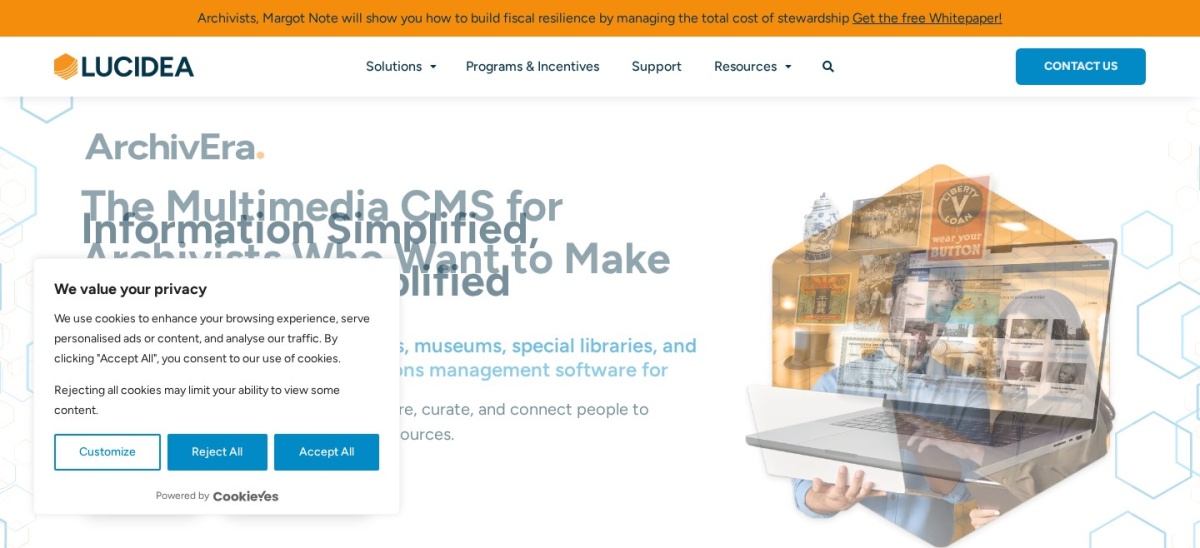
Argus is a flexible web-based collections management platform from Lucidea for museums and galleries. It is built to improve curation and expand outreach, with configurable records for varied collection types and online access for in-person and virtual visitors.
The trade off is price and evidence. At $2,500 a year it is the most expensive fixed price in this list, and the 4.8 rating rests on only 5 Capterra reviews. It suits museums that want a configurable web system and can use the free trial to check it fits their records.
What we like
Rated 4.8 out of 5 from 5 Capterra reviews
Configurable web platform for varied collections
Customer service rated 5.0 out of 5
Free trial and free version listed on Capterra
Watch out for
$2,500 a year is the highest fixed price here
Only 5 Capterra reviews, so the rating is thin
Ease of use is the lowest subscore at 4.2 out of 5
Collections software vs visitor software: know which job you are buying
Most tools on this list manage the collection: objects, locations, loans and exhibitions. That is the registrar's job, and it is what CatalogIt, PastPerfect, Axiell and TMS Collections do best.
A smaller group manages the visitor: tickets, memberships, donors and the gift shop. Veevart and Blackbaud Altru do that, with collections as a second job, while ArtCloud adds sales for galleries that sell art.
If you buy a visitor system expecting deep cataloging, or a cataloging system expecting ticketing, you will end up buying a second tool. List the two or three jobs that matter most, then check each tool against that list before asking for a quote.
How we chose
We started from the established museum software on Capterra and G2, then kept the tools with a public rating, a clear price or a clear quote-only model, and a real museum or gallery focus.
Prices and ratings were checked on 23 November 2026. Ratings come from Capterra or G2 as noted for each tool. Where a vendor shows a sale, the list shows the regular price, and where sources disagree on a price, the notes flag the conflict.
We left out MuseumPlus, which has no public Capterra or G2 rating, and swapped out eHive and CollectionSpace after their homepages failed the server screenshot repeatedly. No vendor paid for a place, and we do not claim to have used these tools ourselves.
How to choose museum software
Start with your collection size and your staff, then match the tool to those two facts.
Count your objects and your catalogers. Under 5,000 objects, CatalogIt or Artwork Archive will do. Above 100,000 objects or several departments, look at Axiell, PastPerfect or TMS Collections.
Separate collections work from visitor work. If ticketing, memberships and fundraising matter as much as cataloging, shortlist Veevart or Blackbaud Altru. If cataloging comes first, stay with the specialist tools.
Check data export and migration before you buy. Ask each vendor how your records leave the system, what migration costs and who does the work. A tool that cannot ingest your existing data cleanly is the wrong tool.
Trial it with real records, not the demo data. Load a sample of your own objects, including loans and images, and run the reports your board actually asks for. That shows the gaps a sales demo hides.
FAQ
What is the best museum software?
CatalogIt is the best pick for most museums, rated 4.9 out of 5 from 78 Capterra reviews, with a free plan and a $54 a month museum plan. Artwork Archive is the cheapest paid option at $24 a month, and PastPerfect is the most widely used.
Is there free museum software?
CatalogIt has a free plan for small collections, with 1 user, 5 GB of storage and 50 entries, and ArtCloud also lists a free version on Capterra. Free plans always limit users, entries or storage, so check those limits before relying on one.
How much does museum software cost?
Paid plans in this list run from $24 a month for Artwork Archive to $135 per user a month for Veevart. PastPerfect costs $745 as a one-time purchase, Argus starts at $2,500 a year, and Axiell Collections and TMS Collections are quote-only.
What is the difference between collections software and ticketing software?
Collections software catalogs objects, tracks locations and manages loans and exhibitions. Ticketing software sells admission, manages memberships and donors, and runs the gift shop. Some tools do both, but most do one job well and the other only partly.
Can small museums use the same software as large museums?
They can, but they rarely need to. Small museums do better with CatalogIt or Artwork Archive, which are simpler and cheaper. Large museums need the configurability, reporting and multi-department workflows of Axiell, PastPerfect or TMS Collections.
Does museum software publish collections online?
Most of the tools here do. CatalogIt publishes through its HUB, TMS Collections publishes through eMuseum, and Artwork Archive offers public portfolio pages. Check whether online publishing is included in the plan or an extra module.