Best Multi Platform Email Client in 2026: 8 Tools Compared
WLWPLegible EditorsLast verified 23 Nov 2026How we rank12 min read
★ Short answer
Microsoft Outlook is the best multi platform email client for most people. It runs on Windows, Mac, iOS, Android and the web, the app is free, and it is rated 4.5 out of 5 by more than 2,500 reviewers on Capterra.
How we make this list: we compare pricing pages, product documentation and public user reviews, then re-check every price before each update. No product paid for a place. Disclosure.
#2 Best free option
Thunderbird
Free on every desktop, with add-ons for everything else
Microsoft Outlook is the only client here that runs everywhere and costs nothing to start, with a 4.5 rating from 2,535 Capterra reviewers.
Thunderbird is completely free and open source, with no paid tier at all, and it runs on Windows, Mac, Linux and Android.
Superhuman is the highest rated at 4.7 on G2, but it costs $30 a month and works only with Gmail and Outlook accounts.
Zoho Mail starts at $1 a user a month, the cheapest paid plan in this list, and it includes a free tier for up to 5 users.
Mailbird offers a pay-once licence at $99.75 per user as an alternative to its $69 a year plan.
What makes an email client truly multi platform
A multi platform email client runs the same inbox on your computer, your phone and the web. That matters because most people read mail on at least two devices, and switching clients between them means learning two layouts and losing your filters.
The best clients sync everything: folders, rules, signatures and read status. If you snooze a message on your phone, it should stay snoozed on your laptop.
Price matters too. Several clients in this list are free, and the cheapest paid plan starts at $1 a user a month. At the other end, Superhuman costs $30 a month, which only makes sense if you live in your inbox all day.
Privacy is the last split. Most clients here store your mail on their servers, but Proton Mail encrypts it end to end, and Thunderbird keeps it on your own machine. Pick the level of privacy that fits the mail you handle.
4.5/5on Capterra (2,535 reviews, checked Nov 2026)
PriceFree
Best multi platform email client overall
PlatformsWindows, Mac, iOS, Android, web
Free planYes, with ads
CalendarBuilt in
Paid upgradeMicrosoft 365 Basic, $1.99/mo
outlook.com
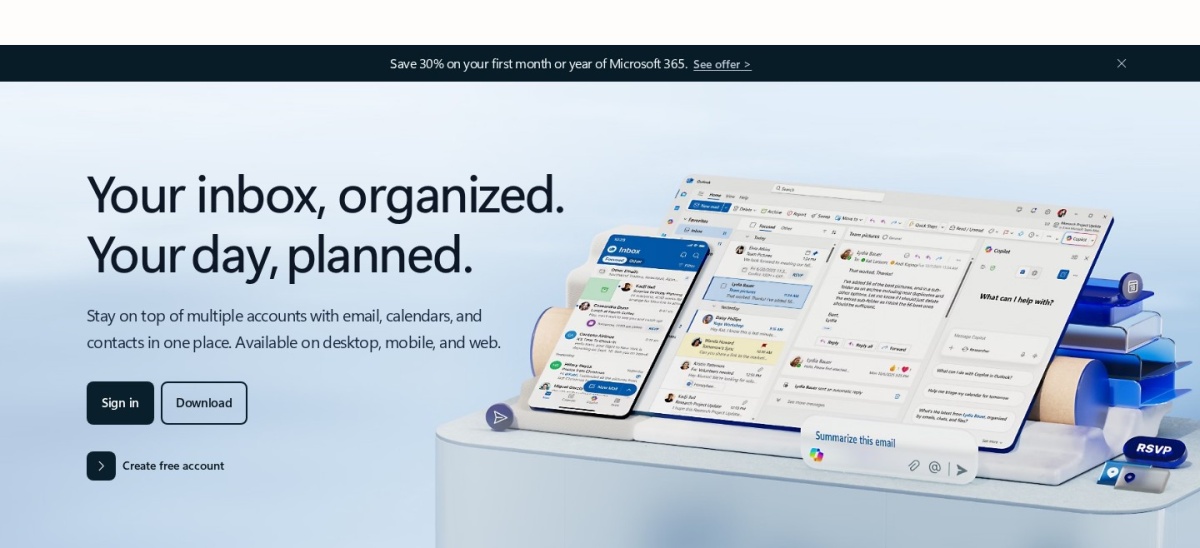
Microsoft Outlook homepage, captured Nov 2026.
Microsoft Outlook is a free email app that runs on Windows, Mac, iOS, Android and the web, with a calendar and contacts built into the same window. It works with Outlook.com, Gmail, Yahoo and other accounts, and it syncs mail, calendar and files across every device you sign in on.
The trade off is the advertising. The free app shows ads in the inbox, and the desktop apps need a Microsoft 365 subscription, with Basic at $1.99 a month. It also feels heavier than the lighter clients here, and its focused inbox sometimes hides mail you wanted to see.
What we like
Free on every major platform, including the web
Calendar, contacts and files in one window
Works with Gmail, Yahoo and other accounts
Focused inbox sorts the important mail first
Watch out for
Ads in the free app inbox
Desktop apps need a Microsoft 365 subscription
Focused inbox can hide mail you wanted
Ad-free use starts at Microsoft 365 Basic, $1.99 a monthVisit outlook.com
02
Thunderbird
4.4/5on Capterra (160 reviews, checked Nov 2026)
PriceFree
Best free and open source email client
PlatformsWindows, Mac, Linux, Android
Free planYes, fully free
iOS appIn public beta
Paid planNone, donations only
thunderbird.net
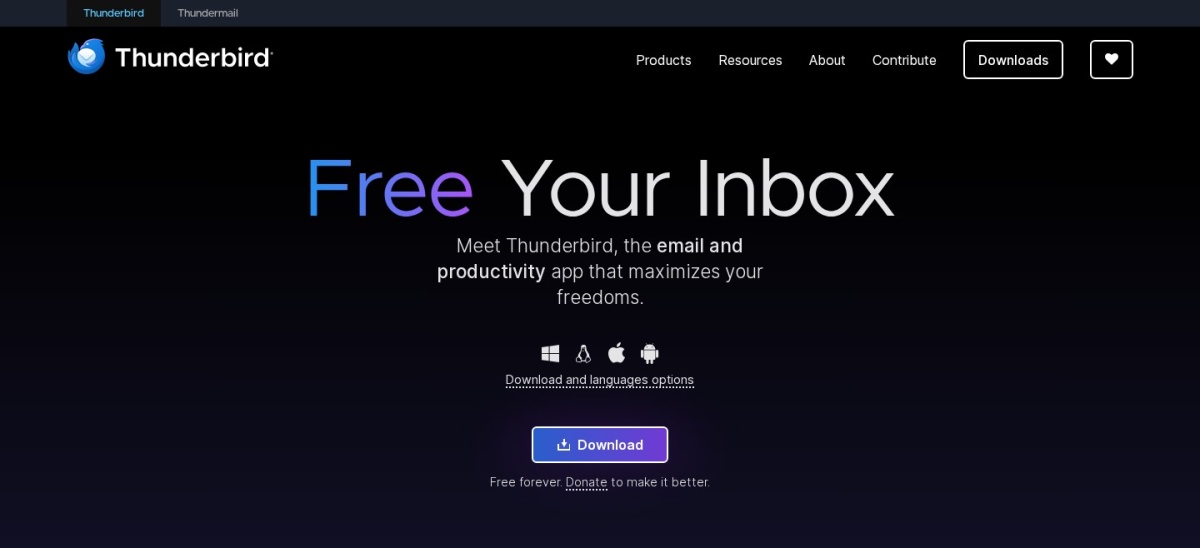
Thunderbird homepage, captured Nov 2026.
Thunderbird is a free, open source email client from MZLA Technologies that runs on Windows, Mac, Linux and Android, with an iOS app in public beta. It handles unlimited accounts, local folders and RSS feeds, and add-ons extend it with calendars, encryption and custom layouts.
The trade off is the look and feel. Thunderbird's interface is plain next to the polished clients here, and setting up encryption or advanced filters takes more clicks. It has no built-in cloud storage, and its mobile app is still in beta, so iPhone users wait.
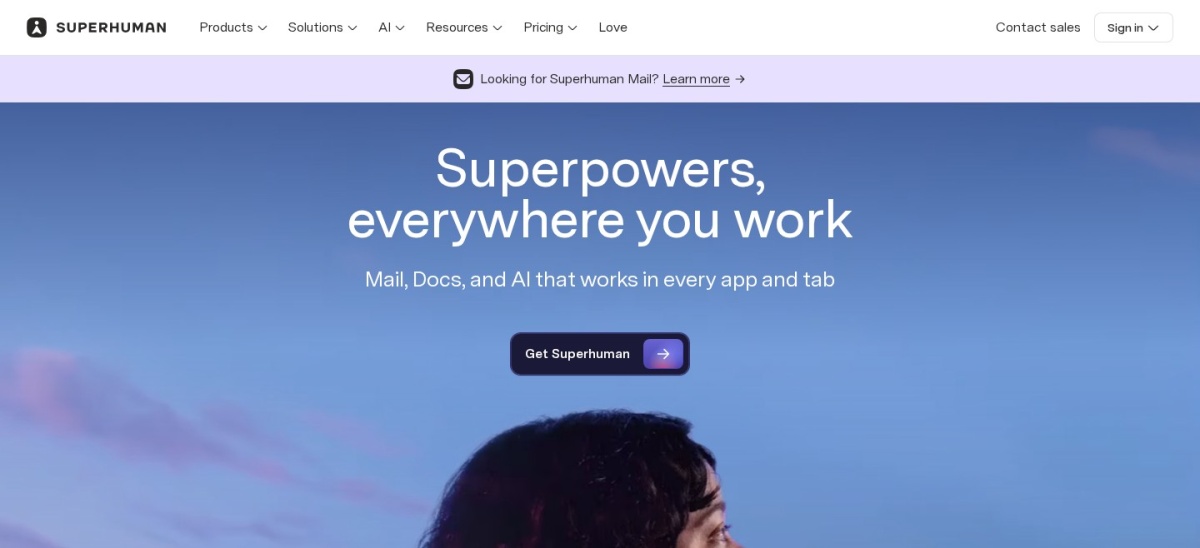
Superhuman is a keyboard-first email client that helps heavy users get through their inbox faster, with shortcuts for every action, AI triage and auto drafts. It sits on top of Gmail or Outlook accounts and adds read statuses, snippets, send later and shared conversations for teams.
The trade off is the price and the reach. Starter costs $30 a user a month, the highest price in this list, and there is no Windows or Android app. It also only works with Gmail and Outlook accounts, so anyone on another provider cannot use it at all.
What we like
Fastest triage here, with shortcuts for everything
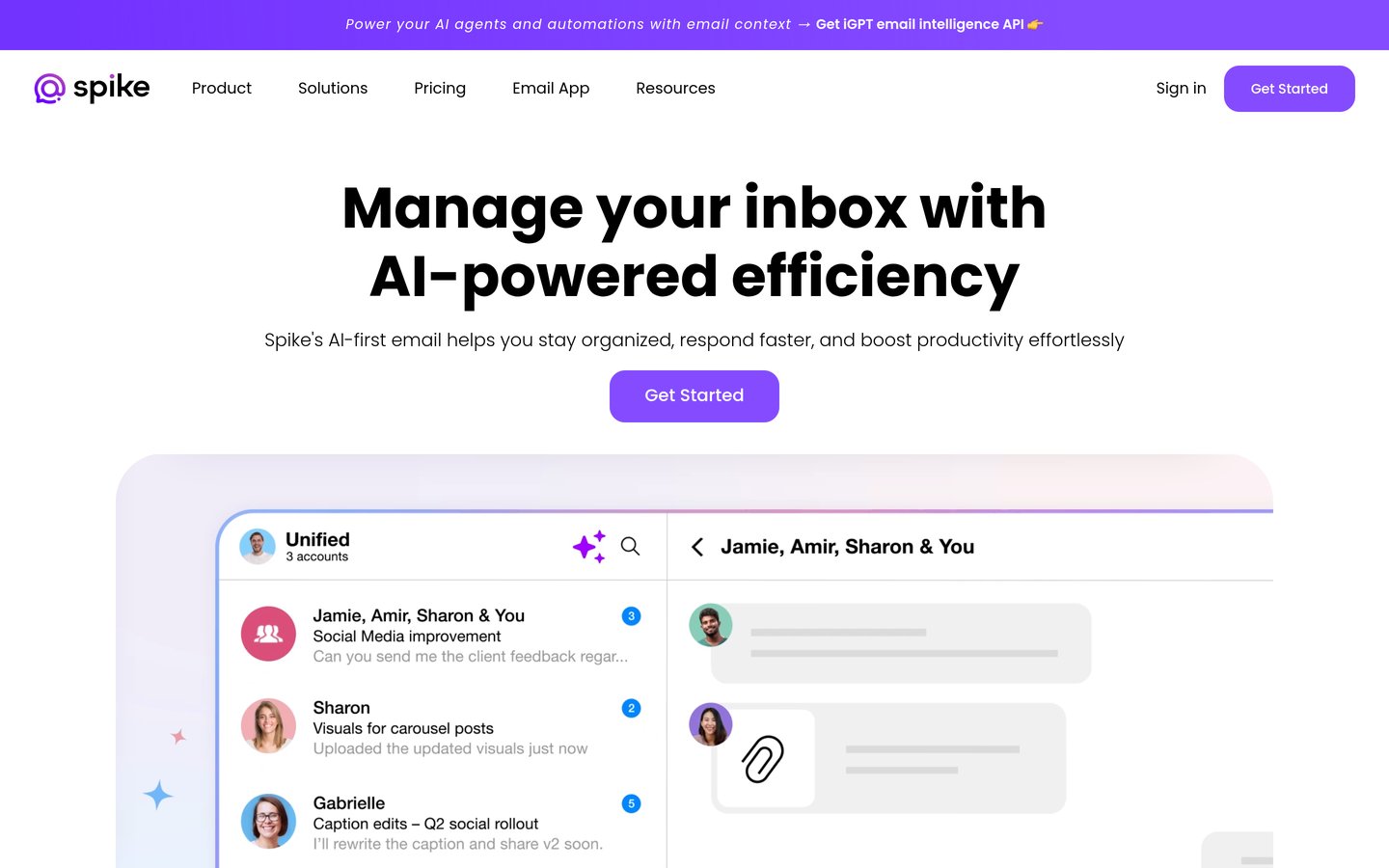
Spike is an email client that turns long threads into chat-style conversations, with reactions, read indicators and voice messages alongside normal mail. It adds team spaces, shared notes and video calls in the same app, and it runs on Windows, Mac, iOS, Android and the web.
The trade off is the free plan. It covers only one email address with a short search history, so most people need Pro at $5 a user a month. The chat view also splits opinion: people who like classic threads may find it harder to follow long conversations.
4.5/5on Capterra (1,070 reviews, checked Nov 2026)
Paid from$1/user/mo
Best budget email client for small teams
PlatformsWindows, Mac, iOS, Android, web
Free planYes, 5 users
Mail Lite$1/user/mo
Mail Premium$4/user/mo, 50 GB
zoho.com
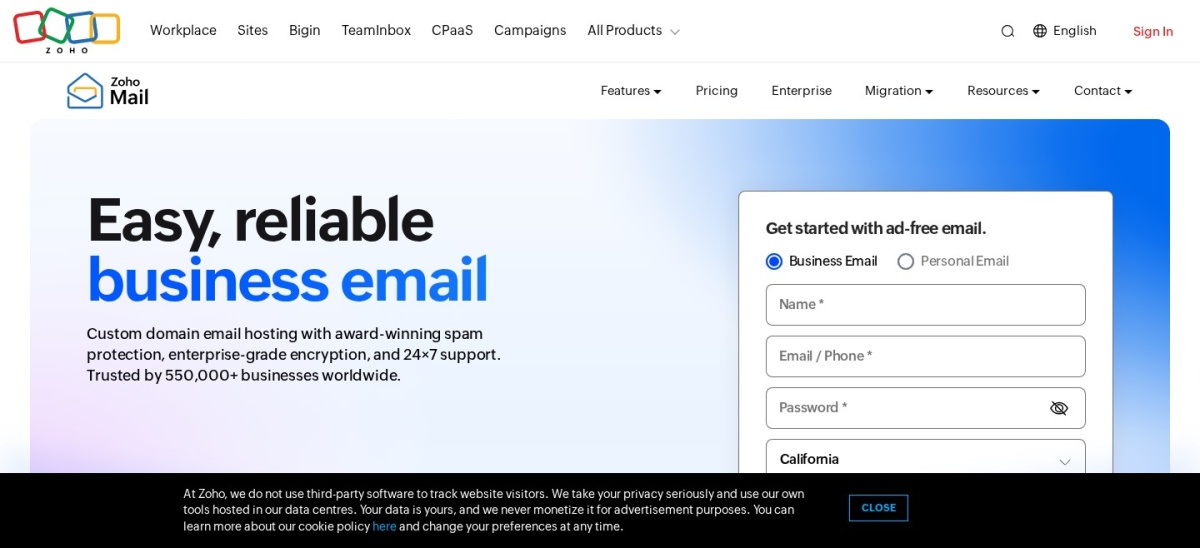
Zoho Mail homepage, captured Nov 2026.
Zoho Mail is a clean, ad-free email service with apps for Windows, Mac, iOS, Android and the web, built for small teams that want a custom domain without a big bill. Mail Lite starts at $1 a user a month, and the free tier covers up to 5 users with web access.
The trade off is the free tier's limits. It has no IMAP, POP or mail forwarding, so you cannot use it with another desktop client, and its 5 GB storage per user is small next to Gmail. The interface is also simpler than Outlook, with fewer power features.
What we like
Cheapest paid plan in this list, $1 a user a month
Ad-free, with a free tier for up to 5 users
Custom domain mail for small teams
Runs on every platform
Watch out for
Free tier has no IMAP, POP or forwarding
5 GB storage per user is small
Fewer power features than Outlook
Mail Premium at $4 a month adds 50 GB and moreVisit zoho.com
06
Proton Mail
4.5/5on Capterra (123 reviews, checked Nov 2026)
Paid from$6.99/user/mo
Best email client for privacy
PlatformsWindows, Mac, iOS, Android, web
Free planYes, 1 GB
EncryptionEnd-to-end, zero access
Mail Essentials$6.99/user/mo
proton.me
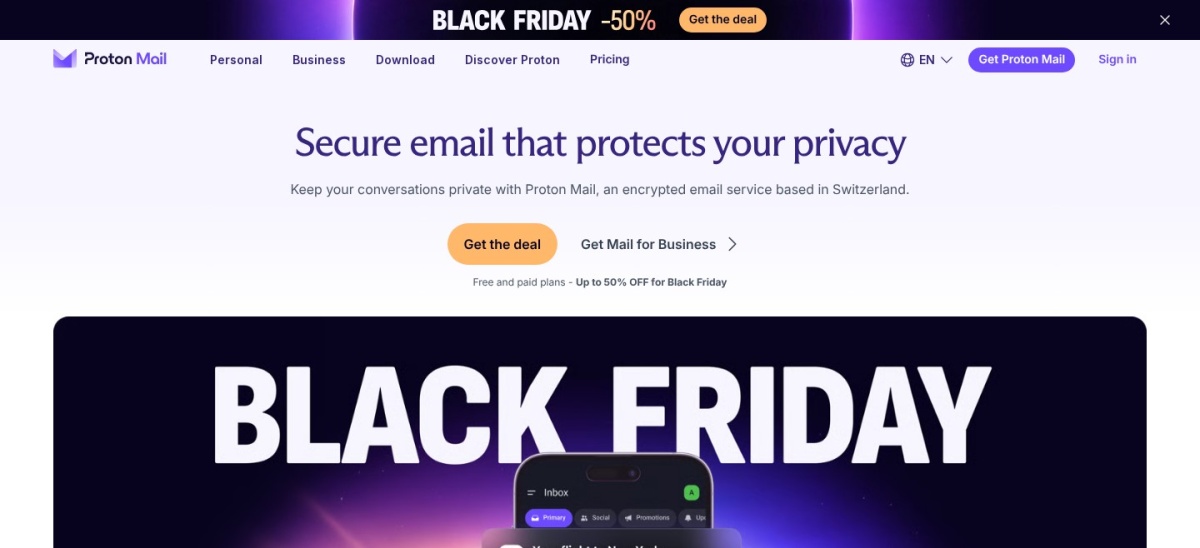
Proton Mail homepage, captured Nov 2026.
Proton Mail is an encrypted email service from Switzerland that runs on Windows, Mac, iOS, Android and the web, with end-to-end encryption and a zero-access design, so even Proton cannot read your mail. The free plan includes 1 GB of storage, and paid plans add custom domains and more storage.
The trade off is the price and the search. Mail Essentials starts at $6.99 a user a month, and encrypted search is slower than Gmail's, since messages are decrypted on your device. It also lacks some of Outlook's calendar depth, and the free plan's 1 GB fills fast.
What we like
End-to-end encryption by default
Zero-access design, based in Switzerland
Free plan with no ads
Apps for every platform
Watch out for
$6.99 a user a month for the first paid plan
Encrypted search is slower than Gmail
Free plan gives only 1 GB of storage
Business Suite at $12.99 adds more storage and toolsVisit proton.me
07
eM Client
4.2/5on Capterra (188 reviews, checked Nov 2026)
Paid from$40/yr
Best Outlook-style client for Windows and Mac
PlatformsWindows, Mac
Free planYes, 2 accounts
Personal plan$40/yr
One-time licenceAlso sold
emclient.com
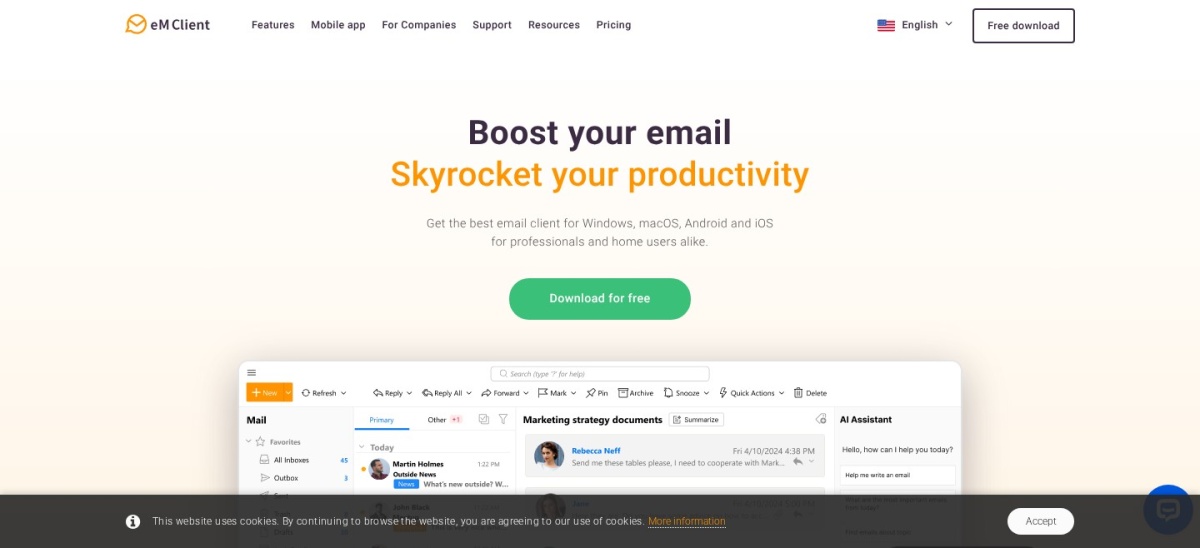
eM Client homepage, captured Nov 2026.
eM Client is a polished desktop email client for Windows and Mac that puts mail, calendar, tasks, contacts and chat in one window, with PGP and S/MIME encryption and an AI add-on. The Personal plan costs $40 a year for unlimited accounts on up to three devices, and a one-time licence is also sold.
The trade off is the platform list. There is no Linux version, no web client and no mobile app, so it is desktop-only, and the free plan stops at two accounts on one device. Licences are also priced per person or per device, which adds up for a team.
What we like
Polished Outlook-style window with mail and calendar
PGP and S/MIME encryption built in
One-time licence option alongside the subscription
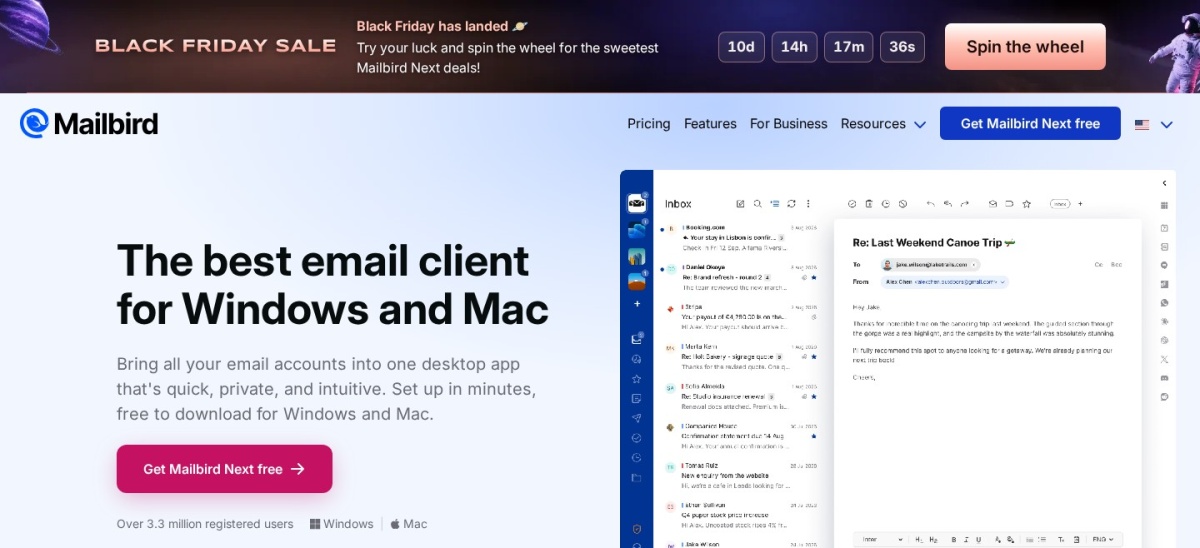
Mailbird is an email client for Windows and Mac that pulls Gmail, Outlook, Yahoo and other accounts into one colour-coded unified inbox, with email tracking, a calendar and integrations for WhatsApp, Slack and Asana. A mobile app is in public beta on Android and iOS, and a pay-once licence costs $99.75 per user.
The trade off is the pricing confusion. Reviewers call the plans unclear, and the free version limits accounts and shows ads, so most people need Premium Yearly at $69 a user a year. Some reviewers also report recurring bugs and slow support when things break.
Free plans cover the basics well. Most include a unified inbox, search and a calendar, and Thunderbird is free in full, with no paid tier at all.
Paid plans mostly add accounts, storage and support. Zoho Mail's free tier stops at 5 users, Spike's at one address, and Mailbird's free version limits accounts and shows ads.
If you handle a lot of mail every day, the first year of a paid plan is cheap insurance. Zoho Mail Lite costs $12 a year, eM Client $40, and Mailbird $69, while Superhuman costs $300 and only fits heavy users.
How we chose
We started with clients that run on at least three platforms, including a phone, so the same inbox follows you from desk to pocket. Every tool here works on Windows and Mac, and all but eM Client also run on iOS and Android or the web.
Ratings come only from Capterra and G2 pages opened on 23 Nov 2026, and prices come from vendor pricing pages and Capterra listings checked the same day. This list is based on pricing, docs and reviews, not on using the tools ourselves.
We kept tools with a free plan or a low entry price, and left out clients with no rating on G2, Capterra or Trustpilot. That is why Spark, a popular client, is not here: its G2 page could not be confirmed.
How to choose a multi platform email client
Start with the devices you actually use, then match the client to them.
List your devices. Write down every device you read mail on. If you use Windows at work and an iPhone at home, you need a client on both.
Check the free plan first. Most clients here have a free plan. Try it with your real accounts before paying, and check the account and storage limits.
Match the client to your mail provider. Superhuman works only with Gmail and Outlook accounts, while Thunderbird and eM Client work with almost any provider.
Count the cost per person. A $1 a month plan for a team of 10 costs $120 a year, while Superhuman costs $3,600. Match the price to how much mail you actually handle.
FAQ
What is the best multi platform email client?
Microsoft Outlook is the best pick for most people. It runs on Windows, Mac, iOS, Android and the web, the app is free, and it is rated 4.5 out of 5 by more than 2,500 reviewers on Capterra.
Is there a free multi platform email client?
Yes. Thunderbird is completely free and open source, with no paid tier, and it runs on Windows, Mac, Linux and Android. Outlook's app is also free, and Zoho Mail has a free tier for up to 5 users.
What is the best email client for Windows and Mac?
eM Client is the strongest Outlook-style option for Windows and Mac, with mail, calendar, tasks and chat in one window at $40 a year. Mailbird is the simpler choice, with a unified inbox and a pay-once licence at $99.75.
Does Superhuman work on Windows?
No. Superhuman runs on Mac, iOS and the web only, with no Windows or Android app. It also works only with Gmail and Outlook accounts, so it is a poor fit for anyone on another provider.
Which email client is best for privacy?
Proton Mail is the best pick for privacy. It uses end-to-end encryption with a zero-access design, so even Proton cannot read your mail. Thunderbird is the other strong choice, since it stores mail locally on your own machine.
Can I use one email client for Gmail and Outlook accounts?
Yes. Outlook, Thunderbird, Mailbird, Spike and Zoho Mail all handle Gmail and Outlook accounts in one inbox. The only exception here is Superhuman, which also supports both but costs $30 a month.