Firebase Analytics is the best mobile app analytics tool for most apps: it costs nothing, covers funnels and audiences, and is rated 4.5 out of 5 on G2. Pick Mixpanel for deep funnel and retention analysis, or AppsFlyer when paid install attribution is the priority.
How we make this list: we compare pricing pages, product documentation and public user reviews, then re-check every price before each update. No product paid for a place. Disclosure.
Firebase Analytics is free with no charge for event volume, and it is rated 4.5 out of 5 from 306 G2 reviews.
Mixpanel's free plan covers 1 million events a month; Growth starts at $140 a month at 1.5 million events.
Amplitude's free plan covers 2 million events a month, the largest free allowance in this list.
AppsFlyer Growth charges $0.07 per attributed conversion after 12,000 free conversions; Singular charges $0.05.
UXCam's free plan covers 3,000 sessions a month; paid plans are quoted, with no public price.
Kochava is the lowest-rated tool here at 4.1 out of 5 from 138 G2 reviews.
What mobile app analytics should cover
Mobile app analytics answers two questions: where users come from, and what they do after install. Attribution tools trace installs to campaigns; product analytics tools trace taps, screens and purchases inside the app.
Most teams need both sides. A free product analytics tool covers in-app behaviour, while a measurement partner covers paid campaigns. Our guide on tracking conversions in WooCommerce with GA4 shows the same split on the web side.
Pricing is where these tools differ most. Some charge per event, some per session, and attribution tools charge per conversion. A plan that looks cheap at 1,000 users can cost ten times more at 100,000, so check the billing unit before the headline price.
Mobile traffic now dominates most consumer apps, so the analytics has to work on iOS and Android together. Our mobile vs desktop traffic statistics show how far the balance has tipped toward phones.
Firebase Analytics is Google's free analytics for iOS and Android apps, built into Firebase. It tracks events, screens, audiences and funnels at no cost, and it plugs into Crashlytics and Google Ads in the same console.
The trade off is attribution. Firebase credits installs mainly to Google campaigns, so teams that spend on Meta, TikTok or affiliates need a measurement partner beside it. It suits most apps that want solid in-app numbers for free before paying for anything.
Mixpanel is an event-based product analytics tool for apps and websites. Its free plan covers 1 million events a month and includes funnels, retention reports, cohorts and session replay, so small teams can start without paying.
The trade off is price at volume. Growth starts at $140 a month once you pass 1.5 million events, and the bill rises steeply from there, reaching $1,176 a month at 10 million events. It suits product teams that live in funnels and retention charts.
What we like
Strongest funnels and retention reports here
Generous 1M-event free plan
Session replay included
Watch out for
Costs climb fast as event volume grows
Takes time to set up event tracking well
Growth raises event limits once the free 1M events run outVisit mixpanel.com
03
Amplitude
4.4/5on G2 (3,116 reviews, checked Nov 2026)
Paid from$75/mo
Best for large teams and deep analysis
Free plan2M events a month
Paid planPlus, from $75/mo
Session replay10,000 sessions a month
Data retentionFree: 1 year
amplitude.com
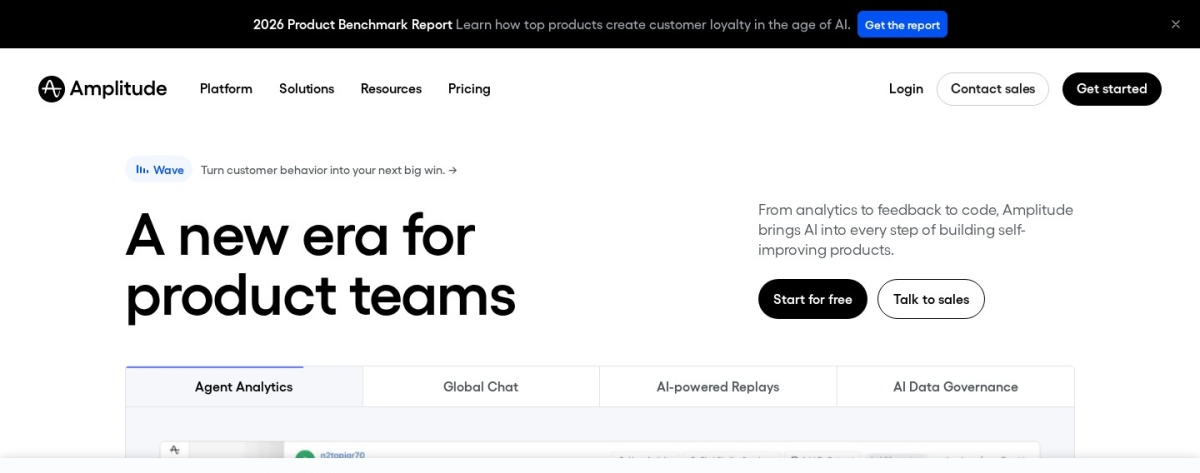
Amplitude homepage, captured Nov 2026.
Amplitude is a product analytics platform for web and mobile apps, and the most reviewed tool in this list at 3,116 G2 reviews. Its free plan covers 2 million events a month with 10,000 session replays and a year of data, more than any other free plan here.
The trade off is complexity. Plus starts at $0 and costs $75 a month on annual billing at 3 million events, and the price climbs with volume, reaching $720 a month at 10 million events. It suits larger teams that want deep analysis and AI agents on top of their data.
AppsFlyer is a mobile measurement partner that attributes installs and re-engagements to paid campaigns across Meta, Google, TikTok and affiliates. Its Zero plan is free for owned media, and every plan starts with 12,000 free conversions to use in the first 12 months.
The trade off is the bill. Growth charges $0.07 per attributed conversion after the free allowance, so 10,000 conversions a month costs about $700 a month, and fraud protection costs extra. It suits teams spending real money on paid user acquisition.
What we like
Most widely used attribution in this list
Covers all major ad networks
SKAdNetwork support for iOS campaigns
Watch out for
No flat monthly price; costs scale with volume
Premium features such as fraud protection cost extra
Singular is a mobile measurement partner that combines install attribution with ad cost aggregation, so teams see spend and results in one place. Growth charges $0.05 per paid conversion, the lowest published per-conversion rate among the big attribution tools.
The trade off is the same usage model as AppsFlyer. At 10,000 paid conversions a month the bill is about $500 a month, and there is no free plan. It suits teams that want attribution and cost data together without the highest per-install rate.
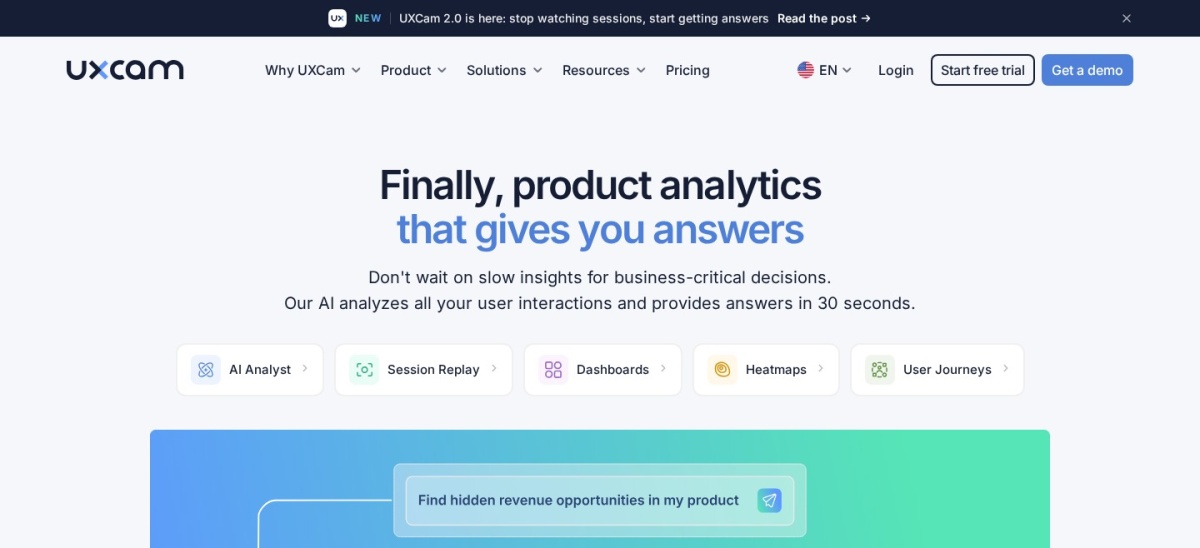
UXCam is a mobile-first analytics tool built around session replay and heatmaps, with an AI analyst that answers questions about user behaviour. Its free plan covers 3,000 sessions a month with live support included.
The trade off is pricing. UXCam does not publish paid-plan prices, so Starter, Growth and Enterprise are all quoted by session volume, and the free plan caps at 3,000 sessions. It suits product and UX teams that want to watch real sessions rather than read charts.
Kochava is a mobile measurement partner for attribution, fraud prevention and campaign analytics, in business since 2011. Its free plan covers self-attributing networks, and G2 lists a Basic plan at $100 a month.
The trade off is usability. Kochava has the lowest rating in this list at 4.1 out of 5, and reviewers call the interface clunky with a steep learning curve, though they praise the support team. It suits small teams that want attribution with responsive support from the vendor.
Attribution vs product analytics: pick the right side
Attribution tools such as AppsFlyer, Singular and Kochava answer where installs came from. They are the right pick when paid campaigns are the main spend.
Product analytics tools such as Firebase, Mixpanel, Amplitude and UXCam answer what users do after install. They are the right pick when retention and feature use matter more than ad spend.
Most growing apps end up with one of each. A free product analytics tool plus a pay-as-you-go attribution plan covers both sides without a big contract.
Check the billing unit before you commit. Events, sessions and conversions are priced differently, and the cheapest tool at 1,000 users is rarely the cheapest at 100,000.
How we chose
We started from the best-known mobile app analytics tools on G2, then kept seven with a published rating and a free plan or a published price.
Prices come from each vendor's pricing page or vendor-supplied pricing on G2, checked on 25 November 2026. Ratings and review counts come from G2 on the same day. Where a vendor shows a sale, the list shows the regular price.
We left out tools with no public rating and no published price. No vendor paid for a place, and we do not claim to have used these tools ourselves.
How to choose a mobile app analytics tool
Start with the question you need answered, then pick the tool that answers it cheapest.
Decide whether you need attribution or product analytics. If paid installs are the main spend, start with AppsFlyer, Singular or Kochava. If retention and feature use matter more, start with Firebase, Mixpanel or Amplitude.
Check the free plan limits first. Firebase is free, Mixpanel gives 1 million events a month, Amplitude gives 2 million and UXCam gives 3,000 sessions. Pick the free plan that covers your current volume.
Work out the cost at your real volume. A per-event or per-conversion price looks small until you multiply it by monthly users. Price the tool at 10,000 and 100,000 users before you commit.
Try the free plan before paying. Install the SDK on a test build, check that events and sessions arrive as expected, and only upgrade when the free limits start to bite.
FAQ
What is the best mobile app analytics tool?
Firebase Analytics is the best pick for most apps because it is free, covers funnels and audiences, and is rated 4.5 out of 5 on G2. Teams that need deeper analysis should look at Mixpanel or Amplitude, and teams running paid campaigns should add an attribution tool.
Is Firebase Analytics really free?
Yes. Google Analytics for Firebase has no charge for event volume on the Spark plan, and there is no paid Analytics tier. You only pay if you use other Firebase services that bill by use, such as BigQuery exports on the Blaze plan.
What is the difference between Mixpanel and Amplitude?
Both are event-based product analytics tools with funnels, retention and cohorts. Amplitude's free plan is larger at 2 million events a month against Mixpanel's 1 million, while Mixpanel is often picked for its funnel reports and simpler setup.
How much does AppsFlyer cost?
AppsFlyer Growth charges $0.07 per attributed conversion after a Welcome Package of 12,000 free conversions in the first 12 months. At 10,000 conversions a month that works out to about $700 a month, before premium add-ons such as fraud protection.
Do I need both attribution and product analytics?
Most apps that run paid campaigns do. Attribution tools show which campaigns drove installs, while product analytics shows what those users did afterwards. Apps with no paid campaigns can usually start with Firebase, Mixpanel or Amplitude alone.
Which mobile app analytics tool is best for startups?
Firebase Analytics is the safest start because it is free and covers the basics. Mixpanel and Amplitude are strong next steps once you pass their free event limits, and UXCam's free plan suits teams that want to watch real sessions.
SaaS SEO and WordPress specialist with about 8 years of experience. Rakib compares WordPress plugins, themes, hosting and software using public pricing, documentation and user reviews. See how we rank.