Best Media Server Software in 2026: 8 Tools Compared
WLWPLegible EditorsLast verified 23 Nov 2026How we rank12 min read
★ Short answer
Plex is the best media server software for most households, with polished apps on almost every device and a free server, plus Plex Pass at $6.99 a month for remote streaming and hardware transcoding. Pick Jellyfin if you want every feature free, or Emby if you want Plex-like polish with a cheaper $4.99-a-month Premiere plan.
How we make this list: we compare pricing pages, product documentation and public user reviews, then re-check every price before each update. No product paid for a place. Disclosure.
Plex is the best overall pick: polished apps on almost every device, a free server, and Plex Pass at $6.99 a month.
Jellyfin gives you every feature free, including hardware transcoding and DVR, with no account and no subscription.
Emby Premiere costs $4.99 a month or $54 a year and unlocks hardware transcoding, offline downloads and DVR.
Kodi is a free player for the living room, not a multi-user server, while Channels DVR is the best pick for recording live TV at $8 a month.
Seven of the eight tools have a free plan, and the cheapest paid plan is Subsonic Premium at $1 a month.
What to look for in a media server
A media server turns a computer or NAS into your own streaming service. You point it at folders of movies, shows, music and photos, and it organises them into libraries with posters and descriptions, then streams them to TVs, phones and browsers around your home.
The big split is between library servers and DLNA servers. Library servers like Plex, Jellyfin and Emby build a poster-rich catalogue with user accounts and remote access. DLNA servers like Universal Media Server simply expose your folders to a TV or console, with no app and no login.
Transcoding matters when your devices cannot play a file directly. The server converts it on the fly, which needs CPU or GPU power. Hardware transcoding is faster and cheaper on electricity, but Plex and Emby both charge for it, while Jellyfin includes it free.
Remote access is the other paid gate. Since April 2025, Plex needs a Plex Pass or a Remote Watch Pass for remote video streaming. Jellyfin has no paywall, so remote access is your own job, usually port forwarding or a reverse proxy. Our guide on self-hosting videos vs embedding YouTube explains the trade-offs of serving video yourself.
3.6/5on Google Play (481,000 reviews, checked Nov 2026)
Paid from$6.99/mo
Best media server overall
Remote streamingNeeds Plex Pass
Hardware transcodingPlex Pass
Live TV and DVRPlex Pass
ClientsTVs, phones, consoles
plex.tv
Plex homepage, captured Nov 2026.
Plex is the best-known personal media server, and the easiest to live with. The free server organises movies, shows, music and photos into poster-rich libraries, streams to apps on almost every TV, phone, console and browser, and includes a DLNA server and free ad-supported movies and live TV.
The trade off is the paywall. Remote video streaming needs a Plex Pass at $6.99 a month or $69.99 a year, or a Remote Watch Pass at $2.99 a month, and the lifetime Pass rose to $749.99 in July 2026. A sale banner on the homepage offered 40% off Pass plans in late November 2026, but the prices here are the regular ones. It suits households that want polished apps everywhere.
What we like
Best client apps of any media server
Free server with a large device list
Plexamp and Plex Photos apps for music and photos
Built-in DLNA server and free live TV
Watch out for
Remote video streaming now needs a paid Pass
Lifetime Pass costs $749.99 since July 2026
Needs a Plex account, even for local use
Plex Pass adds hardware transcoding, downloads and DVRVisit plex.tv
02
Jellyfin
3.8/5on Google Play (3,280 reviews, checked Nov 2026)
PriceFree
Best free media server
PriceFree, no paid tier
Hardware transcodingYes, free
Live TV and DVRYes, with a tuner
AccountsNo central account
jellyfin.org
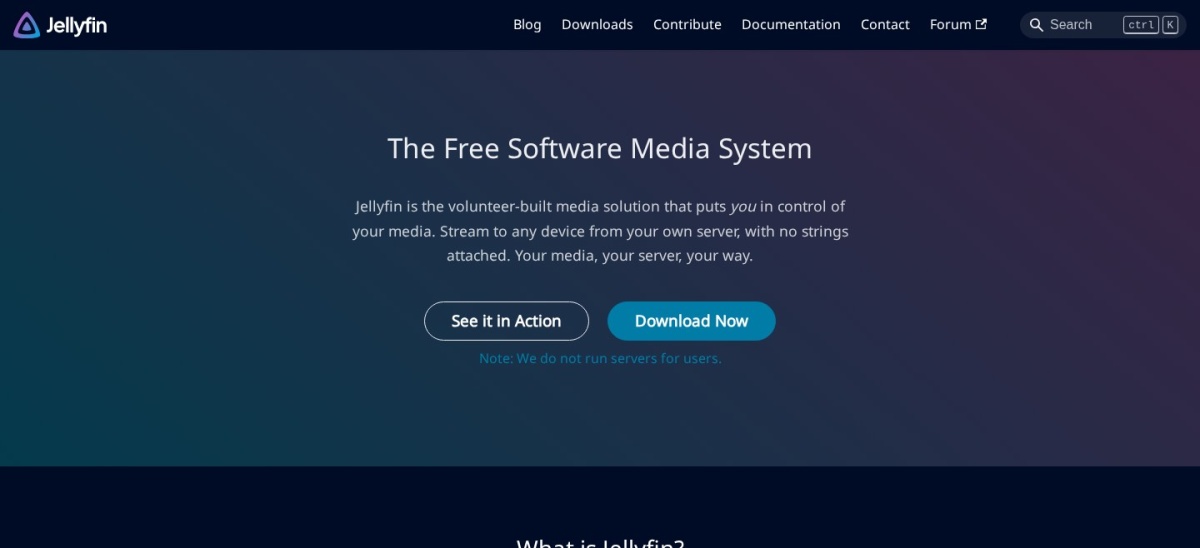
Jellyfin homepage, captured Nov 2026.
Jellyfin is a free, open-source media server that grew from a fork of Emby. It covers libraries with posters and metadata, user accounts with parental controls, live TV and DVR with a tuner, hardware transcoding and offline downloads, and every feature is free for every user.
The trade off is polish and setup. The interface is good but less refined than Plex, setup takes more manual steps, and secure remote access is your own job, usually port forwarding or a reverse proxy. It suits self-hosters who want full control and no subscription at all.
4.5/5on Google Play (6,830 reviews, checked Nov 2026)
Paid from$4.99/mo
Best polished Plex alternative
Premiere$4.99/mo, $54/yr
Hardware transcodingPremiere
Live TV and DVRPremiere
Device limit30 per household
emby.media
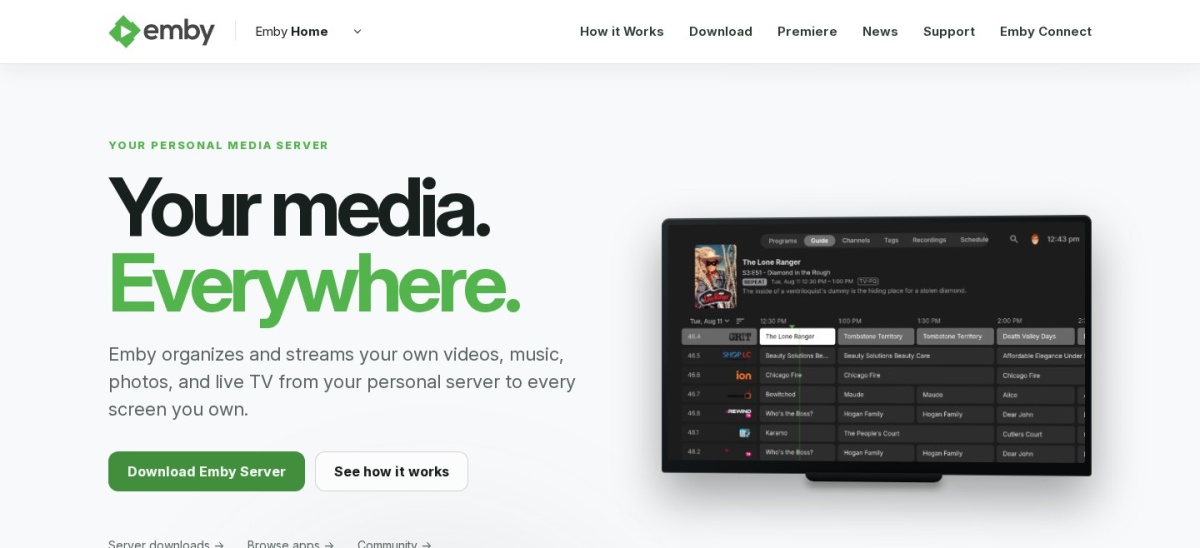
Emby homepage, captured Nov 2026.
Emby is a personal media server that organises your videos, music, photos and live TV into attractive libraries and streams them to apps on TVs, phones, consoles and browsers. The free server covers the basics, including multiple users and parental controls.
The trade off is the Premiere paywall. Hardware transcoding, offline downloads, DVR, cinema mode and CarPlay need Emby Premiere at $4.99 a month, $54 a year or $119 for a lifetime licence, covering one household and up to 30 devices. It suits households that want Plex-like polish without a Plex account.
What we like
Clean interface close to Plex
Wide client support
Live TV, DVR and parental controls
Cheaper paid tier than Plex Pass
Watch out for
Best features need a Premiere subscription
Smaller community than Jellyfin
Closed source since 2018
Premiere adds hardware transcoding, DVR and downloadsVisit emby.media
04
Kodi
4.2/5on G2 (19 reviews, checked Nov 2026)
PriceFree
Best TV-connected player
PriceFree, open source
Server modelLocal player, not a server
Add-onsPython add-ons and skins
PlatformsWindows, Mac, Linux, Pi
kodi.tv
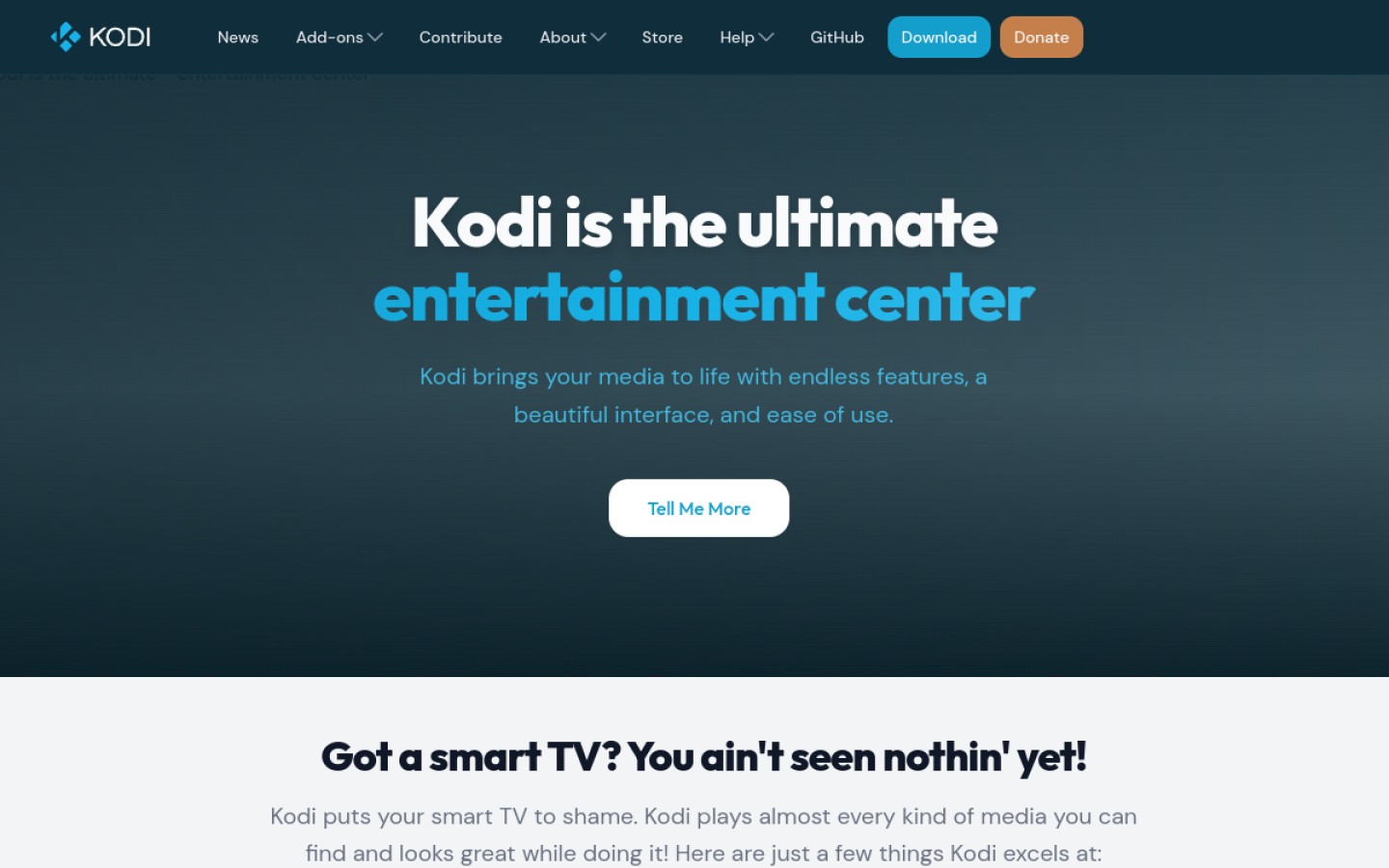
Kodi homepage, captured Nov 2026.
Kodi is a free, open-source media centre built for the living room. It plays almost any audio and video format from local drives and network shares, builds libraries with posters and episode data, and shows a ten-foot interface made for a remote control, with skins and add-ons to change it.
The trade off is that Kodi is a player, not a server. Each install keeps its own library, and there is no built-in multi-user remote streaming like Plex or Jellyfin, though shared databases and add-ons can sync devices. It suits a dedicated home theatre PC or a TV box.
What we like
Extremely customisable with skins and add-ons
Plays almost any format without transcoding
Runs on almost any hardware, including a Pi
Free with no account and no ads
Watch out for
Not a multi-user server like Plex
Setup can be complex for beginners
Some third-party add-ons offer pirated streams
No paid tier exists, so the free app is the whole productVisit kodi.tv
05
Channels DVR
4.7/5on App Store (630 reviews, checked Nov 2026)
Starts at$8/mo
Best live TV and DVR
Price$8/mo or $80/yr
Free trialFirst 30 days free
NeedsTuner or TV source
AppsApple TV, iOS, Android, Fire TV
getchannels.com
Channels DVR homepage, captured Nov 2026.
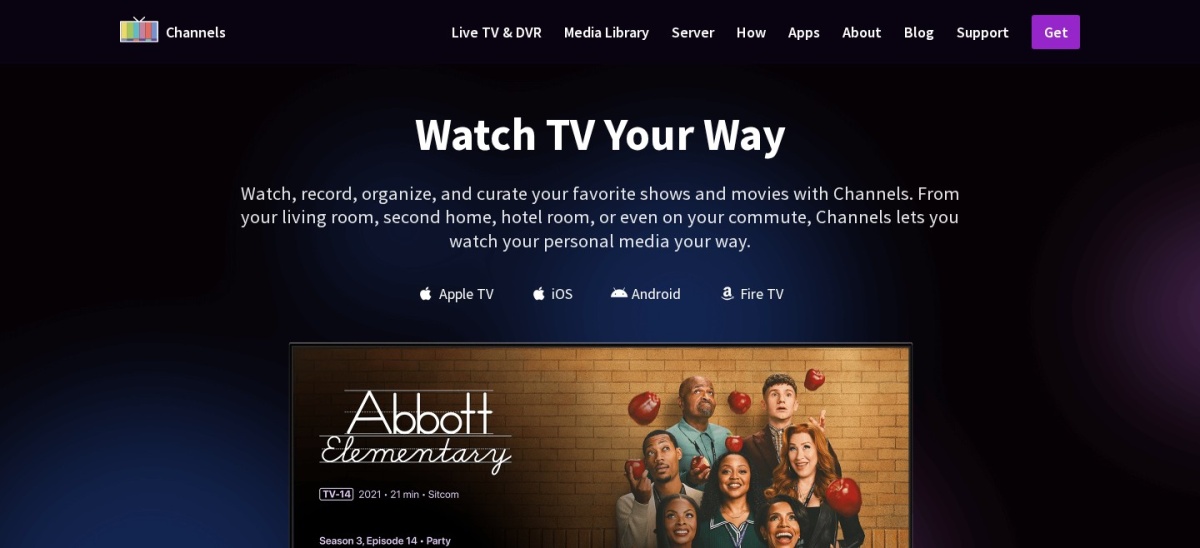
Channels DVR is a subscription DVR that starts from live TV rather than a movie folder. Connect an HDHomeRun tuner or a supported TV source and it records shows, manages series passes, skips commercials and streams live or recorded TV around the house. It also handles personal media libraries.
The trade off is cost and hardware. The subscription is $8 a month or $80 a year after the first free month, with no free plan, and you still need tuner hardware for antenna TV. It suits cord-cutters who record live TV every day.
4.3/5on SourceForge (29 reviews, checked Nov 2026)
PriceFree
Best simple DLNA server
PriceFree, open source
ProtocolDLNA/UPnP
TranscodingYes, FFmpeg
PlatformsWindows, Mac, Linux
universalmediaserver.com
Universal Media Server homepage, captured Nov 2026.
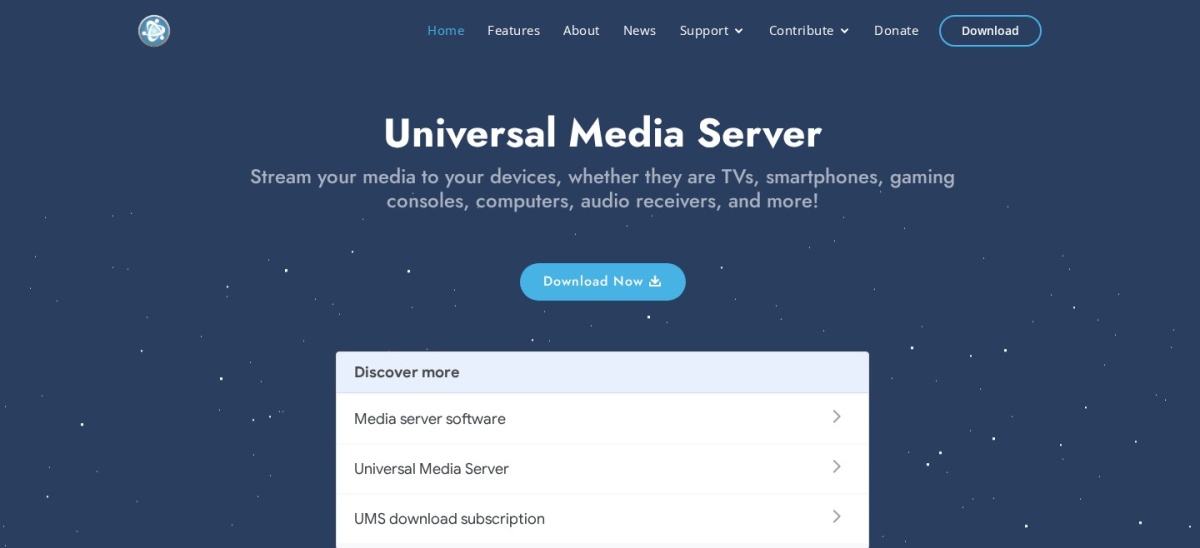
Universal Media Server is a free, open-source DLNA server that does one job well. Install it, share your folders, and your smart TV, PlayStation, Xbox or Blu-ray player sees your media over the local network, with on-the-fly transcoding for formats the device cannot play.
The trade off is that there is no library interface with posters and metadata, no user accounts and no remote access outside your home. You browse folders on the TV itself. It suits a TV that already has a DLNA player but cannot run a Plex or Jellyfin client.
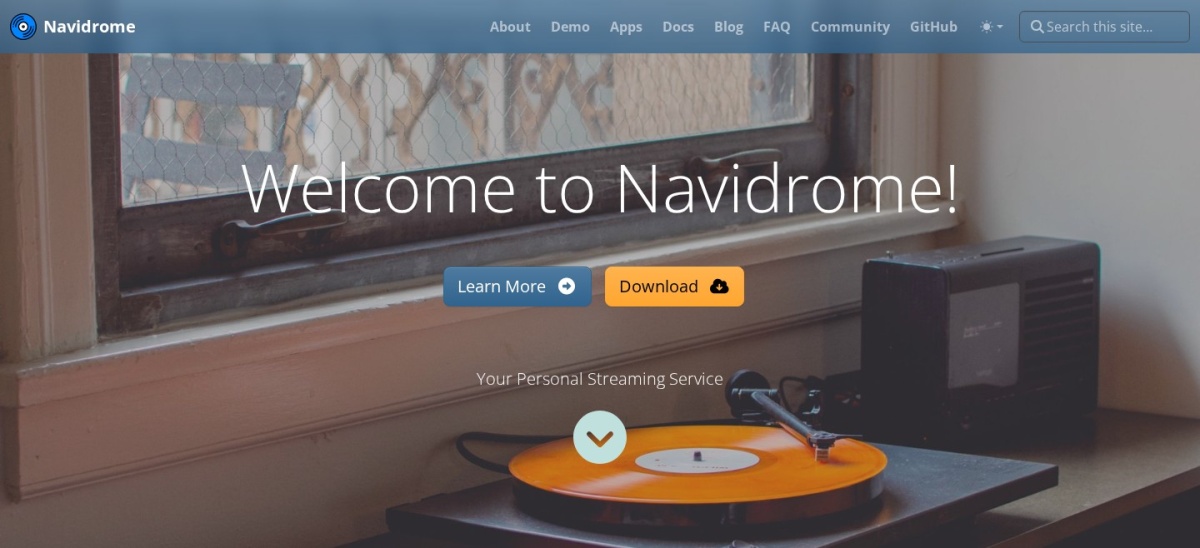
Navidrome is a free, open-source music server written in Go. Point it at a folder of songs and it streams your collection to a web player or any of the dozens of mobile apps built for the Subsonic API, with smart playlists, scrobbling and on-the-fly transcoding. It uses about 50 MB of RAM at idle.
The trade off is scope. Navidrome only does music, so it cannot replace Plex or Jellyfin for video, and there is no official mobile app, so the client is a third-party app and some of the best ones are paid. It suits large music collections on modest hardware.
3.3/5on Google Play (6,220 reviews, checked Nov 2026)
Paid from$1/mo
Best original music streamer
Premium$1/mo after 30-day trial
FocusMusic only
ClientsSubsonic apps
DevelopmentLargely unchanged since 2016
subsonic.org
Subsonic homepage, captured Nov 2026.
Subsonic is the original music streaming server, running since 2005. It streams your music collection to a browser or a phone app, with playlists, podcasts, internet radio and Last.fm scrobbling, and it created the Subsonic API that Navidrome and dozens of apps still use.
The trade off is age. Subsonic has been largely unchanged since about 2016, and Premium at $1 a month is needed for mobile apps after the 30-day trial. Navidrome is the modern free successor for new setups. It suits existing users who already run it.
Pick a library server if you watch on many devices. Plex, Jellyfin, Emby and Channels DVR keep watch progress, user profiles and remote access in one place, so a show paused on the TV resumes on a phone.
Pick a DLNA server if one TV is the whole setup. Universal Media Server needs no app, no account and almost no configuration, and it works with TVs and consoles that cannot run a modern client.
Music-only servers are a third shape. Navidrome and Subsonic ignore video entirely and focus on fast search, playlists and phone apps, which is why they run well on hardware too weak for video transcoding.
How we chose
We started from the media servers that appear most often in 2026 comparisons and community lists, then kept the ones that are still maintained and work with media you own.
Prices come from each vendor's pricing page, checked on 23 November 2026. Ratings come from Google Play, G2, the App Store, SourceForge and MyQNAP, and the review counts are small for several tools, so treat the ratings as a rough guide rather than a precise ranking. Where a vendor shows a sale, the list shows the regular price.
We left out tools that only stream pirated sources and players that cannot organise a personal library. No vendor paid for a place, and we do not claim to have used these tools ourselves.
How to choose a media server
Start with where you watch, then check what your hardware can transcode.
Check your devices first. Make sure every TV, phone and streaming box you own has a client for the server, or at least a DLNA player. A server with no app on your main TV is the wrong pick.
Work out your transcoding needs. If your devices play your files directly, almost any server works. If they do not, you need hardware transcoding, which is free in Jellyfin and paid in Plex and Emby.
Decide if live TV matters. Only Channels DVR, Plex, Emby and Jellyfin record live TV, and all of them need a tuner. If you never watch live TV, ignore the DVR features entirely.
Start with the free tier. Run Plex, Jellyfin, Emby or a DLNA server beside your current setup for a week before paying. Check playback on every screen and confirm subtitles and audio tracks work.
FAQ
What is the best media server software?
Plex is the best media server for most households. Its free server has polished apps on almost every device, and Plex Pass at $6.99 a month adds remote streaming, hardware transcoding and DVR.
Is Jellyfin really free?
Yes. Jellyfin is open source under the GPL, with no paid tier, no account and no feature behind a paywall. Hardware transcoding, live TV and DVR are all included free.
Do I need Plex Pass to stream remotely?
Yes, for video. Since April 2025, remote video streaming needs a Plex Pass at $6.99 a month or $69.99 a year, or a Remote Watch Pass at $2.99 a month. Local streaming on your home network stays free.
What is the cheapest media server?
Jellyfin, Kodi, Universal Media Server and Navidrome cost nothing at all. Among paid plans, Subsonic Premium is cheapest at $1 a month.
Can I use Kodi as a media server?
Not in the same way as Plex. Kodi is a player that runs on a TV box or computer and keeps its own library, so it fits a single living-room setup better than a household of remote streamers.
Is running a media server legal?
Yes, for media you own, such as ripped CDs and DVDs you bought or personal recordings. The servers in this list provide no content themselves, and you should avoid add-ons that offer pirated streams.