Best Managed WooCommerce Plugins in 2026: 9 Tools Compared
WLWPLegible EditorsLast verified 22 Nov 2026How we test14 min read
★ Short answer
WooCommerce is the best foundation for managing a store, with a 4.5 out of 5 rating from 4,833 users and more than 7 million installs, and its free core covers products, checkout and coupons. Add PDF Invoices for paperwork and WP All Import for bulk product data.
How we make this list: we compare pricing pages, product documentation and public user reviews, then re-check every price before each update. No product paid for a place. Disclosure.
WooCommerce is the foundation: 4.5 out of 5 from 4,833 reviews and more than 7 million installs, with paid extensions from $49 a year.
PDF Invoices is the highest-rated tool here at 5.0 out of 5 from 1,866 reviews, and its free version covers invoices and packing slips.
Every tool in this list has a free version, and the cheapest paid plans run from $0 to $99 a year.
WP All Import's free version does not import WooCommerce orders; order imports need the $169 a year WooCommerce Import Package.
BrikPanel is free with no paid tier, but its 5.0 rating rests on only 57 reviews and 1,000 installs.
What managing a WooCommerce store actually needs
Managed WooCommerce plugins are the tools that run a store day to day: stock, orders, products, invoices, emails and reports. This list covers one tool per job, so you can pick the job you need instead of buying a bundle.
WooCommerce itself comes first because every other tool here manages something inside it. The free core covers products, checkout, coupons and tax settings, and paid extensions add subscriptions, bookings and more.
Ratings and install counts are the quickest quality check. Every plugin here is rated 4.2 or higher on WordPress.org, but the bases differ a lot: WooCommerce has 4,833 reviews and BrikPanel has 57, so treat the small-base ratings with care. Our guide on free vs premium WordPress plugins explains when paying is worth it.
Most of these tools are free to start and charge for one job each, so a full management stack costs less than a single all-in-one service. Check the renewal price before you buy, since several vendors discount the first year.
List prices in each vendor's currency, checked Nov 2026
StockManagerFree
BrikPanelFree
ATUMFREE€30
WooCommerceFREE$49
CostOfGoodsFREE$60
PDF InvoicesFREE€69
Order ImportFREE$69
ShopMagicFREE£69
All ImportFREE$99
The 9 best managed WooCommerce plugins
01
WooCommerce
4.5/5on WordPress.org (4,833 reviews, checked Nov 2026)
Paid from$49/yr
Best foundation for any store
Free storeYes, core plugin
Payment feesFrom 2.9% + 30c per card
Paid extensionsFrom $49/yr each
Paid planExtensions, from $49/yr
woocommerce.com
WooCommerce homepage, captured Nov 2026.
WooCommerce is the free store plugin behind most WordPress shops, with more than 7 million active installs and a 4.5 out of 5 rating from 4,833 reviews. The free core covers products, checkout, coupons and tax settings, and it works with the block editor and most themes.
The trade off is that the extras are paid one by one. Subscriptions, bookings and many payment gateways are separate extensions from $49 a year each, so a full store costs more than the free core. It suits any business that wants to sell on its own site.
5/5on WordPress.org (1,866 reviews, checked Nov 2026)
Paid from€69/yr
Best for invoices and packing slips
Free planYes, invoices + slips
Invoice formatPDF and UBL/XML
Credit notesProfessional only
Paid planProfessional, €69/yr
wpovernight.com
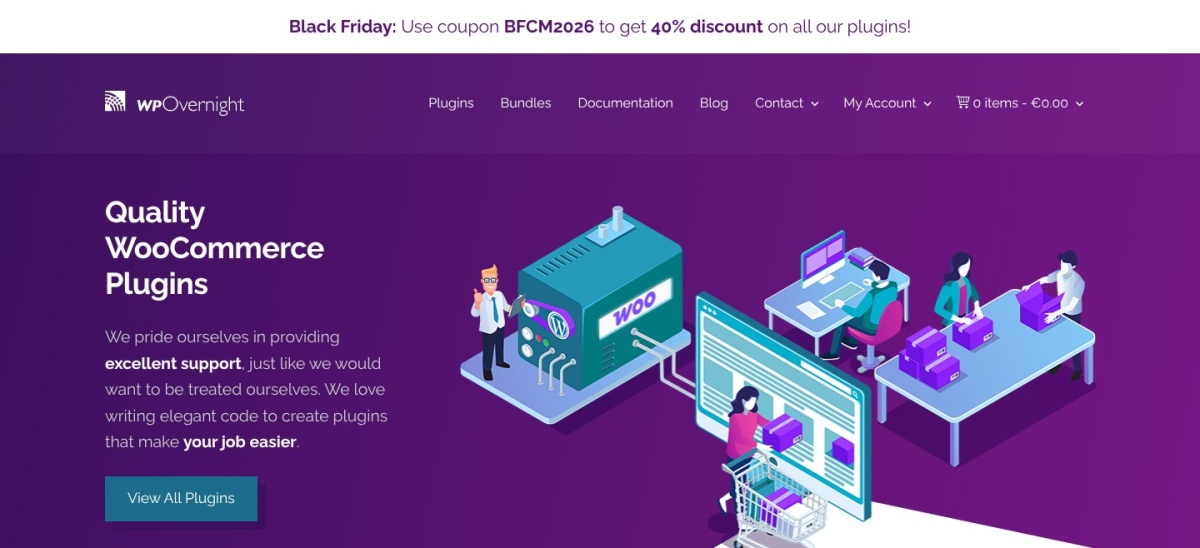
PDF Invoices & Packing Slips homepage, captured Nov 2026.
PDF Invoices & Packing Slips is the standard WooCommerce invoicing plugin, with a 5.0 out of 5 rating from 1,866 reviews and more than 300,000 active installs. The free version attaches a PDF or XML invoice to the order emails you choose, adds sequential numbering and generates packing slips in bulk.
The trade off is that the paid pieces are sold separately. The Professional extension costs €69 a year for one site and adds proforma invoices, credit notes and receipts, while templates and automatic printing cost extra. It suits stores that need proper paperwork without a monthly service.
4.7/5on WordPress.org (1,966 reviews, checked Nov 2026)
Paid from$99/yr
Best for bulk product imports
Free versionYes, basic imports
File formatsCSV, XML, Excel, Sheets
WooCommerce ordersPaid package only
Paid planStandalone, $99/yr
wpallimport.com
WP All Import homepage, captured Nov 2026.
WP All Import is a general-purpose importer with a 4.7 out of 5 rating from 1,966 reviews and more than 100,000 active installs. The free version imports products, posts and users from CSV, XML, Excel or Google Sheets, with a drag-and-drop screen for matching columns to fields.
The trade off is that WooCommerce order imports are paid. The free version does not import orders, and the WooCommerce Import Package costs $169 a year, while the $99 standalone plan covers Import Pro without the WooCommerce add-on. It suits stores that move catalogues between systems on a regular basis.
4.7/5on WordPress.org (337 reviews, checked Nov 2026)
Paid from$69/yr
Best for moving orders in bulk
Free versionYes, CSV orders + coupons
File formatsCSV free; XML, Excel paid
SchedulingPro only, FTP/SFTP
Paid planPro, $69/yr
webtoffee.com
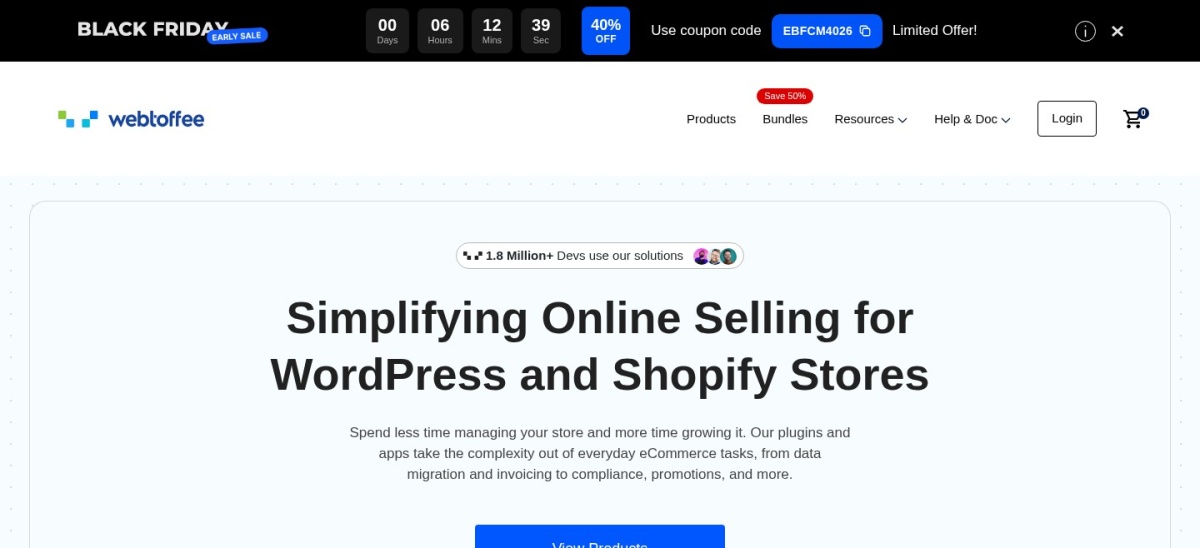
Order Import Export homepage, captured Nov 2026.
Order Import Export is WebToffee's tool for moving WooCommerce orders, coupons and subscriptions in bulk, with a 4.7 out of 5 rating from 337 reviews and more than 50,000 active installs. The free version imports and exports orders and coupons as CSV, with filters, column selection and repeatable templates.
The trade off is that the useful formats are paid. Pro costs $69 a year for one site and adds XML, TSV and Excel, custom order metadata and scheduled transfers over FTP or SFTP. It suits stores that migrate orders between sites or archive them outside WordPress.
4.7/5on WordPress.org (128 reviews, checked Nov 2026)
Paid from€30/yr
Best free inventory management
Free planYes, Stock Central
Stock logsYes, inbound and returns
Multi-inventoryPaid add-on, €72/yr
Paid planAdd-ons from €30/yr
stockmanagementlabs.com
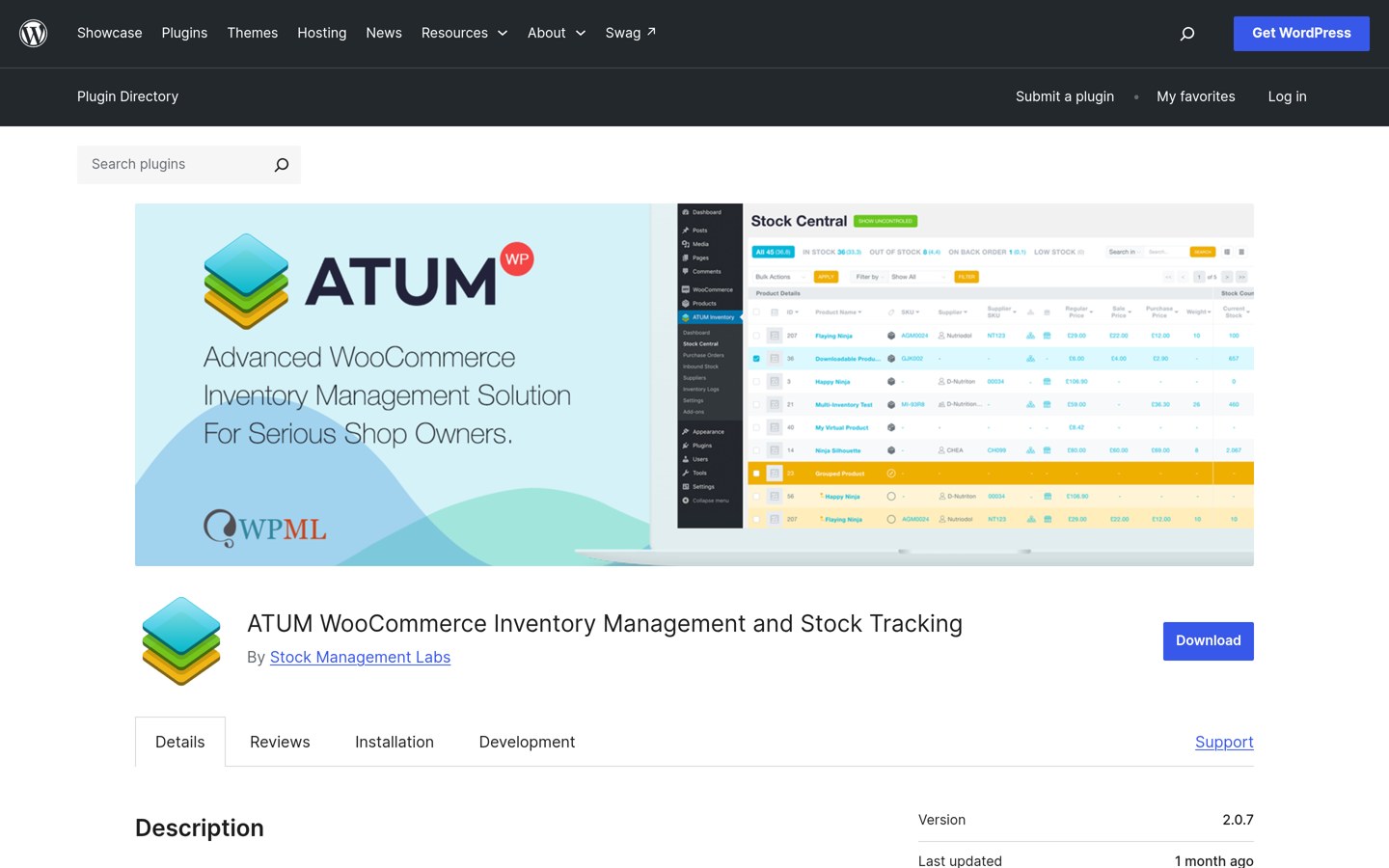
ATUM homepage, captured Nov 2026.
ATUM is a free inventory management plugin for WooCommerce, with a 4.7 out of 5 rating from 128 reviews and more than 10,000 active installs. The free version adds Stock Central, a sortable stock table with one-page updating, stock logs, suppliers and quick price changes.
The trade off is that the advanced features are sold one add-on at a time. Multi-inventory costs €72 a year, stock takes €60 and pick and pack €30, so a fully loaded setup costs more than the cheapest add-on suggests. It suits stores that outgrow WooCommerce's built-in stock screen.
4.6/5on WordPress.org (78 reviews, checked Nov 2026)
Paid from£69/yr
Best for automated store emails
Free versionYes, event emails
AutomationOrder and customer events
Delayed actionsPro only
Paid planPersonal, £69/yr
shopmagic.app
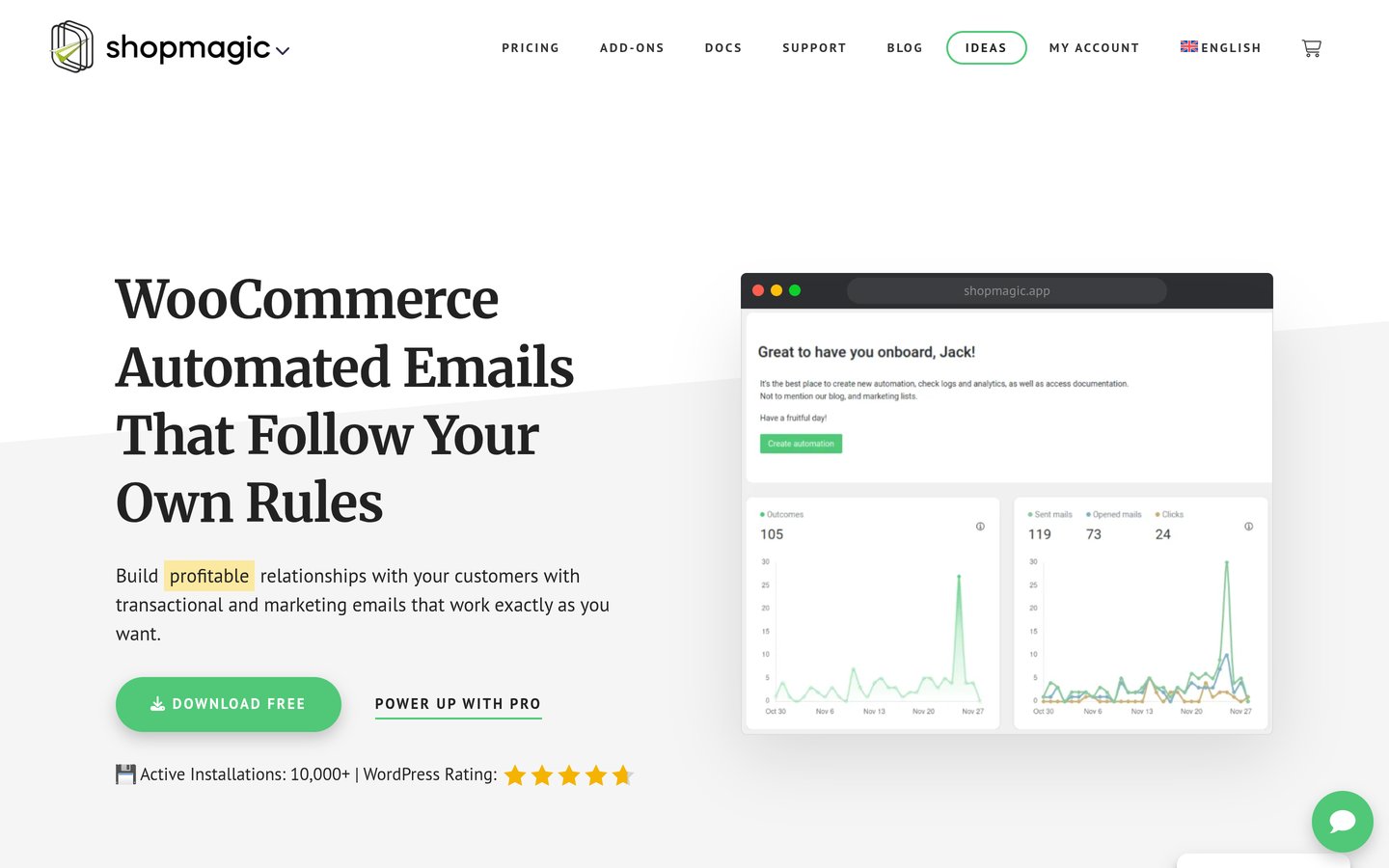
ShopMagic homepage, captured Nov 2026.
ShopMagic is a free marketing automation plugin for WooCommerce, with a 4.6 out of 5 rating from 78 reviews and more than 10,000 active installs. The free version sends emails when an order changes, a customer registers or a product is bought, with filters for which customers get which message.
The trade off is that the timing controls are paid. Delayed actions, advanced filters and manual email sending all need Pro, which costs £69 a year for one site and bundles all 12 add-ons. It suits stores that want follow-up emails without a monthly email service.
4.7/5on WordPress.org (41 reviews, checked Nov 2026)
Paid from$59.99/yr
Best for tracking profit per product
Free versionYes, per-product costs
Profit reportsPro only
Multi-currencyPro only
Paid planPro, $59.99/yr
wpfactory.com
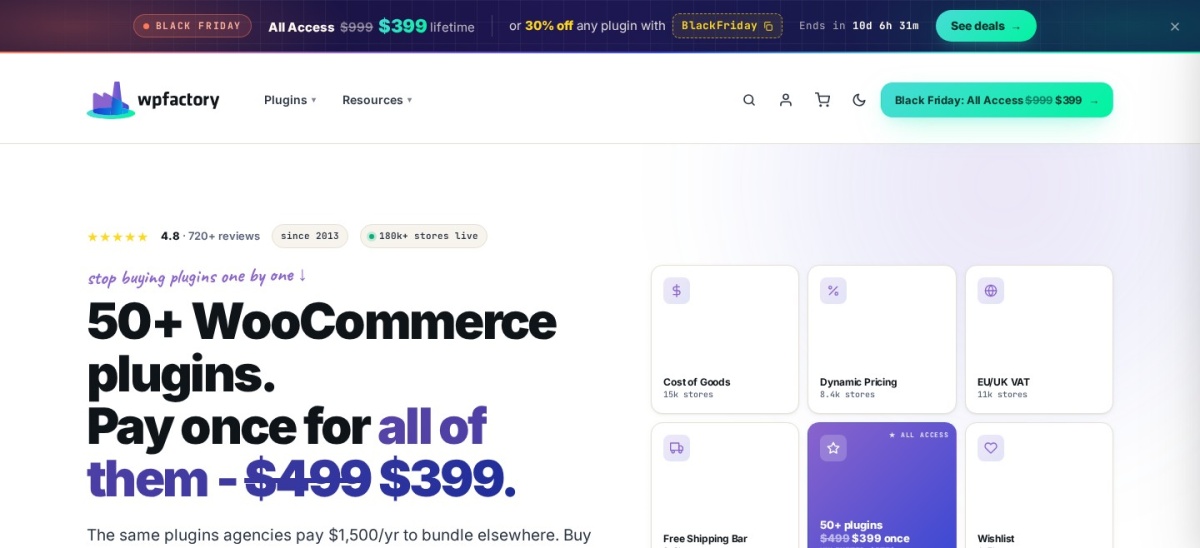
Cost of Goods homepage, captured Nov 2026.
Cost of Goods is WPFactory's profit tracker for WooCommerce, with a 4.7 out of 5 rating from 41 reviews and more than 8,000 active installs. The free version adds a cost field to each product and calculates profit per item, so the store's real margin is visible in the dashboard.
The trade off is that the reporting is paid. Pro costs $59.99 a year for unlimited sites and adds variation costs, profit reports by date, multi-currency, refund handling and CSV import, with a $199 lifetime option. It suits stores that price by margin, not by guesswork.
4.2/5on WordPress.org (130 reviews, checked Nov 2026)
PriceFree
Best for quick bulk stock edits
Free planYes, fully free
Bulk editingYes, in a table
Stock logsYes, per product
Paid planNone, no paid version
storeapps.org
Stock Manager homepage, captured Nov 2026.
Stock Manager is StoreApps' free table editor for WooCommerce stock, with a 4.2 out of 5 rating from 130 reviews and more than 20,000 active installs. It puts every product and variation in one table, so you can change quantities, prices and stock status without opening each product.
The trade off is that it is a simple tool with no paid tier. There is no paid version at all, so there is no support plan to buy, and the plugin's own page warns that its CSV import and export needs work. It suits stores that want fast stock edits and nothing else.
What we like
Completely free, with no paid version
One table for all products and variations
Stock log for each product
Watch out for
No paid support plan exists
CSV import and export needs work, per the plugin page
5/5on WordPress.org (57 reviews, checked Nov 2026)
PriceFree
Best free store dashboard
Free planYes, fully free
Abandoned cartsYes, recovery included
Google Sheets syncYes
Paid planNone, no paid tier
brksoft.com
BrikPanel homepage, captured Nov 2026.
BrikPanel is a free WooCommerce admin dashboard from Brksoft, with a 5.0 out of 5 rating from 57 reviews and about 1,000 active installs. It adds sales reports, customer analytics, live visitors, abandoned cart recovery, Google Sheets sync, inventory tools and a bulk editor, all inside WordPress.
The trade off is its size. The 5.0 rating rests on only 57 reviews and around 1,000 installs, and the author built it as a free alternative to Metorik, so there is no paid tier and no support plan to buy. It suits small stores that want Metorik-style reports without a monthly bill.
What we like
Dashboard, reports and cart recovery in one plugin
Every tool in this list has a free version that does real work. WooCommerce, PDF Invoices, ATUM, Stock Manager and BrikPanel all cover their core job without paying.
Paid plans mostly add formats, scheduling and reports. WP All Import, Order Import Export and ShopMagic all charge for the automation around a free core.
Stock Manager and BrikPanel are the exceptions: both are free with no paid version at all, so the price ladder shows them as Free.
For a store that earns money, one or two paid plans often cost less than the time lost moving orders and stock by hand.
What we left out
Smart Manager for WooCommerce did not make the list because its WordPress.org listing could not be verified; two review sites quote a 4.4 rating and a $199 a year Pro plan, but the plugin page itself was not found.
Product Import Export for WooCommerce was left out because it does the same job as WP All Import, which has more reviews and installs. WCPOS scored 3.7 out of 5 from 84 reviews, too low for this list, and Sequential Order Numbers scored 3.8 from 29 reviews.
Metorik and AutomateWoo are strong paid tools, but both are monthly services with no free version on WordPress.org, so they did not fit a list of free plugins with paid upgrades.
How we chose
We started from the WordPress.org plugins that manage a WooCommerce store: the store itself, inventory, orders, products, invoices, emails, profit and the dashboard. Every tool here is on WordPress.org with a public rating and install count.
Prices come from each vendor's pricing page, checked on 22 November 2026. Ratings and install counts come from WordPress.org on the same day. Where a vendor shows a sale, the list shows the regular price, and where a price is in euros or pounds the list shows the vendor's own figure.
We left out plugins we could not verify on WordPress.org, tools with fewer than 40 reviews and a rating under 4.0, and monthly services with no free version. No vendor paid for a place, and we do not claim hands-on testing for this list.
How to choose the best managed WooCommerce plugins
Start with the job that costs you the most time, then check the free version before you pay.
List the jobs that eat your time. Stock, orders, invoices and emails are the usual four. Pick the one you do by hand every day and fix that first.
Install WooCommerce first, then one tool per job. Every tool here needs WooCommerce running. Add one plugin, use it for a week, and only then add the next.
Try the free version before you pay. Every tool here has a free version. Use it until a paid feature blocks something you actually need, not before.
Check the renewal price, not the first year. Several vendors discount year one. ATUM sells add-ons one at a time, so add up the full set before you buy.
FAQ
What is the best plugin for managing a WooCommerce store?
WooCommerce itself is the starting point, since every other tool here manages something inside it. For paperwork, PDF Invoices is the highest-rated tool at 5.0 out of 5, and for bulk product data WP All Import leads with more than 100,000 installs.
Can I manage a WooCommerce store for free?
Yes. WooCommerce, PDF Invoices, WP All Import, ATUM, Order Import Export, ShopMagic, Cost of Goods, Stock Manager and BrikPanel all have free versions. Stock Manager and BrikPanel have no paid version at all, so they cost nothing at any level.
Which plugin is best for WooCommerce inventory?
ATUM is the best free inventory plugin, with Stock Central, stock logs and suppliers in the free version. For quick bulk edits, Stock Manager puts every product in one table, and Cost of Goods adds profit tracking per product.
How do I import products into WooCommerce in bulk?
WP All Import is the strongest choice, with a drag-and-drop screen for matching CSV, XML, Excel or Google Sheets columns to product fields. WebToffee's Order Import Export covers orders and coupons the same way, and both tools have free versions for basic CSV work.
Do I need a paid plugin to send WooCommerce invoices?
No. PDF Invoices & Packing Slips attaches a PDF or XML invoice to order emails and generates packing slips for free. The €69 a year Professional extension adds proforma invoices, credit notes and receipts, which most small stores do not need.
What is BrikPanel, and is it really free?
BrikPanel is a free WooCommerce dashboard plugin that adds sales reports, abandoned cart recovery, Google Sheets sync and a bulk editor. It has no paid tier and no locked features, but its 5.0 rating rests on only 57 reviews, so it is the least proven tool in this list.