Clio is the best legal time and billing software for most law firms, combining matter management, expense tracking and legal accounting from $49 per user monthly. Bill4Time is a better choice for dedicated billing workflows, while MyCase suits firms that prioritize client communication and payment collection.
How we make this list: we compare pricing pages, product documentation and public user reviews, then re-check every price before each update. No product paid for a place. Disclosure.
Clio combines legal billing and practice management from $588 per user annually.
Bill4Time offers the lowest published entry price at $468 per user annually.
MyCase Basic includes time tracking and trust accounting for $50 per user monthly with annual billing.
PracticePanther starts at $49 per user monthly, with LEDES billing available on its $89 Business plan.
Tabs3 offers self-hosted billing software from $69 per user monthly.
What legal time and billing software should cover
Legal billing software connects billable hours, expenses, client matters and payment records. Unlike general time trackers, it helps law firms manage different fee arrangements and matter-specific billing requirements.
Look for time capture across desktop and mobile devices. Attorneys should be able to record work without interrupting client meetings or document preparation.
Trust accounting is another important consideration. Firms handling client funds should check whether the software supports separate balances, reconciliation and transaction histories.
Firms working with corporate clients may also require LEDES invoices, billing codes and detailed expense reports. These features are frequently reserved for higher subscription tiers.
4.7/5on Capterra (1,752 reviews, checked Nov 2026)
Starts at$49/mo
Best for overall legal practice billing
Time trackingIncluded
Legal accountingIncluded
Online paymentsIncluded
Entry planStarter
clio.com
Clio homepage, captured Nov 2026.
Clio is a legal practice management platform with a 4.7/5 Capterra rating. Its Starter subscription includes matter organization, time recording, expense management and accounting functions.
The trade off is that scheduled invoice automation and more advanced billing controls require higher subscriptions. Starter begins at $49 per user monthly. It suits firms wanting billing and case information in one system.
Starter includes billing, expense tracking and legal accounting.Visit clio.com
02
Bill4Time
4.8/5on Capterra (210 reviews, checked Nov 2026)
Starts at$39/mo
Best for dedicated legal billing
Time trackingIncluded
Trust accountingLegal Pro
LEDES exportLegal Pro
Entry planTime & Billing
bill4time.com
Bill4Time homepage, captured Nov 2026.
Bill4Time is a billing-focused application starting at $39 per user monthly with annual billing. Its entry subscription covers work hours, expenses, invoices, client records and financial reports.
The trade off is that specialized legal functions require Legal Pro at $59 per user monthly with annual billing. Trust accounting and LEDES exports are among those upgrades. It suits firms that already have separate case management software.
What we like
Affordable published entry subscription
Mobile time recording
QuickBooks integration
Legal invoice export options
Watch out for
Trust accounting requires an upgrade
Specialized legal billing costs extra
Legal Pro adds trust accounting, conflict checks and LEDES exports.Visit bill4time.com
03
MyCase
4.6/5on Capterra (805 reviews, checked Nov 2026)
Starts at$50/mo
Best for client billing and communication
Time trackingIncluded
Trust accountingIncluded
Client portalLimited on Basic
Entry planBasic
mycase.com
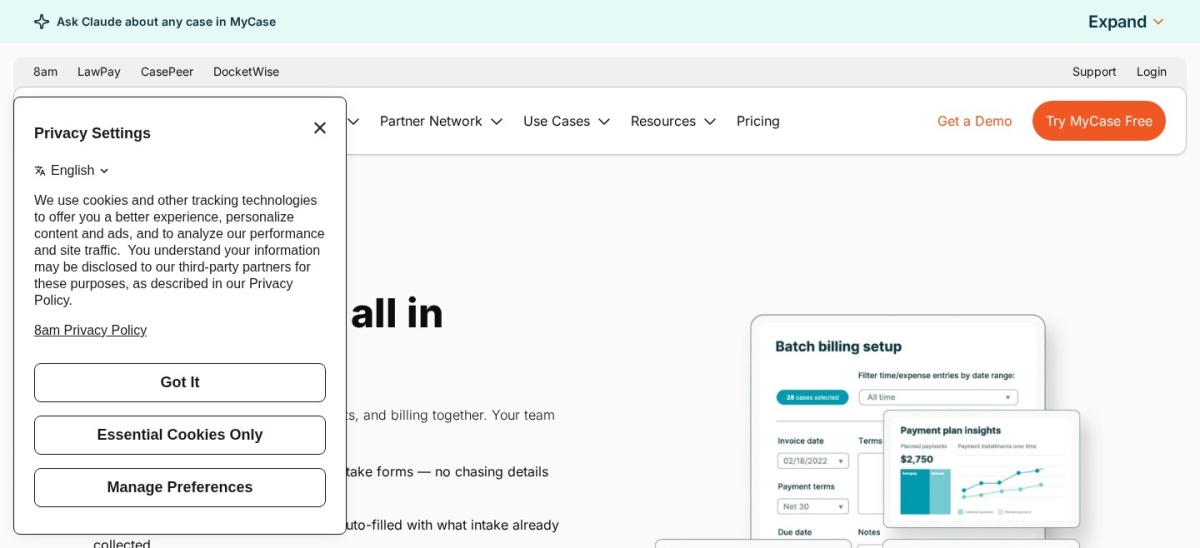
MyCase homepage, captured Nov 2026.
MyCase is a legal practice management application with billing and client-facing tools. Basic costs $50 per user monthly with annual billing and includes invoicing, time entries, trust accounting and document storage.
The trade off is that advanced billing functions and workflow automation require Pro at $100 per user monthly with annual billing. The Basic client portal also has limitations. It suits firms that want straightforward communication and payment collection.
What we like
Trust accounting on the entry plan
Integrated online payments
Unlimited document storage
Client access to matter information
Watch out for
Advanced billing requires Pro
Split billing requires Advanced
Pro adds expanded billing, reporting and workflow automation.Visit mycase.com
04
PracticePanther
4.7/5on Capterra (529 reviews, checked Nov 2026)
Starts at$49/mo
Best for solo attorneys and small firms
Time trackingAll plans
LEDES billingBusiness
Client portalAll plans
Entry planSolo
practicepanther.com
PracticePanther homepage, captured Nov 2026.
PracticePanther is a cloud-based legal management platform starting at $49 per user monthly with annual billing. Its Solo subscription combines matter records, billable work tracking, payment processing and document templates.
The trade off is that LEDES invoicing requires Business at $89 per user monthly with annual billing. Full integrated accounting requires Business Pro. It suits independent attorneys and growing firms that want tiered billing features.
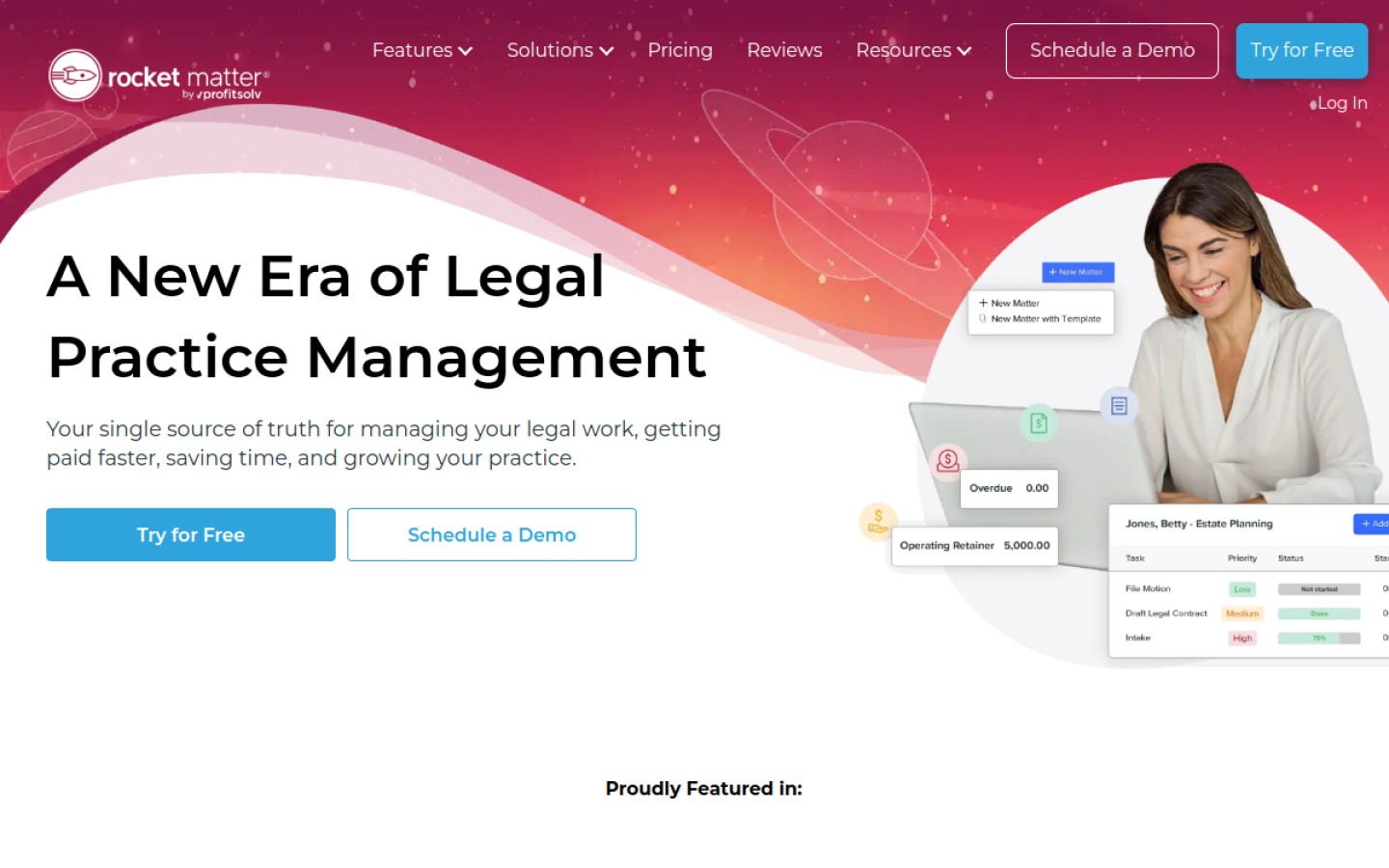
Rocket Matter is a legal practice management application with time recording, payment collection and invoicing capabilities. Essentials costs $59 per user monthly when paid annually and provides 25GB of document storage.
The trade off is that its $59 entry subscription has storage limitations and fewer advanced functions than higher tiers. Firms should confirm their required billing features before subscribing. It suits practices seeking coordinated financial and case workflows.
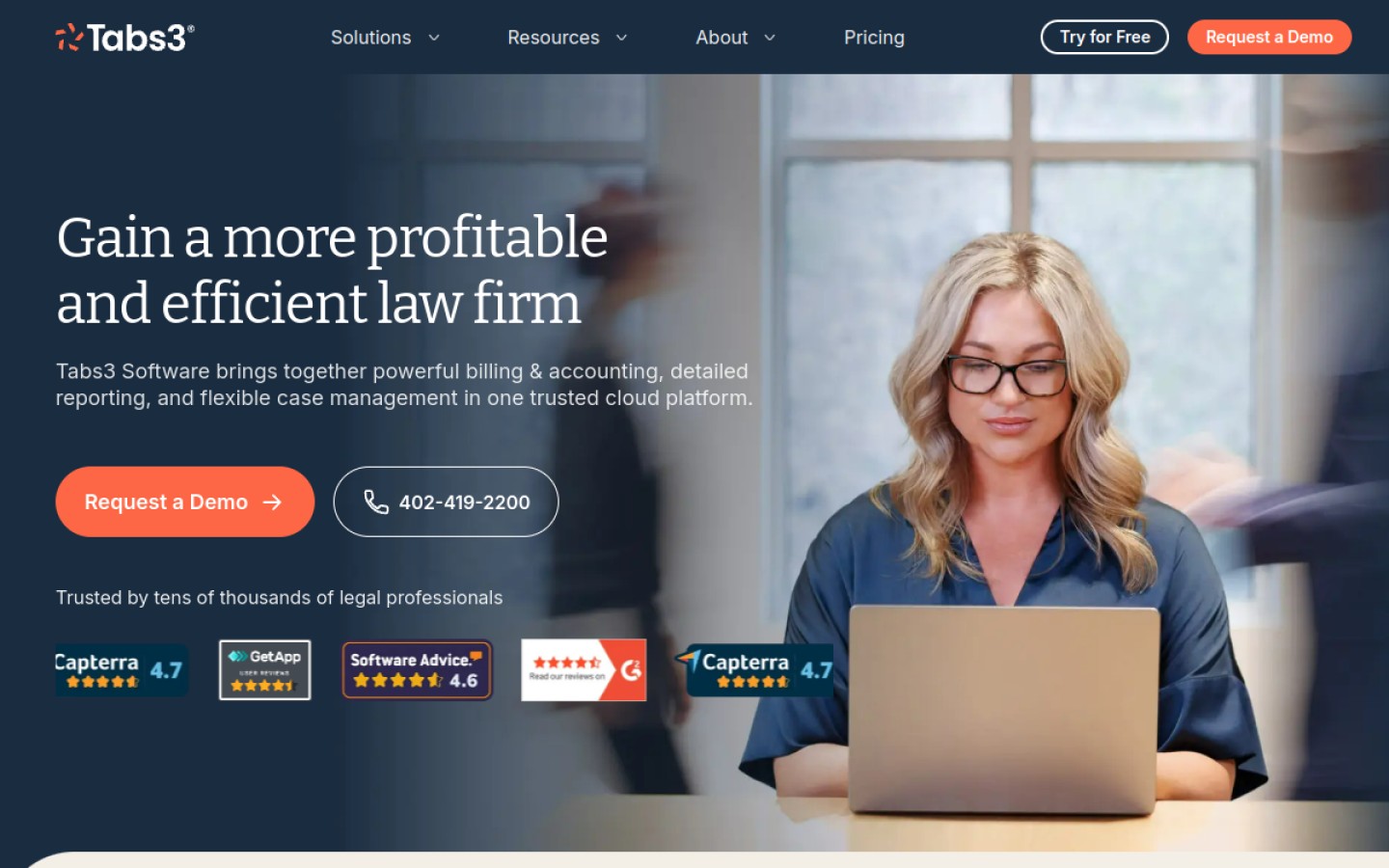
Tabs3 is a legal billing and financial management system offering hosted and locally managed installations. Its OnSite subscription starts at $69 per user monthly and supports customizable invoices, fee tracking and accounting workflows.
The trade off is that the $69 OnSite option requires firms to manage their infrastructure and backups. Cloud subscriptions start at $89 per user monthly. It suits established practices with detailed accounting requirements.
What we like
Cloud and local deployment choices
Flexible billing rates
Trust fund management
Detailed financial reporting
Watch out for
Local deployment requires maintenance
Additional practice management functionality costs extra
PracticeMaster adds matter organization and document automation.Visit tabs3.com
07
Smokeball
4.8/5on Capterra (360 reviews, checked Nov 2026)
PricingCustom pricing
Best for firms seeking billing automation
Time trackingIncluded
Trust accountingIncluded on Bill
Online paymentsIncluded
Entry planBill
smokeball.com
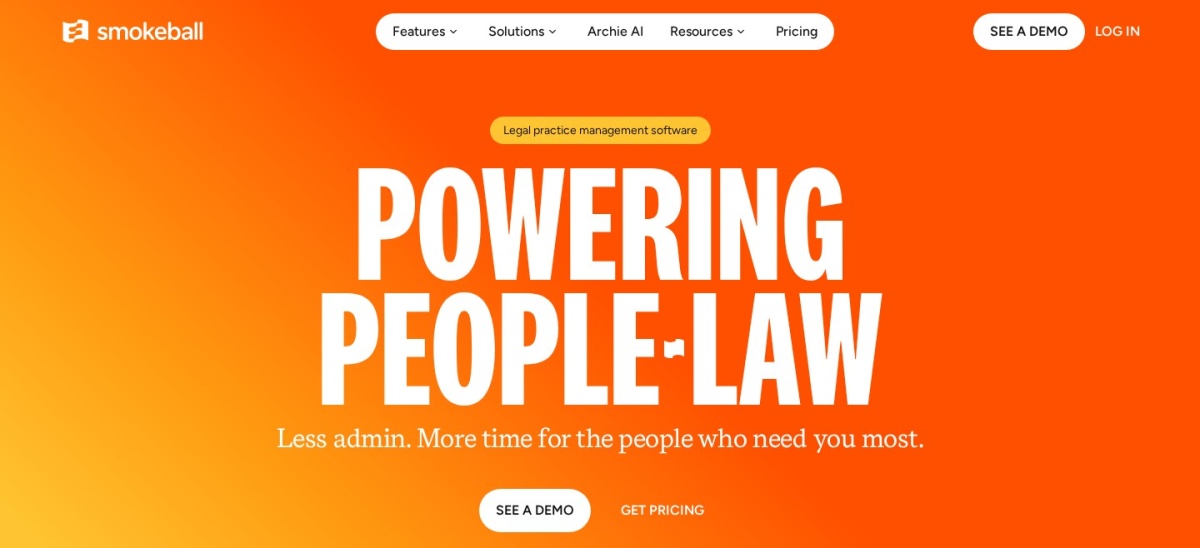
Smokeball homepage, captured Nov 2026.
Smokeball is a legal practice management platform offering billing, document workflows and time capture capabilities. Its Bill subscription covers time entries, expenses, invoicing, payment collection and trust reporting, with a 4.8/5 Capterra rating.
The trade off is that Smokeball uses custom pricing rather than publishing subscription amounts. Firms must also confirm which subscription includes their required automation features. It suits practices looking to reduce administrative work associated with billing.
What we like
Dedicated billing subscription
Trust accounting and reporting
Accounting integration options
Automatic time capture available
Watch out for
No public subscription prices
Automation availability varies by plan
Higher subscriptions expand matter management and automation.Visit smokeball.com
How much does legal time and billing software cost?
Published entry subscriptions in this comparison range from $468 to $828 per user annually. These figures use regular advertised starting rates, with annual billing where applicable.
The lowest subscription is not necessarily the cheapest option for a firm's requirements. Trust accounting, electronic invoice formats, advanced reporting and additional user licenses can increase overall expenses.
Smokeball requires a custom quote. Its zero annual price field represents an unavailable public price, not a free subscription.
How we chose
We selected established legal billing platforms from Capterra's legal billing software directory and compared their official subscription pages. The ranking prioritizes billing functionality, entry costs, legal accounting features and suitability for different firm sizes.
The editorial verification date is 22 Nov 2026. Pricing and ratings were retrieved from currently accessible vendor and review pages during this research; historical values for that exact date could not be independently confirmed. Annual costs represent starting subscriptions before optional services and processing charges.
We excluded products without accessible pricing information unless their official pages explicitly require custom quotes. Products without sufficient public review information were also excluded. No vendor paid for a place, and we do not claim testing for this list.
How to choose legal time and billing software
Compare software against your firm's existing billing procedures, accounting requirements and client expectations before committing to a subscription.
Identify your billing arrangements. Determine whether your firm primarily uses hourly rates, fixed fees, retainers or contingency arrangements. Confirm that the software can accommodate your invoice structure.
Check legal accounting requirements. Review trust account management, reconciliation, transaction histories and reporting capabilities. Confirm compliance with your applicable professional obligations.
Calculate the complete subscription cost. Include user licenses, accounting upgrades, payment processing, migration and any additional services needed for your firm's daily operations.
Evaluate compatibility with existing software. Check integrations with accounting applications, calendars, document storage and case management platforms. Confirm that historical billing information can be imported and exported.
FAQ
What is legal time and billing software?
Legal time and billing software helps attorneys record working hours, assign expenses to client matters, prepare invoices and monitor payments. Specialized applications may also include trust accounting, electronic billing formats and matter profitability reports.
What is the best affordable legal billing software?
Bill4Time has the lowest published starting subscription in this comparison at $39 per user monthly with annual billing. However, firms requiring trust accounting or LEDES exports should compare the Legal Pro subscription against competing products.
Can legal billing software handle trust accounting?
Many legal billing applications provide trust accounting functionality, although availability varies by subscription. Firms should verify whether the software supports separate client balances, reconciliation, transaction reporting and their applicable professional accounting requirements.
What is LEDES billing software?
LEDES billing software creates electronic invoices in standardized formats used by legal service providers and corporate clients. It helps organize billing information for automated processing and can support detailed classifications of legal tasks and expenses.
Is dedicated billing software better than practice management software?
Dedicated billing software may suit firms that already use separate applications for case management and document storage. A broader practice management platform is often preferable when attorneys want matter records, communications, time entries and invoices connected.
SaaS SEO and WordPress specialist with about 8 years of experience. Rakib compares WordPress plugins, themes, hosting and software using public pricing, documentation and user reviews. See how we rank.