Best Lead Scraping Tools in 2026: 9 Tools Compared
WLWPLegible EditorsLast verified 23 Nov 2026How we rank8 min read
★ Short answer
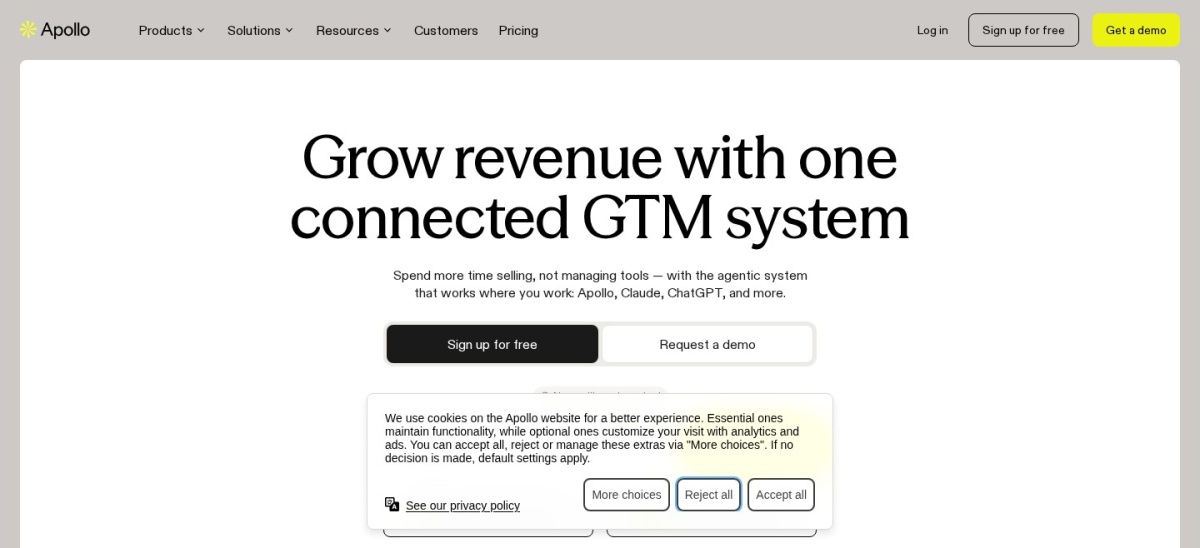
Apollo is the best lead scraping tool for most teams. It pairs a database of more than 240 million contacts with email sequences, and its free plan gives 900 credits a year. Pick Hunter for simple email finding and Octoparse for scraping public pages without code.
How we make this list: we compare pricing pages, product documentation and public user reviews, then re-check every price before each update. No product paid for a place. Disclosure.
Apollo is the top pick: a free plan, a database of more than 240 million contacts and Basic at $49 a month billed yearly.
Hunter is the simplest email finder, with a free plan of 50 credits a month and Starter at $49 a month.
Snov.io packs a finder, verifier, warm-up and sending into one plan from $39 a month.
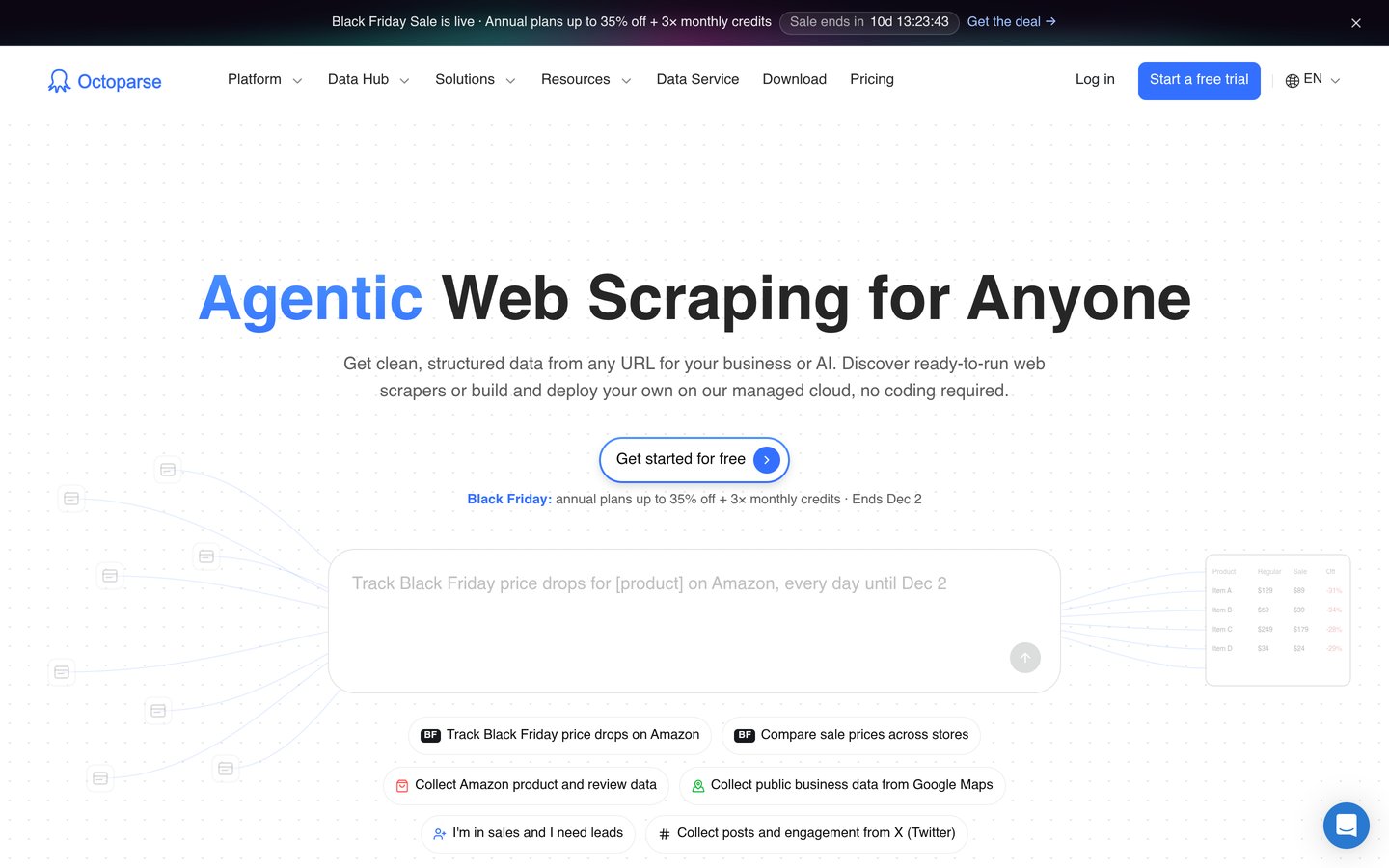
Octoparse is the cheapest way to scrape public pages without code, with a free local plan and Basic at $19 a month.
Clay is the most flexible enrichment tool, but Launch starts at $185 a month, the highest entry price here.
What a lead scraping tool should cover
Lead scraping tools collect contact details from public web pages, LinkedIn profiles and business databases, then turn them into a list you can contact.
The tools here fall into three kinds: contact databases such as Apollo and Lusha, email finders such as Hunter and Skrapp, and web scrapers such as Octoparse and Apify that pull data from any public page.
Credits are the cost to watch. Most tools charge per email or phone number revealed, and phones cost far more than emails, so check the credit math before you pick a plan.
Once you have the list, the emails still have to reach the inbox. Our guide on setting up SPF, DKIM and DMARC explains the records that keep your mail out of spam.
Apollo is a sales platform that pairs a B2B contact database with email sequences and a dialer. The free plan gives 900 credits a year, and Basic at $49 a month billed yearly adds 30,000 credits a year, unlimited sequences and CRM integrations. Apollo lists more than 240 million contacts in its database.
The trade off is the credit meter. Mobile numbers cost more credits than emails, so heavy phone prospecting can use up a yearly allowance fast. It suits small sales teams that want one tool for finding contacts and sending the first emails.
What we like
Largest contact database in this list
Finder, sequences and dialer in one subscription
Free plan with 900 credits a year
Rated 4.7 out of 5 on G2 from 9,843 reviews
Watch out for
Phone numbers burn credits fast
Credit limits cap heavy prospecting
Some contact records are out of date
Professional at $79 a month adds more credits and call recordingVisit apollo.io
02
Hunter
4.4/5on G2 (660 reviews, checked Nov 2026)
Paid from$49/mo
Best for simple email finding
Free planYes, 50 credits/mo
Cheapest paidStarter, $49/mo
Credits2,000/mo on Starter
G2 rating4.4/5, 660 reviews
hunter.io
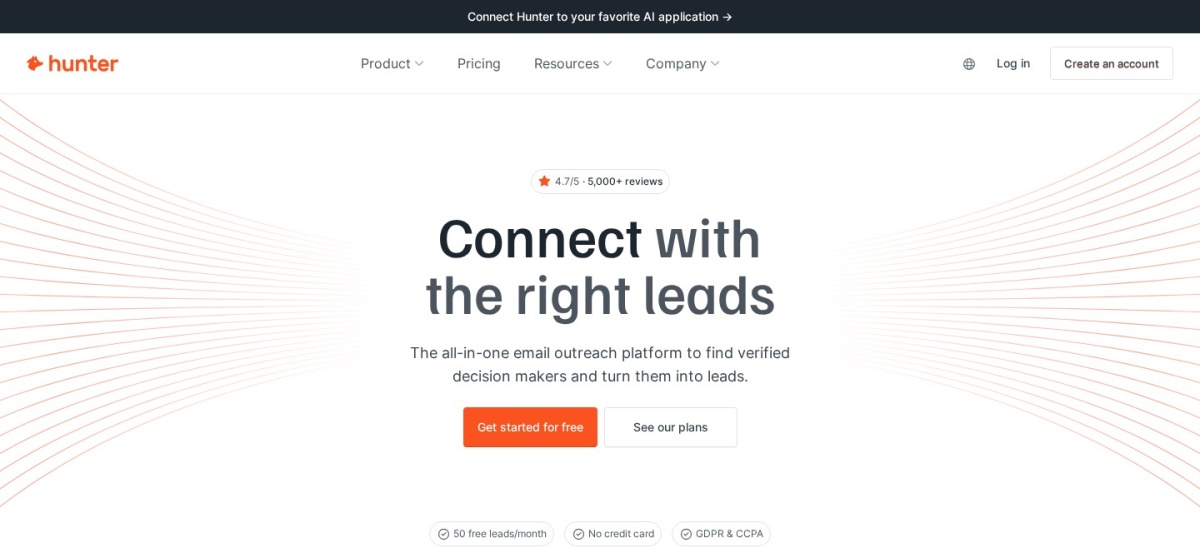
Hunter homepage, captured Nov 2026.
Hunter is an email finder that finds and verifies professional email addresses from public web pages. The free plan gives 50 credits a month, and Starter at $49 a month gives 2,000 credits a month, Domain Search, Email Finder and Email Verifier. It is rated 4.4 out of 5 on G2 from 660 reviews.
The trade off is coverage. Hunter works best when you already know the company domain, and smaller companies with little web presence can return thin results. It suits solo operators and small teams that want a simple finder with a usable free plan.
What we like
Very easy to use, with a clean interface
Shows the source page for each email found
Free plan with 50 credits a month
Built-in verifier and email campaigns
Watch out for
Thin results for small or new companies
No phone numbers or company database
Credits run out fast on large lists
Growth at $149 a month adds 10,000 credits and more inboxesVisit hunter.io
03
Snov.io
4.5/5on G2 (500 reviews, checked Nov 2026)
Paid from$39/mo
Best all-in-one finder and outreach tool
Free planYes, 50 credits/mo
Cheapest paidStarter, $39/mo
Team seatsUnlimited
G2 rating4.5/5, 500 reviews
snov.io
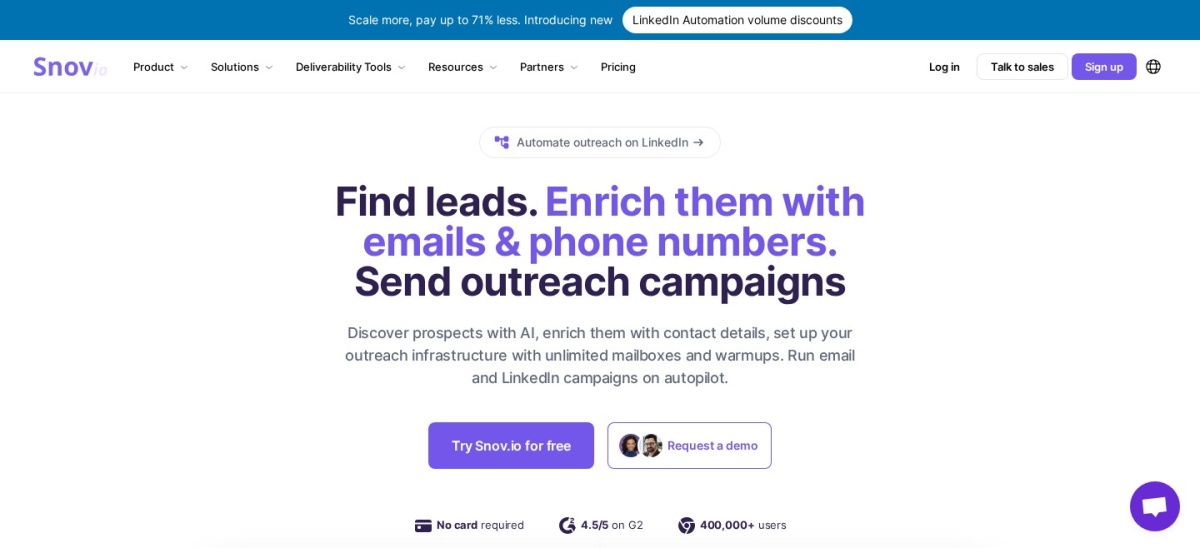
Snov.io homepage, captured Nov 2026.
Snov.io is an all-in-one finder, verifier and outreach tool with a built-in CRM. The free Trial gives 50 credits a month, and Starter at $39 a month gives 1,000 credits, 5,000 campaign recipients and unlimited team seats. It is rated 4.5 out of 5 on G2 from about 500 reviews.
The trade off is that the low entry price buys a small credit pool. Teams that send at volume move to Pro plans, which start at $99 a month. It suits small teams that want finding, verifying, warm-up and sending in one subscription.
What we like
Finder, verifier, warm-up and CRM in one plan
Unlimited team seats on every paid plan
Lowest entry price among the all-in-one tools here
Rated 4.5 out of 5 on G2
Watch out for
Starter credits run out fast at volume
Email tracking draws mixed reviews
LinkedIn automation costs extra per slot
Pro S at $99 a month adds 5,000 credits and unlimited warm-upsVisit snov.io
04
PhantomBuster
4.4/5on G2 (138 reviews, checked Nov 2026)
Paid from$69/mo
Best for automating LinkedIn prospecting
Free planYes, 30 min/mo
Cheapest paidStart, $69/mo
Execution time20 hours/mo
G2 rating4.4/5, 138 reviews
phantombuster.com
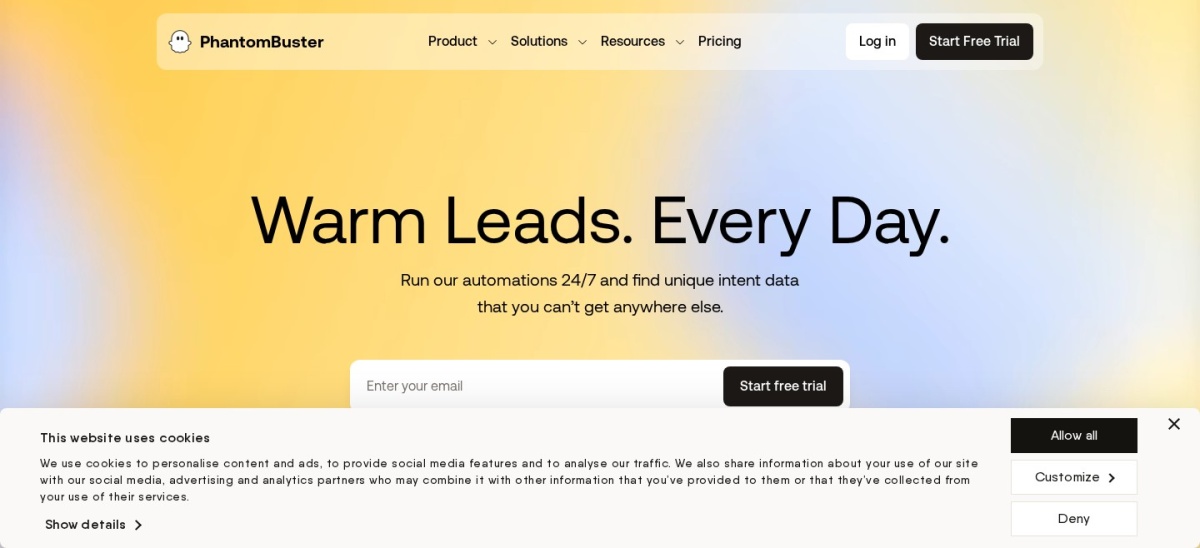
PhantomBuster homepage, captured Nov 2026.
PhantomBuster is a cloud automation platform that runs ready-made scripts, called Phantoms, to extract data from LinkedIn, Sales Navigator, Google Maps and other sites. The free plan gives 30 minutes of execution time a month, and Start at $69 a month gives 20 hours, 5 slots and 500 email credits. It is rated 4.4 out of 5 on G2 from 138 reviews.
The trade off is the learning curve. Setting up a workflow takes more work than a simple finder, and automation on LinkedIn needs care to stay within the platform's limits. It suits growth and sales ops staff who automate LinkedIn prospecting every day.
Octoparse is a no-code web scraper with a desktop app for Windows and Mac and cloud runs on paid plans. The free plan covers 10 tasks and up to 50,000 exported rows a month, and Basic at $19 a month adds unlimited rows per run and unlimited data export. It is rated 4.8 out of 5 on G2 from 52 reviews.
The trade off is that cloud extraction, scheduling and IP rotation start on Standard at $69 a month billed yearly. Proxy use and CAPTCHA solving also bill as add-ons. It suits marketers and researchers who scrape public web pages without writing code.
What we like
Free local plan is genuinely usable
Highest G2 rating in this list at 4.8 out of 5
500+ ready-made scraping templates on Standard
Exports to Excel, CSV, JSON and more
Watch out for
Cloud runs need the $69 a month Standard plan
Proxy and CAPTCHA solving bill as add-ons
Complex sites have a learning curve
Standard at $69 a month adds cloud runs, scheduling and IP rotationVisit octoparse.com
06
Apify
4.7/5on G2 (415 reviews, checked Nov 2026)
Paid from$29/mo
Best for scheduled scraping at scale
Free planYes, $5 credit/mo
Cheapest paidStarter, $29/mo
Concurrent runs32 on Starter
G2 rating4.7/5, 415 reviews
apify.com
Apify homepage, captured Nov 2026.
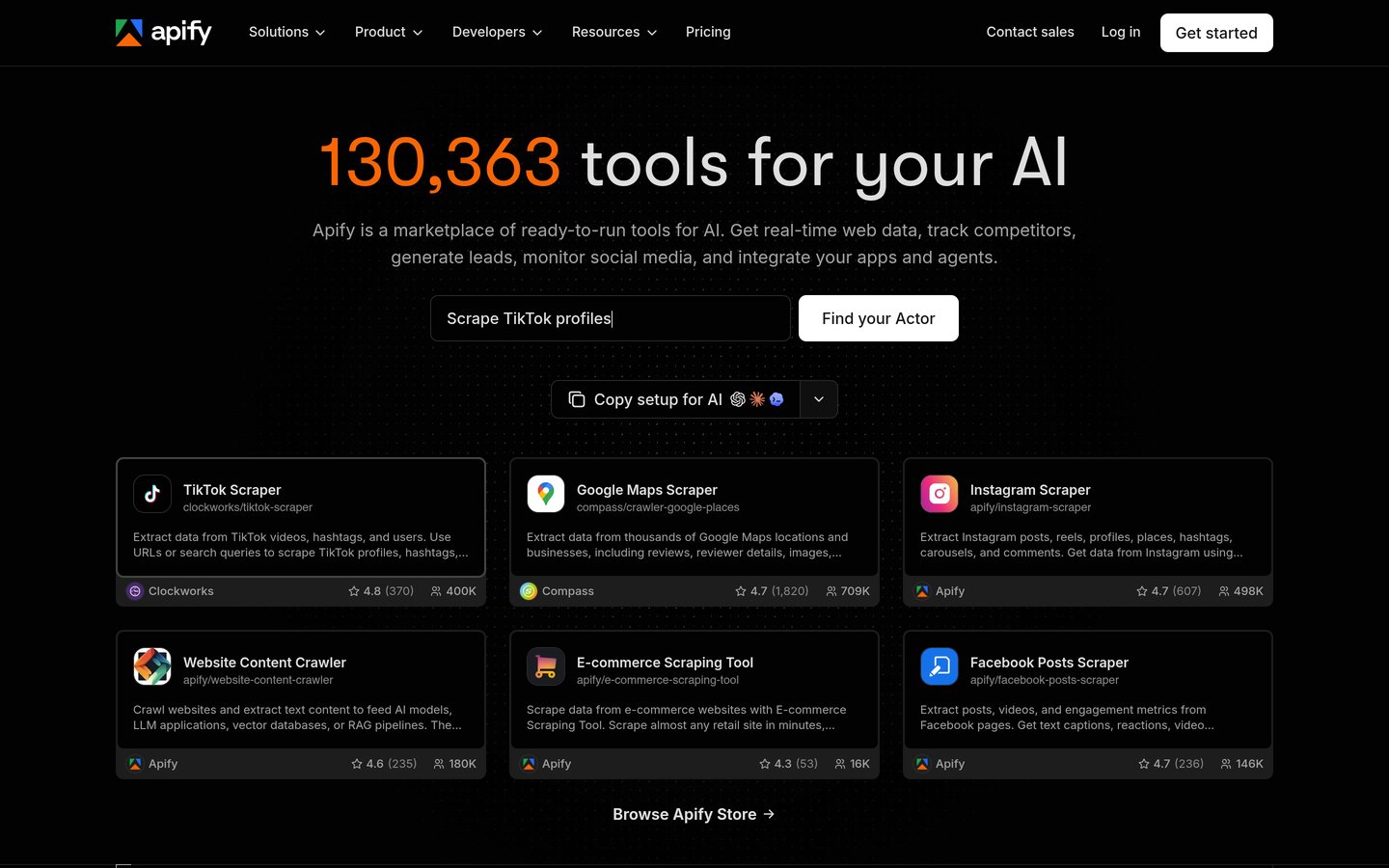
Apify is a cloud platform for running web scrapers and browser automation, with a store of ready-made Actors. The free plan gives $5 of platform credit a month, and Starter at $29 a month gives $29 of prepaid usage, 32 concurrent runs and 30 datacenter proxy IPs. It is rated 4.7 out of 5 on G2 from 415 reviews.
The trade off is billing. The $29 fee is prepaid usage, and compute, proxies and Actor fees add up, so a large job can cost more than the plan price. It suits developers and data teams that run scrapers on a schedule and want ready-made Actors.
What we like
Large store of ready-made scrapers
Scales to hundreds of concurrent runs
Free plan needs no credit card
Rated 4.7 out of 5 on G2 from 415 reviews
Watch out for
Usage billing is hard to predict
Costs climb fast on large jobs
Learning curve for building custom Actors
Scale at $199 a month adds more credit and cheaper computeVisit apify.com
07
Lusha
4.3/5on G2 (1,671 reviews, checked Nov 2026)
Paid from$49.90/mo
Best for LinkedIn contact reveals
Free planYes, 40 credits/mo
Cheapest paidStarter, $49.90/mo
Contacts515M+
G2 rating4.3/5, 1,671 reviews
lusha.com
Lusha homepage, captured Nov 2026.
Lusha is a B2B contact data platform built around a browser extension for LinkedIn prospecting. The free plan gives 40 credits a month, and Starter at $49.90 a month gives 400 credits a month, with 1 credit per email and 5 per phone number. It is rated 4.3 out of 5 on G2 from 1,671 reviews.
The trade off is the credit burn. Phone numbers cost five times as much as emails, so a phone-heavy list runs through 400 credits fast. It suits reps who prospect mainly on LinkedIn and want verified direct dials.
What we like
Fastest LinkedIn extension in this list
Largest G2 review base here, at 1,671 reviews
Direct dials with strong accuracy in the US and UK
Free plan with 40 credits a month
Watch out for
Phone reveals cost 5 credits each
Data accuracy drops outside the US and UK
No outreach or sequencing built in
Pro at $69.90 a month adds 600 credits and credit rolloverVisit lusha.com
08
Skrapp
4.5/5on G2 (356 reviews, checked Nov 2026)
Paid from$39/mo
Best low-cost LinkedIn email finder
Free planYes, 50 credits
Cheapest paidProfessional, $39/mo
Credits2,000/mo
G2 rating4.5/5, 356 reviews
skrapp.io
Skrapp homepage, captured Nov 2026.
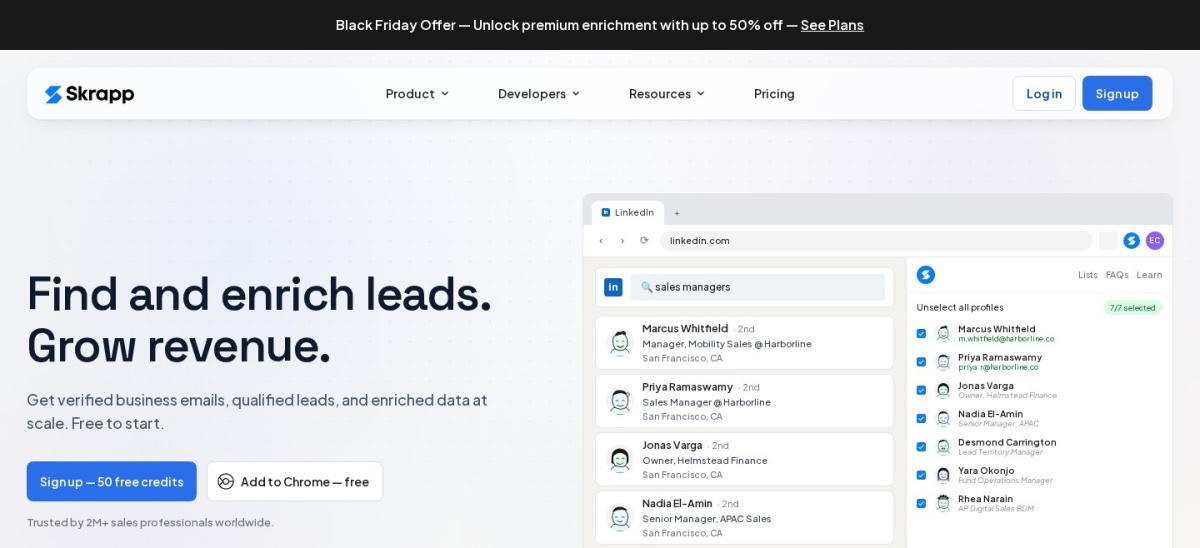
Skrapp is a LinkedIn email finder with a browser extension, an email verifier and a lead database. The free plan gives 50 credits to start, and Professional at $39 a month gives 2,000 credits a month, 2 users and credit rollover. It is rated 4.5 out of 5 on G2 from 356 reviews.
The trade off is data depth. Skrapp focuses on emails from LinkedIn, so it gives less company and intent data than the bigger platforms. It suits recruiters and SDRs who work LinkedIn all day and want a low-cost finder.
What we like
Unused credits roll over to the next month
Only charges for verified emails
Works with LinkedIn, Sales Navigator and Recruiter
Low entry price at $39 a month
Watch out for
Free plan is a one-time 50 credits, not monthly
Less company data than Apollo or Lusha
Some contact data is out of date
Enterprise at $349 a month adds 50,000 credits and API accessVisit skrapp.io
09
Clay
4.6/5on G2 (234 reviews, checked Nov 2026)
Paid from$185/mo
Best for enrichment workflows
Free planYes, 100 credits/mo
Cheapest paidLaunch, $185/mo
Data credits2,500/mo on Launch
G2 rating4.6/5, 234 reviews
clay.com
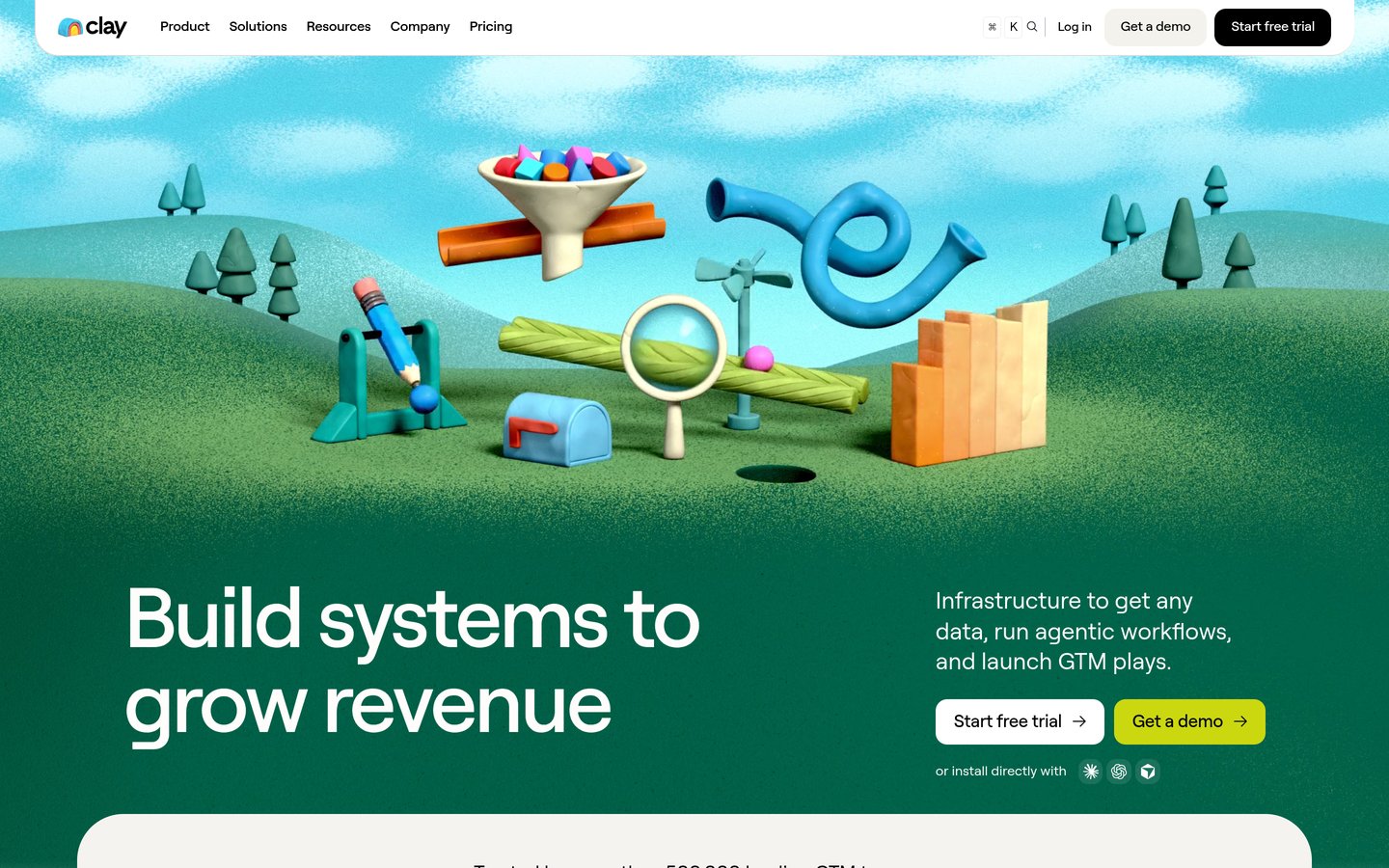
Clay homepage, captured Nov 2026.
Clay is a data enrichment and workflow platform that builds lead lists in spreadsheet-style tables. The free plan gives 100 data credits and 500 actions a month, and Launch at $185 a month gives 2,500 data credits and 15,000 actions a month. It is rated 4.6 out of 5 on G2 from 234 reviews.
The trade off is price and setup. Launch costs more than most finders here, and building a good workflow takes time to learn. It suits RevOps and growth teams that enrich leads from many sources in one place.
What we like
Waterfall enrichment from 100+ providers
AI research agent writes personalised lines
Unlimited seats on every plan
Rated 4.6 out of 5 on G2
Watch out for
Highest entry price in this list
Steep learning curve
Credit use is hard to predict
Growth at $495 a month adds CRM auto-sync and webhooksVisit clay.com
Before you scrape: three rules
Only scrape public pages. Data behind a login or a paywall is not yours to take, and collecting it can break the site's terms.
Respect rate limits and robots files. A scraper that hammers a site gets blocked, and a blocked scraper gives you nothing.
Check the data laws that apply to your list. Rules on business contact data differ by place, so confirm what you may store and email before you start a campaign.
How we chose
We started from the best-known lead scraping and prospecting tools on G2, then kept nine that cover databases, email finders and web scrapers.
Prices come from each vendor's pricing page, checked on 23 November 2026. Ratings and review counts come from G2 on the same day. Where a vendor shows a sale, the list shows the regular price.
We left out tools with no public pricing and tools built only for one social network. No vendor paid for a place, and we do not claim hands-on testing for this list.
How to choose a lead scraping tool
Match the tool to the source of your leads, then check the credit math.
Decide where your leads live. If they are on LinkedIn, pick a LinkedIn-first tool such as Lusha or Skrapp. If they are spread across the web, pick a scraper such as Octoparse or Apify.
Count the credits you will use. Work out how many emails and phone numbers you need each month, and remember phones cost several credits each on most tools.
Start on the free plan. Run a small real list through the free plan first and check how many of the contacts are current before you pay.
Check how the data leaves the tool. Make sure exports go to CSV or your CRM without an extra fee, and that the tool connects to the CRM you already use.
FAQ
What is the best lead scraping tool?
Apollo is the best pick for most teams. It pairs a database of more than 240 million contacts with email sequences, and its free plan gives 900 credits a year. Hunter is simpler for email finding, and Octoparse is better for scraping public pages.
Are lead scraping tools legal?
Scraping public data is common, but the rules differ by place and by site. Only collect data from public pages, respect each site's terms and robots file, and check the data laws that apply to your list before you email anyone.
What is the cheapest lead scraping tool?
Octoparse has the cheapest paid plan here at $19 a month for Basic, and its free local plan covers 10 tasks. Hunter, Snov.io and Apollo also have free plans, so you can start without paying.
Do I need a separate tool to send emails?
It depends on the tool. Apollo and Snov.io include email sequences, so you can send from the same subscription. Hunter, Lusha and Skrapp focus on finding contacts, so you need an outreach tool or CRM to send.
How accurate is the contact data?
Accuracy varies by tool and by record. G2 reviewers praise Apollo, Lusha and Hunter for usable data, but also report stale emails and wrong phone numbers. Verify emails before you send a campaign.
What is the difference between a scraper and a contact database?
A scraper such as Octoparse or Apify pulls data from pages you choose, so you control the source. A contact database such as Apollo or Lusha sells access to records it has already collected, so you search instead of scraping.