WLWPLegible EditorsLast verified 23 Nov 2026How we rank13 min read
★ Short answer
BarTender is the best labeling software for most teams, with Starter at $199 a year, 400+ label templates and 100+ barcode symbologies. Choose Loftware NiceLabel for cloud label control across sites, or Label LIVE for low-cost desktop barcode labels.
How we make this list: we compare pricing pages, product documentation and public user reviews, then re-check every price before each update. No product paid for a place. Disclosure.
BarTender is the best overall pick: Starter starts at $199 a year, with 400+ templates and 100+ barcode symbologies.
Loftware NiceLabel is the cloud choice for multi-site teams, with approval workflows and audit trails, but pricing is by quote.
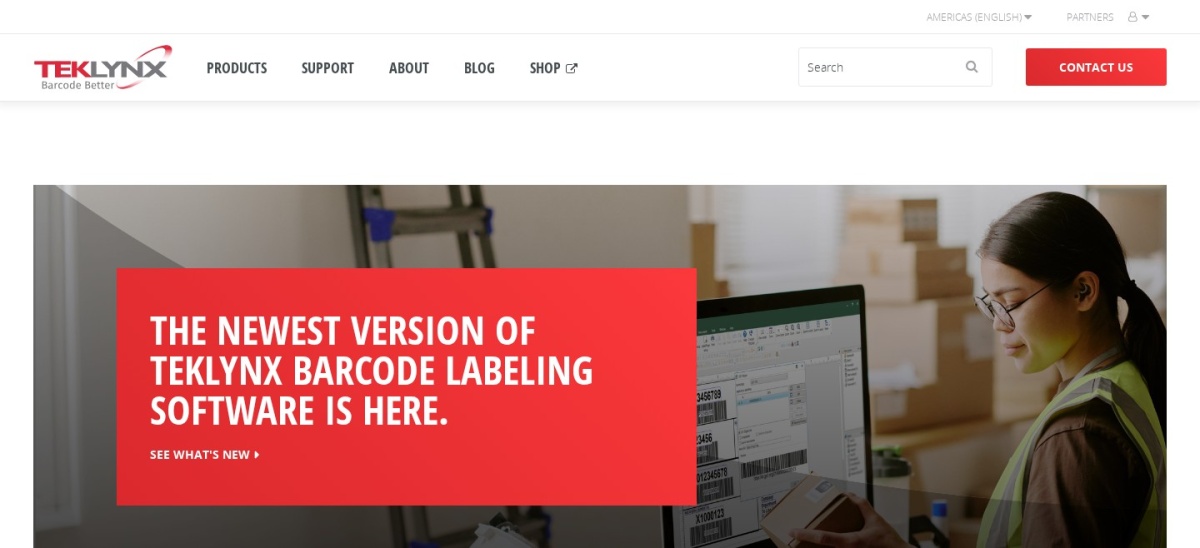
CODESOFT and LABELVIEW share the TEKLYNX range: CODESOFT starts at $492 a year for complex RFID work, while LABELVIEW is by quote for mid-size teams.
ZebraDesigner Essentials is free for Zebra printer owners, and Pro costs $345 one time.
Label LIVE at $47.99 one time and Labeljoy at $39 one time are the cheapest capable desktop designers, while Avery Design & Print is free for sheet labels.
What labeling software has to get right
Labels carry the data a warehouse, shop or clinic runs on: product names, prices, barcodes, batch numbers and expiry dates. The software that designs them decides how fast a new label goes live and how often a wrong one gets printed.
The main split is between desktop designers and managed platforms. Desktop tools are bought once or per printer and print from one computer, while cloud platforms store templates in one place and push approved versions to every site.
Licensing is the part buyers miss most. Most professional tools charge per printer, not per user, so count printers before comparing prices. If you sell through WooCommerce, label printing usually sits beside shipping, so check our guide on fixing missing shipping options in WooCommerce before you pick a tool.
Barcode depth matters too. A simple text label works in any free tool, but GS1 barcodes, RFID encoding and serial numbers need a designer built for them.
BarTender is the standard label designer for warehouses, factories and distribution centres, from Seagull Scientific. The Starter plan costs $199 a year and includes simple barcode label design, a library of 400+ templates, 100+ barcode symbologies and drivers for 12,000+ printers.
The trade off is licensing. Starter is a single-user workstation licence, and costs rise with printers and tiers: Professional starts at $299 a year and Automation at $575. It suits teams that print barcodes at volume and want one tool that covers design, data and printing.
What we like
Published prices from $199 a year
400+ templates and 100+ barcode symbologies
Drivers for 12,000+ printers
Automation and Enterprise tiers add ERP links and audit trails
Watch out for
Licensed per printer or workstation, so costs grow with fleets
Desktop app runs on Windows only; cloud plans cost more
Loftware NiceLabel is a cloud label management platform for teams that print the same labels across several sites. Templates live in one central system with approval workflows, version control and audit trails, and printing can start from a browser, an ERP system or a web service.
The trade off is price and setup. Loftware does not publish prices, and licensing is per printer on an annual subscription, so small teams should get a quote before comparing it with desktop tools. It suits regulated manufacturers and multi-site operations that need one approved template everywhere.
What we like
One approved template printed identically at every site
Approval workflows, version control and audit trails
TEKLYNX CODESOFT is the flagship designer in the TEKLYNX range, built for complex barcode and RFID labels. It covers GS1 and HIBC barcodes, RFID encoding, database-driven variable data and precise layout control, and works with TEKLYNX SENTINEL print automation.
The trade off is cost and channel. Capterra lists a starting price of $492 a year, and TEKLYNX sells through resellers with prices on request in its online store. It suits integrators and plants with demanding label rules that simpler designers cannot meet.
TEKLYNX LABELVIEW is the mid-level designer in the TEKLYNX range, for teams that have outgrown basic tools. It includes a form designer for click-and-print stations, connections to Excel and Access, wizards and 100+ barcode symbologies.
The trade off is pricing transparency. TEKLYNX does not publish a price for LABELVIEW, so buyers need a quote from the online store or a reseller. It suits mid-size operations that need database-driven labels without the cost of CODESOFT.
ZebraDesigner is the label designer from Zebra for Zebra printers, and the Essentials edition is free. It covers basic label design with text, barcodes and graphics, and speaks Zebra's ZPL printer language directly, which avoids the translation quirks of third-party software.
The trade off is hardware. It only drives Zebra printers, so mixed fleets need a vendor-neutral tool. Professional costs $345 one time and adds database connectivity, RFID encoding and VBA scripting. It suits Zebra-only shops that want a free start.
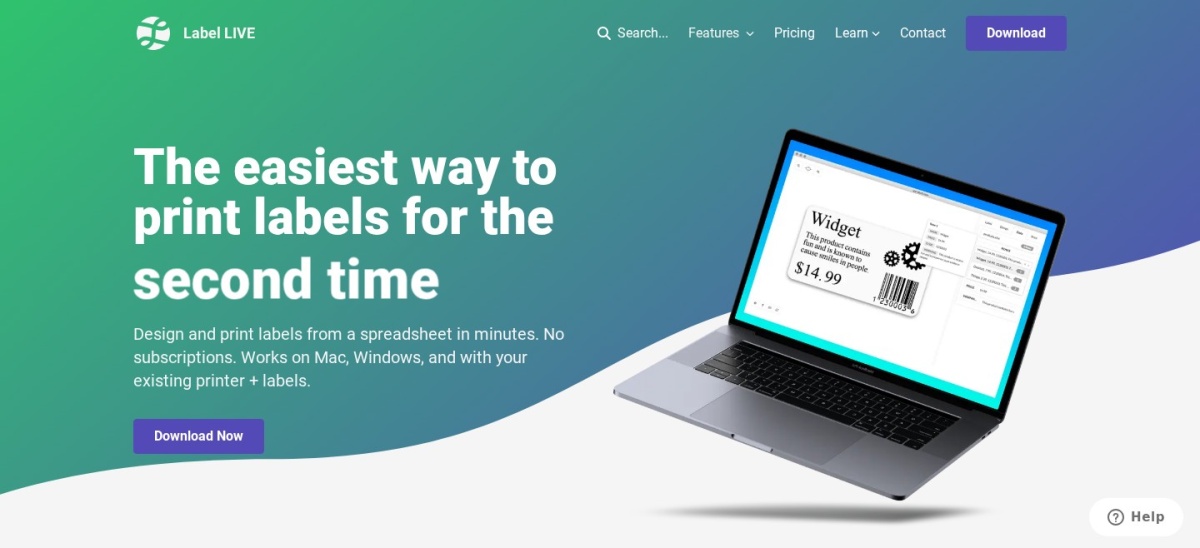
Label LIVE is a cross-platform label designer for Mac and Windows from Semireg Industries. The Home plan costs $47.99 one time and covers text, images and shapes, spreadsheet data and unlimited printing, while Business at $147.99 adds barcodes for business use.
The trade off is scale. Licences are per computer, and automation such as scripting and folder-watch import needs the Logic plan at $247.99. It suits small teams that want a simple desktop designer with spreadsheet-driven batch printing.
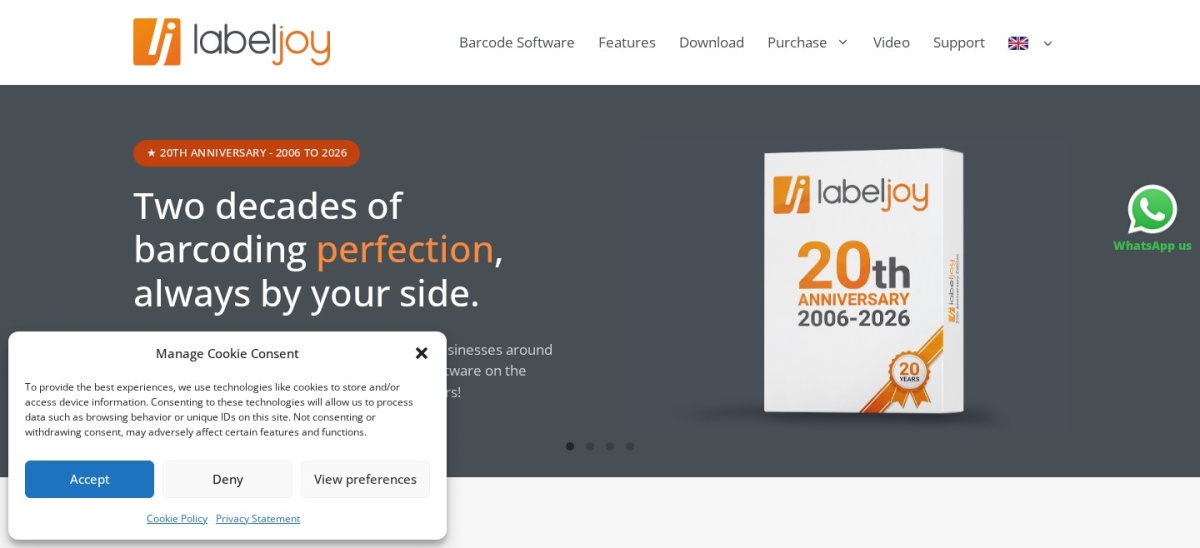
Labeljoy is a Windows barcode label designer from eDisplay for small businesses. The Basic plan costs $39 one time and includes database connections, serialization and a template library for labels, badges, cards and shipping labels.
The trade off is polish and platform. It runs on Windows only, and the free trial prints with a watermark. It suits small shops that need real barcode labels for $39 and do not need cloud control or ERP links.
4.8/5on Trustpilot (549 reviews, checked Nov 2026)
PriceFree
Best free tool for sheet labels
PriceFree
Design toolWeb app
TemplatesAvery product numbers
Barcode database linksNo
avery.com
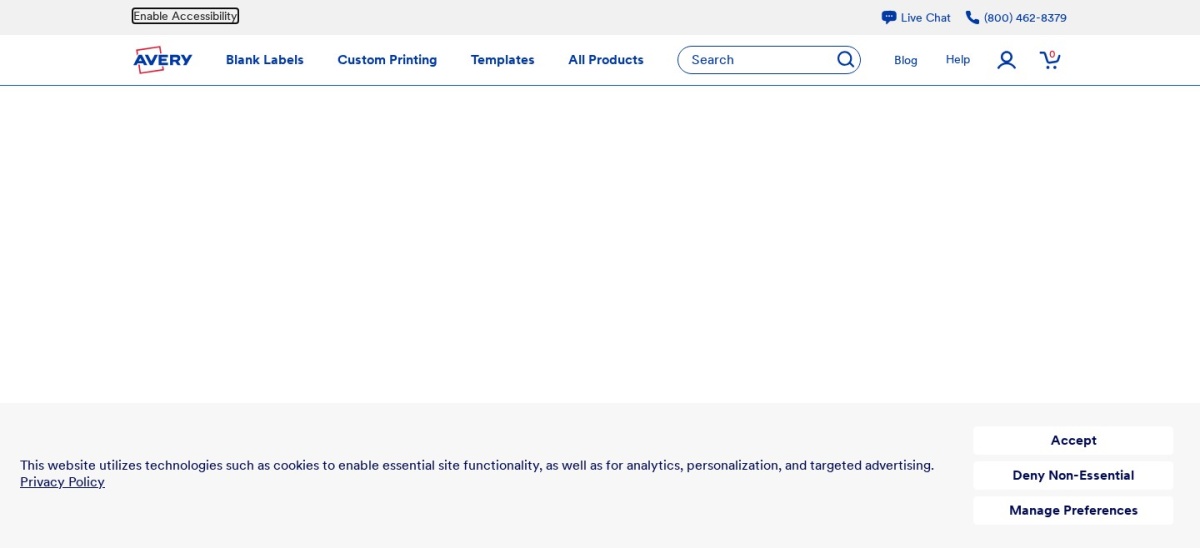
Avery Design & Print homepage, captured Nov 2026.
Avery Design & Print is a free web tool for designing labels on Avery sheets. It offers templates matched to Avery product numbers, hundreds of fonts and clip art, and saves designs to a free Avery account for reprinting.
The trade off is depth. It designs sheet labels for office and product use, with no barcode database links, RFID or print automation. It suits home offices and small sellers who print Avery sheets and want a free, simple designer.
What we like
Free, with no download needed
Templates matched to Avery sheet sizes
Designs save to an account for reprints
Avery rates 4.8 out of 5 on Trustpilot
Watch out for
Tied to Avery sheet sizes
No database-driven variable printing
No RFID or barcode automation
Avery also sells printed labels made from your designVisit avery.com
09
TEC-IT Barcode Studio
4.5/5on G2 (1 reviews, checked Nov 2026)
Starts at$93/yr
Best for exact barcode artwork
Cheapest paid planLite, $93/yr
Barcode symbologies100+
Vector exportEPS, PDF, SVG
PlatformsWindows and macOS
tec-it.com
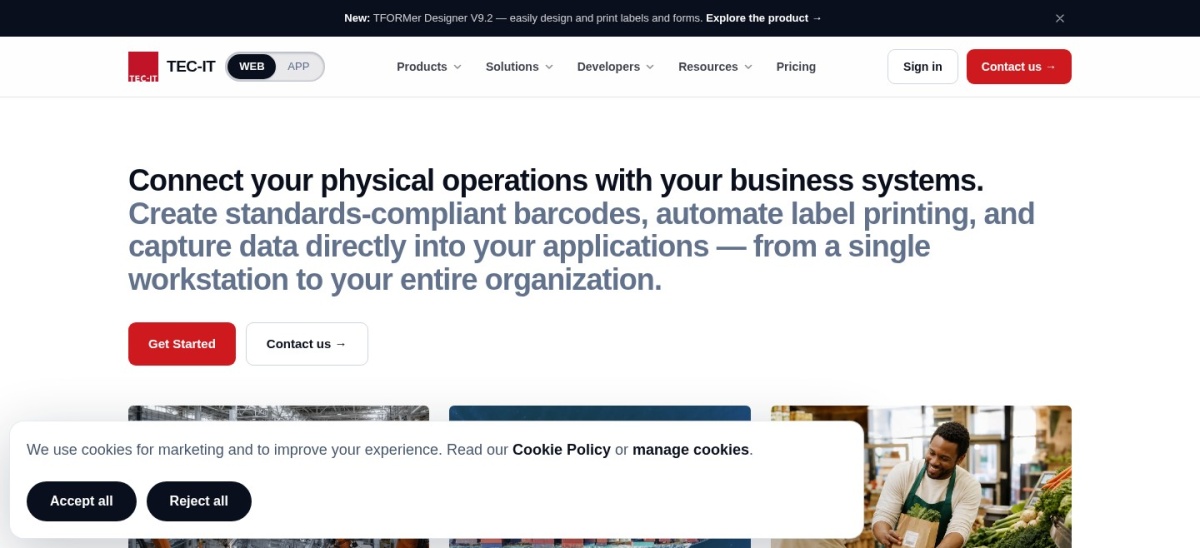
TEC-IT Barcode Studio homepage, captured Nov 2026.
TEC-IT Barcode Studio is a barcode generator for Windows and macOS that creates print-ready barcode images. The Lite plan costs $93 a year and covers the most common barcode types, with serial numbers from imported CSV data and vector output in EPS, PDF and SVG.
The trade off is scope. It makes barcode images rather than laying out full labels or managing printers, so it pairs with a label designer for finished labels. It suits packaging and print work where barcode artwork must be exact.
Per-printer licensing: the cost that surprises buyers
Most professional labeling tools charge per printer, not per user. BarTender, Loftware NiceLabel and the TEKLYNX range all scale with printer count, so the starting price is only the price for the first printer or workstation.
Count every printer that will print labels, including spares and printers at other sites. A quote for three printers can triple once a second warehouse is added.
One-time desktop tools avoid this problem. Label LIVE, Labeljoy and ZebraDesigner Pro charge per computer or per licence, which is easier to budget for a fixed set of printers.
How we chose
We started from the labeling tools most often listed for barcode and label design on G2 and Capterra, then kept nine that cover enterprise, mid-market and free use.
Prices come from each vendor's pricing page or a directory listing where the vendor does not publish prices, checked on 23 November 2026. Ratings come from G2, Capterra or Trustpilot on the same day. Where a vendor shows a sale, the list shows the regular price.
We left out tools with no public pricing or review record and tools that only generate a single barcode image with no label layout. No vendor paid for a place, and we do not claim hands-on testing for this list.
How to choose labeling software
Start with your printers, then match the software to how many labels you print.
Count your printers first. Most professional tools charge per printer, so a five-printer shop and a fifty-printer warehouse pay very different amounts for the same software.
List the barcodes and data you need. GS1, RFID and serial numbers need a tool like BarTender or CODESOFT, while plain text and QR codes work in free tools.
Check the data connection. If labels must pull names and prices from a spreadsheet or database, pick a tool with Excel or database links, such as LABELVIEW or ZebraDesigner Pro.
Try the trial on your own printer. Print a batch of real labels, including your longest product names, and check that every barcode scans before you buy.
FAQ
What is the best labeling software?
BarTender is the best pick for most teams. Its Starter plan costs $199 a year and includes 400+ templates and 100+ barcode symbologies, with higher tiers adding automation and ERP links.
How much does labeling software cost?
Free tools such as ZebraDesigner Essentials and Avery Design & Print cost nothing. Paid desktop tools start at $39 one time, BarTender Starter costs $199 a year, and enterprise platforms are priced by quote.
Is there free labeling software?
Yes. ZebraDesigner Essentials is free for Zebra printer owners, and Avery Design & Print is a free web tool for Avery sheets. Both cover basic labels, but neither handles RFID or database-driven printing.
What is the difference between BarTender and NiceLabel?
BarTender is a desktop-first designer with published prices from $199 a year, while Loftware NiceLabel is a cloud platform that stores templates centrally with approval workflows. NiceLabel suits multi-site teams; BarTender suits single-site volume printing.
Do I need RFID support?
Only if your labels must carry RFID tags for tracking or compliance. BarTender Professional and CODESOFT both encode RFID, while cheaper tools such as Label LIVE and Labeljoy do not.
Can labeling software print from Excel?
Yes, most paid tools can. BarTender, LABELVIEW, ZebraDesigner Pro and Label LIVE all pull label data from spreadsheets, so you can print a batch of labels from one file.