Canva is the best label design software for most small businesses, with a free plan, thousands of label templates and a 4.7 out of 5 G2 rating from 7,660 reviews. Pick Adobe Illustrator for print-ready vector artwork, or Avery Design & Print for free labels matched to Avery stock.
How we make this list: we compare pricing pages, product documentation and public user reviews, then re-check every price before each update. No product paid for a place. Disclosure.
Canva leads with a 4.7 out of 5 G2 rating from 7,660 reviews, the largest review base in this list by far.
Adobe Illustrator is the only tool here built for print-ready vector artwork, at $22.99 a month.
Avery Design & Print is free and label-specific, but its 4.7 rating rests on only 10 G2 reviews.
Label LIVE is the highest rated specialist here at 4.9 out of 5, with a $47.99 one-time Home licence.
Five of the nine tools have a free plan, and paid plans start at $47.99 one-time or $9.99 a month.
What label design software should cover
Label design splits into two jobs. Design tools create the artwork, while printing tools get it onto the label stock accurately, with barcodes and variable data.
A good design tool should offer label-sized templates, clean type controls and export to PDF or PNG at print quality. For product labels, check bleed and CMYK support before you commit.
Label-specific tools add template accuracy. They map the layout to a real label sheet, so the design lines up when it prints, which is where general design tools can drift.
Canva is a browser-based design tool with a free plan and thousands of label templates for product, food and event labels. The free plan covers 250,000 templates, stock photos and 5GB of storage, and Pro adds background removal, Magic Resize and 100GB of storage. It is rated 4.7 out of 5 from 7,660 reviews on G2.
The trade off is print control. Canva is not a prepress tool, so bleed, CMYK and dieline work need care before you send a file to a printer. It suits small businesses that want fast, good-looking labels without learning vector software.
What we like
Largest review base in this list by far
Free plan covers thousands of templates
Fastest way to a finished label for beginners
Watch out for
Weak prepress controls for bleed and CMYK
Best templates and tools sit behind Pro
Pro adds background removal, Magic Resize and 100GB storageVisit canva.com
02
Adobe Illustrator
4.6/5on G2 (6,208 reviews, checked Nov 2026)
Starts at$22.99/mo
Best for print-ready vector artwork
Free planNo
Vector editingFull, print-ready
Monthly price$22.99/mo
G2 rating4.6/5, 6,208 reviews
adobe.com
Adobe Illustrator homepage, captured Nov 2026.
Adobe Illustrator is the professional vector editor behind most print-ready label artwork, with precise control over type, colour and dielines. It builds scalable vector art that stays sharp at any size and exports print-ready PDFs for label printers. It is rated 4.6 out of 5 from 6,208 reviews on G2.
The trade off is cost and learning time. At $22.99 a month it is the priciest design tool here, and beginners face a steep curve before layouts feel fast. It suits designers and brands that need full control over packaging artwork.
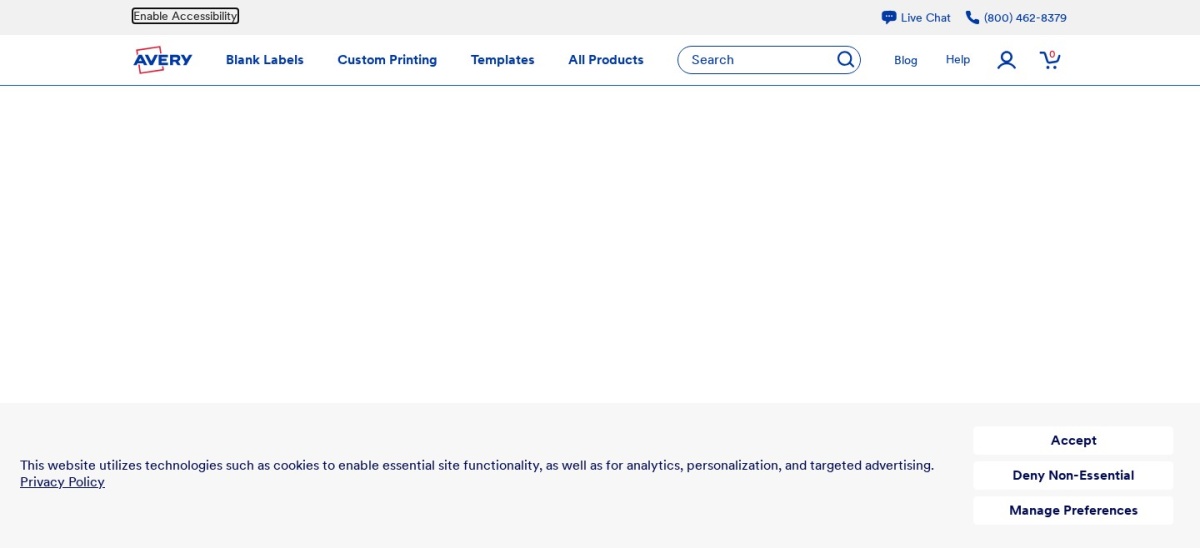
Avery Design & Print is a free web tool for designing labels that match Avery label sheets exactly. It offers more than 2,000 templates mapped to Avery product codes, plus a barcode generator and mail merge from a spreadsheet. It is rated 4.7 out of 5 from 10 reviews on G2.
The trade off is design depth. It is built for quick, accurate labels on Avery stock, not for original brand artwork or advanced illustration. It suits small businesses and event organisers who print on Avery sheets and want layouts that line up first time.
What we like
Free, with templates matched to Avery stock
Barcode generator and mail merge built in
No download or install needed
Watch out for
Only 10 G2 reviews, so the rating is thin evidence
Tied to Avery label sizes and stock
Designs print on Avery sheets, or order custom printingVisit avery.com
04
Adobe Express
4.4/5on G2 (1,108 reviews, checked Nov 2026)
Paid from$9.99/mo
Best free quick label maker from Adobe
Free planYes
Free templates100,000+
Premium price$9.99/mo
G2 rating4.4/5, 1,108 reviews
adobe.com
Adobe Express homepage, captured Nov 2026.
Adobe Express is a free template-based design tool from Adobe for quick labels, stickers and product tags. The free plan includes more than 100,000 templates, 1 million stock assets and 5GB of storage, with watermark-free PDF export. It is rated 4.4 out of 5 from 1,108 reviews on G2.
The trade off is depth. It is a quick design tool, not a vector editor, so detailed artwork and prepress control still need Illustrator. It suits small businesses that want fast labels and already use Adobe tools.
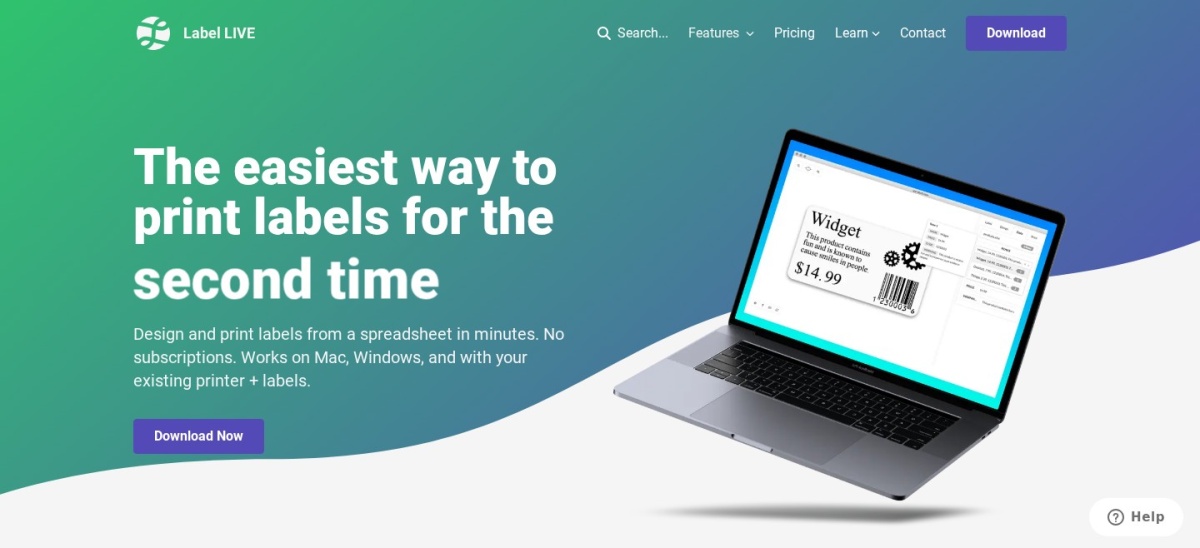
Label LIVE is desktop label software for Mac and Windows that designs and prints barcodes, address labels and inventory tags. It imports spreadsheet data, supports more than 40 printers and prints barcodes, QR codes and serial numbers. It is rated 4.9 out of 5 from 35 reviews on G2.
The trade off is design range. It is built for accurate, repeatable printing rather than brand artwork, so pair it with a design tool for the look. It suits small businesses printing barcode and inventory labels in-house.
What we like
Highest rating in this list at 4.9 out of 5
One-time price, no subscription
Spreadsheet import for batch label runs
Watch out for
Only 35 G2 reviews, so the rating is thin
Weak for original brand artwork
Business adds barcodes at $147.99 one-time; Logic adds scripting at $247.99Visit label.live
06
Affinity Designer
4.5/5on G2 (452 reviews, checked Nov 2026)
PriceFree
Best free vector editor for label artwork
Free planYes, for individuals
Vector editingFull
SubscriptionNone
G2 rating4.5/5, 452 reviews
affinity.serif.com
Affinity Designer homepage, captured Nov 2026.
Affinity Designer is a professional vector editor that is now free for individuals on Mac and Windows. It covers vector illustration, typography and layout with no subscription, and exports SVG, PDF and EPS files for print. It is rated 4.5 out of 5 from 452 reviews on G2.
The trade off is label-specific tooling. It has no built-in label templates, barcode generator or mail merge, so label sizes and dielines need manual setup. It suits designers who want Illustrator-grade vector tools without a monthly bill.
Inkscape is a free, open-source vector editor that works on Windows, Mac and Linux. It handles SVG natively, imports and exports AI, EPS and PDF files, and version 1.4.4 shipped in May 2026. It is rated 4.4 out of 5 from 417 reviews on G2.
The trade off is polish. The interface feels less refined than paid editors, and label templates and barcode tools are not built in. It suits designers and print shops that need a real vector file and cannot justify a subscription.
CorelDRAW is a long-running vector and layout package used by print shops, sign makers and embroidery businesses. Its Graphics Suite combines vector illustration, layout and photo editing, with PowerTRACE for turning bitmaps into clean vectors. It is rated 4.3 out of 5 from 556 reviews on G2.
The trade off is price and age. The annual plan lists at $269 a year, and the interface feels dated beside newer editors, though a $549 one-time purchase is still sold. It suits print shops that need production tools and file formats their vendors already use.
What we like
One-time purchase still available at $549
PowerTRACE converts bitmaps to vectors
Strong colour management for print work
Watch out for
Annual plan lists at $269 a year
Interface feels dated in places
Subscription adds new versions and web access; one-time licence is $549Visit coreldraw.com
09
BarTender
4.4/5on Capterra (61 reviews, checked Nov 2026)
Starts at$199/yr
Best for barcode labels at volume
Free planNo, 30-day trial
Barcode supportYes, incl. RFID
Data integrationYes, databases
Capterra rating4.4/5, 61 reviews
seagullscientific.com
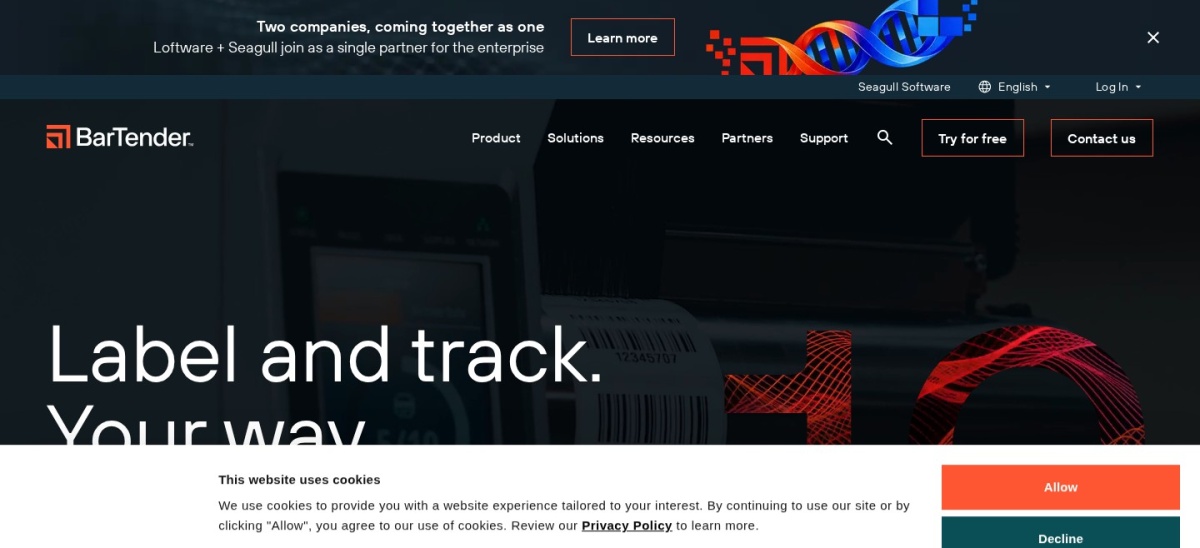
BarTender homepage, captured Nov 2026.
BarTender is label software from Seagull Scientific for barcode, RFID and shipping labels at volume. It connects to databases and business systems, automates variable-data printing and supports compliance labelling. It is rated 4.4 out of 5 from 61 reviews on Capterra.
The trade off is complexity and cost. The Starter plan starts at $199 a year, and the setup suits operations teams more than casual designers. It suits warehouses and manufacturers printing barcoded labels across sites.
Design tools vs printing tools: pick the right kind
Design tools such as Canva, Illustrator and Affinity make the artwork. Printing tools such as Label LIVE and BarTender turn that artwork into accurate labels with barcodes and batch data.
Most small businesses need a design tool first. A template tool covers product and event labels, and a vector editor covers anything a printer must reproduce exactly.
Add a printing tool when labels carry barcodes, serial numbers or data from a spreadsheet. That is the point where a design tool alone starts to slow the job down.
How we chose
We started from the best-known label design and label printing tools on G2 and Capterra, then kept nine with a public rating, an established user base and a clear job for label work.
Prices come from vendor pricing pages and listings checked on 25 November 2026. Ratings and review counts come from G2 and Capterra on the same day. Where a vendor shows a sale, the list shows the regular price.
We left out tools with no public rating and label tools with only a handful of reviews, such as Maestro Label Designer and Labeljoy. No vendor paid for a place, and we do not claim hands-on testing for this list.
How to choose label design software
Start with the label you print most often, then match the tool to that job.
Decide if you need design or printing. Pick a design tool for artwork and branding, and a printing tool for barcodes, batch runs and variable data.
Check the label size first. Tools such as Avery Design & Print map layouts to real label sheets. Vector editors need manual dieline setup.
Check the export format your printer wants. Print shops usually ask for PDF with bleed. A tool that only exports PNG will cost you a redraw.
Try the free plan before you pay. Five tools here have a free plan. Design one real label in each shortlisted tool and print it before buying.
FAQ
What is the best label design software?
Canva is the best label design software for most small businesses. It has a free plan, thousands of label templates and a 4.7 out of 5 G2 rating from 7,660 reviews. Adobe Illustrator is the better pick for print-ready vector artwork.
Is there free label design software?
Yes. Canva, Avery Design & Print, Adobe Express, Affinity Designer and Inkscape all have a free plan. Avery is the most label-specific free option, while Affinity and Inkscape are free vector editors with no paid tier for individuals.
Can Canva design product labels?
Yes, Canva works well for product, food and event labels using its template library and drag-and-drop editor. Check bleed and CMYK settings with your printer first, because Canva is not a prepress tool and print shops may need a PDF with bleed.
What software do professionals use for labels?
Professionals mostly use Adobe Illustrator for vector artwork and CorelDRAW in print shops, because both export print-ready files with dielines and colour control. BarTender is the usual pick when labels need barcodes, RFID or variable data at volume.
Do I need separate software for barcodes?
Not always. Avery Design & Print and Label LIVE both include barcode tools, and Canva can add QR codes to a design. BarTender is worth it when barcodes come from a database or change with every print run.
What is the cheapest label design software?
Avery Design & Print, Affinity Designer and Inkscape cost nothing, and Adobe Express has a free plan with Premium at $9.99 a month. The cheapest paid specialist here is Label LIVE, with a Home licence at $47.99 as a one-time payment.
SaaS SEO and WordPress specialist with about 8 years of experience. Rakib compares WordPress plugins, themes, hosting and software using public pricing, documentation and user reviews. See how we rank.