Kubecost is the best Kubernetes cost optimization software for most teams, with a free Foundations tier for unlimited clusters up to 250 cores and a 5.0 out of 5 rating on G2. Pick Cast AI if you want automation that rightsizes and moves workloads for you, or Vantage if you need the cheapest paid plan at $30 a month.
How we make this list: we compare pricing pages, product documentation and public user reviews, then re-check every price before each update. No product paid for a place. Disclosure.
Kubecost is free for unlimited clusters up to 250 cores, with 15-day metric retention on its Foundations tier.
Cast AI automates the work: its Growth plan starts at $1,000 a month plus about $5 per managed CPU per month.
ScaleOps, Zesty and PerfectScale all rightsize pods in production, but only PerfectScale has a free tier, up to 300 vCPU a month.
Vantage has the cheapest published paid plan in this list at $30 a month, for up to $7,500 of tracked cloud spend.
Four of the nine tools publish no price on their own pricing pages: ScaleOps, nOps, CloudZero and Harness all sell by quote.
Kubecost's 5.0 G2 rating rests on only 2 reviews, the thinnest sample in this list; Cast AI's 4.5 comes from 284.
What Kubernetes cost tools actually do
Kubernetes makes cloud bills hard to read. A cluster shares nodes across namespaces, teams and workloads, so the monthly bill shows a total with no owner attached.
A cost tool fixes that in three ways. It allocates spend to namespaces, pods and labels, it flags overprovisioned CPU and memory requests, and the stronger tools apply the fix by resizing pods, consolidating nodes or moving work to spot capacity.
Requests and limits decide most of the waste. A pod that asks for far more CPU than it uses still reserves that capacity, so the node looks full while it sits idle. Our guide on how to read a hosting plan's CPU and RAM limits explains how those limits work.
Free tiers go a long way here. Kubecost is free to 250 cores, PerfectScale to 300 vCPU a month, and Vantage to $2,500 of tracked spend, so most small teams can start without paying. Paid plans matter when you want automation, multi-cluster views or commitment handling.
Watch the billing unit before you compare prices. Some tools charge per managed CPU, some take a share of savings, and some charge a flat fee by tracked spend, so the same cluster can cost very different amounts.
The 9 best Kubernetes cost optimization software tools
01
Kubecost
5/5on G2 (2 reviews, checked Nov 2026)
PriceFree
Best Kubernetes cost tool overall
Free tierFoundations, to 250 cores
Cost allocationNamespace, pod, label
Bill reconciliationYes
Paid planEnterprise, by quote
kubecost.com
Kubecost homepage, captured Nov 2026.
Kubecost is a Kubernetes cost monitoring tool, now part of IBM, that breaks cluster spend down by namespace, deployment, pod and label. The free Foundations tier covers unlimited clusters up to 250 cores with 15-day metric retention, and it includes dashboards, budgets, alerting and reconciliation with the cloud bill.
The trade off is that the paid tiers carry no published price, and multi-cluster views, unlimited retention and role-based access control need Enterprise. It suits platform teams that need showback and chargeback first, and want a free tool that covers most small and mid-size clusters.
What we like
Free tier covers unlimited clusters to 250 cores
Cost allocation down to pod and label level
Built on the OpenCost engine, so the maths is auditable
Reconciles cluster spend with the cloud bill
Watch out for
G2 rating rests on only 2 reviews
Enterprise pricing is not published
Kubernetes only, so the rest of the cloud bill stays out of view
Enterprise adds multi-cluster views, unlimited retention and RBACVisit kubecost.com
02
Cast AI
4.5/5on G2 (284 reviews, checked Nov 2026)
Paid from$1,000/mo
Best for hands-off automation
Free tierCost monitoring, no card
Growth clustersUp to 4, 500 CPUs
AutomationRightsizing, spot, bin packing
Paid planGrowth, from $1,000/mo
cast.ai
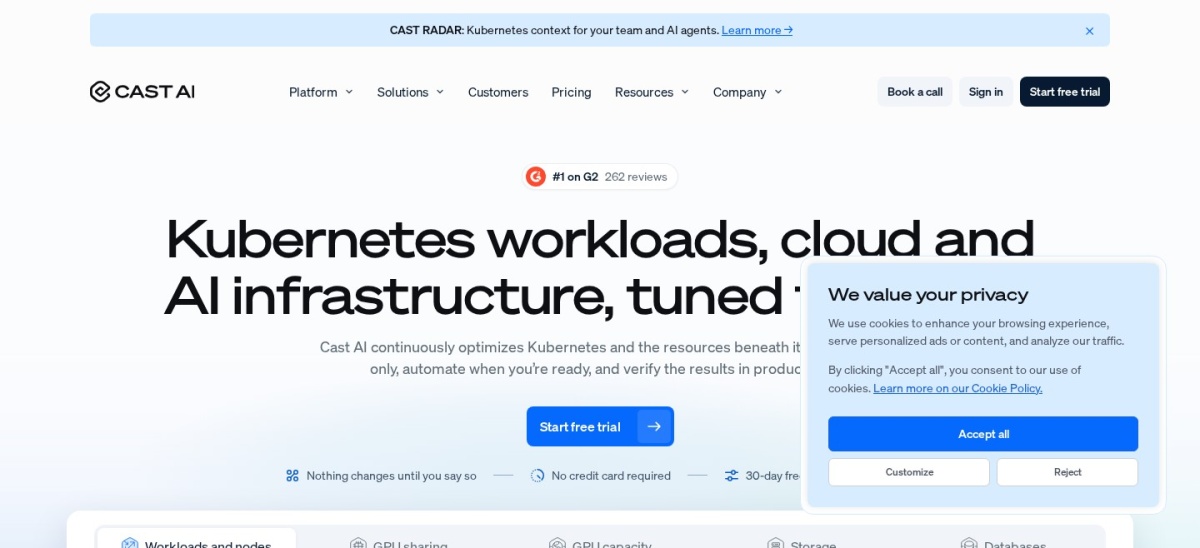
Cast AI homepage, captured Nov 2026.
Cast AI is a Kubernetes automation platform that rightsizes CPU and memory requests, replaces the cluster autoscaler, packs pods onto fewer nodes and moves work to spot capacity. The free plan covers cost monitoring and savings insights for any number of clusters, with no credit card needed, and the Growth plan adds automation for up to 4 clusters and 500 CPUs.
The trade off is price. Growth starts at $1,000 a month on its AWS Marketplace listing, plus about $5 per managed CPU per month, and the official pricing page asks for a custom quote. It suits teams that want the tool to make the changes, not just recommend them.
What we like
Automates rightsizing, autoscaling and spot
Free monitoring tier with no credit card
Works on EKS, AKS, GKE and on-prem clusters
Rated 4.5 out of 5 from 284 G2 reviews
Watch out for
Paid plans start at $1,000 a month before CPU charges
No published rate card on its own pricing page
Automation needs write access to your clusters
Growth adds automation; Enterprise removes the cluster and CPU limitsVisit cast.ai
03
ScaleOps
4.6/5on G2 (96 reviews, checked Nov 2026)
PricingCustom/yr
Best for real-time pod rightsizing
Free tierNo, 7-day trial
RightsizingReal-time, CPU and memory
SpotYes, with fallback
Paid planCustom quote only
scaleops.com
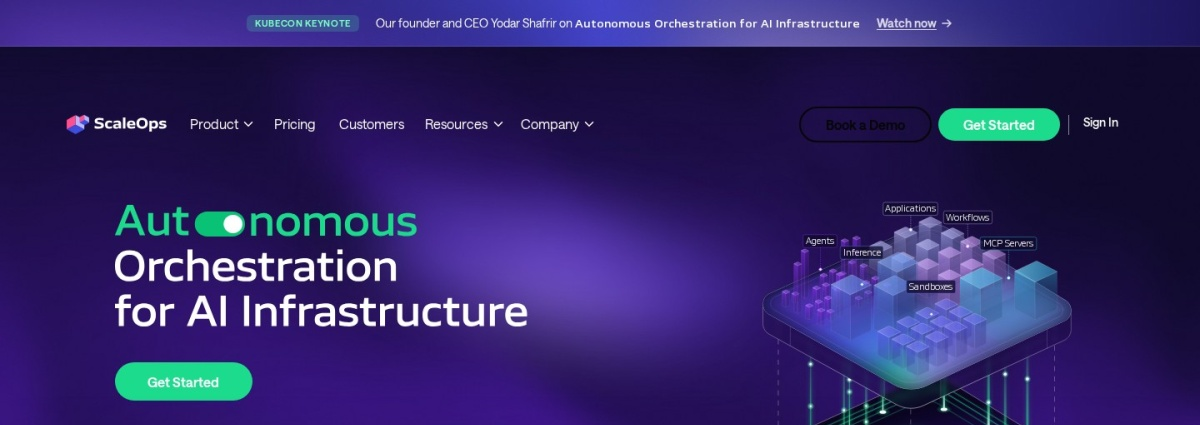
ScaleOps homepage, captured Nov 2026.
ScaleOps is a Kubernetes optimization tool that adjusts pod CPU and memory requests in real time, based on live workload behaviour. It also tunes replica counts, consolidates nodes and shifts work to spot capacity, and it supports GPU workloads and self-hosted or air-gapped installs.
The trade off is pricing and setup. ScaleOps publishes no price and sells by custom quote, and it runs in the cluster with a Prometheus stack for metrics. It suits larger estates that want continuous, in-cluster rightsizing and can run the extra monitoring load.
What we like
Rightsizes pods continuously, not on a schedule
Covers GPU workloads and air-gapped clusters
Spot shifting with fallback to on-demand
Rated 4.6 out of 5 from 96 G2 reviews
Watch out for
No published price; every deal is a custom quote
Needs a Prometheus stack in each cluster
No free plan, only a 7-day trial
Paid plans are quoted per environment; ask for the per-vCPU rate in writingVisit scaleops.com
04
Zesty
4.8/5on G2 (80 reviews, checked Nov 2026)
Starts at$500/mo
Best for Kubernetes plus commitments
Free tierNo, free savings estimate
KubernetesPod, replica, storage autoscaling
CommitmentsSavings Plans and RIs, automated
Paid planFrom $500/mo, usage-based
zesty.co
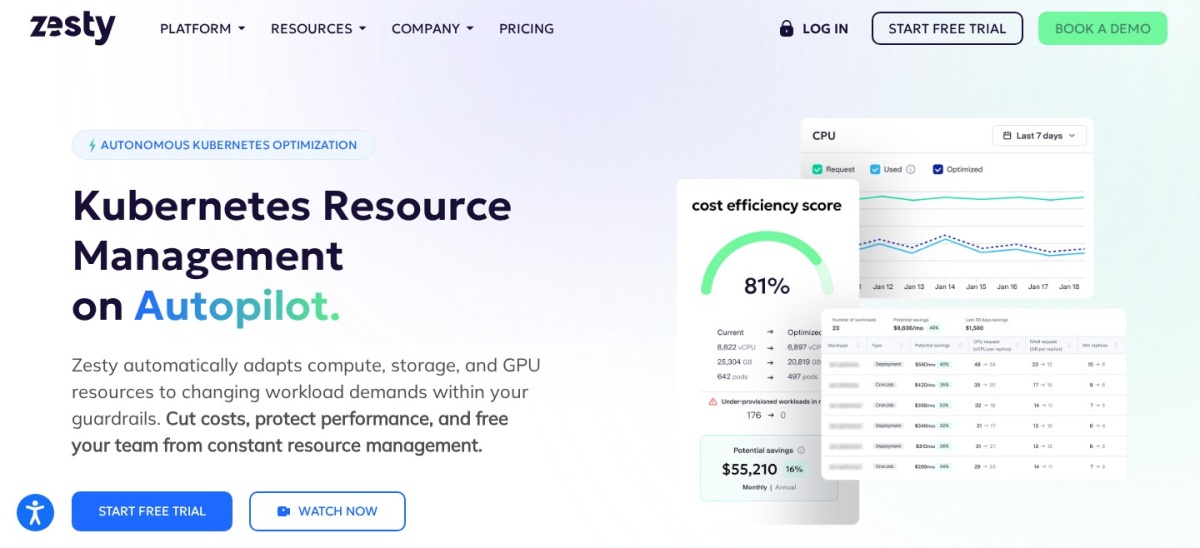
Zesty homepage, captured Nov 2026.
Zesty is a Kubernetes optimization platform that adapts compute, storage and GPU resources to live workload demand. Its Kompass platform rightsizes pods, cuts replica counts and autoscales persistent volumes, while its Commitment Manager buys and sells Savings Plans and Reserved Instances for AWS and Azure.
The trade off is the bill. The official pricing page publishes no rate, and the $500 monthly base listed on G2 sits on top of $5 per managed vCPU per month, with Commitment Manager taking 25% of the savings it generates. It suits AWS-heavy teams that want cluster and commitment savings from one vendor.
What we like
Persistent volume autoscaling, which most rivals skip
Commitment Manager automates Savings Plans and RIs
1:3 ROI minimum promised across its customer base
Rated 4.8 out of 5 from 80 G2 reviews
Watch out for
No published rate on its own pricing page
Usage-based fees grow with the cluster
Commitment Manager takes a share of savings
Kompass is usage-based; Commitment Manager charges 25% of savingsVisit zesty.co
05
PerfectScale
4.6/5on G2 (21 reviews, checked Nov 2026)
PriceFree
Best free rightsizing for mid-size clusters
Free tierCommunity, to 300 vCPU/mo
RightsizingPod and node recommendations
AutomationExpert plan only
Paid planAdvanced, Expert, per vCPU
perfectscale.io
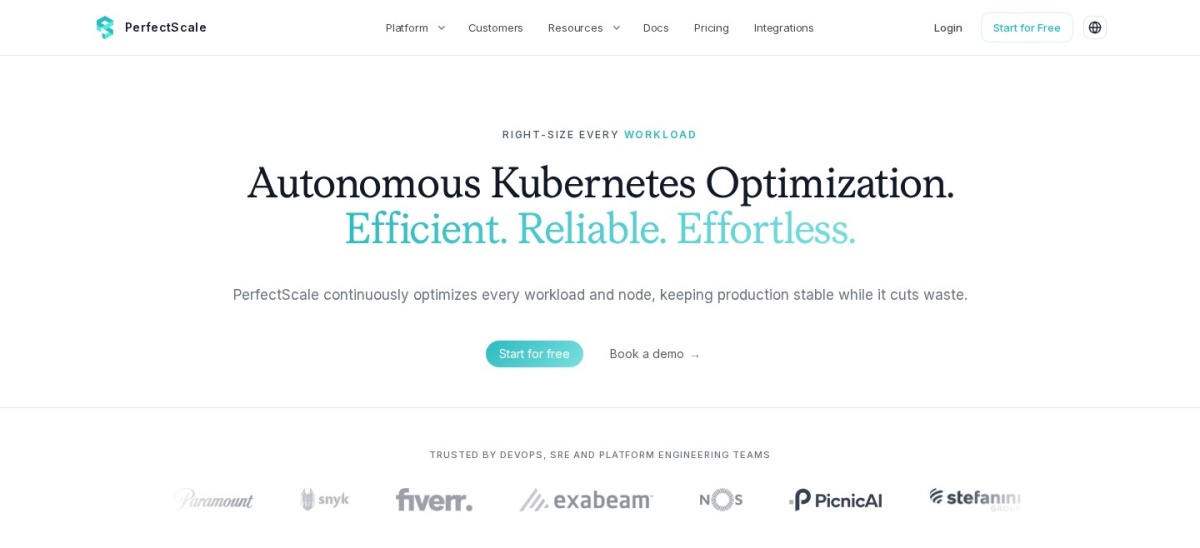
PerfectScale homepage, captured Nov 2026.
PerfectScale is a Kubernetes optimization platform from DoiT that finds wasted CPU and memory, flags performance and resilience issues, and recommends right-sized requests and nodes. The free Community tier covers unlimited clusters, nodes and pods up to 300 vCPU a month, with cost and waste visibility included.
The trade off is automation. Unlimited automation, node recommendations and API access sit in the Expert plan, and both paid plans are priced per vCPU per month by quote. It suits mid-size teams that want free rightsizing recommendations and can apply the changes themselves.
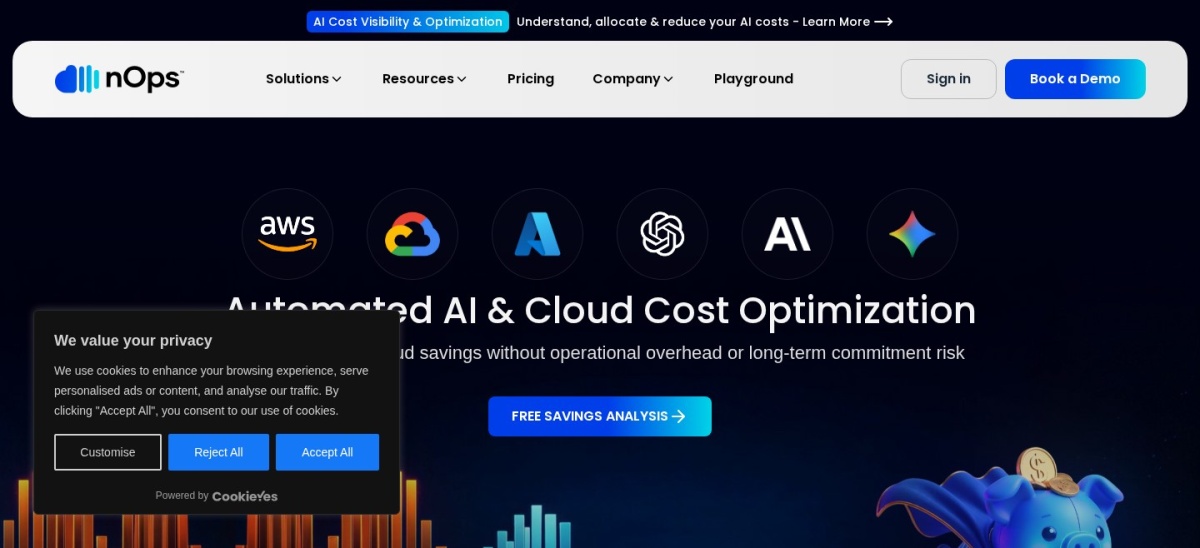
nOps is a cloud cost platform built around AWS that ties Kubernetes cost allocation to commitment savings. It gives cost visibility by team and workload, automates Reserved Instance and Savings Plan management without long-term commitment risk, and flags anomalies and waste.
The trade off is focus and pricing. It is strongest on AWS, and its pricing page lists no rates: visibility is a flat fee based on cloud spend, while autonomous rate optimization takes a percentage of savings. It suits AWS-heavy teams that want commitment savings handled for them.
What we like
Automated commitment management with no lock-in
Cost allocation down to team and workload
Sets up in minutes with a 14-day trial
Rated 4.7 out of 5 from 159 G2 reviews
Watch out for
No published price on its pricing page
AWS-first, so other clouds get less depth
Savings-share fees grow with the savings
Visibility is a flat fee; rate optimization takes a share of savingsVisit nops.io
07
Vantage
4.7/5on G2 (72 reviews, checked Nov 2026)
Paid from$30/mo
Best cheapest paid plan
Free tierStarter, to $2,500 spend/mo
Providers40+ cloud, AI and SaaS
KubernetesCost reporting included
Paid planPro, $30/mo
vantage.sh
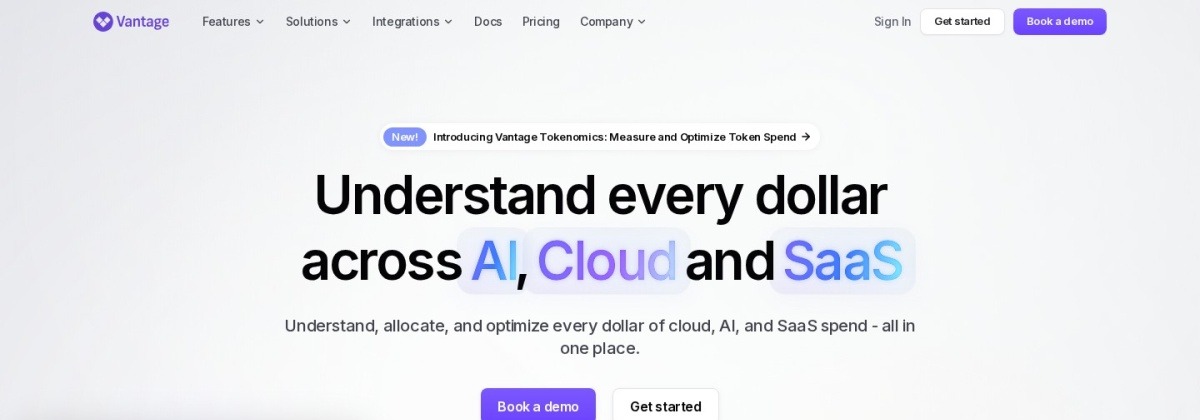
Vantage homepage, captured Nov 2026.
Vantage is a self-serve cloud cost platform that tracks spend across AWS, Azure, Google Cloud and more than 40 providers, including AI and SaaS costs. The free Starter tier covers up to $2,500 of tracked cloud spend a month for 3 users, and Pro costs $30 a month for up to $7,500 of spend.
The trade off is depth. Vantage reports Kubernetes costs and recommends savings, but it does not rightsize pods or move workloads itself, so engineers still apply the fixes. It suits small teams that want clear, fixed-price cost tracking across clouds.
What we like
Cheapest paid plan in this list at $30 a month
Fixed prices, not a share of your bill
Free tier covers up to $2,500 of spend a month
Rated 4.7 out of 5 from 72 G2 reviews
Watch out for
No automated rightsizing or node changes
Kubernetes reporting is one feature among many
Price jumps when tracked spend passes a tier
Pro adds Autopilot for AWS Savings Plans and virtual taggingVisit vantage.sh
08
CloudZero
4.6/5on G2 (64 reviews, checked Nov 2026)
PricingCustom/yr
Best for unit economics
Free tierNo
AllocationCustomer, feature, team
Unit economicsCost per customer
Paid planSingle subscription, by quote
cloudzero.com
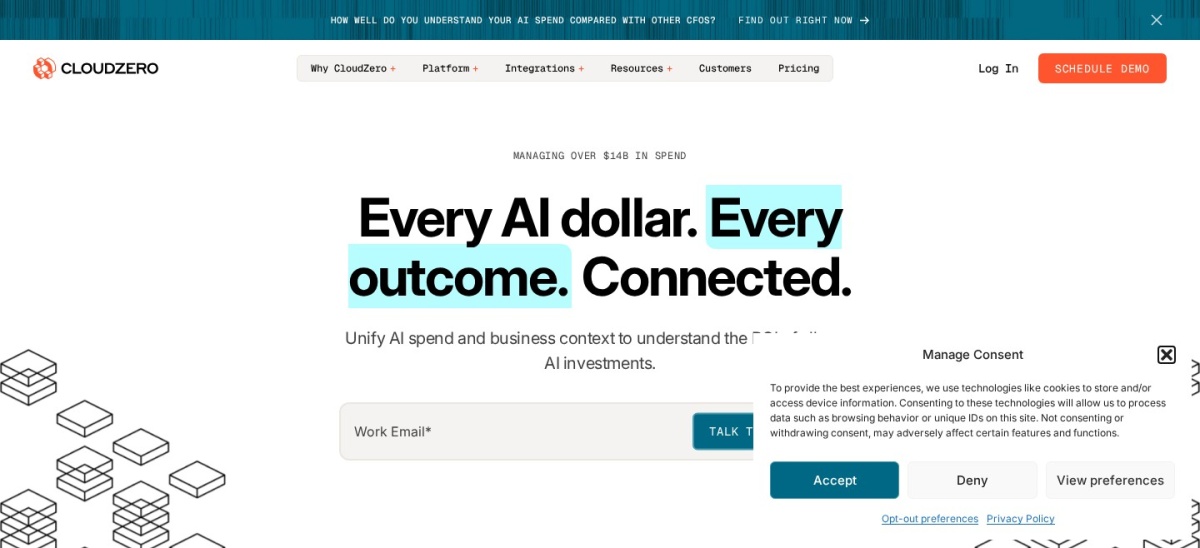
CloudZero homepage, captured Nov 2026.
CloudZero is a cost intelligence platform that maps cloud spend to customers, features, teams and products, even when tagging is incomplete. The single subscription includes unlimited users, cost sources and dashboards, hourly cost data, anomaly detection and optimization recommendations.
The trade off is that it reports rather than acts. There is no execution layer, so savings depend on your team applying the findings, and the pricing page publishes no rate. It suits finance and engineering teams that need unit economics, such as cost per customer.
4.6/5on G2 (Harness Platform) (336 reviews, checked Nov 2026)
PricingCustom/yr
Best for Harness CI/CD teams
Free tierYes, platform free plan
Cost moduleCloud Cost Management
CloudsAWS, Azure, GCP, on-prem
Paid planEssentials, Enterprise, by quote
harness.io
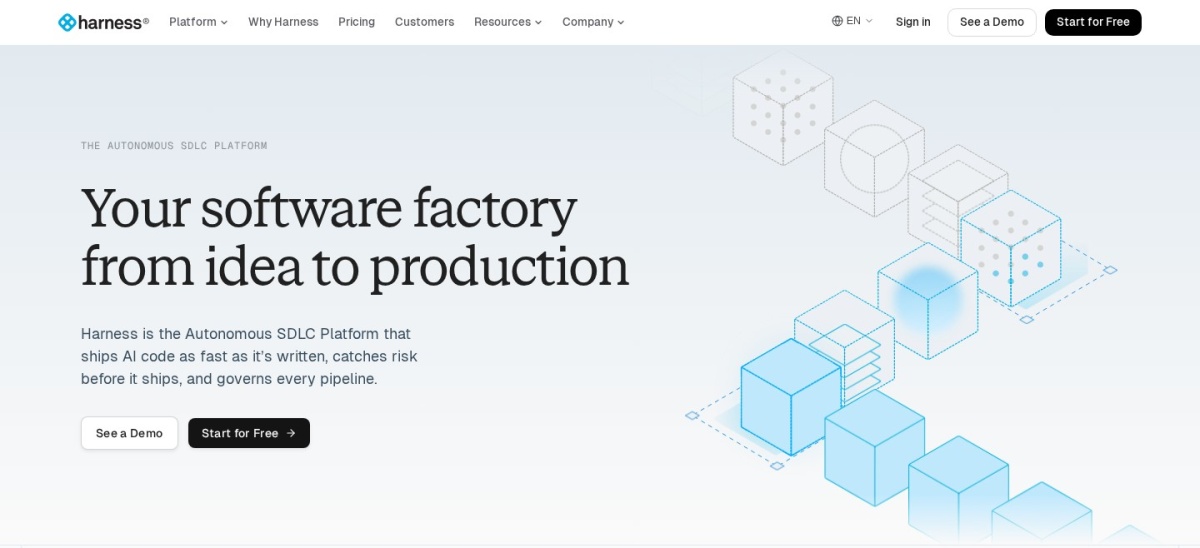
Harness homepage, captured Nov 2026.
Harness is a software delivery platform, and its Cloud Cost Management module puts cost data beside build and deploy data. Teams can see what a release did to the bill, track Kubernetes spend, catch anomalies and auto-stop idle resources, all inside the platform they already use for CI and CD.
The trade off is that cost management is a module, not a standalone purchase, and the pricing page lists no rates for it. It suits teams that already run Harness for delivery and want cost insights without adding another vendor.
What we like
Cost data sits beside CI and CD data
Auto-stopping cuts idle resource spend
Free plan covers individual developers
Rated 4.6 out of 5 from 336 G2 reviews
Watch out for
Not a standalone Kubernetes cost tool
No published price for the cost module
Rating covers the whole platform, not CCM alone
Cost management is a Harness module; Essentials and Enterprise are quotedVisit harness.io
Visibility vs automation: pick the job first
These tools split into two groups. Kubecost, Vantage, CloudZero and nOps mostly show where the money goes, while Cast AI, ScaleOps, Zesty and PerfectScale also change requests, nodes or commitments.
Start with visibility if you cannot yet say which team or workload drives the bill. Kubecost is free to 250 cores, and Vantage is free to $2,500 of tracked spend a month.
Add automation once the waste is mapped. Automated changes need write access to your clusters, so run them in recommendation mode first, then turn on automation for one workload at a time.
How we chose
We started from the Kubernetes cost tools named most often in FinOps comparisons, then kept nine with a public G2 rating and a live homepage and pricing page. StormForge was left out because we found no public rating for it on G2, Capterra, SourceForge or Trustpilot.
Prices come from each vendor's pricing page, checked on 25 November 2026. Where a vendor publishes no rate, the list shows Custom and the text says what the fee is based on. Ratings come from G2 on the same day.
We left out tools without a public rating, and tools that do not cover Kubernetes costs. No vendor paid for a place, and we do not claim hands-on testing for this list.
How to choose Kubernetes cost optimization software
Match the tool to the cost problem you can already name, then check the billing unit before you sign.
Name the missing job. If you cannot say who spends what, start with visibility. If requests are inflated, pick a rightsizer. If nodes sit idle, pick automation or spot handling.
Start free where you can. Kubecost is free to 250 cores, PerfectScale to 300 vCPU a month, and Vantage to $2,500 of tracked spend. Use the free tier to confirm the savings before paying.
Check the billing unit. Some tools charge per managed CPU, some take a share of savings, and some charge a flat fee by tracked spend. Work out the yearly cost at your cluster size before comparing headline prices.
Turn on automation one workload at a time. Automated rightsizing changes live pods, so start in recommendation mode, watch one workload for a week, then allow changes. See how to read a hosting plan's CPU and RAM limits to set sane requests first.
FAQ
What is the best Kubernetes cost optimization software?
Kubecost is the best pick for most teams. Its free Foundations tier covers unlimited clusters up to 250 cores, and it allocates spend by namespace, pod and label. Pick Cast AI if you want the tool to apply rightsizing and spot changes for you.
How much does Kubernetes cost optimization software cost?
Prices run from $0 to $1,000 a month or more, and the billing unit decides the bill. Kubecost, PerfectScale and Vantage all have free tiers, while Cast AI Growth starts at $1,000 a month plus about $5 per managed CPU. Four tools in this list publish no price and sell by quote.
Is there a free Kubernetes cost optimization tool?
Yes. Kubecost is free for unlimited clusters up to 250 cores, PerfectScale is free up to 300 vCPU a month, and Vantage is free up to $2,500 of tracked cloud spend a month. Cast AI also has a free monitoring tier. Paid automation starts at $30 a month with Vantage Pro.
What is the difference between Kubecost and Cast AI?
Kubecost shows where the money goes, while Cast AI also changes the setup. Kubecost allocates spend by namespace, pod and label and recommends savings, and it is free to 250 cores. Cast AI rightsizes requests, replaces the autoscaler and moves work to spot capacity, starting at $1,000 a month.
Do these tools change my workloads automatically?
Some do and some do not. Cast AI, ScaleOps, Zesty and PerfectScale can apply rightsizing and node changes in production, usually after a read-only period. Kubecost, Vantage and CloudZero report and recommend only, so your team applies the fixes. Check what each plan automates before you buy.
Can I use a general cloud cost tool for Kubernetes?
Yes, for cost allocation, but not for rightsizing. Vantage, CloudZero, nOps and Harness all report Kubernetes spend and tie it to teams or customers. They do not adjust pod requests or move workloads, so pair one with Kubecost or a rightsizer if pod waste is the problem.
SaaS SEO and WordPress specialist with about 8 years of experience. Rakib compares WordPress plugins, themes, hosting and software using public pricing, documentation and user reviews. See how we rank.