Notion is the best knowledge management platform for most teams, with a free plan, flexible databases and a 4.6/5 G2 rating from 13,988 reviews. Pick Guru for verified answers in Slack, or Confluence if your team already runs on Jira.
How we make this list: we compare pricing pages, product documentation and public user reviews, then re-check every price before each update. No product paid for a place. Disclosure.
Notion leads with a 4.6/5 G2 rating from 13,988 reviews and a free plan that covers docs, databases and calendar.
Guru is the highest-rated dedicated option at 4.7/5 from 2,322 reviews, but its price is now a custom quote only.
Confluence is the cheapest paid plan at $5.78 per user a month, and its free plan covers up to 10 users.
Five of the nine tools have a free plan; Guru, Slite, Tettra and KnowledgeOwl offer trials or quotes instead.
Paid prices run from $5.78 per user a month for Confluence to $100 a month for KnowledgeOwl Basic.
What a knowledge management platform should do
A knowledge management platform stores what a team knows and makes it findable. Docs, decisions, processes and answers should live in one place instead of scattered chats and drives.
Search matters more than storage. A good platform finds the right page fast, shows who verified it and when, and now often answers the question directly with AI.
Free plans are a real test. Notion, Confluence, Slab, ClickUp and Nuclino all let a small team start free, so you can check the editor and search before paying.
Price models differ a lot. Most tools charge per user, while KnowledgeOwl charges $100 a month for one author with unlimited readers. Our guide on collaborating in WordPress covers the same trade-off between open editing and clear ownership.
Notion is a flexible workspace that combines docs, wikis, databases and tasks in one place. The free plan includes databases with subtasks and dependencies, Notion Calendar, basic forms and sites, and 7-day page history with file uploads up to 5 MB.
The trade off is that full AI features need the Business plan at $20 per user a month, while Plus at $10 only includes a limited AI trial. It suits teams that want one workspace for docs, projects and knowledge instead of three separate tools.
What we like
Free plan covers docs, databases and calendar
Huge template library and community
Links pages, tasks and databases together
Guests can view pages free of charge
Watch out for
Full AI search needs the $20 Business plan
Per-seat cost grows fast with headcount
Takes time to set up well
Plus adds unlimited blocks, 30-day history and larger uploadsVisit notion.com
02
Guru
4.7/5on G2 (2,322 reviews, checked Nov 2026)
PricingCustom/yr
Best for verified answers in Slack and Teams
Free planNo, custom quote
In-workflow answersSlack, Teams, browser
VerificationYes, expert review
Paid planCustom quote from sales
getguru.com
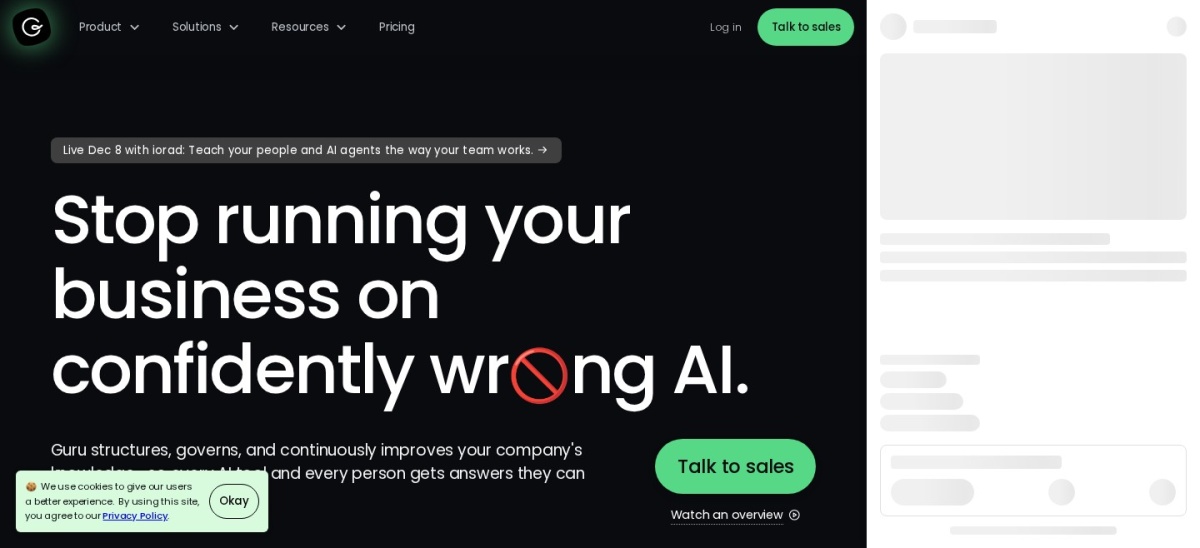
Guru homepage, captured Nov 2026.
Guru is an AI knowledge platform that structures company knowledge, checks it with experts, and delivers cited, permission-aware answers where people already work. It connects to more than 100 tools, including Slack, Microsoft Teams, Salesforce and Zendesk, and holds SOC 2 Type II certification.
The trade off is price. Guru no longer lists a public per-seat price, so buyers need a custom quote from sales instead of comparing plans online. It suits support, sales and HR teams that answer the same questions in Slack or Teams every day.
What we like
Verification workflows keep answers accurate
Answers appear inside Slack and Teams
More than 100 integrations
SOC 2 Type II, SSO and SCIM
Watch out for
No public price to compare
No free plan, only a sales-led quote
Built for internal knowledge, not public docs
Pricing is a custom quote tailored to team size and scopeVisit getguru.com
03
Confluence
4.1/5on G2 (4,368 reviews, checked Nov 2026)
Paid from$5.78/mo
Best for teams already on Jira
Free planYes, up to 10 users
Storage2 GB free, 250 GB Standard
AIRovo on paid plans
Paid planStandard, $5.78/user/mo
atlassian.com
Confluence homepage, captured Nov 2026.
Confluence is Atlassian's wiki for team docs, meeting notes and project pages. The free plan covers up to 10 users with 2 GB of storage, and Standard at $5.78 per user a month adds 250 GB, advanced permissions and Rovo AI search, chat and agents.
The trade off is that the per-user price adds up as the team grows, and the strongest features sit in Premium at $11.16 per user a month. It suits teams already using Jira, where pages link directly to issues and roadmaps.
What we like
Cheapest paid plan in this list
Deep Jira and Atlassian integration
Free plan for up to 10 users
Strong page permissions and templates
Watch out for
Lowest G2 rating in this list at 4.1
Premium features cost nearly double Standard
Can feel heavy for very small teams
Premium adds unlimited storage, analytics and a 99.9% uptime SLAVisit atlassian.com
04
Slab
4.6/5on G2 (309 reviews, checked Nov 2026)
Paid from$8/mo
Best clean internal wiki
Free planYes, up to 10 users
Version history90 days free
Unified searchYes, across apps
Paid planStartup, $8/user/mo
slab.com
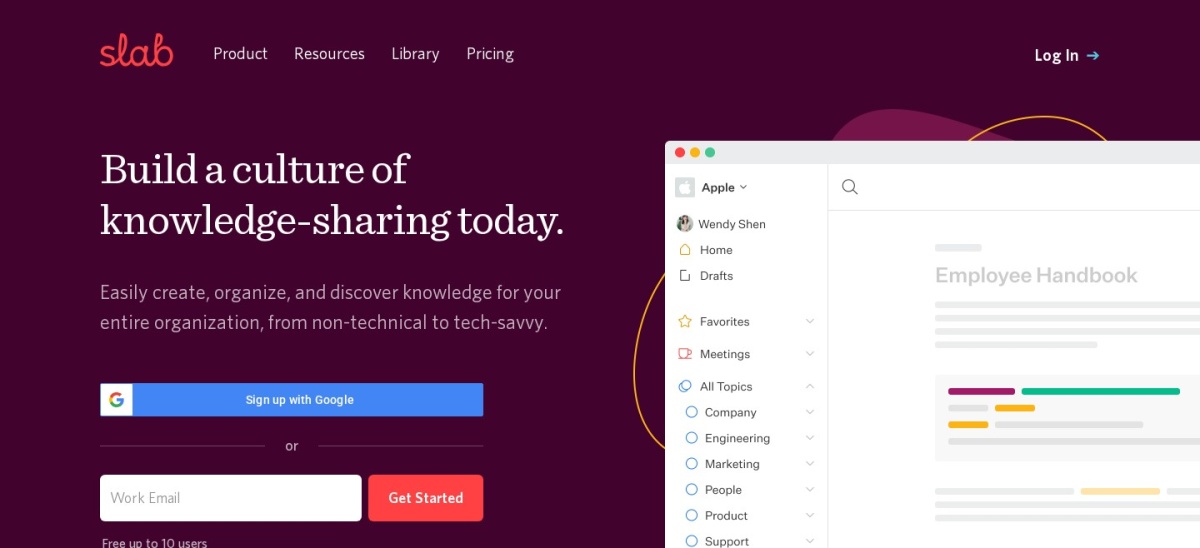
Slab homepage, captured Nov 2026.
Slab is a clean internal wiki for creating, organising and finding team knowledge. The free plan covers up to 10 users with unlimited posts and topics, unified search across connected apps, templates and 90-day version history.
The trade off is the 10-user free cap, which pushes growing teams to Startup at $8 per user a month. It suits teams that want a simple, fast wiki without the setup work of a full workspace platform.
What we like
Very easy to learn and use
Unified search across connected apps
Free plan is usable for small teams
Templates and verification built in
Watch out for
Free plan stops at 10 users
Fewer database and project features than Notion
Single sign-on needs a paid plan
Startup adds private topics, SSO and 365-day historyVisit slab.com
05
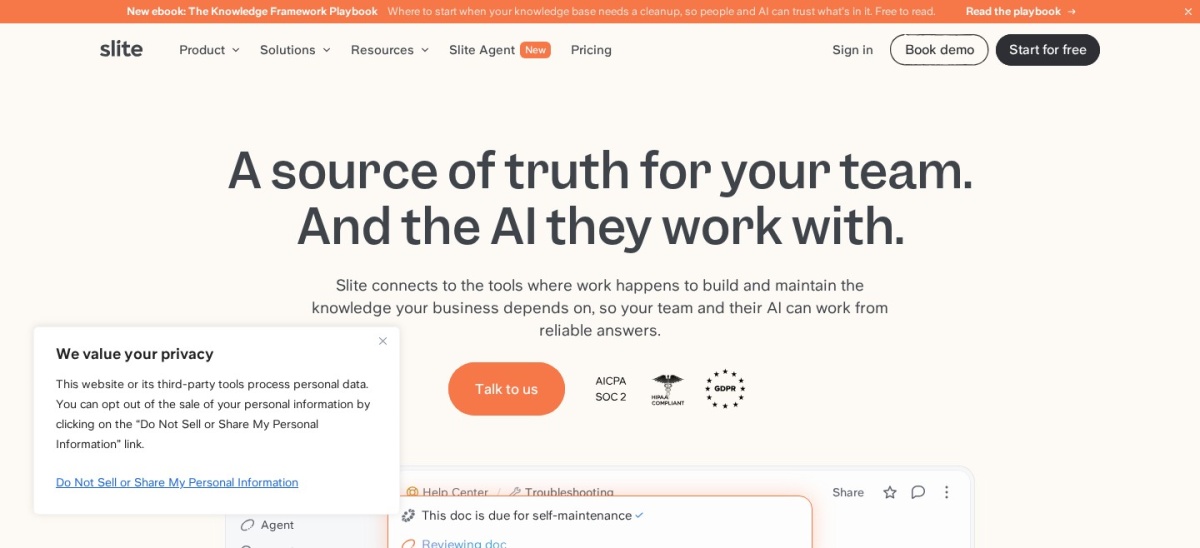
Slite
4.6/5on G2 (275 reviews, checked Nov 2026)
Starts at$10/mo
Best for AI answers from team docs
Free planNo, 14-day trial
AI answers30 questions per seat a month
Doc verificationYes
Paid planBasic, $10/member/mo
slite.com
Slite homepage, captured Nov 2026.
Slite is a knowledge platform that connects to the tools where work happens and builds answers from team docs. Basic at $10 per member a month includes 30 AI questions per seat a month, doc verification, templates and a 14-day free trial.
The trade off is that AI answers in Slack and across connected tools need Pro at $20 per member a month. It suits teams that want AI to check docs, flag stale pages and answer questions from a trusted source.
What we like
AI answers grounded in your own docs
Doc verification flags stale content
Clean, simple editor
SOC 2 Type II and HIPAA compliant
Watch out for
No free plan, trial only
Slack AI answers need the $20 Pro plan
Smaller review base than Notion or Guru
Pro adds Slack AI answers, unlimited AI edits and agent creditsVisit slite.com
06
ClickUp
4.6/5on G2 (15,815 reviews, checked Nov 2026)
Paid from$12/mo
Best docs plus tasks in one place
Free planYes
DocsYes, linked to tasks
AIClickUp Brain, paid
Paid planCore, $12/user/mo
clickup.com
ClickUp homepage, captured Nov 2026.
ClickUp is a work platform that combines docs, tasks, goals and chat in one workspace. The free plan covers docs and tasks, and Core at $12 per user a month adds unlimited storage, more integrations and advanced features for growing teams.
The trade off is that knowledge lives inside a task tool, so teams that only need a wiki may find it heavy. It suits teams that want docs attached to the work itself, with tasks, owners and deadlines in the same place.
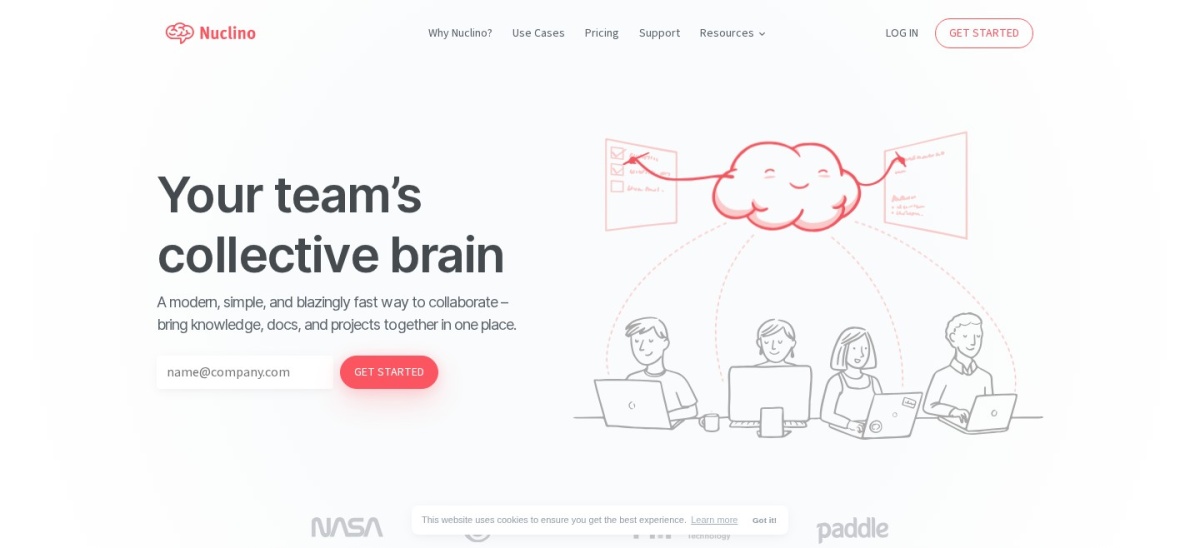
Nuclino is a light, fast team wiki for docs, wikis and projects in one place. The free plan covers up to 50 items and 3 canvases with 2 GB of storage, and Starter at $6 per user a month on annual billing removes the item cap and adds 10 GB per user.
The trade off is scale. The free plan fills up fast, and the Sidekick AI assistant only comes with Business at $10 per user a month on annual billing. It suits small teams that want a quick wiki with a graph view of linked pages.
What we like
Very fast editor with little learning curve
Graph view shows how pages connect
Cheapest useful paid plan after Confluence
Real-time collaboration built in
Watch out for
Free plan caps at 50 items
Smallest G2 review base in this list
AI features need the Business plan
Starter adds unlimited items, canvases and 30-day historyVisit nuclino.com
08
Tettra
4.7/5on G2 (161 reviews, checked Nov 2026)
Starts at$8/mo
Best for Slack-first teams
Free planNo, 30-day trial
Slack answersYes, Kai AI bot
VerificationYes, stale-content reports
Paid planScaling, $8/user/mo
tettra.co
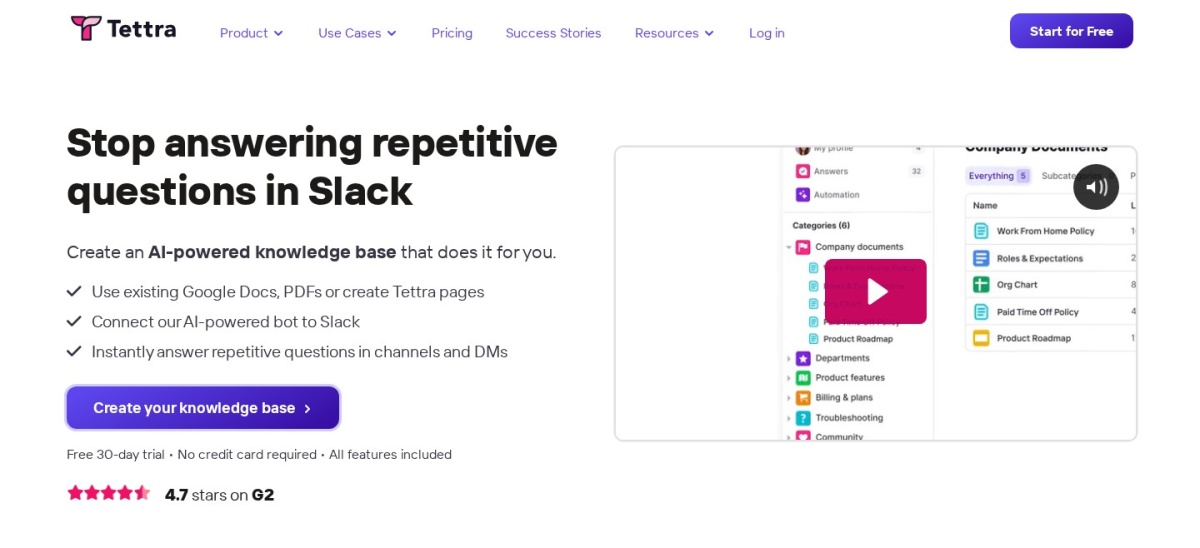
Tettra homepage, captured Nov 2026.
Tettra is an internal wiki built around Slack, with its Kai bot answering repeat questions in channels and direct messages. Scaling costs $8 per user a month with a 10-user minimum, and more than 20,000 organisations use Tettra, according to its pricing page.
The trade off is the 10-user minimum, which sets a floor of $80 a month, and SSO and SCIM cost extra on Scaling. It suits Slack-first teams of 10 to 250 people that want verified answers without leaving chat.
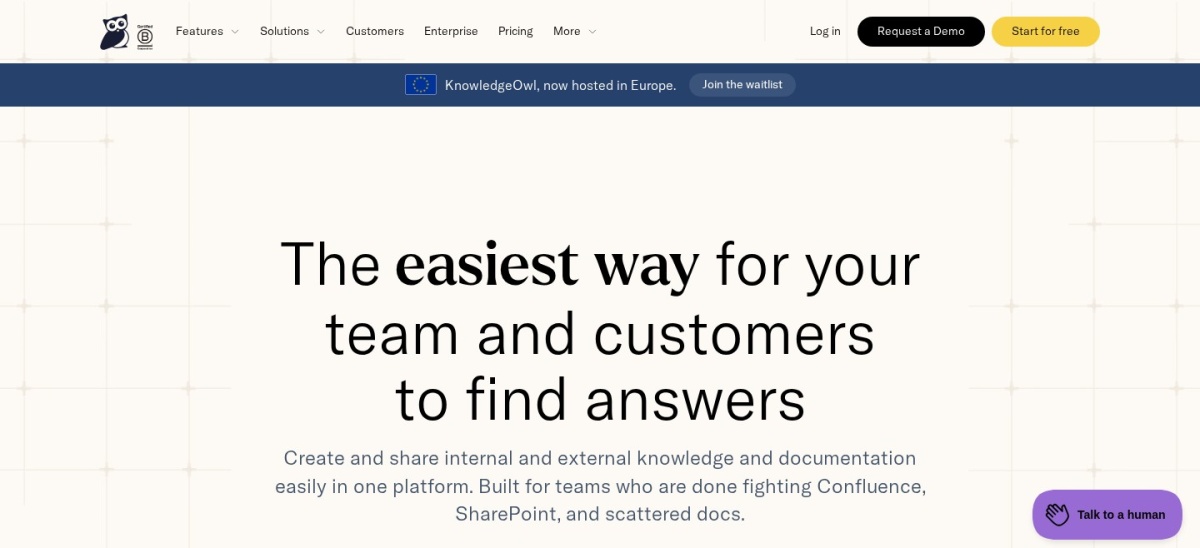
KnowledgeOwl is a knowledge base platform for internal docs and customer-facing help centres. Basic at $100 a month includes 1 author, 1 knowledge base, unlimited readers and up to 1,000 articles, with AI search and analytics included.
The trade off is the price floor. At $100 a month for one author, it costs more than per-user wikis for small teams, and extra authors and knowledge bases add $25 and $50 a month. It suits support teams publishing a polished help centre.
Free plans cover writing, linking and basic search well. Notion, Confluence, Slab, ClickUp and Nuclino all offer one, and the caps are the main limit.
Paid plans mostly add history, permissions and AI. Longer version history, private spaces, SSO and AI answers sit behind the paywall in most tools here.
The biggest jump is for customer-facing docs. KnowledgeOwl starts at $100 a month, while internal wikis start under $10 per user a month.
If answers in Slack are the goal, budget for the AI tier, not the entry tier. Tettra includes its Kai bot in Scaling, while Slite keeps Slack answers on Pro.
How we chose
We started from the established knowledge management platforms with public G2 ratings, then kept nine that cover wikis, AI answers and help centres.
Prices come from each vendor's pricing page, checked on 25 November 2026. Ratings and review counts come from G2 on the same day. Where a vendor shows a sale, the list shows the regular price.
We left out tools with no public rating and tools that only sell a public help centre with no internal wiki. No vendor paid for a place, and we do not claim hands-on testing for this list.
How to choose a knowledge management platform
Start with where your team already asks questions, then pick the tool that answers them there.
Check where questions get asked. If most questions land in Slack, shortlist Tettra or Guru. If they land in docs and meetings, Notion or Confluence fits better.
Try the free plan first. Notion, Confluence, Slab, ClickUp and Nuclino all have one. Write real pages in it for a week before paying.
Count the true cost. Per-user prices grow with headcount, and KnowledgeOwl charges per author. Multiply the price by your team size, not by one seat.
Check who keeps it accurate. Pick a tool with verification or stale-content reports, and name one owner per section so pages do not go out of date.
FAQ
What is the best knowledge management platform?
Notion is the best pick for most teams. It combines docs, wikis and databases in one workspace, has a free plan, and holds a 4.6 out of 5 rating from 13,988 G2 reviews. Teams that need verified answers in Slack should look at Guru instead.
What is the cheapest knowledge management platform?
Confluence is the cheapest paid option here, with Standard at $5.78 per user a month. Nuclino follows at $6 per user a month on annual billing, and Slab at $8. All three have free plans, so a small team can start without paying.
Do these tools have a free plan?
Five of the nine do. Notion, Confluence, Slab, ClickUp and Nuclino offer free plans, while Guru, Slite, Tettra and KnowledgeOwl do not. Slite, Tettra and KnowledgeOwl offer a free trial instead, and Guru sells through a custom quote.
Which knowledge management platform is best for Slack teams?
Tettra is built for Slack-first teams, with its Kai bot answering questions in channels and direct messages. Guru also works inside Slack and Teams, and adds verification workflows so answers stay accurate. Both charge per user, so check the seat minimum first.
Is Notion good for knowledge management?
Yes, for most teams. Notion stores docs, wikis and databases together, links pages easily, and searches across the workspace. Its free plan covers small teams, and Plus costs $10 per user a month. Full AI search needs the Business plan at $20 per user a month.
What is the difference between a wiki and a knowledge management platform?
A wiki is a set of linked pages for storing information. A knowledge management platform adds search, verification, analytics and AI answers on top of those pages, so teams find trusted answers fast instead of digging through folders.
SaaS SEO and WordPress specialist with about 8 years of experience. Rakib compares WordPress plugins, themes, hosting and software using public pricing, documentation and user reviews. See how we rank.