Restaurant365 is the best kitchen management software for most multi-unit restaurants, rated 4.6 out of 5 from 331 G2 reviews. Square is the best free start for a single cafe, and MarginEdge is the strongest pick for daily food-cost control.
How we make this list: we compare pricing pages, product documentation and public user reviews, then re-check every price before each update. No product paid for a place. Disclosure.
Restaurant365 leads at 4.6/5 from 331 G2 reviews, but its $499-a-month Essential plan suits multi-unit groups, not single cafes.
Square is the cheapest way in: a free plan, then Plus at $69 a month per location with a kitchen display system included.
MarginEdge charges one flat $350 a month per location with unlimited invoice processing and a daily profit and loss.
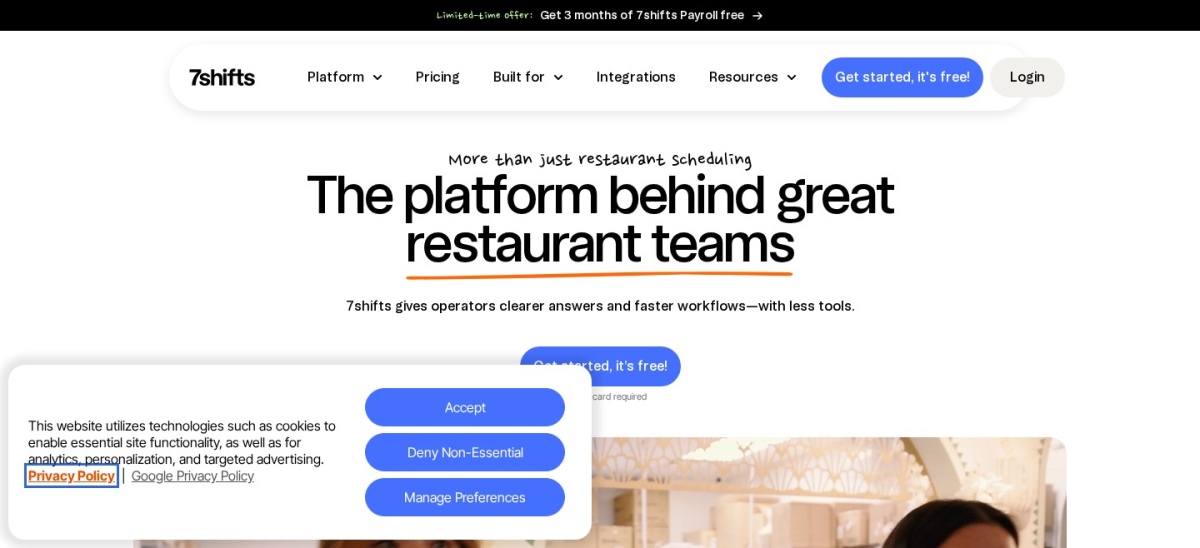
7shifts has a free plan for one location, and its cheapest paid plan is $39.99 a month, the lowest paid entry in this list.
Toast and TouchBistro both start at $69 a month, but Toast locks you into its own payments and a two-year agreement.
What kitchen management software should cover
Kitchen management software covers the work behind the pass: recipes, inventory, purchasing, food cost and the kitchen display that routes orders to cooks.
Some tools do the whole job. All-in-one platforms such as Toast, Square and SpotOn bundle the till, the kitchen screen and payments, so orders flow from table to kitchen without retyping.
Others go deep on one cost. MarketMan and MarginEdge track what every dish costs as supplier prices move, while 7shifts keeps labour cost in line. Our guide on creating a menu in WordPress covers the menu side for restaurants that also sell online.
Watch the total bill, not the headline price. Hardware, payment processing, extra screens and payroll add-ons can double the monthly cost of a cheap plan.
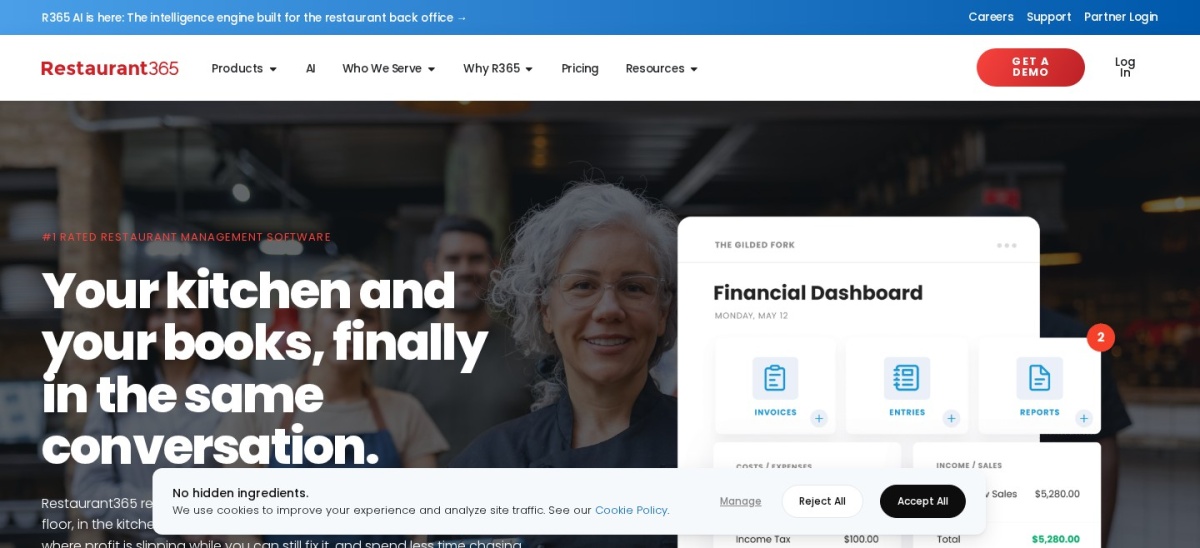
Restaurant365 is a back-office platform for restaurant groups that have outgrown spreadsheets. Accounting, inventory, scheduling and payroll share one set of data, so supplier invoices flow into the books and labour flows into payroll without retyping. The vendor says more than 52,000 restaurants use it.
The trade off is price and setup. The Essential plan starts at $499 a month per location, and implementation takes months of project work rather than a quick signup. It suits franchises and multi-unit groups whose month-end close takes weeks, not single independent restaurants.
What we like
Accounting, inventory, payroll and scheduling in one system
Rated 4.6 out of 5 from 331 G2 reviews
Daily sales and labour data feed one profit and loss
Square for Restaurants homepage, captured Nov 2026.
Square for Restaurants is the easiest way to open a restaurant till. The free plan covers point of sale, payments and basic reporting, and more than 450,000 food and beverage sellers use Square globally. Paid tiers add team management, payroll, marketing and loyalty as the business grows.
The trade off is depth. Large full-service restaurants with complex floor plans, coursing and multi-location needs will outgrow Square faster than Toast or Lightspeed. It suits cafes, food trucks, bakeries and single small restaurants that want a free start and a gentle learning curve.
What we like
Free plan with no monthly fee
Kitchen display system included in the $69 Plus plan
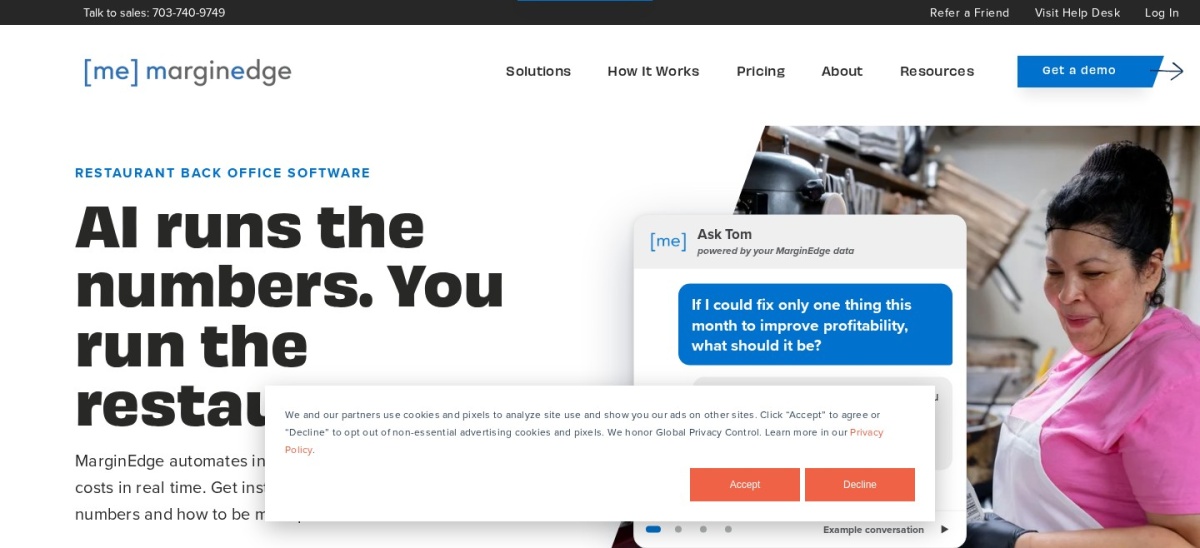
MarginEdge is a back-office platform that turns supplier invoices into a daily profit and loss. AI plus human reviewers code every invoice line, recipe costs update as prices change, and price-change alerts flag your most-used products. The vendor says more than 12,000 restaurants use it.
The trade off is the fixed monthly cost. At $350 a month per location, it is a real commitment for a very small operator, and onboarding packages cost extra. It suits invoice-heavy kitchens that want daily food and labour cost visibility without hiring a data-entry clerk.
What we like
One flat price with unlimited invoice processing
Daily controllable profit and loss
Recipe costing updates as supplier prices move
Rated 4.6 out of 5 on G2
Watch out for
$350 a month per location is steep for small cafes
Only 31 G2 reviews, so the rating rests on a small sample
7shifts is the scheduling layer that sits beside your POS. It pulls sales data from Toast, Square, Lightspeed and other systems, forecasts demand and builds schedules to expected covers, with shift swaps, availability tracking and team chat included. More than 55,000 restaurants use it.
The trade off is that it is not a full kitchen system. Inventory and recipe costing are not included, and payroll is a separate add-on. It suits any restaurant where labour is the largest controllable cost and the rota is still built in a spreadsheet.
What we like
Free Comp plan for one location and up to 15 employees
POS-driven labour forecasting
Shift swaps, availability and team chat included
Rated 4.5 out of 5 from 129 G2 reviews
Watch out for
No inventory or recipe costing
Payroll costs extra
Per-location pricing adds up for multi-unit groups
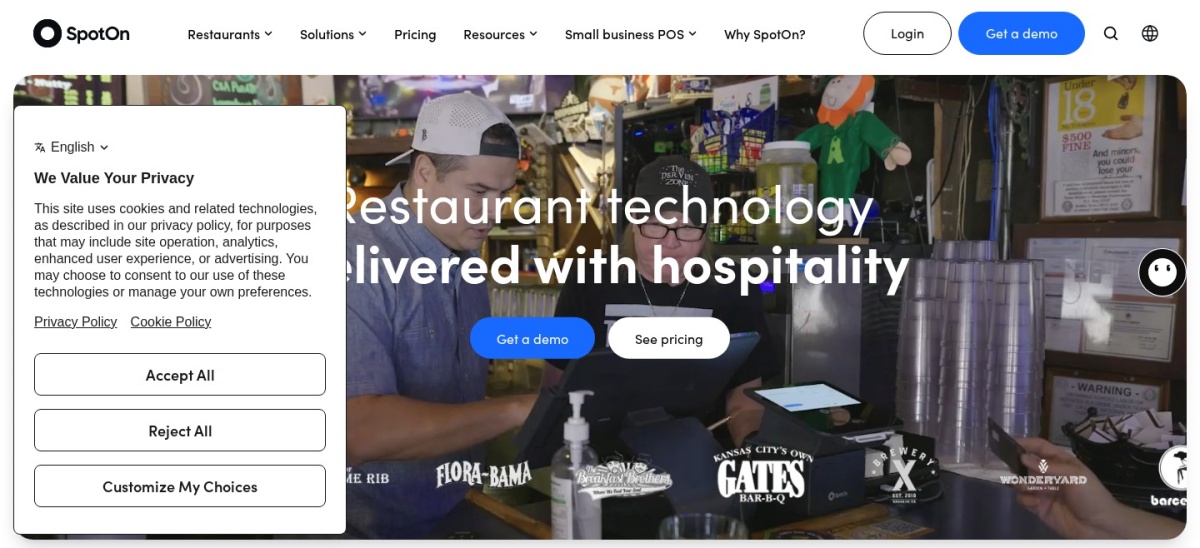
SpotOn is a cloud point-of-sale system built for full-service restaurants, bars and breweries. The All-In plan charges $0 a month per station with higher processing fees, while POS Essentials at $55 a station brings lower rates. G2 ranked it the number one restaurant POS in its Fall 2025 and Winter 2026 reports.
The trade off is lock-in. SpotOn hardware is mandatory, switching costs a reported $995, and reviewers report monthly billing discrepancies. It suits independent full-service restaurants that value reachable human phone support and want one system for POS, scheduling and online ordering.
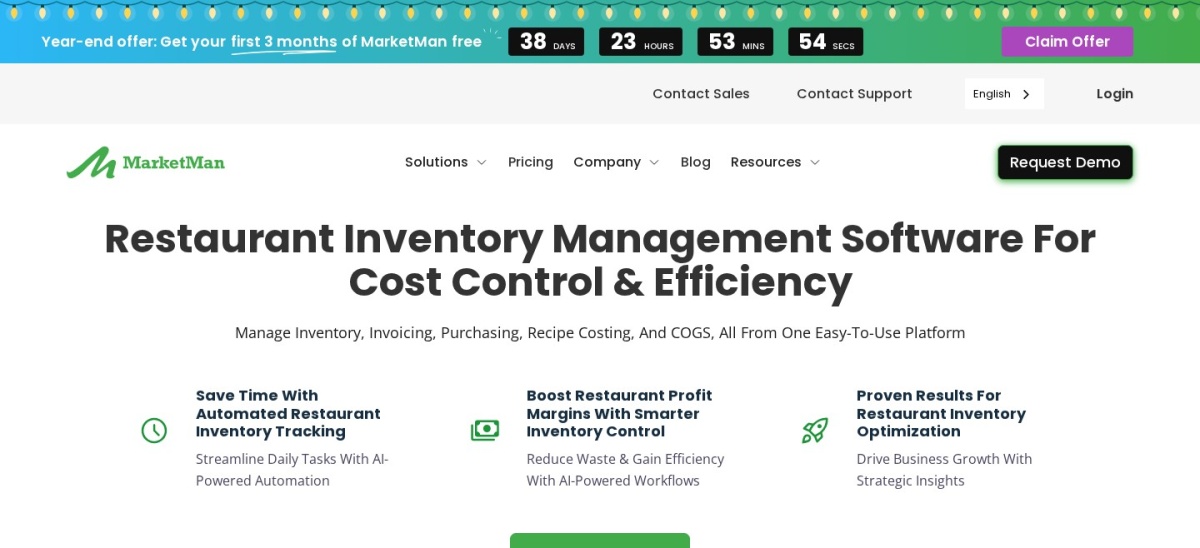
MarketMan is a cloud platform for restaurant inventory, purchasing, invoicing and recipe costing. AI-powered invoice scanning, suggested order quantities and actual-versus-theoretical reporting show where food is disappearing. The vendor reports more than 15,000 restaurants worldwide.
The trade off is discipline. The numbers only help if staff count stock consistently, and setup takes two to four weeks for a single location. It suits operators whose food cost percentage keeps drifting and who run three or more locations.
Lightspeed Restaurant homepage, captured Nov 2026.
Lightspeed Restaurant is a cloud POS with floor plans, menu management, ingredient-level inventory and reporting. Operators running several locations get one menu, one inventory view and one set of reports across all of them. Delivery integrations pull third-party orders into the same kitchen flow.
The trade off is pricing clarity. Lightspeed publishes no restaurant price on its homepage, and the deepest inventory features sit on higher tiers. It suits multi-location groups that need control across sites, while a single cafe will find it more system than needed.
Toast is the default all-in-one platform for US restaurants, used by around 180,000 locations according to its own site. It bundles point of sale, payments, online ordering, kitchen display, inventory through xtraCHEF, scheduling and payroll under one login. Offline mode keeps orders flowing when the internet drops.
The trade off is lock-in. Toast Payments is mandatory, the standard agreement runs two years, and add-ons push the monthly bill well above the $69 plan. It suits full-service and multi-location restaurants that want one vendor and one support line.
What we like
POS, payments, ordering, KDS and payroll in one platform
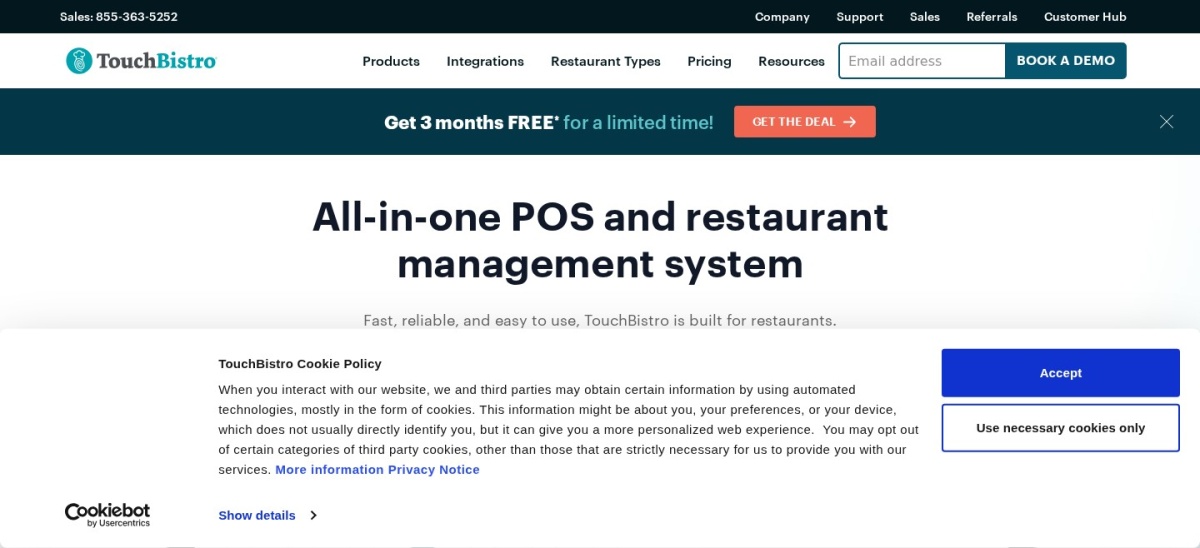
TouchBistro is built only for restaurants, and it shows in the details. Tableside ordering, floor plans, bill splitting, menu management and staff management come standard in the $69-a-month POS software tier. Devices keep communicating during an internet outage, so service continues.
The trade off is the Apple lock-in. The platform runs on iPads as handheld and countertop terminals, and inventory and reservations are add-ons. It suits full-service restaurants, cafes, bars and breweries, while the vendor says it is not a fit for food trucks.
What we like
Vendor-published pricing from $69 a month
Tableside ordering with floor plans and bill splitting
All-in-one or specialist: which fits your kitchen?
An all-in-one such as Toast, Square or SpotOn is simpler to buy, support and train, and data flows between modules without integrations.
Specialists go deeper in their lane. MarketMan and MarginEdge track food cost in detail that no POS add-on matches, and 7shifts does the same for labour.
A common setup is one all-in-one for the front of house plus one specialist for the biggest cost problem. Price the full stack before you sign, including processing fees, hardware and per-location charges.
We started from the restaurant platforms with the most G2 reviews in the kitchen, inventory and POS categories, then kept the nine with a published rating, a real kitchen feature set and a verifiable price.
Prices come from each vendor's pricing page or vendor-supplied G2 pricing data, checked on 25 November 2026. Ratings and review counts come from G2 on the same day. Where a vendor shows a sale, the list shows the regular price.
We left out tools with no public rating, quote-only pricing we could not verify, and general scheduling or accounting tools with no kitchen features. No vendor paid for a place, and we do not claim hands-on testing for this list.
How to choose kitchen management software
Start with your biggest cost problem, then pick the tool that fixes it.
Name the cost you need to control. Food cost points to MarketMan or MarginEdge, labour cost to 7shifts, and a messy till to Toast, Square or SpotOn.
Count your locations and stations. Per-location and per-station pricing adds up fast for groups, so price the whole estate, not one site.
Check what your POS already does. Many POS platforms include a kitchen display or basic inventory. Do not pay twice for the same feature.
Trial it during a real service. Run a full dinner rush on the system before you sign. The setup that survives Friday night is the one to buy.
FAQ
What is the best kitchen management software?
Restaurant365 is the best overall pick for multi-unit restaurants, rated 4.6 out of 5 from 331 G2 reviews. It combines accounting, inventory, scheduling and payroll, though its $499-a-month Essential plan suits groups rather than single cafes.
Is there free kitchen management software?
Yes, with limits. Square, 7shifts and SpotOn all offer free plans, and Toast has a $0 Starter Kit. Free plans cover basic POS or scheduling, while kitchen displays, recipe costing and payroll usually need a paid tier.
How much does kitchen management software cost?
Cheapest paid plans in this list run from $39.99 a month for 7shifts to $499 a month for Restaurant365. Most tools charge per location or per station, and hardware, payment processing and add-ons sit on top of the subscription.
Do I need a separate kitchen display system?
Not always. Square includes a kitchen display in its $69-a-month Plus plan, and Toast and SpotOn sell one as an add-on. If your POS already routes tickets to a screen, a separate display system adds little.
What is the difference between Toast and Square for restaurants?
Toast is the deeper all-in-one for full-service and multi-location restaurants, with payroll, inventory and a two-year agreement. Square is the cheaper, simpler start for cafes and small restaurants, with a free plan and no long contract.
Which tool is best for food cost control?
MarginEdge is the strongest pick for daily food-cost visibility, with unlimited invoice processing at $350 a month per location. MarketMan goes deeper on inventory counts and recipe costing at $249 a month, and suits operators with three or more locations.
SaaS SEO and WordPress specialist with about 8 years of experience. Rakib compares WordPress plugins, themes, hosting and software using public pricing, documentation and user reviews. See how we rank.