Planner 5D is the best free kitchen design software for most people, with a free plan covering unlimited projects and half the furniture catalog, rated 4.7 out of 5 on G2. Pick Homestyler for free renders and SketchUp Free when you need exact measurements.
How we make this list: we compare pricing pages, product documentation and public user reviews, then re-check every price before each update. No product paid for a place. Disclosure.
Planner 5D gives the most in its free plan: unlimited projects and half of a 10,000-item catalog.
Homestyler is the only free plan here with unlimited 1K renders and more than 100,000 free models.
SketchUp Free is the most precise option, with real 3D modeling in the browser at no cost.
Sweet Home 3D is the only tool here with no paid plan at all: free and open source on desktop.
All 9 tools have a free plan. Paid upgrades start at $5 a month and climb to $129 a month for Cedreo Pro.
What free kitchen design software should cover
A kitchen is the hardest room to plan on paper. Cabinets, appliances, worktops and walkways all have fixed sizes, and a layout that looks fine in 2D can fail when you open the oven door.
A good free tool should let you draw walls to scale, place cabinets and appliances, and view the room in 3D. Renders help you judge finishes, but a plan you can measure matters more than a pretty picture.
Free plans differ most on limits. Some cap projects, some cap renders, and some watermark every export. Check the cap before you spend a weekend on a design, and if you plan to publish the result, our guide on generating images with AI in WordPress shows how renders can be used online.
None of these tools orders cabinets for you, except for a retailer planner. Use them to settle the layout, then take measurements to a supplier.
Planner 5D is a browser and mobile planner for drawing a kitchen in 2D and viewing it in 3D. The free plan covers unlimited projects and half of a catalog of more than 10,000 items, with apps for web, iOS, Android, Windows and macOS.
The trade off is the catalog and renders. The other half of the catalog, standard renders and floor-plan upload need Premium at $59.99 a year, and 4K renders need Professional at $399.99 a year. It suits most homeowners planning one kitchen on a phone or in a browser.
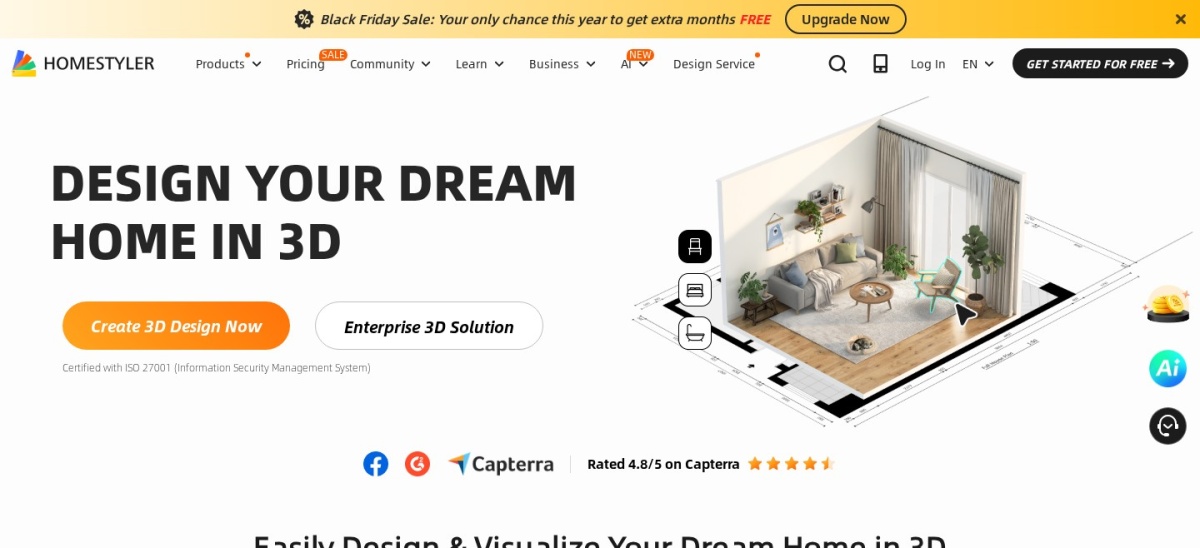
Homestyler is a cloud 3D planner that builds dimensioned floor plans and renders them in 3D. The free Basic plan includes unlimited projects, unlimited 1K renders and more than 100,000 free 3D models and materials.
The trade off is resolution and AI credits. 4K renders, watermark removal and more AI credits need Pro+ from $6.80 a month, and the free AI allowance is only 3 credits. It suits anyone who wants realistic images of a kitchen before buying anything.
SketchUp Free is a real 3D modeler that runs in the browser for personal, non-commercial use. You draw walls, cabinets and worktops to exact sizes, pull appliances and fittings from the 3D Warehouse, and get 10 GB of Trimble Connect cloud storage.
The trade off is the learning curve. It takes longer to learn than a drag-and-drop planner, and the desktop app, LayOut drawings and commercial use need Go at $129 a year. It suits patient DIYers who want exact dimensions a contractor can work from.
4.7/5on SourceForge (301 reviews, checked Nov 2026)
PriceFree
Best completely free desktop option
PriceFree, open source
PlatformsWindows, Mac, Linux
Starter catalog100 furniture items
Paid planNone on desktop
sweethome3d.com
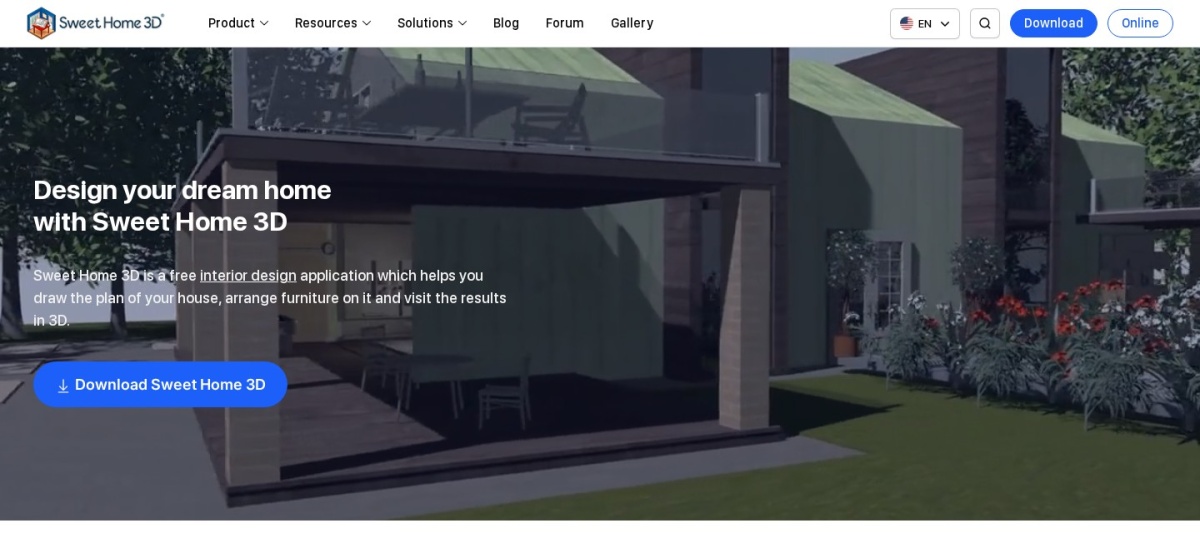
Sweet Home 3D homepage, captured Nov 2026.
Sweet Home 3D is a free, open-source interior design app for Windows, macOS and Linux, with an online version too. You draw a measured 2D plan, arrange furniture on it and visit the result in 3D, then export PDF plans, images, video and 3D files.
The trade off is polish. The interface looks dated next to Homestyler, the starter catalog has only 100 items, and high-quality renders take time. It suits homeowners who want a free desktop tool with no account, no subscription and no project cap.
RoomSketcher is a floor-plan app for drawing accurate, measured plans and viewing them in 3D. The free plan covers plan drawing with a limited furniture library and 3D Snapshots, and it runs in the browser and on Windows, Mac, iPad and Android tablets.
The trade off is output. Finished 2D and 3D floor plans are ordered per level on the free plan, and the full library, 3D Photos and 360 views need Pro at $144 a year with 5 credits a month. It suits anyone who needs a tidy measured plan to show a contractor.
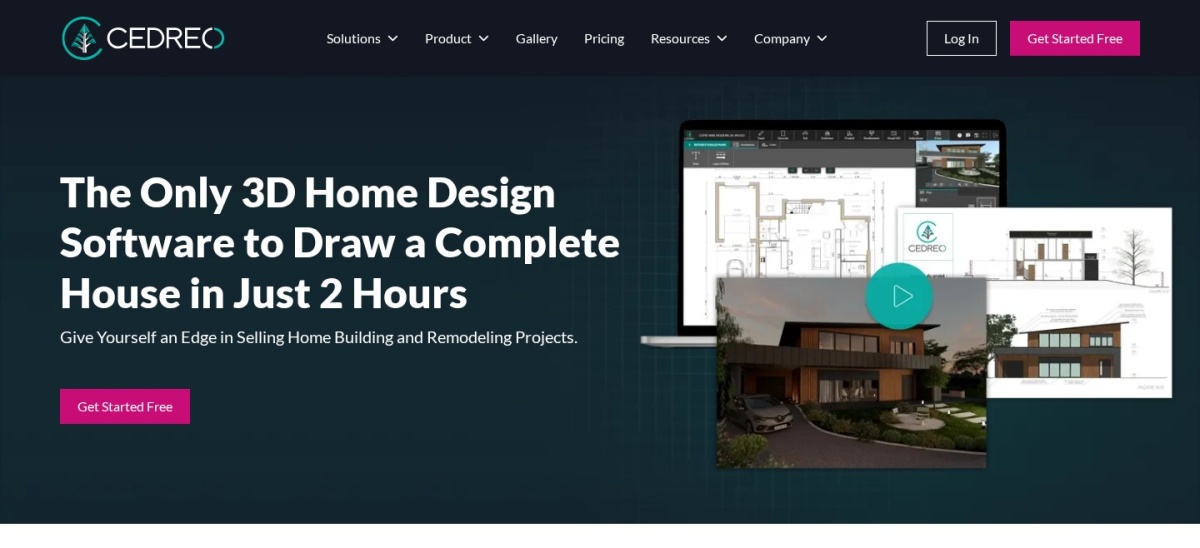
Cedreo is a 3D home design tool with a dedicated Kitchen Planner for 2D and 3D kitchen designs. You draw the room, furnish it and produce floor plans with builder symbols plus photorealistic 3D renders, and the free plan covers personal, non-professional use.
The trade off is price. Pro costs $129 a month, which is far more than any other paid plan here, and vendor prices vary by location, so confirm the figure before you commit. It suits remodelers who need kitchen plans and renders for clients, not a one-off home project.
What we like
Dedicated kitchen planner, not a general room tool
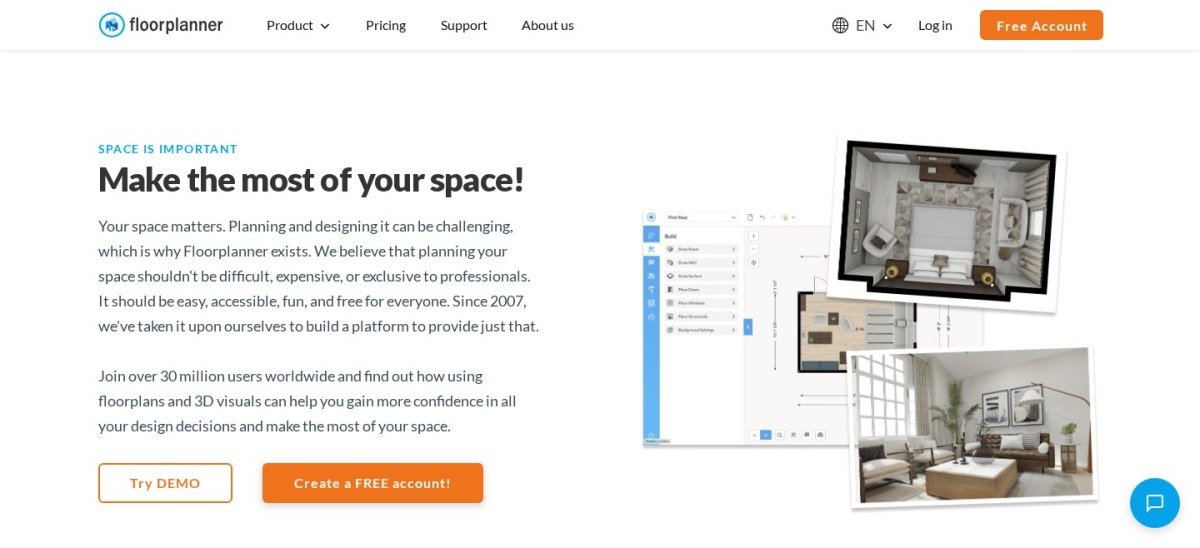
Floorplanner is a browser tool for drawing a floor plan and flipping it into 3D in minutes. The free Basic plan covers up to 5 projects with the full editor and a library of more than 150,000 3D items, and you can export 2D and 3D images.
The trade off is export quality. Free exports are SD quality with a watermark and a 10-minute wait between them, and one HD upgrade costs 5 credits, more than the 4 credits Plus supplies in a month. It suits homeowners who want a fast measured plan for $5 a month.
Coohom is a cloud 3D planner with a large branded model catalog and fast cloud rendering. The free Basic plan gives 3 design projects and 1K renders with a watermark, which is enough to judge whether the interface suits you.
The trade off is the free cap and the Pro price. Three watermarked projects cover one kitchen, but Pro costs $300 a year billed yearly for unlimited projects and unlimited 4K renders. It suits designers who render often and need output a builder can use.
What we like
Large branded model catalog
Fast cloud rendering
Pro removes watermarks and project caps
Watch out for
Free plan covers only 3 projects
Free renders carry a watermark
Pro is $300 a year, the dearest yearly plan here after Cedreo
Pro adds unlimited projects and unlimited 4K rendersVisit coohom.com
09
Live Home 3D
4.1/5on G2 (10 reviews, checked Nov 2026)
Paid from$149.99/yr
Best one-time licence option
Free plan1 project, 2 stories
3D objects2,400+
Materials2,100+
Paid planPro, $149.99 one-time
livehome3d.com
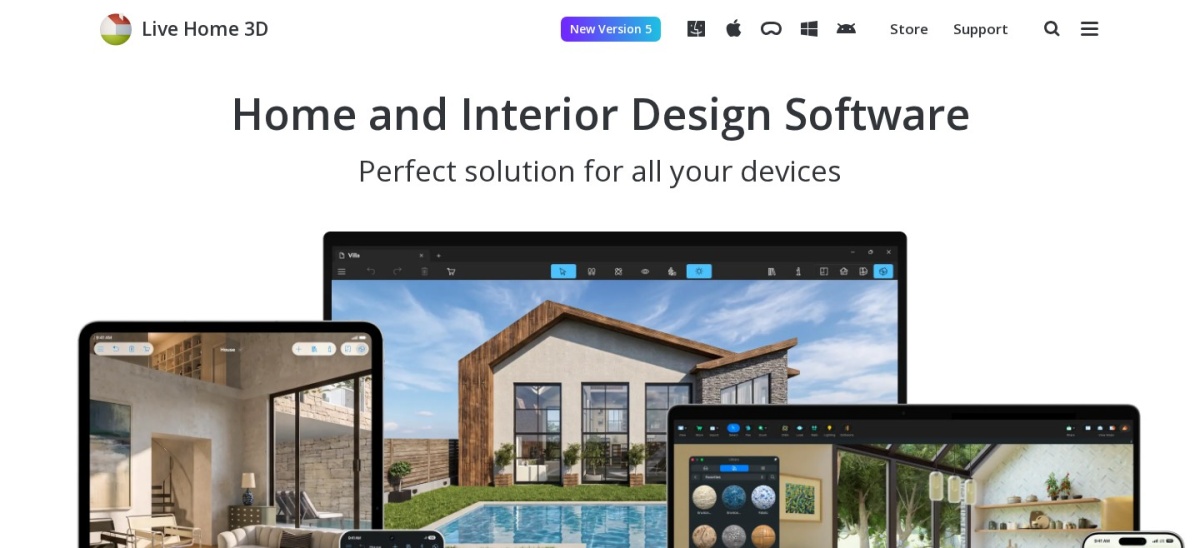
Live Home 3D homepage, captured Nov 2026.
Live Home 3D is a home design app for Windows, Mac, iOS, iPadOS, Android and Vision Pro, with real-time 3D views synced to the 2D plan. The free download covers one saved project and two stories, with exports watermarked, and the library holds more than 2,400 3D objects.
The trade off is the split pricing. Pro is a one-time lifetime licence listed at $149.99, not a yearly fee, and Standard and Pro features are sold separately per platform. It suits Apple and Windows users who would rather pay once than subscribe.
What we like
One-time licence instead of a subscription
Runs on desktop, tablet and phone
Real-time 3D synced to the 2D plan
Watch out for
Free plan covers only 1 project
Features are split across Standard and Pro
Lowest G2 rating in this list at 4.1
Pro is a one-time licence with unlimited projects and higher exportsVisit livehome3d.com
Free vs paid: what you give up
Free plans cover drawing and 3D viewing well. Most let you finish a whole kitchen layout without paying.
Paid plans mostly add output and catalog. You get higher-resolution renders, no watermark, more projects and the full furniture library.
If a contractor needs the plan, check export first. A watermarked SD image is fine for a partner, but a builder needs a measured PDF or a CAD file.
For one kitchen, start free and pay only when a cap blocks you. The cheapest paid step here is Floorplanner Plus at $5 a month.
How we chose
We started from the most widely used free kitchen and home design tools with a real free plan, then kept those with a public rating on G2, Capterra or SourceForge.
Prices come from each vendor's pricing page, checked on 25 November 2026. Ratings and review counts come from G2, Capterra and SourceForge on the same day. Where a vendor shows a sale, the list shows the regular price.
We left out tools with no public rating and retailer planners tied to one store. No vendor paid for a place, and we do not claim to have used these tools ourselves for this list.
How to choose free kitchen design software
Start with the job, not the prettiest render, then match the tool to it.
Measure the room first. Record wall lengths, window and door positions, and the size of each appliance before you open any planner.
Pick one planner for the layout. Use Planner 5D or Floorplanner for a quick layout, Homestyler for renders, or SketchUp Free for exact dimensions.
Check the free-plan cap early. Count projects and renders before you invest hours, so a limit does not stop you halfway through the kitchen.
Export before you pay. Test a free export first. If a contractor cannot read it, upgrade only for the export or render you actually need.
FAQ
What is the best free kitchen design software?
Planner 5D is the best free option for most people. Its free plan covers unlimited projects with half the furniture catalog, and it is rated 4.7 out of 5 on G2 from 188 reviews.
Is there really free kitchen design software?
Yes. All 9 tools in this list have a free plan, and Sweet Home 3D has no paid desktop plan at all. Free plans usually limit projects, renders or catalog items rather than charging upfront.
Which free kitchen planner gives the best renders?
Homestyler gives the best free renders. Its free Basic plan includes unlimited 1K renders, while most rivals watermark free renders or charge credits for high-resolution output.
Can I use a free kitchen planner for a contractor?
You can for the layout, but check the export first. SketchUp Free gives exact measured models, while RoomSketcher and Cedreo produce measured plans a builder can read more easily.
Do free kitchen design tools work on a phone?
Most do. Planner 5D, Homestyler and Live Home 3D have mobile apps, while SketchUp Free and Floorplanner run in a mobile browser. A tablet or desktop is easier for detailed work.
What is the cheapest paid kitchen design upgrade?
Floorplanner Plus at $5 a month, or $60 a year, is the cheapest paid upgrade here. Planner 5D Premium at $59.99 a year is nearly the same price and adds the full catalog.
SaaS SEO and WordPress specialist with about 8 years of experience. Rakib compares WordPress plugins, themes, hosting and software using public pricing, documentation and user reviews. See how we rank.