RankIQ is the best keyword research tool under $50 a month, with the highest G2 rating in this list from more than 500 reviews. Pick KWFinder for the easiest research, Wordtracker for the cheapest monthly plan, and Keywords Everywhere for the lowest yearly cost.
How we make this list: we compare pricing pages, product documentation and public user reviews, then re-check every price before each update. No product paid for a place. Disclosure.
RankIQ is the highest rated tool here at 4.9 out of 5 on G2, from 532 reviews.
KWFinder is the easiest tool for beginners, with a 4.7 G2 rating and a $29.90 monthly plan.
Wordtracker is the cheapest monthly plan at $27, with a free version for light research.
Keywords Everywhere costs only $84 a year for its Bronze plan, the lowest yearly price here.
AnswerThePublic is the cheapest monthly option at $9, but its Trustpilot rating is only 3.3 out of 5.
What a keyword tool under $50 should cover
Keyword research tools differ in one big way: some sell you a database, others sell you a workflow. A database tool shows volumes and difficulty. A workflow tool also tells you which keywords to write about first.
The $50 ceiling rules out the big all-in-one platforms. Semrush starts above $130 a month and Ahrefs above $120, so this list covers focused tools that do keyword research well without the extra suites.
Check the billing term before you compare prices. A $27 monthly plan costs $324 a year, while an $84 yearly plan costs $7 a month in effect. Our price ladder shows the yearly cost so the comparison is fair.
Free plans matter too. Most tools here offer free searches or a free plan, and our guide to AI search optimization tools shows how free research fits a wider SEO plan.
The 7 best keyword research tools under $50 a month
01
RankIQ
4.9/5on G2 (532 reviews, checked Nov 2026)
Starts at$49/mo
Best keyword research tool under $50 overall
Keyword libraryPer niche, low competition
Content optimizerGrades drafts vs top posts
Rank trackingYes, built in
Paid plan$49/mo flat
rankiq.com
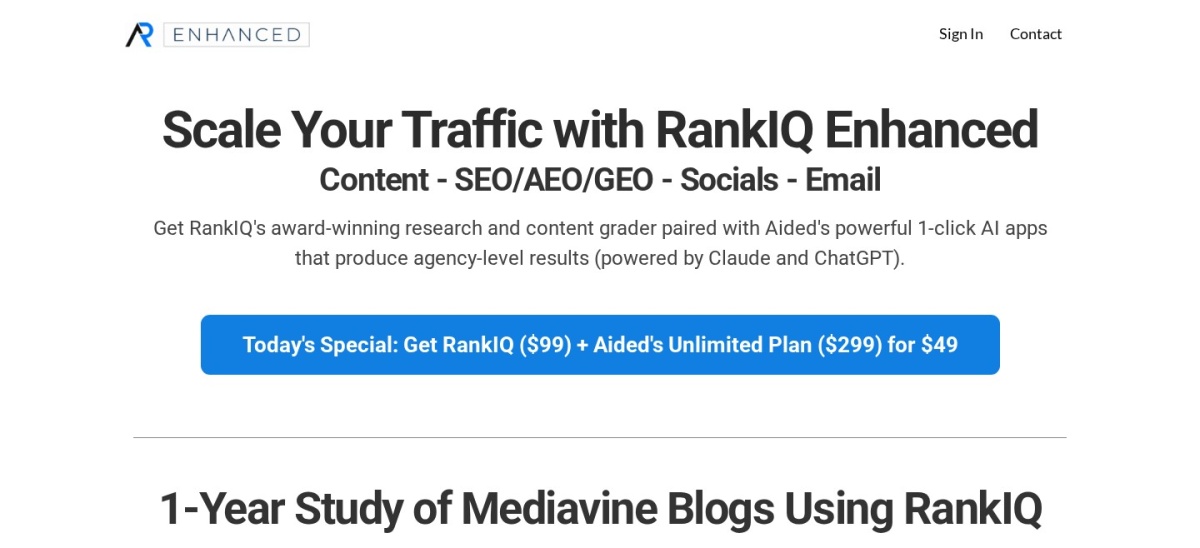
RankIQ homepage, captured Nov 2026.
RankIQ is a keyword research and content optimization tool built for bloggers. It offers a hand-picked keyword library for every major blog niche, filled with low-competition phrases that also have strong traffic potential. A content optimizer grades your draft against the top-ranking posts and tells you which words to add.
The trade off is scope and price. RankIQ costs $49 a month, the highest price in this list, and it focuses on blogging rather than technical SEO or large sites. There is no free plan. It suits bloggers who want a clear keyword list and a grade for every post.
What we like
Highest G2 rating in this list, 4.9 from 532 reviews
Keyword library per niche with low-competition picks
Content optimizer grades drafts against top posts
Watch out for
Highest price here at $49 a month
No free plan, and it is built for bloggers, not agencies
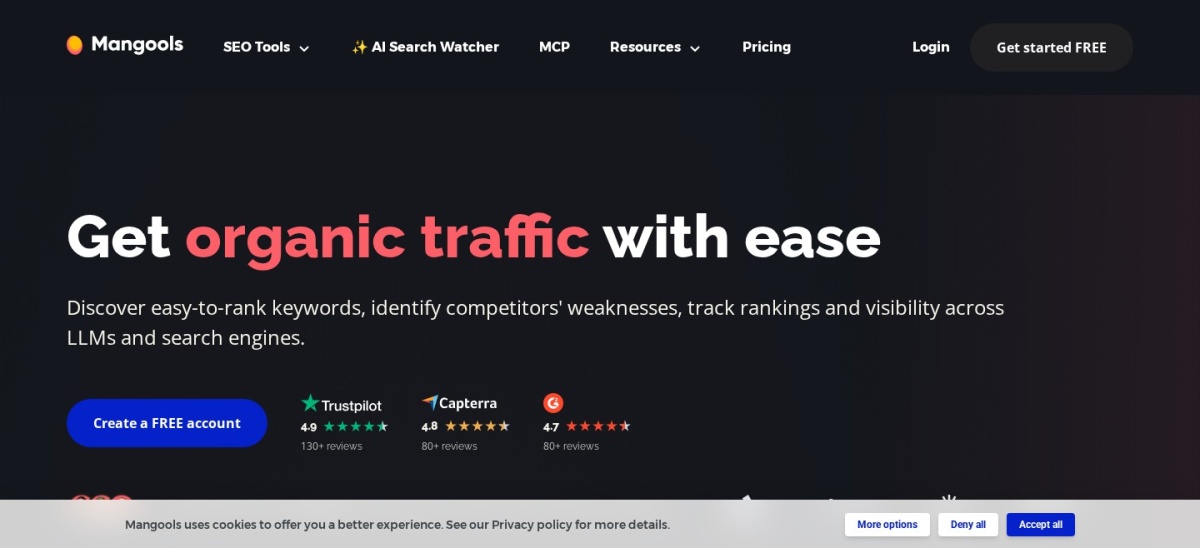
KWFinder is the keyword research tool inside the Mangools suite, built for finding easy-to-rank keywords fast. It shows search volume, keyword difficulty, trends and the top-ranking pages for any term, with autocomplete and related keyword ideas. Mangools says more than 2.8 million SEO pros use its tools.
The trade off is depth. KWFinder is simpler than the big all-in-one platforms, so it lacks deep backlink data and technical audits. Basic costs $29.90 a month, and Premium costs $44.90. It suits beginners and small sites that want clear keyword data without bloat.
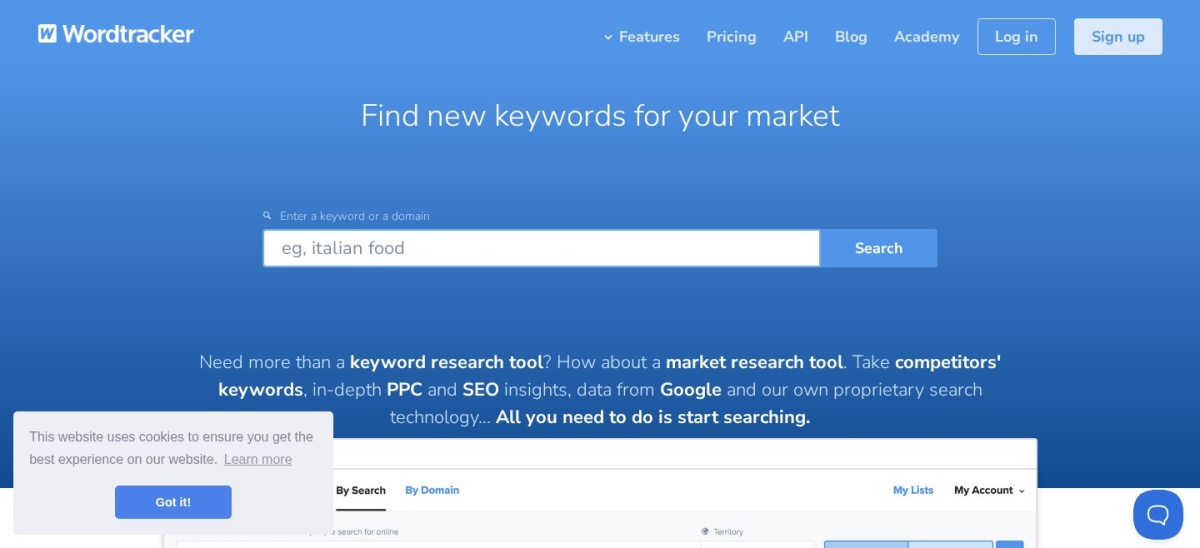
Wordtracker is one of the oldest keyword research tools, built around its own search data and Google data. It returns up to 10,000 keywords per search, with related terms, search trends, SEO competition metrics and a SERP preview. A free version covers basic searches without a card.
The trade off is age. The interface feels dated next to newer tools, and it has no content optimizer or AI features. Plans start at $27 a month, which makes it the cheapest monthly plan here. It suits researchers who want a big keyword list and simple data.
4.1/5on Trustpilot (584 reviews, checked Nov 2026)
Paid from$29/mo
Best all-in-one SEO under $50
Keyword database2.2B+ keywords
Site auditYes, built in
AI visibilityYes, ChatGPT and Gemini
Paid planIndividual, $29/mo
ubersuggest.com
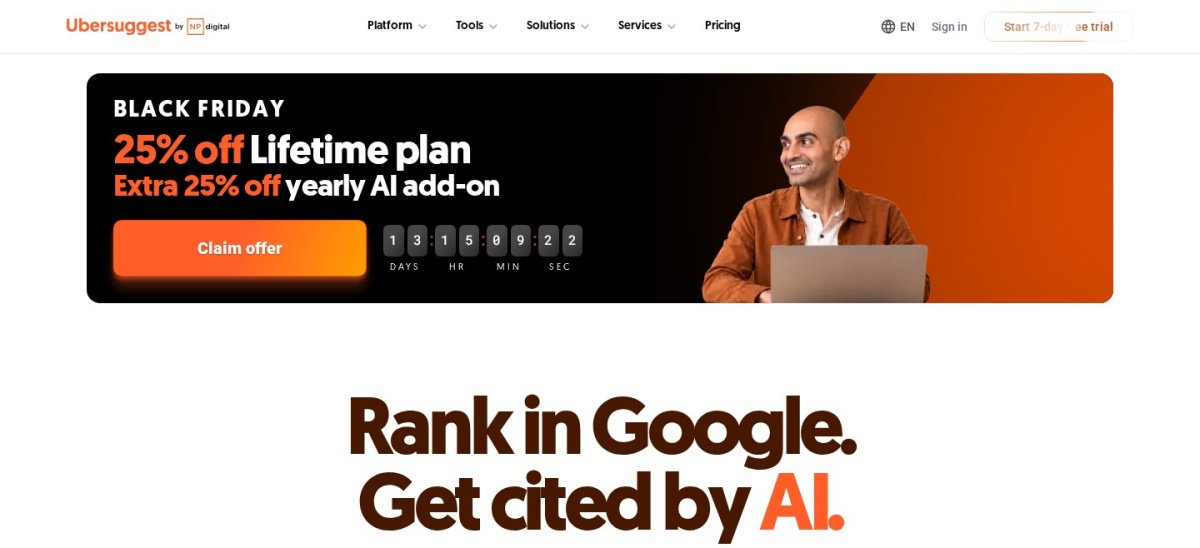
Ubersuggest homepage, captured Nov 2026.
Ubersuggest is Neil Patel's all-in-one SEO tool, with keyword research at its core. It covers volume, difficulty, CPC and AI-era search intent across a 2.2 billion keyword database, plus site audits, backlinks, rank tracking and AI search visibility. Ubersuggest says it serves more than 250,000 marketers.
The trade off is focus. Ubersuggest tries to cover everything, so its keyword data is less deep than focused tools, and Trustpilot reviewers report refund and cancellation problems. The Individual plan costs $29 a month. It suits small teams that want SEO and AI tracking in one place.
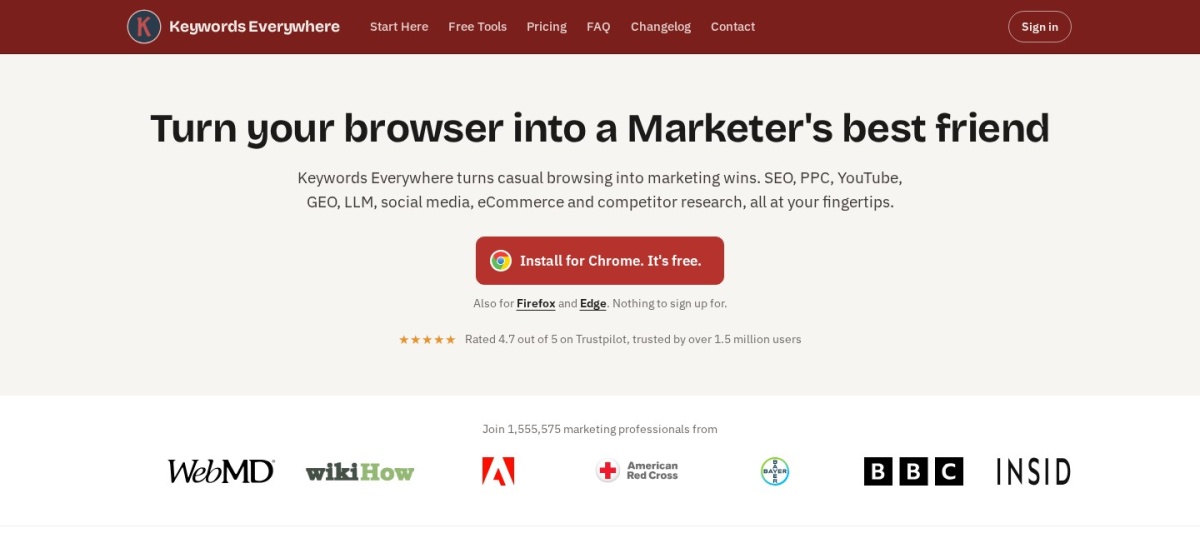
Keywords Everywhere is a browser extension that shows keyword data where you already search. It adds volume, trends and related keywords to Google, YouTube and other sites, with an API for bulk work and prompt templates for AI tools. It runs on a credit system instead of a monthly subscription.
The trade off is that it is an extension, not a full research platform. There is no rank tracker or site audit, and credits run out faster than expected if you leave every feature on. Bronze costs $84 a year. It suits researchers who want data inside Google search itself.
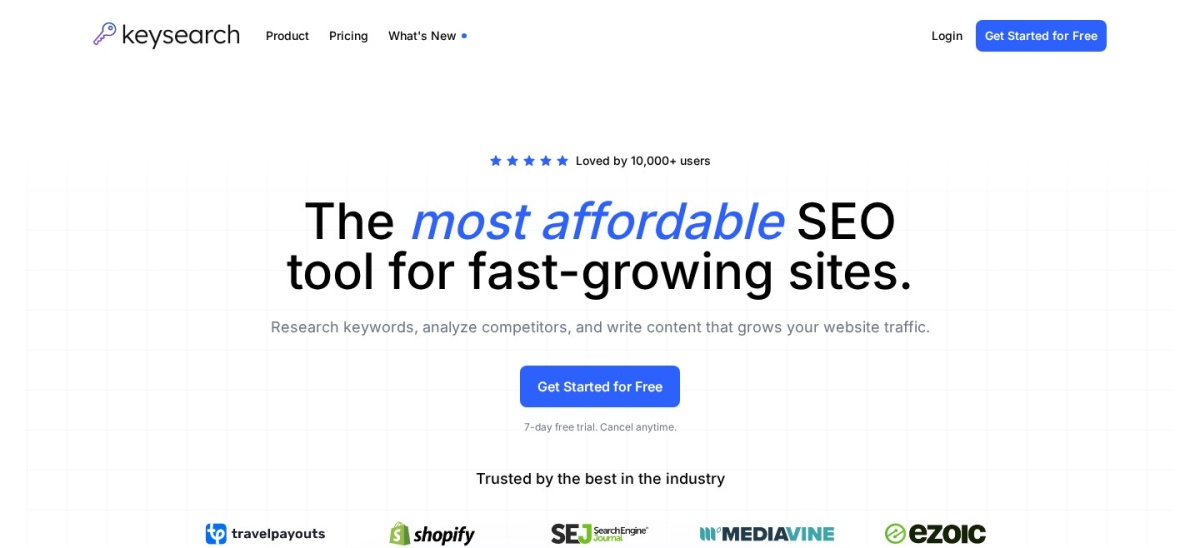
Keysearch is a low-cost SEO suite built for bloggers and small sites, with keyword research at its core. It shows volume, competition and difficulty for any term, plus competitor analysis, rank tracking, site audits and a YouTube tool. Keysearch says it is loved by more than 10,000 users.
The trade off is support and polish. Trustpilot reviewers praise the price but report duplicate charges and slow support replies, and the interface is plainer than dearer tools. Plans start at $24 a month. It suits bloggers who want a full SEO suite for little money.
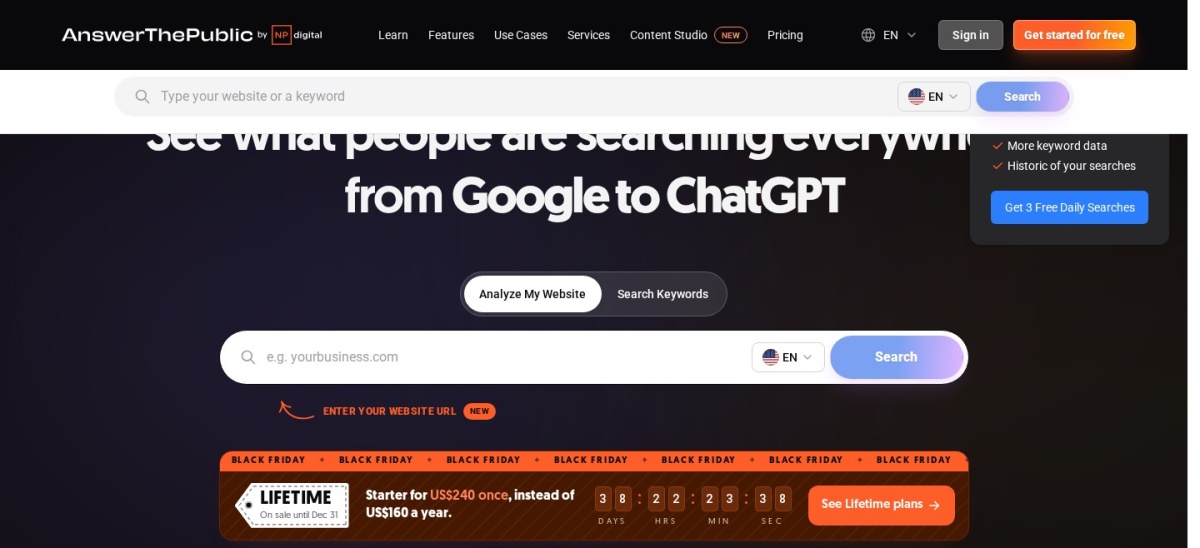
AnswerThePublic is a question research tool that maps what people ask about any topic. It turns autocomplete data into visual maps of questions, prepositions and comparisons, with search listening alerts and exports to spreadsheets. AnswerThePublic says it has more than 1.1 million users.
The trade off is depth and trust. It shows questions, not full volumes or difficulty scores, and Trustpilot reviewers report trial charges and refund refusals. The Individual plan costs $9 a month. It suits content writers who need question ideas fast.
Monthly billing costs more but lets you cancel any month. It suits short projects and seasonal work.
Yearly billing cuts the price on most tools here, sometimes by a fifth or more. Check the yearly total before you commit, since the monthly figure hides the real cost.
Watch for lifetime deals. Ubersuggest and AnswerThePublic both sell lifetime plans, which suit buyers who hate subscriptions but lock you into one tool.
How we chose
We started from every established keyword research tool with a plan under $50 a month, then kept those with a verifiable rating on G2 or Trustpilot. Tools with no rating on either source were left out, as were tools over $50 a month.
Prices and ratings were checked on 25 November 2026. Ratings come from G2 or Trustpilot, and prices come from vendor pricing pages or vendor-provided pricing on G2. Where a vendor page showed no figures, we say so in the notes.
We left out SE Ranking and Keyword Tool because their cheapest monthly plans cost $52 and $89, above the $50 limit. No vendor paid for a place, and we do not claim hands-on testing for this list.
How to choose a keyword research tool under $50 a month
Pick the tool that matches how you research, not the one with the biggest database.
Decide how many keywords you need. A blogger checking ten keywords a month needs far less than an agency running bulk research. Match the plan limits to your real volume.
Test the free plan first. Run your own keywords through two or three tools before paying. Volumes and difficulty scores differ between providers, so compare them on your own terms.
Compare yearly totals, not monthly prices. A $27 monthly plan costs $324 a year, while an $84 yearly plan costs far less. Use the price ladder above to compare like with like.
Check the data behind the scores. Ask where volumes come from and how fresh they are. A tool that updates daily beats one that refreshes monthly, even at the same price.
FAQ
What is the best keyword research tool under $50 a month?
RankIQ is the best pick under $50 a month. It scores 4.9 out of 5 on G2 from 532 reviews and costs $49 a month flat. It is built for bloggers, with a keyword library per niche and a content optimizer that grades your draft.
Which keyword research tool is cheapest?
Keywords Everywhere is cheapest per year at $84 for its Bronze plan, which works out near $7 a month. AnswerThePublic is cheapest per month at $9. Both are far below the $50 ceiling, but both have smaller feature sets than RankIQ.
Is there a free keyword research tool?
Yes. Ubersuggest, KWFinder, Wordtracker, Keysearch and AnswerThePublic all offer free plans or free searches with limits. Free plans usually cap daily searches and hide full volumes, so they suit light research rather than client work.
Is KWFinder better than Ubersuggest?
KWFinder is rated higher, at 4.7 out of 5 on G2 against 4.1 for Ubersuggest on Trustpilot. KWFinder is simpler and focused on keywords, while Ubersuggest adds site audits, backlinks and AI search tracking in one subscription.
Why is SE Ranking not in this list?
SE Ranking costs $52 a month on monthly billing, which is above the $50 limit for this list. It is a strong all-in-one tool and is rated 4.8 out of 5 on G2, but it does not fit a list of tools under $50 a month.
Do I need a paid keyword tool at all?
Not at first. Free plans and Google Keyword Planner cover basic research for a new site. A paid tool pays off when you research weekly, track competitors, or need difficulty scores you can trust for content planning.
SaaS SEO and WordPress specialist with about 8 years of experience. Rakib compares WordPress plugins, themes, hosting and software using public pricing, documentation and user reviews. See how we rank.