ChatGPT is the best Julius alternative for most people, with Plus at $20 a month and a 4.6 out of 5 G2 rating from 5,626 reviews. Pick Powerdrill for credit-based file analysis with a free daily allowance, and Hex or Deepnote when a data team needs shared notebooks.
How we make this list: we compare pricing pages, product documentation and public user reviews, then re-check every price before each update. No product paid for a place. Disclosure.
ChatGPT leads for most people: Plus costs $20 a month and it is rated 4.6 out of 5 from 5,626 G2 reviews.
Powerdrill is the closest Julius match, with a free plan of 1,000 credits a day and Pro at $199 a year after a $159.20 first year.
Claude Pro costs the same $20 a month and is the highest rated here at 4.7 out of 5 from 2,079 G2 reviews.
Gemini has the cheapest paid plan at $4.99 a month, but its AI Pro tier at $19.99 a month is the one with higher limits.
Tableau and Power BI are the dashboard picks: Power BI Pro is $14 a user a month, while Tableau Creator is $75.
What to look for in a Julius alternative
Julius is an AI tool for asking questions of uploaded files. It reads a spreadsheet or document, runs the analysis and returns charts and a written answer, so people without SQL or Python can get results.
The best replacement depends on what you ask most. A general assistant covers one-off file questions, a notebook tool suits a data team, and a BI platform fits a company that publishes dashboards every week.
Check three things before you switch: whether the tool reads your files or connects to a live database, what the paid plan caps, and whether the price is per user or per editor. Credit and per-seat pricing can both grow fast.
If the results end up on a website, our guide on adding a table in WordPress shows how to present numbers so readers can scan them.
ChatGPT is a general-purpose AI assistant that reads spreadsheets, CSV files and PDFs, runs Python on the data and builds tables and charts from the results. The free plan covers limited uploads and messages, while Plus at $20 a month adds expanded uploads, deeper research and higher limits.
The trade off is that it is not a data platform. There are no database connectors or shared workspaces for a team, and long files can lose detail, so answers need a check against the source data. It suits anyone who already pays for ChatGPT and wants quick answers from a file.
What we like
Runs Python so the working is visible
Handles spreadsheets, PDFs and images in one chat
Largest review base in this list
Watch out for
No live database connectors
Free plan caps uploads and messages
Plus adds expanded uploads, deeper research and higher limitsVisit chatgpt.com
02
Claude
4.7/5on G2 (2,079 reviews, checked Nov 2026)
Paid from$20/mo
Best for long documents and finished files
Paid planPro, $20/mo
Code executionYes, in chat
File creationSheets and docs
Free planYes, limited
claude.com
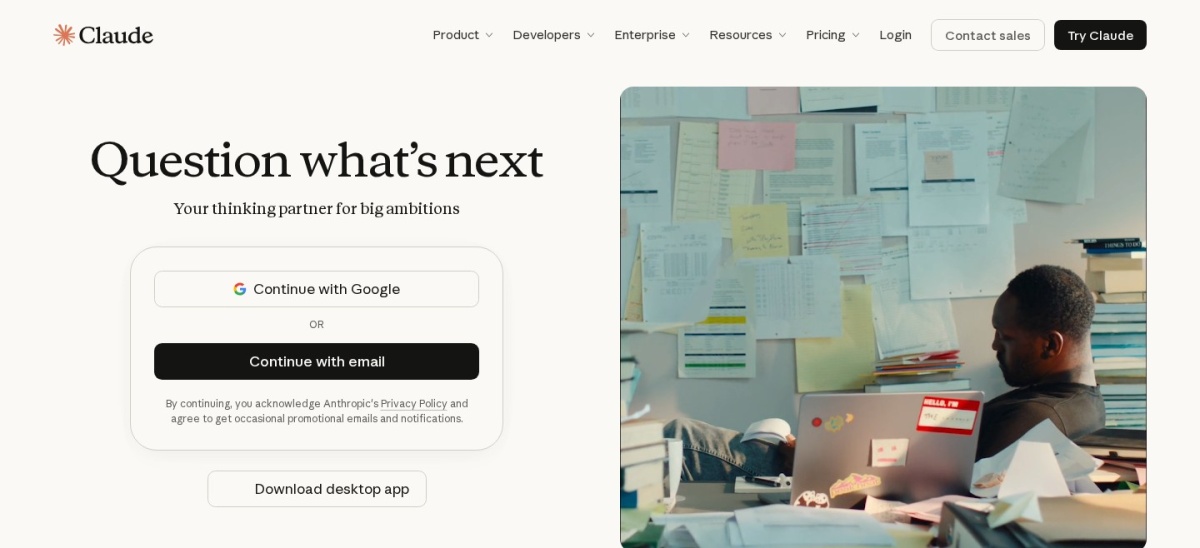
Claude homepage, captured Nov 2026.
Claude is an AI assistant from Anthropic that reads long documents and spreadsheets, runs code on the data and turns the results into finished files. The free plan covers limited use every five hours, while Pro at $20 a month adds more usage, Claude Data, Sheets and Claude Code.
The trade off is usage limits. Pro still caps use in five-hour and weekly windows, and heavy daily work needs Max from $100 a month. It suits people whose analysis has to leave the chat as a spreadsheet, memo or deck.
Powerdrill is an AI data workspace built for the same job as Julius: upload a file, ask a question in plain words and get charts, summaries and reports back. The free plan gives 1,000 credits a day, and Pro adds 5,000 monthly credits, deeper analysis and 20 scheduled tasks.
The trade off is metering. Work is paid for in credits, and the pricing page does not say how many credits a typical analysis uses, so heavy weeks can burn through the allowance. It suits people who want finished reports from files without writing code.
Gemini is Google's AI assistant, and it works inside Gmail, Docs, Sheets and Drive, so it can summarise a sheet or a folder of documents without an upload step. The free plan covers limited use, AI Plus costs $4.99 a month, and AI Pro at $19.99 a month adds higher limits and 2 TB of storage.
The trade off is depth. Gemini is a general assistant, not a data platform, so it has no warehouse connectors and its answers still need a check against the source numbers. It suits people who already live in Google Workspace and want analysis where their files already sit.
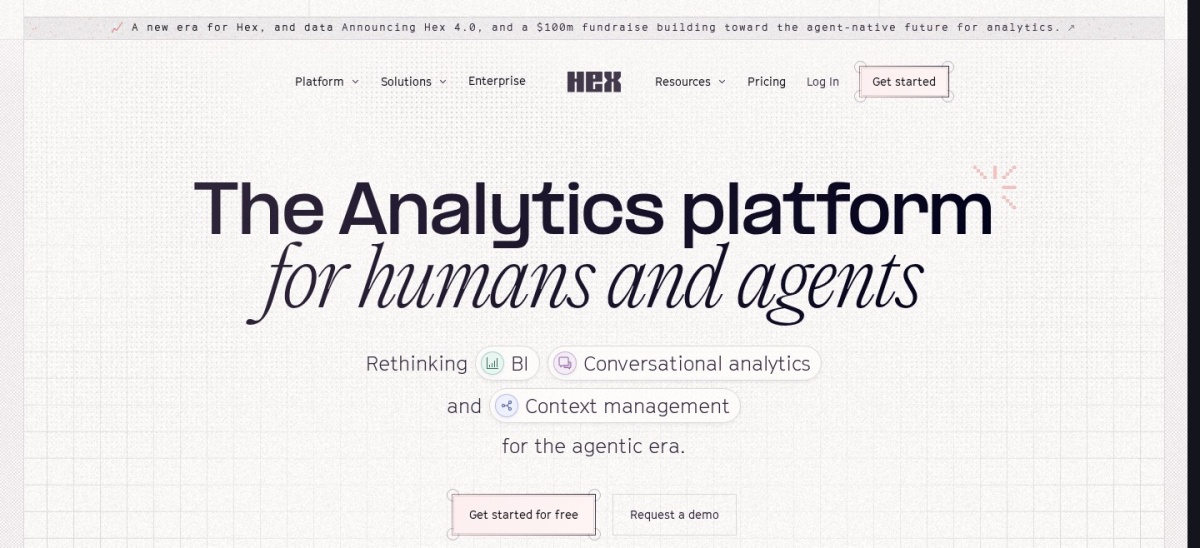
Hex is a collaborative workspace where analysts write SQL and Python in notebooks, ask the built-in agent for help and publish the result as an interactive data app. The free Community plan includes every cell type and small compute, while Professional at $36 per editor a month adds standard AI credits and 30-day version history.
The trade off is that it asks more of the user than Julius. It needs a warehouse connection and someone who can read SQL or Python, and letting the rest of the company ask questions needs Explorer seats priced through sales. It suits technical teams who want shared, repeatable analysis.
What we like
SQL, Python and no-code cells in one notebook
Publishes analysis as a shared data app
SOC 2 Type II audited
Watch out for
Needs a warehouse and a technical owner
Explorer seat prices are not published
Team at $75 per editor a month adds unlimited appsVisit hex.tech
06
Deepnote
4.5/5on G2 (388 reviews, checked Nov 2026)
Paid from$39/mo
Best for collaborative Python and SQL teams
Paid planTeam, $39/editor/mo
Free editorsUp to 3 editors
Free projectsUp to 5 projects
AI help10 completions a month free
deepnote.com
Deepnote homepage, captured Nov 2026.
Deepnote is a cloud notebook workspace where teams write Python, R and SQL in the same document with real-time multiplayer editing. The free plan supports up to 3 editors and 5 projects, while Team at $39 per editor a month adds unlimited projects, scheduled runs and monthly compute credits.
The trade off is price for a small team. At $39 per editor a month, a team of five pays $195 a month before extra compute, and the AI help on the free plan is capped at 10 completions a month. It suits data teams that want notebooks as a shared workspace.
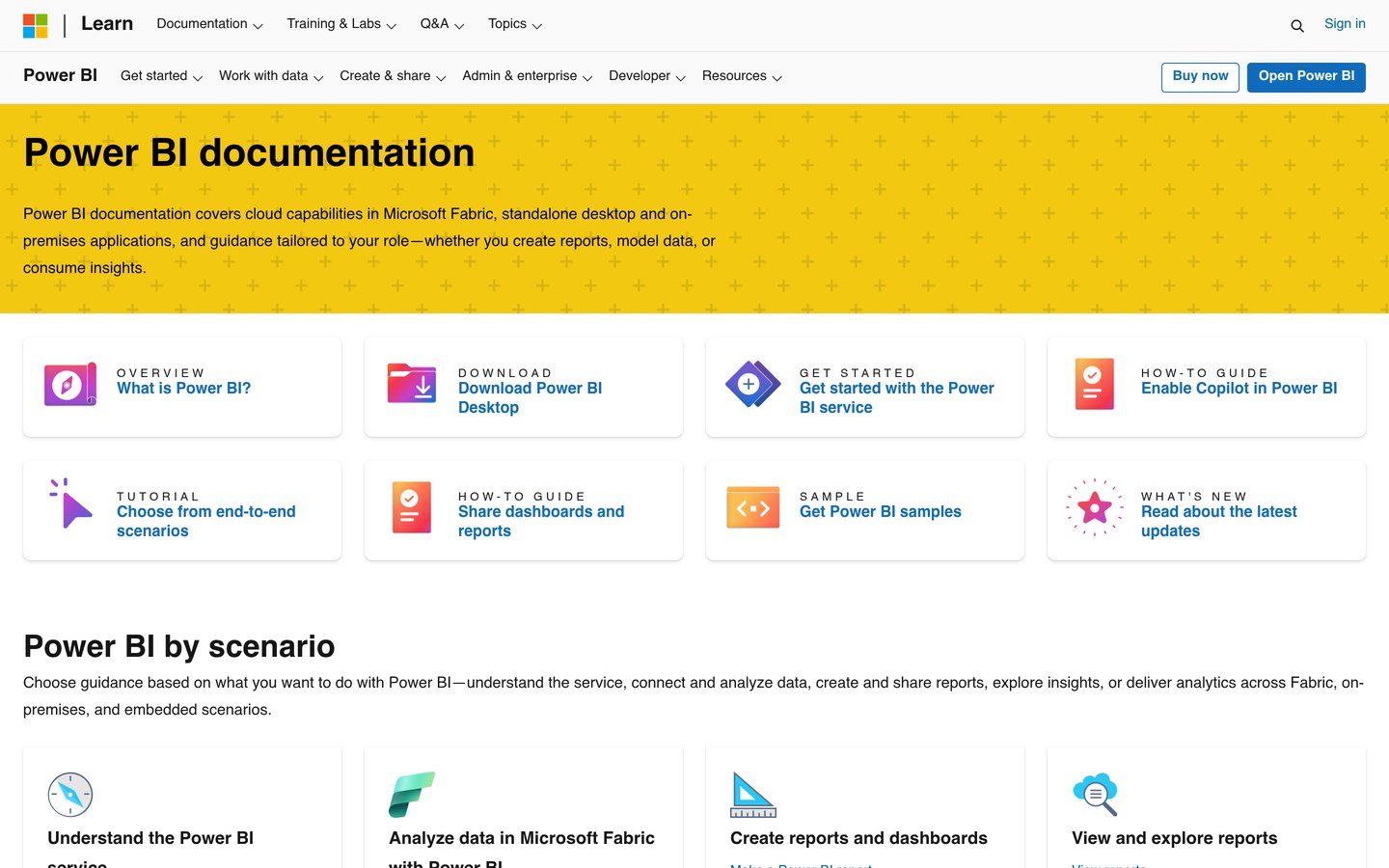
Power BI is Microsoft's business analytics platform for building interactive dashboards and reports from Excel, databases and cloud sources. Power BI Desktop is free for authoring, and Pro at $14 per user a month adds publishing and sharing, with AI help through Copilot on Fabric capacity.
The trade off is sharing cost and scope. Sharing a report needs a Pro licence for every viewer, and the fuller AI features sit behind Fabric capacity rather than the $14 plan. It suits teams already on Microsoft 365 who want governed dashboards rather than one-off file chats.
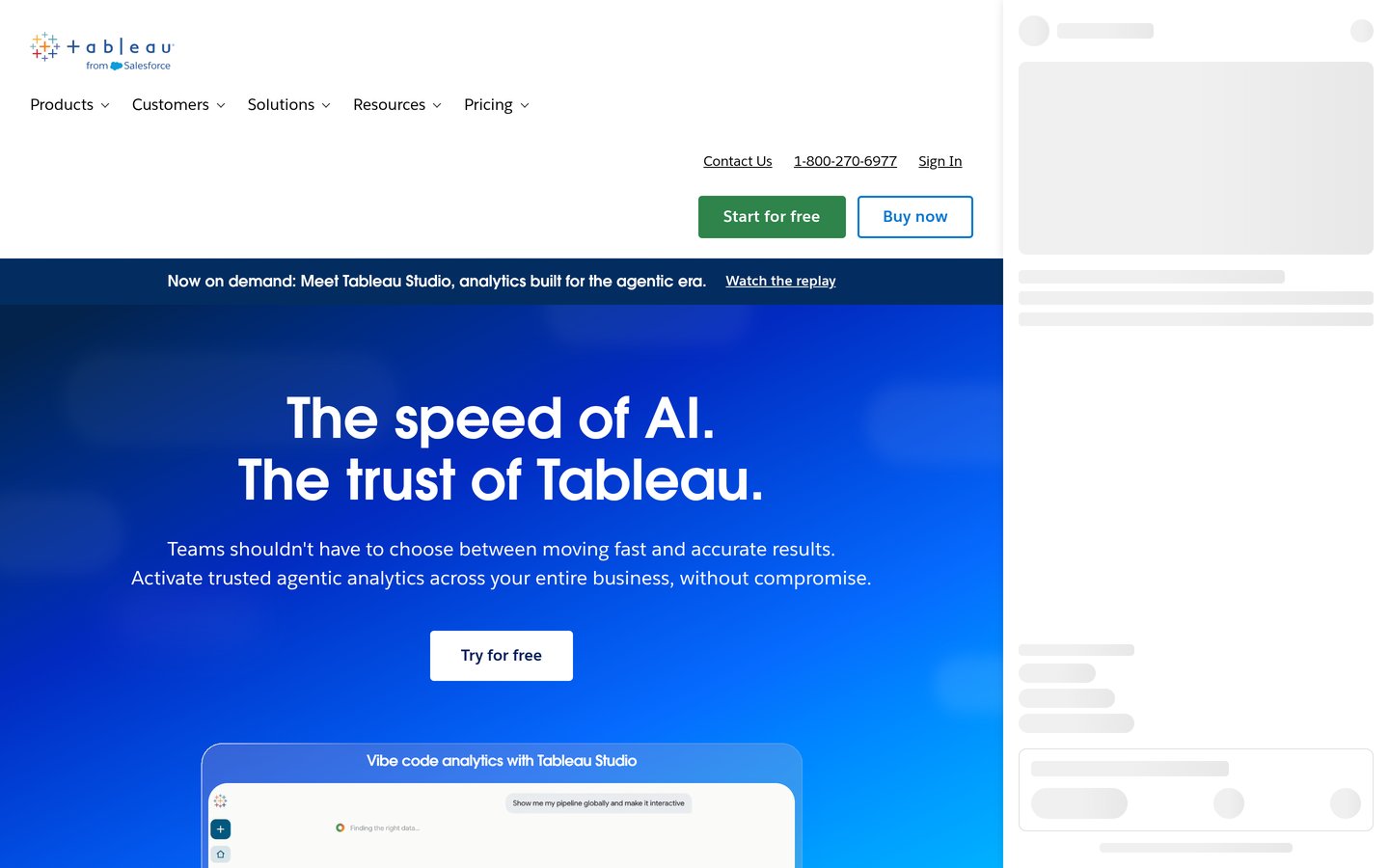
Tableau is a visual analytics platform for exploring data and building interactive dashboards, with Tableau Pulse sending AI digests of metric changes. Viewer costs $15 per user a month, while building dashboards needs Creator at $75 per user a month, and a limited Desktop Free Edition is available.
The trade off is cost and learning curve. Creator is the plan most analysts need, so a small team pays far more than the $15 headline, and calculated fields take time to learn. It suits teams that publish dashboards widely and want polished visuals.
What we like
Strongest drag-and-drop dashboard building here
Pulse sends AI digests of metric changes
Largest G2 review base in this list
Watch out for
Creator at $75 a month is the plan analysts need
Steep learning curve for calculated fields
Explorer at $42 a month sits between Viewer and CreatorVisit tableau.com
09
ThoughtSpot
4.4/5on G2 (321 reviews, checked Nov 2026)
Paid from$25/mo
Best for business users asking warehouse questions
Paid planEssentials, $25/user/mo
AI agentSpotter on Pro
Row limit25M rows on Essentials
Free tierDeveloper tier, free
thoughtspot.com
ThoughtSpot homepage, captured Nov 2026.
ThoughtSpot is a search-first analytics platform where business users type a question and get a chart back from warehouse data, without writing SQL. Essentials costs $25 per user a month for 5 to 50 users and up to 25 million rows, and a free Developer tier covers embedding work.
The trade off is that the AI agent costs more. Spotter, the conversational AI agent, sits on Pro at $50 per user a month, capped at 25 Spotter queries per user a month. It suits companies that want governed, search-style answers across a whole team.
Julius is built around one flow: upload a file, ask in plain words, get charts and a written answer. Most tools here split that flow across chat, notebooks or dashboards.
Julius moved to credits in 2026, with no way to buy more credits on some plans. Powerdrill is the only tool here that sells one-time credit top-ups on any plan, including Free.
If you only need that upload-and-ask flow, start with ChatGPT, Claude or Powerdrill before paying for a platform. A notebook or BI tool is worth the extra setup only when the same analysis runs again and again.
How we chose
We started from the tools most often named as Julius replacements in 2026 round-ups, then kept nine established tools with a public price and a public rating.
Prices come from each vendor's pricing page, checked on 26 November 2026. Ratings and review counts come from G2 on the same day. Where a vendor shows a sale, the list shows the regular price.
We left out tools with no public rating or no public price, and tools aimed only at enterprises. No vendor paid for a place, and we do not claim to have used these tools ourselves.
How to choose a Julius alternative
Start with the files you already analyse, then match the tool to who asks the questions.
Try the file tools first. Upload a real spreadsheet to ChatGPT, Claude or Powerdrill and see which answer you trust most.
Check the cap before you pay. Free plans limit uploads, credits or AI calls, so read the cap that will bind first.
Match the tool to the audience. Pick a notebook for analysts and a BI platform when many people need the same dashboard.
Check the answer against the source. AI analysis can be confident and wrong, so spot-check totals in the original file before you share them.
FAQ
What is the best Julius alternative?
ChatGPT is the best Julius alternative for most people. Plus costs $20 a month, it reads spreadsheets, CSV files and PDFs, runs Python on the data and builds charts, and it is rated 4.6 out of 5 from 5,626 G2 reviews.
Is there a free Julius alternative?
Yes. ChatGPT, Claude, Gemini, Powerdrill, Hex and Deepnote all have free plans, and Powerdrill refreshes 1,000 credits every day. Free plans cap uploads, messages or AI calls, so heavy use still needs a paid plan.
Which Julius alternative is best for Excel files?
Powerdrill is the closest match for Excel work, since it is built to turn uploaded spreadsheets into charts, summaries and reports. ChatGPT is a strong second choice because it runs Python on the file and shows the working behind each chart.
Can I use a Julius alternative without writing code?
Yes. ChatGPT, Claude, Gemini, Powerdrill and ThoughtSpot all answer plain-word questions with no code needed. Hex and Deepnote are the exceptions here: they are notebook tools that work best when someone on the team can read SQL or Python.
How much does a Julius alternative cost?
Paid plans in this list run from $4.99 a month for Gemini AI Plus to $39 per editor a month for Deepnote Team. ChatGPT Plus and Claude Pro both cost $20 a month, and Powerdrill Pro lists at $16.58 a month on annual billing.
Do these tools connect to a live database?
Some do and some do not. Hex, Deepnote, Power BI, Tableau and ThoughtSpot connect to databases and warehouses, while ChatGPT, Claude, Gemini and Powerdrill work mainly with uploaded files. Check the connector list before you pay if live data matters.
SaaS SEO and WordPress specialist with about 8 years of experience. Rakib compares WordPress plugins, themes, hosting and software using public pricing, documentation and user reviews. See how we rank.