Procore is the best jobsite management software for large contractors, with the widest project and financial coverage and a 4.6/5 G2 rating from over 4,200 reviews. Pick Fieldwire for field task management with a free plan, or JobTread for small contractors at $159 a month billed annually.
How we make this list: we compare pricing pages, product documentation and public user reviews, then re-check every price before each update. No product paid for a place. Disclosure.
Procore leads for large contractors, rated 4.6/5 on G2 from over 4,200 reviews, but pricing is quote-based on annual construction volume.
Fieldwire is the only tool here with a free plan, covering 5 users, 3 projects and 100 sheets, with Pro at $39 per user a month.
JobTread has the highest G2 rating in this list at 4.9/5, at $159 a month billed annually with every feature included.
Raken is the cheapest paid route at $23 per user a month for daily logs, but time tracking needs the $59 Performance plan.
Buildertrend and Procore publish no list prices, so budget for a sales quote; the other seven tools publish starting prices from $23 to $100 per user a month.
What jobsite management software should cover
Jobsite management software connects the field and the office. Crews log progress, photos and time on site, while managers track schedules, budgets, RFIs and change orders from the same record.
The tools split into two kinds. Field-first apps like Fieldwire, Raken and PlanRadar focus on drawings, daily logs and inspections. All-in-one platforms like Procore, Buildertrend and JobTread add estimating, billing and client communication.
Pricing models differ just as much. Most tools charge per user each month, from $23 for Raken to $100 for Autodesk Forma Build Essentials. Procore and Buildertrend charge by construction volume instead, so their price is a sales quote.
A client portal matters for residential work. Homeowners pick finishes, approve change orders and follow progress without phone calls. Our guide on creating a client database in WordPress covers keeping client and job details in one place.
Start with the crew, not the feature list. If foremen will not open the app on a muddy site, the best office features do not matter.
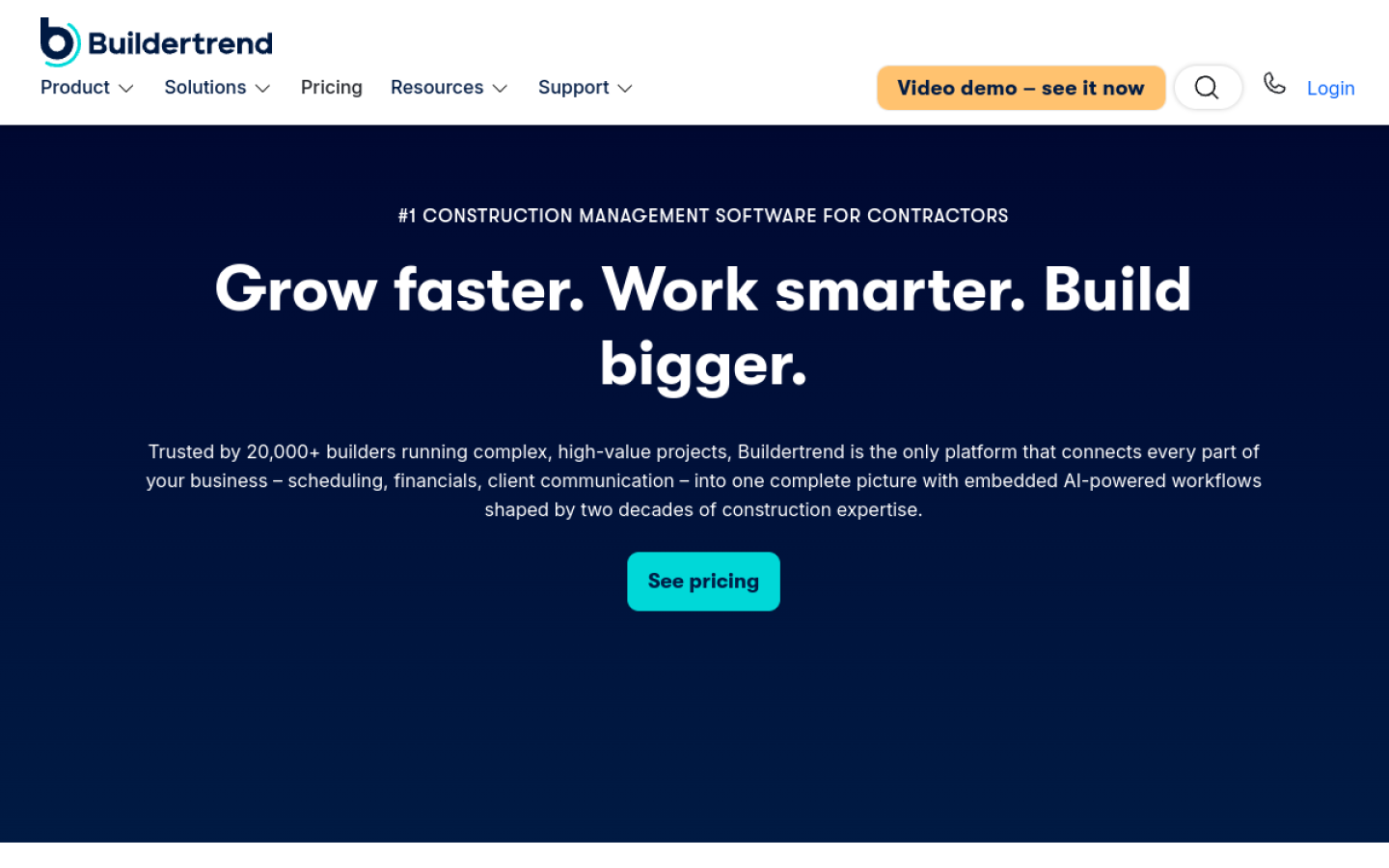
Procore is the construction platform most large general contractors standardise on, covering project management, financials, quality, safety and field productivity in one system. It includes RFIs, submittals, drawings, budgets and commitments, with unlimited users on every contract. It suits mid-market and enterprise contractors running complex commercial work.
The trade off is price and setup. Procore publishes no list prices and charges by annual construction volume, so small firms face a sales quote, with a starting figure Capterra lists at $10,000 a year. It suits large contractors whose volume justifies the cost, not small crews watching every dollar.
What we like
Widest project and financial coverage in this list
Fieldwire is a jobsite management app built around the plan set, with tasks, punch lists, checklists and photos pinned to locations on drawings. The free Basic plan covers 5 users, 3 projects and 100 sheets, and works offline on phones and tablets. It suits field teams that live in drawings and need the current set on site.
The trade off is the office side. Reports and exports start on Pro at $39 per user a month billed annually, and RFIs, submittals, change orders and budgets sit on Business Plus at $89. It suits crews that want field tools first and can live without full financials.
Buildertrend is an all-in-one platform for home builders and remodelers, combining scheduling, estimating, change orders, daily logs and a homeowner portal. Clients pick finishes, sign off on selections and see progress in one place, and every plan includes unlimited users and projects. It suits residential builders who sell the client experience as well as the build.
The trade off is price transparency. Buildertrend publishes no list prices and quotes by annual construction volume, though third-party reviews report Essential at $499 a month. It suits established residential builders; small remodelers should get the quote in writing before committing.
What we like
Built for home builders, with selections and a client portal
Unlimited users and projects on every plan
Scheduling, estimating and change orders in one place
Watch out for
No published prices, quote only
Onboarding fee reported on top of the monthly price
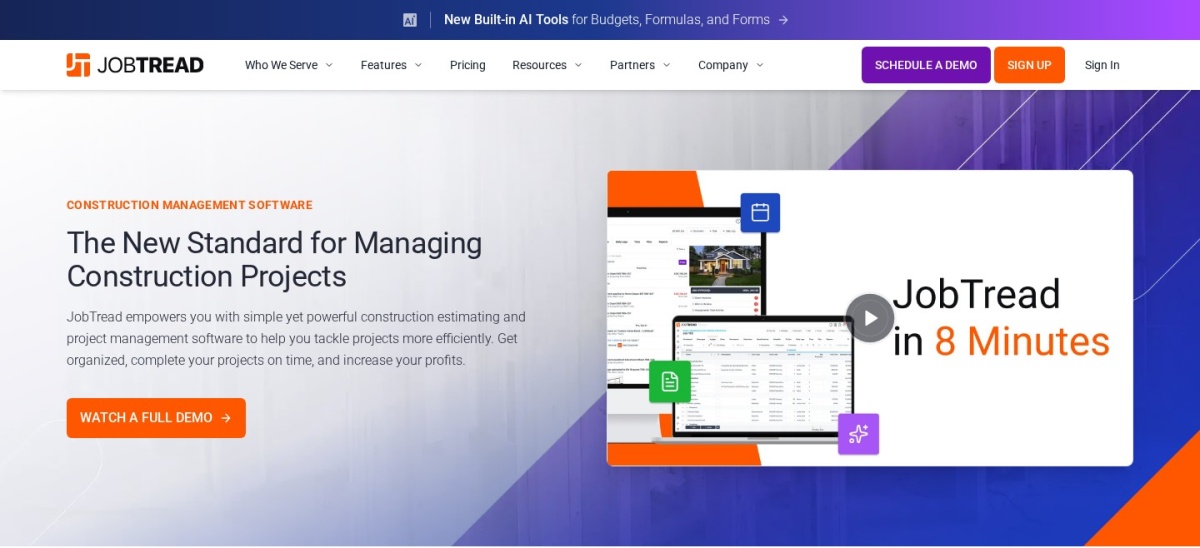
JobTread is a construction management tool for small contractors that covers estimating, job costing, scheduling, invoicing and project management in one place. Every plan includes all features, with no setup fees and a 30-day money-back guarantee on monthly billing. It suits small residential and remodel contractors that want one system for the whole job.
The trade off is scale and trial. JobTread offers no free plan or free trial, and its flat monthly price starts at $199 a month, or $159 a month billed annually. It suits owner-operators and small teams that value simple pricing over a free tier.
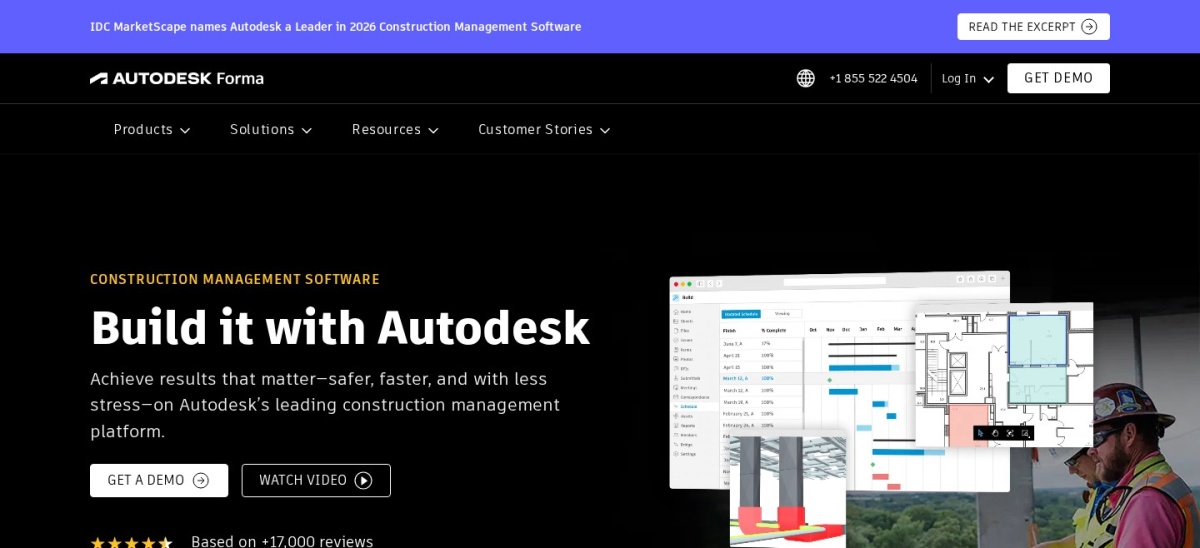
Autodesk Construction Cloud homepage, captured Nov 2026.
Autodesk Construction Cloud is now called Autodesk Forma, after a March 2026 rename, and it connects design and field work with BIM models, drawings, RFIs, submittals and cost tracking. Forma Build Essentials starts at $100 per user a month, and the full Forma Build plan costs $175 a month. It suits teams that run Revit models from design through construction.
The trade off is cost per seat. At $1,400 per user a year for full Forma Build, it is the priciest per-user tool in this list, and unlimited-user pricing is quote-only. It suits BIM-heavy commercial teams, not small contractors with thin margins.
What we like
Best BIM and Revit integration in this list
Drawings, RFIs, submittals and cost tracking in one hub
Largest G2 review base here, over 5,300 reviews
Watch out for
Priciest per-user seat in this list at $175 a month
Unlimited-user pricing is quote-only
Build Essentials is a cut-down tier, not the full Build plan
Forma Build adds full cost tracking and advanced field toolsVisit autodesk.com
06
Contractor Foreman
4.5/5on G2 (387 reviews, checked Nov 2026)
Starts at$49/mo
Best budget all-in-one
Paid planBasic, $49/mo
Users on Basic1
Money-back guarantee100 days
Best forSmall contractors
contractorforeman.com
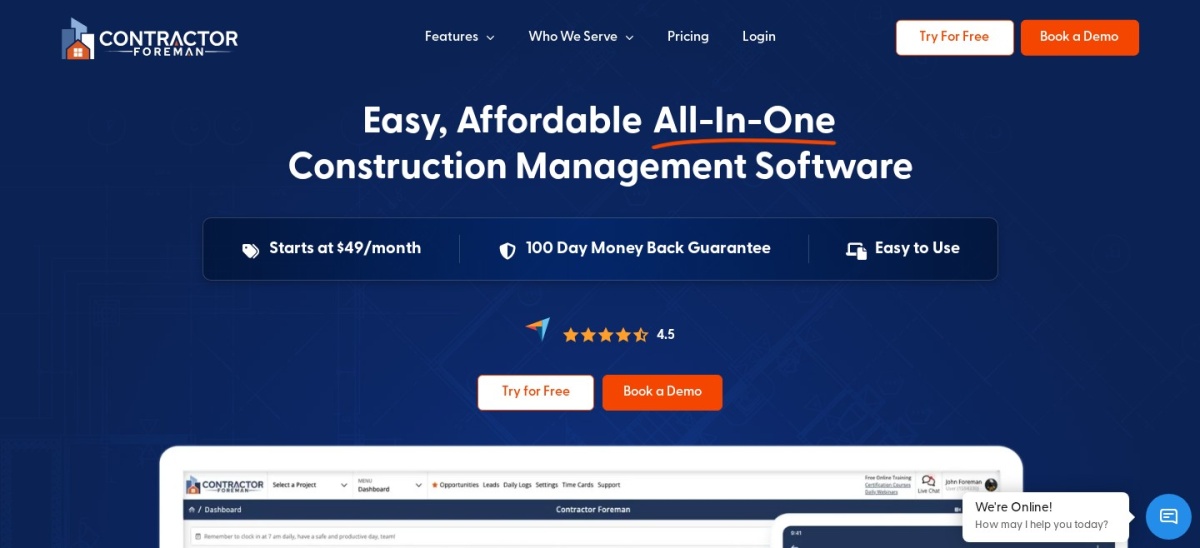
Contractor Foreman homepage, captured Nov 2026.
Contractor Foreman is an all-in-one construction management tool for small contractors, covering estimating, scheduling, daily logs, time cards with GPS, invoicing and QuickBooks integration. The Basic plan costs $49 a month for one user, and every plan includes free training and a 100-day money-back guarantee. It suits solo contractors and small crews that want one low flat price.
The trade off is per-plan user caps. Basic covers one user, Standard covers 3 users at $105 a month, and larger teams step up to Plus at $166 or Pro at $221 a month. It suits small teams that fit inside those caps and want predictable flat pricing.
What we like
Lowest flat starting price at $49 a month
Estimating, scheduling, time cards and invoicing in one tool
Knowify is a job management tool for trade contractors, covering estimates, contracts, scheduling, time tracking, AIA billing and QuickBooks integration. The Core plan costs $99 a month billed annually for one user, and Advanced adds job costing, cost-plus contracts and a client portal. It suits electrical, plumbing and painting contractors that bill on AIA forms.
The trade off is the per-user math. Core includes one user, extra users cost $10 a month each, and the Service Pro dispatch add-on costs $99 a month on top. Monthly billing is $149 a month for Core, so the $99 rate needs an annual plan. It suits small trade shops that bill fixed-price or AIA jobs and track costs closely.
What we like
AIA billing and QuickBooks sync on the Core plan
Published pricing with a free trial
Built for trade contractors, not generic project tools
Watch out for
Job costing needs the Advanced plan at $329 a month
Service Pro dispatch costs $99 a month extra
Core includes one user; extra users cost $10 a month each
Advanced adds job costing, cost-plus contracts and a client portalVisit knowify.com
08
Raken
4.6/5on G2 (110 reviews, checked Nov 2026)
Starts at$23/mo
Best for daily logs
Paid planBasic, $23/user/mo
Minimum users3
Time trackingPerformance plan
Best forDaily logs
rakenapp.com
Raken homepage, captured Nov 2026.
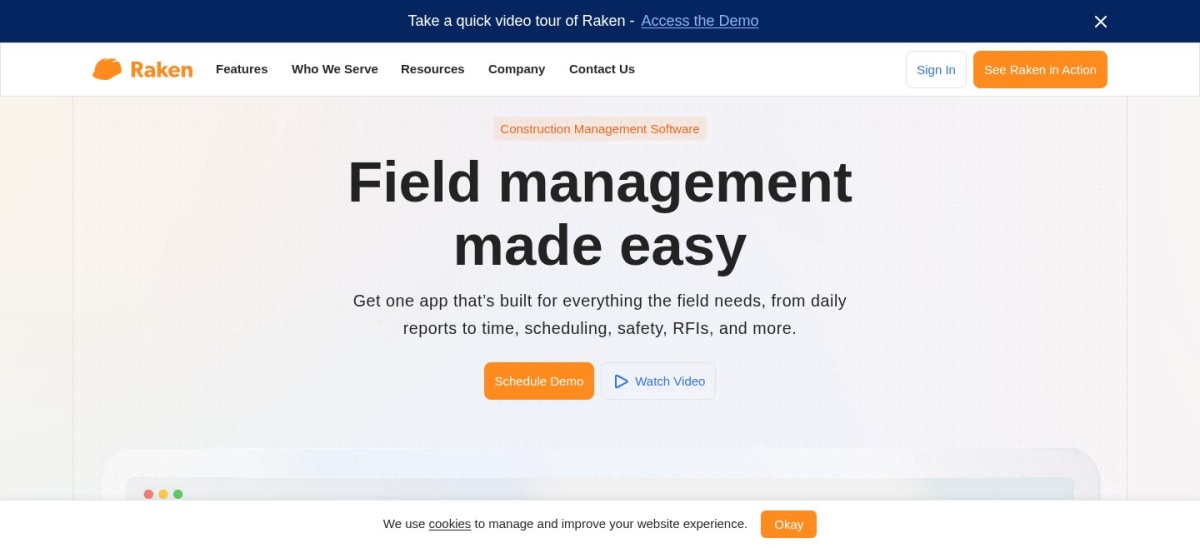
Raken is a field management app built for daily reports, with photos, videos and checklists captured from the jobsite. The Basic plan costs $23 per user a month billed annually, with a 3-user minimum, and branded daily reports are included. It suits foremen who need a clean daily record for every job.
The trade off is feature gating. Time tracking, production tracking, safety management and RFIs sit on the Performance plan at $59 per user a month, and there is no free plan. It suits crews that mainly need daily logs, not a full project system.
What we like
Cheapest paid plan in this list at $23 per user a month
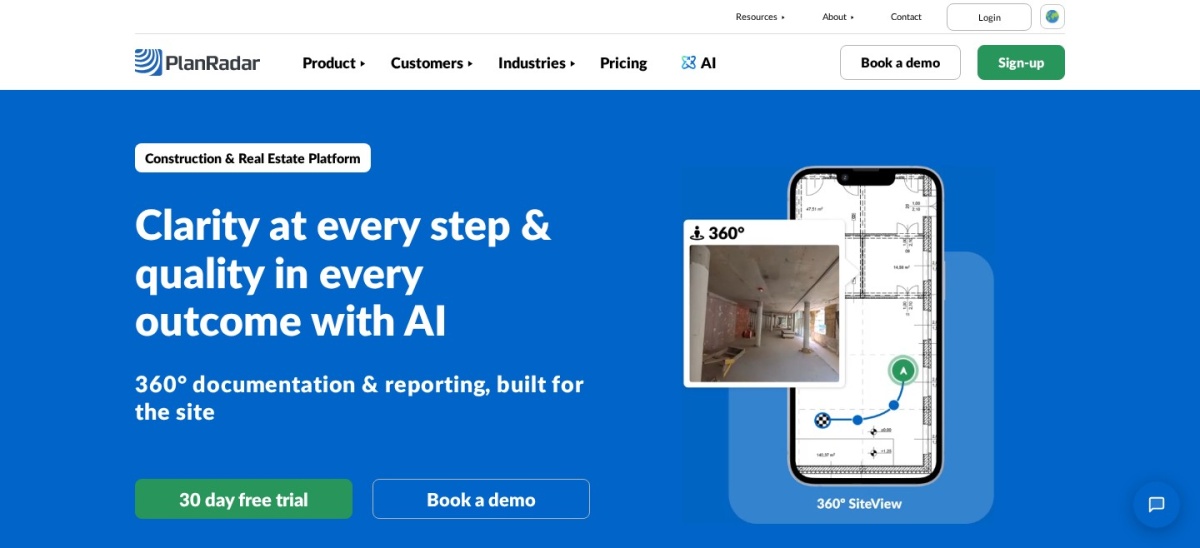
PlanRadar is a construction documentation platform for defect tracking, inspections and site reporting, with tickets pinned to plans and 360° photo records. The Basic plan costs $35 per user a month, and a 30-day free trial is included. It suits site managers who need inspection-ready records across many locations.
The trade off is plan caps. Basic covers 10 digital plans per user, and BIM support, custom templates, scheduling and API access sit on the Pro plan at $179 a month. It suits teams that document defects and inspections rather than run budgets.
Procore and Buildertrend are the two quote-based tools in this list. Both price by annual construction volume, include unlimited users, and ask you to talk to sales before you see a number.
The other seven tools publish starting prices. That makes budgeting simple: multiply the per-user price by your crew size, and check which features sit on higher tiers.
Watch for the extras. Per-user prices rise fast on large crews, and features like Knowify Service Pro cost $99 a month on top of the base plan. Get the full quote in writing, including onboarding fees, before you sign.
How we chose
We started from the jobsite management tools with the largest G2 review bases and the clearest field features, then kept nine that cover large contractors, home builders, small crews and trade specialists.
Prices come from each vendor's pricing page, checked on 25 November 2026. Ratings and review counts come from G2 on the same day. Where a vendor shows a sale, the list shows the regular price.
We left out tools with no public G2 rating or fewer than 20 reviews. No vendor paid for a place, and we do not claim to have used these tools ourselves.
How to choose jobsite management software
Start with who will open the app every day, then match the tool to them.
Count your field users first. Per-user tools like Fieldwire and Raken charge for every seat, while Buildertrend and Procore include unlimited users. Do the maths for your crew size before comparing headline prices.
Check offline mode and the mobile app. Crews lose signal on site, so the app must keep working and sync later. Fieldwire, Raken and PlanRadar are built for that.
List the paperwork you must produce. Daily logs, RFIs, submittals, AIA billing and change orders each sit on different plans. Pick the tool that covers your list without the top tier. If you bill from the same system, our guide on creating an invoice in WooCommerce covers the billing side.
Run the free plan or trial on a live job. Fieldwire's free plan covers 5 users and 3 projects, and PlanRadar offers a 30-day trial, so you can test on real work before paying.
FAQ
What is the best jobsite management software?
Procore is the best jobsite management software for large contractors, with the widest project and financial coverage and a 4.6/5 G2 rating from over 4,200 reviews. Fieldwire is the best pick for field teams, and JobTread is the best value for small contractors.
Is there free jobsite management software?
Yes. Fieldwire has a free Basic plan for up to 5 users, 3 projects and 100 sheets, with plan viewing, task management and checklists. It is the only free plan in this list; the other tools offer free trials or a money-back guarantee instead.
How much does jobsite management software cost?
Published prices in this list run from $23 per user a month for Raken to $100 per user a month for Autodesk Forma Build Essentials. Procore and Buildertrend are quote-based, and flat-rate tools like Contractor Foreman start at $49 a month.
What is the difference between Procore and Buildertrend?
Procore is built for large commercial contractors, with deep financials, RFIs and submittals priced by construction volume. Buildertrend is built for home builders and remodelers, with scheduling, selections and a homeowner portal. Both are quote-based.
Do I need separate software for daily logs?
Not always. Raken is built for daily logs, photos and time cards, and Fieldwire covers reports and exports from its Pro plan. If you only need a daily record, Raken at $23 per user a month is the cheapest route in this list.
Which jobsite tool is best for small contractors?
JobTread is the best-rated option for small contractors at 4.9/5 on G2, at $159 a month billed annually with every feature included. Contractor Foreman is the cheapest all-in-one, starting at $49 a month for one user.
SaaS SEO and WordPress specialist with about 8 years of experience. Rakib compares WordPress plugins, themes, hosting and software using public pricing, documentation and user reviews. See how we rank.