Datadog is the best IT monitoring software for most teams, with a free tier for 5 hosts, Infrastructure Pro from $15 per host per month, and a 4.4 out of 5 rating from 726 G2 reviews. Pick Dynatrace for AI root-cause analysis or Site24x7 for the cheapest paid plan at $9 a month.
How we make this list: we compare pricing pages, product documentation and public user reviews, then re-check every price before each update. No product paid for a place. Disclosure.
Datadog leads: free tier for 5 hosts, Pro from $15 per host a month, rated 4.4 out of 5 from 726 G2 reviews.
Dynatrace has the biggest review base here at 1,363 reviews, rated 4.5 out of 5, but full-stack starts at $69 per host a month.
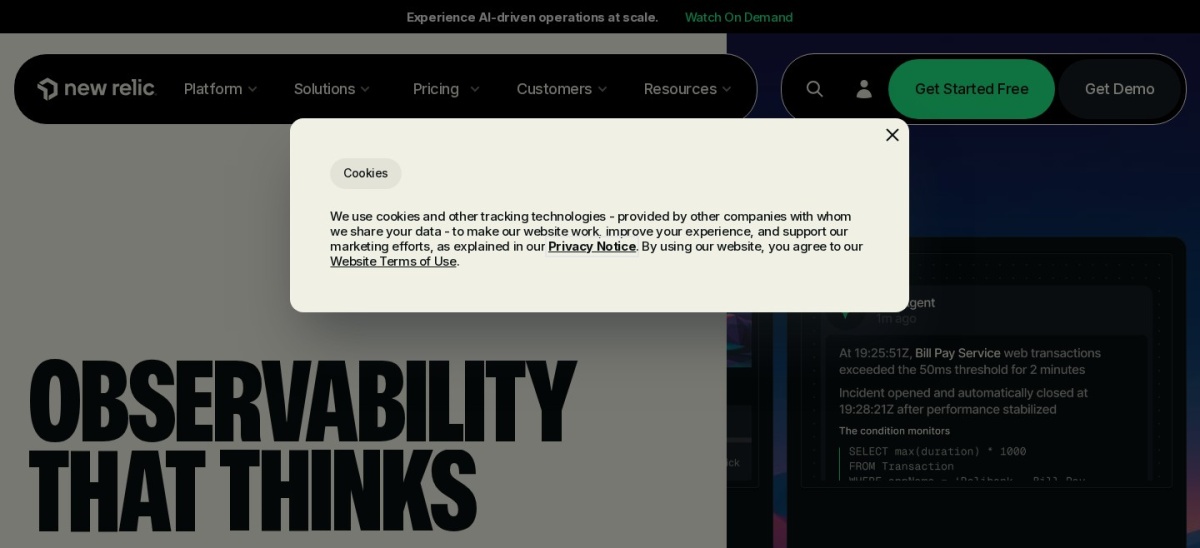
New Relic's free tier gives 100 GB of data ingest a month and one full-platform user.
Site24x7 is the cheapest paid plan at $9 a month for 11 monitors.
PRTG, Checkmk, OpManager and Nagios XI all offer free editions for small estates.
SolarWinds SAM is the priciest start at $2,995, with more than 1,200 monitoring templates.
What IT monitoring software should cover
IT monitoring software watches your servers, networks, applications and websites and alerts you when something breaks or slows down. Without it, you find out from users, usually too late.
Start with what you need to watch. Cloud teams need infrastructure and APM in one place, while network teams need device, bandwidth and uptime coverage. Our guide on how to monitor a WordPress site shows the same thinking on a smaller scale.
Free tiers are genuinely useful here. Datadog covers 5 hosts free, New Relic gives 100 GB of ingest a month, and PRTG, Checkmk, OpManager and Nagios XI all have free editions.
Watch how each tool charges. Per-host, per-sensor, per-service and per-user pricing all scale differently, so a cheap entry price can still grow fast.
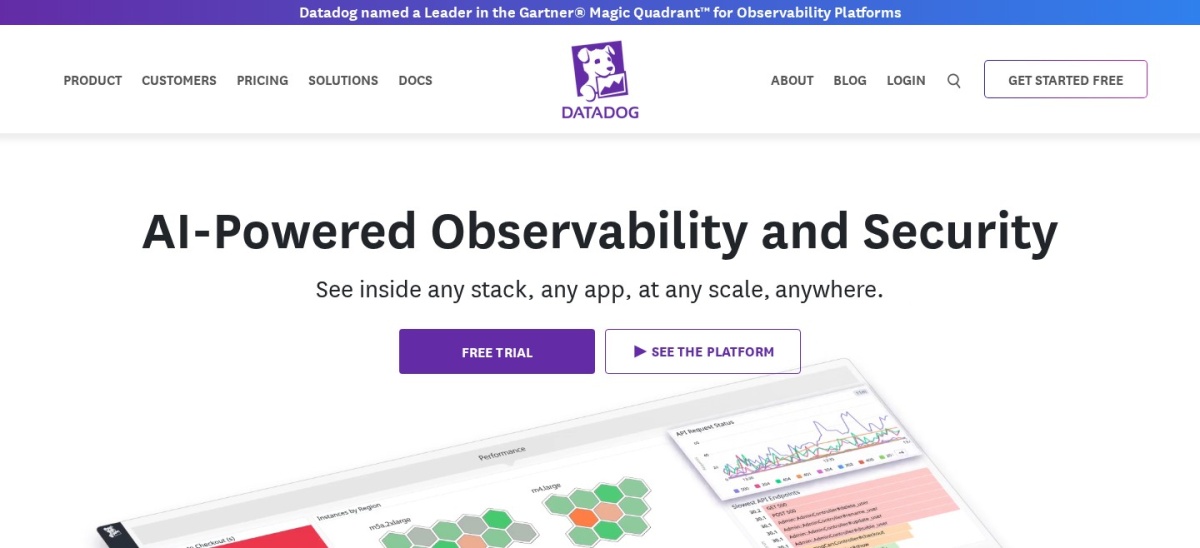
Datadog is a cloud monitoring platform that covers infrastructure, applications, logs and real user activity in one place. The free tier covers up to 5 hosts, and Infrastructure Pro starts at $15 per host per month billed annually, with APM from $31 per host per month.
The trade off is cost at scale. Per-host and per-GB charges add up fast once you turn on APM, logs and synthetics across many services. It suits teams that want one platform for everything and can watch usage.
What we like
One platform for infra, APM, logs and browser monitoring
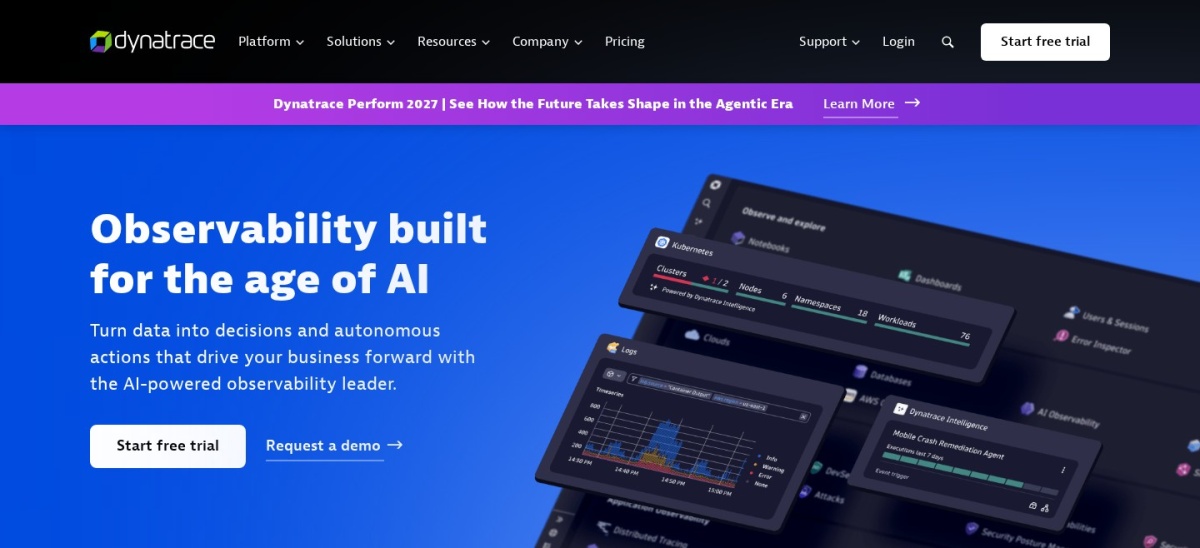
Dynatrace is a full-stack observability platform built around automatic discovery and AI root-cause analysis. Its Davis AI maps dependencies and points to the cause of a problem, and Infrastructure Monitoring starts at $21 per month per 8 GB host billed annually.
The trade off is price and complexity. Full-stack monitoring starts at $69 per month per host, and the consumption model is hard to forecast as environments grow. It suits large teams running complex hybrid estates.
New Relic is a full-stack observability platform with a generous free tier: 100 GB of data ingest a month and one full-platform user at no cost. Core users cost $49 a month, and the first full-platform user on Standard is $10 a month, with more users at $99.
The trade off is the seat model. Full-platform seats at $49 to $349 a user add up quickly for larger engineering teams, and ingest beyond 100 GB costs $0.40 per GB. It suits small teams that want full observability without a big starting bill.
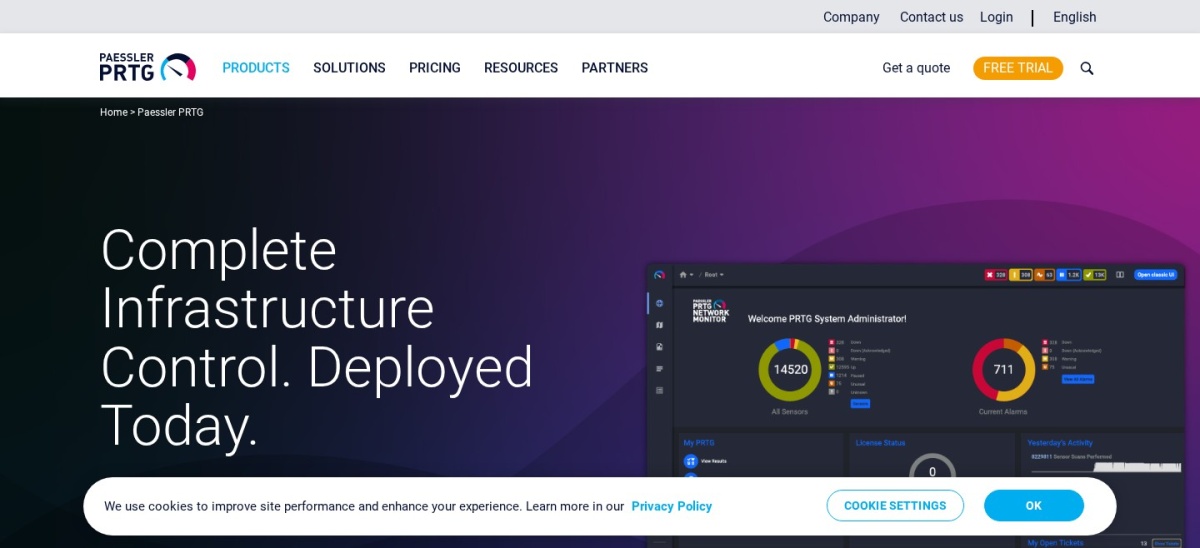
Paessler PRTG is a sensor-based tool for networks, servers, applications and devices. The freeware edition covers 100 sensors, and the first paid tier, PRTG 500, costs $200 a month paid annually and covers about 50 devices.
The trade off is the sensor model. Every monitored item uses sensors, so a busy estate can outgrow a tier fast, and the interface looks dated next to cloud rivals. It suits small and mid-sized teams that want on-premises monitoring with predictable tiers.
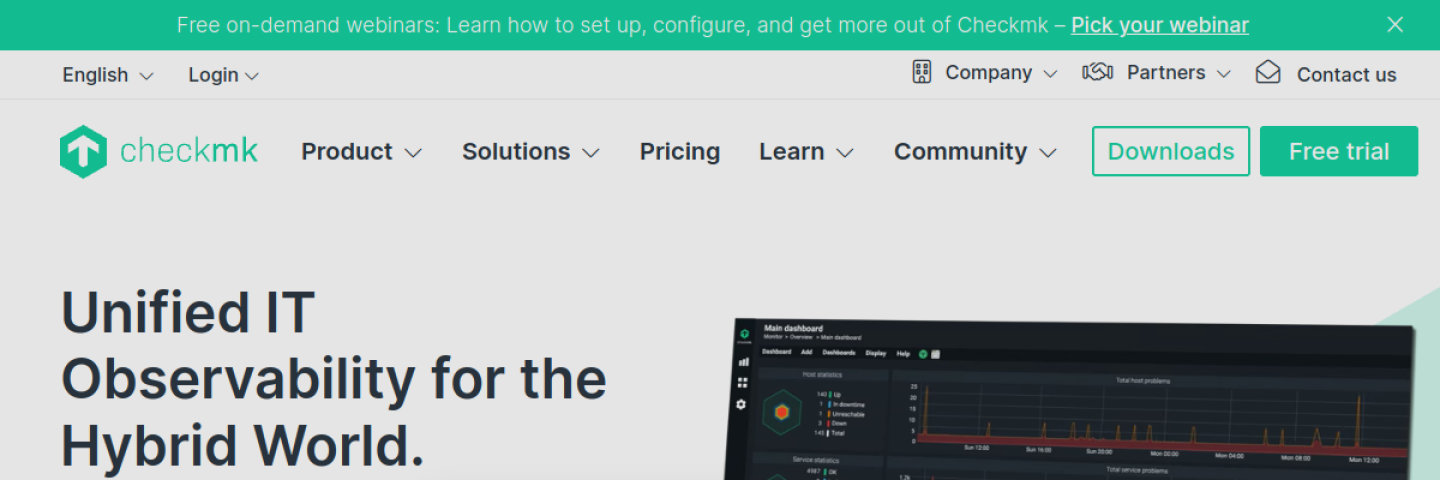
Checkmk is an open-source-based monitoring platform with more than 2,000 built-in check plugins and automatic service discovery. The Community edition is free, and Pro starts at $275 a month billed annually for about 100 hosts, priced by monitored service.
The trade off is that pricing is service-based, not host-based, so the bill depends on how many checks discovery finds. It suits teams that want open-source roots with commercial support and strong network and server coverage.
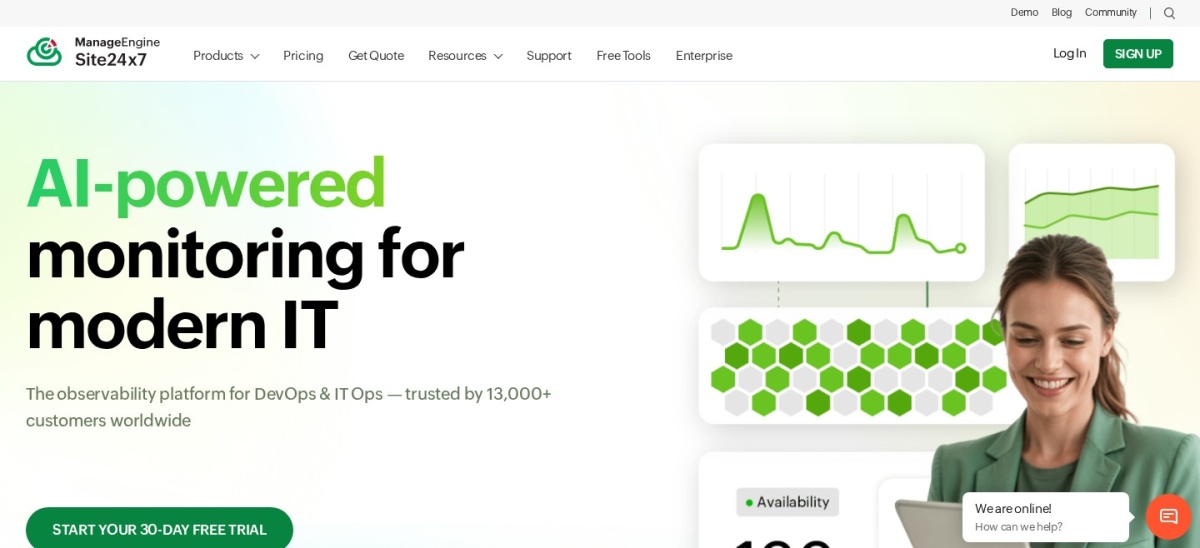
Site24x7 is a cloud monitoring service for websites, servers, applications and networks from one dashboard. The Starter plan costs $9 a month and covers 11 monitors, with real-time alerts by email, SMS and push.
The trade off is depth at the low end. Starter covers only 11 monitors, so growing estates move to Pro at $35 a month, and the interface packs in many options. It suits small teams that want cheap, broad monitoring without running a server.
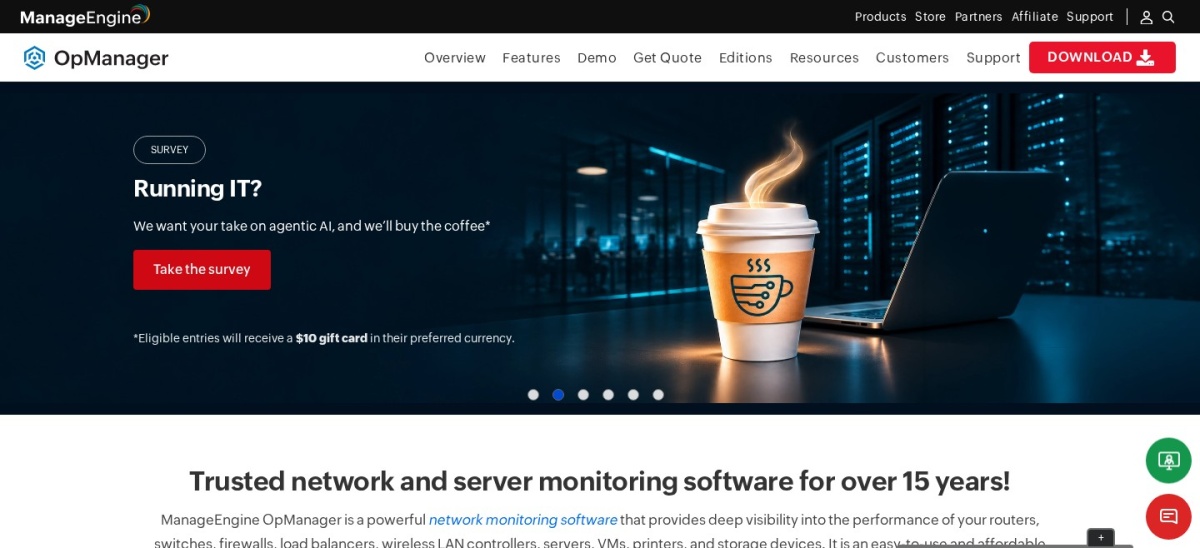
ManageEngine OpManager homepage, captured Nov 2026.
ManageEngine OpManager is a monitoring tool for networks, servers and applications, with real-time alerts and NOC-style views in one dashboard. The free edition covers 10 devices, and the Standard edition starts at $245 for 10 devices.
The trade off is setup effort. Advanced features take time to configure, and the monitoring server needs enough resources on large estates. It suits IT teams that want broad coverage at a low entry price.
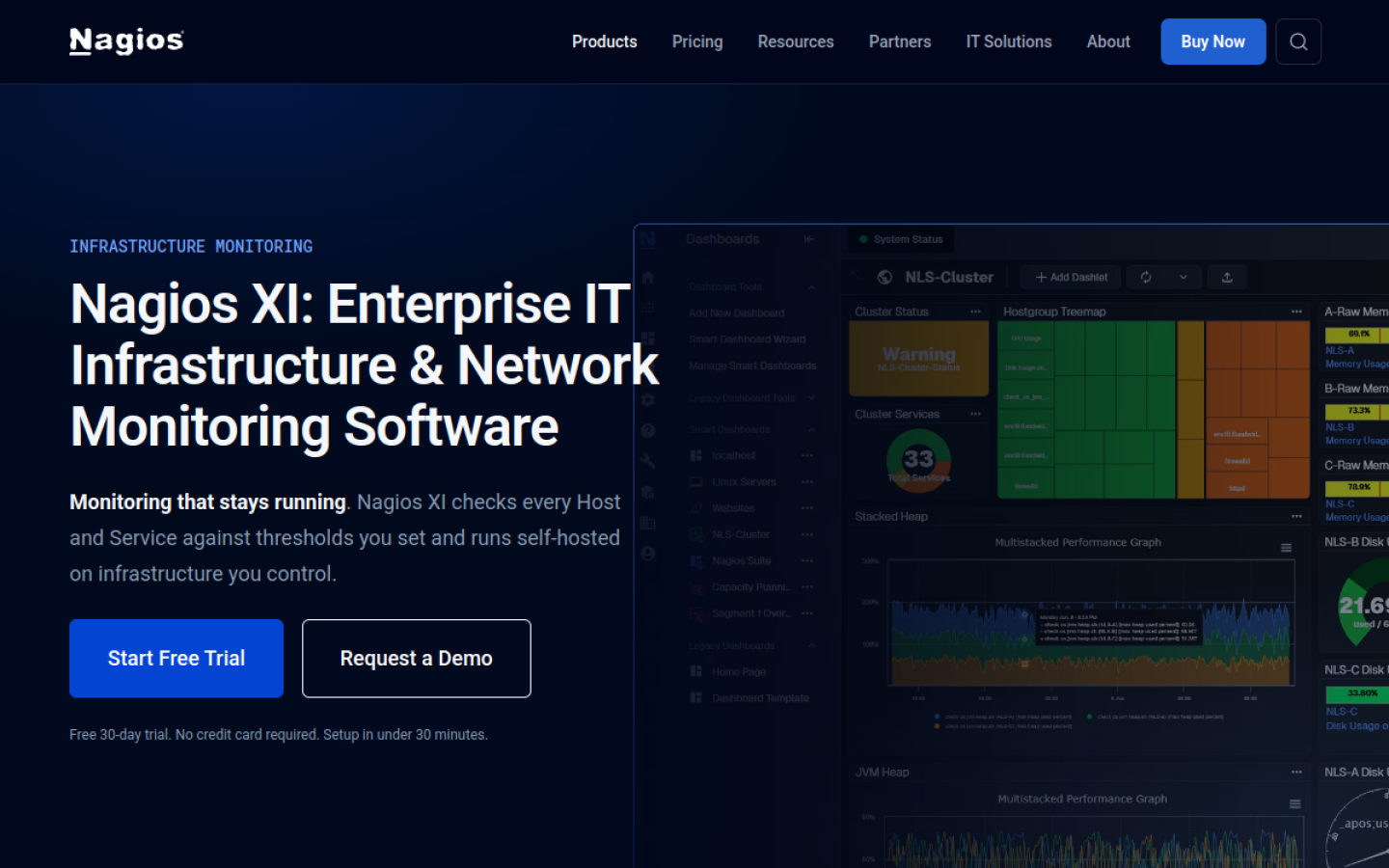
Nagios XI is the commercial edition of Nagios Core, adding a web interface, configuration wizards, dashboards and reporting. A free version covers 7 nodes, and Standard costs $1,995 as a one-time licence.
The trade off is age. The interface and file-driven setup feel dated, and scaling takes manual work, but thousands of community plugins cover almost anything. It suits admins who want to own their monitoring stack outright.
SolarWinds SAM is a server and application monitor for on-premises, cloud and hybrid setups. It ships with more than 1,200 monitoring templates and dependency mapping, and pricing starts at $2,995.
The trade off is cost and setup. SAM is one of the priciest tools here, has no free plan, and setup takes planning on large estates. It suits Windows-heavy teams that already run SolarWinds tools.
Free plans cover small estates well. Most include real monitoring and alerts, not just a demo.
Paid plans mostly add scale and depth. You get more hosts, sensors or monitors, longer data retention and support.
Check what the free tier leaves out before you commit. Our hosting uptime guide explains why uptime checks alone are not enough for a busy site.
If monitoring protects revenue, the first paid tier often costs less than one outage.
How we chose
We started from the best-known IT monitoring tools on G2, then kept nine with published ratings, public pricing and an established user base.
Prices come from each vendor's pricing page or vendor-supplied G2 listing, checked on 25 November 2026. Ratings and review counts come from G2 on the same day. Where a vendor shows a sale, the list shows the regular price.
We left out tools with quote-only pricing and no public rating. No vendor paid for a place, and we do not claim hands-on testing for this list.
How to choose IT monitoring software
List what you need to watch first, then match the pricing model to it.
Count what you will monitor. Hosts, devices, sensors and users all drive the bill. A tool that is cheap for 10 hosts can be costly for 200.
Try the free tier on real systems. Run the free plan or trial against your own servers for a week and check alert quality, not just dashboards.
Check how alerts reach you. Make sure alerts go to email, SMS or your chat tool, and that you can tune thresholds to cut noise.
Price a year ahead. Work out the cost at twice your current size, since monitoring bills grow with your estate.
FAQ
What is the best IT monitoring software?
Datadog is the best pick for most teams. Its free tier covers up to 5 hosts, Infrastructure Pro starts at $15 per host per month, and it is rated 4.4 out of 5 from 726 G2 reviews, with APM, logs and browser monitoring in one platform.
Is there free IT monitoring software?
Yes. Datadog covers 5 hosts free, New Relic gives 100 GB of ingest a month, and PRTG, Checkmk, OpManager and Nagios XI all have free editions. Free plans suit small estates, but growing teams usually need a paid tier for more hosts or longer retention.
How much does IT monitoring software cost?
Entry prices in this list run from $9 a month for Site24x7 Starter to $2,995 a year for SolarWinds SAM. Most tools charge per host, sensor or user, so the real cost depends on how much you monitor, not just the headline price.
What is the difference between Datadog and Dynatrace?
Both cover infrastructure and applications, but Datadog is priced per host and product, while Dynatrace is priced per host with AI root-cause analysis built in. Datadog is rated 4.4 out of 5 from 726 G2 reviews and Dynatrace 4.5 out of 5 from 1,363 reviews.
Do I need APM as well as infrastructure monitoring?
It depends on what you run. Infrastructure monitoring covers servers and networks, while APM follows requests through your application code. Teams running custom apps usually need both, while teams running standard servers can start with infrastructure monitoring alone.
Can I monitor my website uptime for free?
Yes, several tools here include uptime checks in their free tiers, and Site24x7 Starter covers 11 monitors for $9 a month. For a WordPress site, a free uptime check plus a monitoring plugin is often enough to start with.
SaaS SEO and WordPress specialist with about 8 years of experience. Rakib compares WordPress plugins, themes, hosting and software using public pricing, documentation and user reviews. See how we rank.