Hudu is the best IT documentation software for most teams, at $27 per user a month with passwords, assets and client records in one place and a 4.7 out of 5 G2 rating from 377 reviews. Pick IT Glue if you need the deepest PSA integrations, or Confluence for the cheapest paid plan at $5.78 per user a month.
How we make this list: we compare pricing pages, product documentation and public user reviews, then re-check every price before each update. No product paid for a place. Disclosure.
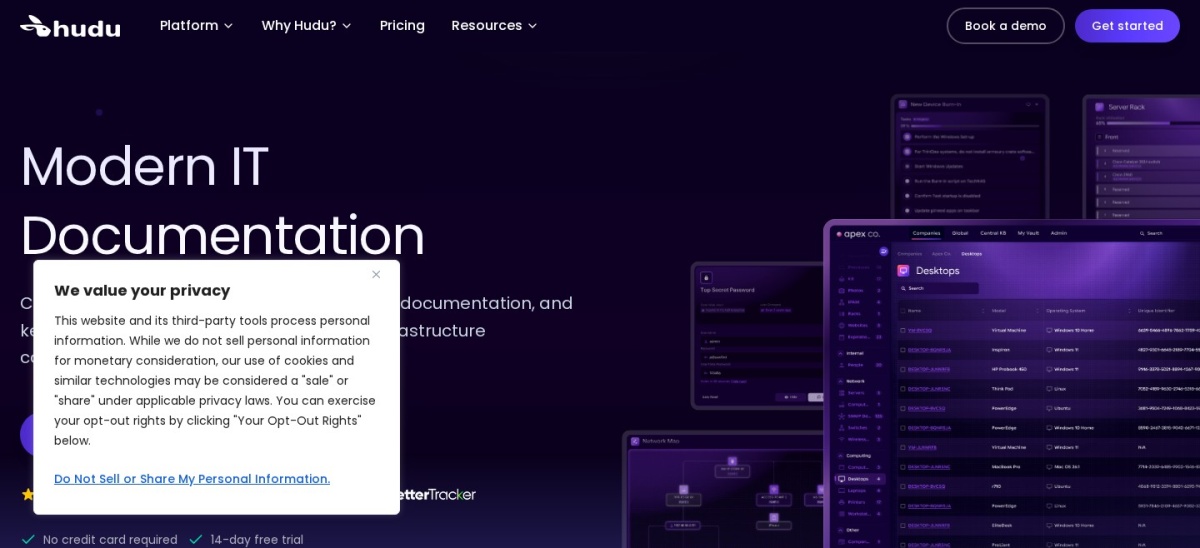
Hudu covers passwords, assets, IPAM and client records for $27 per user a month, with no user minimum and no contract.
IT Glue is the most established IT-specific option, but Basic starts at $29 per user a month with a 5-user minimum and a 36-month term.
Confluence is the cheapest paid plan here at $5.78 per user a month, and its free plan covers up to 10 users.
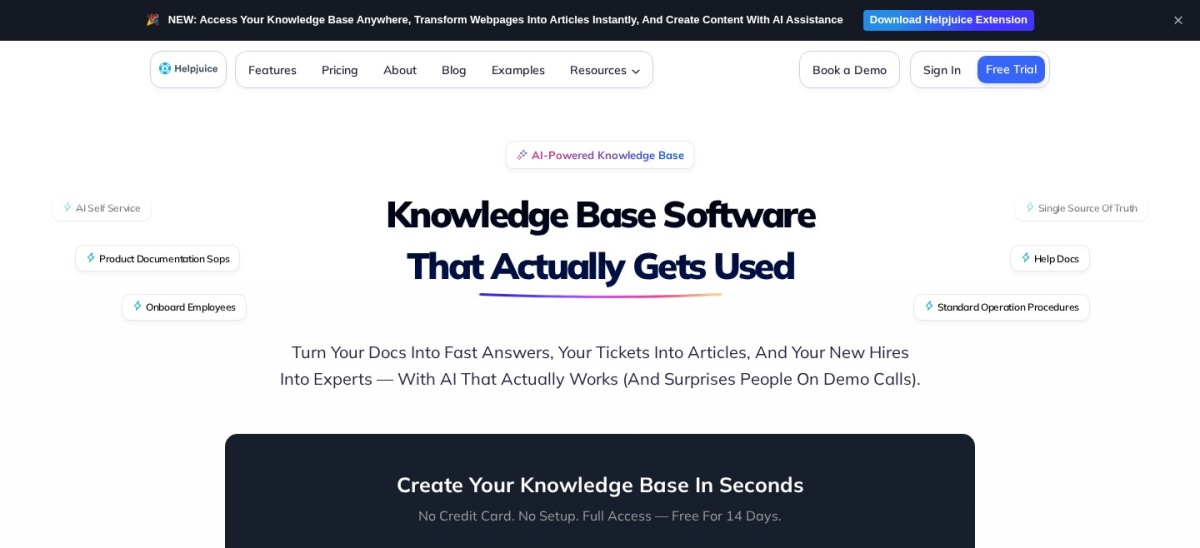
Helpjuice is the only flat-priced tool at $249 a month for 30 users, so adding writers costs nothing extra.
Nuclino has the highest G2 score in the list at 4.7, but from only 30 reviews, so treat that score with care.
Scribe is the only tool that builds SOPs by recording your clicks, with Pro Personal at $25 a seat a month billed yearly.
What IT documentation software should cover
IT documentation is more than a wiki. An IT team needs passwords, asset records, network details and step-by-step procedures in one place that every technician can search.
The two IT-specific tools here, Hudu and IT Glue, link those records together. A server page can show its passwords, its warranty dates and the procedures that touch it, without hunting through folders.
Permissions matter as much as search. A documentation tool should log who changed a password or a procedure, so a mistake can be traced. Our guide on auditing user activity in WordPress explains the same habit for site admins.
Price is usually per user per month, so a small team pays far less than a large one. Helpjuice is the exception, with one flat monthly price for up to 30 users.
Hudu is an IT documentation platform for MSPs and in-house IT teams that keeps client records, passwords, assets and SOPs in one searchable place. The single plan costs $27 per user a month billed annually and includes a password vault, IPAM, rack management, 60+ integrations and a REST API, with cloud hosting or self-hosting on the same plan.
The trade off is that there is no free plan, only a 14-day trial, and network discovery costs extra through the Hudu Radar add-on from $44 a month. It suits MSPs and IT teams that want IT Glue-style documentation at one flat rate, with no user minimum and no contract.
IT Glue is the longest-running IT documentation platform for MSPs, built around structured records for clients, configurations, passwords and procedures. Basic costs $29 per user a month and includes unlimited documentation, a password vault and one integration, with 75 integrations listed on G2 and two-way PSA sync on higher plans.
The trade off is commitment. Every plan needs at least 5 users on a 36-month term, and a one-time onboarding fee applies, so a small team pays at least $145 a month before add-ons. It suits established MSPs already using Kaseya, Datto or ConnectWise tools.
What we like
Most established IT-specific platform
Deep PSA and RMM integrations
Password vault with audit trail
Relationship mapping links records together
Watch out for
5-user minimum and 36-month term
One-time onboarding fee
Basic allows only one integration
Select adds two-way PSA sync at $38 per user a monthVisit itglue.com
03
Confluence
4.1/5on G2 (4,368 reviews, checked Nov 2026)
Paid from$5.78/mo
Best cheap wiki for Atlassian teams
Cheapest planStandard, $5.78/user/mo
Free planYes, up to 10 users
Storage2 GB free, 250 GB Standard
G2 reviews4,368
atlassian.com
Confluence homepage, captured Nov 2026.
Confluence is Atlassian's team wiki for pages, spaces and templates, and the most widely reviewed tool here with 4,368 G2 reviews. The free plan covers up to 10 users with 2 GB of storage, and Standard costs $5.78 per user a month with 250 GB of storage, page permissions and guest access.
The trade off is that the $5.78 rate is the blended rate shown for a 300-user team, so smaller teams pay more per user, and password or asset records need add-ons. It suits teams already using Jira who want a plain, low-cost wiki.
What we like
Cheapest paid plan in this list
Free plan for up to 10 users
Largest G2 review base here
Strong fit for Jira teams
Watch out for
Per-user rate rises for small teams
No password vault or asset records
Needs add-ons for IT-specific data
Premium adds automation and analytics at $11.16 per user a monthVisit atlassian.com
04
Notion
4.6/5on G2 (13,767 reviews, checked Nov 2026)
Paid from$10/mo
Best flexible wiki beside tasks and databases
Cheapest planPlus, $10/member/mo
Free planYes
Page history30 days on Plus
G2 reviews13,767
notion.com
Notion homepage, captured Nov 2026.
Notion is a flexible workspace that combines wikis, docs and databases in one place, with 13,767 G2 reviews behind it. The free plan covers single users, and Plus costs $10 per member a month billed annually with unlimited pages, 30-day page history and custom sites.
The trade off is structure. Notion has no IT-specific records for assets or passwords, so an IT team must build its own templates and checks. It suits small IT teams that want docs, tasks and databases together rather than a dedicated IT platform.
What we like
Free plan and low Plus price
Docs, tasks and databases in one place
Huge review base at 4.6 out of 5
Flexible templates for any process
Watch out for
No IT asset or password records
Costs rise per member as teams grow
AI features need the $20 Business plan
Business adds AI, SSO and 90-day history at $20 per member a monthVisit notion.com
05
Helpjuice
4.7/5on G2 (384 reviews, checked Nov 2026)
Starts at$249/mo
Best flat-priced knowledge base
Cheapest plan$249/mo flat, 30 users
Free planNo, 14-day trial
AI search$449/mo plan
Storage12 GB
helpjuice.com
Helpjuice homepage, captured Nov 2026.
Helpjuice is a dedicated knowledge base for internal docs and customer help centers, with search analytics that show what readers look for and what they never find. The Knowledge Base plan costs $249 a month flat for 30 users and 12 GB of storage, with unlimited articles and a 14-day free trial.
The trade off is price and AI. The entry plan has no AI search or chatbot, which need the $449-a-month plan, and there is no free plan. It suits support-led teams that want a polished, searchable help center and can pay a flat team rate.
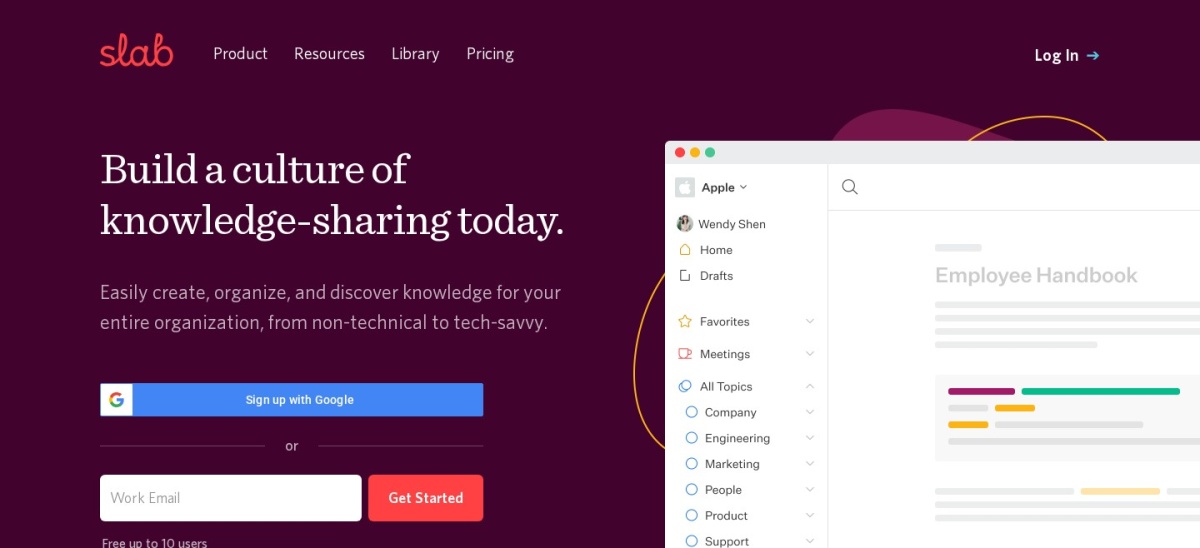
Slab is a clean team wiki built around topics, a fast editor and unified search across Slab and connected tools such as Google Drive, Slack and GitHub. The free plan covers up to 10 users with unlimited posts, and Startup costs $6.67 per user a month billed annually.
The trade off is depth. Slab has no IT asset records or password vault, and its AI search needs the Business plan at $12.50 per user a month. It suits small teams that want a simple internal wiki with a genuinely usable free plan.
What we like
Free plan for up to 10 users
Clean editor and fast unified search
Searches connected tools such as Slack and GitHub
Low Startup price at $6.67 per user a month
Watch out for
No password vault or asset records
AI search needs the Business plan
No public help center option
Business adds AI search and SSO at $12.50 per user a monthVisit slab.com
07
Nuclino
4.7/5on G2 (30 reviews, checked Nov 2026)
Paid from$6/mo
Best lightest wiki for small teams
Cheapest planStarter, $6/user/mo
Free planYes, 50 items
G2 reviews30
Version historyYes
nuclino.com
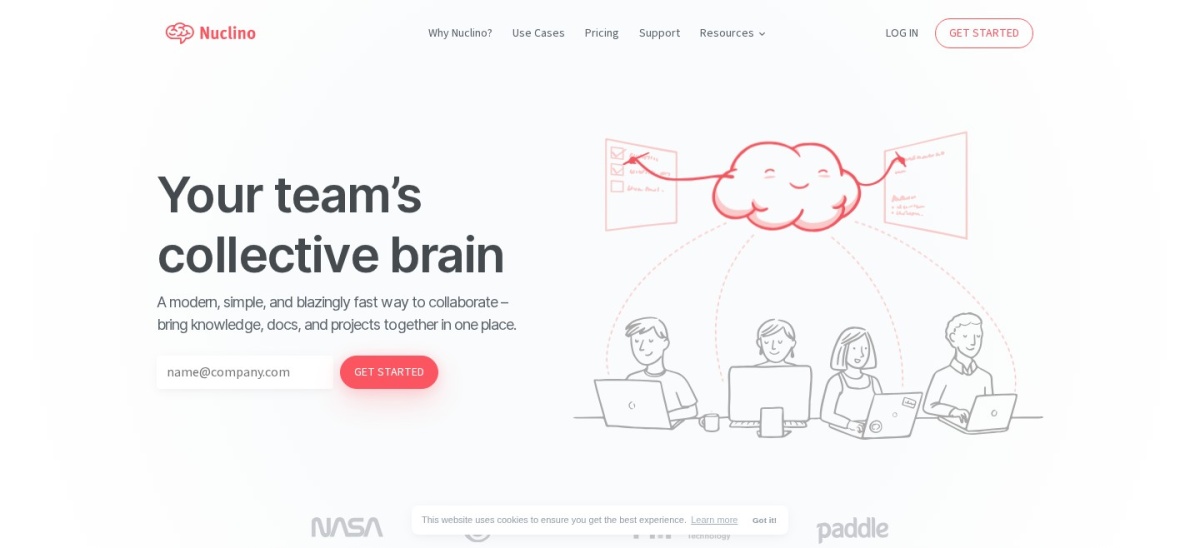
Nuclino homepage, captured Nov 2026.
Nuclino is a light unified workspace for team docs, meeting notes and project knowledge, organised in a visual graph and lists. The free plan allows up to 50 items, and Starter costs $6 per user a month billed annually with unlimited items and version history.
The trade off is evidence. Its 4.7 G2 rating comes from only 30 reviews, the smallest sample here, and it has no IT asset or password features. It suits small teams that want the lightest wiki on this list and will grow into a bigger tool later.
ClickUp is a work platform with Docs, wikis, tasks and dashboards in one workspace, so documentation sits beside the work it describes. The free plan includes collaborative Docs, and Core costs $12 per user a month at the regular rate, with unlimited storage, custom fields and Gantt charts.
The trade off is focus. ClickUp is a general work tool, not an IT documentation platform, so asset and password records need custom setup, and new users face a steep learning curve. It suits teams that already run projects in ClickUp and want their docs in the same place.
What we like
Docs sit beside tasks and dashboards
Free plan with collaborative Docs
Huge review base at 4.6 out of 5
Custom fields and Gantt charts on Core
Watch out for
Not built for IT asset or password records
Steep learning curve for new users
Regular Core rate is $12, not the $9 annual figure
Core lists $9 a month billed yearly, with $12 as the regular rateVisit clickup.com
09
Scribe
4.7/5on G2 (1,019 reviews, checked Nov 2026)
Paid from$25/mo
Best for building SOPs from clicks
Cheapest planPro Personal, $25/seat/mo
Free planYes, Basic
Desktop capturePro only
G2 reviews1,019
scribe.com
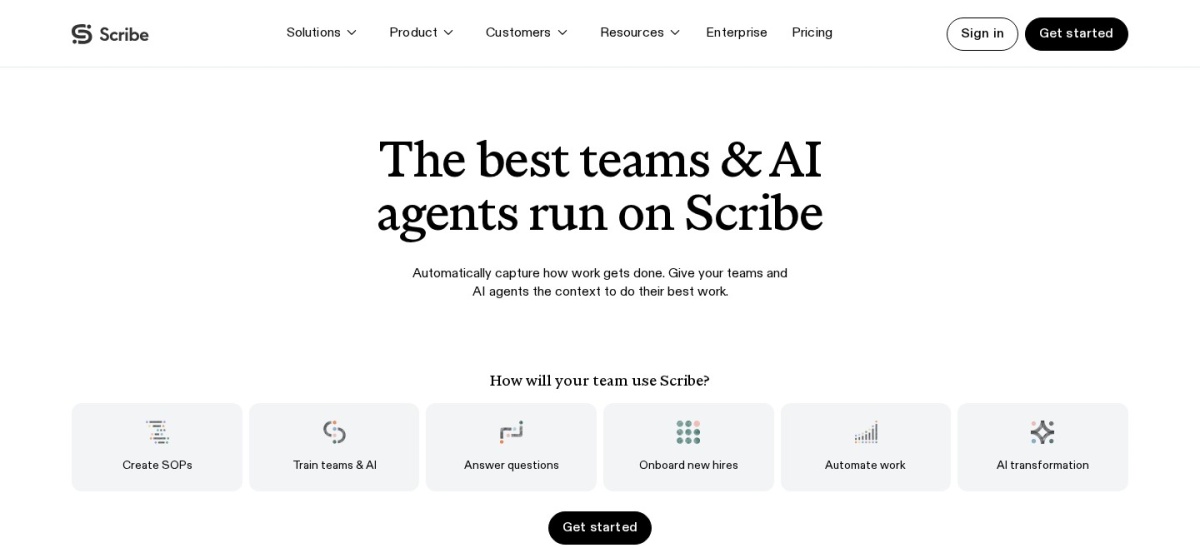
Scribe homepage, captured Nov 2026.
Scribe is a process documentation tool that records a workflow as you click and turns it into a step-by-step guide with screenshots. The free Basic plan covers web-app capture, and Pro Personal costs $25 a seat a month billed yearly, adding desktop capture, branding and PDF, HTML and Markdown export.
The trade off is scope. Scribe builds guides, it is not a wiki, so finished guides still need a home such as Confluence or Slab, and Pro Team needs 5 seats. It suits IT teams that write SOPs every week and want the first draft built for them.
What we like
Builds SOPs from recorded clicks
Free Basic plan for web apps
Exports to PDF, HTML and Markdown
High 4.7 G2 rating from 1,019 reviews
Watch out for
Not a wiki, guides need a home elsewhere
Pro Team needs 5 seats
Desktop capture needs a paid plan
Pro Team adds shared workspaces at $13 a seat a month billed yearlyVisit scribe.com
IT-specific tools vs general wikis
IT-specific tools hold passwords, assets and client records as structured data, so a search for a server returns its credentials and procedures together.
General wikis are cheaper and more flexible, but every IT record becomes a plain page that someone must keep accurate by hand.
A small team can start on a general wiki and move later, but a team with many clients usually outgrows that setup within a year.
How we chose
We started from the tools named most often in IT documentation round-ups for MSPs and IT teams, then kept those with a published price and a public rating.
Prices come from each vendor's pricing page or its G2 pricing data, checked on 25 November 2026. Ratings and review counts come from G2 on the same day, except Confluence and Notion, whose counts come from G2 comparison pages dated August 2026. Where a vendor shows a sale, the list shows the regular price.
We left out Document360 and Guru, which publish no prices, and GitBook, whose pricing changed to a per-site model in November 2026. No vendor paid for a place, and we do not claim hands-on testing for this list.
How to choose IT documentation software
Start with who writes the docs, then check what must live beside them.
List what must be documented. Passwords, assets, network details and SOPs need different fields. A wiki covers SOPs, but only an IT platform links them to assets.
Count the writers, not the readers. Most tools charge per user who edits, so a flat-priced tool such as Helpjuice can cost less once many people write docs.
Check the integrations you already run. If your PSA or RMM must feed the docs, confirm the sync direction on your plan before you buy.
Trial it with real records. Move one client or one system into the trial and see how long a technician takes to find a password and a procedure.
FAQ
What is the best IT documentation software?
Hudu is the best pick for most IT teams. It covers passwords, assets, IPAM and client records for $27 per user a month billed annually, with no user minimum, and it holds a 4.7 out of 5 G2 rating from 377 reviews.
Is IT Glue or Hudu better for an MSP?
Hudu is the better value for most MSPs, with one flat rate, no minimum and no contract. IT Glue is the better pick if you need the deepest PSA and RMM integrations and can commit to 5 users on a 36-month term.
Can I use Confluence for IT documentation?
Yes, and it is the cheapest paid option here at $5.78 per user a month. You will need add-ons or strict templates for passwords and asset records, since Confluence is a general wiki, not an IT-specific platform.
Is there free IT documentation software?
Several tools here have free plans, including Confluence, Notion, Slab, Nuclino, ClickUp and Scribe. None of the two IT-specific platforms is free, though Hudu offers a 14-day trial.
How much does IT documentation software cost?
Entry prices in this list run from $5.78 per user a month for Confluence Standard to $249 a month flat for Helpjuice. The two IT-specific tools cost $27 and $29 per user a month, both before add-ons.
Do I need a separate password manager?
Not with Hudu or IT Glue, which both include a password vault. General wikis such as Confluence, Notion and Slab have no vault, so teams using them still need a separate password tool.
SaaS SEO and WordPress specialist with about 8 years of experience. Rakib compares WordPress plugins, themes, hosting and software using public pricing, documentation and user reviews. See how we rank.