PagerDuty is the best IT alerting software for most teams, rated 4.5 out of 5 on G2 from 983 reviews, with a free plan for 5 users and Professional at $21 per user a month. Choose xMatters for enterprise workflows, or Zenduty at $6 per user a month for the lowest priced paid plan.
How we make this list: we compare pricing pages, product documentation and public user reviews, then re-check every price before each update. No product paid for a place. Disclosure.
PagerDuty leads with a 4.5/5 G2 rating from 983 reviews and a free plan for 5 users.
xMatters starts at $15 per user a month after its summer 2026 price rise from $9.
Zenduty is the cheapest paid plan here at $6 per user a month, with a free tier for 5 users.
incident.io scores highest at 4.8/5 on G2, but on-call costs $10 more per user a month on top of Team.
Grafana OnCall fits Grafana Cloud users only; its open-source version was archived in March 2026.
What IT alerting software should cover
IT alerting software wakes the right person when a system fails. It takes alerts from monitoring tools, checks who is on call, and pages them by phone, SMS, push or email until someone responds.
The best tools do more than send a page. They deduplicate repeat alerts, escalate when nobody answers, and keep a record of who was paged and when.
Free plans cover small teams well. Most cap at 5 users and limit SMS and voice alerts, so check the allowance against your paging volume before you commit.
Start from the alerts you already get. Our guide on monitoring a WordPress site covers the monitoring side, then match the pager to the volume and channels those alerts need.
PagerDuty is the best-known incident alerting platform, and the one most monitoring tools connect to first. The free plan covers 5 users with 1 on-call schedule, 1 escalation policy and 100 SMS or phone alerts a month. Professional costs $21 per user a month billed yearly and adds unlimited SMS and phone alerts, Slack and Teams apps, post-incident reviews and 1 status page.
The trade off is cost at scale. Every user on the account is a paid user, and AIOps grouping, runbook automation and extra status pages are paid add-ons above Professional. It suits teams that want a wide set of integrations and a pager their whole company already knows.
What we like
Largest review base in this list at 983 G2 reviews
Free plan for 5 users with phone and SMS alerts
Unlimited SMS and phone alerts on Professional
Status page and post-incident reviews included
Watch out for
Per-user pricing adds up fast on large rotations
AIOps and automation are paid add-ons
Platform plans above Professional start at $2,800 a year
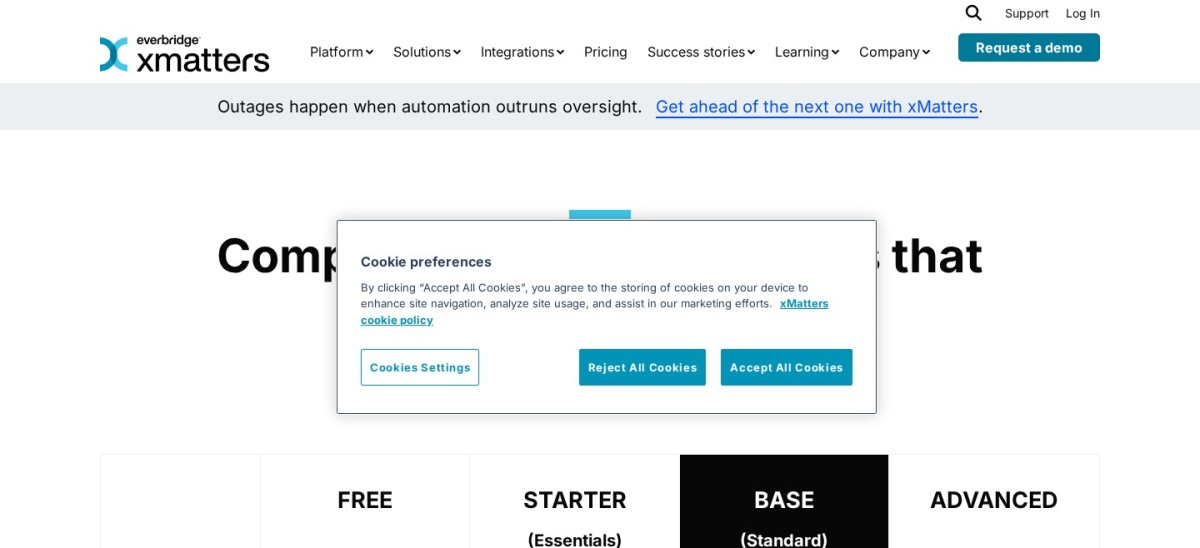
xMatters is the enterprise workflow pick in this list, now part of Everbridge. Its Flow Designer chains alerts, conference bridges, ticket updates and fixes into auditable workflows without code. The free plan covers 5 users, and Starter costs $15 per user a month for up to 25 users with 50 SMS and 10 voice alerts per user a month.
The trade off is complexity and metered calls. SMS and voice allowances run out on busy months and are billed pay-as-you-go above the limit, and the workflow builder takes time to learn. It suits regulated teams in healthcare, banking and large IT shops that need an audit trail.
What we like
Code-free workflow builder with audit trails
On-call scheduling on every tier
Rated 4.5 out of 5 from 808 G2 reviews
Strong ServiceNow and ITSM integrations
Watch out for
Starter rose from $9 to $15 per user in summer 2026
SMS and voice are metered and billed above the limit
incident.io is a Slack-native incident platform that treats the channel as the incident room. Declaring an incident opens a channel, assigns roles and starts a timeline, while the free Basic plan covers a single on-call schedule and 1 status page. Team costs $15 per user a month billed yearly, and viewers are free and unlimited.
The trade off is that on-call is a paid add-on. Team plus on-call costs $25 per user a month billed yearly, and Pro plus on-call reaches $45. It suits engineering teams that already live in Slack or Teams and want the incident to stay in chat.
What we like
Highest rating here at 4.8 out of 5 on G2
Free Basic plan with a status page included
Viewers are free and unlimited
Timelines and postmortems are built from the channel
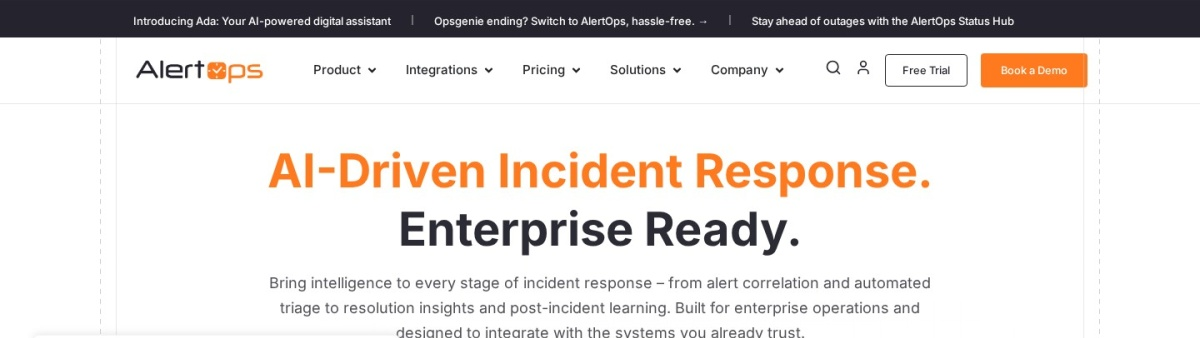
AlertOps is an incident orchestration platform built around on-call scheduling, with rotating and fixed schedules, override shifts and holiday calendars. The free Starter plan covers 5 users, and Standard costs $8 per user a month billed yearly for up to 10 users, with multi-channel alerts and 3 escalation policies.
The trade off is the Standard cap. Growing past 10 users means Premium at $18 per user a month billed yearly, and status pages are an add-on on Standard and Premium. It suits IT operations and MSP teams running many groups with holiday cover.
What we like
Low entry price at $8 per user a month billed yearly
Rotating and fixed schedules with holiday calendars
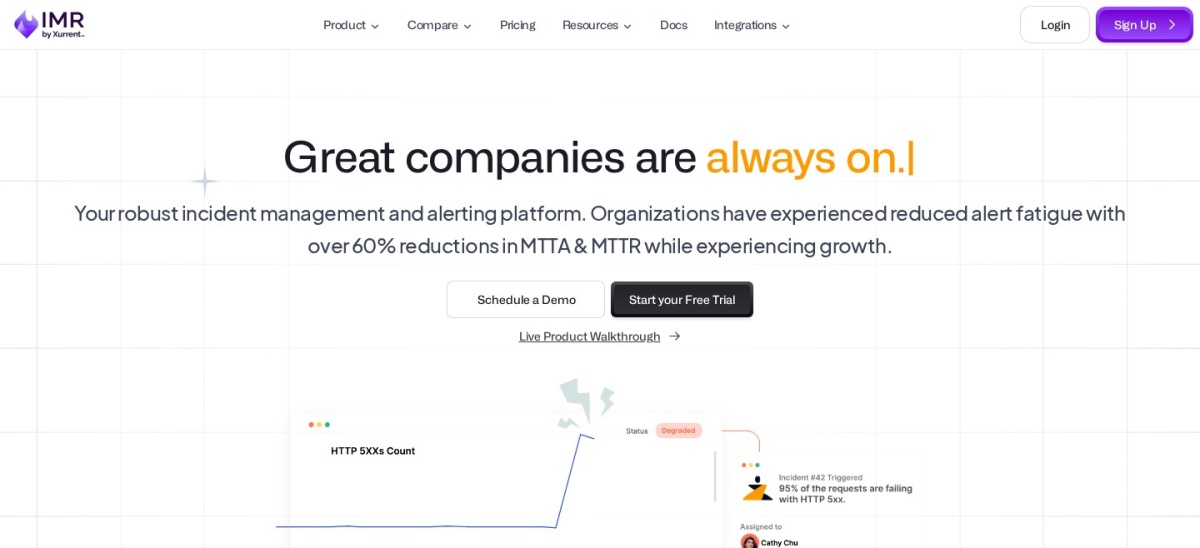
Zenduty is the cheapest paid alerting tool here, now sold as Xurrent IMR. Starter costs $6 per user a month for up to 5 users, and the free tier covers 5 users too. It collects alerts from more than 150 monitoring tools, runs on-call schedules and escalation policies, and pages by phone, SMS, Slack and Teams.
The trade off is that the best post-incident features sit higher up. Postmortems and incident SLAs need the $25 per user a month Enterprise plan, and Starter caps integrations at 5. It suits small teams that want a low-priced pager with wide monitoring coverage.
What we like
Lowest paid price here at $6 per user a month
Free tier for 5 users
More than 150 monitoring integrations
Rated 4.5 out of 5 from 202 G2 reviews
Watch out for
Postmortems and SLAs need the Enterprise plan
Starter caps integrations at 5
Brand is now sold as Xurrent IMR, which confuses listings
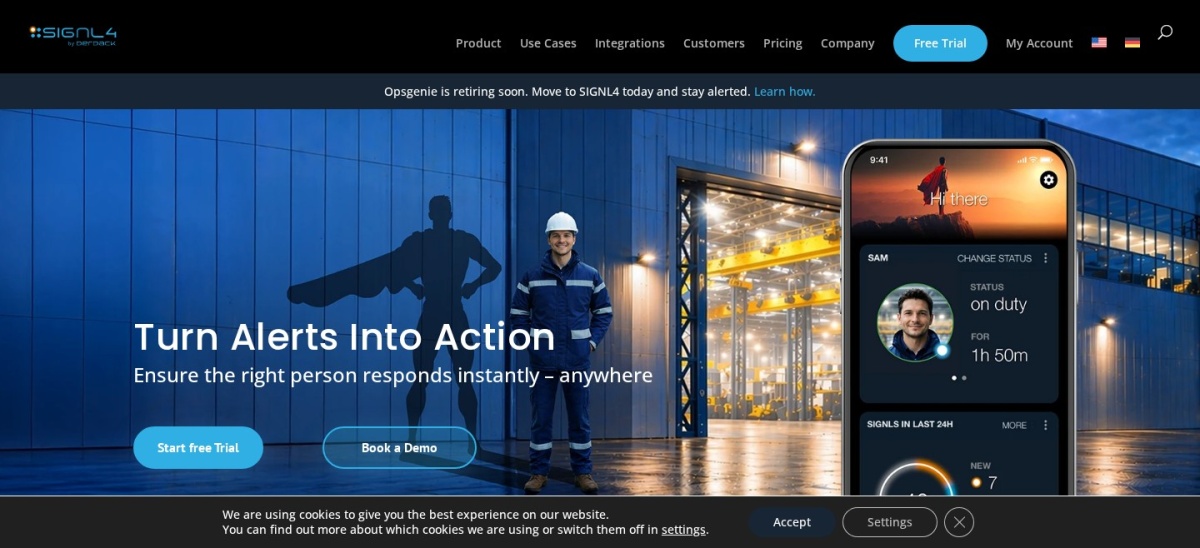
SIGNL4 is a mobile-first alerting tool from Derdack for IT and operations teams. The free Starter plan covers 5 users with mobile push alerts, email and webhook integrations. Notify & Connect costs $9 per user a month and adds text and voice alerts, persistent notifications that repeat until acknowledged, and ChatOps.
The trade off is that scheduling costs more. Automated escalations and shift scheduling need the Optimize plan at $19 per user a month, so a team that only needs paging pays less than one that needs full rosters. It suits small teams that want loud, persistent alerts on a phone.
What we like
Persistent alerts repeat until acknowledged
Free Starter plan for 5 users
Rated 4.6 out of 5 from 88 G2 reviews
Simple setup with webhook integrations
Watch out for
Scheduling needs the $19 Optimize plan
Smaller review base than the top picks
Per-user pricing adds up on larger teams
Optimize adds escalations and scheduling at $19 a monthVisit signl4.com
07
OnPage
4.3/5on G2 (319 reviews, checked Nov 2026)
Starts at$13.99/mo
Best for alert-until-read paging
Entry plan$13.99/user/mo
Free planNo, trial only
ComplianceHIPAA-compliant paging
SMSExtra $5/user/mo
onpage.com
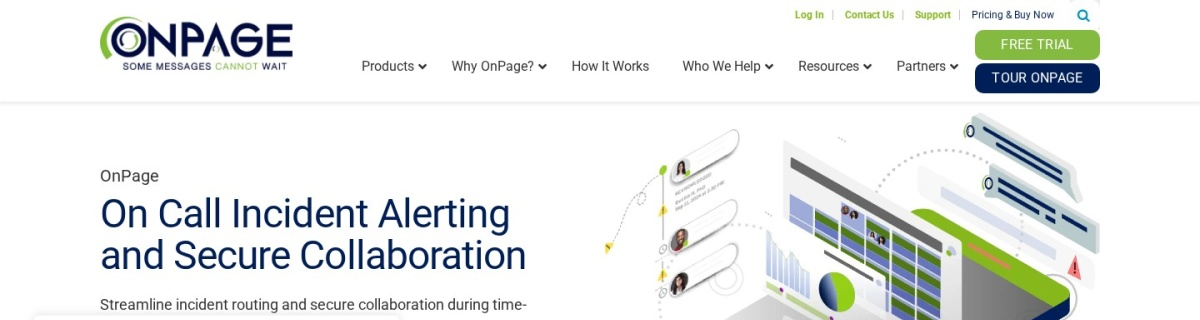
OnPage homepage, captured Nov 2026.
OnPage is a critical alerting app built for after-hours paging, with secure messaging and on-call management in one place. It sends alert-until-read pages that repeat until the responder acknowledges, and it is HIPAA-compliant for healthcare teams. Plans start at $13.99 per user a month, with a 14-day free trial and no free plan.
The trade off is price and SMS. The entry plan is mid-priced for this list, and SMS costs an extra $5 per user a month on top of the base rate. It suits IT and healthcare teams that need reliable paging with proof that every alert was read.
What we like
Alert-until-read paging with acknowledgement tracking
HIPAA-compliant secure messaging
Rated 4.3 out of 5 from 319 G2 reviews
On-call schedules and escalation groups included
Watch out for
No free plan, only a 14-day trial
SMS costs $5 more per user a month
Entry plan is mid-priced for this list
Enterprise Silver adds escalation groups at $22.99 a monthVisit onpage.com
08
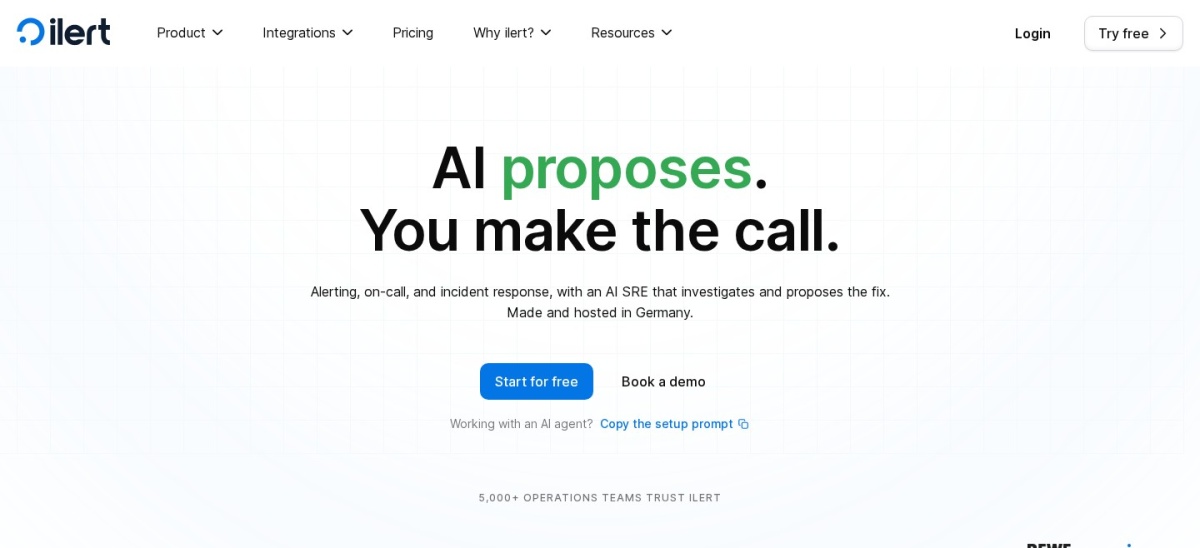
ilert
4.2/5on G2 (10 reviews, checked Nov 2026)
Paid from$19/mo
Best for EU-hosted alerting
Entry planPro, $19/user/mo
Free planYes, 5 users
HostingGermany, ISO 27001
AI250 credits a month on Pro
ilert.com
ilert homepage, captured Nov 2026.
ilert is an alerting and on-call platform made and hosted in Germany, with ISO 27001 certification. The free plan covers 5 users with 1 on-call schedule, 1 status page and 100 SMS or voice alerts a month. Pro costs $19 per user a month billed yearly, with a 3-user minimum, and adds unlimited SMS and voice, single sign-on and 250 AI credits a month.
The trade off is its small review base. ilert is rated 4.2 out of 5 on G2 from only 10 reviews, so there is less peer feedback to read than for the tools above it. It suits small teams that want European hosting and clear limits on the free plan.
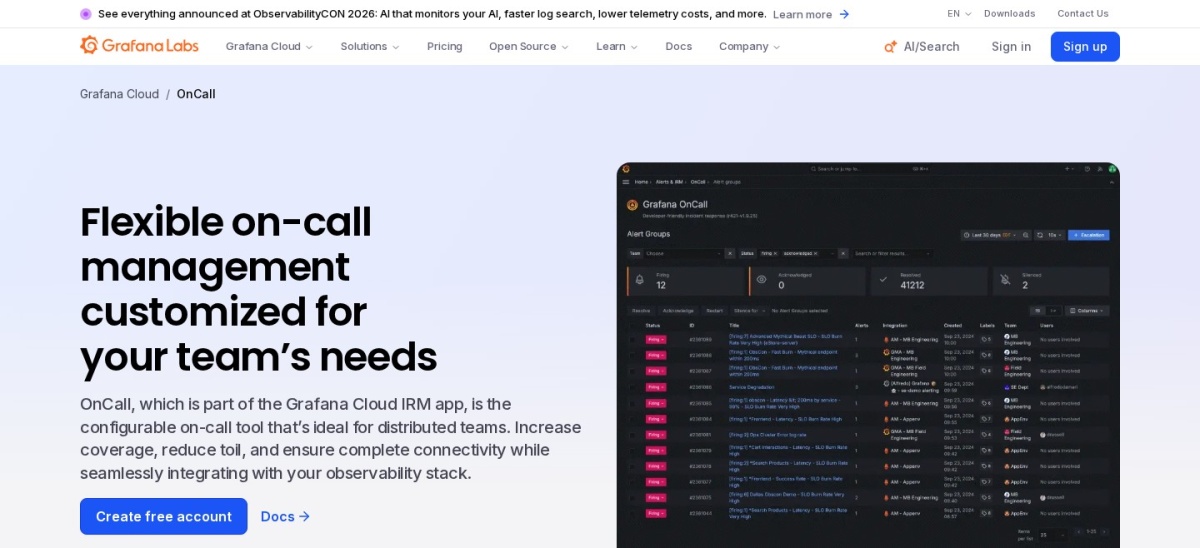
Grafana OnCall is the on-call tool inside Grafana Cloud, now sold as part of Grafana Cloud IRM. It keeps schedules, escalations and alert routing in the same account as Grafana dashboards and alerts. The free tier covers 3 active IRM users, and Pro costs $20 per active user a month plus a $19 monthly platform fee.
The trade off is that the open-source version is gone. Grafana archived the self-hosted OnCall project in March 2026, so the maintained route is the paid cloud version. It suits teams that already send metrics and logs to Grafana Cloud.
What we like
Free tier for 3 active users
On-call lives beside Grafana alerts and dashboards
Rated 4.5 out of 5 from 150 G2 reviews
Per active user billing, not per seat
Watch out for
Open-source version archived in March 2026
Pro adds a $19 monthly platform fee
Little value outside Grafana Cloud
Pro adds the $19 platform fee on top of per-user billingVisit grafana.com
Free vs paid: what you give up
Free plans cover the basics well. Most include on-call schedules, escalation policies and a few SMS or voice alerts each month.
Paid plans mostly add volume and channels. You get unlimited SMS and voice, more escalation steps and status pages.
Watch the add-ons. incident.io charges extra for on-call, OnPage charges extra for SMS, and Grafana OnCall adds a platform fee on Pro.
For a team that pages every week, the first year of a paid plan often costs less than one missed alert.
How we chose
We started from the tools listed in G2's IT alerting category with published ratings, then kept nine live products with current pricing.
Prices come from each vendor's pricing page or vendor-supplied G2 pricing, checked on 25 November 2026. Ratings and review counts come from G2 on the same day. Where a vendor shows a sale, the list shows the regular price.
We left out discontinued products: Opsgenie, which Atlassian is shutting down, and Splunk On-Call, which is discontinued. No vendor paid for a place, and we do not claim to have used these tools ourselves.
How to choose an IT alerting tool
List the alerts you already get, then match the pager to them.
Count your responders and paging volume. Most prices are per user per month, and SMS and voice are often metered. A 10-person rotation at $21 a user costs $2,520 a year before add-ons.
Check whether on-call is included. incident.io charges extra for on-call, and SIGNL4 puts scheduling on its $19 plan. See how to check your hosting uptime to size the alert load first.
Match the channels to the team. Phone and SMS wake people at night; Slack and Teams work for daytime incidents. Pick a tool that pages on the channel your team actually reads.
Start on the free plan. Eight of the nine tools here have a free tier. Run one real rotation on it before you pay.
FAQ
What is the best IT alerting software?
PagerDuty is the best IT alerting software for most teams. It is rated 4.5 out of 5 on G2 from 983 reviews, has a free plan for 5 users, and connects to the widest range of monitoring tools.
How much does IT alerting software cost?
Paid plans in this list run from $6 to $25 per user a month. Zenduty is cheapest at $6, PagerDuty Professional is $21, and incident.io with on-call is $25. Eight of the nine tools have a free plan.
What is the difference between IT alerting and incident management?
Alerting is the page: it wakes the right person when something breaks. Incident management is the whole response after that, including the channel, roles, timeline and postmortem. Most tools here do both.
Can I use IT alerting software for free?
Yes, eight of the nine tools have a free plan, usually for up to 5 users. Free plans limit SMS and voice alerts, so they suit small teams or a trial rotation rather than heavy paging.
What happened to Opsgenie?
Atlassian stopped selling Opsgenie in June 2025 and shuts it down on 5 April 2027. Teams still on Opsgenie need a replacement, and PagerDuty, xMatters and AlertOps all publish migration guides for it.
Do I need on-call scheduling as well as alerting?
Yes, if more than one person shares the pager. On-call scheduling decides who gets woken, handles holidays and swaps, and escalates when nobody answers. Most tools here include it, but incident.io and SIGNL4 charge extra for it.
SaaS SEO and WordPress specialist with about 8 years of experience. Rakib compares WordPress plugins, themes, hosting and software using public pricing, documentation and user reviews. See how we rank.