Wireshark is the best IP sniffer tool for most people: free, open source, rated 4.7 out of 5 on G2 from 152 reviews, and able to decode hundreds of protocols. Pick PRTG for always-on monitoring with alerts, or Advanced IP Scanner for quick free scans of a Windows LAN.
How we make this list: we compare pricing pages, product documentation and public user reviews, then re-check every price before each update. No product paid for a place. Disclosure.
Wireshark is free, open source and rated 4.7/5 on G2 from 152 reviews, with deep packet decoding.
PRTG starts at $200 a month paid yearly, with a free plan for 100 sensors.
ManageEngine NetFlow Analyzer starts at $172 for 10 interfaces, for flow and bandwidth reports.
Four of the 9 tools are fully free: Wireshark, Nmap, Advanced IP Scanner and Angry IP Scanner.
SolarWinds NPM now sells inside Observability Self-Hosted from $8 per node a month, on multi-year contracts.
Nagios Network Analyzer is the priciest pick at $4,995 as a one-time license.
What an IP sniffer does, and which kind you need
An IP sniffer, also called a packet sniffer, captures traffic on a network and shows what hosts, ports and protocols are in use. Engineers use one to find slow links, misconfigured devices and unwanted traffic.
The tools here fall into three groups: packet capture tools such as Wireshark, host and port scanners such as Nmap and Angry IP Scanner, and monitoring platforms such as PRTG and SolarWinds NPM that add alerts and dashboards.
Free tools cover most one-off troubleshooting. Paid plans add ongoing monitoring, history and alerts. If bandwidth is the question, our guide on what bandwidth means in web hosting explains the terms these tools report.
Prices in this list come from vendor pricing pages and review sites checked on 25 November 2026. Where a vendor sells by quote or per node, the list shows the published starting price.
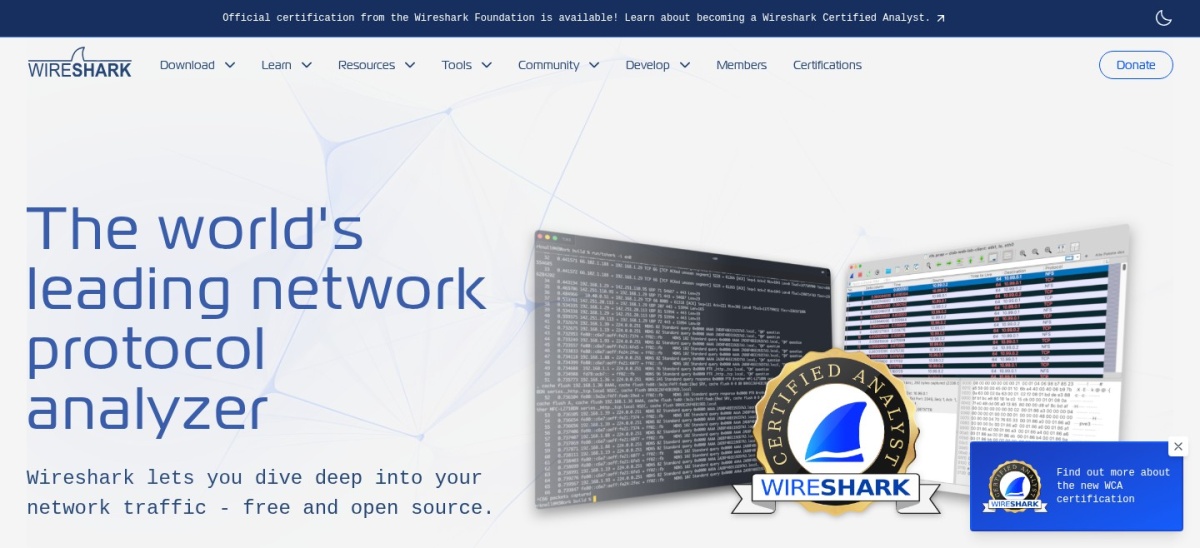
Wireshark is a free, open-source network protocol analyzer that captures live traffic and reads saved capture files. It decodes hundreds of protocols, filters packets by address, port or protocol, and runs on Windows, macOS and Linux. The current stable release is 4.6.10, and the project reports more than 20 million downloads a year.
The trade off is the learning curve. The interface shows raw packet detail, so beginners need time to learn filters and protocol fields before scans make sense. It suits network engineers and security staff who want full packet detail at no cost.
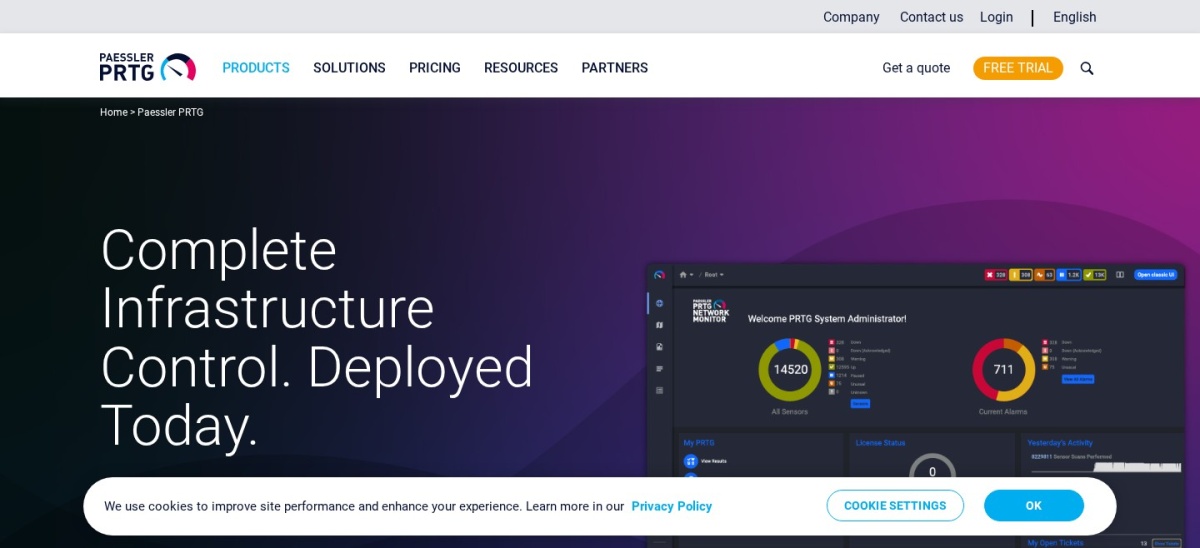
PRTG Network Monitor is a sensor-based monitoring tool from Paessler that watches networks, servers and applications from one dashboard. It includes packet sniffing sensors, auto-discovery, alerts and maps. The free plan covers 100 sensors for about 10 devices, and the first paid plan, PRTG 500, covers 500 sensors for about 50 devices.
The trade off is price as networks grow. PRTG 500 costs $200 a month paid yearly, and larger sensor counts cost more, so costs rise with each device added. It suits small and mid-size teams that want monitoring and packet checks in one tool.
ManageEngine NetFlow Analyzer homepage, captured Nov 2026.
ManageEngine NetFlow Analyzer is a flow-based traffic tool that shows which users, apps and interfaces use bandwidth. It collects NetFlow, sFlow, IPFIX and other flow formats, reports top talkers in real time, and adds security analytics on higher plans. The Standard edition starts at $172 for 10 interfaces.
The trade off is scope. It analyzes flow records rather than full packet payloads, so it cannot show packet contents the way Wireshark can. It suits teams that need bandwidth answers and flow reports across routers and switches.
SolarWinds Network Performance Monitor homepage, captured Nov 2026.
SolarWinds Network Performance Monitor is a network monitoring platform for device health, traffic and configuration. It is now sold inside SolarWinds Observability Self-Hosted, which starts at $8 per node a month for Essentials on a multi-year contract billed yearly. The platform adds flow analysis and NetPath hop-by-hop traces on higher tiers.
The trade off is commitment. The bundled editions need a multi-year contract, and standalone NPM is sold by quote, so small teams face enterprise terms. It suits large networks that need performance, configuration and flow data from one vendor.
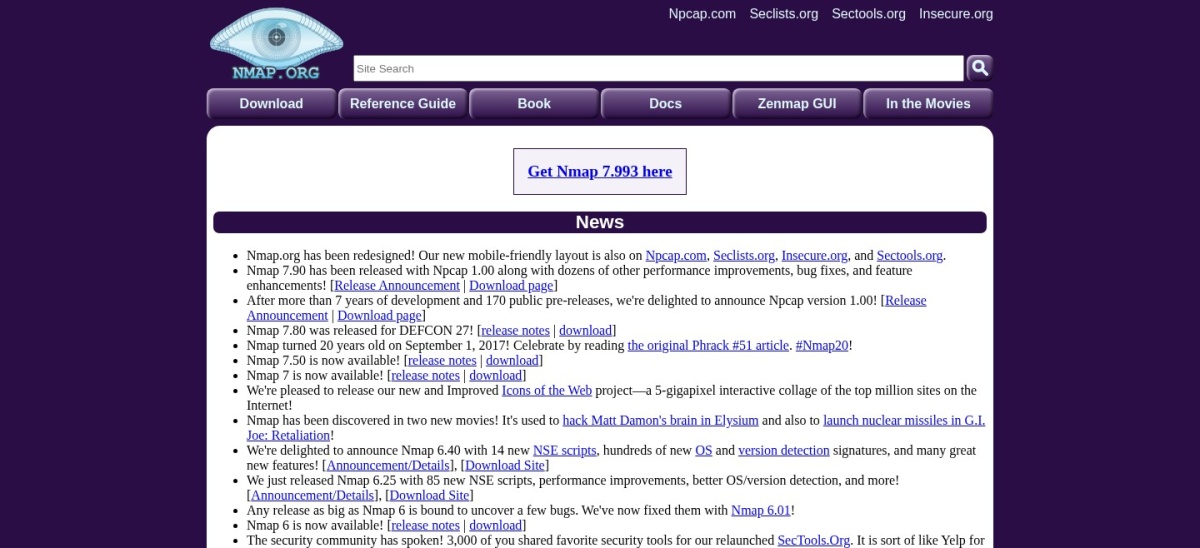
Nmap is a free, open-source scanner for host discovery, port scans and service detection on local networks. Its Zenmap GUI adds saved scan profiles, a topology view and scan comparisons, and the Nmap Scripting Engine runs checks for common services. The latest release on the project site is Nmap 7.993.
The trade off is the interface. Zenmap runs on older libraries, and the command line is the main way to use newer Nmap features. It suits security staff and admins who want fast, scriptable network discovery at no cost.
What we like
Free and open source
Fast host and port discovery
Scripting engine for service checks
Watch out for
Zenmap GUI lags behind the command line
Steep learning curve for new users
No packet payload analysis
No paid plan; the project is free and open sourceVisit nmap.org
06
Advanced IP Scanner
4.6/5on G2 (5 reviews, checked Nov 2026)
PriceFree
Best free scanner for Windows LANs
Free planYes, full tool
PlatformWindows 11, 10, 8, 7
Users70 million, per vendor
ExportCSV
advanced-ip-scanner.com
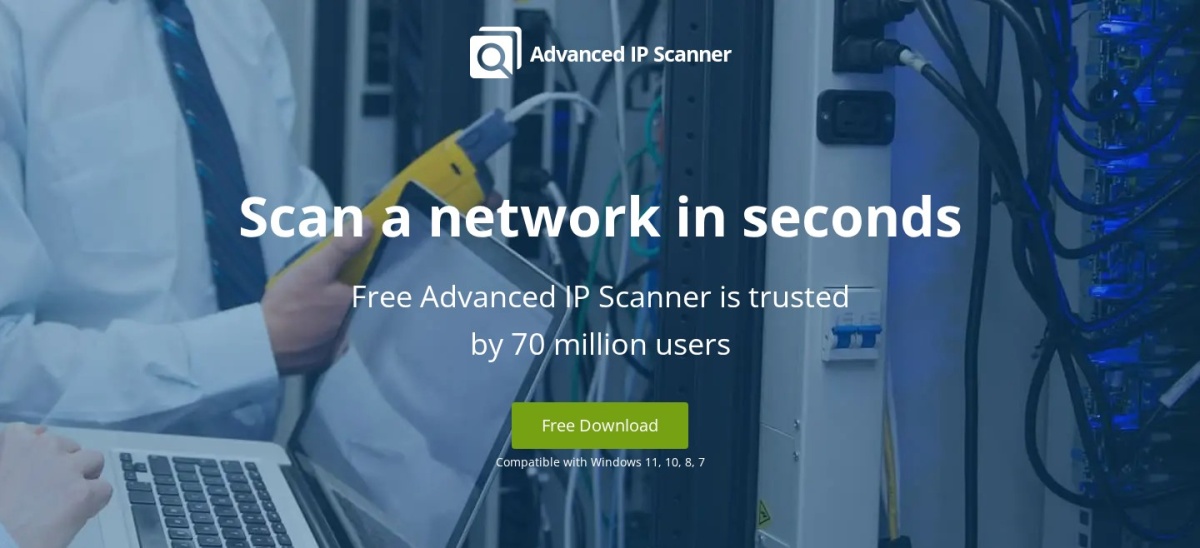
Advanced IP Scanner homepage, captured Nov 2026.
Advanced IP Scanner is a free Windows tool from Famatech that scans a local network in seconds and lists live hosts with IP and MAC addresses, shared folders and remote access options. It runs as an installer or a portable app from a USB drive. The vendor says it is trusted by 70 million users.
The trade off is platform. It is Windows only, so mixed Mac and Linux networks need another tool beside it. It suits Windows admins and helpdesk staff who want a quick live-host list for one subnet.
4.3/5on SourceForge (87 reviews, checked Nov 2026)
PriceFree
Best lightweight cross-platform scanner
Free planYes, open source
PlatformsWindows, macOS, Linux
Scan rangeIP range, list or file
ExportCSV, TXT, XML
angryip.org
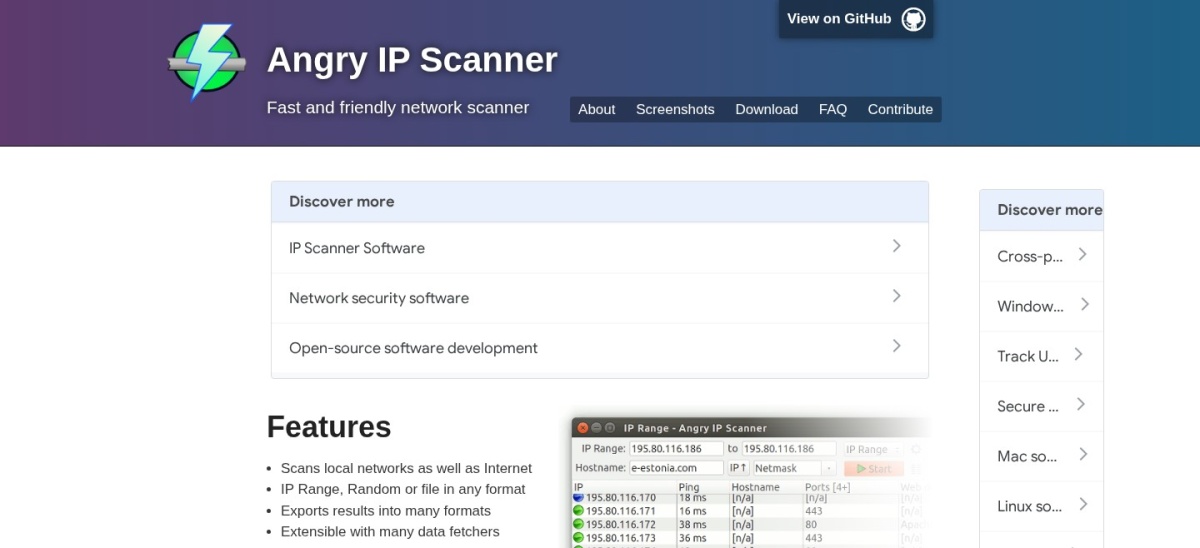
Angry IP Scanner homepage, captured Nov 2026.
Angry IP Scanner is a free, open-source scanner that pings each address in a range, resolves hostnames, finds MAC addresses and scans ports. It runs on Windows, macOS and Linux with no install needed, and plugins extend the data it collects. Results export to CSV, TXT, XML or an IP-port list.
The trade off is depth. It finds live hosts and open ports but does not decode packet payloads or track traffic over time. It suits admins who want a quick, portable scan of a subnet before deeper work.
Progress WhatsUp Gold homepage, captured Nov 2026.
Progress WhatsUp Gold is a network monitoring platform with device discovery, interactive maps, alerts and dashboards. The Business plan costs $1,169 a year for 50 devices, and higher plans add flow monitoring and network path analysis. A free trial is available.
The trade off is cost for larger sites. The entry plan covers 50 devices, so bigger networks move to Enterprise at $1,949 a year or higher. It suits mid-size teams that want a clear map of their network with alerts.
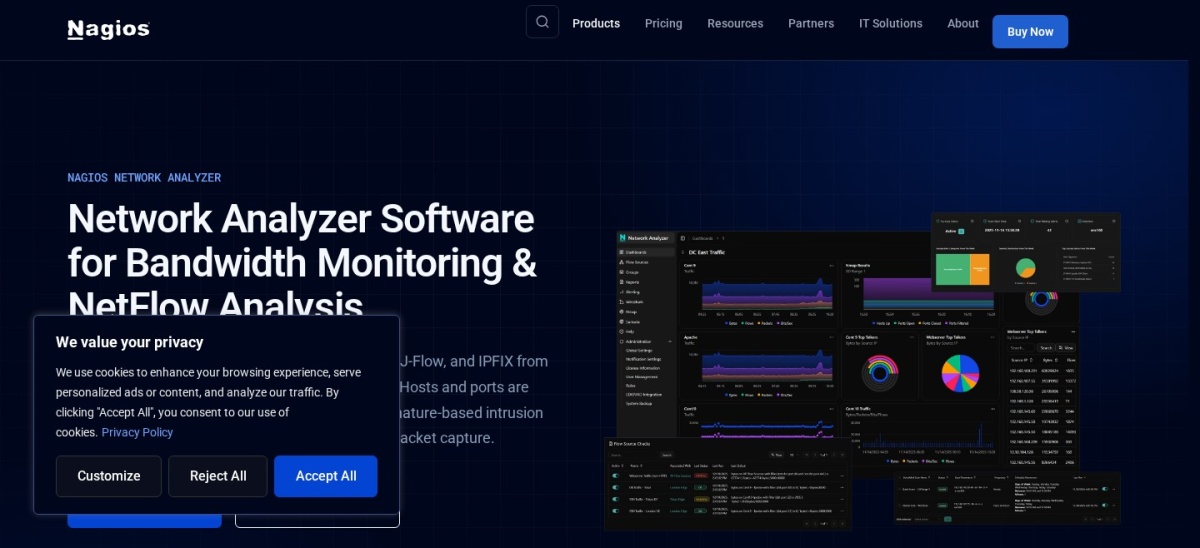
Nagios Network Analyzer homepage, captured Nov 2026.
Nagios Network Analyzer is a flow analysis tool that turns NetFlow, sFlow and IPFIX records into dashboards, top-talker lists and alerts. It tracks bandwidth by host, port and protocol, and keeps flow history for troubleshooting. The commercial license costs $4,995 as a one-time purchase.
The trade off is price and setup. The license is a large one-time cost, and the interface takes time to configure for large networks. It suits teams that already run Nagios and want flow data beside their existing monitoring.
Free tools in this list capture packets or scan hosts at no cost. Wireshark, Nmap, Advanced IP Scanner and Angry IP Scanner all cost $0.
Paid tools add history, alerts and reports. PRTG watches sensors around the clock, NetFlow Analyzer keeps flow history, and WhatsUp Gold maps the network.
Pay when the problem repeats. A one-off slowdown needs a capture, not a contract, while a network that breaks every week needs alerts that catch it first.
How we chose
We started from the best-known packet capture, IP scanning and network monitoring tools, then kept 9 with a public rating on G2, Capterra or SourceForge and a published price or free plan.
Prices come from each vendor's pricing page, checked on 25 November 2026. Ratings and review counts come from G2, Capterra and SourceForge on the same day. Where a vendor shows a sale, the list shows the regular price.
We left out tools with no public rating, including tcpdump, Ettercap and Colasoft Capsa. No vendor paid for a place, and we do not claim to have used these tools ourselves.
How to choose an IP sniffer tool
Match the tool to the job, not the other way round.
Decide what you need to see. Packet contents need Wireshark or a packet sensor; a live-host list needs Nmap or Advanced IP Scanner; ongoing health needs PRTG or WhatsUp Gold.
Check the platform first. Advanced IP Scanner is Windows only, PRTG needs a Windows server, and Wireshark, Nmap and Angry IP Scanner run on Windows, macOS and Linux.
Count the devices before you pay. PRTG charges by sensor, WhatsUp Gold by device and SolarWinds by node, so a small network can cost far less than a large one on the same plan.
Try the free option before buying. Use Wireshark for a capture or Advanced IP Scanner for a host list, and only pay when you need history, alerts or reports.
FAQ
What is the best IP sniffer tool?
Wireshark is the best IP sniffer tool for most people. It is free and open source, decodes hundreds of protocols, and is rated 4.7 out of 5 on G2 from 152 reviews. It runs on Windows, macOS and Linux.
Is Wireshark really free?
Yes. Wireshark is free software under the GNU General Public License, with no paid plan or locked features. The project is funded by donations, and the full version is free to download and use.
What is the difference between an IP sniffer and an IP scanner?
An IP sniffer captures and reads network traffic, showing packet contents, protocols and conversations. An IP scanner such as Nmap or Angry IP Scanner only finds live hosts and open ports, without reading the traffic between them.
Can I sniff traffic on a network I do not own?
No. Only capture traffic on networks you own or have written permission to monitor. Capturing other people's traffic without permission can break the law and your employer's rules, even if the tool itself is free.
Which IP sniffer is best for beginners?
Advanced IP Scanner is the easiest start for Windows users, with a simple list of live hosts and no setup. For packet detail, Wireshark is the standard tool, but expect to spend time learning its filters first.
Do I need a paid tool for network monitoring?
Not always. Free tools cover one-off troubleshooting well. Pay for PRTG, WhatsUp Gold or SolarWinds NPM when you need alerts, history and dashboards that watch the network around the clock.
SaaS SEO and WordPress specialist with about 8 years of experience. Rakib compares WordPress plugins, themes, hosting and software using public pricing, documentation and user reviews. See how we rank.