FreshBooks is the best invoicing software for most freelancers, with unlimited invoicing, time tracking and a 4.5 out of 5 G2 rating from 983 reviews, from $23 a month. If you want to pay nothing, Zoho Invoice is free with recurring invoices and reminders, and Wave adds free bookkeeping.
How we make this list: we compare pricing pages, product documentation and public user reviews, then re-check every price before each update. No product paid for a place. Disclosure.
FreshBooks is the strongest paid pick for freelancers: Lite costs $23 a month for 5 billable clients, with time tracking and expenses included.
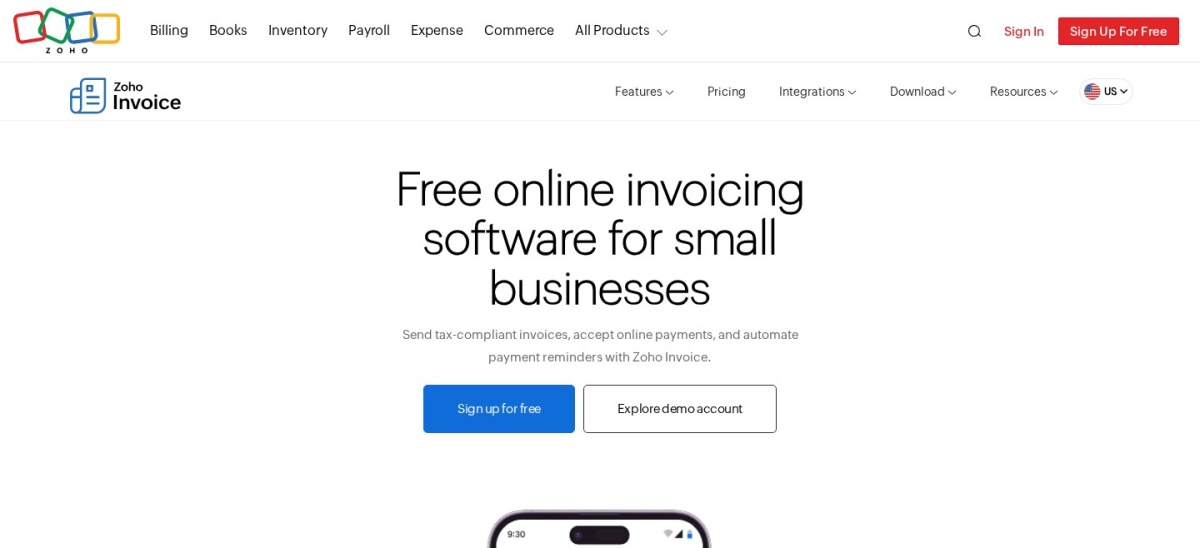
Zoho Invoice is free forever for 2 users and 500 invoices a year, with recurring invoices and automatic reminders included.
Wave pairs free unlimited invoicing with free bookkeeping; the $19 a month Pro plan adds bank imports and receipt capture.
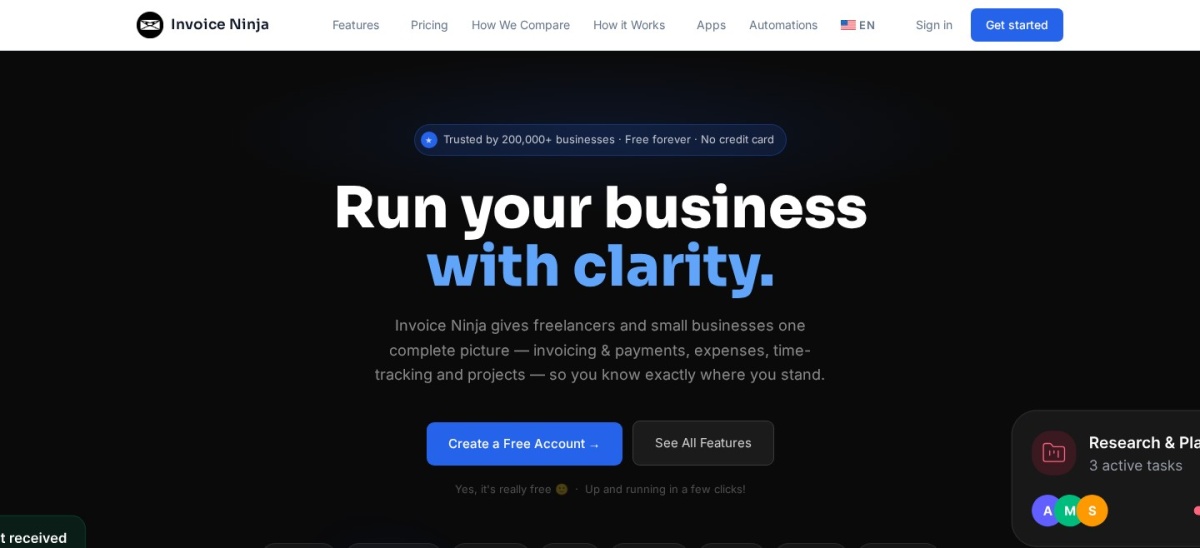
Invoice Ninja Pro costs $14 a month for unlimited clients, and its free tier covers 5 clients with unlimited invoices.
Bonsai is the only pick here that bundles proposals, contracts and invoicing, but invoicing starts on Essentials at $19 a month.
What freelancers should look for in invoicing software
Freelancers live or die by getting paid on time. The right tool sends a clear invoice in minutes, reminds late clients without nagging, and takes card payments without a separate setup.
Free plans are genuinely useful here. Zoho Invoice, Wave, Square Invoices and Invoice Ninja all send unlimited invoices for $0, so a solo freelancer may never need a paid plan.
Watch the limits that push you to pay. Client caps, invoice caps and missing reminders are the usual triggers, and payment processing fees of about 2.9% plus 30 cents per card payment often cost more than the subscription itself.
If you sell through WordPress as well as client work, our guide on is WordPress good for freelancing covers how the platform fits a freelance business.
FreshBooks is invoicing and accounting software built for freelancers and small service businesses. Lite costs $23 a month for 5 billable clients and includes unlimited invoicing and estimates, expense tracking, time and mileage tracking, and a client portal.
The trade off is the client cap. Lite covers only 5 billable clients, so growing freelancers move to Plus at $43 a month for 50 clients, and each extra team member costs $11 a month. It suits solo freelancers who bill by the hour and want time tracking on the same invoice.
What we like
Built for freelancers, with time tracking on invoices
Zoho Invoice is free invoicing software with no paid tier of its own. The $0 plan includes templates, recurring invoices, automatic payment reminders, estimates, time and expense tracking, multi-currency support and a client portal.
The trade off is the ceiling. The free plan allows 2 users, 3 projects and 500 invoices a year, and there is no paid Zoho Invoice plan to grow into, so the upgrade path is Zoho Billing from $25 a month. It suits solo freelancers and pairs who send fewer than 500 invoices a year.
Wave is free accounting software for freelancers and micro-businesses. The Starter plan costs $0 and includes unlimited invoices, estimates and bills, income and expense tracking, and a dashboard, with card payments at 2.9% plus 60 cents per transaction.
The trade off is automation. Bank transaction imports and automatic receipt capture moved to Pro at $19 a month, so free users enter transactions by hand, and support is limited on the free plan. It suits freelancers who want real bookkeeping beside invoicing without paying a subscription.
Invoice Ninja is an invoicing, quoting and payments platform with a free hosted tier and a self-hosted option. The free plan covers 5 clients with unlimited invoices, recurring billing, time tracking, expenses and a client portal, and Pro costs $14 a month for unlimited clients.
The trade off is polish and scale. The free tier keeps Invoice Ninja branding on invoices, and adding staff needs Enterprise from $18 a month, while the interface looks plainer than FreshBooks or Wave. It suits tech-comfortable freelancers who want low costs and control over their data.
What we like
Low Pro price at $14 a month
Free tier includes recurring invoices and time tracking
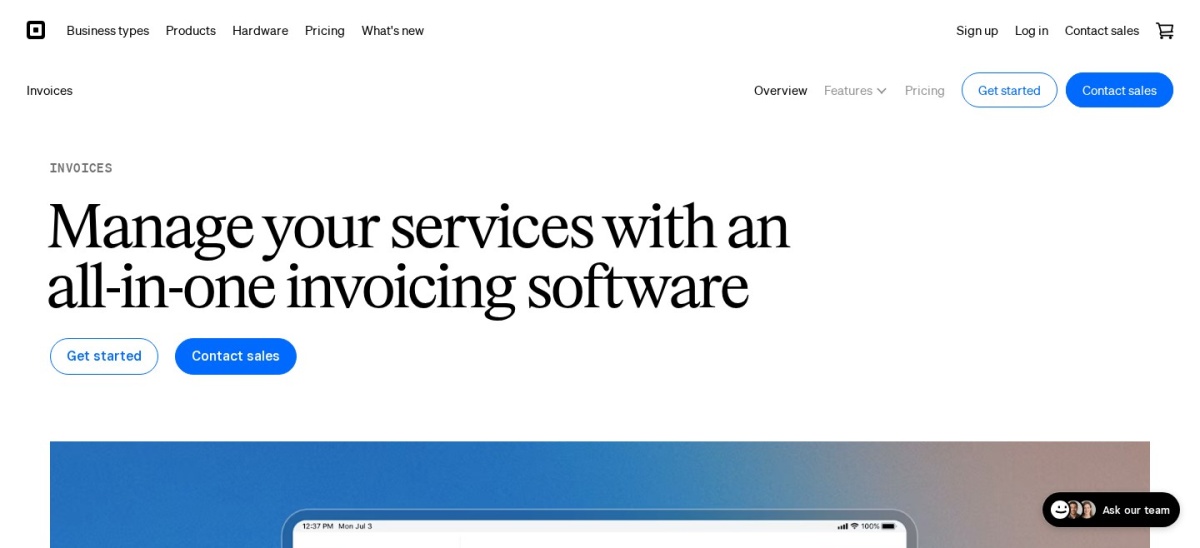
Square Invoices is free invoicing from the payments company behind Square. The free plan includes unlimited invoices, estimates, contracts and recurring invoices, and clients pay by card, ACH or in person, with money landing in the Square balance.
The trade off is processing fees. Card payments cost 2.8% plus 30 cents per invoice paid online, so heavy card volume gets expensive, and Plus at $30 a month adds little beyond milestones and custom templates. It suits freelancers who already take Square payments and invoice on the go.
What we like
Free unlimited invoices with fast card payments
Estimates convert to invoices in one tap
Strong mobile app for invoicing on site
Watch out for
Processing fees apply to every paid invoice
Plus at $30 a month adds little for most freelancers
Simpler invoicing features than FreshBooks
Plus adds milestones, progress billing and custom templatesVisit squareup.com
06
Bonsai
4.3/5on G2 (101 reviews, checked Nov 2026)
Starts at$19/mo
Best all-in-one for freelance business admin
Free planNo, 7-day trial
Invoicing fromEssentials
ProposalsYes, with contracts
Paid planEssentials, $19/mo
hellobonsai.com
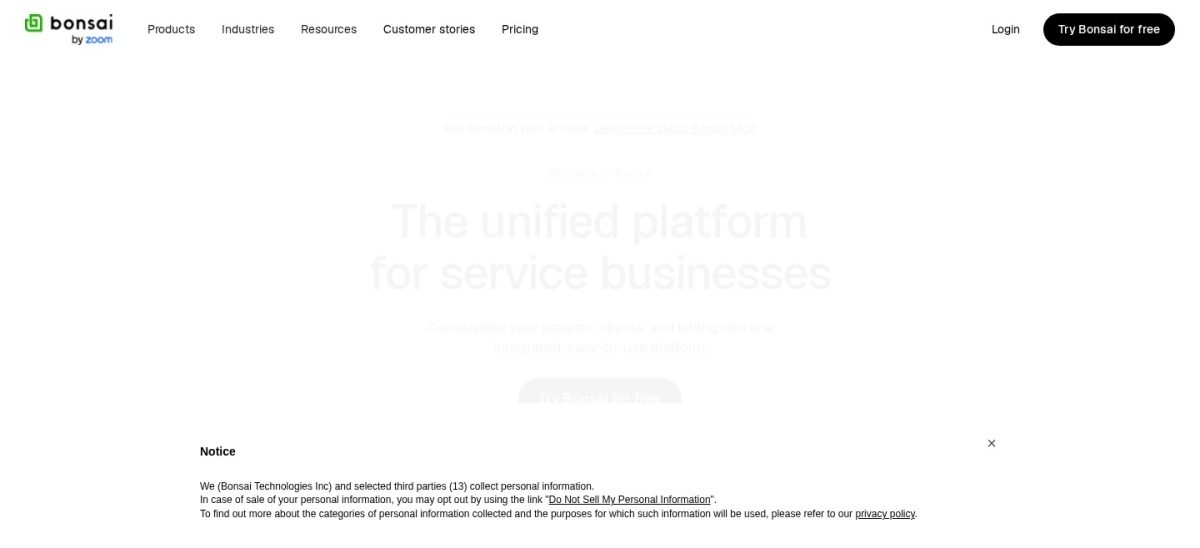
Bonsai homepage, captured Nov 2026.
Bonsai is an all-in-one platform for freelancers that combines proposals, contracts, time tracking, invoicing and payments. Invoicing starts on Essentials at $19 a month on annual billing, with a client portal, scheduling and expense tracking included.
The trade off is the entry price. Basic at $9 a month has no invoicing, proposals or contracts, so the real starting price is $19 a month, and Bonsai Payments adds 2.9% plus 30 cents on cards. It suits consultants who want one tool from proposal to payment.
Xero is cloud accounting software that covers invoicing, bills, bank reconciliation and reporting. Early costs $27 a month with no per-user fees, and includes quotes, bank reconciliation, Hubdoc receipt capture and a 30-day cash flow forecast.
The trade off is the cap. Early allows only 20 invoices or quotes and 5 bills a month, so busy freelancers move to Growing at $59 a month, and payroll costs extra through Gusto. It suits freelancers who want full accounting and plan to grow past invoicing alone.
QuickBooks Online is the most widely used small-business accounting software in this list. Simple Start costs $38 a month for 1 user and covers invoicing and payments, bank feeds, income and expense tracking, bill management and basic reporting.
The trade off is price. At $38 a month it is the most expensive entry plan here, and it is also the lowest rated at 4.0 out of 5 on G2, with reviewers noting the cost of add-ons. It suits freelancers who work with an accountant or plan to hire.
Free plans cover the core job well. Zoho Invoice, Wave, Square Invoices and Invoice Ninja all send unlimited invoices for $0, and Wave adds bookkeeping.
Paid plans mostly add room and automation. You get more clients, more invoices, bank imports, proposals and faster support.
Payment processing is the hidden cost either way. Card fees near 2.9% plus 30 cents per payment apply on free and paid plans alike, so compare fees before comparing subscriptions.
If a client asks for a formal quote first, our guide on how to quote in WordPress shows what a good quote covers.
How we chose
We started from the invoicing tools most often recommended for freelancers, then kept the eight with a real free plan or a low entry price and a public rating.
Prices come from each vendor's pricing page, checked on 25 November 2026. Ratings come from G2, except Invoice Ninja, which uses Capterra. Where a vendor shows a sale, the list shows the regular price.
We left out tools with no public rating and tools aimed at large teams. No vendor paid for a place, and we do not claim to have used these tools ourselves.
How to choose invoicing software as a freelancer
Start with how many clients you bill and how they pay, then match the plan to that.
Count your clients and invoices. A free plan covers most solo freelancers. If you bill more than 5 clients, Invoice Ninja Pro at $14 a month is the cheapest step up.
Check how clients pay. Card payments cost about 2.9% plus 30 cents per transaction on most tools, so a freelancer who bills $5,000 a month by card pays about $145 in fees. Learn what a payment gateway charges before you pick.
Decide if you need bookkeeping too. Wave and Xero keep books beside invoices. Pure invoicing tools such as Zoho Invoice and Square Invoices are lighter if you already use an accountant.
Try the free plan first. Four tools in this list cost nothing to start. Send a real invoice, check the reminder emails, and only pay when a limit blocks you.
FAQ
What is the best invoicing software for freelancers?
FreshBooks is the best paid pick for most freelancers, with unlimited invoicing, time tracking and a 4.5 out of 5 G2 rating from 983 reviews, from $23 a month. Zoho Invoice is the best free pick, with recurring invoices and reminders at $0.
Is there really free invoicing software for freelancers?
Yes. Zoho Invoice, Wave and Square Invoices all send unlimited invoices for $0, and Invoice Ninja is free for up to 5 clients. The catch is usually a cap on clients or invoices, or card processing fees of about 2.9% plus 30 cents per payment.
How much does invoicing software cost per month?
Free plans cost $0, and paid plans in this list run from $14 a month for Invoice Ninja Pro to $38 a month for QuickBooks Online Simple Start. Most freelancers pay between $14 and $27 a month, plus card processing fees on each payment.
Does FreshBooks have a free plan?
No. FreshBooks offers a 30-day free trial but no free plan. Lite starts at $23 a month for 5 billable clients. Freelancers who need a free plan should look at Zoho Invoice, Wave or Square Invoices instead.
What is the cheapest invoicing software for freelancers?
Zoho Invoice is the cheapest at $0, with no paid tier and 500 invoices a year. Among paid plans, Invoice Ninja Pro is cheapest at $14 a month for unlimited clients, followed by Wave Pro and Bonsai Essentials at $19 a month.
Do I need accounting software or just invoicing software?
Invoicing alone is enough if you only send bills and track payments. Choose Wave, Xero or QuickBooks Online if you also want bookkeeping, bank reconciliation and tax reports in the same tool.
SaaS SEO and WordPress specialist with about 8 years of experience. Rakib compares WordPress plugins, themes, hosting and software using public pricing, documentation and user reviews. See how we rank.