QuickBooks Online is the best invoicing software for most construction firms, with Simple Start at $38 a month covering estimates, invoices and online payments. Pick Knowify for AIA pay applications and retainage, or Jobber for field crews that quote and invoice on site.
How we make this list: we compare pricing pages, product documentation and public user reviews, then re-check every price before each update. No product paid for a place. Disclosure.
QuickBooks Online leads on breadth: Simple Start at $38 a month, rated 4.0 out of 5 from 3,913 G2 reviews, with progress invoicing and job costing on Plus.
Knowify is the only pick built around AIA G702/G703 pay applications and retainage, from $99 a month billed annually.
Jobber turns quotes into invoices on site at $29 a month billed annually, but Core covers one user only.
Billdu is the cheapest paid plan at $4.99 a month billed annually, though Lite caps you at 10 clients.
Free invoicing is real: Wave Starter and Square Invoices both send unlimited invoices at $0, with card fees per payment.
What construction invoicing needs that generic invoicing does not
Construction billing is rarely one invoice for one job. Firms bill in stages as work completes, hold back retainage until the end, and fold approved change orders into the next pay application.
A progress invoice needs a schedule of values behind it, so the client can see the percentage complete on each line. Tools built for the trades, such as Knowify, generate AIA G702/G703 forms directly, while general accounting tools handle the same job with progress invoicing on higher plans.
Payment speed matters as much as the invoice itself. Our guide on what a payment gateway is explains the card and bank fees that sit behind online payment links, which run about 2.9% plus 30 cents per card payment on most of these tools.
The cheapest plan is not always the cheapest bill. Per-user fees, payment processing and caps on clients or invoices can push a $20 plan past a $40 one once the crew grows.
The 9 best invoicing software tools for construction
01
QuickBooks Online
4/5on G2 (3,913 reviews, checked Nov 2026)
Paid from$38/mo
Best invoicing software for construction overall
Free planYes, 1 user
Entry planSimple Start, $38/mo
Progress invoicingPlus, $115/mo
Job costingPlus and above
quickbooks.intuit.com
QuickBooks Online homepage, captured Nov 2026.
QuickBooks Online is the accounting standard most construction firms already use, and its invoicing sits on top of the full ledger. Simple Start costs $38 a month and covers estimates, invoices, expense tracking and online payments for one user, while the free plan covers basic invoicing with tight limits.
The trade off is that construction billing costs more. Progress invoicing and job costing need Plus at $115 a month, and Simple Start covers one user only. It suits firms that want invoicing, payroll and reporting in one place their accountant already knows.
What we like
Most construction accountants already use it
Progress invoicing and job costing on Plus
Free plan for basic invoicing
Rated 4.0 out of 5 from 3,913 G2 reviews
Watch out for
Progress invoicing needs the $115 a month Plus plan
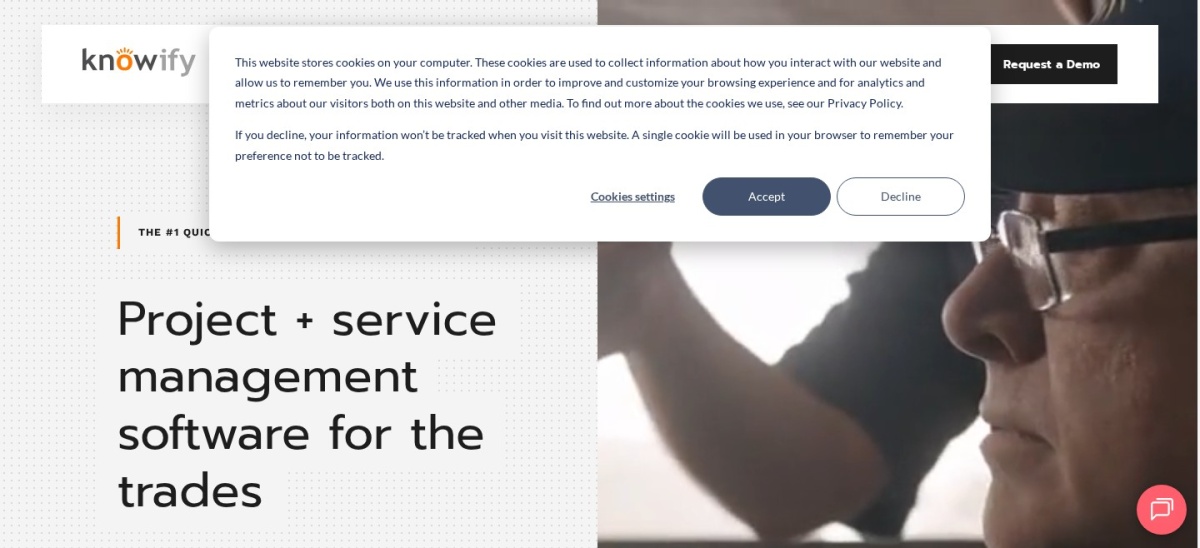
Knowify is job management software built for trade contractors, and invoicing is its core. Core costs $99 a month billed annually and covers fixed-price contracts, progress billing, AIA G702/G703 pay applications with retainage, change orders and a two-way QuickBooks Online sync.
The trade off is price and seats. Core covers one user, extra users cost $29 a month each, and job costing needs Advanced at $329 a month billed annually. It suits small trade contractors billing commercial jobs on AIA forms through QuickBooks.
Jobber is field service software for home service and trade crews, built around the job rather than the ledger. Core costs $29 a month billed annually and covers online booking, quotes, scheduling, invoices with online payments and a client hub, plus a mobile app for the crew.
The trade off is seats and depth. Core covers one user, automated reminders and QuickBooks sync need Connect, and there is no AIA billing or job costing. It suits small crews that quote, schedule and invoice from the job site.
FreshBooks is invoicing-first accounting software built for service businesses. Lite costs $23 a month and includes unlimited invoices, estimates, recurring invoices, automatic payment reminders, expense tracking and time tracking for up to 5 billable clients.
The trade off is the client cap. Lite covers only 5 billable clients, and each extra team member costs $11 a month, so the price climbs as the business grows. It suits solo service businesses that invoice a small set of clients and want light accounting in the same tool.
What we like
Cleanest invoicing workflow in this list
Automatic reminders and late fees included
Rated 4.5 out of 5 from 983 G2 reviews
Watch out for
Lite covers only 5 billable clients
No free plan, only a 30-day trial
Extra team members cost $11 a month each
Plus at $43 a month adds accountant access and double-entry reportsVisit freshbooks.com
05
Xero
4.4/5on G2 (1,863 reviews, checked Nov 2026)
Starts at$27/mo
Best for unlimited users on every plan
Free planNo, free trial
Entry planEarly, $27/mo
Invoices on Early20 a month
UsersUnlimited
xero.com
Xero homepage, captured Nov 2026.
Xero is cloud accounting software with invoicing, bills, bank reconciliation and reporting in one place. Early costs $27 a month and covers quotes, 20 invoices and 5 bills a month, with unlimited users on every plan and more than 1,000 app integrations.
The trade off is the invoice cap. Early allows only 20 invoices a month, so an active contractor moves to Growing at $59 a month for unlimited invoices. It suits firms that want every office user in the books without paying per seat.
What we like
Unlimited users on every plan
More than 1,000 app integrations
Rated 4.4 out of 5 from 1,863 G2 reviews
Watch out for
Early allows only 20 invoices a month
No progress billing or retainage tracking
Phone support is limited
Growing at $59 a month adds unlimited invoices and quotesVisit xero.com
06
Zoho Books
4.4/5on G2 (335 reviews, checked Nov 2026)
Paid from$20/mo
Best low-cost plan with a free tier
Free planYes, under $50k revenue
Entry paid planStandard, $20/mo
Invoices on Standard5,000 a year
Progress invoicingYes, Standard
zoho.com
Zoho Books homepage, captured Nov 2026.
Zoho Books is low-cost cloud accounting with invoicing at its center. The free plan covers businesses under $50,000 in annual revenue with up to 1,000 invoices a year, while Standard at $20 a month adds progress invoicing, bank feeds and 3 users.
The trade off is depth. Payroll needs an add-on, reporting is lighter than QuickBooks, and the free plan caps invoices at 1,000 a year. It suits small firms that want cheap progress invoicing and already use other Zoho products.
What we like
Free plan with 1,000 invoices a year
Progress invoicing on the $20 Standard plan
Rated 4.4 out of 5 from 335 G2 reviews
Watch out for
Payroll needs a paid add-on
Reporting is lighter than QuickBooks
Free plan caps invoices at 1,000 a year
Professional at $50 a month adds multi-currency and vendor creditsVisit zoho.com
07
Wave
4.3/5on G2 (328 reviews, checked Nov 2026)
Paid from$19/mo
Best free invoicing for tiny firms
Free planYes, Starter
Paid planPro, $19/mo
InvoicesUnlimited on free
Bank importPro only
waveapps.com
Wave homepage, captured Nov 2026.
Wave is free accounting software for freelancers and micro-businesses, and invoicing is free on every plan. Starter costs $0 and includes unlimited estimates, invoices, bills and bookkeeping records, with card payments at 2.9% plus 60 cents per transaction.
The trade off is growth. Automatic bank imports, receipt capture and extra users need Pro at $19 a month, and there is no progress billing or retainage tracking. It suits one-person firms sending simple invoices with no monthly fee.
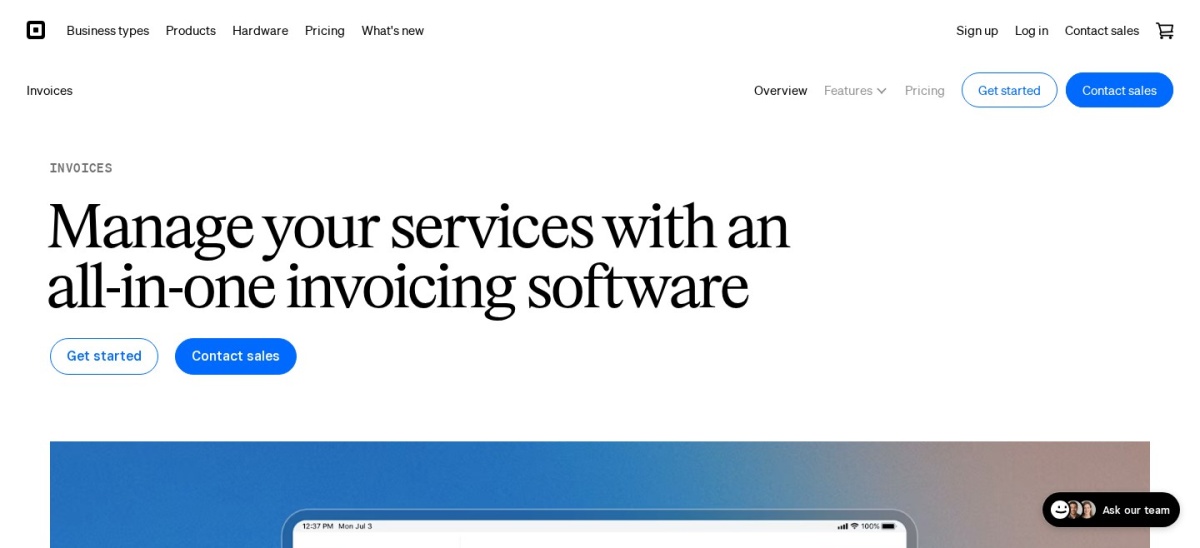
Square Invoices is free invoicing inside Square, for businesses that already take payments through it. The free plan includes unlimited invoices, recurring invoices, estimates and contracts, with card, ACH, Apple Pay and Google Pay on each invoice.
The trade off is scope. There is no real accounting here, and Plus at $49 a month per location mainly lowers the online card fee to 2.9% + 30 cents. It suits sellers who invoice on the side of in-person or online Square sales.
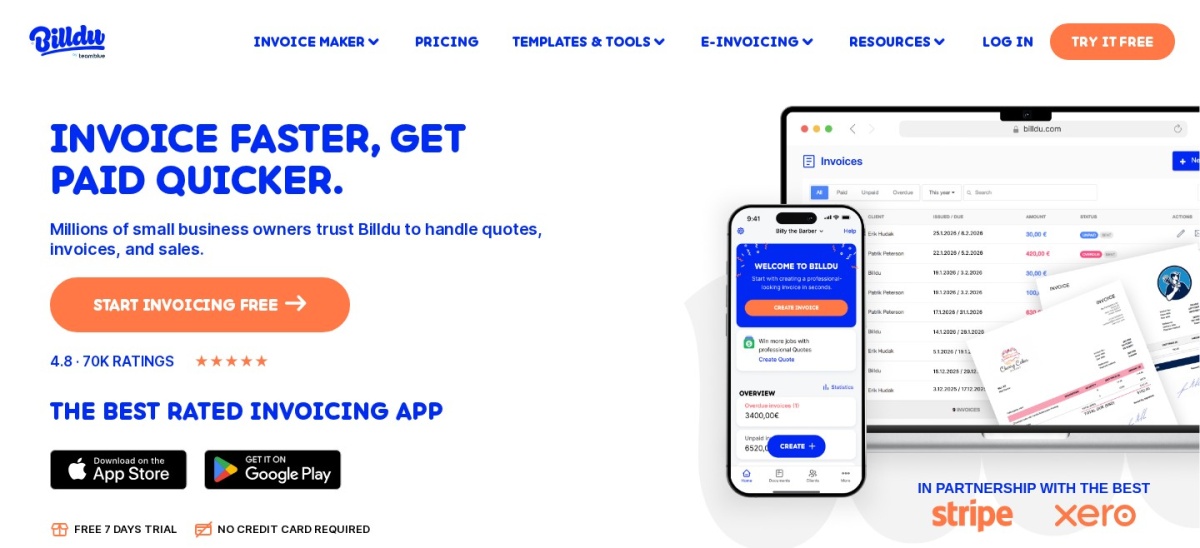
Billdu is a mobile-first invoicing app for freelancers, contractors and small businesses. Lite costs $4.99 a month billed annually and includes unlimited invoices, expense tracking, invoice status tracking and client signatures for up to 10 clients.
The trade off is the client cap and missing features. Lite covers 10 clients with no estimates, payment reminders or recurring invoices, which need Standard or Premium. It suits solo contractors who invoice from a phone and want the cheapest paid plan in this list.
What we like
Cheapest paid plan in this list
Unlimited invoices even on Lite
Strong mobile app for invoicing on site
Watch out for
Lite covers only 10 clients
No estimates or reminders on Lite
Thin Capterra base: 4.2 from 35 reviews
Standard at $9.99 a month adds estimates and remindersVisit billdu.com
Progress billing vs AIA billing: know which one you need
Progress billing means invoicing a percentage of the contract as work completes. Most general tools handle it with a schedule of values or a percentage-complete invoice.
AIA billing is the formal version of the same idea, on the G702 and G703 forms general contractors expect, with retainage shown on every application. Only Knowify in this list produces those forms directly.
If you bill homeowners or small commercial clients, progress invoicing in QuickBooks or Zoho is enough. If a general contractor asks for a pay application, you need AIA forms or you will rebuild them by hand.
How we chose
We started from the invoicing tools most often named for construction and small trade firms, then kept 9 established products with a published price and a public rating.
Prices come from each vendor's pricing page, checked on 26 November 2026. Where a vendor shows a sale, the list shows the regular price. Ratings and review counts come from G2 or Capterra on the same day.
We left out tools with no published price, including Buildertrend and CoConstruct, and tools built for large companies. No vendor paid for a place, and we do not claim to have used these tools ourselves.
How to choose invoicing software for construction
Match the tool to how you bill, not to how many features it lists.
Work out how you bill first. If a general contractor wants AIA pay applications with retainage, only Knowify in this list produces them. For simple staged invoices, progress invoicing in QuickBooks, Zoho or Xero is enough.
Count the people who need access. Jobber Core and Knowify Core cover one user each, with extra seats at $29 a month. Xero includes unlimited users on every plan, so a bigger office pays less per head.
Check the caps on the cheapest plan. FreshBooks Lite covers 5 billable clients, Billdu Lite covers 10, and Xero Early allows 20 invoices a month. A cap you hit in month two is not a saving.
Add up the payment fees. Card fees of about 2.9% plus 30 cents per payment dwarf most subscriptions at volume. See how payment gateway fees compare before judging a plan by its monthly price alone.
FAQ
What is the best invoicing software for construction?
QuickBooks Online is the best pick for most construction firms. Simple Start costs $38 a month and covers estimates, invoices and online payments, with progress invoicing and job costing on the Plus plan. It is rated 4.0 out of 5 from 3,913 G2 reviews.
Which invoicing software does AIA billing?
Knowify is the only tool in this list built around AIA billing. Core produces G702/G703 pay applications with retainage, change orders and a schedule of values, then syncs the invoice to QuickBooks Online. Core costs $99 a month billed annually for one user.
Can I invoice for free as a contractor?
Yes. Wave Starter and Square Invoices both send unlimited invoices at no monthly cost. Wave adds free bookkeeping, while Square suits sellers already taking card payments. Both charge per-transaction card fees, about 2.9% plus 30 cents on Square Plus and 2.9% plus 60 cents on Wave.
What is retainage in construction invoicing?
Retainage is a percentage of each payment, often 5% to 10%, that the client holds back until the job is complete. It protects the client against unfinished work. Knowify tracks retainage on every AIA pay application, while general tools need a manual line or a separate spreadsheet.
Is QuickBooks or FreshBooks better for contractors?
QuickBooks Online fits contractors better. It adds progress invoicing and job costing on Plus, handles payroll and reporting, and most construction accountants already use it. FreshBooks is simpler and cheaper at $23 a month, but Lite caps you at 5 billable clients.
How much should invoicing software cost a small contractor?
Expect $0 to $40 a month for a solo contractor. Billdu Lite costs $4.99 a month billed annually, Wave is free, and FreshBooks Lite is $23. Crews that need AIA billing or several seats pay more: Knowify Core is $99 a month billed annually for one user.
SaaS SEO and WordPress specialist with about 8 years of experience. Rakib compares WordPress plugins, themes, hosting and software using public pricing, documentation and user reviews. See how we rank.