FreshBooks is the best invoicing and payment software for most small businesses, with a Lite plan at $23 a month and a 4.5/5 rating on G2. Pick Zoho Invoice for a free plan with reminders, or Square Invoices if you already take card payments with Square.
How we make this list: we compare pricing pages, product documentation and public user reviews, then re-check every price before each update. No product paid for a place. Disclosure.
FreshBooks leads on invoicing workflow: Lite is $23 a month for 5 billable clients, with time tracking and expenses included.
Zoho Invoice is the best free option, rated 4.7 out of 5 on G2, but it caps at 500 invoices a year and 2 users.
Square Invoices is free and the easiest way to bill if you already use Square, with card payments at 3.3% plus 30 cents.
Xero and QuickBooks Online are full accounting tools: Early is $27 a month and Simple Start is $38 a month.
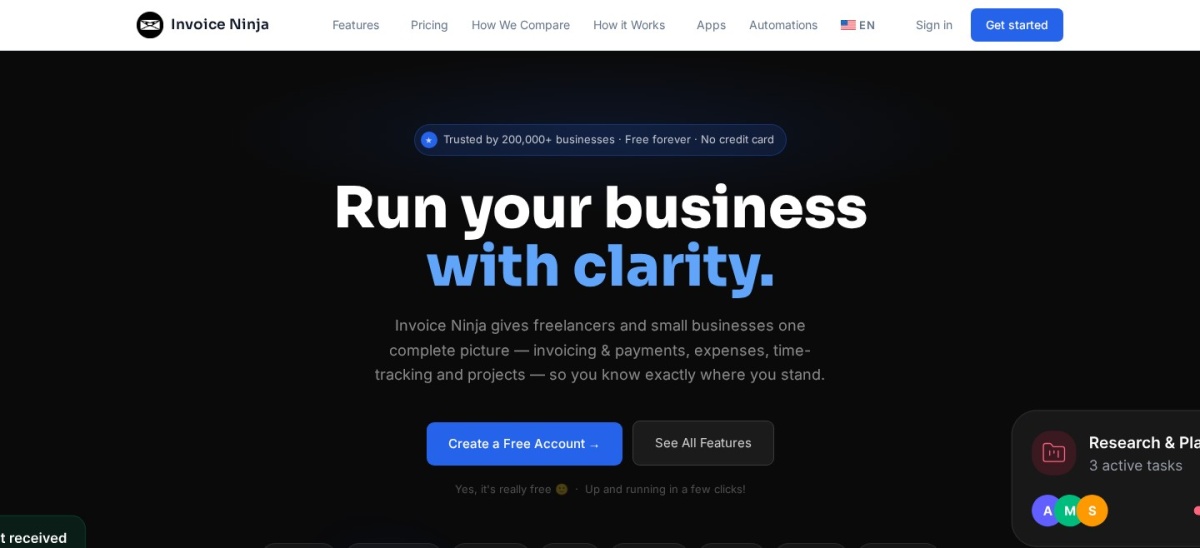
Invoice Ninja is the cheapest paid plan at $14 a month, and its open-source version can be self-hosted for free.
Watch processing fees as well as subscriptions: card payments add about 2.9% plus 30 cents on most tools.
What to look for in invoicing and payment software
Good invoicing software does three jobs: it sends clean invoices, reminds clients who pay late, and takes the payment without extra work.
Card fees add up fast: at 2.9% plus 30 cents, a $1,000 invoice costs about $29 in fees, more than a month of the cheapest paid plan on this list.
If you also need books, tax reports and bank reconciliation, pick a full accounting tool such as FreshBooks, Xero or QuickBooks Online. If you only send invoices, a focused tool such as Zoho Invoice or Square Invoices is enough. Our guide on creating an invoice in WooCommerce shows the same choices inside WordPress.
Recurring invoices, automatic reminders and a client portal save the most time. Check those three features before you compare prices.
FreshBooks is accounting software built around invoicing for freelancers and small service businesses. The Lite plan costs $23 a month for 5 billable clients and includes unlimited invoices, estimates, time tracking, expenses and a client portal, with online payments through FreshBooks Payments or Stripe.
The trade off is the client cap. Lite covers only 5 billable clients, and each extra team member costs $11 a month, so growing teams move to Plus at $43 a month. It suits freelancers and small firms that want invoicing, time and expenses in one place.
What we like
Clean invoicing with estimates and recurring billing
Time tracking and expenses included on every plan
Rated 4.5 out of 5 on G2 from 981 reviews
Watch out for
Lite caps at 5 billable clients
Advanced Payments is a $20 a month add-on on lower plans
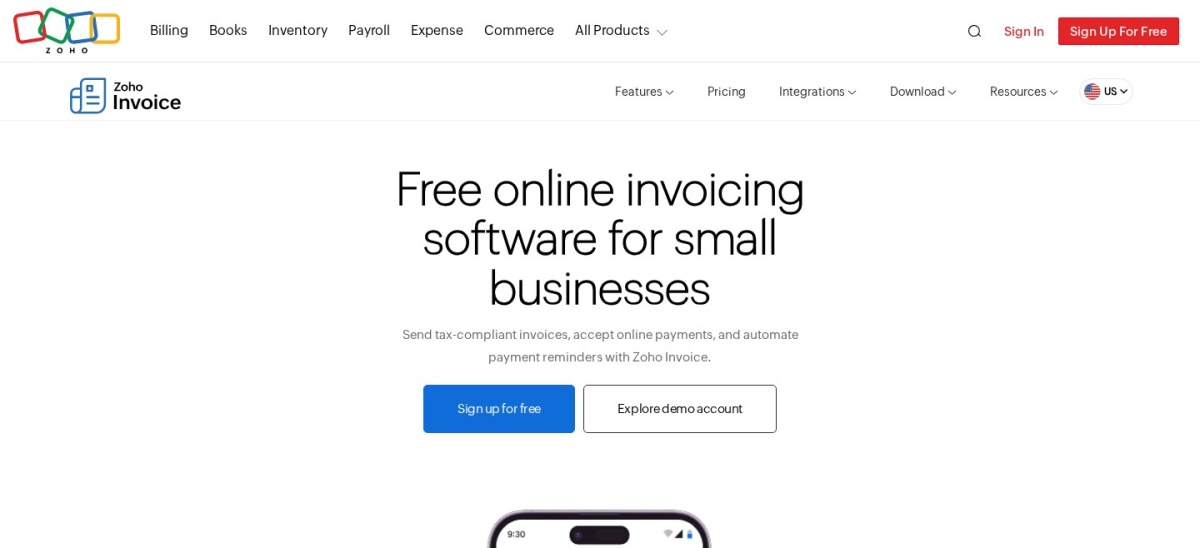
Zoho Invoice is a free invoicing app from Zoho for freelancers and small businesses. It includes templates, recurring invoices, estimates, time tracking, expenses and automatic payment reminders, and it accepts online payments through Stripe, PayPal and other gateways.
The trade off is the ceiling. The free plan caps at 500 invoices a year and 2 users, and there is no paid Zoho Invoice plan to grow into, so larger teams move to Zoho Billing. It suits solo operators and small firms that send a few hundred invoices a year.
What we like
Completely free with no time limit
Recurring invoices and automatic reminders included
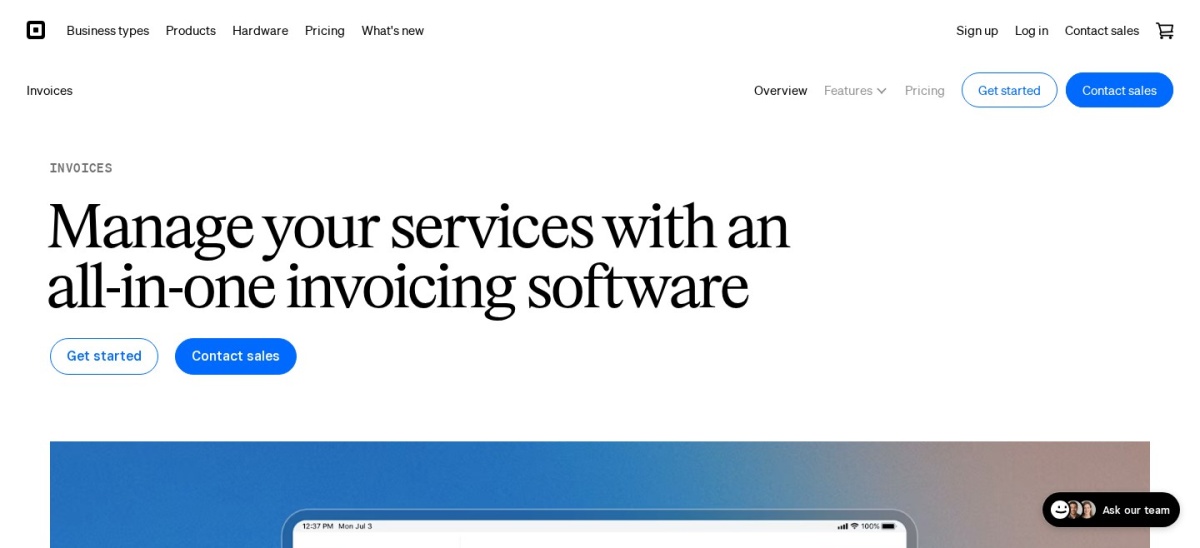
Square Invoices is the free invoicing tool inside Square for businesses that already take payments with Square. It includes unlimited invoices and estimates, recurring billing, reminders and a client portal, and payments land in the same Square account as in-person sales.
The trade off is fees. The free plan charges 3.3% plus 30 cents per online card payment, and Plus costs $49 a month to cut that to 2.9% plus 30 cents. It suits shops, trades and service businesses that already run on Square.
What we like
Free unlimited invoices with no monthly fee
In-person and invoiced payments in one account
Rated 4.7 out of 5 on G2
Watch out for
Card fees are higher than some rivals on the free plan
Xero is cloud accounting software for small businesses, with invoicing, bills, bank reconciliation and reporting in one place. The Early plan costs $27 a month, includes online invoicing with payment links, and every plan allows unlimited users at no extra charge.
The trade off is the invoice cap. Early allows only 20 invoices and 5 bills a month, so busy firms need Growing at $59 a month. It suits small businesses whose accountant already works in Xero.
Wave is free accounting software for freelancers and micro-businesses. The Starter plan includes unlimited invoices, estimates, bills and bookkeeping records at no charge, with online payments at 2.9% plus 60 cents per card transaction.
The trade off is automation. Automatic bank transaction imports, receipt capture and multi-user access need Pro at $19 a month, or $190 a year. It suits solo owners who want free invoicing and simple books.
QuickBooks Online is the most widely used small-business accounting software, and its invoicing sits inside a full set of books. Simple Start costs $38 a month for one user and covers invoices, estimates, expense tracking, bank feeds and more than 80 report templates.
The trade off is price and complexity. It is the dearest entry plan in this list, and its price has risen several times, so it pays only if you use the accounting depth. It suits US small businesses whose accountant works in QuickBooks.
Invoice Ninja is invoicing software for freelancers and small businesses, with quotes, recurring billing, expenses, projects and time tracking. The hosted Free plan covers 5 clients with unlimited invoices, and Pro costs $14 a month for unlimited clients, reminders and custom designs.
The trade off is polish. The interface is plainer than FreshBooks, and the G2 review base is small, though Capterra rates it 4.7 out of 5. It suits freelancers who want the cheapest paid plan or a free self-hosted setup.
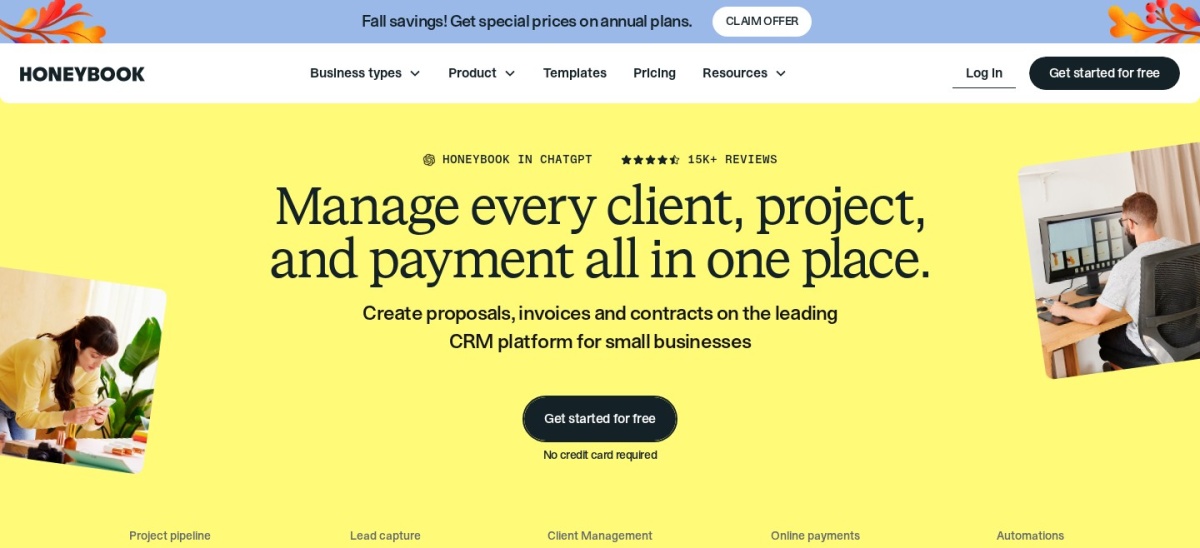
HoneyBook is client management software for photographers, event planners and other service businesses. The Starter plan costs $36 a month and combines invoices, online payments, proposals, contracts, a client portal and scheduling in one workflow.
The trade off is scope. HoneyBook is not accounting software, so it has no bank reconciliation or tax reports, and automations need the $59 Essentials plan. It suits creative service businesses that sell packaged work.
Harvest is time tracking software that turns tracked hours and expenses into invoices. The Free plan covers 1 seat and 2 projects, and Teams costs $9 per seat a month on annual billing, or $11 month to month, with team reports and payment integrations.
The trade off is the meter. Extra invoices, projects, clients and tasks beyond the base amount are billed by usage, so heavy invoicing can raise the bill. It suits freelancers and small agencies that bill by the hour.
Free plans cover sending invoices well. Zoho Invoice, Wave and Square Invoices all send unlimited invoices without a monthly fee.
Paid plans mostly add automation and accounting. You get reminders, recurring billing, bank imports and reports that free plans hold back.
If you bill by the hour, the paid plan often pays for itself in one invoice. Our guide on adding a payment method in WooCommerce covers the same trade-off for stores.
Start free, then pay when a limit bites. The 500-invoice cap, the 5-client cap and the missing bank import are the usual triggers.
How we chose
We started from the most widely used invoicing and payment tools for small businesses, then kept the nine with a public rating and a published price.
Prices come from each vendor's pricing page, checked on 25 November 2026. Ratings and review counts come from G2 on the same day, except Invoice Ninja, which uses Capterra. Where a vendor shows a sale, the list shows the regular price.
We left out tools with no public rating and quote-only enterprise billing. No vendor paid for a place, and we do not claim to have used these tools ourselves.
How to choose invoicing and payment software
Start with how you bill, then check the fees on a typical invoice.
Count your invoices and clients. A free plan with a 500-invoice cap or a 5-client cap is fine at first, but check what the next plan costs before you commit.
Work out the card fees. A 2.9% fee on a $1,000 invoice is about $29, so a low monthly price can still be the dearest option if you take most payments by card.
Decide if you need accounting too. If you need bank reconciliation and tax reports, pick FreshBooks, Xero, QuickBooks Online or Wave. If you only send invoices, a focused tool is enough.
Check reminders and recurring billing. Automatic reminders and recurring invoices save more time than any other feature. See how to set up Stripe in WooCommerce if you bill through a store.
FAQ
What is the best invoicing and payment software?
FreshBooks is the best pick for most small businesses. Its Lite plan costs $23 a month, covers invoicing, estimates, time tracking and expenses, and it is rated 4.5 out of 5 on G2 from 981 reviews.
What is the best free invoicing software?
Zoho Invoice is the best free option. It is completely free, includes recurring invoices and automatic reminders, and is rated 4.7 out of 5 on G2. It caps at 500 invoices a year and 2 users.
How much does invoicing software cost?
Paid plans in this list run from $9 to $49 a month per user or seat. Free plans cover invoicing itself, but card payments add about 2.9% plus 30 cents per transaction on most tools.
Is Square Invoices really free?
Yes. Square Invoices has no monthly fee and sends unlimited invoices. You pay only payment processing fees, 3.3% plus 30 cents per online card payment, or 2.9% plus 30 cents on the $49 a month Plus plan.
Do I need accounting software as well?
Not always. If you only send invoices and take payments, Zoho Invoice or Square Invoices is enough. If you need bank reconciliation, tax reports and payroll, pick FreshBooks, Xero, QuickBooks Online or Wave.
Which invoicing tool is best for freelancers?
FreshBooks is the best all-round pick for freelancers, and Invoice Ninja is the cheapest paid plan at $14 a month. Freelancers who bill by the hour should look at Harvest, which turns tracked time into invoices.
SaaS SEO and WordPress specialist with about 8 years of experience. Rakib compares WordPress plugins, themes, hosting and software using public pricing, documentation and user reviews. See how we rank.