Zoho Invoice is the best invoice billing software for most small businesses: free forever, with invoices, quotes, reminders and online payments, rated 4.7 out of 5 on G2. Pick FreshBooks for time tracking with billing, or Xero if you also need full accounting.
How we make this list: we compare pricing pages, product documentation and public user reviews, then re-check every price before each update. No product paid for a place. Disclosure.
Zoho Invoice is free forever and rated 4.7 out of 5 on G2, the highest rating in this list.
FreshBooks Lite lists at $23 a month, while its Black Friday sale cuts that to $2.30 for 4 months.
Xero Early costs $27 a month and adds quotes, bank feeds and more than 1,000 app integrations.
Wave and Invoice Ninja both have free plans, with paid upgrades at $19 and $14 a month.
QuickBooks Online has the priciest entry plan here at $38 a month, but also the most reviews, with 3,913 on G2.
Square Invoices sends unlimited invoices free, and online card payments cost 3.3% plus 30 cents.
What to look for in invoice billing software
An invoice tool should do more than make a PDF. It should send the invoice, remind the client, take the payment and mark it paid without extra work.
Recurring invoices and automatic reminders matter most for regular clients. They cut chasing time and keep cash flow steady.
Watch the payment fees, not just the monthly price. A free plan with a 2.9% card fee can cost more than a $14 plan once volume grows.
If you sell through WordPress, invoicing still happens outside the store for most service work. Our guide on creating an invoice in WooCommerce covers the store side.
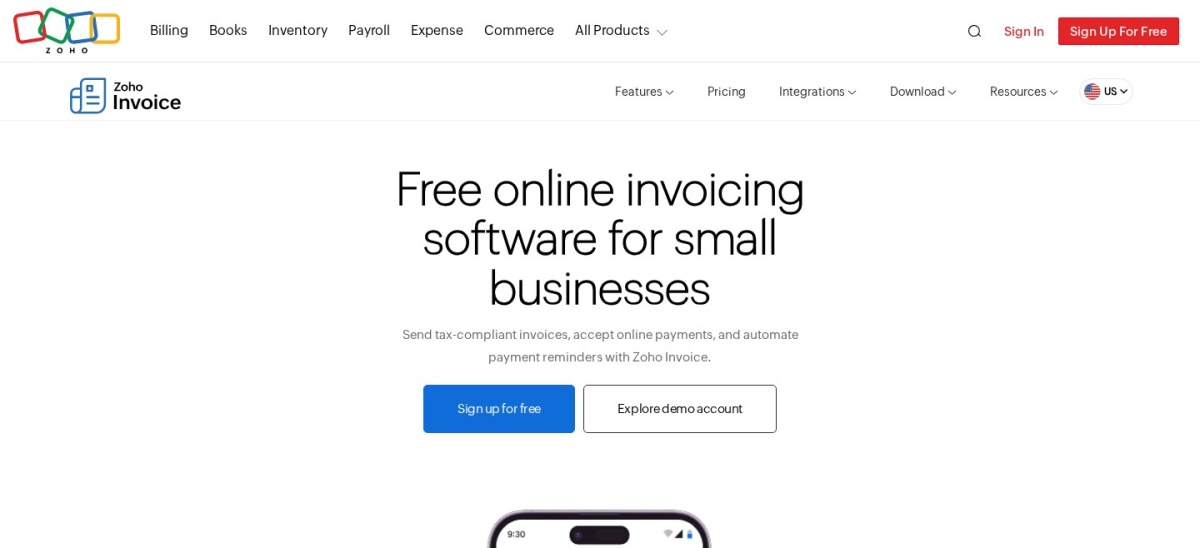
Zoho Invoice is a free invoicing tool for small businesses, with no paid plan at all. It creates tax-compliant invoices, sends them by email or PDF, offers online payments, and automates payment reminders, quotes, recurring invoices and a customer portal.
The trade off is scope. There is no built-in bookkeeping, payroll or inventory, so growing firms pair it with Zoho Books or another accounting tool. It suits freelancers and small firms that want solid invoicing without a monthly bill.
What we like
Free forever, with no paid plan to outgrow
Automatic payment reminders and recurring invoices
FreshBooks is cloud accounting for freelancers and service firms, built around invoicing. Lite costs $23 a month and covers estimates, invoices, recurring billing, late fees, expense tracking and bank imports, with online card and bank payments.
The trade off is price and limits. Lite is the cheapest plan, and Plus at $43 a month adds more features, so costs rise as you grow. A 90% off sale runs for 4 months at the time of writing. It suits service firms that bill time as well as fixed fees.
Xero is cloud accounting for small businesses, with invoicing built in rather than added on. Early costs $27 a month and covers invoices, quotes, bank reconciliation and cash flow tracking, with standard ACH payments included and over 1,000 apps to connect.
The trade off is the invoice limit on Early, which caps how many invoices you can approve and send. Growing costs $59 a month and lifts that cap, so busy billers pay more. It suits firms that want invoicing inside full accounting.
What we like
Full accounting, not just invoicing
Over 1,000 app integrations
Rated 4.4 out of 5 from 1,865 G2 reviews
Watch out for
Early plan limits invoice numbers
No free plan, only one month free
Growing at $59/mo lifts the Early invoice limitVisit xero.com
04
HoneyBook
4.4/5on G2 (253 reviews, checked Nov 2026)
Starts at$36/mo
Best for client work with contracts
Free planNo, free trial
Cheapest planStarter, $36/mo
ContractsYes, with e-sign
Card feeFrom 2.9% + 25¢
honeybook.com
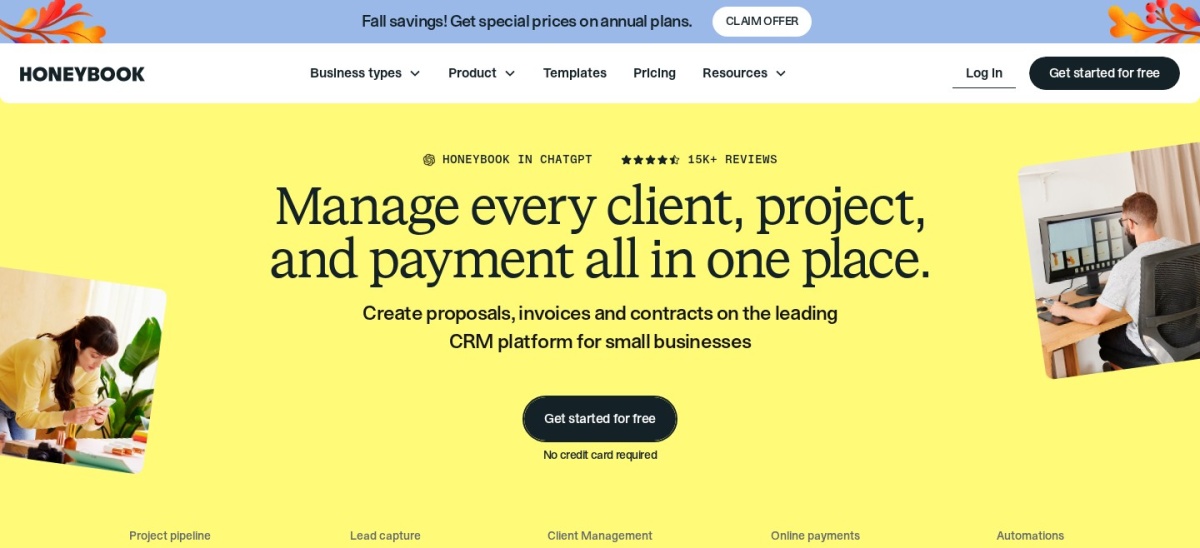
HoneyBook homepage, captured Nov 2026.
HoneyBook is a client platform for independent firms, combining invoices with proposals, contracts and scheduling. Starter costs $36 a month and includes unlimited clients and projects, invoices and payments, templates, a client portal and HoneyBook AI.
The trade off is focus. It is built for project-based client work, not for general bookkeeping, and card payments start at 2.9% plus 25 cents. A 50% off sale runs at the time of writing. It suits photographers, coaches and event firms that book, contract and bill in one place.
Wave is free accounting and invoicing software for small firms and freelancers. Starter costs $0 and includes unlimited invoices, estimates, bills and bookkeeping records, with online payments at 2.9% plus 60 cents per card transaction.
The trade off is automation. Auto-import of bank transactions, receipt capture and automatic late payment reminders need Pro at $19 a month. It suits new firms that want free invoicing and basic books in one place.
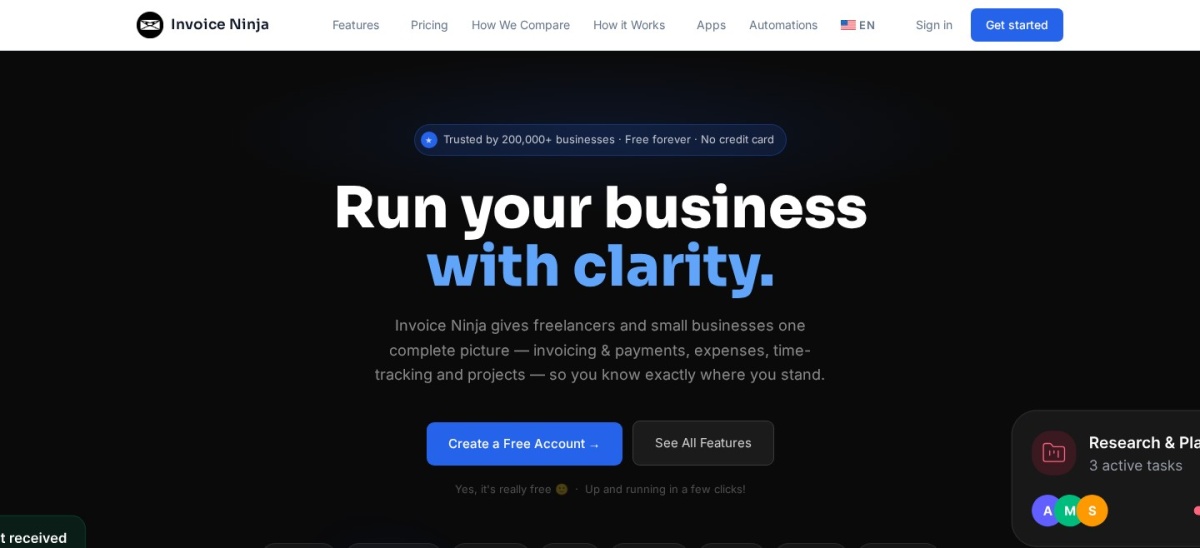
Invoice Ninja is open-source invoicing for freelancers and small firms, with a hosted cloud version too. The free plan covers up to 5 clients with unlimited invoicing, recurring billing and a client portal, and Pro costs $14 a month for unlimited clients.
The trade off is polish. The interface feels dated next to FreshBooks or HoneyBook, and only 22 G2 reviews back its 4.3 rating, so the score is thin. It suits low-budget billers who want control, including self-hosting.
Square Invoices is the invoicing arm of Square, for firms that take payments in person and online. The free plan includes unlimited invoices and recurring invoices, estimates, contracts and projects, with online card payments at 3.3% plus 30 cents.
The trade off is the paid tier. Custom invoice templates, payment schedules and lower card fees need Plus at $49 a month per location. It suits shops, studios and mobile firms that already use Square to take payments.
QuickBooks Online is the most widely used small-business accounting tool in this list. Simple Start costs $38 a month and covers income and expenses, profit and loss reports, automated bookkeeping and invoicing with online payments, while a free plan allows 2 invoices a month.
The trade off is cost and complexity. It is the priciest entry plan here, and G2 reviewers call the dashboard crowded and the price rises frequent. A 70% off sale runs for 3 months at the time of writing. It suits firms that want an accountant-friendly system that scales.
Free plans cover the basics well. Most include unlimited invoices, templates and online payments.
Paid plans mostly add automation and lift limits. You get reminders, bank feeds, more clients and faster support.
Card fees are the hidden cost. Our payment gateway fees compared shows how 2.9% plus 30 cents adds up on larger invoices.
For a firm that bills every week, the first year of a paid plan often costs less than the hours spent chasing late payments by hand.
How we chose
We started from the best-known invoice billing tools for small businesses, then kept those with a public rating, a published price and a plan a small firm can buy.
Prices come from each vendor pricing page, checked on 25 November 2026. Ratings and review counts come from G2 on the same day. Where a vendor shows a sale, the list shows the regular price.
We left out tools with no public rating or no published monthly price. No vendor paid for a place, and we do not claim to have used these tools ourselves.
How to choose invoice billing software
Start with how you bill today, then match the tool to that flow.
Count your monthly invoices. A free plan covers a handful of invoices, but a cap such as 2 a month on QuickBooks Free pushes busy billers to a paid plan.
Check the payment fees. A 2.9% card fee beats a monthly fee at low volume, then flips as volume grows. See what a payment gateway does before you pick one.
Decide if you need accounting too. Pick Zoho Invoice, Wave or Square for invoicing alone, and FreshBooks, Xero or QuickBooks when bookkeeping must live in the same tool.
Try the free plan or trial first. Send a real invoice, set a reminder and take a test payment before you move clients over.
FAQ
What is the best invoice billing software?
Zoho Invoice is the best pick for most small businesses. It is free forever, covers invoices, quotes, reminders and online payments, and is rated 4.7 out of 5 on G2 from 372 reviews. FreshBooks suits firms that also bill time.
Is there really free invoice billing software?
Yes. Zoho Invoice is free forever, Wave Starter costs $0, Invoice Ninja is free for up to 5 clients, and Square Invoices is free too. Card fees still apply when clients pay online, usually around 2.9% plus 30 cents.
How much does invoice billing software cost?
Cheapest paid plans run from $14 a month for Invoice Ninja Pro to $49 a month for Square Plus. Most sit between $19 and $38 a month. Card fees sit on top, so check the per-payment rate before you compare monthly prices.
What is the difference between invoicing and billing software?
Invoicing software creates and sends invoices. Billing software covers the full cycle: recurring charges, payment collection, reminders and reconciliation. Most tools in this list do both, which is why the terms are used together.
Do I need accounting software as well?
It depends on your size. Invoicing alone is enough for many freelancers. Firms that need profit and loss reports, bank reconciliation or tax reports should pick FreshBooks, Xero or QuickBooks Online instead of a pure invoicing tool.
Which invoice tool is best for freelancers?
Zoho Invoice is the best free start, and Invoice Ninja is the best cheap upgrade at $14 a month. Pick FreshBooks if you bill by the hour, or HoneyBook if you also need contracts and proposals for client work.
SaaS SEO and WordPress specialist with about 8 years of experience. Rakib compares WordPress plugins, themes, hosting and software using public pricing, documentation and user reviews. See how we rank.