Confluence is the best internal wiki software for most teams, pairing a governed wiki with Jira, page-level permissions and search, and rated 4.1 out of 5 from 4,374 G2 reviews. Pick Notion for a flexible wiki plus databases, or Slab for a simpler wiki at $6.67 per user a month.
How we make this list: we compare pricing pages, product documentation and public user reviews, then re-check every price before each update. No product paid for a place. Disclosure.
Confluence is the best overall pick: a governed wiki with Jira links, page permissions and a free plan for up to 10 users.
Notion is the most flexible option, rated 4.6 out of 5 from 12,176 G2 reviews, but it needs templates and rules to work as a wiki.
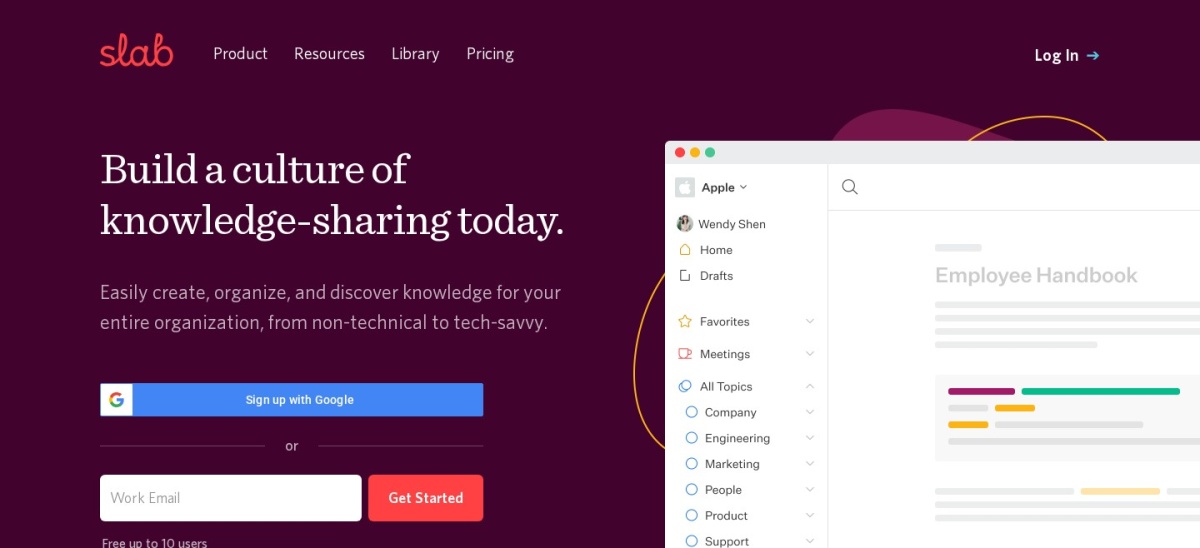
Slab is the cheapest dedicated wiki here at $6.67 per user a month, with fast search and a free plan for up to 10 users.
Guru is the highest rated tool in this list at 4.7 out of 5, and its verification dates stop stale pages going unnoticed.
Document360 publishes no prices at all, so budget it by quote only; every other tool in this list shows its entry price.
What an internal wiki should cover
An internal wiki is the one place a team looks first for how things work. When answers live in chat threads and shared drives, new starters ask the same questions and old pages go stale.
A good wiki needs clear pages, search that finds them, and permissions that keep sensitive pages private. Linking between pages matters too, and our guide on adding internal links in WordPress shows the same habit that keeps a wiki usable.
Verification is the feature most buyers skip. A page with an owner and a review date is worth more than ten pages nobody has checked in a year.
Price is usually per user per month, so the bill grows with the team. Flat-fee tools such as KnowledgeOwl suit teams that expect headcount to grow.
Confluence is Atlassian's wiki for team documentation, built to sit beside Jira. The free plan covers up to 10 users with unlimited pages and spaces, and paid plans add page restrictions, analytics and more storage.
The trade off is price structure. Standard costs $5.78 per user a month, and the per-user rate shifts with team size, so large teams should check the bracket for their headcount. It suits teams already using Jira that want one governed wiki.
Notion is a flexible workspace that combines wikis, documents and databases in one place. The free plan gives one person unlimited pages and blocks, with 10 guests, and Plus adds unlimited file uploads, unlimited guests and 30-day page history.
The trade off is structure. Notion gives teams a blank canvas, so a wiki needs templates and agreed rules or pages drift apart. It suits small teams that want a wiki plus project tracking in one tool.
Slab is a dedicated team wiki built for writing, organising and finding internal docs. The free plan covers up to 10 users with unlimited posts and templates, and Startup adds single sign-on, private topics and Slack and Google Workspace integrations.
The trade off is scope. Slab stays focused on docs, so teams that also want tasks and databases will need a second tool. It suits small teams that want a simple wiki without the setup of a full workspace.
Guru is a knowledge platform that surfaces verified answers where teams already work, including Slack, Zendesk and Salesforce. Cards carry an owner and a verification date, so stale pages get flagged instead of quietly going out of date.
The trade off is price. Builder costs $15 per user a month, and the newer AI features sit on higher tiers, so the entry plan is best for teams that mainly need trusted cards. It suits support, sales and HR teams that answer the same questions daily.
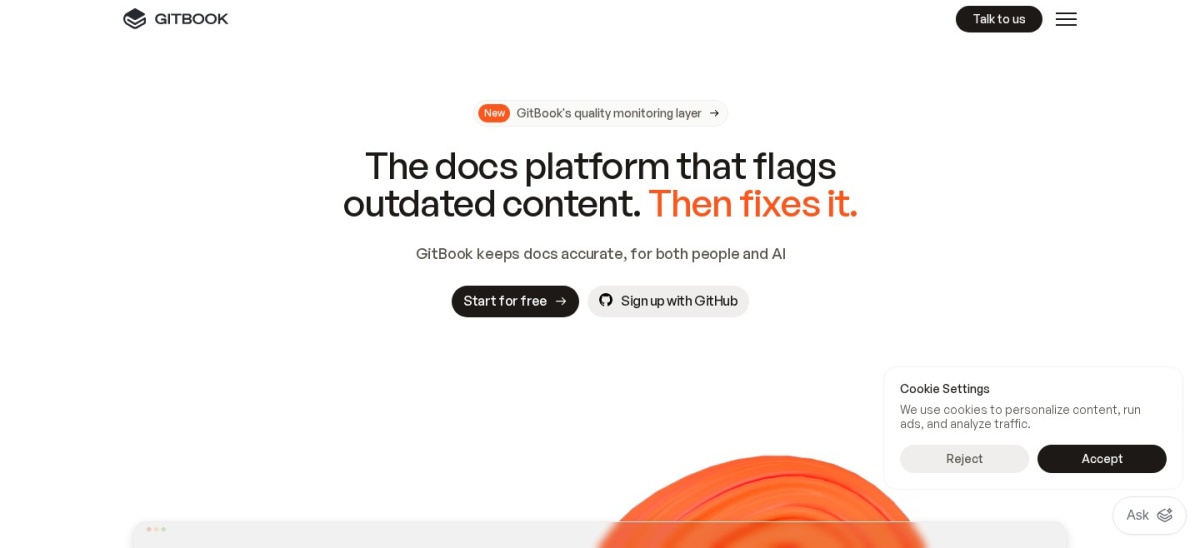
GitBook is a documentation tool that pairs a clean editor with Git sync, so docs can live beside code. The free Personal plan covers one user, and Plus at $8 per user a month adds team collaboration, more permissions and integrations.
The trade off is the free plan. It covers one user only, so any team wiki needs Plus from the start. It suits technical teams that already use Git and want docs with version control.
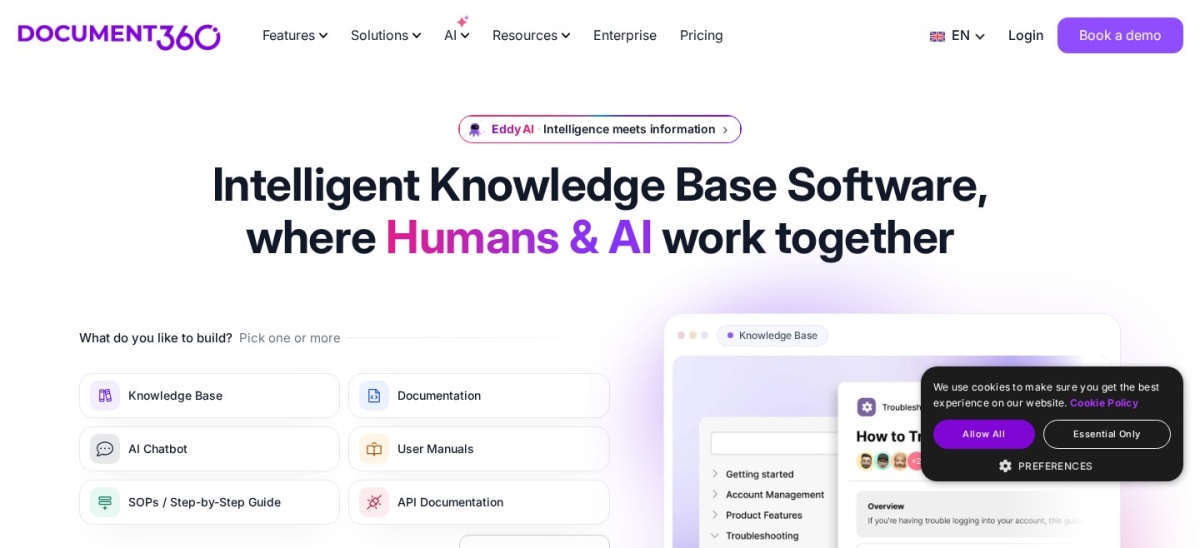
Document360 is a knowledge base built only for documentation, from help centres and product docs to SOPs and API docs. It offers private and public projects, review workflows, translations and analytics, with AI search that answers from your articles.
The trade off is price. Document360 publishes no prices and quotes each plan, so small teams cannot budget it from the site. It suits mid-size teams that publish many articles and need review and translation workflows.
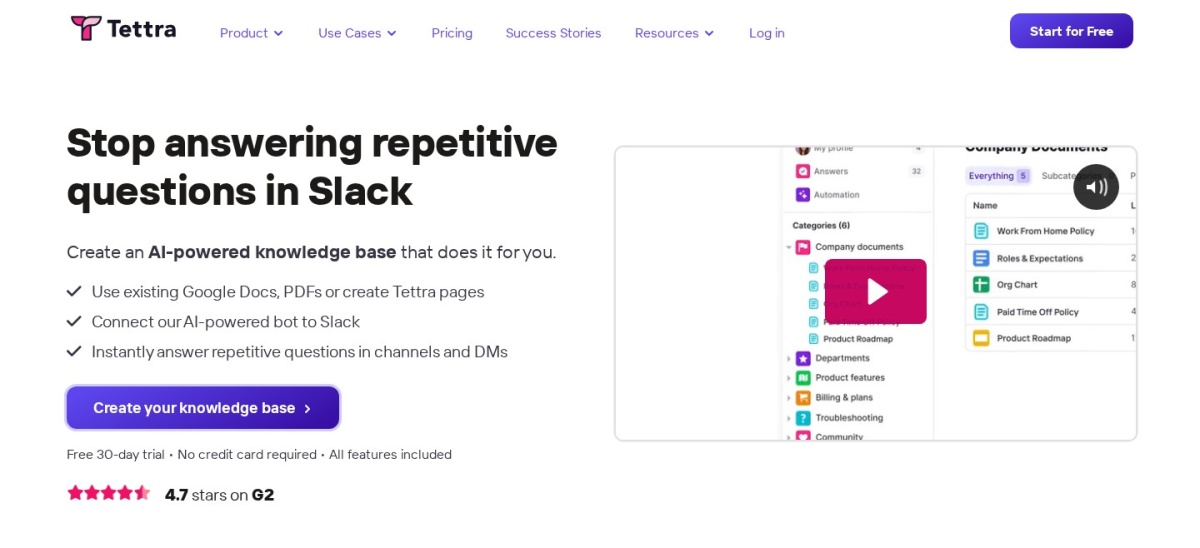
Tettra is an internal wiki and AI question-and-answer tool built around Slack. Its Kai bot answers questions from your pages inside Slack, and pages can be assigned an owner and a verification date.
The trade off is the floor. Scaling costs $8 per user a month with a 10-user minimum, so the smallest bill is $80 a month. It suits Slack-first teams that want repeat questions answered without leaving chat.
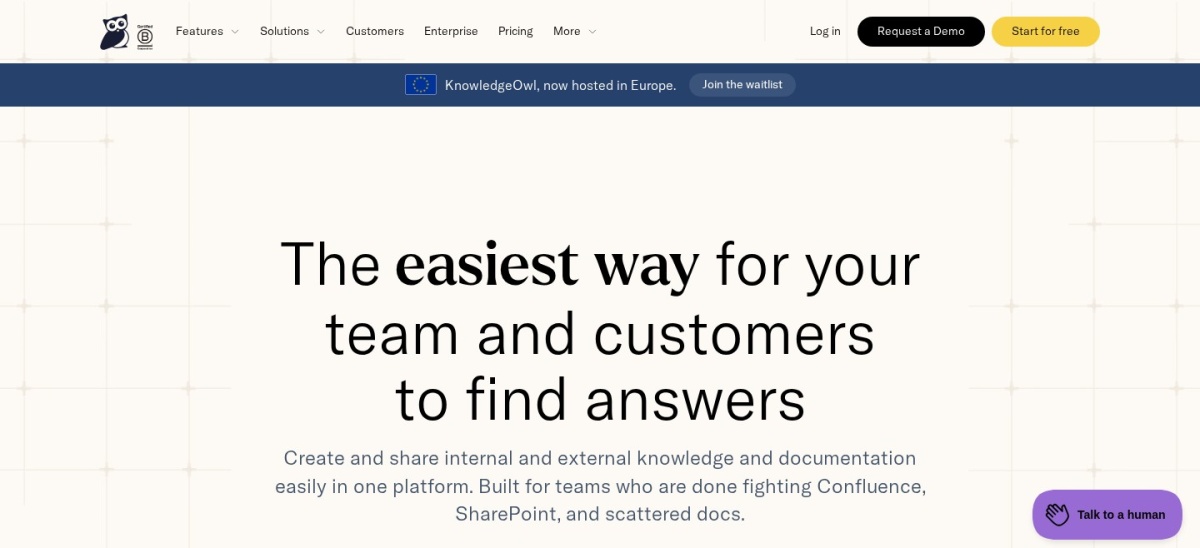
KnowledgeOwl is a knowledge base for private help centres and internal docs, priced as a flat monthly fee instead of per user. Basic costs $100 a month and includes an AI chatbot, search and drafting, with no seat count to track.
The trade off is the flat fee. At $100 a month it costs more than a small per-seat wiki for a tiny team, but the bill stays flat as the team grows. It suits small teams that want a private help centre without per-seat pricing.
Free plans cover the basics well. Confluence, Notion, Slab, Guru and GitBook all let a small team start without paying, though GitBook's free plan covers one user only.
Paid plans mostly add permissions, history and admin controls. Single sign-on, page-level permissions and longer page history usually sit behind the first paid tier.
AI answers are the newest paid split. Guru, Tettra and KnowledgeOwl include some AI on their entry paid plans, while Document360 keeps its AI features in quoted plans.
For a team of 10, the cheapest paid wiki here costs about $58 to $100 a month. Check the minimum seat count first, since Tettra's 10-user floor sets its smallest bill at $80 a month.
How we chose
We started from the established internal wiki and knowledge base tools with public G2 ratings, then kept those with a published price or a clear quote-only model.
Prices come from each vendor's pricing page, checked on 25 November 2026. Ratings and review counts come from G2 on the same day. Where a vendor shows a sale, the list shows the regular price.
We left out tools with no public rating and tools built mainly for customer support tickets. No vendor paid for a place, and we do not claim hands-on testing for this list.
How to choose internal wiki software
Start with where your team already asks questions, then pick the wiki that meets them there.
Count the people who will edit, not just read. Most wikis charge per user, so the editor count sets the bill. Readers on a free guest tier cost nothing on some plans.
Check permissions before you buy. Ask whether pages can be restricted by team, and whether single sign-on is included or an add-on. See how to add internal links in WordPress for the linking habit that keeps any wiki tidy.
Ask who owns each page. A wiki without owners goes stale. Pick a tool with verification dates or review reminders, and name an owner for every key page.
Trial it with real pages, not a demo. Move ten real pages in, invite the team, and see whether search finds them. If the trial ends and nobody looked, the tool is not the problem.
FAQ
What is the best internal wiki software?
Confluence is the best internal wiki for most teams. It combines a governed wiki with Jira links, page-level permissions and search, and it is rated 4.1 out of 5 from 4,374 G2 reviews, with a free plan for up to 10 users.
Is Notion good as an internal wiki?
Yes, Notion works well as a wiki for small teams that also want databases and project tracking. It is rated 4.6 out of 5 from 12,176 G2 reviews, but it needs templates and agreed rules, or pages drift apart over time.
What is the cheapest internal wiki software?
Confluence is the cheapest tool in this list at $5.78 per user a month on its Standard plan, though its rate shifts with team size. Slab is the cheapest dedicated wiki at $6.67 per user a month, with a free plan for up to 10 users.
Do I need a paid plan for an internal wiki?
Not always. Confluence, Notion, Slab and Guru all offer a free tier that suits a small team. Paid plans add permissions, longer page history, single sign-on and admin controls that matter as the team grows.
How is an internal wiki different from a knowledge base?
An internal wiki is written for staff, with pages for processes, onboarding and team notes. A knowledge base can also serve customers, with public help centre pages, and tools such as Document360 and KnowledgeOwl are built mainly for that job.
Can an internal wiki answer questions in Slack?
Yes. Guru and Tettra both answer from wiki pages inside Slack, and Tettra's Kai bot is built for that job. Confluence and Notion also connect to Slack, but their answers usually open as linked pages rather than replies in chat.
SaaS SEO and WordPress specialist with about 8 years of experience. Rakib compares WordPress plugins, themes, hosting and software using public pricing, documentation and user reviews. See how we rank.