V-Ray is the best interior design rendering software for most professionals, with photoreal stills rated 4.5 out of 5 on G2 and Solo at $45 a month. Pick Enscape for live client reviews inside Revit or SketchUp, and Twinmotion if you want a full renderer free.
How we make this list: we compare pricing pages, product documentation and public user reviews, then re-check every price before each update. No product paid for a place. Disclosure.
V-Ray is the photoreal standard for interior stills at $45 a month, rated 4.5 out of 5 on G2 from 241 reviews.
Enscape renders live inside Revit, SketchUp, Rhino, Archicad and Vectorworks at $47.90 a month, with a 14-day trial.
D5 Render pairs real-time ray tracing with a free tier for individuals, and Pro costs $360 a year.
Twinmotion is free in full for firms earning under $1 million a year, and paid seats cost $445 a year.
Lumion is the priciest seat here at $1,149 a year, with no free tier and a Windows-only, GPU-hungry workflow.
What to look for in interior rendering software
Interior rendering turns a floor plan into a picture a client can react to. The tools below split into two kinds: offline renderers that chase photographic stills frame by frame, and real-time tools that update the image as you design.
Start from the deliverable. If the job is a hero still for a portfolio or a magazine submission, V-Ray and Corona Renderer lead on material accuracy and light. If the job is a live walkthrough with a client in the room, Enscape, Twinmotion or D5 Render win because the view updates as you edit.
Hardware decides more than the subscription. Real-time tools want a dedicated NVIDIA GPU, ideally RTX, while V-Ray and Corona also render on CPU, so they run on modest machines, just slower. Browser tools need nothing but an internet connection because the render happens in the cloud. Our guide on creating a portfolio site with WordPress shows how to present the finished renders once they are done.
Free tiers are real in this niche. Twinmotion is free in full under $1 million of revenue, D5 Render has a free tier for individuals, and SketchUp Free covers modeling. Paid plans mostly buy higher resolution, bigger asset libraries and team features.
V-Ray is the renderer behind a large share of the interior imagery in architecture portfolios. It plugs into SketchUp, Revit, 3ds Max, Rhino, Cinema 4D and Blender, so a model becomes photorealistic without exporting elsewhere. Solo costs $45 a month billed annually and includes the rendering engine, 15,000 assets and materials, and AI tools.
The trade off is the learning curve and the hardware. V-Ray exposes deep controls that take real time to learn, and fast results want a strong CPU or GPU. There is no free tier beyond the trial. It suits professionals whose deliverable is final image quality, and who bill for it.
What we like
Industry-standard photoreal quality
Runs inside six major modeling apps
Huge asset and material library with AI tools
Watch out for
Steep learning curve for beginners
No permanent free tier
Fast results need strong hardware
Premium adds more assets and AI credits at $64.90 a monthVisit chaos.com
Enscape is a real-time renderer that runs as a plugin inside Revit, SketchUp, Rhino, Archicad and Vectorworks. One click opens a rendered view of the model that updates as you design, and the same scene produces stills, panoramas, video and VR walkthroughs. Solo costs $47.90 a month billed annually and includes 6,700 render-ready assets.
The trade off is control. Enscape is brilliant for design development and client reviews, but photographers chasing magazine-grade stills will still reach for V-Ray or Corona for the final frames. There is no free tier beyond the 14-day trial. It suits teams that present designs live.
What we like
Renders inside your modeling app with one click
Walkthroughs, panoramas and VR from the same model
Used by most of the top 100 architecture firms
Watch out for
Less fine control than V-Ray for hero stills
Asset library smaller than Lumion
No free tier
Premium adds AI features and more assets at $55.90 a monthVisit chaos.com
D5 Render is a real-time renderer with ray-traced interiors, a modern interface and AI features for materials and lighting. It syncs with SketchUp, Revit, Rhino, Archicad and more, and the free tier for individuals never expires. Pro costs $360 a year and adds advanced features, Pro assets and team workflows.
The trade off is hardware. D5 Render wants a capable NVIDIA RTX graphics card, and integrated graphics will not cope, so try the free tier on your actual machine first. It also runs on Windows only. It suits small studios that want near-V-Ray quality without the render times or the price.
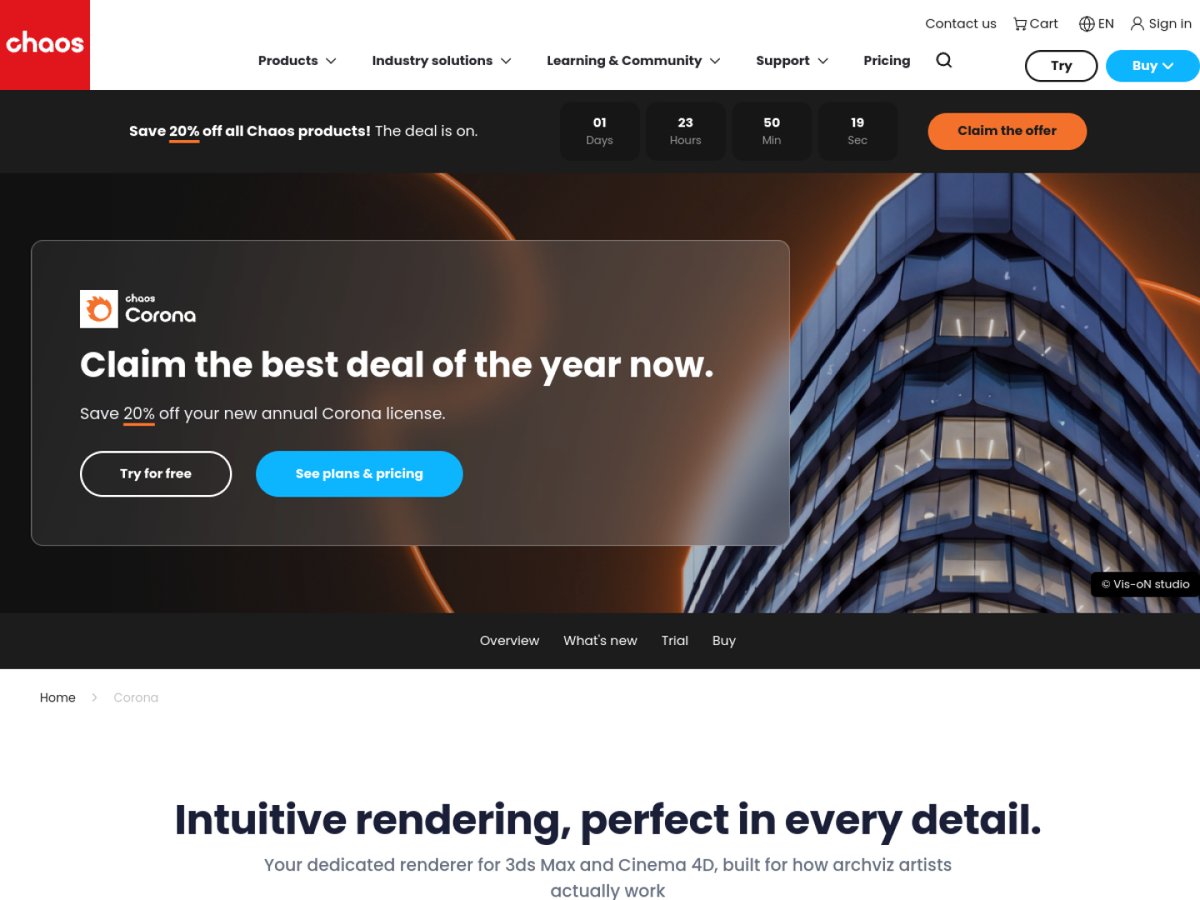
Chaos Corona is a photoreal renderer for 3ds Max and Cinema 4D, known for defaults that produce beautiful interiors with minimal tuning. LightMix lets you rebalance every light in the scene after the render finishes. Solo costs $34.50 a month billed annually and includes a 30-day free trial.
The trade off is architecture. Corona renders on the CPU, so preview iteration is slower than real-time tools, and if you model in SketchUp or Revit rather than 3ds Max or Cinema 4D, Corona is not an option. It suits artists who want V-Ray-level stills with a gentler learning curve.
What we like
Smart defaults that look good immediately
LightMix adjusts lights after rendering
Cheaper than V-Ray for similar still quality
Watch out for
CPU-based, so iteration is slower than real-time tools
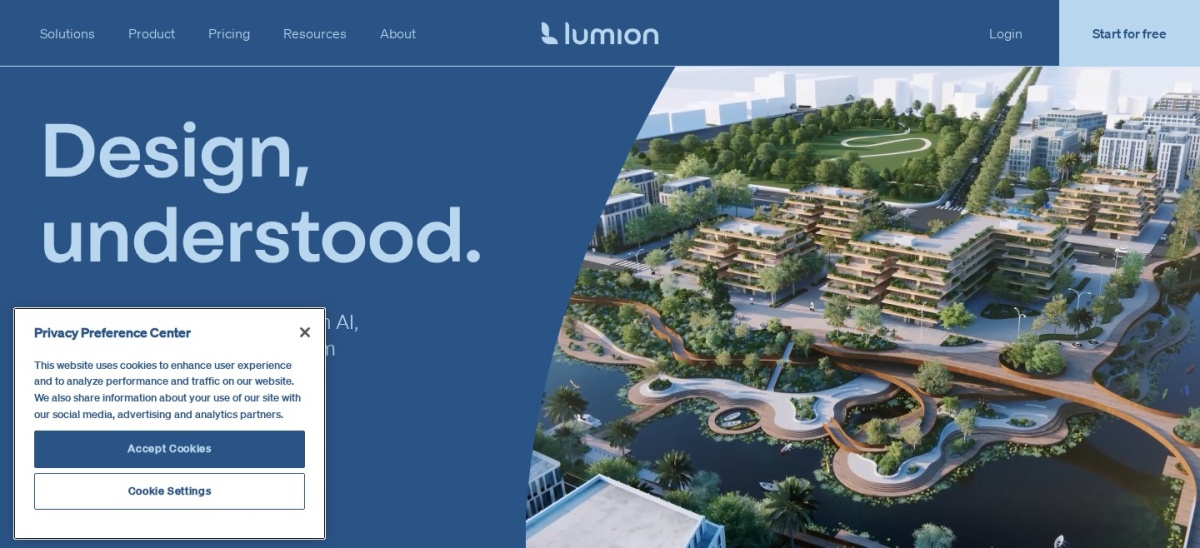
Lumion is a real-time renderer built for speed: import a model in the morning and present rendered images and video in the afternoon. The library holds around 9,500 built-in assets for furniture, people and vegetation, and LiveSync keeps the render updated as you edit in SketchUp, Revit or Rhino. Pro costs $1,149 a year.
The trade off is price and hardware. Pro is the most expensive seat on this list at $1,149 a year, with no free tier and no monthly billing, and it needs a strong NVIDIA GPU on Windows only. It suits practices where architects produce their own presentation visuals and bill for the speed.
Twinmotion is a real-time visualization tool built on Unreal Engine, with a path tracer for stills, animation and VR. If you or your firm earned under $1 million in the last year, you get the complete application free, with no feature limits. Direct access to Quixel Megascans adds high-quality materials and vegetation at no extra cost.
The trade off is polish. The built-in library is thinner than Lumion's, and some archviz workflows take more clicks, while paid seats cost $445 a year once revenue passes $1 million. It suits freelancers, students and small interior practices that want a full renderer for free.
SketchUp is the modeling app most interior renders start in. Draw a floor plan, push and pull walls, drop in furniture from the 3D Warehouse, and you have a 3D interior in an afternoon. Go costs $129 a year for web and iPad modeling, Pro costs $399 a year and adds the desktop app and LayOut.
The trade off is that SketchUp is the modeling half of the equation. Out of the box it produces clean illustrative views, not photoreal renders, so budget for a rendering extension on top: V-Ray, Enscape and D5 Render all plug in directly. It suits anyone who models interiors from scratch.
Planner 5D is a drag-and-drop home design app for people who have never opened CAD software. Draw walls or start from a template, drag in furniture, and flip between 2D and 3D views on a phone or laptop. The free tier allows unlimited projects with a limited catalog, and Premium costs $4.99 a month billed annually.
The trade off is output limits. Premium opens the full 8,000-item catalog but allows only 5 renders a month, and Professional at $33.33 a month billed annually is steep for unlimited 4K renders. It suits homeowners and beginners designing a single room or home.
What we like
Very easy drag-and-drop editor on web, iOS and Android
RoomSketcher is a floor-plan app that turns a drawn or AI-converted plan into 2D plans, 3D views, 360 tours and walkthroughs without CAD skills. Real-estate agents use it because a furnished 3D floor plan sells a listing better than an empty photo. Pro costs $12 a month billed annually.
The trade off is the credit system. Certain outputs consume credits on top of the subscription, so heavy users should model the real monthly cost before committing, and rendering quality is presentation-grade rather than photoreal. It suits agents and renovators who lead with floor plans.
What we like
Draws accurate to-scale floor plans fast
2D, 3D, 360 views and Live 3D from one project
Popular with real-estate agents for listing visuals
Watch out for
Credit system means some outputs cost extra
Rendering quality is presentation-grade, not photoreal
Free tiers cover real work here. Twinmotion is the full application under $1 million of revenue, and D5 Render's free tier renders real projects with no trial deadline.
Paid plans mostly add resolution and assets. Higher render resolutions, bigger material libraries, 4K output and team seats sit behind the paywall.
Watch for metered extras. Planner 5D caps Premium at 5 renders a month, and RoomSketcher charges credits for some outputs on top of the subscription.
If you sell renders, one paid seat usually pays for itself on the first job. For learning or a single room, start free and upgrade when the limits bite.
How we chose
We started from the renderers interior designers actually buy in 2026, covering offline photoreal tools, real-time visualization, the modeling app most interiors start in, and browser-based options for beginners.
Prices come from each vendor's pricing page, checked on 25 November 2026. Ratings and review counts come from G2 on the same day. Where a vendor shows a sale, the list shows the regular price: Chaos lists V-Ray Solo at $45 a month with a 20% Black Friday discount to $36, and Enscape Solo at $47.90 with the same discount.
We left out tools with no public rating and tools that are no longer sold. No vendor paid for a place, and we do not claim to have used these tools ourselves.
How to choose interior design rendering software
Match the tool to the deliverable first, then check it against your modeling app and your hardware.
Name the deliverable. A hero still for a portfolio points to V-Ray or Corona. A live walkthrough points to Enscape, Twinmotion or D5 Render.
Check it plugs into your modeling app. Enscape and D5 Render sync with SketchUp, Revit and Rhino. Corona only works in 3ds Max and Cinema 4D, so SketchUp and Revit users should skip it.
Check your GPU before you pay. Lumion, D5 Render and Twinmotion want a dedicated NVIDIA GPU, ideally RTX. On a weak machine, use a CPU renderer or a browser tool that renders in the cloud.
Start free where you can. Twinmotion is free under $1 million of revenue and D5 Render has a free tier, so try the real workflow on a real project before buying a seat.
FAQ
What is the best interior design rendering software?
V-Ray is the best pick for photoreal interior stills, rated 4.5 out of 5 on G2 from 241 reviews, with Solo at $45 a month billed annually. For live client reviews, Enscape is the stronger choice because it renders inside Revit or SketchUp. For the best value, Twinmotion is free under $1 million of revenue.
Is there free interior design rendering software?
Yes. Twinmotion is free in full for individuals and firms earning under $1 million a year. D5 Render has a free tier for individuals, Planner 5D has a free tier with unlimited projects, and SketchUp Free covers modeling. Each has limits, but all four produce usable output at no cost.
Should I choose V-Ray, Lumion, or Enscape?
Choose V-Ray for the highest still-image quality and deepest material control. Choose Lumion when you must produce presentation images and video fast from a CAD model. Choose Enscape when your team lives in Revit or SketchUp and wants rendering without exporting. Many studios run Enscape daily and V-Ray for final hero shots.
What computer do I need for interior rendering?
Real-time tools such as Lumion, D5 Render and Twinmotion need a dedicated NVIDIA GPU, ideally RTX, plus 16GB or more of RAM. CPU renderers such as V-Ray and Corona work on modest machines but render slower without strong processors. If your hardware is weak, use browser-based tools such as Planner 5D, which render in the cloud.
Can SketchUp produce photorealistic renders by itself?
No. SketchUp models interiors quickly, but its native output is illustrative rather than photorealistic. Photorealism comes from extensions: V-Ray, Enscape, D5 Render and Twinmotion all integrate with SketchUp directly. Budget for the renderer on top of the SketchUp subscription, or pair SketchUp Free with Twinmotion's free tier.
How much does interior rendering software cost per year?
Anywhere from zero to $1,149. Twinmotion and D5 Render's free tiers cost nothing, Planner 5D Premium is about $60 a year and RoomSketcher Pro is $144. Enscape Solo is about $575 a year, V-Ray Solo is $540, Corona Solo is $414, and Lumion Pro is $1,149. Hardware is the hidden cost.
SaaS SEO and WordPress specialist with about 8 years of experience. Rakib compares WordPress plugins, themes, hosting and software using public pricing, documentation and user reviews. See how we rank.