Storylane is the best interactive product demo software for most teams. It has a free plan, a 4.7 out of 5 G2 rating from 1,593 reviews, and a paid Starter plan at $40 a month. Pick Navattic for high-fidelity HTML demos and Supademo for the lowest paid price.
How we make this list: we compare pricing pages, product documentation and public user reviews, then re-check every price before each update. No product paid for a place. Disclosure.
Storylane leads with a 4.7 out of 5 G2 rating from 1,593 reviews, a free plan and Starter at $40 a month billed yearly.
Navattic is rated 4.8 out of 5 from 1,153 G2 reviews and is the strongest choice for HTML demos that look like the live product.
Supademo is the cheapest paid option here at $38 a month billed yearly, with a free plan that includes 5 demos.
Guideflow starts at $35 a month billed yearly, but full HTML capture needs the $499 a month Growth plan.
Walnut and Tourial are the dearest options, at $575 and about $1,000 a month, and both suit sales-led teams rather than small marketing teams.
What to look for in interactive product demo software
An interactive product demo lets a buyer click through a guided copy of your product without a live call or a trial account. The best tools capture your screens or HTML, add steps and prompts, and share the result as a link.
Capture type matters most. Screenshot demos are quick to build and easy to update. HTML demos feel closer to the live product, with working menus and inputs, but they usually sit on a higher-priced plan.
Check what the free plan really allows. Some free plans cap you at one demo, while others allow several but add a watermark or limit views and analytics.
A demo on a landing page can turn a visit into a lead, so look for lead forms and CRM links. Our guide on creating a landing page in WordPress covers the page the demo will sit on.
Price is hard to compare across this list, because some tools charge per seat and others charge a flat monthly fee. The price ladder below uses the cheapest paid plan per year for one paid seat or the flat plan price.
The 9 best interactive product demo software tools
01
Storylane
4.7/5on G2 (1,593 reviews, checked Nov 2026)
Paid from$40/mo
Best interactive product demo software overall
Free planYes, 1 published demo
Demo typesScreenshot, video, HTML
HTML demosGrowth, $500/mo
Paid planStarter, $40/mo
storylane.io
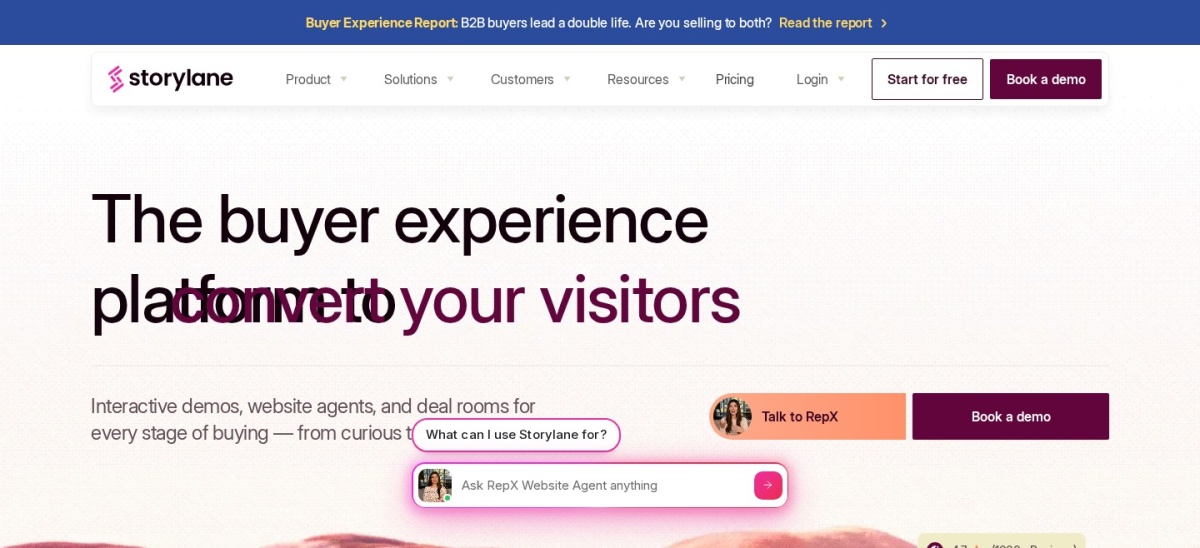
Storylane homepage, captured Nov 2026.
Storylane is a demo platform for sales, marketing and presales teams that builds interactive demos from screenshots, video or HTML capture. The free plan includes 1 seat, 1 published demo and unlimited views, and the Starter plan at $40 a month billed yearly adds unlimited published demos, AI voiceovers and account reveal.
The trade off is the jump to HTML demos. Full HTML editing, personalization tokens and A/B testing need the Growth plan at $500 a month for 5 seats. It suits teams that want one demo library for marketing, sales and presales without a sales call to start.
What we like
Free plan with unlimited demo views
Screenshot, video and HTML demos in one editor
Second-largest review base in this list, at 1,593 G2 reviews
Published prices from $40 a month billed yearly
Watch out for
HTML demos need the $500 a month Growth plan
Growth costs far more than Starter for small teams
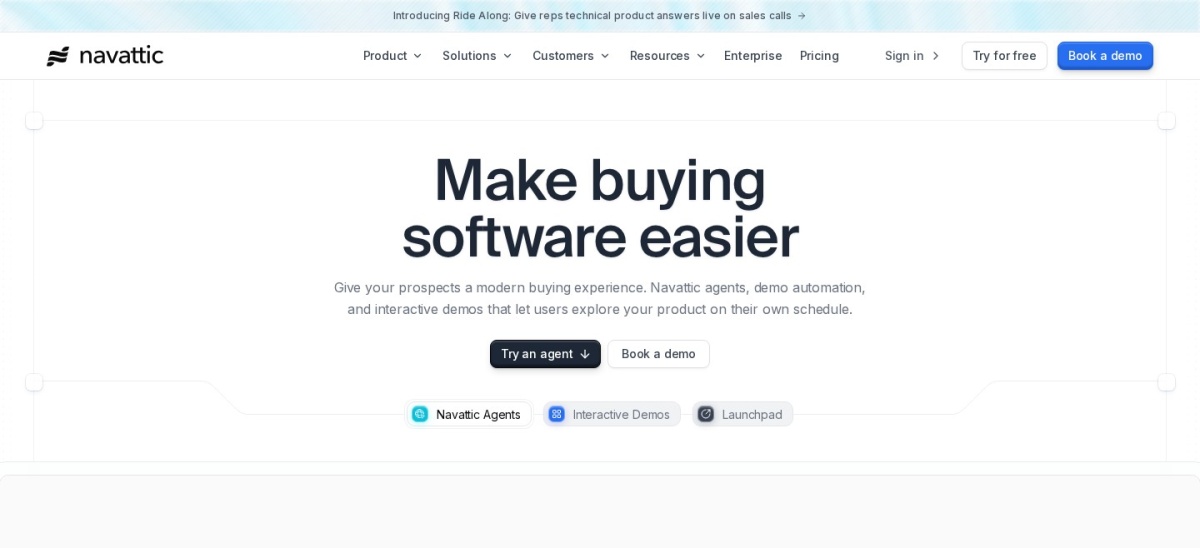
Navattic is a no-code demo builder that captures a product as HTML, so buyers can click menus, scroll and type in a copy that looks like the real product. The free Starter plan allows 1 demo with unlimited views, basic analytics and a default theme, and paid plans add demo data, integrations and A/B testing.
The trade off is price and transparency. G2 lists a Startup plan at $125 a month and a Base plan at $500 a month, while the vendor pricing page does not publish those paid prices. It suits marketing and sales teams that put demo quality first and can pay for it.
What we like
HTML demos with working menus and scrolling
Rated 4.8 out of 5 from 1,153 G2 reviews
Free plan with unlimited views on 1 demo
A/B testing and account identification on higher plans
Watch out for
Paid prices are not published on the vendor pricing page
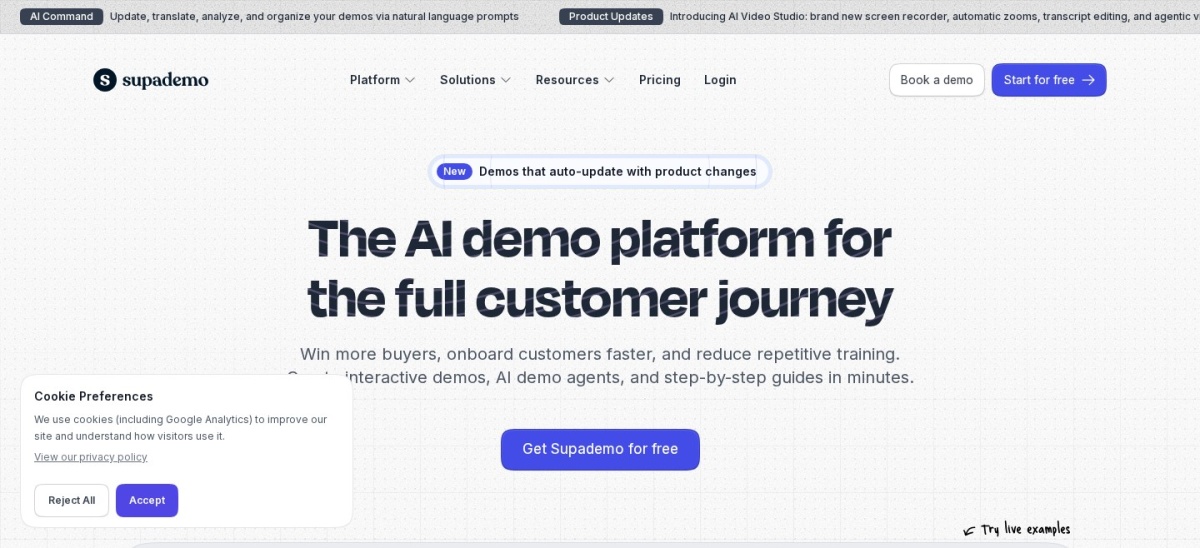
Supademo is a browser tool that turns a screen capture into a clickable product demo or step-by-step guide. The free plan includes 1 creator, 5 interactive demos and 50 screen recordings, and the Scale plan at $38 a creator a month billed yearly adds unlimited demos, branching, tracking links and CRM links.
The trade off is depth. HTML demos start on the Business plan at $199 a month billed yearly, and sandbox demos need the Growth plan at $350 a month. It suits small teams and solo creators who want low-cost screenshot demos fast.
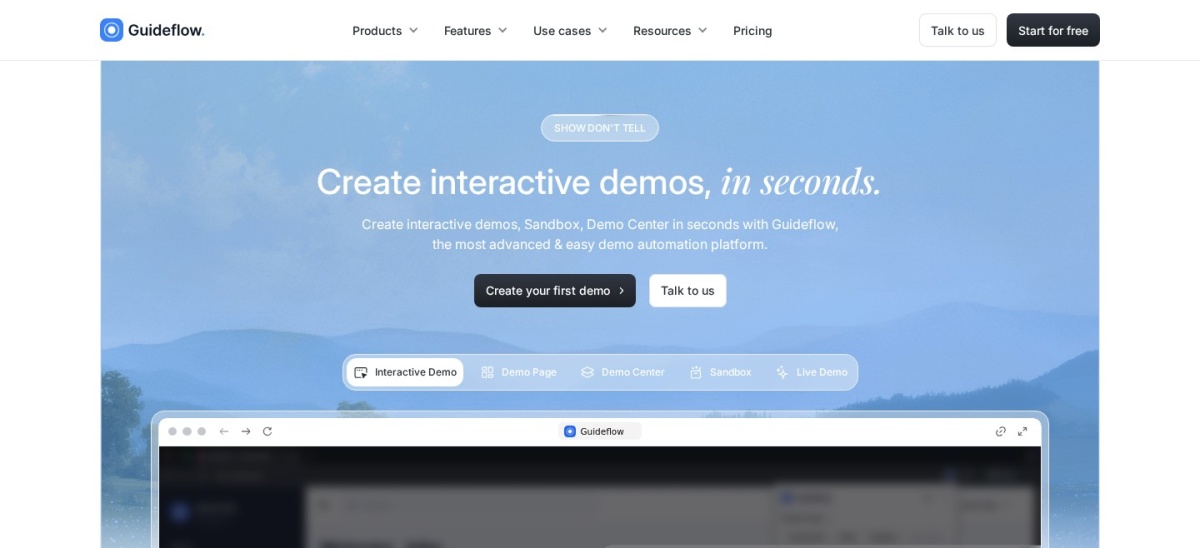
Guideflow is an interactive demo platform that captures a product through a browser extension and turns it into a clickable demo or Demo Hub. The free plan allows 1 seat and 5 guideflows with a Guideflow watermark, and the Solo plan at $35 a month billed yearly adds unlimited demos and AI descriptions.
The trade off is HTML capture, which is reserved for the Growth plan at $499 a month billed yearly with 10 members. It suits solo creators and small teams that are happy with screenshot demos and want a low entry price.
What we like
Lowest paid entry price in this list at $35 a month
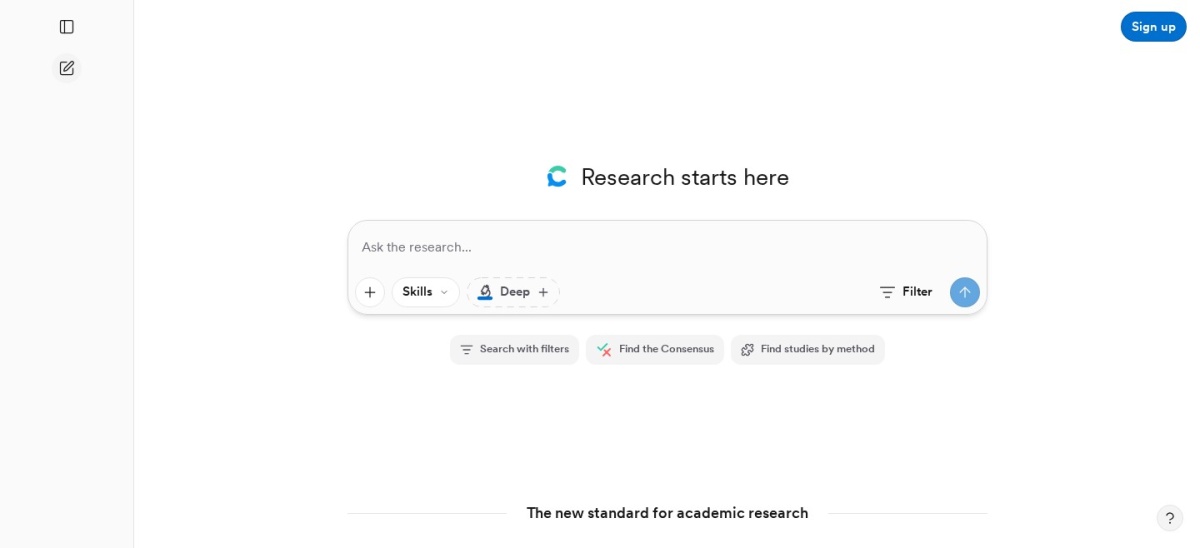
Consensus is a demo automation platform built around video demos that buyers can watch on demand, with branching paths and tracking that shows who watched and what they valued. The Starter plan listed on G2 costs $600 a month for 5 users, and the Pro plan costs $1,250 a month for 10 users.
The trade off is format and cost. Consensus is video-first rather than a click-through HTML demo builder, and its entry price is far above the self-serve tools in this list. It suits enterprise sales teams that send demos to buying committees and need per-viewer analytics.
What we like
Largest review base in this list, at 1,744 G2 reviews
Shows which buyers watched and what they valued
Branching video paths for different buyer roles
37 integrations listed on G2
Watch out for
Video-first, not a click-through HTML demo builder
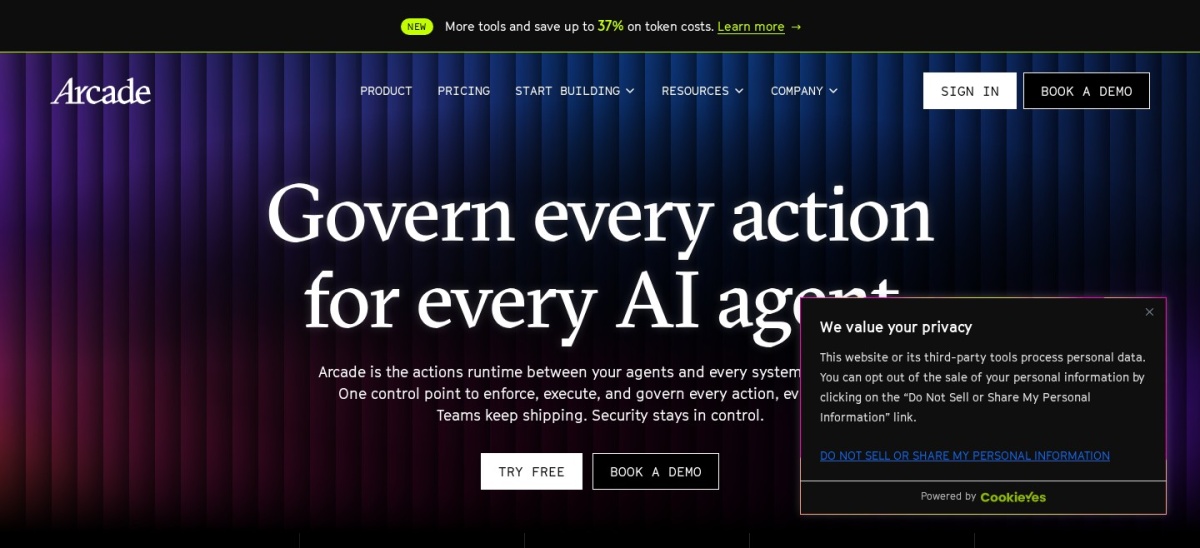
Arcade is a screenshot-and-video-first demo platform for design-led marketing teams. It captures a product into clickable walkthroughs, exports the same capture as MP4 or GIF, and adds AI product videos on a separate plan. The free plan allows 1 demo and 1 video, and the Growth plan costs $42.50 a seat a month billed yearly.
The trade off is HTML capture, which is reserved for the Enterprise plan, and a Growth price that has been reported both as $42.50 a seat a month and as a $297.50 a month flat fee. It suits teams that want polished screenshot demos and video exports more than HTML fidelity.
What we like
Polished screenshot demos with MP4 and GIF export
AI product videos on a separate plan
Rated 4.6 out of 5 from 189 G2 reviews
Free plan with a Chrome extension and Figma plugin
Watch out for
HTML capture needs an Enterprise contract
Growth pricing is reported two ways, so confirm it live
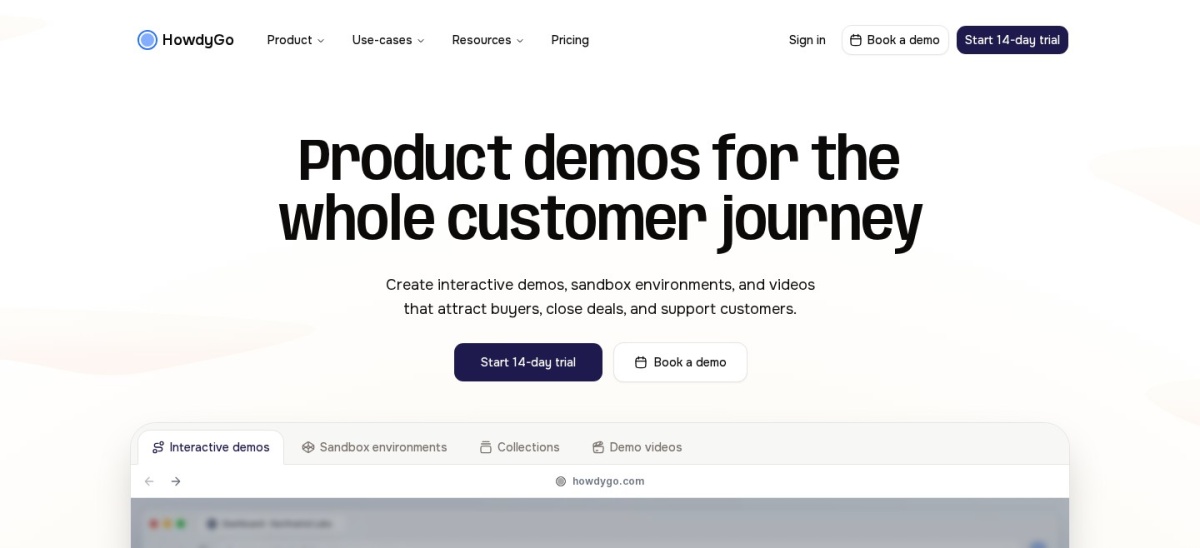
HowdyGo is a web-based tool for building clickable, no-code product tours for top-of-funnel marketing. The Starter plan costs $159 a month billed yearly, or $199 a month billed monthly, and includes unlimited users, unlimited HTML demos, lead capture, AI voiceovers and recorded webcam bubbles.
The trade off is evidence and cost. Its 5.0 out of 5 G2 rating rests on only 30 reviews, and there is no permanent free plan, only a free trial. It suits marketing teams that want HTML demos included from the first paid plan, without per-seat pricing.
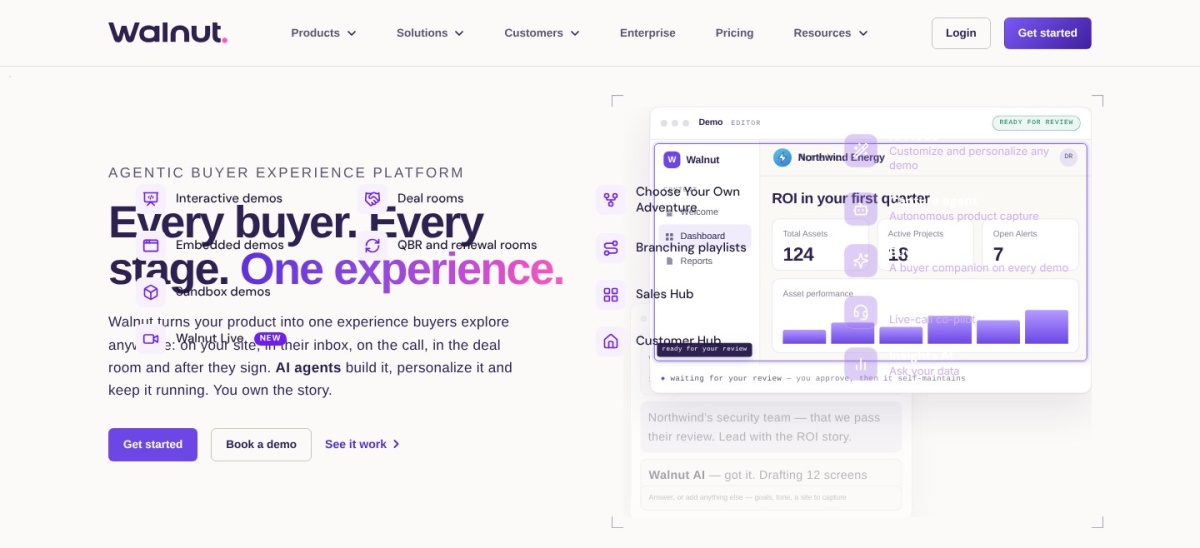
Walnut is a no-code interactive demo platform for presales and sales teams that tailor a demo to each deal. Demos are built from reusable blocks, personalized per account and tracked at stakeholder level, and the Accelerate plan adds sandbox demos. The Ignite plan costs $575 a month billed yearly for 3 editor and 3 presenter seats.
The trade off is price. Walnut has no free plan, only a 14-day trial, and Ignite is the highest entry price in this list after Tourial. It suits enterprise sales teams that sell large deals and need one approved story per account.
What we like
Per-account personalization for each deal
Sandbox demos on the Accelerate plan
Reusable blocks keep large teams on one story
Published prices, no quote needed for Ignite
Watch out for
Entry price of $575 a month is high
No free plan, only a 14-day trial
AI use is metered in credits on top of the plan
Accelerate adds sandbox demos and a dedicated CSMVisit walnut.io
09
Tourial
4.6/5on G2 (83 reviews, checked Nov 2026)
Paid from$1,000/mo
Best for demo centers and buyer enablement
Free planYes, limited data
Demo typeScreenshot tours
Demo CentersYes
Paid planEngage, about $1,000/mo
tourial.com
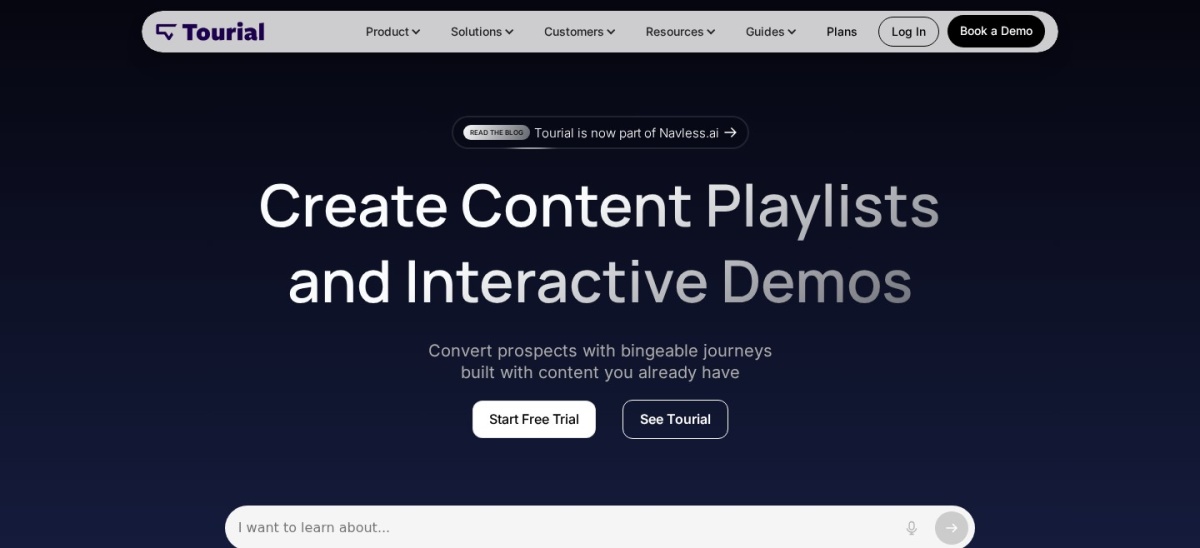
Tourial homepage, captured Nov 2026.
Tourial is a demo creation platform that builds screenshot-based interactive tours and groups them into Demo Center landing pages for buyers. Tours include lead capture that syncs with HubSpot and Salesforce, plus account-level analytics, and the product is now also presented under the Navless name.
The trade off is price and proof. Tourial does not publish prices, and reviewer reports put paid plans from about $1,000 a month on an annual contract, so confirm the quote before budgeting. It suits go-to-market teams that want a public demo center more than a single demo link.
Screenshot demos capture still images of each step and link them into a guided flow. They are fast to build, easy to update and cheap to run.
HTML demos capture the live product interface, so menus, scrolling and typing work as they do in the real product. They look more convincing, but they cost more and can break when the product interface changes.
Pick screenshot demos if you need a demo on a landing page this week. Pick HTML demos if the demo is the main sales asset and buyers will judge the product by how it feels to click.
How we chose
We started from the best-known interactive demo platforms on G2, then kept 9 with a public G2 rating, a live homepage and a clear demo-building product.
Prices and ratings were checked on 25 November 2026. Ratings and review counts come from G2 on that day, and prices come from vendor pricing pages or G2 pricing data where the vendor does not publish a price.
We left out tools with no public rating, quote-only tools with no reported price, and screen recorders that do not build click-through demos. No vendor paid for a place, and we do not claim to have used these tools ourselves.
How to choose interactive product demo software
Start with where the demo will be seen, then match the capture type and price to that job.
Decide where the demo will live. A website demo needs lead capture and analytics, while a sales demo needs personalization and offline access for live calls.
Pick screenshot or HTML capture. Screenshot demos are cheaper and faster to update, while HTML demos feel closer to the live product and usually cost more.
Check the free plan limits. Count the demos, seats and views allowed, and check whether a watermark or a missing analytics report will matter to your team.
Price the plan you will actually need. HTML capture, sandbox demos and SSO often sit two tiers above the entry price, so price that tier before you commit.
FAQ
What is the best interactive product demo software?
Storylane is the best pick for most teams, with a free plan, a 4.7 out of 5 G2 rating from 1,593 reviews and a Starter plan at $40 a month billed yearly. Navattic is the best choice for high-fidelity HTML demos, and Supademo is the cheapest paid option.
What is an interactive product demo?
An interactive product demo is a guided, clickable copy of a product that a buyer can explore without a live call or a trial account. It is built from screenshots, HTML capture or video, with steps, prompts and calls to action added on top.
How much does interactive product demo software cost?
Paid plans in this list start at $35 a month for Guideflow and $38 a month for Supademo, both billed yearly. Most team plans cost $125 to $600 a month, while Walnut starts at $575 a month and Tourial is reported from about $1,000 a month.
Do these tools have a free plan?
Six of the 9 tools have a free plan: Storylane, Navattic, Supademo, Guideflow, Arcade and Tourial. Consensus, HowdyGo and Walnut offer a free trial instead, so check the trial length and limits before you build a demo on one.
What is the difference between screenshot and HTML demos?
Screenshot demos use still images of each step and are fast to build and update. HTML demos capture the live interface, so menus, scrolling and typing work as in the real product, but they usually sit on a higher-priced plan.
Which tool is best for sales teams?
Walnut is the best fit for sales teams that personalize a demo for each deal, with per-account personalization and sandbox demos. Consensus is the best fit for sending video demos to a buying committee and tracking who watched them.
Can I embed a demo on my website?
Yes, most of these tools provide an embed code or a shareable link for a website, landing page or email. Check whether embedding, lead forms and custom branding are included on the plan you buy, because some tools gate them to higher tiers.
SaaS SEO and WordPress specialist with about 8 years of experience. Rakib compares WordPress plugins, themes, hosting and software using public pricing, documentation and user reviews. See how we rank.