Kotobee is the best interactive ebook software for most educators and publishers, because it builds true interactive EPUB ebooks with quizzes and SCORM reporting for a $150 one-time license. Pick Publuu for cheap trackable flipbooks at $7 a month, and Flipsnack for brand teams that need design control.
How we make this list: we compare pricing pages, product documentation and public user reviews, then re-check every price before each update. No product paid for a place. Disclosure.
Kotobee is the only tool here built for true interactive EPUB ebooks, with quizzes, games and SCORM reporting.
Publuu is the cheapest paid start at $7 a month, with real-time analytics and lead forms on its Basic plan.
Flipsnack starts at $16 a month, but video, lead forms and full statistics need the $38 Pro plan.
FlippingBook Lite costs $20 a month billed at $234 a year, yet lead capture waits until the $96 Optimal plan.
Designrr turns blogs and docs into ebooks fast at $29 a month, but Kindle and EPUB export need the $39 Pro plan.
Book Creator is free for one teacher with 40 books, and Premium costs $14 a month or $150 a year per teacher.
Flipbook maker or EPUB authoring tool?
Interactive ebook software splits into two kinds of tool. A flipbook maker turns a PDF into a page-turning web publication with links, video and analytics. An EPUB authoring tool builds a real ebook file that opens in e-readers and learning platforms.
Pick the reading place first. If readers will open the book in a browser from a shared link, a flipbook maker is the simpler choice. If they will read it on an e-reader or inside a course, you need EPUB authoring, and only Kotobee, Designrr and Book Creator in this list make that their main job.
Interactivity also varies. Some tools only add links and video to pages, while others add quizzes, forms and reader tracking. Check which elements each plan includes before you pay, because video, quizzes and lead forms often sit on higher tiers.
Free plans are useful for a first look, but most stamp their branding on your book or cap the number of publications. Our guide on adding a PDF to WordPress shows the simple way to share a finished file on your own site instead.
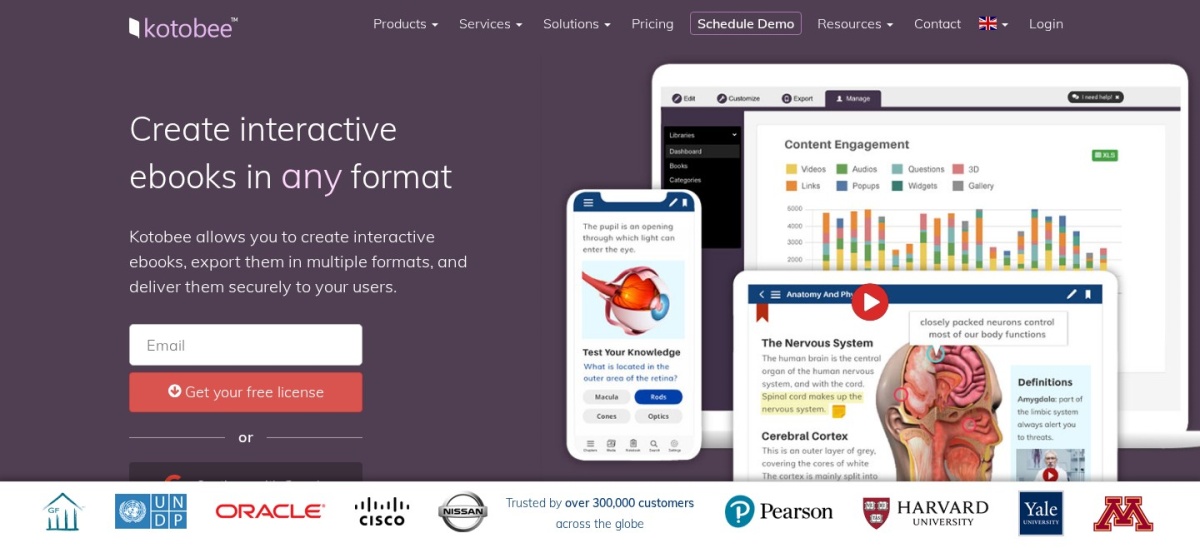
Kotobee is a desktop and web authoring tool for building interactive ebooks in EPUB, web and mobile app formats. It adds quizzes, games, videos, interactive images and widgets to a book, and it reports student activity to a learning platform through SCORM and LTI. A free license covers the basics, and the Basic license costs $150 once for one user.
The trade off is the interface, which looks older than the flipbook makers in this list, and some features need higher tiers. Encrypted EPUB export and mobile app publishing sit on the $300 Premium license or above. It suits educators and publishers who need a real interactive ebook file rather than a web flipbook.
What we like
Builds true interactive EPUB ebooks, not just flipbooks
Quizzes, games and widgets with SCORM reporting
One-time license instead of a monthly subscription
Free license to start with
Watch out for
Desktop interface looks dated next to web rivals
Only 15 G2 reviews, so the rating rests on a small sample
Encrypted EPUB and app export need the Premium license
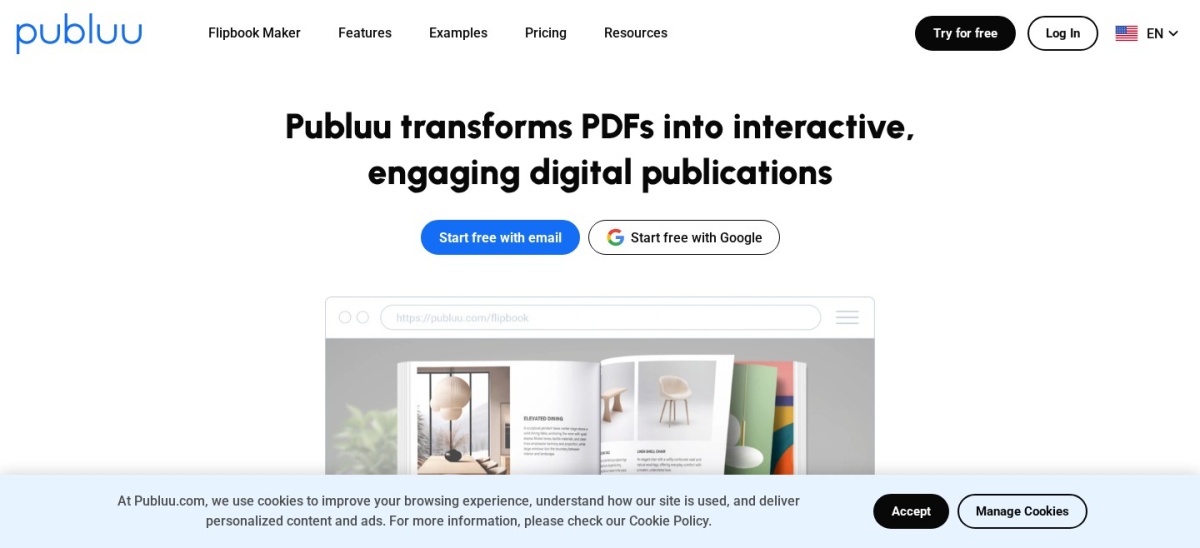
Publuu is a flipbook maker that turns a PDF into an interactive web publication with a page-turn effect, links, hotspots and video. The Basic plan costs $7 a month and includes 10 flipbooks, real-time analytics, lead forms and password protection. It also connects to Google Analytics 4 on higher plans.
The trade off is that Publuu enhances a document rather than designing one from scratch. There is no free plan, only a 14-day free trial, and building a layout from zero needs another design tool first. It suits teams publishing catalogs, magazines and reports that need to know who read what.
What we like
Highest G2 rating in this list at 4.8 from 563 reviews
Lowest paid start at $7 a month
Real-time analytics and lead forms on the entry plan
Password protection on the Basic plan
Watch out for
No free plan, only a 14-day trial
Built to enhance PDFs, not design from scratch
GA4 integration needs a higher plan
Optimum at $24 a month adds 50 flipbooks and more storageVisit publuu.com
03
Flipsnack
4.7/5on G2 (420 reviews, checked Nov 2026)
Paid from$16/mo
Best for brand teams and design control
Free flipbooks5, up to 15 pages each
InteractivityVideo and slideshows on Pro
AnalyticsFull statistics on Pro
Paid planStarter, $16/mo
flipsnack.com
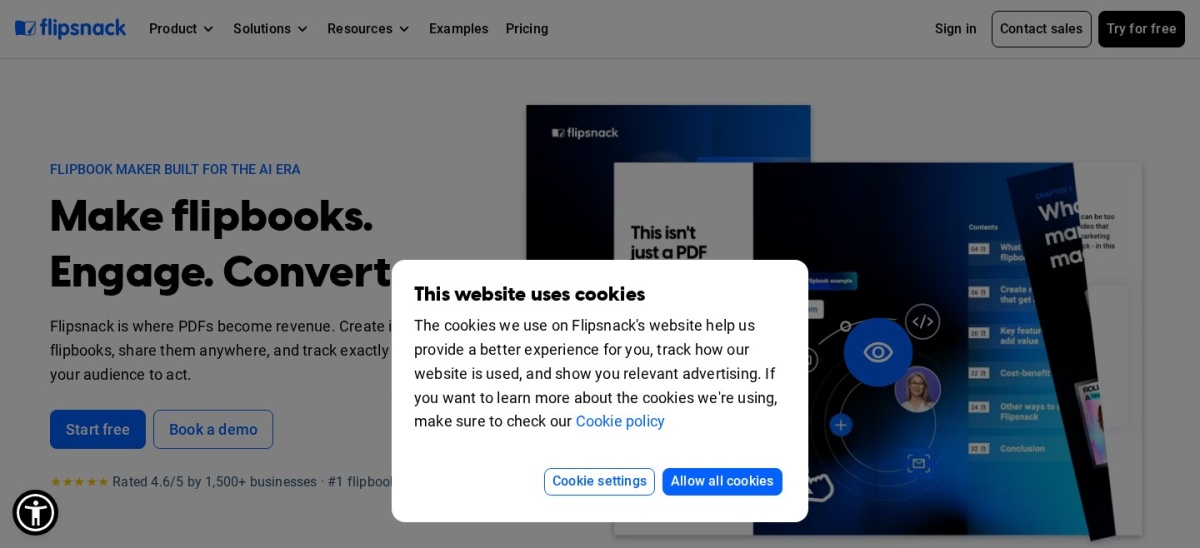
Flipsnack homepage, captured Nov 2026.
Flipsnack is a flipbook maker with a built-in design studio, so you can build a publication from a template or from scratch instead of only converting a PDF. The free plan includes 5 flipbooks of up to 15 pages with Flipsnack branding. The Starter plan costs $16 a month billed yearly and allows 5 flipbooks of up to 100 pages.
The trade off is that the interactive features most buyers want cost more. Video, slideshows, lead forms and full statistics need the Pro plan at $38 a month, and a custom domain needs Business at $85 a month. It suits brand and marketing teams that publish catalogs and magazines under their own look.
What we like
Design studio builds flipbooks from scratch or templates
Free plan with no expiry and no credit card
WCAG 2.2 accessibility compliance
Team roles and SSO on higher plans
Watch out for
Video, lead forms and full analytics need the $38 Pro plan
Free plan caps each flipbook at 15 pages
Custom domain needs the $85 Business plan
Pro at $38 a month adds video, lead forms and full statisticsVisit flipsnack.com
04
FlippingBook
4.7/5on G2 (298 reviews, checked Nov 2026)
Starts at$20/mo
Best for sales flipbooks with tracking
Flipbooks on Lite3
Lead captureFrom Optimal, $96/mo
AnalyticsBasic on Lite
Paid planLite, $20/mo
flippingbook.com
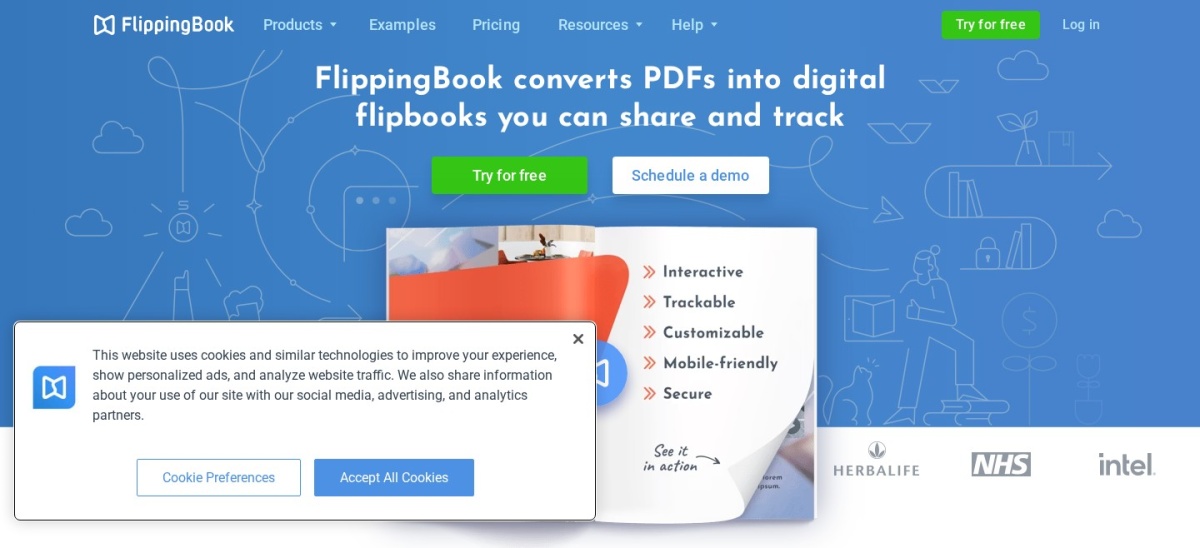
FlippingBook homepage, captured Nov 2026.
FlippingBook is a flipbook maker aimed at sales and marketing teams, turning PDFs into ad-free publications with trackable links and reader analytics. The Lite plan costs $20 a month with $234 billed yearly, and it covers 3 flipbooks of up to 100 pages with basic analytics. There is no free plan, but a 14-day free trial is available.
The trade off is the steep climb between plans. Lead capture forms, quizzes, video and audio need the Optimal plan at $96 a month, and a custom domain needs the Advanced plan at $193 a month. It suits sales teams that send catalogs and proposals and want to see which pages a prospect read.
What we like
Trackable links and reader analytics from the entry plan
Ad-free flipbooks on every plan
Stable links that stay live when a flipbook is updated
Rated 4.7 out of 5 from 298 G2 reviews
Watch out for
No free plan, only a 14-day trial
Lead capture and quizzes need the $96 Optimal plan
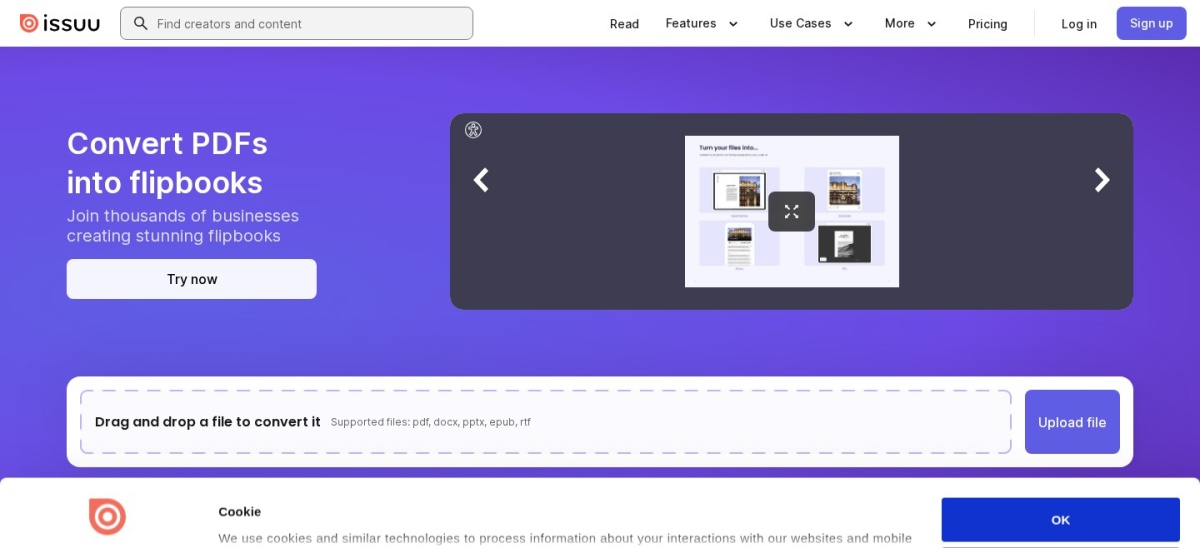
Issuu is a digital publishing platform that converts PDFs into flipbooks and lists them in its own discovery network, where readers can find them without a direct link. The free plan covers 5 publications of up to 10 pages with Issuu branding. The Starter plan costs $19 a month and removes branding, adds more uploads and basic embedding.
The trade off is analytics. Starter only shows 30 days of performance statistics, and full page-level analytics, lead generation and digital sales need the Unlimited plan at $188 a month. It suits publishers and marketers who want their catalogs and magazines found by new readers.
What we like
Discovery network puts publications in front of new readers
Free plan for short publications
Simple PDF upload with social sharing built in
Rated 4.7 out of 5 from 111 G2 reviews
Watch out for
Full analytics and lead generation cost $188 a month
Free plan caps publications at 10 pages
Support quality is a recurring complaint in reviews
Unlimited at $188 a month adds full analytics and lead generationVisit issuu.com
06
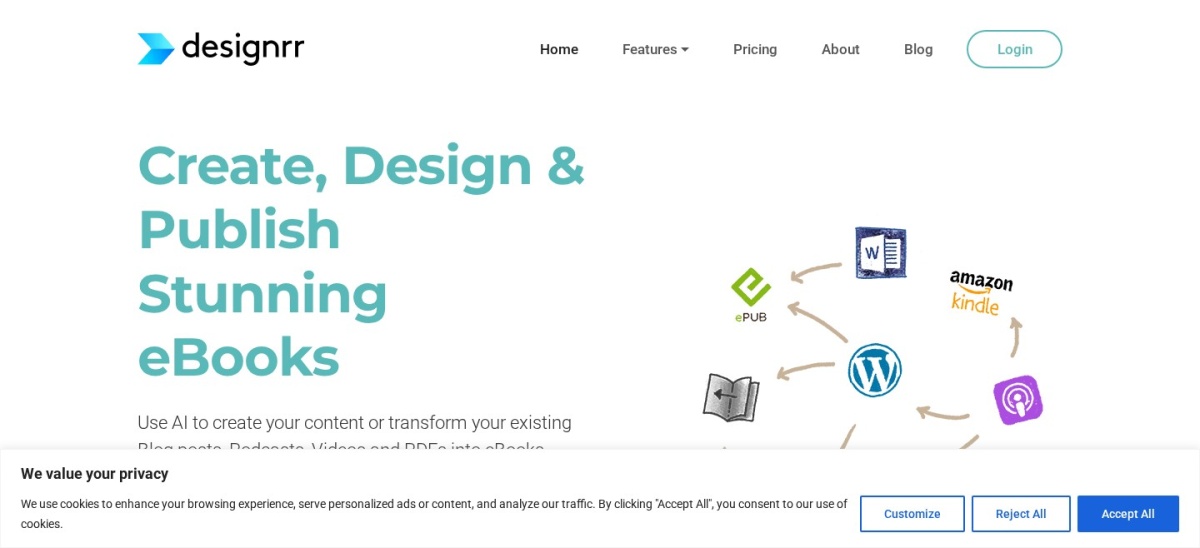
Designrr
4.1/5on G2 (24 reviews, checked Nov 2026)
Starts at$29/mo
Best for turning existing content into ebooks
Templates100 on Standard
AI books5 a month on Standard
Kindle and EPUB exportPro, $39/mo
Paid planStandard, $29/mo
designrr.io
Designrr homepage, captured Nov 2026.
Designrr is a content repurposing tool that turns blog posts, Word and Google Docs, videos and podcasts into ebooks, lead magnets and flipbooks. The Standard plan costs $29 a month and includes 100 project templates, WordGenie AI, unlimited ebook projects and imports from the web, Word and Google Docs. A 7-day free trial is available.
The trade off is that the entry plan is narrower than the headline suggests. PDF import, Kindle and EPUB export and the flipbook generator need the Pro plan at $39 a month. It suits marketers and creators who already have content worth turning into a lead magnet.
What we like
Fastest way here to turn a blog or video into an ebook
AI content engine included on the Standard plan
Unlimited ebook projects on the entry plan
Exports to Kindle, EPUB and PDF on Pro
Watch out for
No free plan, only a 7-day trial
Kindle and EPUB export need the $39 Pro plan
Design control is limited next to full authoring tools
Pro at $39 a month adds PDF import and Kindle and EPUB exportVisit designrr.io
07
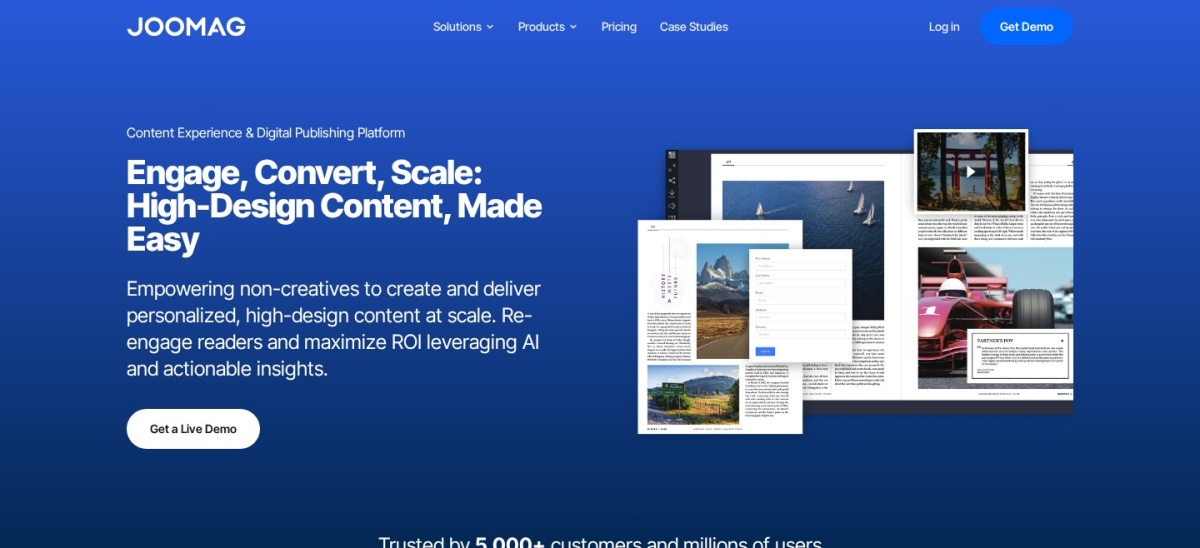
Joomag
4.5/5on G2 (85 reviews, checked Nov 2026)
Starts at$39/mo
Best for content teams with a CRM workflow
EditorCrater editor
CRMLead capture built in
AnalyticsGranular reader data
Paid planStart, $39/mo
joomag.com
Joomag homepage, captured Nov 2026.
Joomag is a content experience platform built around its Crater editor, with AI content tools, a built-in CRM, lead capture and reader analytics. It turns PDFs into interactive magazines, catalogs and reports, and it can re-engage readers with personalised campaigns. Directory listings put the Start plan at $39 a month, and a 14-day trial of the Scale plan is available.
The trade off is price transparency. The official pricing page asks buyers to contact sales instead of listing prices, and directory figures disagree, with some listing $50 a user a month. It suits content and marketing teams that publish as part of a wider campaign rather than as a one-off book.
What we like
Built-in CRM with lead capture and email marketing
AI tools for text, images and video
Granular reader analytics and re-engagement campaigns
Rated 4.5 out of 5 from 85 G2 reviews
Watch out for
Official pricing page shows no prices, only contact sales
Directory prices disagree, from $39 to $50 a month
Priced for teams rather than solo authors
Scale and Business tiers are quoted, with setup fees reportedVisit joomag.com
08
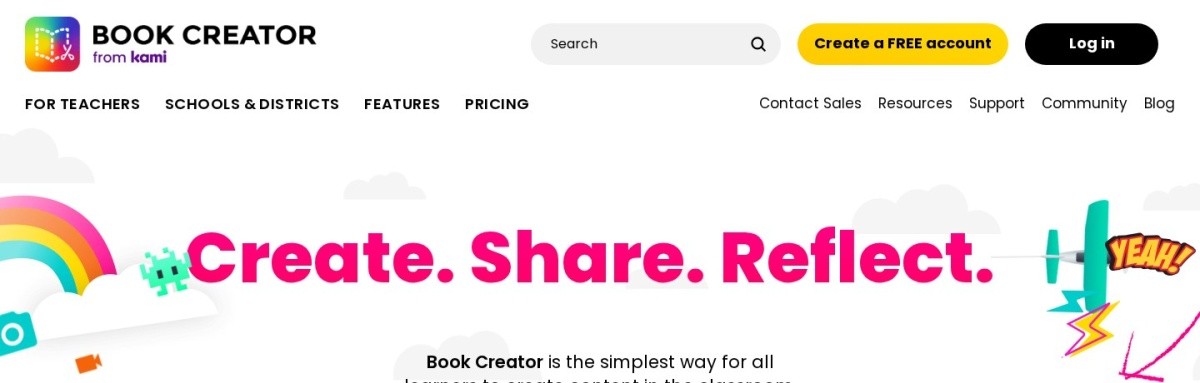
Book Creator
4.1/5on App Store (212 reviews, checked Nov 2026)
Paid from$14/mo
Best for classroom ebook creation
Free books40 in 1 library
Premium books1,000
CollaborationReal-time, on Premium
Paid planPremium, $14/mo
bookcreator.com
Book Creator homepage, captured Nov 2026.
Book Creator is a simple web app where learners build multimedia books with text, images, audio, video and drawing. A free Starter account for one teacher covers 1 library with up to 40 books and unlimited students. Premium costs $14 a month or $150 a year per teacher, with 1,000 books, unlimited libraries and real-time collaboration.
The trade off is scope. Book Creator is built for classrooms, so commercial publishing and distribution workflows are limited, and the iPad app is sold separately for $3.99. It suits teachers who want students to create and share interactive books together.
What we like
Free Starter plan with no time limit for one teacher
A flipbook lives in a browser. Readers open a link, turn pages with an animation, click links and watch video, and you can see what they read. That fits catalogs, proposals and magazines.
An EPUB file lives on a device. Readers open it in an e-reader app or a learning platform, read offline and take quizzes inside the book. That fits textbooks, training material and books sold through stores.
The wrong format costs time. A flipbook cannot become a Kindle book without rebuilding, and an EPUB cannot show the same page-flip analytics. Decide where readers will open the book, then shortlist only the tools that publish to that place.
How we chose
We started from the tools most often listed for interactive ebooks and digital publishing, then kept those with a public rating and a published or directory-listed price. FlipHTML5 and AnyFlip were dropped because their homepages showed a bot-check page to the screenshot service, so their images could not be captured.
Prices and free-plan limits come from each vendor pricing page or provider-supplied directory pricing, checked on 25 November 2026. Ratings come from G2, except Book Creator, whose rating comes from the App Store. Where a vendor shows a sale, the list shows the regular price.
We left out enterprise-only platforms with no public price. No vendor paid for a place, and we do not claim to have used these tools ourselves.
How to choose interactive ebook software
Decide where your readers will open the book, then match the tool to that place.
Pick the format first. Choose EPUB authoring for e-readers and courses, or a flipbook maker for browser reading from a shared link.
List the interactive elements you need. Video and links are common, but quizzes, lead forms and reader analytics often sit on higher-priced plans.
Check the free plan limits. Count the publications, pages and branding rules, because a free plan that stamps a logo on a client-facing book is not free in practice.
Run a trial with your real material. Upload your own PDF or manuscript, add the exact elements you need, and open the result on a phone before you pay.
FAQ
What is the best interactive ebook software?
Kotobee is the best pick for most educators and publishers, because it builds true interactive EPUB ebooks with quizzes and SCORM reporting for a $150 one-time license. Publuu is the best cheap flipbook maker, and Flipsnack suits brand teams.
What is the difference between a flipbook maker and an EPUB authoring tool?
A flipbook maker turns a PDF into a page-turning web publication with links, video and analytics, best for marketing and distribution. An EPUB authoring tool like Kotobee creates ebook files that work in e-readers and learning platforms, best for education and book publishing.
Can I publish an interactive ebook to Kindle?
Yes, but Kindle supports only limited interactivity compared with web flipbooks. Kotobee exports Kindle-ready files, and Designrr adds Kindle export on its Pro plan. Flipsnack and Issuu deliver interactivity as web flipbooks viewed in browsers.
Which tool is best for textbooks with quizzes?
Kotobee is the strongest for interactive quizzes inside true EPUB ebooks with SCORM reporting. Book Creator suits classrooms where students build multimedia books together. FlippingBook adds forms and quizzes from its Optimal plan.
Are there free options for creating interactive ebooks?
Yes. Kotobee offers a free license with limited features, Flipsnack gives 5 flipbooks of up to 15 pages, Issuu gives 5 short publications, and Book Creator is free for one teacher with 40 books. Publuu, FlippingBook and Designrr offer trials instead of free plans.
How much does interactive ebook software cost?
Paid plans in this list start at $7 a month for Publuu and $16 a month for Flipsnack Starter, and climb to $39 a month for Designrr Pro and Joomag Start. Kotobee is the exception, with a $150 one-time license instead of a subscription.
SaaS SEO and WordPress specialist with about 8 years of experience. Rakib compares WordPress plugins, themes, hosting and software using public pricing, documentation and user reviews. See how we rank.