vMix is the best instant replay software for live productions, with multi-angle slow-motion replay from $700 as a one-time license. OBS Studio is the best free option with a replay buffer you size yourself, while Medal is the best pick for PC gamers who share clips daily.
How we make this list: we compare pricing pages, product documentation and public user reviews, then re-check every price before each update. No product paid for a place. Disclosure.
vMix is the only tool here with true multi-angle broadcast replay, up to 8 cameras on Pro at $1,200 one-time.
OBS Studio is free and rated 4.6/5 on G2, but its replay buffer needs manual setup.
Medal and Outplayed cover gamers best: Medal shares clips fastest, Outplayed detects highlights on its own.
Wirecast hides replay behind Pro at $42 a month billed annually, and vMix hides it behind 4K at $700.
All 7 tools have a free plan or free trial, but only OBS Studio and Moments are free with no paid tier at all.
What instant replay software does
Instant replay software records live video continuously and plays back a moment right after it happens, often in slow motion. Broadcast tools do it with several camera angles; gaming tools do it with a replay buffer or automatic highlight clips.
The two kinds of replay solve different problems. A broadcast replay needs an operator marking moments live, while a gaming replay needs to catch a play you did not know was coming.
Start by naming the job. A school sports stream needs multi-angle replay, a PC gamer needs a buffer and a share link, and a coach needs clips to review after the game.
Sharing matters as much as capture. Clips that post straight to Discord or YouTube get watched; files that sit on a hard drive do not. Our guide on embedding a video in WordPress shows one way to put a finished clip on a page.
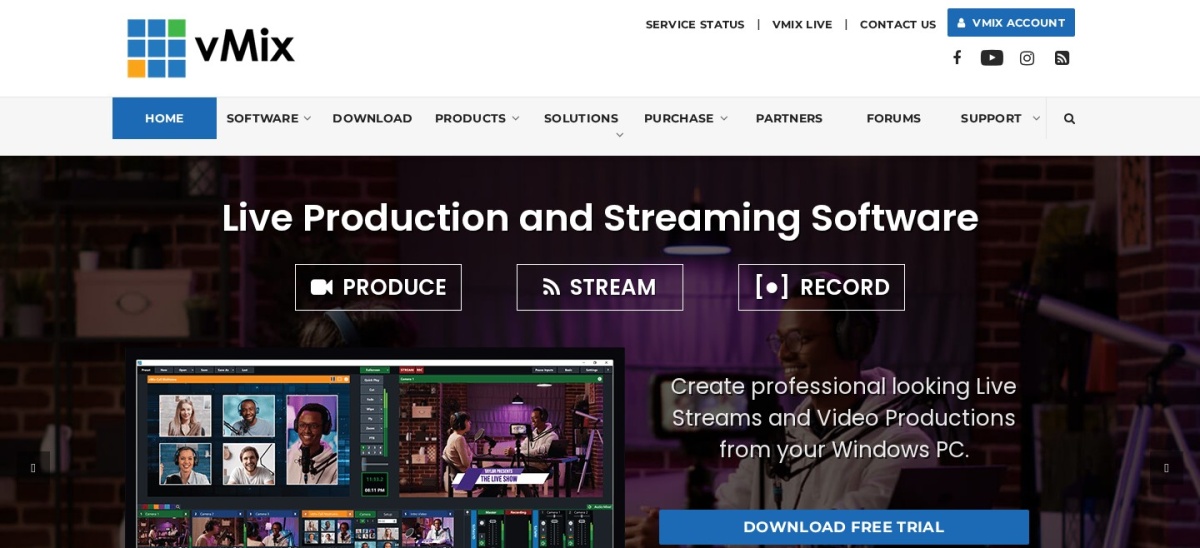
vMix is a live production switcher for Windows that records camera inputs continuously and plays back marked moments in slow motion. Instant replay starts with the 4K edition at $700 as a one-time license, with one replay camera, and grows to eight cameras on Pro at $1,200.
The trade off is cost and skill. The $60 Basic HD edition has no replay at all, so real replay starts at $700, and the software needs a powerful Windows PC and a trained operator. It suits schools, churches and small sports productions that want broadcast-style replay without broadcast hardware prices.
What we like
Multi-angle replay, up to 8 cameras on Pro
One-time licenses with no subscription
Full production suite: switching, NDI and graphics in one app
60-day free trial of the Pro edition
Watch out for
Windows only, no Mac version
Replay is locked behind the $700 4K edition
Steep learning curve for new operators
4K adds 1-camera replay; Pro adds 8-camera replayVisit vmix.com
02
OBS Studio
4.6/5on G2 (141 reviews, checked Nov 2026)
PriceFree
Best free replay buffer
Replay buffer5 seconds to 6 hours, your call
PlatformsWindows, macOS, Linux
Auto highlightsNo, hotkey only
Paid planNone, free and open source
obsproject.com
OBS Studio homepage, captured Nov 2026.
OBS Studio is a free, open-source recorder and streamer with a replay buffer you size yourself, from 5 seconds to 6 hours. Press a hotkey after a big play and the buffered footage saves to disk, with no watermark, no account and no subscription.
The trade off is setup. You must turn the buffer on and pick its length and encoder before you play, and there is no automatic highlight detection or built-in editor. It suits streamers and creators who want free, unlimited capture and are happy to configure it once.
3.5/5on Trustpilot (321 reviews, checked Nov 2026)
Paid from$9.99/mo
Best gaming clips and sharing
Replay buffer15 seconds to 10 minutes
Auto-clips100+ games
Free uploads1080p, 20 minutes
Paid planPremium, $9.99/mo
medal.tv
Medal homepage, captured Nov 2026.
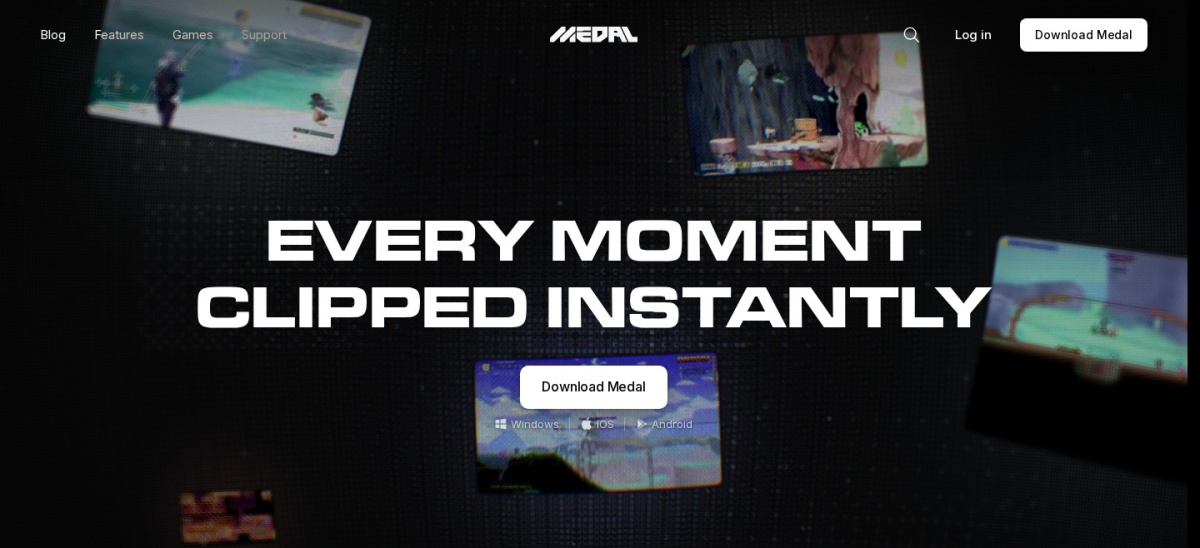
Medal is a free clipping app for PC games that keeps a replay buffer running while you play. Press a hotkey and the last 15 seconds to 10 minutes save as a clip, with automatic clips for kills and wins in more than 100 supported games.
The trade off is the free tier. Downloads carry a watermark and cap at 1080p, and free uploads top out at 20 minutes. Premium costs $9.99 a month, or $7.99 a month billed annually, and removes the watermark. It suits PC gamers who share clips with friends every day.
What we like
Replay buffer plus auto-clips in one app
Share links play right inside Discord
Free tier covers unlimited recording
Built-in editor for trims and text
Watch out for
Watermark on free downloads
Trustpilot rating is 3.5 from 321 reviews
No macOS desktop version
Premium removes the watermark and lifts the capsVisit medal.tv
04
Outplayed
4.5/5on Trustpilot (684 reviews, checked Nov 2026)
Paid from$9.99/mo
Best automatic game highlights
Auto highlightsKills, wins and key moments
Capture modesHighlights, full match, session
Replay clipsUp to 180 seconds around events
Paid planPremium, $9.99/mo
outplayed.tv
Outplayed homepage, captured Nov 2026.
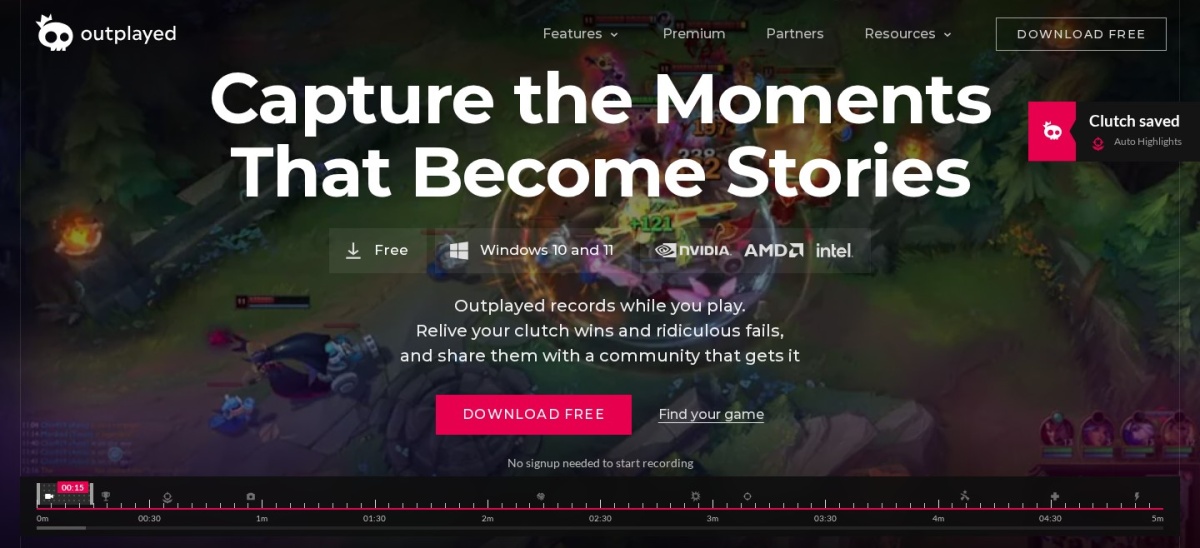
Outplayed is a free recorder from Overwolf that watches supported games and saves kills, wins and other key moments on its own. Each highlight covers up to 180 seconds before and after the event, and four capture modes cover highlights, full matches, full sessions and manual clips.
The trade off is the platform. Outplayed only runs inside Overwolf, so you install and update two apps, and the free plan shows ads and deletes shared clips after 3 months. Premium costs $9.99 a month and removes ads and the expiry. It suits players who want highlights without pressing anything.
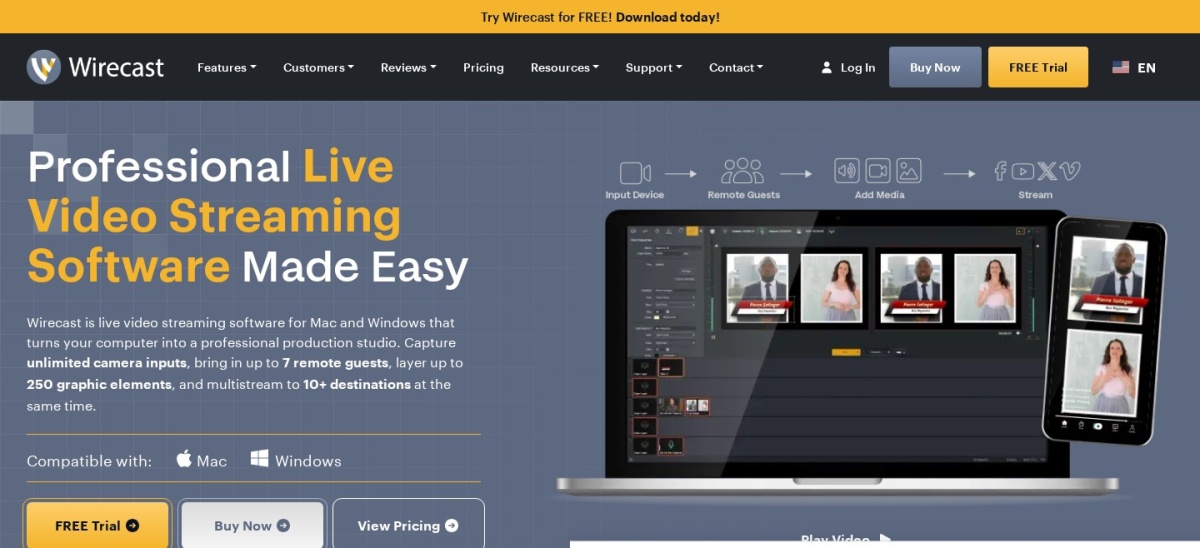
Wirecast is a professional live production app from Telestream for Mac and Windows. Its Pro plan adds sports production tools with native instant replay, plus ISO recording, PTZ camera control and cloud multistreaming.
The trade off is price. Studio costs $34 a month billed annually, or $59 a month billed monthly, but replay needs Pro at $42 a month billed annually. It suits production teams that run live shows on Macs and want vendor support with their replay.
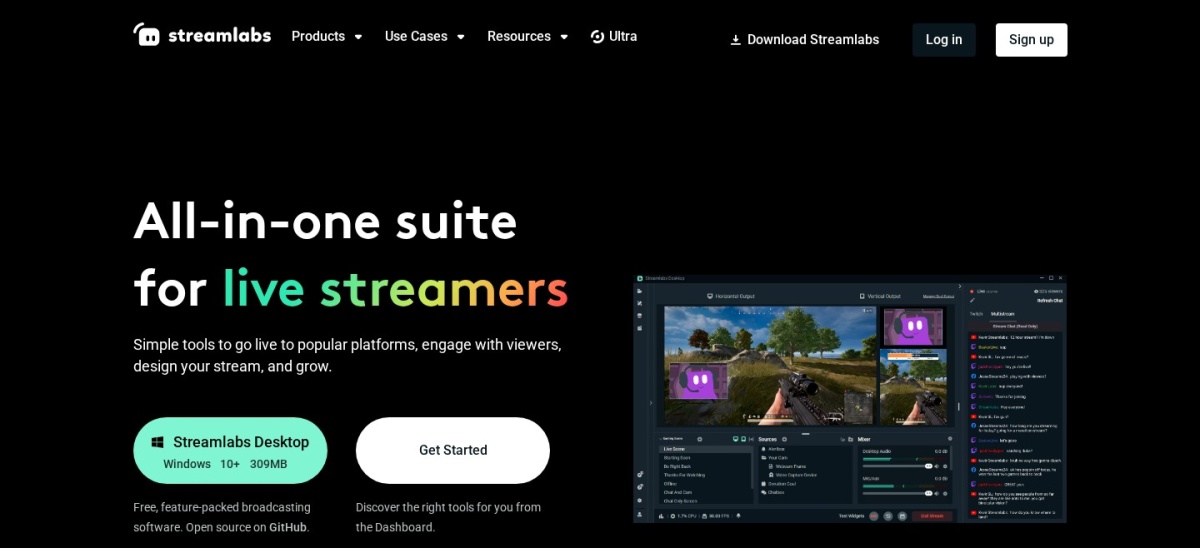
Streamlabs Desktop is a free broadcasting app built on the same core as OBS Studio, with alerts, chat widgets and overlays already wired in. Its replay buffer saves recent gameplay on a hotkey, and the free Starter plan covers streaming and local recording.
The trade off is the upsell. Multistreaming and the full overlay library need Ultra at $27 a month, or $189 billed once a year, and the app uses more system resources than plain OBS. It suits new streamers who want replay plus alerts without building a scene from scratch.
What we like
Alerts and overlays included
Free Starter plan with no watermark on desktop capture
Multistreaming in Ultra
Runs on Windows and macOS
Watch out for
Ultra is $27 a month on monthly billing
Heavier on resources than OBS Studio
Ultra price is shown two ways: $27 a month, or $15.75 a month billed annually
3.7/5on Trustpilot (20,304 reviews, checked Nov 2026)
PriceFree
Best free clips inside SteelSeries GG
Replay buffer30 seconds to 5 minutes
Auto-clipsAbout 19 games
EditorTrim and add text
Paid planNone, free in GG
steelseries.com
SteelSeries Moments homepage, captured Nov 2026.
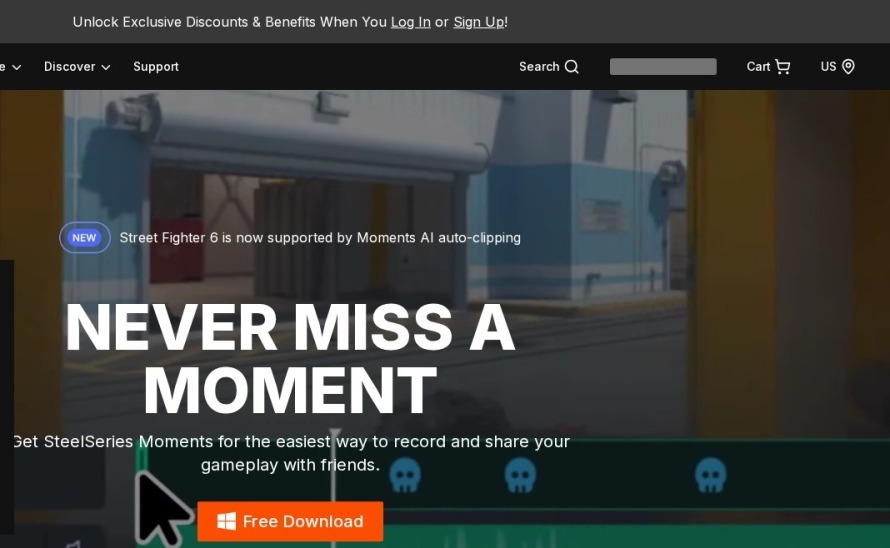
SteelSeries Moments is the free clipping tool inside SteelSeries GG, the app that manages SteelSeries gear. A hotkey saves the last 30 seconds to 5 minutes, with automatic clips in about 19 listed games, and a built-in editor for trims and text.
The trade off is scope. Auto-clipping covers far fewer games than Medal or Outplayed, and you need the GG app running even if you own no SteelSeries hardware. It suits players who already run GG for their headset or keyboard and want quick clips.
What we like
Free with no paid tier
Separate audio tracks for game and voice
Uploads to YouTube, Discord and Reddit
AI auto-clipping added for newer titles
Watch out for
Auto-clips cover about 19 games
Needs SteelSeries GG installed
Trustpilot rating covers SteelSeries as a company, not Moments alone
Free replay is real. OBS Studio, Medal, Outplayed and Moments all save replays without payment, and each one covers a different kind of user.
Paid plans mostly add reach and removal of limits. You get more replay angles, longer hosting, no watermark and no ads.
The catch is that replay itself is often a paid feature. vMix keeps it out of the $60 edition, and Wirecast keeps it out of Studio, so check which tier holds replay before you buy.
If you only clip your own games, a free tool is enough. If you run a live show for an audience, budget for the tier that actually includes replay.
How we chose
We started from every established instant replay tool we could verify as active in November 2026, covering broadcast production, PC game clipping and live streaming, then kept the seven with a public rating on G2 or Trustpilot.
Prices come from each vendor's pricing page or official FAQ, checked on 25 November 2026. Ratings and review counts come from G2 or Trustpilot on the same day. Where a vendor shows a sale or an annual-billing figure, the list shows the regular monthly price.
We left out tools with no public rating, including NVIDIA App, Xbox Game Bar and the broadcast replay servers, and tools whose replay feature we could not verify. No vendor paid for a place, and we do not claim to have used these tools ourselves.
How to choose instant replay software
Match the tool to the job: a live show, a game night or a coaching session.
Decide broadcast or gaming. Multi-angle slow motion needs vMix or Wirecast. A hotkey buffer or auto-clips needs Medal, Outplayed or OBS Studio.
Check which tier holds replay. vMix needs 4K and Wirecast needs Pro, so the cheapest plan is not always the one with replay.
Count the games or cameras. Outplayed and Medal cover far more games than Moments, and vMix Pro covers eight cameras against one on 4K.
Try the free tier first. Every tool here has a free plan or a free trial, so confirm the buffer length and the export quality before paying.
FAQ
What is the best instant replay software?
vMix is the best instant replay software for live productions, with multi-angle slow-motion replay for up to 8 cameras. OBS Studio is the best free option, and Medal is the best pick for PC gamers who share clips.
Is there a free instant replay tool?
Yes. OBS Studio is completely free with a replay buffer you size yourself, and Medal, Outplayed and SteelSeries Moments all save replays on free plans. vMix and Wirecast offer free trials instead of free plans.
What is the difference between a replay buffer and broadcast replay?
A replay buffer keeps the last seconds or minutes of one feed in memory and saves it on a hotkey. Broadcast replay records several camera angles continuously and lets an operator play any of them back in slow motion.
Can OBS Studio do instant replay?
Yes. OBS Studio has a replay buffer you enable in settings, with a length from 5 seconds to 6 hours. You must set it up before you play, and it saves only when you press the hotkey.
How much does vMix instant replay cost?
Instant replay starts with vMix 4K at $700 as a one-time license, with one replay camera. Pro costs $1,200 one-time and raises replay to eight cameras. The $60 Basic HD edition has no replay.
Do I need special hardware for instant replay?
Software replay needs a capable PC: a modern multi-core CPU, plenty of RAM and fast storage. Multi-camera broadcast replay also needs a capture device for each camera, while gaming buffers run on the same PC as the game.
SaaS SEO and WordPress specialist with about 8 years of experience. Rakib compares WordPress plugins, themes, hosting and software using public pricing, documentation and user reviews. See how we rank.