Best Inspection Management Software in 2026: 9 Tools Compared
WLWPLegible EditorsLast verified 23 Nov 2026How we rank11 min read
★ Short answer
SafetyCulture is the best inspection management software for most teams, with a free plan for up to 10 seats and a 4.6 out of 5 rating on G2 from 486 reviews. Pick GoAudits for the lowest paid price at $10 per user a month, or Fieldwire if your inspections live on construction drawings.
How we make this list: we compare pricing pages, product documentation and public user reviews, then re-check every price before each update. No product paid for a place. Disclosure.
SafetyCulture leads with a free plan for up to 10 seats and the largest template library in this list.
GoAudits is the cheapest paid tool here at $10 per user a month, with a 4.8 out of 5 Capterra rating from 146 reviews.
Safesite is the only free plan with no seat cap, and Premium costs $16 per member a month billed annually.
Fulcrum and Fieldwire are the strongest offline picks, for GIS field data and drawing-based punch lists.
SiteDocs does not publish a price, and TrueContext starts at $400 a month for the whole team, so both need a quote for a firm budget.
What inspection management software should cover
Inspection management software replaces paper checklists with forms on a phone. An inspector opens a checklist, adds photos, flags a failed item and assigns a fix, and the office sees the result without waiting for paperwork.
Offline work matters more than most features. Sites often have no signal, so the app must capture photos, signatures and notes offline and sync later. Check whether offline access is in the plan you buy, since Fieldwire reserves it for paid plans.
Price is usually per user, but the minimums change the bill. Fulcrum needs five seats and GoCanvas needs three, so a one-person team pays for seats nobody uses. Our guide on how to run a WordPress security audit shows the same habit of checking the plan limits before the price.
Corrective actions separate a checklist app from inspection software. A failed item should create a task with an owner and a due date, not just a note in a PDF. Look for that workflow before you compare template counts.
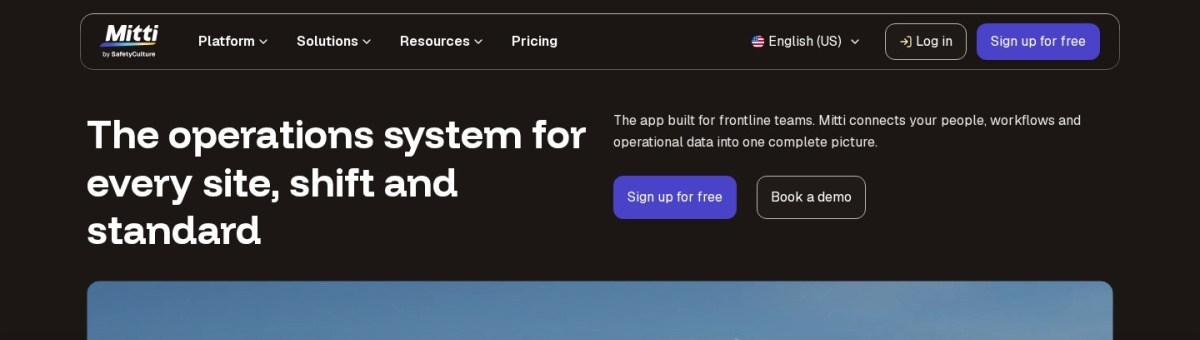
SafetyCulture (Mitti) homepage, captured Nov 2026.
SafetyCulture (Mitti) is a mobile inspection platform that turns paper checklists into digital forms for safety, quality and operations teams. The free plan covers up to 10 seats with 5 active templates, basic analytics and a 3-year data history, and the template library covers construction, manufacturing, retail and hospitality.
The trade off is the price page. Premium costs $24 per seat a month billed annually in third-party listings from November 2026, but the vendor's own pricing page shows no Premium figure. It suits teams that want one app for inspections, training and corrective actions.
What we like
Free plan covers a real small team
Large template library across many industries
Training, tasks and analytics in one app
Rated 4.6 out of 5 on G2 from 486 reviews
Watch out for
Premium price is not shown on the vendor pricing page
Every paid login is a seat, so costs rise with headcount
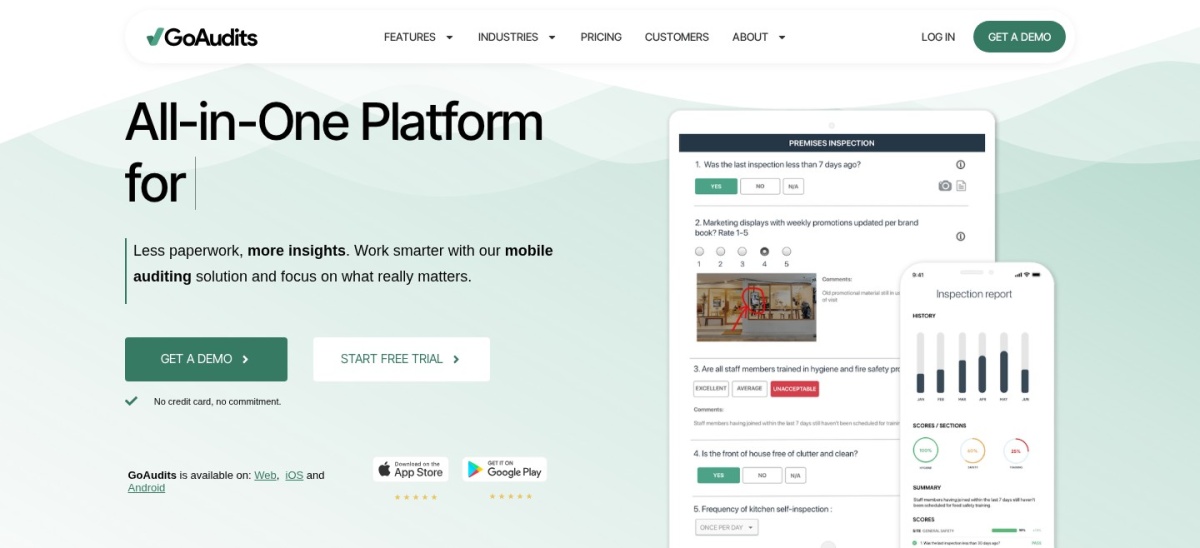
GoAudits is a mobile audit and inspection app for teams that run the same checklists across many sites. The Starter plan covers 25 locations and 10 checklist templates, with offline capture, photos, signatures, corrective actions and automatic reports.
The trade off is the ceiling. Starter caps locations at 25 and templates at 10, and roles, scheduling and advanced dashboards need Enterprise at $30 per user a month. It suits small audit teams that want a low price and fast setup.
What we like
Lowest paid price in this list
Onboarding team digitizes your checklists for free
Automatic reports and corrective actions included
Support is rated 4.9 out of 5 on Capterra
Watch out for
Starter caps locations at 25 and templates at 10
No free plan, only a 14-day trial
Enterprise adds unlimited locations and advanced dashboardsVisit goaudits.com
03
Safesite
4.7/5on Capterra (74 reviews, checked Nov 2026)
Paid from$16/mo
Best free start for contractor safety
Free planUnlimited members
Cheapest paid planPremium, $16/mo
Reporting history (free)Last 30 days
Offline modeYes
safesitehq.com
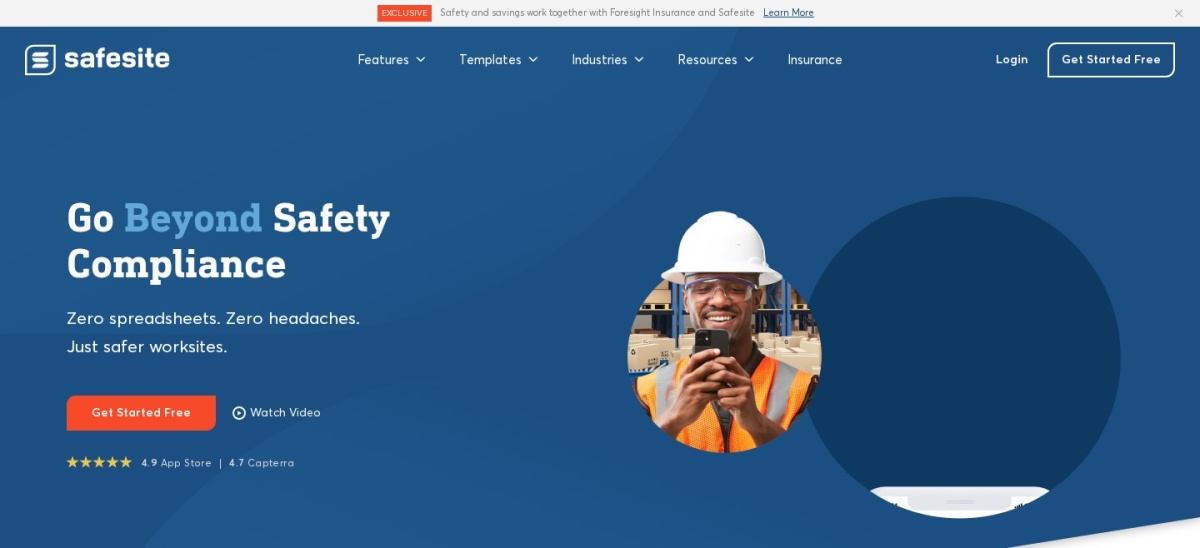
Safesite homepage, captured Nov 2026.
Safesite is a mobile safety app for contractors that runs inspections, incident reports, toolbox talks and equipment checks from a phone. The free plan covers unlimited members and guests, with offline mode and an app in English, Spanish, French and Portuguese.
The trade off is reporting history. The free plan only shows the last 30 days of reports, so trend data needs Premium at $16 per member a month billed annually, or $20 billed monthly. It suits small crews moving off paper checklists.
What we like
Only free plan here with no seat cap
Inspections, incidents and toolbox talks in one app
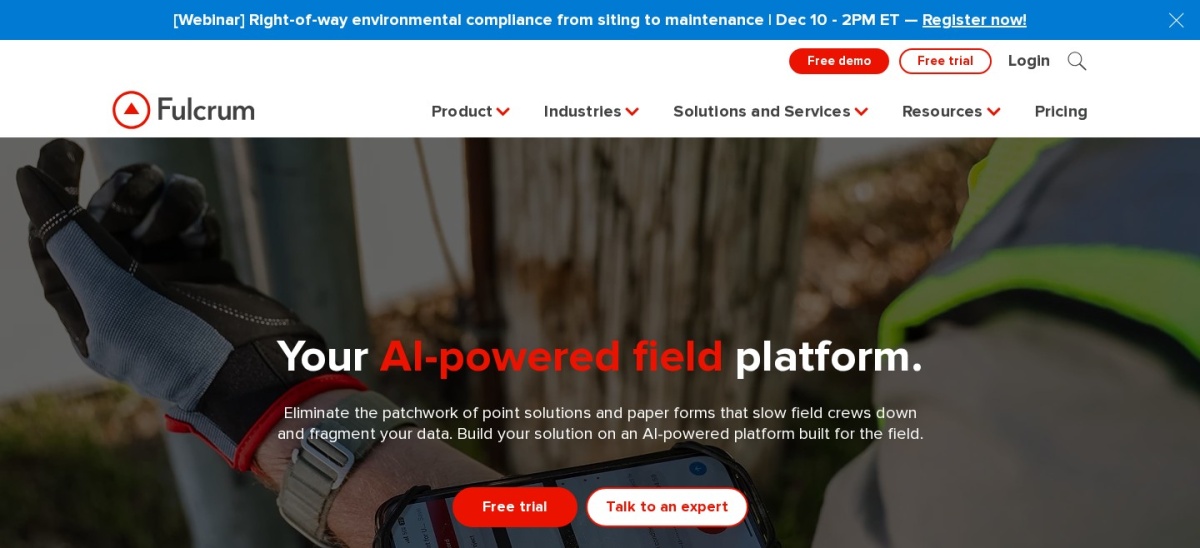
Fulcrum is a field data platform for inspections that need maps, not just forms. It records points, lines and polygons, links to Esri ArcGIS, and captures photos, audio, video, barcodes and signatures offline, with 100 GB of storage on the Professional plan.
The trade off is the minimum. Professional costs $43 per user a month billed annually, with a five-seat minimum, so one person pays $2,580 a year. It suits utilities, environmental and survey teams that work from maps.
What we like
Strongest GIS and mapping tools in this list
Full offline capture, including audio and video
Rated 4.6 out of 5 on G2 from 253 reviews
Watch out for
Five-seat minimum makes it costly for solo inspectors
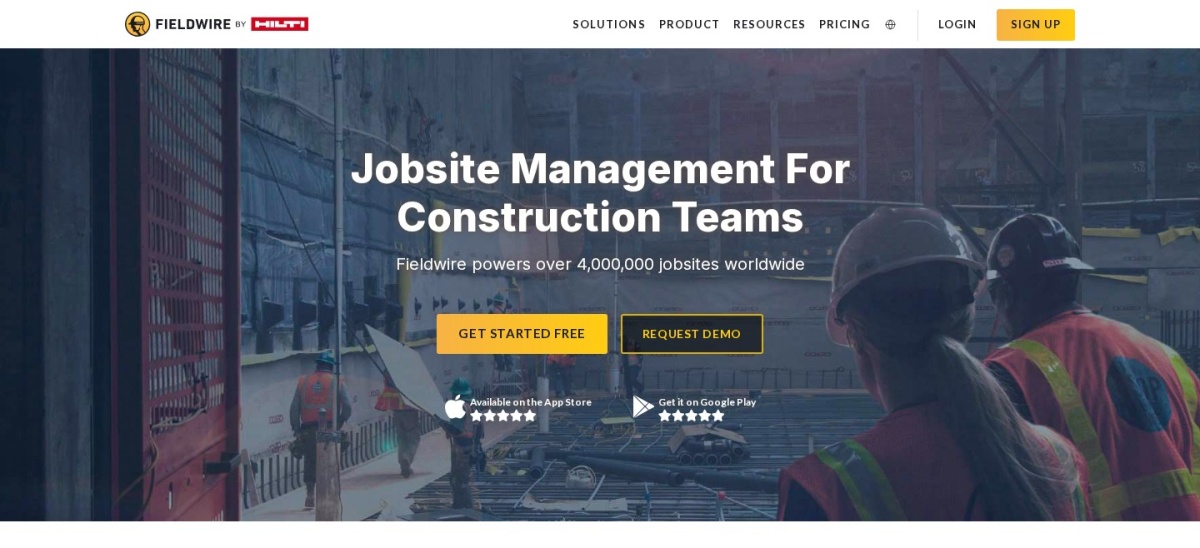
Fieldwire is a jobsite app from Hilti built around construction drawings. Crews view plans, pin punch list items to a spot on a drawing, attach photos, assign the fix and track it to close, with tasks, files and checklists in the same project.
The trade off is offline access. The free Basic plan covers 5 users, 3 projects and 100 sheets, but offline access and reports need Pro at $39 per user a month billed annually. It suits superintendents and foremen who live on the plan set.
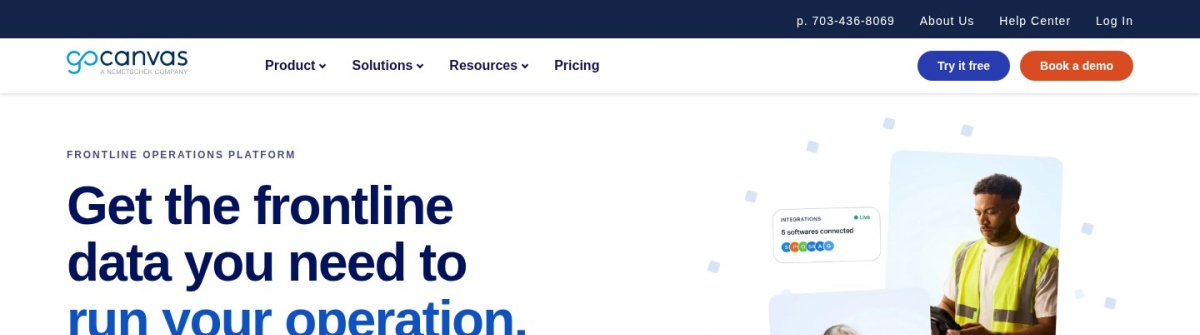
GoCanvas is a no-code mobile forms platform that replaces paper forms with apps for inspections, work orders and data capture. The Essentials plan includes unlimited forms and submissions, dispatch and scheduling, photo capture, offline access and configurable PDF reports.
The trade off is the minimum. Essentials costs $29 per user a month billed annually, with a three-user minimum, so the smallest bill is $1,044 a year. It suits field teams that design their own forms and dispatch them to crews.
What we like
Unlimited forms and submissions on every plan
Dispatch, scheduling and PDF reports included
Rated 4.4 out of 5 on Capterra from 209 reviews
Watch out for
Three-user minimum raises the smallest bill
No free plan, and the trial starts after a setup call
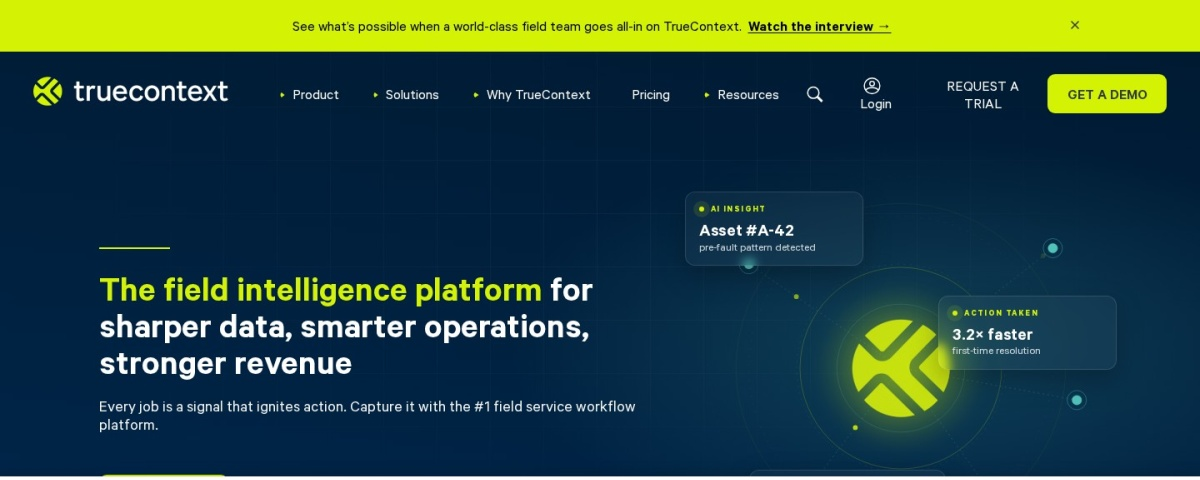
TrueContext is a low-code field forms platform, formerly ProntoForms, for inspections, service reports and dispatch. The Digital plan covers the whole team for $400 a month billed annually, with native offline apps and automated job reports.
The trade off is the entry price and the caps. Digital limits forms to 750 questions, 25 FormSpaces and 100 logic rules, and higher tiers are quote-only. It suits larger field teams with complex forms and back-office systems.
What we like
One flat price covers the whole team
Native offline apps on iOS, Android, Windows and Mac
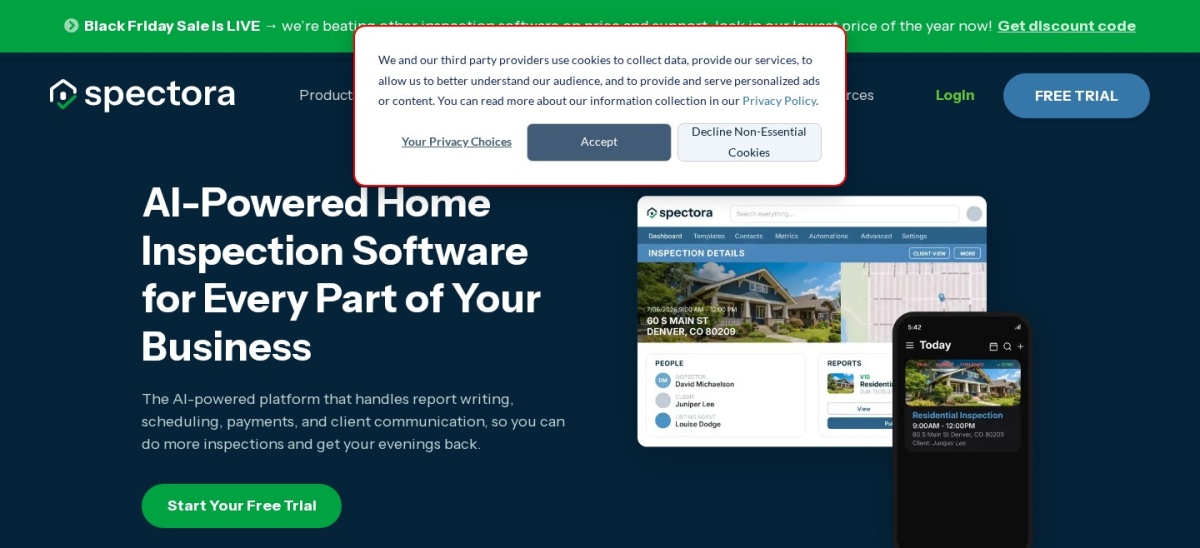
Spectora is home inspection software that runs the whole business, not just the checklist. One subscription covers scheduling, mobile report writing, online payments, a client portal and template tools, with offline report writing and unlimited photos.
The trade off is price and scope. It costs $109 a month, or $1,090 a year, and each extra inspector adds $99 a month, and it is built for home inspectors only. It suits solo and small home inspection firms that want one system.
SiteDocs is a construction safety platform from GoCanvas that manages forms, signatures and worker certifications. It offers unlimited forms, a PDF document library, offline mode and a running history of each worker's certifications, current and past.
The trade off is pricing. SiteDocs does not publish a price, and its pricing page describes an annual subscription based on company size, so you need a sales call for a number. It suits contractors who audit certifications as much as sites.
SiteDocs does not publish a price. Its pricing page describes an annual subscription based on company size, so you need a sales call for a number.
SafetyCulture also hides its Premium price. Its pricing page on 23 November 2026 shows Free at $0 and Enterprise as a custom price, with no Premium figure. Third-party listings from November 2026 put Premium at $24 per seat a month billed annually.
TrueContext publishes one price, $400 a month for the whole team, and quotes its two higher tiers. Ask for the quote in writing, with the contract length and the per-user cost after any first-year discount.
How we chose
We started from the inspection tools with the largest review bases on G2 and Capterra, then kept nine that cover general inspections, construction safety, field data and home inspection.
Prices come from each vendor's pricing page, checked on 23 November 2026. Fieldwire Pro is $39 per user a month billed annually, Fulcrum Professional is $43 and GoCanvas Essentials is $29. Where a vendor shows a sale, the list shows the regular price. Ratings come from G2 or Capterra listings checked in November 2026.
We left out tools with thin review bases and tools that publish prices in euros only. No vendor paid for a place, and we do not claim to have used these tools ourselves.
How to choose inspection management software
Count your inspectors and your sites first, then match the pricing model to those numbers.
Count the people who will actually inspect. A free plan that covers 10 seats fits a small crew, while per-seat pricing at $24 to $43 a month adds up fast once every supervisor needs a login.
Check offline capture on the plan you would buy. Photos, signatures and notes must save without signal and sync later. Fieldwire reserves offline access for its paid plans, so do not assume the free plan has it.
Follow one failed item through to a fix. Open a checklist, fail an item and see whether the tool creates a task with an owner and a due date. A PDF report alone will not close the loop.
Ask for the full first-year cost in writing. Seat minimums, extra inspectors and annual billing change the bill. Spectora charges $99 a month per extra inspector, and Fulcrum needs five seats at $43 each.
FAQ
What is the best inspection management software?
SafetyCulture is the best pick for most teams. Its free plan covers up to 10 seats with 5 active templates, and it is rated 4.6 out of 5 on G2 from 486 reviews. Premium adds unlimited templates, advanced analytics and training tools.
How much does inspection management software cost?
Paid plans in this list run from $10 per user a month for GoAudits to $43 for Fulcrum, with Fieldwire Pro at $39 and GoCanvas Essentials at $29. TrueContext charges $400 a month for the whole team, and SiteDocs is quote-only.
Is there free inspection management software?
Yes. SafetyCulture is free for up to 10 seats, Safesite is free for unlimited members and guests, and Fieldwire Basic is free for 5 users and 3 projects. Each free plan limits something, such as templates, reporting history or offline access.
What is the difference between SafetyCulture and GoAudits?
SafetyCulture is the broader platform, with training, tasks and analytics beside inspections, and a free plan for 10 seats. GoAudits is narrower and cheaper at $10 per user a month, built for audits across up to 25 locations on its Starter plan.
Do these tools work offline?
Most do. SafetyCulture, GoAudits, Safesite, Fulcrum, GoCanvas, TrueContext, SiteDocs and Spectora all capture inspections offline. Fieldwire is the exception to check, since offline access comes with its paid plans rather than the free Basic plan.
Which tool is best for home inspectors?
Spectora is built for home inspectors, with scheduling, report writing, payments and a client portal in one subscription at $109 a month. It is rated 4.9 out of 5 on Capterra from 937 reviews, the highest rating in this list.