Microsoft Purview is the best information governance software for most teams, with labels, DLP, retention and eDiscovery in one console, rated 4.7 out of 5 on G2. Pick Varonis to find exposed sensitive data, or Egnyte for governed file sharing on a smaller budget.
How we make this list: we compare pricing pages, product documentation and public user reviews, then re-check every price before each update. No product paid for a place. Disclosure.
Microsoft Purview leads for Microsoft 365 teams, with the Suite add-on at $12 per user a month.
Varonis is the strongest at finding overexposed sensitive data, but it is quote-only.
Egnyte and Box publish prices from $10 and $5 per user a month; the rest mostly need a quote.
Box and Netwrix Auditor are the only tools here with a free plan.
Four of the nine tools publish no prices at all, so budget extra time for quotes.
What information governance software should cover
Information governance is the set of rules that decides what a record is, who can open it, how long it is kept and when it is deleted.
Most tools in this list cover three jobs: classify sensitive data, control who can reach it, and prove what happened to it with an audit trail.
Prices vary more than features do. Four tools publish no prices, and the five that do range from $5 to $65 per user a month. Our guide on running a WordPress security audit shows the same audit-trail thinking on a smaller scale.
Start with the systems you already use. If your files live in Microsoft 365, Purview or AvePoint fits first; if they live in shared drives and SaaS apps, look at Varonis or Egnyte.
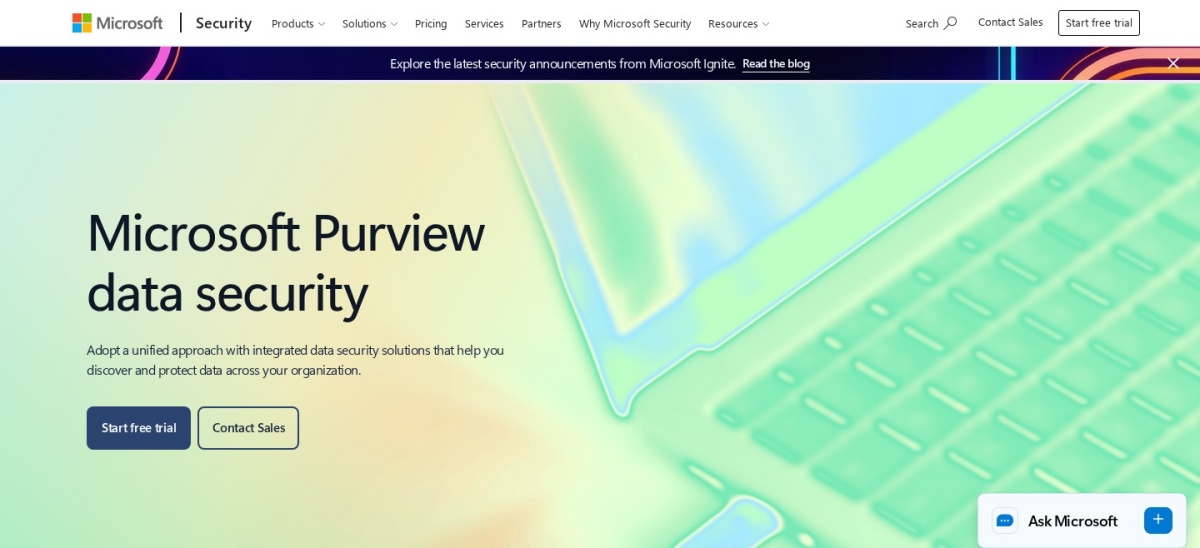
Microsoft Purview is the governance layer built into Microsoft 365, covering sensitivity labels, data loss prevention, retention, records management and eDiscovery in one console. The Purview Suite add-on lists at $12 per user a month on annual billing and needs an E3 base license; E5 includes the full set.
The trade off is reach. Purview works best inside Microsoft 365, and data outside it needs pay-as-you-go meters or connectors, so mixed estates pay twice. It suits teams already on Microsoft 365 that want governance without a second platform.
What we like
Deepest Microsoft 365 integration in this list
Labels, DLP, retention and eDiscovery in one console
Purview Suite add-on lists at $12 per user a month
Watch out for
Weakest outside Microsoft 365 without extra meters
Sensitive-data discoveryYes, across cloud and on-prem
Access analyticsYes, who can reach each file
Automated remediationYes, fixes overexposure
Entry priceQuote-only, per user
varonis.com
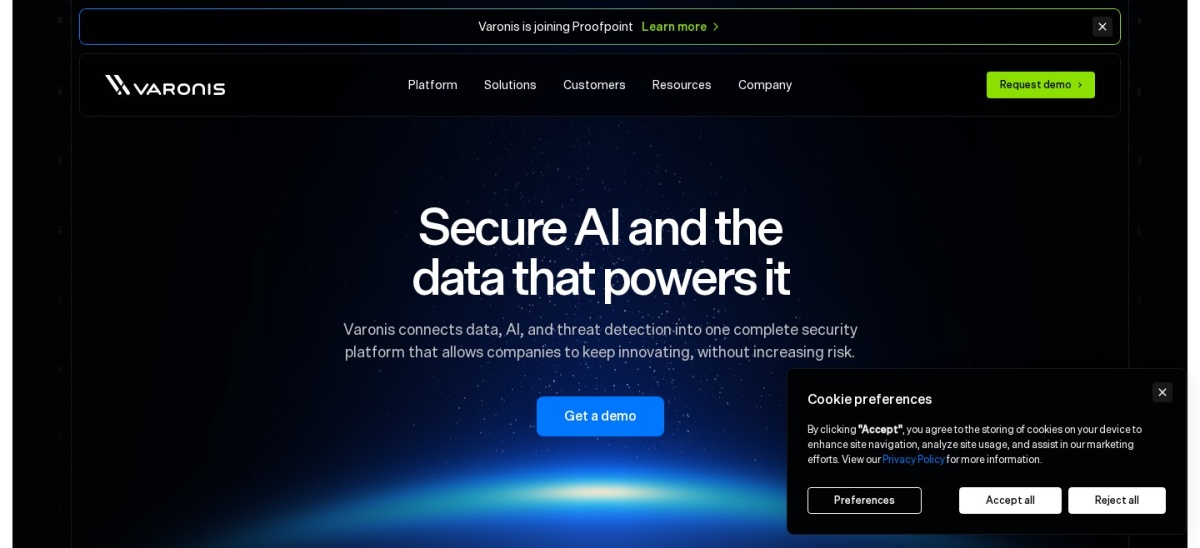
Varonis homepage, captured Nov 2026.
Varonis is a data security platform that maps where sensitive data lives, who can reach it and how it is used, across Microsoft 365, file shares, cloud storage and SaaS apps. It flags stale and overexposed files and can fix risky permissions automatically, with a 30-day trial before you buy.
The trade off is price. Varonis publishes no prices and sells per-user subscriptions by quote, so you cannot budget without a sales call. It suits mid-market and enterprise teams that need to prove who can reach regulated data.
What we like
Second-highest G2 rating in this list, at 4.6 out of 5
Automated remediation closes exposures without tickets
Covers SaaS, cloud and on-premises stores
Watch out for
Quote-only pricing is hard to forecast
Reviewers call multi-module licensing expensive
Takes about 4 months to implement, per G2
Paid plans are quote-only; scope modules before you signVisit varonis.com
03
Egnyte
4.4/5on G2 (1,184 reviews, checked Nov 2026)
Starts at$10/mo
Best governed file sharing for small teams
Content governanceYes, lifecycle and DLP
Sensitive-data classificationTop tier, quote-only
Ransomware detectionEnterprise Lite and up
Entry priceTeam, $10/user/mo
egnyte.com
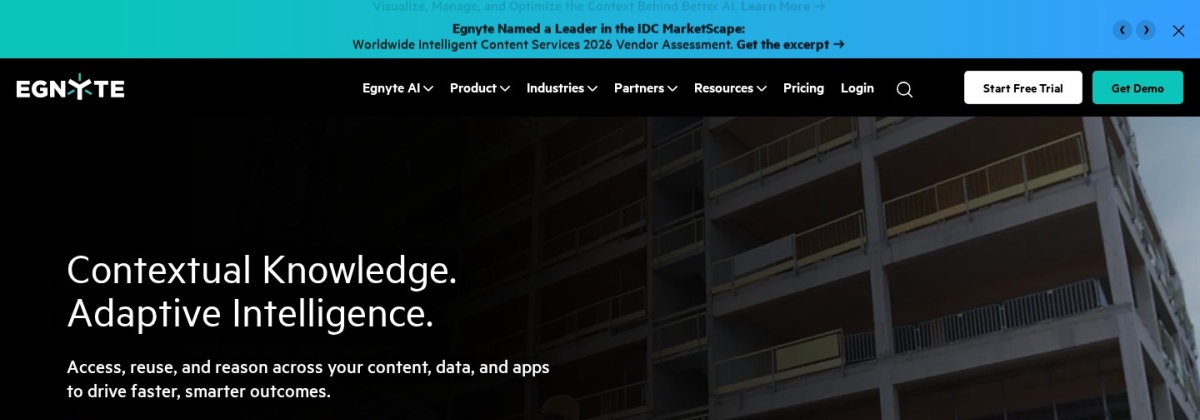
Egnyte homepage, captured Nov 2026.
Egnyte is a cloud content platform that pairs file sharing with governance: permissions, audit trails, content lifecycle rules and ransomware detection. The Team plan lists at $10 per user a month on annual billing, for 1 to 10 users, and Business at $22 adds document AI and Microsoft 365 co-editing.
The trade off is depth. The strongest governance features, such as sensitive-data classification, sit on the top tier, which is quote-only. It suits small teams that want governed file sharing without enterprise software.
What we like
Published plans from $10 per user a month
Hybrid cloud and on-premises file support
Detailed audit trails praised by reviewers
Watch out for
Top governance features need the quote-only top tier
Reviewers call it pricey for smaller teams
Business adds AI search; classification needs the top tierVisit egnyte.com
04
Box
4.2/5on G2 (5,379 reviews, checked Nov 2026)
Paid from$5/mo
Best content platform with governance
Retention policiesYes, on Business and up
Legal holdsEnterprise plans
Free planYes, 10 GB for 1 user
Entry priceBusiness Starter, $5/user/mo
box.com
Box homepage, captured Nov 2026.
Box is a cloud content platform with governance built in: retention policies, legal holds, classification and granular permissions across files. The free Individual plan gives one user 10 GB, and Business Starter lists at $5 per user a month on annual billing, with a 3-user minimum.
The trade off is tiers. Retention and classification are limited on Starter, and legal holds and the deepest governance need Enterprise at $35 per user a month on annual billing. It suits teams that want governed cloud files with broad app integrations.
What we like
Most reviewed tool in this list, with 5,379 G2 reviews
Free plan for one user with 10 GB
Unlimited storage from the $15 Business plan
Watch out for
Governance depth rises steeply with plan tier
Starter caps storage at 100 GB and uploads at 2 GB
Per-user costs add up fast for large teams
Enterprise adds legal holds and deeper governanceVisit box.com
05
AvePoint
4.5/5on G2 (129 reviews, checked Nov 2026)
PricingCustom/yr
Best governance for Microsoft 365
M365 governanceYes, policies and automation
Backup and restoreYes, across M365
Records managementYes, retention and disposal
Entry priceQuote-only, per user
avepoint.com
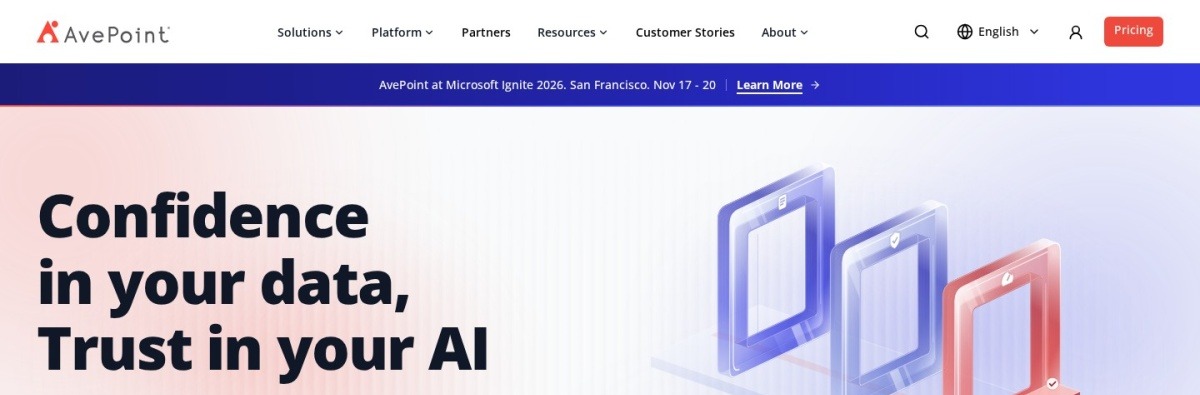
AvePoint homepage, captured Nov 2026.
AvePoint is a platform that governs Microsoft 365 with automated policies, workspace provisioning, backup and compliance reporting in one console. It also covers Salesforce, Google Workspace and Power Platform, and G2 reviewers rate it 4.5 out of 5 from 129 reviews.
The trade off is price. AvePoint publishes no prices and quotes each deployment, and reviewers call it a strain for small teams. It suits mid-market and enterprise teams standardized on Microsoft 365.
What we like
One console for M365 backup, governance and compliance
Proofpoint is a data loss prevention product that classifies sensitive data and stops it leaving by email, endpoint or cloud app, with policies that follow content across channels. Its Enterprise DLP plan is rated 4.3 out of 5 on G2 from 55 reviews, and it pairs with Proofpoint email security.
The trade off is scope. Proofpoint sells DLP, email security and insider threat as separate products, so a full governance stack means several quotes. It suits enterprises that already run Proofpoint email security.
What we like
Content-aware classification across email and cloud
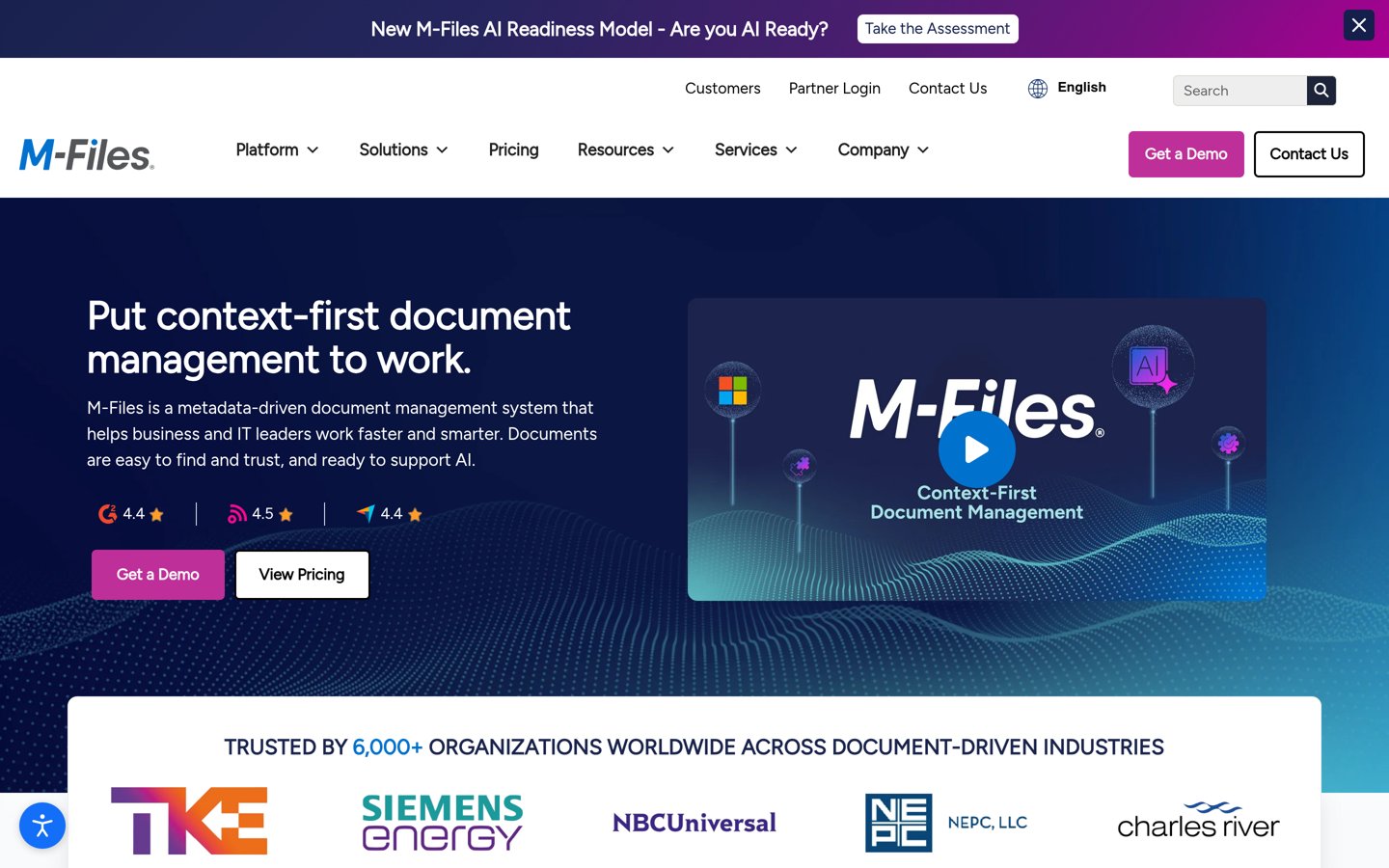
M-Files is a metadata-driven document system that files records by what they are, such as a contract or client file, instead of by folder. Essentials lists at $65 per seat a month, typically billed yearly, and includes workflows, version control, lifecycle management and the Aino AI assistant.
The trade off is price. At $65 a seat a month, ten seats cost $7,800 a year, and advanced compliance, reporting and AI agents need the quote-only Enterprise plan. It suits professional firms that file by client, matter or contract.
What we like
Metadata search finds records without folder hunting
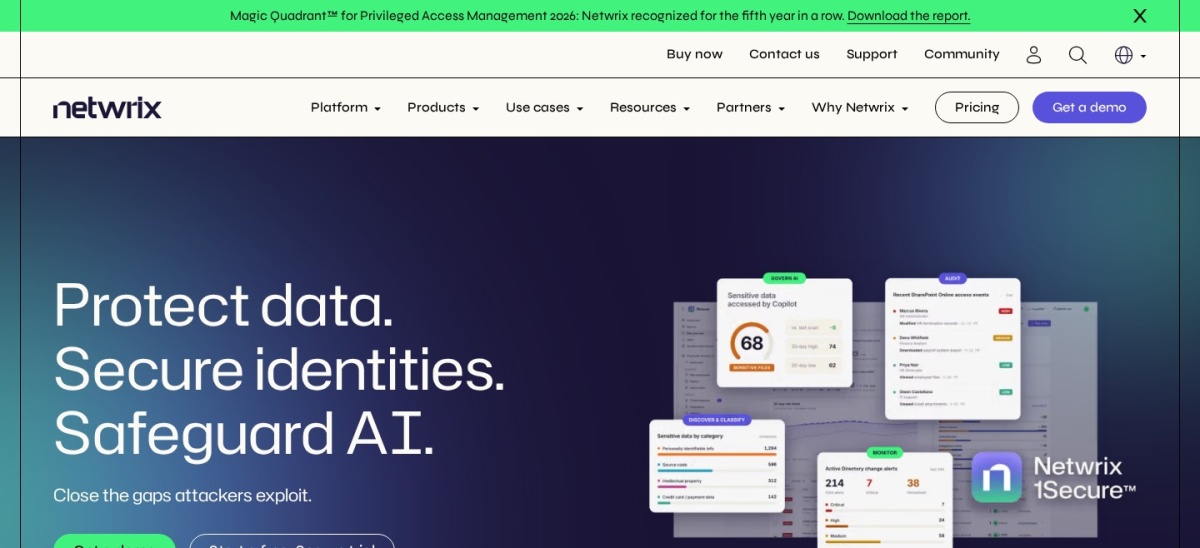
Netwrix Auditor is a change-auditing tool that tracks who changed an identity, opened a file or altered a system, across Active Directory, Entra ID, file servers and Microsoft 365. The free Community Edition sends daily change summaries, and Essentials lists at $20 per enabled user a month with a one-year minimum.
The trade off is scale. Essentials covers up to 150 employees or 250 enabled users, and larger estates need a quote, while Exchange and SQL Server modules cost $4 more per account. It suits small IT teams that need a clear audit trail.
What we like
Free Community Edition with daily summaries
Answers who changed what in seconds, per reviewers
Self-service pricing for small teams
Watch out for
Essentials stops at 150 employees
One-year minimum on Essentials
Reviewers call the initial setup complicated
Add-on modules cost $4 per account; larger sites need a quoteVisit netwrix.com
09
DocuWare
4.4/5on G2 (251 reviews, checked Nov 2026)
PricingCustom/yr
Best for digitizing paper records
Document captureYes, with intelligent indexing
Retention rulesYes, on Cloud plans
Workflow automationYes, approvals and routing
Entry priceQuote-only; FAQ range $30-$125/user/mo
docuware.com
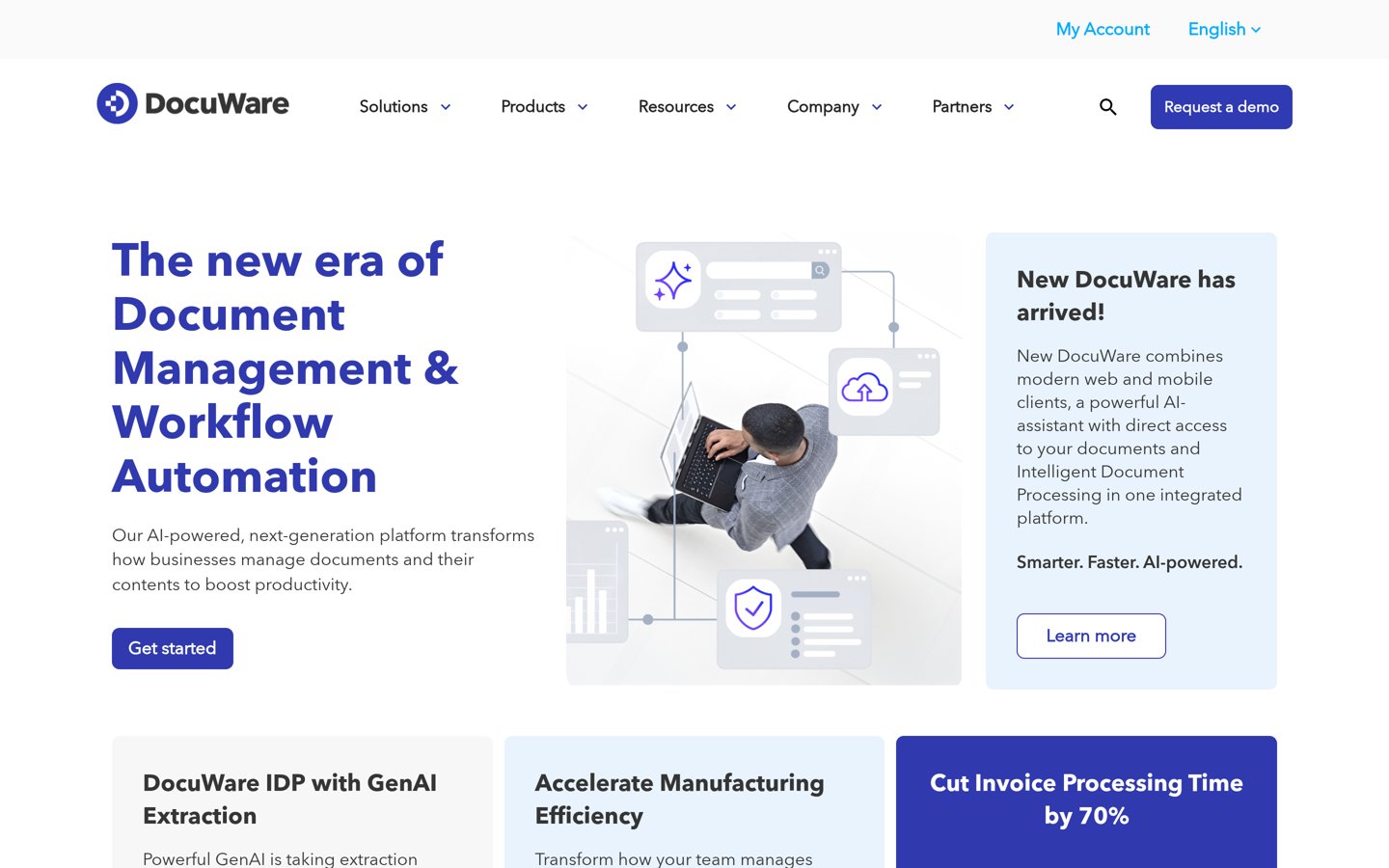
DocuWare homepage, captured Nov 2026.
DocuWare is a document platform that digitizes paper and electronic documents, indexes them and routes them through approval workflows to a searchable archive. Its own FAQ puts Cloud plans at about $30 to $125 or more per user a month, depending on plan size and user type, with exact prices by quote.
The trade off is pricing clarity. DocuWare publishes no price list, so you cannot compare plans without a quote, and reviewers note costs rise with storage and integrations. It suits mid-market teams replacing paper files with a governed archive.
Four tools in this list publish no prices: Varonis, AvePoint, Proofpoint and DocuWare. You cannot budget any of them without a sales quote.
Ask for the per-user rate, the minimum term and what counts as a licensed user. Netwrix, for example, counts enabled accounts, including service accounts.
Get the quote in writing with the modules listed. Varonis and AvePoint both sell extra modules that change the total fast.
How we chose
We started from the established information governance and data governance platforms with public G2 ratings, then kept nine that cover classification, retention, access control or audit trails.
Prices come from each vendor's pricing page or buy page, checked on 25 November 2026, with the regular price shown where a sale applies. Ratings and review counts come from G2 on the same day. Where a vendor publishes no price, the list shows Custom.
We left out tools with no public rating and niche point tools that cover only one governance job. No vendor paid for a place, and we do not claim hands-on testing for this list.
How to choose information governance software
Start with where your records live, then match the tool to that estate.
List where governed records live. Count the systems: Microsoft 365, file shares, cloud storage and SaaS apps. A tool that covers only one of them leaves gaps.
Pick the job that hurts most. Choose classification if you cannot find sensitive data, retention if you cannot prove disposal, or audit trails if you cannot show who changed what.
Ask for a written quote early. Four tools here are quote-only. Get the per-user rate, minimum term and module list in writing before you compare totals.
Trial it on one data source. Run the trial or pilot against a single file share or mailbox first, and check the audit trail answers who changed what before you roll it out.
FAQ
What is the best information governance software?
Microsoft Purview is the best pick for most teams, because it covers labels, data loss prevention, retention and eDiscovery inside Microsoft 365, and the Suite add-on lists at $12 per user a month. It is rated 4.7 out of 5 on G2.
What does information governance software do?
It classifies sensitive records, controls who can open them, sets how long they are kept and proves what happened to them. Most tools combine classification, access control, retention rules and an audit trail in one console.
How much does information governance software cost?
Published prices in this list run from $5 to $65 per user a month, with Box cheapest and M-Files dearest. Four of the nine tools publish no prices, so expect a sales quote and ask for the per-user rate in writing.
Is there free information governance software?
Two tools here have a free plan: Box gives one user 10 GB, and Netwrix Auditor has a free Community Edition with daily change summaries. The rest offer trials or demos, and the enterprise tools are paid only.
Do I need information governance if I use Microsoft 365?
Microsoft 365 includes basic Purview features, and E5 or the $12 Purview Suite add-on covers the full set. Teams outside Microsoft 365, or with data in many SaaS apps, usually need a second tool such as Varonis or Egnyte.
What is the difference between information governance and data governance?
Information governance covers records and content: retention, legal holds and disposal. Data governance covers structured data: catalogs, lineage and data quality. Tools such as Purview span both, while M-Files and DocuWare focus on records.
SaaS SEO and WordPress specialist with about 8 years of experience. Rakib compares WordPress plugins, themes, hosting and software using public pricing, documentation and user reviews. See how we rank.