PagerDuty is the best notification system software for most teams, routing alerts from hundreds of monitoring tools by push, SMS, voice and email with a 4.5 out of 5 rating from 983 G2 reviews. Pick OneSignal for customer messages and Better Stack for monitoring plus alerting in one tool.
How we make this list: we compare pricing pages, product documentation and public user reviews, then re-check every price before each update. No product paid for a place. Disclosure.
PagerDuty is the most established pick: 4.5 out of 5 from 983 G2 reviews, free for up to 5 users, Professional at $21 per user per month.
OneSignal leads for customer messages: 4.7 out of 5 from 1,258 reviews, with free push for up to 1,000 monthly active users.
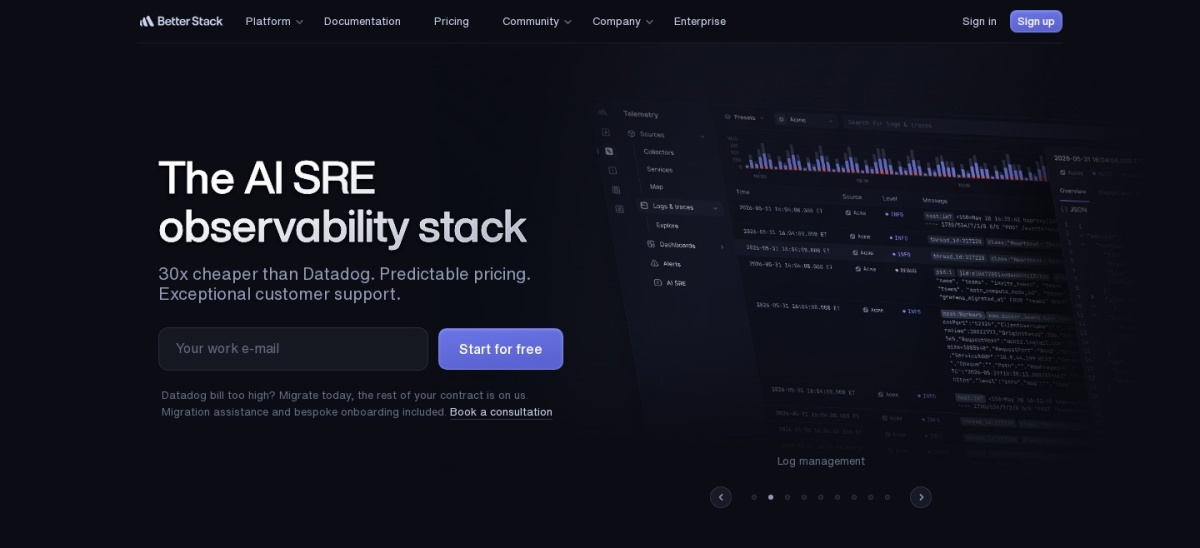
Better Stack has the highest rating here at 4.8 out of 5 from 339 reviews, with a free plan and paid plans from $29 a month.
AlertOps and Zenduty are the cheapest paid entries at $8 and $6 per user per month.
Squadcast has no free plan, only a trial, and Courier lists its flat paid plan at $99 a month, so check volume before committing.
What a notification system should cover
A notification system decides who hears about a problem, how they hear it and how fast. The best tools send the same alert by push, SMS, voice, email or chat, then escalate it when nobody answers.
Incident tools and customer messaging tools solve different problems. PagerDuty, xMatters and ilert page engineers about outages, while OneSignal and Courier send messages to customers and app users.
Check the channels first, then the limits. Some plans cap SMS and voice alerts per user, so a noisy week can cost extra. Our guide on fixing WordPress emails that do not send shows how easily one channel can fail without warning.
Price is usually per user or per message. Per-user plans suit on-call teams, while per-message plans suit apps that notify thousands of customers.
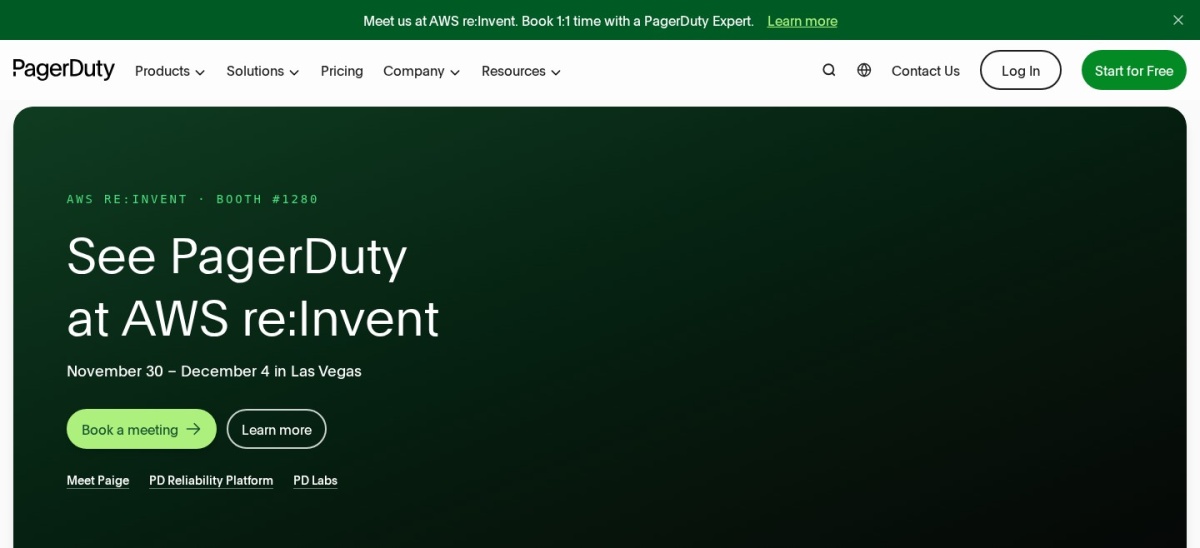
PagerDuty is an incident management platform that routes alerts from monitoring tools to the right responder by push, SMS, voice, email and chat. The free plan covers up to 5 users with 1 schedule and 1 escalation policy, and Professional adds unlimited schedules, escalations and SMS and calls.
The trade off is price. Professional costs $21 per user per month billed annually, and every user on the account is paid, including people who only receive notifications. It suits teams that already run many monitoring tools and need one place to route every alert.
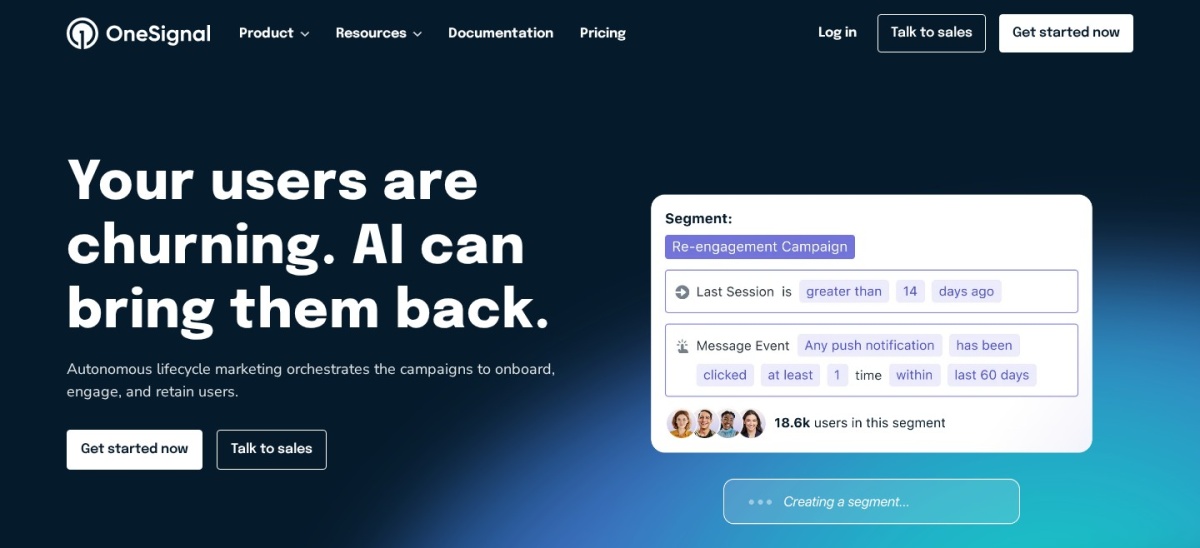
OneSignal is a multichannel messaging platform for push, email, SMS and in-app messages, aimed at apps and websites rather than on-call teams. The free plan includes unlimited mobile push and in-app messaging for up to 1,000 monthly active users, plus 10,000 email sends a month.
The trade off is usage pricing. Growth starts at $19 a month plus about $0.012 per monthly active user, so the bill rises with audience size. It suits product teams that need to reach customers across push, email and in-app messages from one dashboard.
Better Stack is an observability platform that combines uptime monitoring, log management and incident management with on-call scheduling and status pages. The free plan includes 10 monitors, 1 status page and Slack and email alerts, and paid plans add phone and SMS alerts.
The trade off is scope. Paid plans start at $29 a month on a pay-as-you-go basis, and costs rise with data volume and extra monitors. It suits small teams that want monitoring and alerting in one tool instead of buying a separate pager.
AlertOps is an incident management system that routes alerts from monitoring tools, manages on-call schedules and automates escalations. The free Starter Pack covers up to 5 users with basic scheduling and unlimited API calls, and Standard adds workflow automation for teams of up to 10 users.
The trade off is depth. Standard costs $8 per user per month, and the most advanced features, including single sign-on, sit on Premium at $18 per user per month. It suits small and mid-size teams that want PagerDuty-style alerting at a lower price.
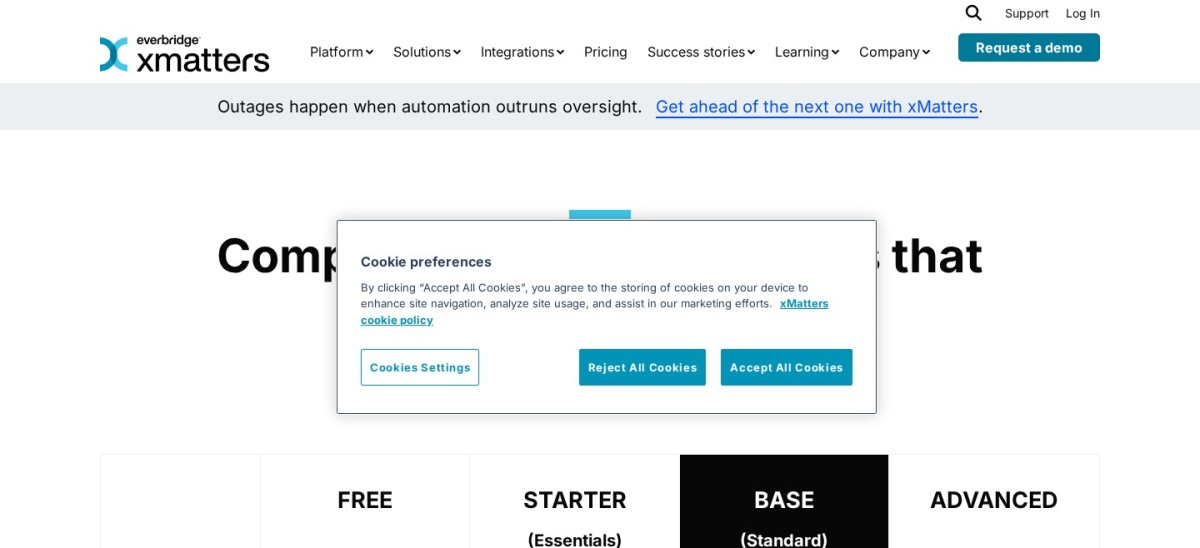
xMatters is an incident communication platform, now sold as Everbridge xMatters, that automates workflows to reach the right resolver by push, SMS, voice and chat. The free plan covers up to 5 users, and every paid tier includes on-call scheduling, rotations and escalations.
The trade off is metering. Starter costs $15 per user per month for up to 25 users and includes 50 SMS and 10 voice notifications per user a month, so heavy paging costs extra. It suits large IT teams that already use Everbridge or ServiceNow.
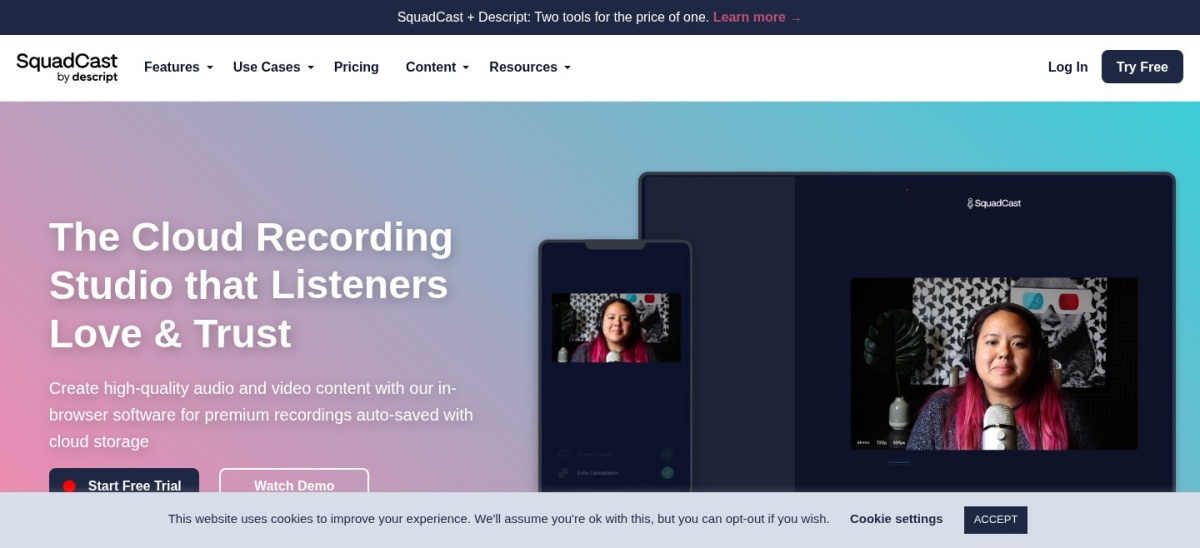
Squadcast is an incident response platform, now sold as SolarWinds IT Incident Response, that groups alerts, runs on-call schedules and tracks reliability with SLOs. It connects to common monitoring tools and adds runbooks, status pages and post-incident reviews on higher tiers.
The trade off is the lack of a free plan. Pro starts at $9 per user per month, and there is only a free trial before paying. It suits small DevOps teams that want a cheaper PagerDuty alternative with SRE features built in.
Courier is a notification API that lets developers design a message once and send it by email, SMS, push, Slack or in-app message from one place. The free Developer tier allows 10,000 notifications a month with unlimited team members, templates and channels.
The trade off is price at scale. Paid use is billed by notification volume, and the flat Basic plan lists at $99 a month, which adds up fast for high-volume senders. It suits product teams that send notifications from their own app and want one API for every channel.
Zenduty is an on-call and incident management tool that alerts engineers by SMS, phone, email, Slack and Microsoft Teams, and now also appears under the Xurrent IMR brand. It offers automated schedules, escalation policies and incident playbooks, with a free tier for small teams.
The trade off is the cap on the cheapest plan. Starter costs $6 per user per month for up to 5 users, and Growth at $16 per user per month is needed for larger teams and unlimited calls and SMS. It suits small teams that want low-cost paging with postmortems included.
ilert is an incident management platform that combines alerting, on-call scheduling, response coordination and status pages in one app. The free plan covers up to 5 users, and Pro adds unlimited SMS and voice alerts, on-call calendars and integrations with common monitoring tools.
The trade off is its small review base. Pro costs $19 per user per month, and ilert has only 10 G2 reviews, far fewer than the leaders here. It suits teams that want alerting, on-call and status pages together without buying separate tools.
Incident tools page people inside your team. They watch monitoring tools, wake the on-call engineer and track the fix until the service is back.
Customer tools message people outside your team. They send order updates, password resets, product news and push alerts to app users.
Some teams need both. A common setup is PagerDuty or ilert for outages, plus OneSignal or Courier for the messages customers see.
How we chose
We started from the best-known incident alerting and customer notification tools on G2, then kept those with a public rating, a free plan or trial, and published pricing.
Prices and ratings were checked on 25 November 2026. Ratings and review counts come from G2 on the same day, and prices come from vendor pricing pages and G2 vendor-supplied pricing. Where a vendor shows a sale, the list shows the regular price.
We left out Opsgenie, which Atlassian is shutting down in April 2027, and tools with no public rating. No vendor paid for a place, and we do not claim to have used these tools ourselves.
How to choose a notification system
Start with who needs the message, then work out how it should reach them.
List the channels you need. Write down push, SMS, voice, email and chat, and check each tool covers them before comparing prices.
Count who gets paged. Per-user plans charge for everyone on the account, so count viewers and managers as well as responders.
Check the SMS and voice limits. Some plans cap calls and texts per user each month, and overages add up during a major outage.
Start on the free plan. Run one real rotation on the free tier first, and check the alert arrives on every channel you use.
FAQ
What is the best notification system software?
PagerDuty is the best pick for most teams. It routes alerts from hundreds of monitoring tools by push, SMS, voice and email, and holds a 4.5 out of 5 rating from 983 G2 reviews.
What is the difference between incident alerting and customer notifications?
Incident alerting pages your own engineers about outages, while customer notifications send order updates and app alerts to users. PagerDuty and ilert do the first job, while OneSignal and Courier do the second.
Is there a free notification system?
Yes. PagerDuty, OneSignal, Better Stack, AlertOps, xMatters, Courier, Zenduty and ilert all offer a free plan or tier. Squadcast is the only tool here with no free plan, only a trial.
How much does PagerDuty cost?
PagerDuty has a free plan for up to 5 users. Professional costs $21 per user per month billed annually, or $25 billed monthly, and higher tiers are sold as yearly platform fees.
Which notification tool is cheapest for a small team?
Zenduty Starter at $6 per user per month is the cheapest paid plan here, followed by AlertOps Standard at $8. Both offer a free plan for up to 5 users as well.
Do these tools work with Slack?
Most of them do. PagerDuty, Better Stack, AlertOps, Courier, Zenduty and ilert all list Slack integrations, and several also connect to Microsoft Teams for alerts.
SaaS SEO and WordPress specialist with about 8 years of experience. Rakib compares WordPress plugins, themes, hosting and software using public pricing, documentation and user reviews. See how we rank.