Topaz Gigapixel is the best image upscaling software for most photographers, with up to 6x enlargement and separate models for photos, text and art. Pick Let's Enhance for browser batch work and Upscale.media for a quick free upscale with no signup.
How we make this list: we compare pricing pages, product documentation and public user reviews, then re-check every price before each update. No product paid for a place. Disclosure.
Topaz Gigapixel leads for print work, with up to 6x enlargement and models for photos, text, art and faces.
Let's Enhance upscales up to 16x in the browser, with batch support for up to 20 images at once.
Upscale.media gives 3 free credits on signup and one free upscale a day without an account, at 2x, 4x or 8x.
VanceAI Starter costs $15 a month billed annually for 260 credits, and its upscaler runs at 2x, 4x or 8x.
Magnific Premium costs $174 a year at the regular rate, with 240,000 credits a year across its creative suite.
All 7 tools have a free plan or free trial; paid plans in this list run from $7.99 one-time to $179.99 a year.
What to look for in an image upscaler
An upscaler enlarges a small image by guessing the detail that should fill the new pixels. A good one keeps edges clean and faces natural; a weak one smooths everything into a soft, plastic look.
Match the scale to the output. A social post rarely needs more than 2x, while a poster print may need 4x or 6x. Pushing past the size you need adds little and can harm texture.
Check how the tool charges before a large job. Some sell a subscription, some sell credits, and some charge per image. Our guide on optimizing images for WordPress explains why starting from the largest original file matters.
Local tools keep files on your computer, while browser tools upload them to a server. If you work with client photos, check the privacy terms before uploading.
4.8/5on G2 and Capterra (21 reviews, checked Nov 2026)
Starts at$149/yr
Best image upscaling software overall
Max upscale6x
ProcessingLocal, on your GPU
ModelsPhotos, text, art, faces
Paid planPersonal, $149/yr
topazlabs.com
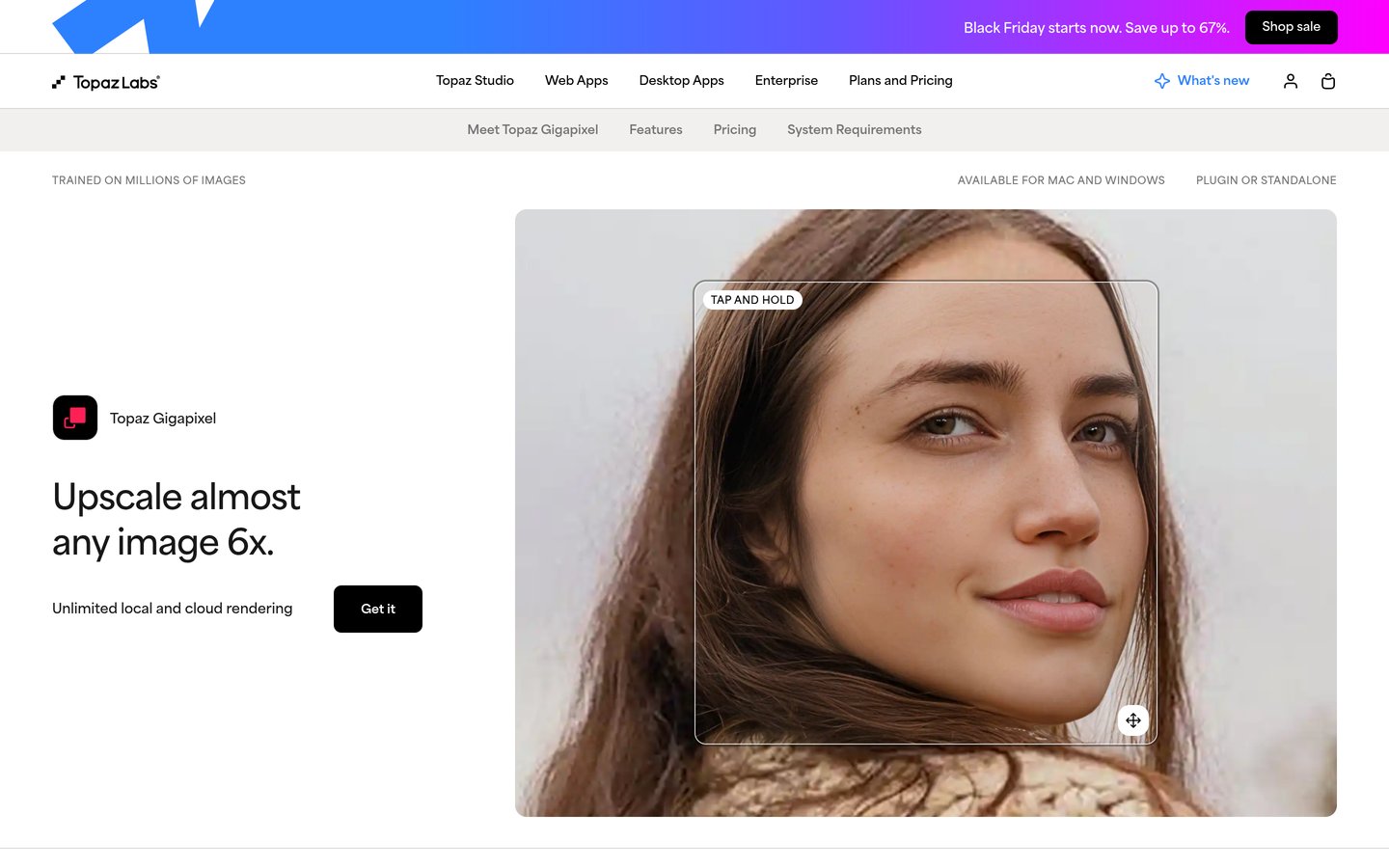
Topaz Gigapixel homepage, captured Nov 2026.
Topaz Gigapixel is a desktop upscaler for Windows and Mac that enlarges photos up to 6x in one pass. It offers separate models for standard photos, low-resolution sources, text and shapes, art, and face recovery, so you can match the model to the image. A free trial lets you try it before paying.
The trade off is price and hardware. Personal costs $149 a year, or $29 a month, and large images need a capable GPU for comfortable speed. It suits photographers and print shops who upscale often and want files to stay on their own machine.
What we like
Separate models for photos, text, art and faces
Local rendering keeps client files on your machine
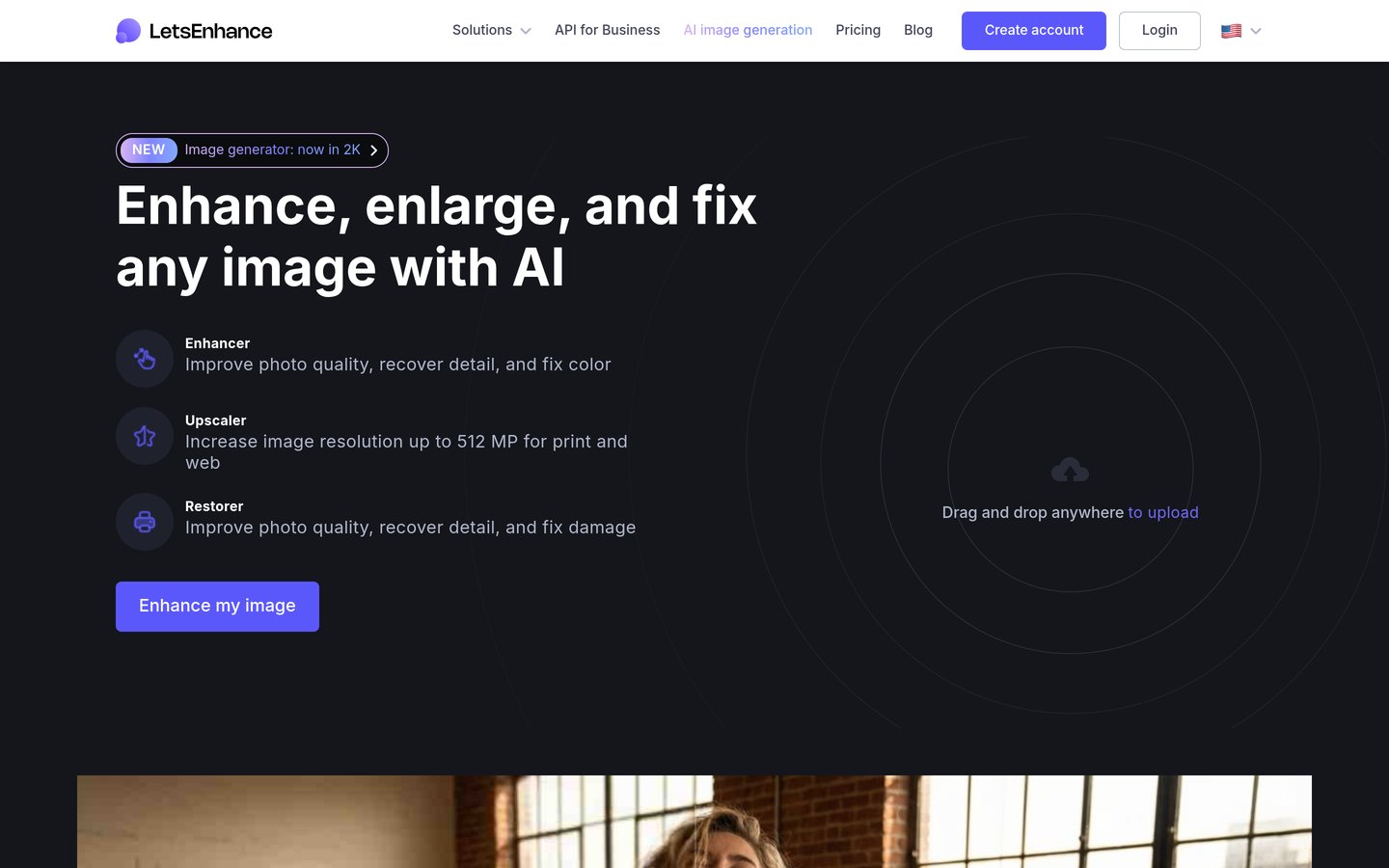
Let's Enhance is a browser upscaler that enlarges images up to 16x without installing software. The free plan gives 10 credits, and Starter at $9 a month gives 100 credits a month, with unused credits rolling over. Separate modes handle portraits, product shots and damaged old photos.
The trade off is credits. A $9 plan covers modest monthly use, but a large catalog job can burn through credits fast, and free exports carry a watermark. It suits sellers and small teams who want batch upscaling in the browser.
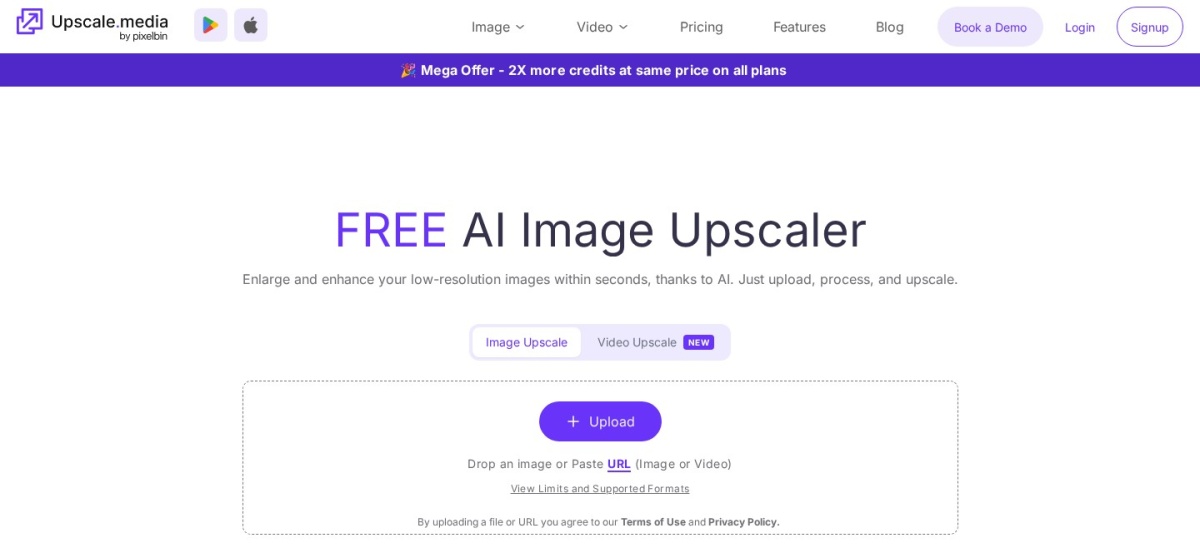
Upscale.media is a browser tool for a single quick upscale. You drag in a JPG, PNG or WebP file, pick 2x, 4x or 8x, and download the result without creating an account. The vendor page presents it as free with no watermark.
The trade off is volume. Guest use covers one image a day, and signup gives 3 free credits, so it is not a catalog tool. Paid credit packs start at $7.99 for 60 credits, billed once. It suits one-off social posts, listing photos and old snapshots.
VanceAI is a browser suite that bundles upscaling with denoising, sharpening, restoration and color work, plus a Windows PC app for batch processing. The upscaler runs at 2x, 4x or 8x, and a Starter plan at $15 a month billed annually gives 260 credits a month.
The trade off is the credit system. Each upscale costs 1 to 3 credits by scale, and the free allowance is 10 credits, so heavy use needs a paid plan. It suits e-commerce sellers and small studios that need several enhancement types in one account.
What we like
Wide suite covering upscale, denoise, sharpen and restore
PC app for local batch work
Up to 8x scaling
Credits roll over while subscribed
Watch out for
Credit system can confuse new users
Some tools feel better than others across the suite
Paid web uploads stop at 10 MB and 34 megapixels
Starter adds 260 credits a month and watermark-free exportsVisit vanceai.com
05
Magnific
4/5on G2 (3 reviews, checked Nov 2026)
Paid from$174/yr
Best for creative AI art upscaling
Max upscale16x
Free planLimited daily use
ModesCreative and Precision
Paid planPremium, $174/yr
magnific.com
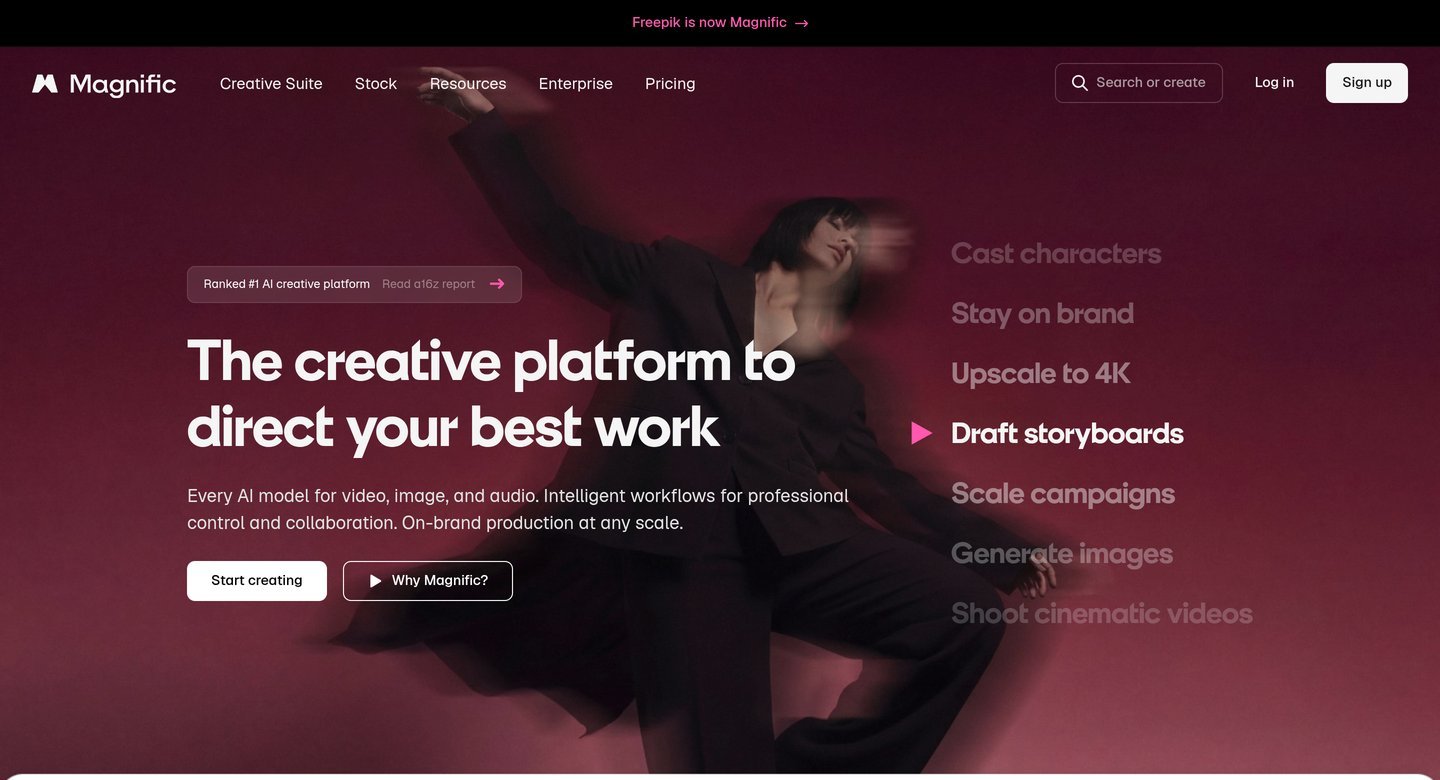
Magnific homepage, captured Nov 2026.
Magnific is a cloud creative platform whose upscaler regenerates detail instead of only sharpening what exists. Precision mode aims for faithful enlargement up to 16x, while Creative mode adds new texture to AI art and illustrations. Premium costs $174 a year at the regular rate.
The trade off is that the upscaler is no longer sold on its own. You buy a Magnific plan and spend its credits across all tools, and the first year is $87 on a sale price. It suits artists preparing AI-generated images for print.
What we like
Creative upscaling adds plausible detail to AI art
Precision mode for faithful enlargement
Strong for large prints of generated images
Part of a wider creative platform
Watch out for
No standalone upscaler plan anymore
Creative detail can look wrong on real photos
Higher price for casual photo use
Premium adds 240,000 credits a year and the image and video upscalersVisit magnific.com
06
Icons8 Smart Upscaler
4.4/5on G2 (18 reviews, checked Nov 2026)
Paid from$9/mo
Best for batch web graphics
Max upscale4x
Free planWatermarked previews
BatchUp to 500 images at once
Paid planLimited, $9/mo for 100 images
icons8.com
Icons8 Smart Upscaler homepage, captured Nov 2026.
Icons8 Smart Upscaler is a browser tool for enlarging web graphics in bulk. You can drop up to 500 JPG, PNG or WebP files at once, each up to 5 MB, and get results up to 7680 by 7680 pixels. Its model was trained on more than 5 million images, per the vendor.
The trade off is the free tier. Free results carry a watermark, and 4x enlargement needs a paid plan. The Limited plan costs $9 a month for 100 images, with unused credits rolling over. It suits designers upscaling thumbnails and old small photos.
What we like
$9 a month covers 100 images with rollover credits
Prepaid pack of 50 images for $10 that never expires
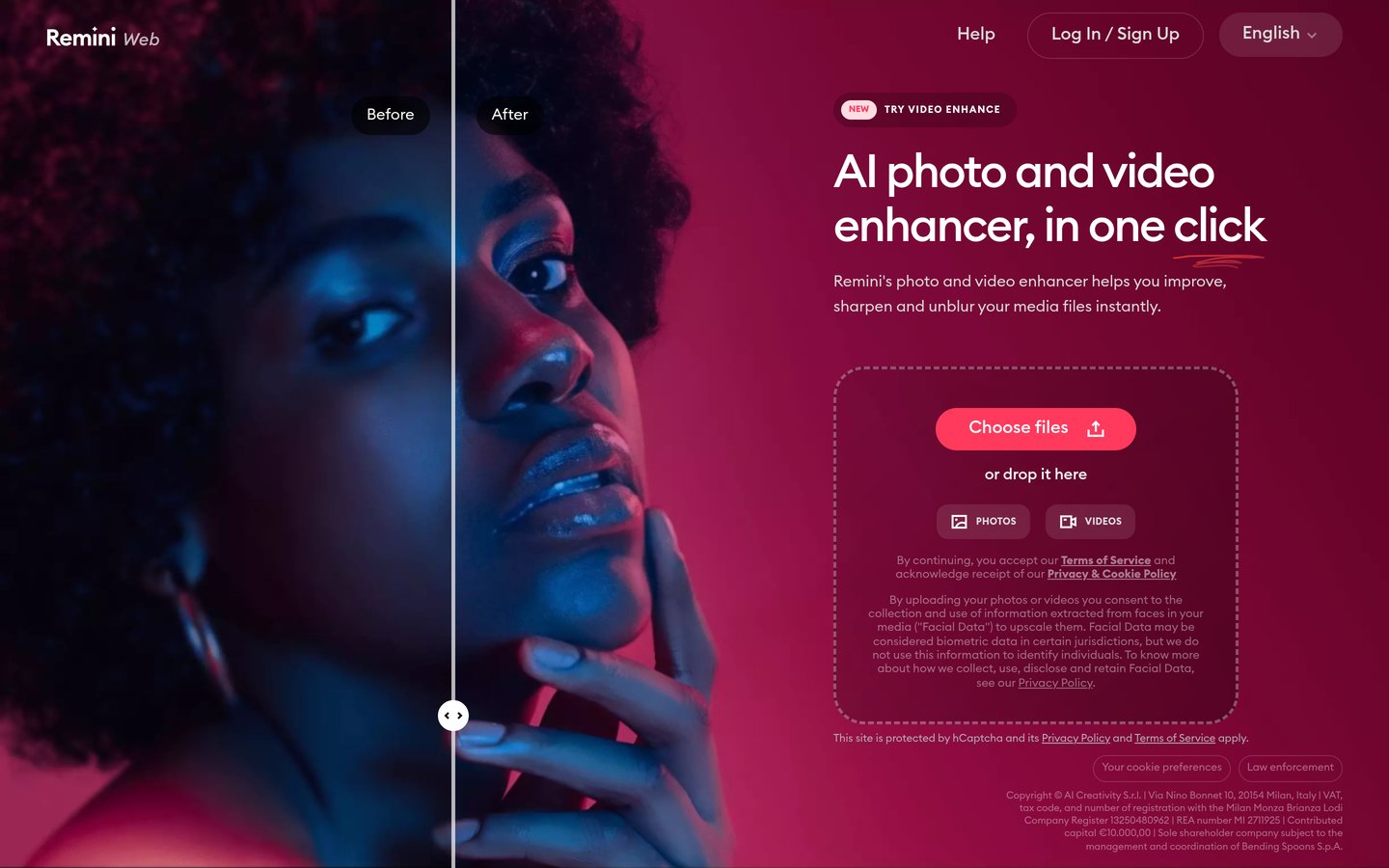
Remini is a phone-first tool for restoring old family photos. You upload a faded, blurry or damaged photo and get a sharper, cleaner version with face detail and color correction, often in one tap. A free plan gives limited daily enhancements with ads and a watermark.
The trade off is price and platform. Web Personal costs $179.99 a year, and mobile and web subscriptions are sold separately, so one does not cover the other. It suits quick mobile restoration, while desktop tools fit client or print work better.
What we like
One-tap enhancement for old and blurry photos
Face enhancement and color fixing built in
Video enhancement available
Watch out for
Mobile-first workflow limits batch desktop work
Subscription terms vary by app store and region
Results can smooth faces more than a photographer would like
Web Personal adds 20 enhancements a week and JPG outputVisit remini.ai
Free vs paid: what you give up
Free plans cover one-off jobs well. Most give a few upscales a day or a small credit allowance, with watermarks on some tools.
Paid plans mostly add volume and clean exports. You get more credits, no watermark, larger inputs and batch processing.
If you upscale every week, a subscription or a credit pack usually costs less per image than paying per image. Our guide on fixing blurry product images shows when a sharper source file matters more than a bigger one.
For a store catalog, check the credit cost per image before buying. A plan that looks cheap can run out fast on a large batch.
How we chose
We started from the established upscalers listed by Rankite and other comparison sites, then kept tools with a public rating on G2 and a pricing page we could open.
Prices come from each vendor's pricing page, checked on 25 November 2026. Ratings come from G2 on the same day, except Topaz Gigapixel, where the rating is an aggregate across G2 and Capterra. Where a vendor shows a sale, the list shows the regular price.
We left out Upscayl, Bigjpg and Krea, which have no usable public rating with a review count. No vendor paid for a place, and we do not claim hands-on testing for this list.
How to choose image upscaling software
Start with the output size you need, then check the price per image.
Work out the size you need. A social post rarely needs more than 2x, while a poster at 300 DPI needs far more. Upscale only as far as the output requires.
Pick local or browser. Local tools keep files on your computer and suit client work. Browser tools need no install but upload your images.
Check the price per image. Divide the plan price by the credits it gives. A $9 plan with 100 credits costs about 9 cents an image, before any rollover limits.
Try one image at 2x and 4x first. Compare faces, text and fine patterns at full zoom before running a batch. If faces look waxy or text warps, try a lower scale.
FAQ
What is the best image upscaling software?
Topaz Gigapixel is the best image upscaling software for most photographers. It enlarges photos up to 6x with separate models for photos, text, art and faces, and it renders locally so client files stay on your machine.
What is the best free image upscaler?
Upscale.media is the best free option for occasional use. It upscales one image a day without an account at 2x, 4x or 8x, with no watermark on free use per the vendor page. Signup adds 3 free credits.
Can an AI upscaler fix a very blurry photo?
It can improve sharpness and add plausible detail, but it cannot recover detail that was never captured. Very blurry or tiny images often look smoother rather than truly sharp, and faces may look invented at high scales.
How much should I upscale for print?
Work backward from print size and DPI: a 24 inch poster at 300 DPI needs about 7,200 pixels on the long side. Upscale only as far as needed, because extra scaling past the target adds little and can harm texture.
Do upscalers work for anime and illustrations?
Yes, but use a tool tuned for art. Magnific Creative mode regenerates detail for AI art and illustrations, while Icons8 Smart Upscaler handles web graphics in bulk. General photo tools can add skin-like texture to flat color.
Is Topaz Gigapixel worth the subscription?
For photographers who upscale weekly and need local processing and model control, yes. For occasional use, a free tool or a credit-based browser tool costs far less and may be enough.
SaaS SEO and WordPress specialist with about 8 years of experience. Rakib compares WordPress plugins, themes, hosting and software using public pricing, documentation and user reviews. See how we rank.