TinyPNG is the best image resizer for most people, with a free plan that resizes and compresses 20 images per session and a Pro plan at $39 a year. Pick iLoveIMG for batch resizing, or Canva if you also need designs in many sizes.
How we make this list: we compare pricing pages, product documentation and public user reviews, then re-check every price before each update. No product paid for a place. Disclosure.
TinyPNG is the best overall pick: free for 20 images per session up to 5 MB each, and Pro at $39 a year raises the limit to 75 MB.
iLoveIMG is the best batch resizer, rated 4.9 out of 5 on Trustpilot from 1,547 reviews, with Premium at $60 a year.
Canva resizes one design into many sizes with Magic Resize on Pro at $120 a year.
ImageKit and Cloudinary resize images through URLs, which fits websites, with free plans and paid plans from $9 and $89 a month.
Fotor Pro at $39.99 a year and Kraken.io Micro at $50 a year are the cheapest paid plans after TinyPNG.
What to look for in an image resizer
Resizing changes an image's pixel dimensions, while compression shrinks its file size. Most tools here do both, which matters because a photo resized for a web page should also be small enough to load fast.
Check that a tool lets you set exact pixel dimensions and lock the aspect ratio, so images do not stretch. Batch resizing, format conversion to WebP or AVIF, and a clear free limit matter just as much as the headline price.
For WordPress, the right size depends on where the image appears. Our guide on properly sizing images in WordPress explains how to match dimensions to themes and page layouts.
Free plans work well for occasional resizing. Paid plans are worth it when you resize every week, need larger files, or want batch work without ads and watermarks.
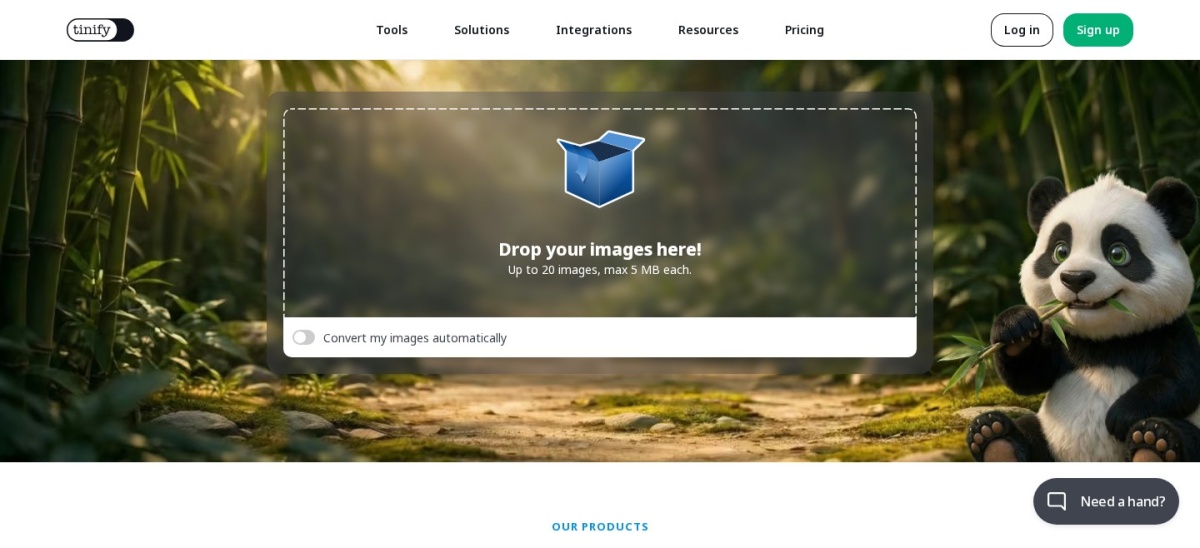
TinyPNG is a web app for resizing and compressing images without installing software. The free plan handles 20 images per session, up to 5 MB each, and converts between PNG, JPG, WebP, AVIF, JXL and HEIC, with 3 conversions per session.
The trade off is the free size cap. Files over 5 MB and larger batches need Web Pro at $39 a year, which allows unlimited images up to 75 MB each. It suits anyone who resizes images for the web every week.
4.9/5on Trustpilot (1,547 reviews, checked Nov 2026)
Paid from$60/yr
Best for batch resizing
Free planBasic tools, limited processing
ResizeBy pixels or by percentage
BatchMultiple files in one task
Paid planPremium, $60/yr
iloveimg.com
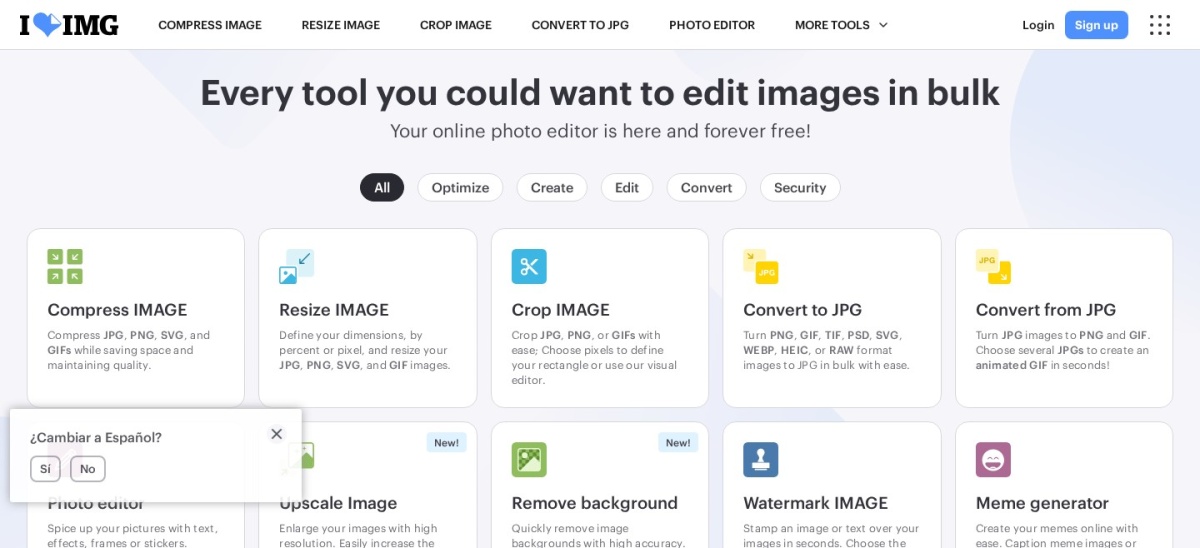
iLoveIMG homepage, captured Nov 2026.
iLoveIMG is a browser toolbox for resizing, compressing, cropping and converting images. Its resize tool sets width and height in pixels or by percentage, and the same account covers the full set of image tools, including compression and format conversion.
The trade off is the free tier. Free tasks are limited and show ads, while Premium at $9 a month or $60 a year removes ads and raises batch and file-size limits. It suits people who resize folders of product or blog photos at once.
Canva is a design tool that resizes finished designs rather than single photos. Its Magic Resize feature, on Pro, turns one design into many sizes for social, print and web, and the free plan covers basic resizing inside the editor.
The trade off is price and scope. Magic Resize needs Pro at $15 a month or $120 a year, and Canva is more than a simple resizer. It suits creators who publish the same design in many formats.
What we like
Magic Resize covers many formats at once
Large template and stock library
Free plan is generous for basic work
Rated 4.7 out of 5 on G2
Watch out for
Magic Resize is paid only
More tool than a quick resizer needs
Pro adds Magic Resize, Brand Kit and premium assetsVisit canva.com
04
Adobe Express
4.4/5on G2 (1,108 reviews, checked Nov 2026)
Paid from$9.99/mo
Best for quick social-size resizing
Free plan100,000+ templates, 5 GB storage
Resize presetsSocial and web sizes
Stock assets1M+ on free, 200M+ on Premium
Paid planPremium, $9.99/mo
adobe.com
Adobe Express homepage, captured Nov 2026.
Adobe Express is a browser design tool with resize presets for social posts, banners and web images. The free plan includes more than 100,000 templates, 1M+ stock assets and 5 GB of storage, so a resized graphic is quick to build and export.
The trade off is that the fuller resize and brand features sit behind Premium at $9.99 a month. Free exports can also carry limits on premium templates. It suits marketers already using Adobe tools.
What we like
Fast presets for social sizes
Large free template set
Works in the browser, nothing to install
Rated 4.4 out of 5 on G2
Watch out for
Best resize features need Premium
Free plan limits premium templates
Premium adds brand kits, more assets and 100 GB storageVisit adobe.com
05
Pixlr
4.4/5on G2 (750 reviews, checked Nov 2026)
Paid from$4.90/mo
Best budget browser editor
Free planYes, with ads
ResizeCrop and resize in the editor
AI toolsBackground removal and more
Paid planPremium, $4.90/mo billed yearly
pixlr.com
Pixlr homepage, captured Nov 2026.
Pixlr is a browser photo editor that resizes, crops and retouches images without installing software. The free plan covers basic editing in Pixlr X and Pixlr E, with resize and crop tools, overlays and AI background removal on paid plans.
The trade off is the free tier. Free use shows ads and has a daily download cap, while Premium at $4.90 a month billed yearly removes ads and unlocks AI tools. It suits occasional editors who want Photoshop-style tools in a browser.
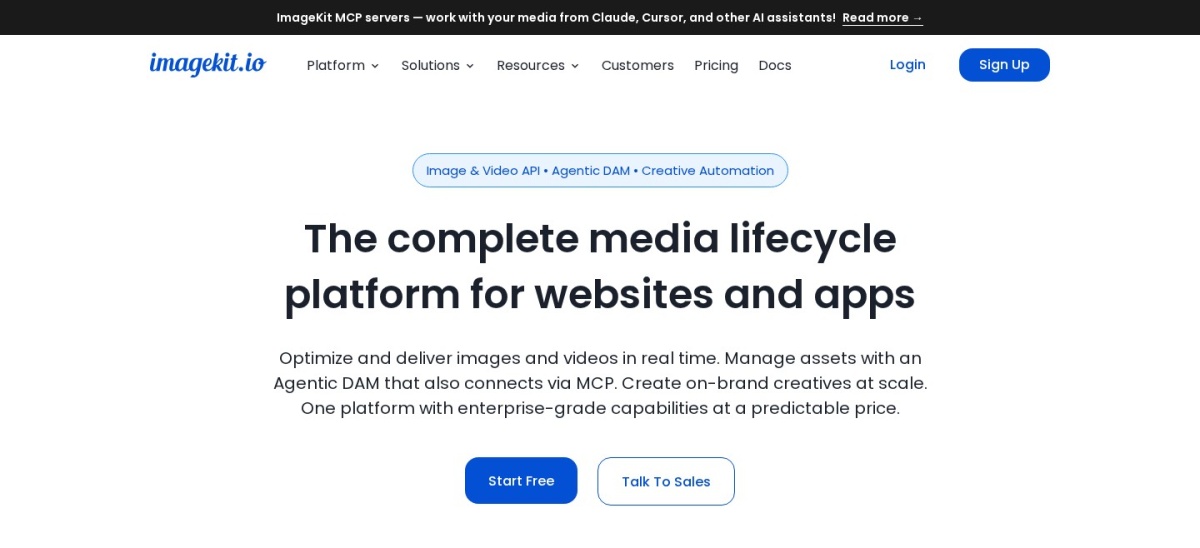
ImageKit is an image CDN that resizes images through URL parameters, so a site can serve the same file at many sizes. The free plan includes 20 GB of bandwidth, 3 GB of storage and 2 users, with real-time resizing and format conversion built in.
The trade off is that it is a developer tool, not a drag-and-drop editor. Lite starts at $9 a month for 40 GB of bandwidth, and costs rise with traffic. It suits sites that need many image sizes served fast.
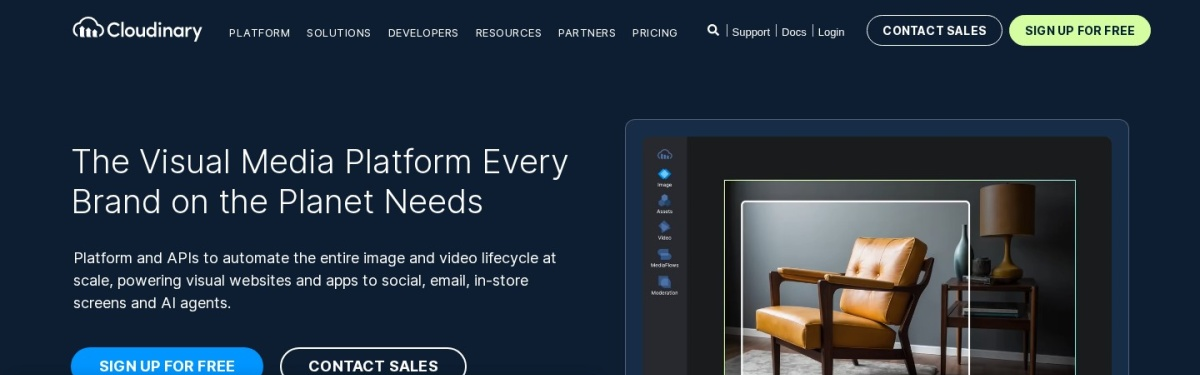
Cloudinary is a media platform that resizes, crops and optimises images through URL transformations. The free plan includes 25 monthly credits, and uploads can be resized, converted to WebP or AVIF, and delivered through its CDN without manual work.
The trade off is price and complexity. Plus starts at $89 a month, and the credit-based pricing is harder to forecast than a flat plan. It suits teams serving large image libraries.
Fotor is a browser photo editor with resize, crop and batch editing tools. The free Basic plan covers single-image edits, while Pro at $8.99 a month or $39.99 a year adds batch editing for 100 images, HD exports without a watermark and 2 GB of storage.
The trade off is the free plan. Free exports carry a watermark and lower resolution, and AI features use monthly credits on Pro. It suits small sellers resizing product photos in batches.
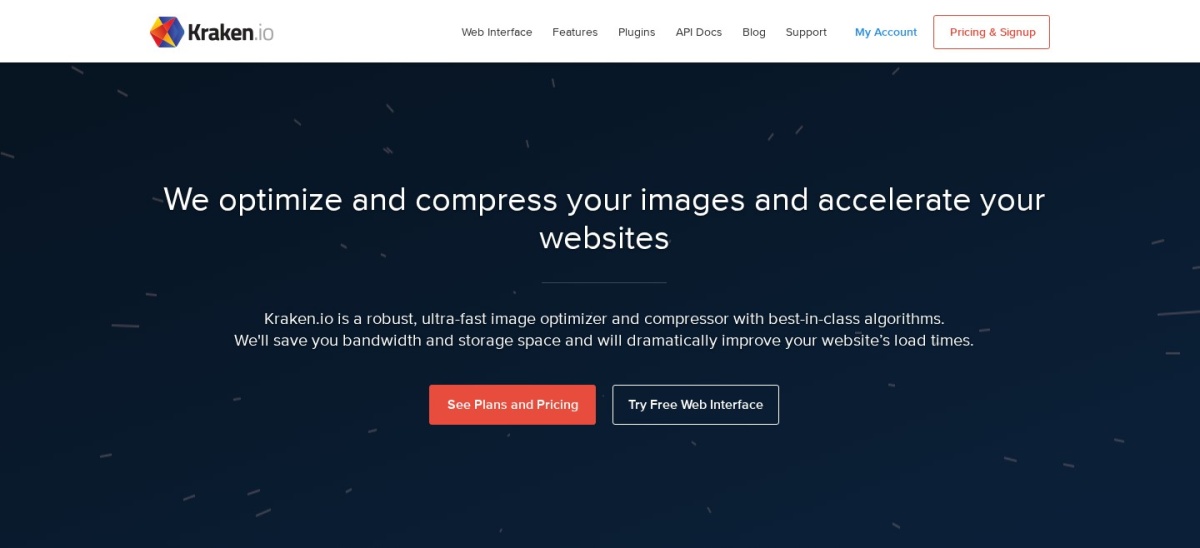
Kraken.io is an image optimiser with a web interface and an API for resizing and compressing images. The free account includes a 100 MB testing quota, and paid plans add the full API, a WordPress plugin and larger files.
The trade off is the free file cap. The free web interface caps files at 1 MB, and Micro at $5 a month or $50 a year covers 500 MB a month. It suits developers who resize images in an automated workflow.
Resizing alone does not always make a file small. A 4000-pixel photo cut to 800 pixels is still large if it stays a high-quality PNG, so compression matters too.
The quickest route is a tool that resizes and compresses in one step, such as TinyPNG, iLoveIMG or Kraken.io. That keeps the workflow to upload, set a size, download.
If you run a website, a CDN tool such as ImageKit or Cloudinary can do both automatically. It resizes by URL and serves WebP or AVIF, so you set the size once and every visitor gets the right file.
How we chose
We started from the best-known image resizer, compressor and design tools, then kept those with a public rating, a working free plan or trial, and a published price.
Prices come from each vendor's pricing page or its G2 pricing listing, checked on 25 November 2026. Ratings come from G2 or Trustpilot on the same day. Where a vendor shows a sale, the list shows the regular price.
We left out tools with no public rating and no published price, including Squoosh and Optimizilla. No vendor paid for a place, and we do not claim hands-on testing for this list.
How to choose an image resizer
Start with how often you resize and how many images you handle at once.
Decide how many images you resize at once. One photo now and then fits any free plan. Folders of photos need batch resizing, which iLoveIMG and Fotor handle best here.
Pick exact sizes before you start. Note the pixel width and height each place needs, and keep the aspect ratio locked so nothing stretches.
Check the free limits. Free plans cap file size, image count or downloads. TinyPNG caps free files at 5 MB, and Kraken.io caps free files at 1 MB.
Match the tool to the job. Use a web app for quick jobs, a design tool such as Canva for many formats, and a CDN such as ImageKit for a website.
FAQ
What is the best image resizer software?
TinyPNG is the best image resizer for most people. Its free plan resizes and compresses 20 images per session, and Pro at $39 a year allows unlimited images up to 75 MB each.
Is there a free image resizer?
Yes. Every tool in this list has a free plan, including TinyPNG, iLoveIMG, Canva, Pixlr and Fotor. Free plans cap file size, image count or downloads, so check the limits before a large batch.
Can I resize many images at once?
Yes. iLoveIMG and Fotor offer batch resizing, and TinyPNG Pro allows unlimited images per session. Cloudinary and ImageKit resize images automatically through URLs, which suits websites with many images.
What size should I resize images to for a website?
Match the size to where the image appears, usually 800 to 1600 pixels wide for content images and smaller for thumbnails. Keep the aspect ratio locked, then compress the file so the page loads fast.
Does resizing an image reduce its file size?
Usually, yes, because fewer pixels mean less data. The file can still be large if it stays a high-quality PNG, so compress it too or convert it to WebP or AVIF.
Do I need a paid image resizer?
Not for occasional use. Free plans cover single images and small batches. Pay when you resize every week, need files over 5 MB, or want batch work without ads and watermarks.
SaaS SEO and WordPress specialist with about 8 years of experience. Rakib compares WordPress plugins, themes, hosting and software using public pricing, documentation and user reviews. See how we rank.