Roboflow is the best image recognition software for most teams that train custom models, rated 4.7 out of 5 on G2 from 161 reviews. Pick Google Cloud Vision for ready-made labeling and OCR at $1.50 per 1,000 images, or Imagga for simple tagging at $79 a month.
How we make this list: we compare pricing pages, product documentation and public user reviews, then re-check every price before each update. No product paid for a place. Disclosure.
Roboflow is the only tool here that covers annotation, training and deployment in one place, rated 4.7/5 from 161 G2 reviews.
Google Cloud Vision gives 1,000 free units a month and charges $1.50 per 1,000 after that, with OCR, labels, faces and landmarks in one API.
Rekognition is the cheapest per image of the big three cloud APIs at $1.00 per 1,000, with 1,000 free images a month for 12 months.
Imagga is the simplest specialist API: tagging, moderation and visual search from $79 a month, with 100 free requests a month.
Hive is the only moderation-first pick, but its 4.4/5 rating rests on just 5 reviews and self-serve stops at 100 requests a day.
What image recognition software does
Image recognition software turns pictures into data: labels, objects, faces, text and moderation flags that an app can act on.
Most tools here are APIs, not apps. You send an image and get back structured results, so the buying question is which models you need and what each call costs. Our guide on connecting an AI model to WordPress shows the same API pattern in a WordPress setting.
Prebuilt models cover common jobs such as labeling, OCR and face detection. Custom training matters when your images look nothing like stock photos, for example defects on a production line.
Pricing splits two ways: monthly plans with a request allowance, and pay-as-you-go billing per 1,000 images. Light users usually pay less on usage billing, while steady volume favors a monthly plan.
Roboflow is an end-to-end computer vision platform that covers dataset annotation, model training and deployment in one place. The free tier includes 10 credits a month, enough to train about 30 models or run 80,000 inferences, and Core adds private workspaces and downloadable model weights at $39 a month.
The trade off is credits. Training, labeling help and inference all draw from the same credit balance, so heavy use needs extra credit packs from $4. It suits teams that build their own detectors for specific objects, defects or scenes.
What we like
Annotation, training and deployment in one tool
Free tier covers real prototyping work
Exports to YOLO, COCO and other formats
Watch out for
Credit use is hard to forecast at first
Free tier makes data and models public unless you pay for Core
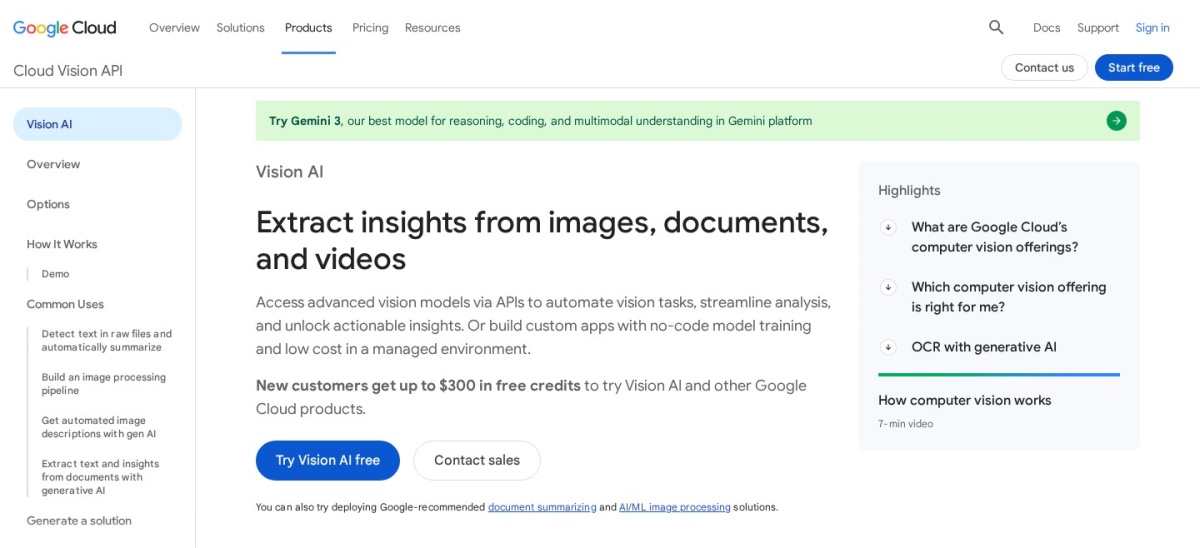
Google Cloud Vision AI homepage, captured Nov 2026.
Google Cloud Vision AI is a prebuilt API for labeling images, reading text, detecting faces and landmarks, and flagging explicit content. The first 1,000 units each month are free, and label, text, face and SafeSearch detection cost $1.50 per 1,000 units after that, with new customers getting up to $300 in credits.
The trade off is per-feature billing. Each feature you apply to one image counts as a separate billable unit, so a call that labels, reads text and checks faces costs three units. It suits teams on Google Cloud that want strong OCR and labeling without training a model.
What we like
Strong OCR, including handwriting
Free tier every month, not just a trial
Web detection finds where an image appears online
Watch out for
Per-feature billing can triple costs on multi-feature calls
No offline or on-premise option
Setup needs a GCP project, billing and a service account
Amazon Rekognition is AWS's image and video analysis service, with label detection, face search, celebrity recognition, text detection and content moderation. The first 1,000 images a month are free for 12 months, and label detection costs $1.00 per 1,000 images for the first million each month.
The trade off is that every API on one image bills separately, and Custom Labels adds $1 per training hour and $4 per inference hour while a model runs. It suits teams already on AWS that want image recognition inside the same account, storage and permissions.
What we like
Cheapest per-image rate of the big three cloud APIs
Face search and celebrity recognition built in
Custom Labels for your own categories
Watch out for
Costs rise fast at high volume
Custom Labels bills per running hour, even with no traffic
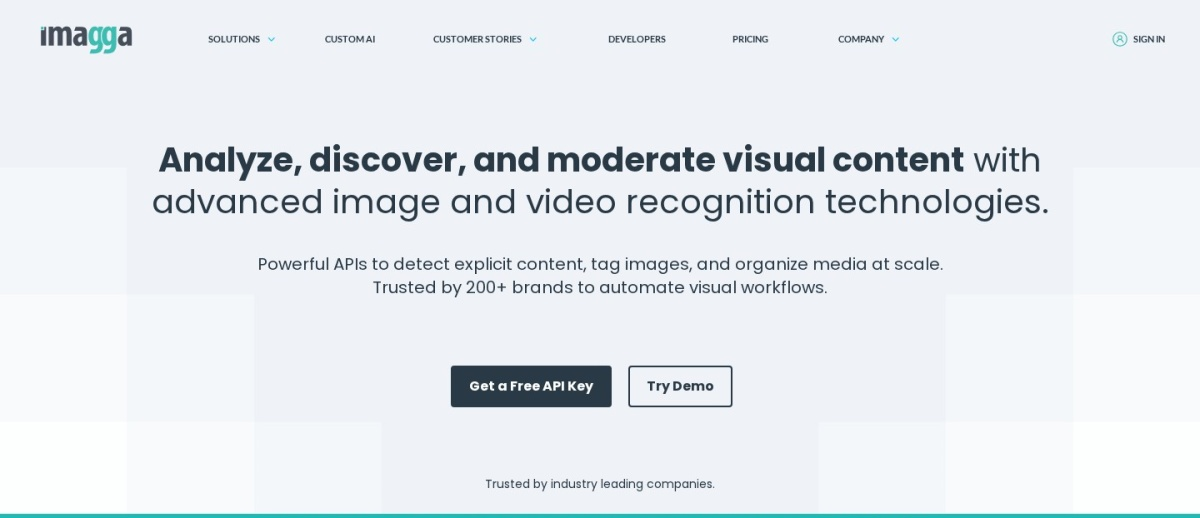
Imagga is a specialist image recognition API for auto-tagging, categorization, content moderation, visual search and OCR. The free plan covers 100 API requests a month with no card required, and Indie costs $79 a month for 70,000 requests, including visual search, background removal and OCR.
The trade off is depth. Imagga covers common tagging and moderation well but has no no-code model builder as full as Roboflow's, and face recognition needs Pro at $349 a month. It suits small teams that need affordable tagging and moderation without managing models.
What we like
Published prices with no sales call needed
Free plan needs no credit card
Background removal and barcode reading included on Indie
Watch out for
Free plan allows only 100 requests a month
G2 still lists a $14 Developer plan that is no longer on Imagga's pricing page
Smaller review base than the cloud APIs
Pro adds face recognition and 300,000 requests a monthVisit imagga.com
05
Landing AI
4.7/5on G2 (13 reviews, checked Nov 2026)
Paid from$39/mo
Best for no-code visual inspection
Free tier1,000 credits/mo
Starter plan$39/mo
TrainingNo-code, from your images
FocusVisual inspection, documents
landing.ai
Landing AI homepage, captured Nov 2026.
Landing AI is a no-code platform for building visual inspection models, sold as LandingLens. The free tier includes 1,000 credits a month, and Starter costs $39 a month for teams that train classifiers and detectors on their own images without writing code.
The trade off is focus. The company now leads with document extraction, and its 4.7 out of 5 G2 rating rests on only 13 reviews. It suits manufacturing and operations teams that check products or documents by sight.
What we like
No-code training from your own images
Built for production-line inspection
Free tier for trying real models
Watch out for
Rating rests on only 13 G2 reviews
Homepage now leads with document extraction, not inspection
Smaller community than Roboflow
Starter adds paid credits beyond the 1,000 free each monthVisit landing.ai
06
Microsoft Azure AI Vision
4.1/5on G2 (49 reviews, checked Nov 2026)
Paid from$1.00/1k transactions
Best image recognition for Microsoft shops
Free tier5,000 transactions/mo
Group 1 features$1.00/1,000 transactions
OCR and ReadGroup 2, $1.50/1,000
Custom modelsTrain on your own images
azure.microsoft.com
Microsoft Azure AI Vision homepage, captured Nov 2026.
Microsoft Azure AI Vision is Microsoft's cloud vision service, now part of Azure Vision in Foundry Tools. It covers image tagging, OCR, face verification and spatial analysis, with a free tier of 5,000 transactions a month and Group 1 features at $1.00 per 1,000 transactions.
The trade off is pricing clarity. Microsoft's own pricing page showed placeholder rates instead of figures on our check, so the $1.00 figure comes from earlier checks and secondary listings. It suits teams standardized on Microsoft that want vision inside Azure.
What we like
Free tier is the largest here at 5,000 transactions a month
Strong OCR with the Read feature
Fits Azure permissions and storage
Watch out for
Pricing page showed placeholder rates on our check
G2 rating is the lowest in this list at 4.1
Image Analysis API is being folded into Foundry Tools
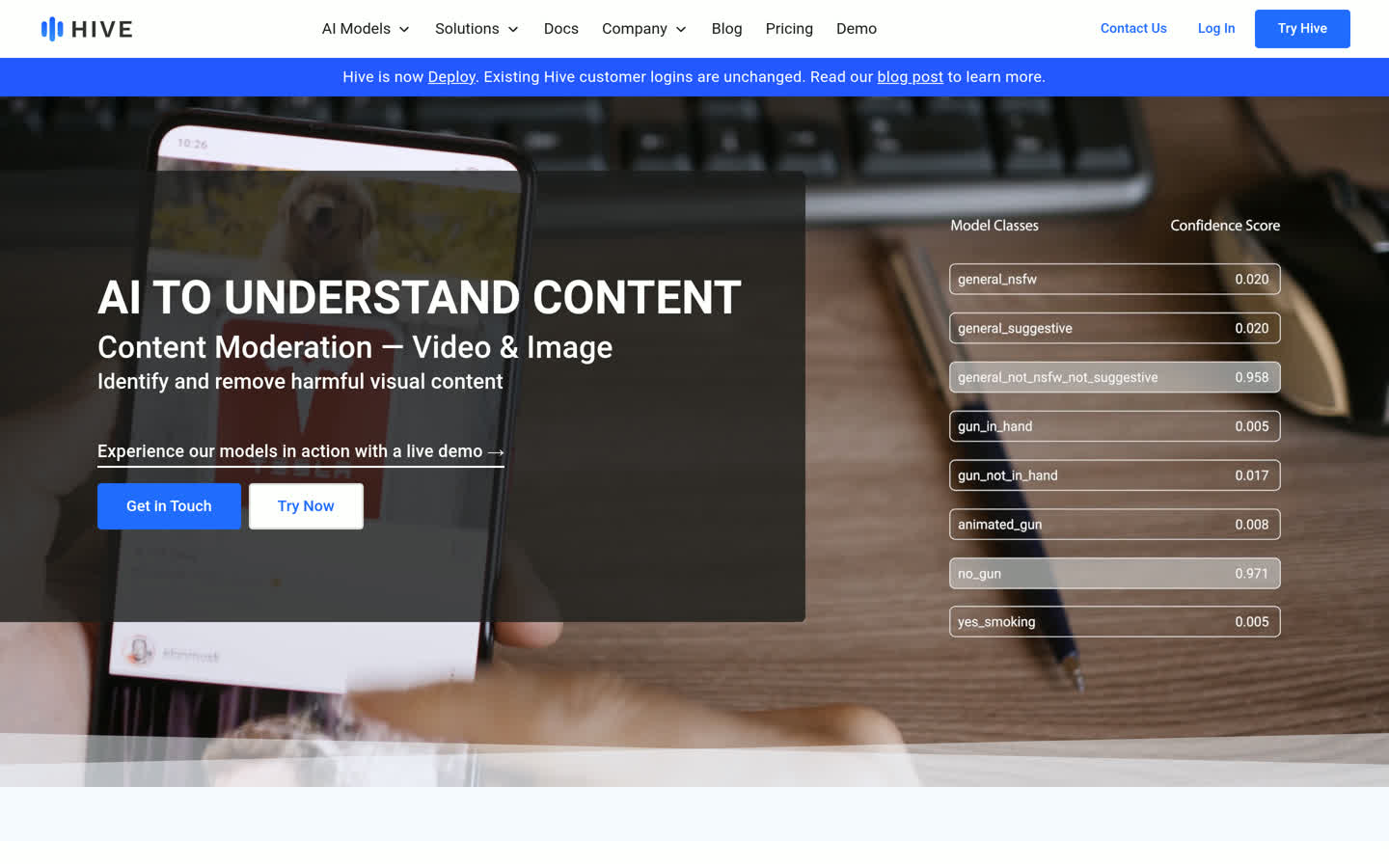
Hive is a moderation-first image recognition service, now sold under the Deploy name. Visual Moderation returns 90+ subclasses across NSFW, violence, drugs and hate symbols, and costs $3.00 per 1,000 requests, with text moderation at $0.50 per 1,000.
The trade off is limits. Self-serve stops at 100 requests a day, and video, audio and AI-content detection are priced by sales. It suits social apps, marketplaces and livestream platforms that screen user uploads.
What we like
90+ visual subclasses in one response
Published self-serve prices, no sales call to start
Arbiter dashboard for human review queues
Watch out for
Rating rests on just 5 reviews in an aggregator
Self-serve cap of 100 requests a day
Most models have no public price
Higher limits and video moderation need a sales contractVisit thehive.ai
Pay-as-you-go vs monthly plans
Four tools here bill per 1,000 images: Google, Rekognition, Azure and Hive. You pay nothing in a quiet month, but a busy month can pass a monthly plan's price without warning.
Roboflow, Imagga and Landing AI charge monthly for a request allowance. That makes the bill predictable, but unused requests do not roll over.
Start on usage billing if your volume is uneven or unknown. Move to a monthly plan once your monthly count is steady and the allowance covers it.
How we chose
We started from the image recognition tools with public G2, Capterra or aggregator ratings and published prices, then kept the seven that had both a verifiable rating and a verifiable price.
Prices come from each vendor's pricing page, checked on 25 November 2026. Ratings and review counts come from G2 on the same day, except Hive, whose rating comes from an aggregator. For usage-priced tools the ladder shows the per-1,000 rate times 12 as a nominal figure, not a real annual bill.
We left out tools with no public rating, no public price, or prices in other currencies. No vendor paid for a place, and we do not claim hands-on testing for this list.
How to choose image recognition software
Start with a sample of your own images, then match the tool to the job, not the brand.
Run your own images through the free tier. Prebuilt accuracy varies by image type, so send 50 to 100 of your real images through each shortlisted API before you pay.
Decide prebuilt or custom. Pick Google, Rekognition or Azure for labels, OCR and faces. Pick Roboflow or Landing AI when your categories are specific to your product or process.
Count features per image, not images. Cloud APIs bill each feature separately, so a call that labels, reads text and checks faces costs three units, not one.
Check the free tier limits. Free tiers range from 100 requests a month at Imagga to 5,000 transactions at Azure, and some expire after 12 months.
FAQ
What is the best image recognition software?
Roboflow is the best pick for teams that train custom models, rated 4.7 out of 5 on G2 from 161 reviews. Google Cloud Vision is the best prebuilt API for labeling and OCR, and Imagga is the simplest tagging API at $79 a month.
How much does image recognition software cost?
It depends on billing. Monthly plans here start at $39 a month for Roboflow and Landing AI, and $79 for Imagga. Usage-priced APIs charge $1.00 to $1.50 per 1,000 images, with free tiers from 100 requests to 5,000 transactions a month.
Do I need to train my own model?
Not usually. Prebuilt models from Google, Amazon and Microsoft cover labels, objects, faces, landmarks and OCR with no training. Train a custom model only when your images have categories the prebuilt models do not know, such as product defects.
What is the difference between image recognition and OCR?
Image recognition identifies what is in a picture, such as objects, faces and scenes. OCR reads the text inside an image. Most tools here do both, and Google Cloud Vision and Azure are strongest when text extraction is the main job.
Can image recognition software run offline?
Most cloud APIs cannot, since images go to the vendor's servers for analysis. Roboflow offers on-device deployment for edge hardware, and some vendors sell disconnected containers, so ask about offline use before you commit if it matters.
Which image recognition tool is best for content moderation?
Hive is the moderation-first pick, with 90+ visual subclasses and a review dashboard, at $3.00 per 1,000 requests. Rekognition and Google Cloud Vision also flag explicit content, and both are cheaper per image for light moderation work.
SaaS SEO and WordPress specialist with about 8 years of experience. Rakib compares WordPress plugins, themes, hosting and software using public pricing, documentation and user reviews. See how we rank.