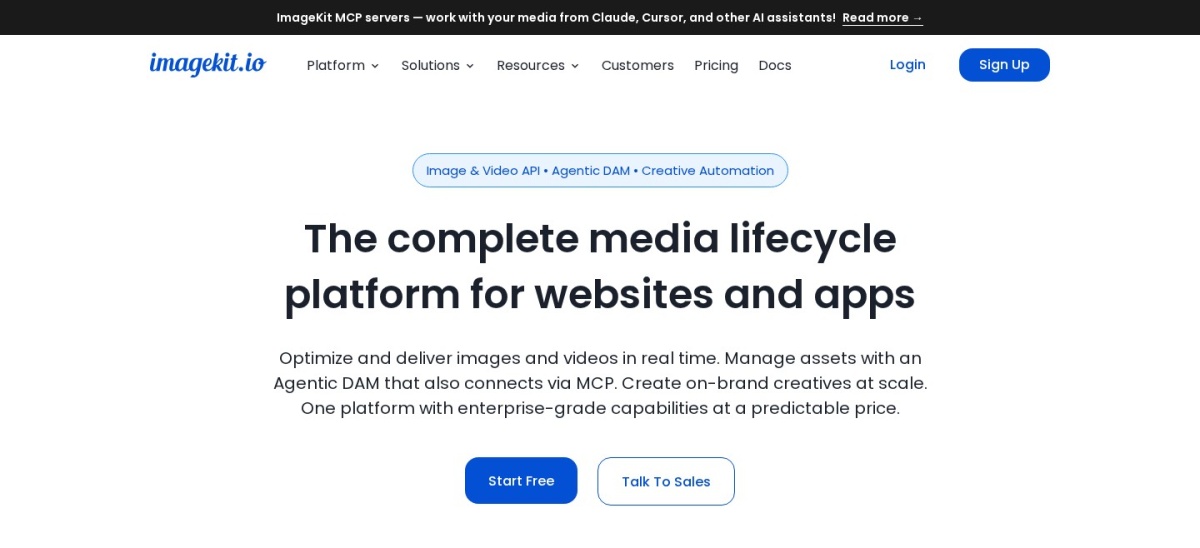
ImageKit is the best image optimization software for most sites. Its free plan covers 20 GB of bandwidth a month, and paid plans start at $9 a month. Pick TinyPNG for quick one-off compression and ShortPixel for WordPress sites that need AVIF.
How we make this list: we compare pricing pages, product documentation and public user reviews, then re-check every price before each update. No product paid for a place. Disclosure.
ImageKit leads with a free plan covering 20 GB of bandwidth a month and paid plans from $9 a month.
TinyPNG is the simplest free option: 20 images per session up to 5 MB each, with no account.
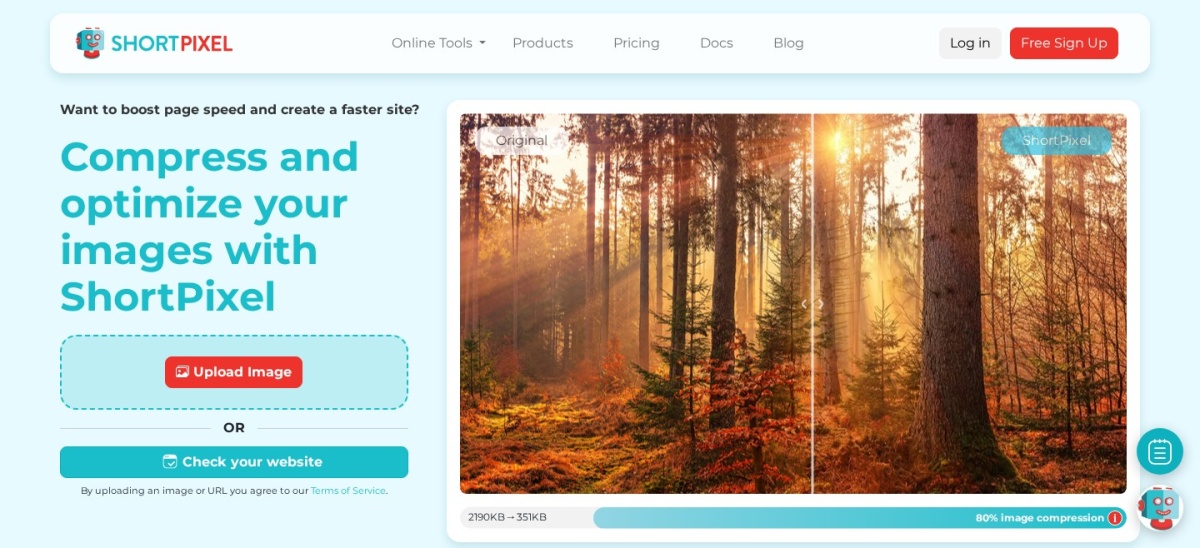
ShortPixel gives 100 free credits a month, and Unlimited costs $9.99 a month with AVIF conversion and serving.
Smush has the most WordPress.org reviews in this list, 4.8 out of 5 from 6,053 reviews, and Pro starts at $50 a year.
Cloudinary is the most powerful platform here, but Plus starts at $99 a month, so it suits larger sites.
Kraken.io is the cheapest paid entry at $5 a month, but Micro covers only 500 MB a month.
What image optimization software should do
Large images are the most common reason pages load slowly. An optimizer shrinks files, converts them to WebP or AVIF, and serves the right size for each screen.
Some tools compress files you upload by hand. Others run automatically: a WordPress plugin that optimizes new uploads, or a CDN that transforms images as visitors request them.
Free plans are enough for small sites, but check the limit that matters to you: bandwidth, visits, credits or megabytes per month. Our guide on how to optimize images for WordPress explains where image size hurts speed most.
Price is only half the story. A tool that charges by bandwidth can cost little for a small catalog and a lot for a busy store, so match the billing unit to your traffic.
ImageKit is a real-time image and video optimization platform with a built-in CDN and media library. The free plan covers 20 GB of bandwidth and 3 GB of storage a month, with URL-based resizing, format conversion and two user seats.
The trade off is that the free plan stops serving images once the 20 GB cap is hit, and paid bandwidth costs $0.50 per GB over the Lite limit. It suits developers and small teams that want optimization, storage and delivery in one service.
What we like
Generous free plan with 20 GB of bandwidth
Real-time transforms with no plug-in needed
Built-in CDN, storage and media library
Watch out for
Free plan stops serving images at the bandwidth cap
TinyPNG is a web compressor from Tinify that shrinks PNG, JPEG, WebP, AVIF and JPEG XL files with smart lossy compression. The free web tool takes 20 images per session up to 5 MB each, with no account, and the API gives 500 free compressions a month.
The trade off is that the free tool does not resize images and converts only 3 files per session. Web Pro costs $39 a year and lifts the file limit to 75 MB with unlimited compressions. It suits anyone who wants fast, manual compression without signing up.
ShortPixel is a cloud image optimizer with a WordPress plugin, a web tool and an API. The free plan gives 100 credits a month, and it compresses uploads on ShortPixel servers, converts them to WebP or AVIF and keeps a backup of each original.
The trade off is that each thumbnail and each WebP or AVIF copy costs a credit, so the free 100 credits run out after a few uploads. Unlimited costs $9.99 a month, or $99.90 a year, with 500 GB of CDN traffic. It suits WordPress sites that upload images often.
4.8/5on WordPress.org (6,053 reviews, checked Nov 2026)
Paid from$50/yr
Best free WordPress plugin for beginners
Free planUnlimited lossy compression
Paid planPro Basic, $50/yr
WebP and AVIFPro only
CDN119 locations, Pro
wpmudev.com
Smush homepage, captured Nov 2026.
Smush is a WordPress image optimizer from WPMU DEV with more than 1 million active installs. The free version covers lossy compression, bulk optimization of the media library, resizing on upload and lazy loading, with no limit on the number of images.
The trade off is that WebP and AVIF conversion, stronger Ultra compression and the CDN are Pro features. Pro Basic costs $50 a year for one site and includes 50 GB of CDN bandwidth. It suits WordPress beginners who want a free plugin that just works.
Gumlet is a media delivery platform that optimizes and serves images through a CDN, with video hosting on the same account. The free image plan covers 30 GB of bandwidth a month from 2 sources, with unlimited image processing and no charge per transform.
The trade off is that custom domains start on the Growth plan, so free images serve from a Gumlet URL. Image Growth costs $39 a month, or $32 a month billed yearly, for 300 GB and 30 sources. It suits small sites with a large catalog and modest traffic.
What we like
Free plan covers 30 GB of bandwidth a month
Unlimited image processing on every plan
Video hosting on the same platform
Watch out for
No custom domain on the free plan
Billing is by bandwidth, so a traffic spike costs more
Cloudinary is a cloud platform that stores, transforms, optimizes and delivers images and video through a global CDN. The free plan includes 25 credits a month, where one credit covers 1,000 transformations, 1 GB of storage or 1 GB of bandwidth.
The trade off is the jump from free to paid: Plus costs $99 a month, or $89 a month billed yearly, and the credit model takes time to learn. It suits larger sites and teams that need automation, APIs and a full media library.
4.7/5on WordPress.org (640 reviews, checked Nov 2026)
Paid from$22.90/mo
Best for hands-off CDN image delivery
Free plan2,000 visits/mo
Paid planStarter, $22.90/mo
CDNCloudFront, 450+ locations
Media libraryUntouched, served by URL
optimole.com
Optimole homepage, captured Nov 2026.
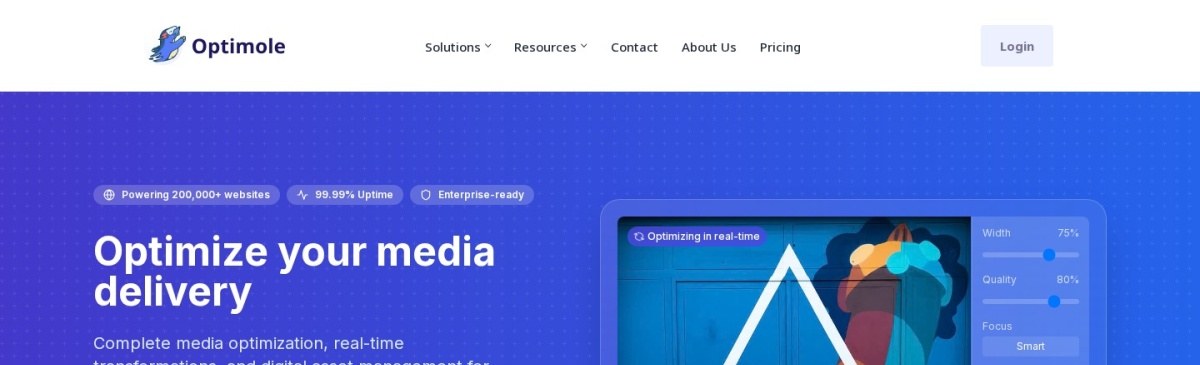
Optimole is a WordPress plugin that serves your images from a CloudFront CDN instead of changing files in your media library. The free plan covers 2,000 visits a month, and every plan includes unlimited images and sites, with WebP and AVIF delivery.
The trade off is the pricing unit: Optimole charges by monthly visits, so a traffic spike can push a small site onto a paid plan. Starter costs $22.90 a month, or $19.08 a month billed yearly, for 48,000 visits. It suits sites that want optimization with no file changes.
4.3/5on WordPress.org (1,657 reviews, checked Nov 2026)
Paid from$5.99/mo
Best for agencies with many sites
Free plan20 MB/mo
Paid planGrowth, $5.99/mo
WebP and AVIFIncluded free
WebsitesUnlimited on every plan
imagify.io
Imagify homepage, captured Nov 2026.
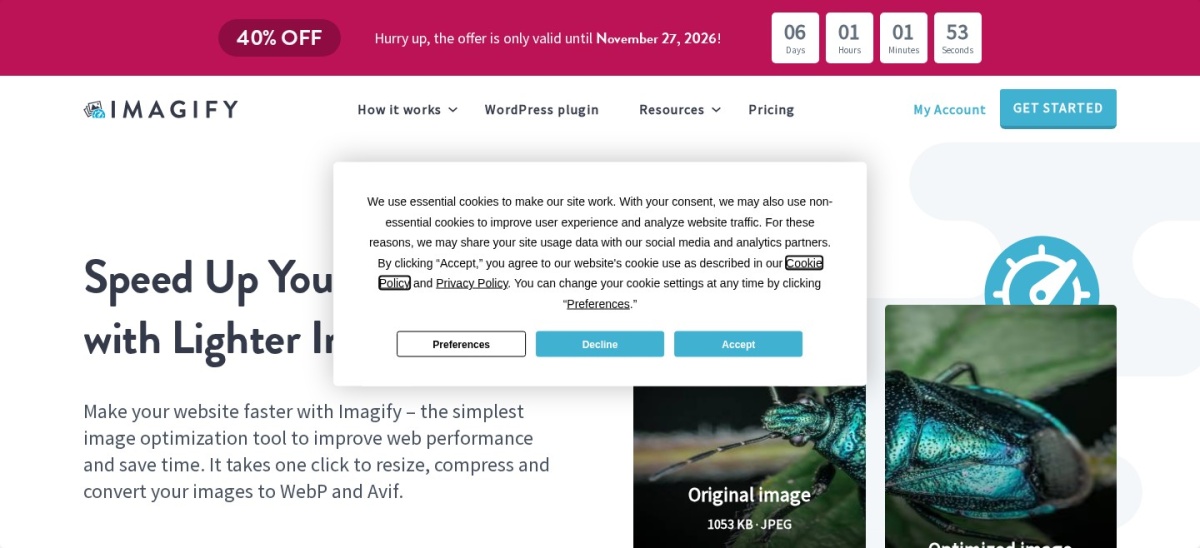
Imagify is an image optimizer from WP Media, the team behind WP Rocket. The free plan covers 20 MB a month, about 200 images, and includes WebP and AVIF conversion, bulk optimization and backups of the originals on unlimited websites.
The trade off is the monthly quota: 20 MB runs out fast on a busy media library, and extra data costs $5 per GB on Growth. Growth costs $5.99 a month, or $4.99 a month billed yearly, for 500 MB. It suits agencies that want one account across many sites.
What we like
Three compression levels and one-click setup
WebP and AVIF included on the free plan
Every plan covers unlimited websites
Watch out for
Free quota is only 20 MB a month
Lowest WordPress.org rating in this list
Growth adds 500 MB a month and removes the 2 MB file capVisit imagify.io
09
Kraken.io
4.2/5on G2 (26 reviews, checked Nov 2026)
Paid from$5/mo
Best for API-first bulk compression
Free plan100 MB testing quota
Paid planMicro, $5/mo
ModesLossy, lossless, expert
Free file limit1 MB per file
kraken.io
Kraken.io homepage, captured Nov 2026.
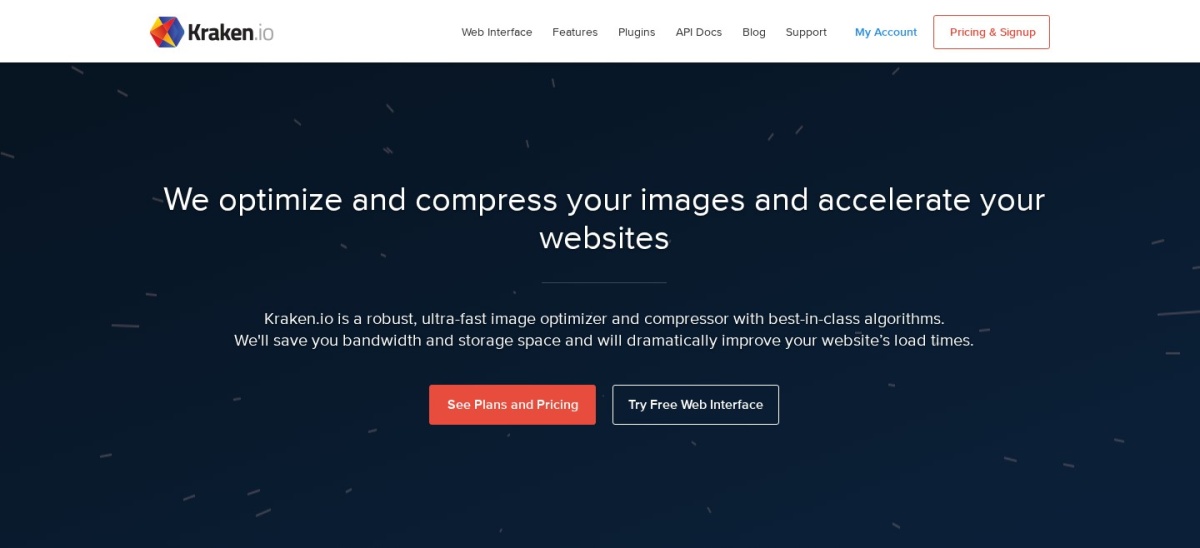
Kraken.io is a cloud image optimizer built for developers, with a web interface, an API and plugins for WordPress and Magento. Every account starts with a free 100 MB testing quota, and paid plans add full API access, the Pro web interface and cloud storage.
The trade off is the small quota: Micro costs $5 a month for 500 MB of images, with $5 per extra GB, so large libraries cost more. It suits developers who want a simple API and a predictable monthly quota.
Free plans cover the basics well. Most include compression, WebP or AVIF conversion and some kind of CDN or delivery.
Paid plans mostly add volume and convenience: bigger files, more bandwidth, more visits and faster support.
Some vendors run sales: Imagify showed a 40% discount until 27 November 2026, while the prices in this list are the regular rates.
If your site earns money every day, a paid plan often costs less than the traffic lost to slow images.
How we chose
We started from the image optimization tools with a public rating on G2 or WordPress.org, then kept nine that cover web compression, WordPress plugins and image CDNs.
Prices come from each vendor's pricing page or from price checks that cite it, checked on 25 November 2026. Ratings come from G2 or WordPress.org on the same day. Where a vendor showed a sale, the list shows the regular price.
We left out tools with no public rating, such as Squoosh and Optimizilla, and tools that only resize without optimizing. No vendor paid for a place, and we do not claim hands-on testing for this list.
How to choose image optimization software
Start with where your images live, then match the billing unit to your traffic.
Count what you upload each month. A blog with a few photos fits a free plan; a store with daily product shots needs a paid quota.
Pick the billing unit that fits. Credits suit steady uploads, bandwidth suits a big catalog with low traffic, and visits suit a site with steady traffic. See how to set up a CDN for WordPress if delivery matters more than compression.
Check WebP and AVIF are included. Modern formats cut file size most. Some tools charge extra for AVIF or keep it on paid plans.
Keep a backup before bulk compression. Compress a copy first, or use a tool that backs up originals, so a bad setting can be undone.
FAQ
What is the best image optimization software?
ImageKit is the best pick for most sites. Its free plan covers 20 GB of bandwidth a month, it optimizes in real time through a CDN, and it is rated 4.7 out of 5 from 300 G2 reviews.
Is there a free image optimizer that needs no account?
Yes, TinyPNG. Its free web tool compresses 20 images per session up to 5 MB each with no sign-up, and it converts PNG, JPEG, WebP, AVIF and JPEG XL files.
Do I need a plugin or a CDN for image optimization?
A WordPress plugin is enough for a small site, because it compresses uploads as they arrive. A CDN suits larger sites, since it resizes and converts images as visitors request them, with no files to manage.
What is the cheapest paid image optimizer?
Kraken.io is the cheapest paid entry in this list at $5 a month for 500 MB of images. TinyPNG Web Pro at $39 a year is cheaper still for manual compression, with unlimited images and 75 MB files.
Does image optimization hurt image quality?
Lossy compression shrinks files by dropping data the eye rarely notices, so small savings are hard to spot. Use lossless mode or a lower compression level for photos where fine detail matters, and keep a backup of each original.
Can I use two image optimizers at once?
Avoid running two compression plugins on the same images, because the second pass adds little and can double-charge credits. Pick one main optimizer, and add a CDN only if it replaces the delivery step rather than repeating it.
SaaS SEO and WordPress specialist with about 8 years of experience. Rakib compares WordPress plugins, themes, hosting and software using public pricing, documentation and user reviews. See how we rank.